
Folx Pro for macOS
Description
Folx Pro runs on any Mac with macOS 10.13 High Sierra or something newer. Version 5.34 raises the bar from older systems, so if you've been putting off that OS update, this is the version that forces your hand. Under the hood it's still the same straightforward download manager and torrent client, but a handful of rough edges have been knocked off.
Here's what stayed the same and what's different in 5.34:
- The YouTube video downloader is still there, and you can now rename the output file before you grab a clip.
- Two crash triggers got squashed: one when adding certain magnet links, and another during torrent search.
- Selective file downloading inside torrents works more reliably now.
- Handling and storage of finished torrent tasks should feel snappier.
- If you route traffic through a proxy, the app's behaviour has been tightened up.
- Ten interface languages are available, including English, German, Japanese and Simplified Chinese.
It's a maintenance update that shores up stability without meddling with the core feature set. The app is built for downloading legal content, and the torrent side behaves like you'd expect from a client that's been around a while — no fuss, just queue management and sensible defaults.
Add your site passwords now so it remembers later
Spend ten minutes setting it up and it'll stay out of your way. First thing: open Preferences and visit the Passwords tab. If you grab files from sites that need a login, add those credentials now. The app remembers them and hands them over quietly when needed. No more digging through a password manager mid-download.
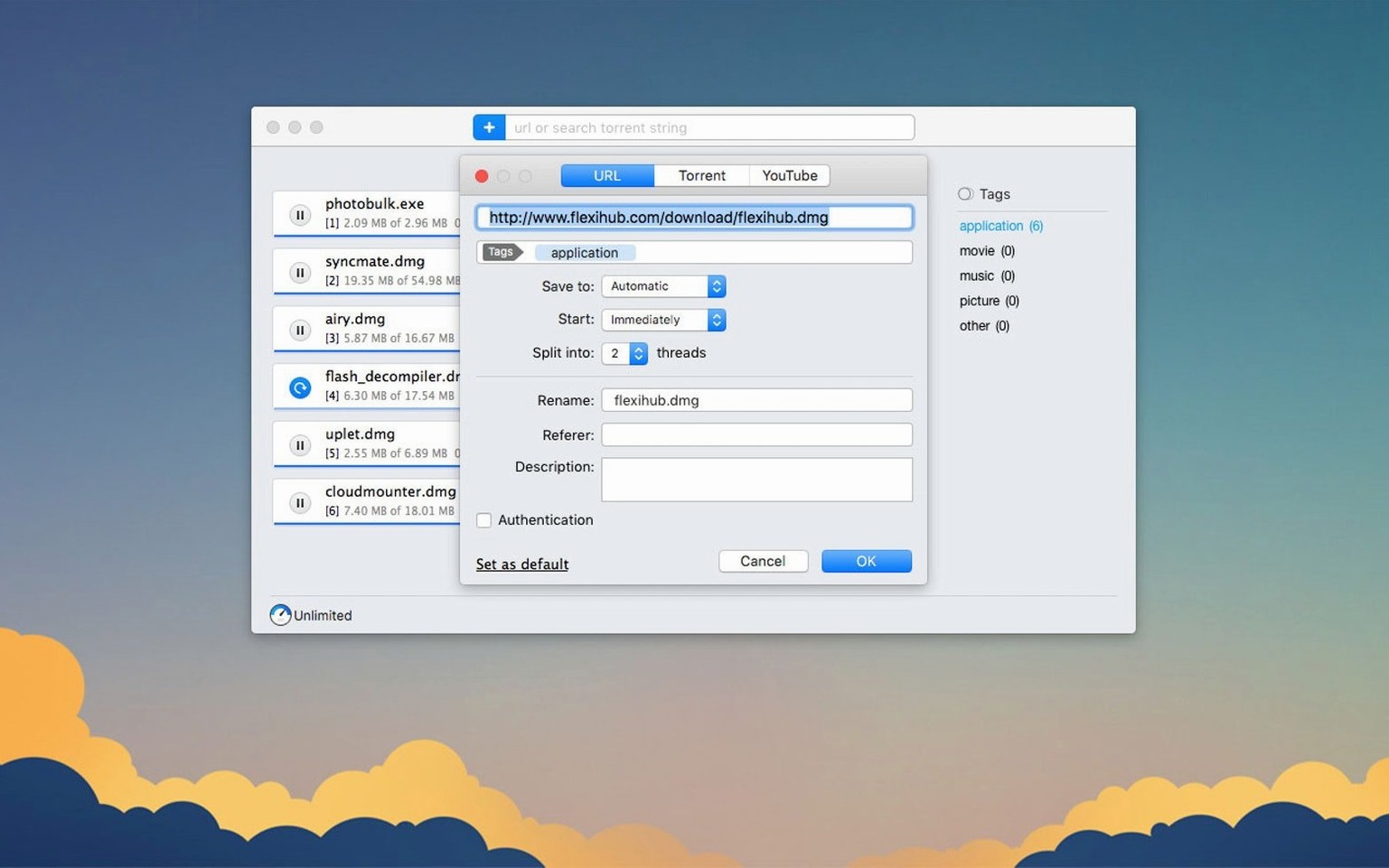
Next, cap the thread count. Twenty simultaneous connections sounds impressive, but some servers get grumpy. Set it to four or five threads per download unless you're pulling from a service you know handles heavy splitting. Your network will thank you.
For torrents, turn on the scheduler early. Tell it to pause everything during work hours if your connection is shared. The scheduling pane is basic — start time, stop time, days of the week — but that's all most people need.
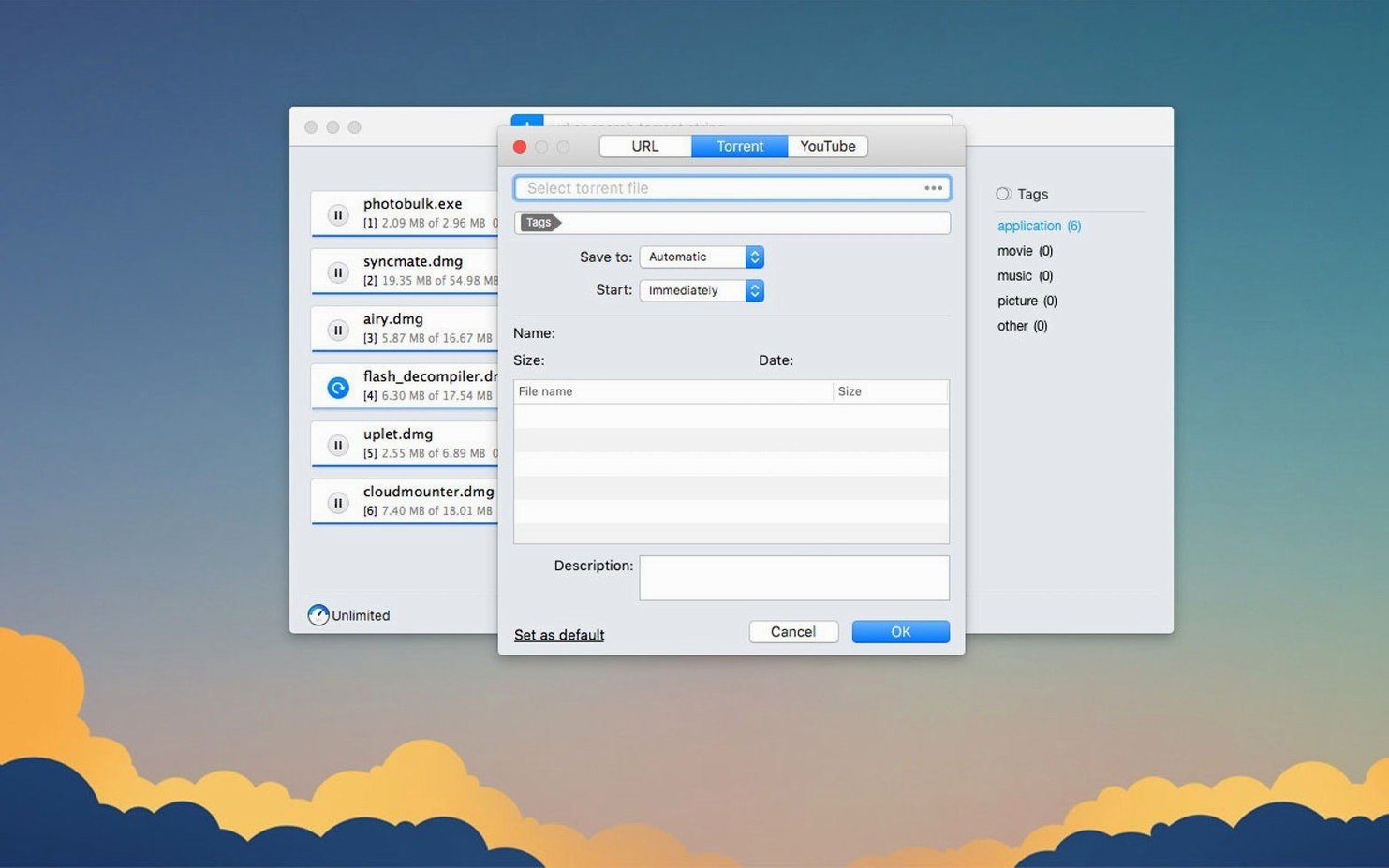
One more thing: the built-in torrent search pulls results from several trackers. Sort by seeds before you pick a torrent. The column header is clickable and obvious, but new users sometimes miss it and grab a dead torrent by mistake.
Big-file downloaders notice the difference within a week
People who download large files regularly — video editors pulling stock footage, developers grabbing disk images, anyone who follows open-source distributions — will notice the difference within a week. Browser download managers choke on big transfers, especially over patchy Wi‑Fi. Folx Pro resumes where they give up.
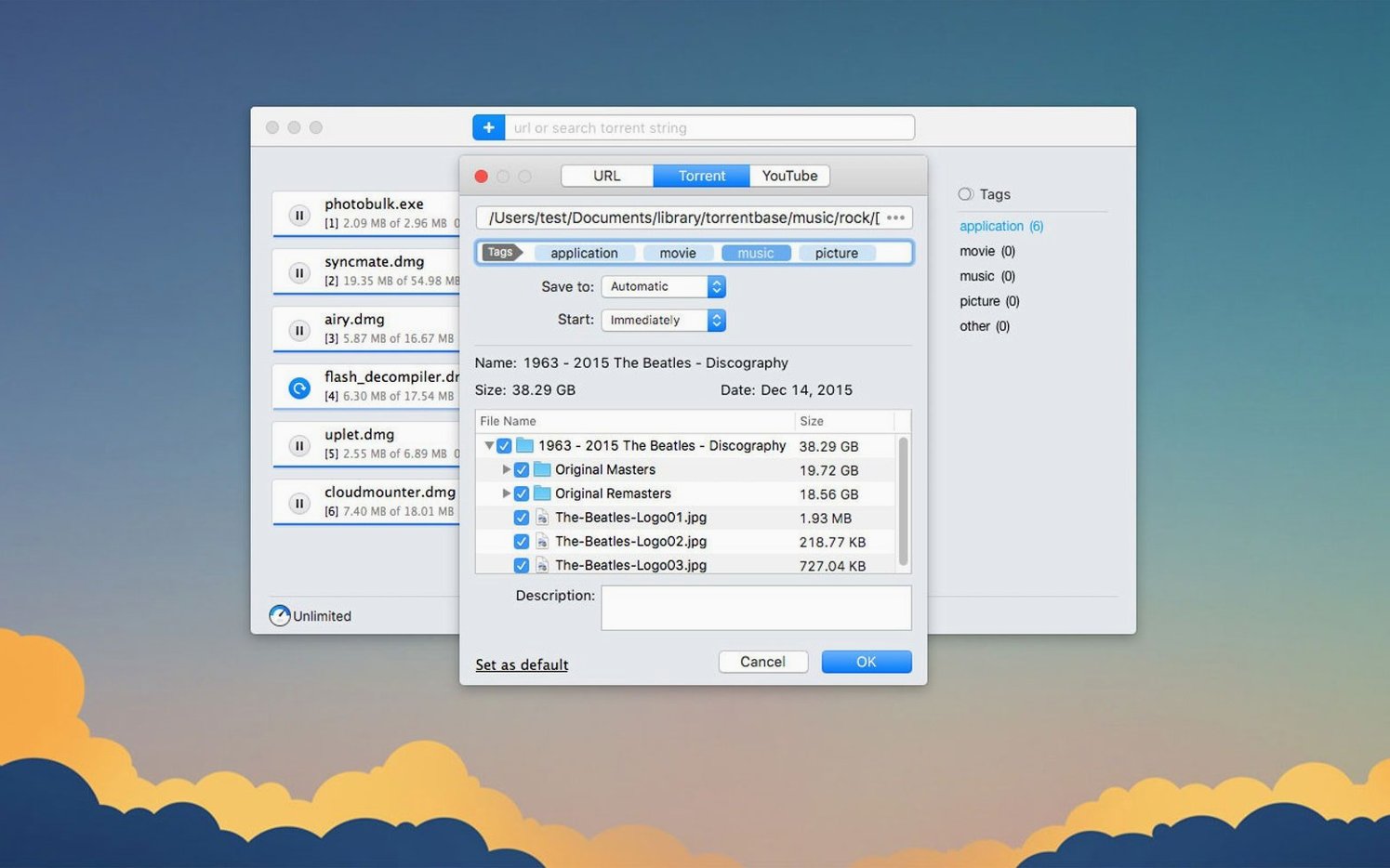
Torrent users who want one app instead of two also come out ahead. You're not switching between a separate torrent client and a download manager. One queue, one set of rules, one place to check when something stalls. The selective file download fix in 5.34 makes it practical for torrents where you only need two files out of twenty.
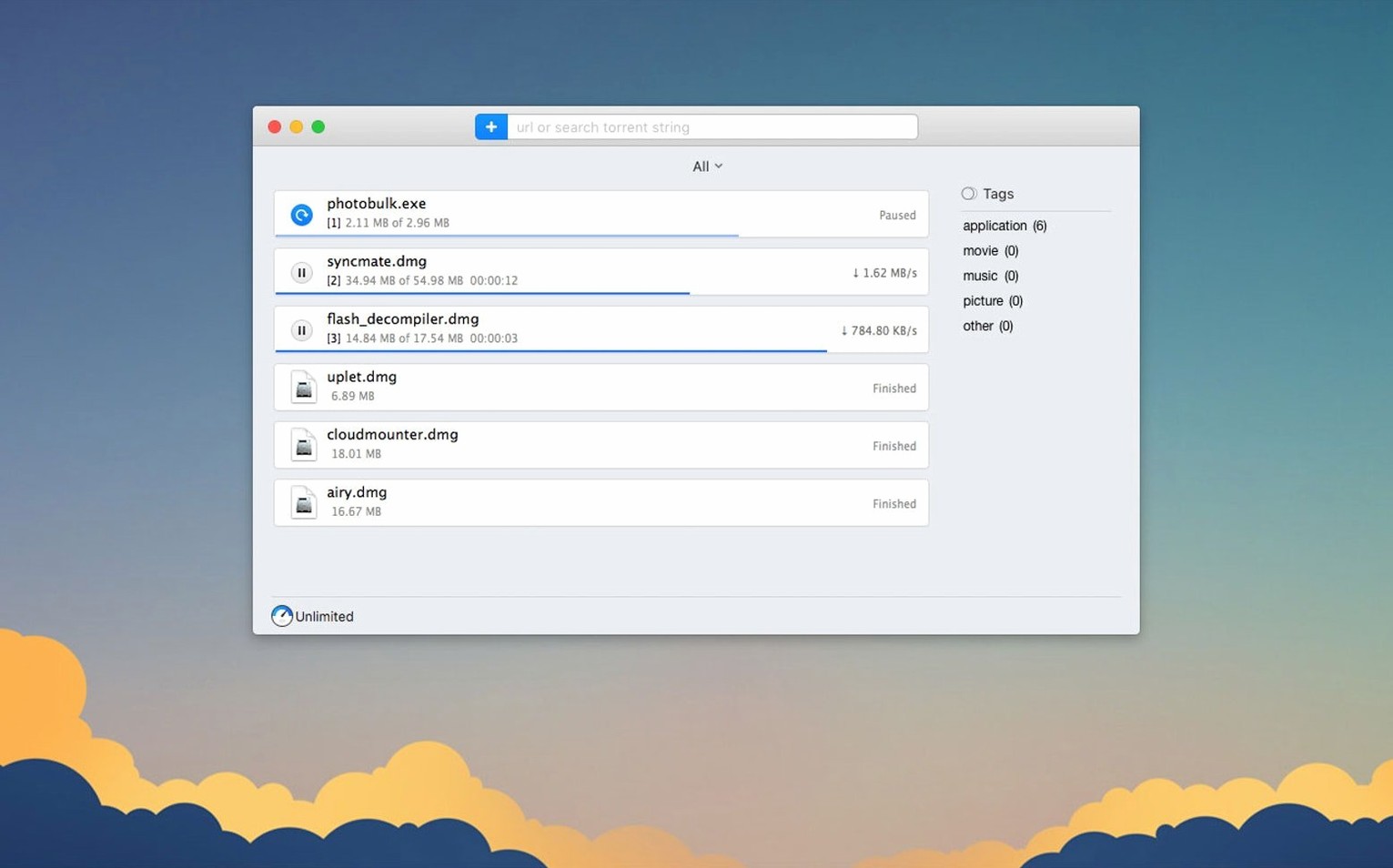
If you mostly download PDFs and the occasional zip file, you don't need this. Stick with your browser. Folx Pro earns its place when transfers cross the 500 MB mark or when you're queuing up a dozen things before you walk away from the desk.
Browser extension hands links off from Safari, Chrome, or Firefox
Folx Pro works alongside your browser, not inside it. A browser extension catches download links and hands them off to the app. Safari, Chrome and Firefox all play ball. The extension sits quietly in the toolbar until you click a downloadable link — then it intercepts and sends the job to Folx Pro's queue.
On macOS, the app uses Notification Centre for finished-download alerts. You don't need to keep its window open. If you use a clipboard manager, you'll find Folx Pro watches for copied URLs too, though you can turn that off in Preferences if it gets annoying.
The torrent side plays nicely with Magnet links — clicking one in your browser opens the app directly. Files land wherever you've set the default save location, so other apps can pick them up immediately. Video editors can point Final Cut or Resolve at the download folder and start working while the queue ticks on in the background.
If you already use a VPN or proxy setup, version 5.34's proxy improvements mean the app respects that configuration without needing its own separate settings in most cases. Configure it once system-wide, and Folx Pro follows.
What’s new
Adds a renamed output file option for YouTube downloads. Fixes crashes when adding some magnet links and during torrent search. Improves torrent downloading, selective file fetching, proxy behaviour, and how finished torrent tasks are stored. Raises the minimum macOS requirement to 10.13 or later.
Requirements
- macOS 10.13 or later
- Intel or Apple Silicon Mac
FAQ
What macOS version does Folx Pro 5.34 need?
It requires macOS 10.13 High Sierra or any later release. The minimum was raised from an older OS in this version.
Comments 0
Sign in or create an account to leave a comment.
No comments yet…
If you’ve installed it, say how it went. Mention your Mac and macOS version — it helps the next person more than you’d think.