ff·Works for macOS
Description
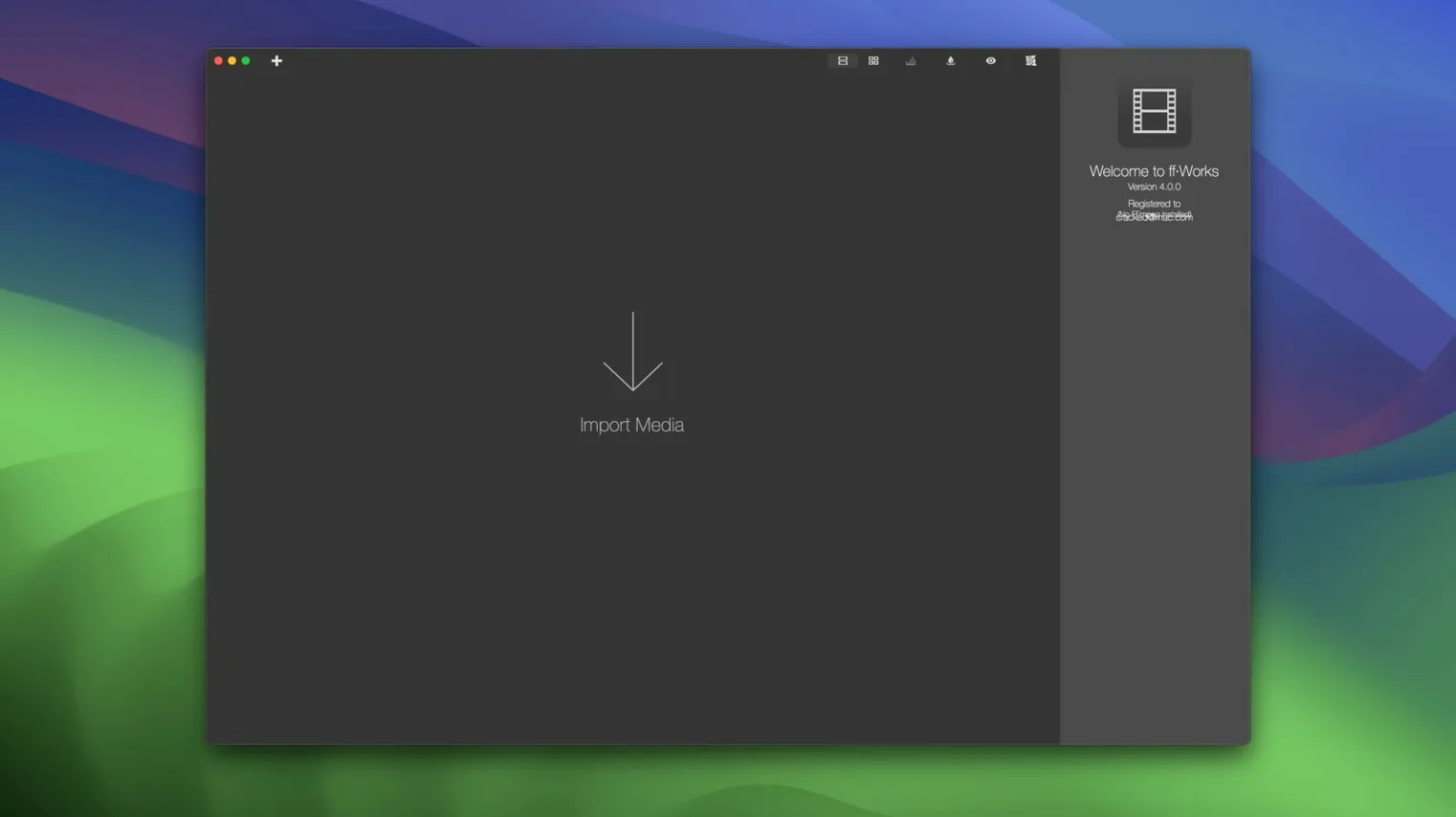
You have a folder of MKV files that need to be ProRes for an editor, and a stack of WAVs destined for AAC. Opening the Terminal and typing out FFmpeg commands for each one isn't on the cards. ff·Works handles it by dragging the lot onto a drop zone and picking a preset.
| Detail | Note |
|---|---|
| Current version | 5.2.0.3.1.Rev1 |
| macOS | 10.15 or later (macOS 27 ready) |
| Architecture | Apple Silicon and Intel 64-bit |
Version 5.2 tidies up a few longstanding workflows. The FFmpeg command-line generation for audio and complex video filters got some attention, and the merge-media and trim tools behave more predictably. It also declares itself ready for macOS 27, so the groundwork for the next OS is in place. Beyond that, the core remains what it was under its old name, iFFmpeg: a GUI that lets you reach over 450 FFmpeg options and more than 60 video filters without memorising syntax. Device and service presets for iPad, Apple TV, PS5, YouTube and others are still there, as is export to image sequences like PNG, TIFF or DPX. It's a utility that gets out of the way.
One preset won't process both videos and audio files
Dragging a folder of mixed file types and picking one preset for everything. An AAC audio preset won't touch your MKVs, and a H.264 preset won't touch your WAVs — so half the batch sits there untouched. Split your source files by media type first, or use a preset that genuinely covers both streams.
Stacking filters in the wrong order. A crop after a scale wastes processing time. Resize first, then crop, then apply overlays. The preview window shows you the chain — read it bottom to top, because that's the order FFmpeg works through.
Checking "burn in subtitles" without confirming the subtitle track number. If your MKV has three subtitle streams and you don't specify which one, ff·Works picks the first — which might be a commentary track in Japanese. Use the track selector, it's right there in the subtitles tab.
Duplicate a preset to keep the original intact
Right-click a preset and choose Duplicate. You get a copy you can tweak without overwriting the original. Useful when you need a close variant — same codec, different bitrate, or same video settings but with a watermark.
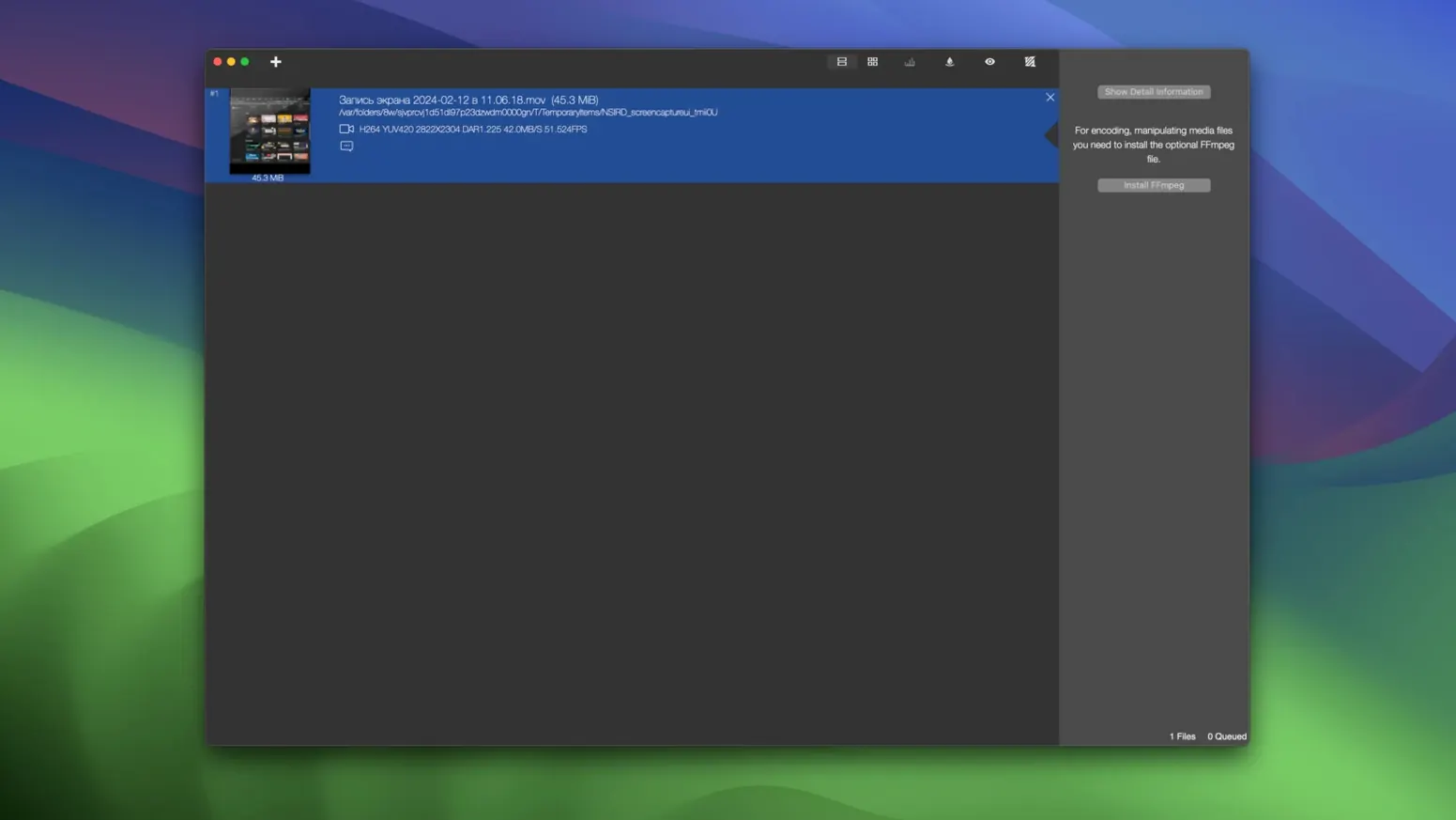
Holding Option while dragging a file into the drop zone opens it in the source inspector instead of adding it to the queue. Good for checking codec details or subtitle tracks before you commit to a batch. Saves you discovering a variable-frame-rate clip halfway through an eight-hour overnight encode.
The cmd-K shortcut clears the queue. No confirmation dialog, so be sure. On the friendlier side, cmd-E exports your current queue as a .ffworks file you can double-click later — handy if you want to prep jobs on a laptop and run them on a desktop Mac later. Some users searching for ff·works torrent mac will find the disk image includes a Fix file inside the DMG. If the app refuses to launch after dragging it to Applications, run that once and try again.
What’s new
- Adds readiness for macOS 27.
- Improves FFmpeg command-line generation for audio and complex video filters.
- Improves merge-media and trim workflows.
Requirements
- macOS 10.15 or later
- Apple Silicon or Intel 64-bit Mac
FAQ
Can ff·Works export a video as a sequence of still images?
Yes. It can export movies to PNG, BMP, JPG, TIFF, DPX, SGI, and TGA image formats.
Comments 0
Sign in or create an account to leave a comment.
No comments yet…
If you’ve installed it, say how it went. Mention your Mac and macOS version — it helps the next person more than you’d think.