Fender Studio Pro for macOS
Description
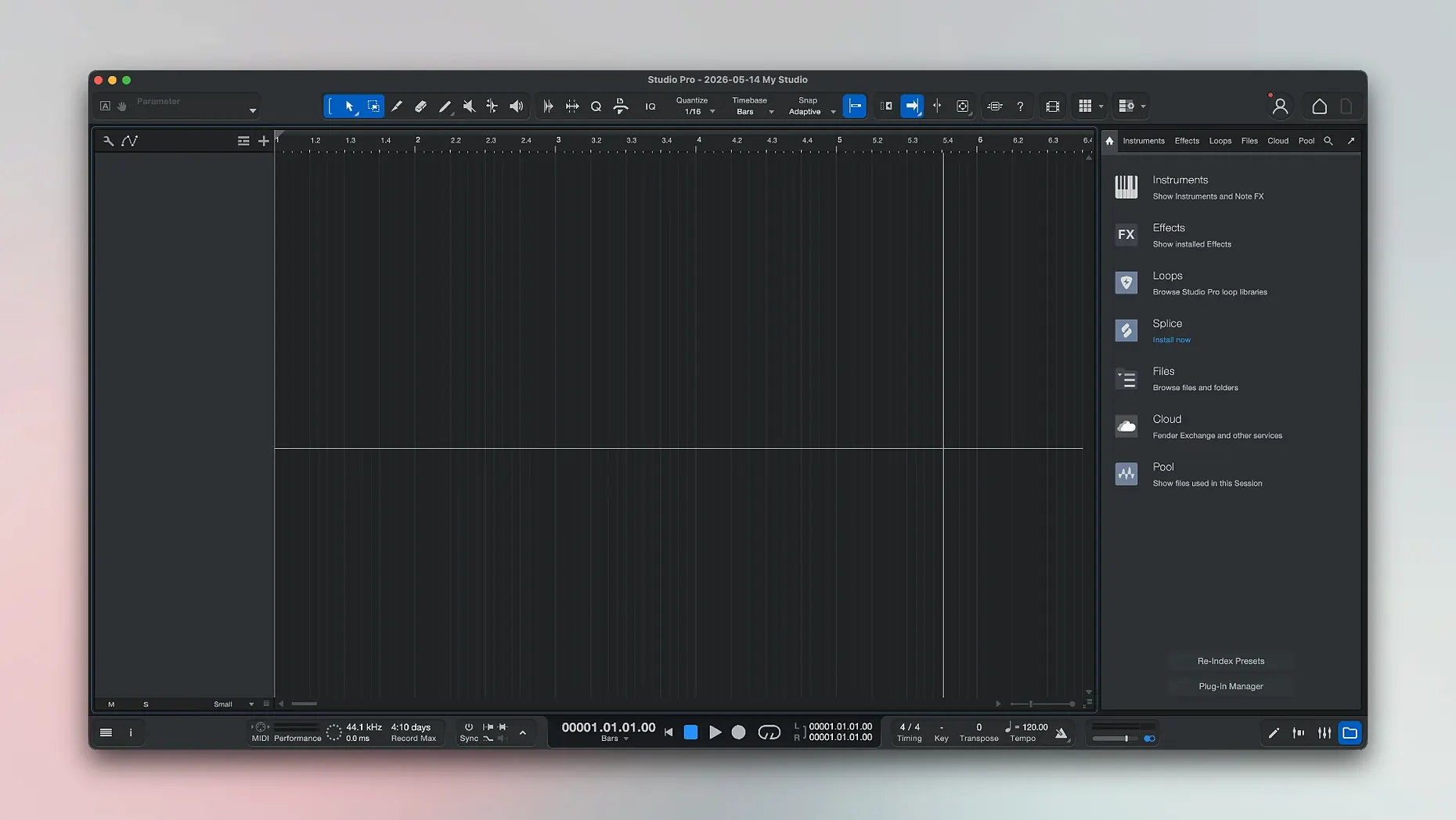
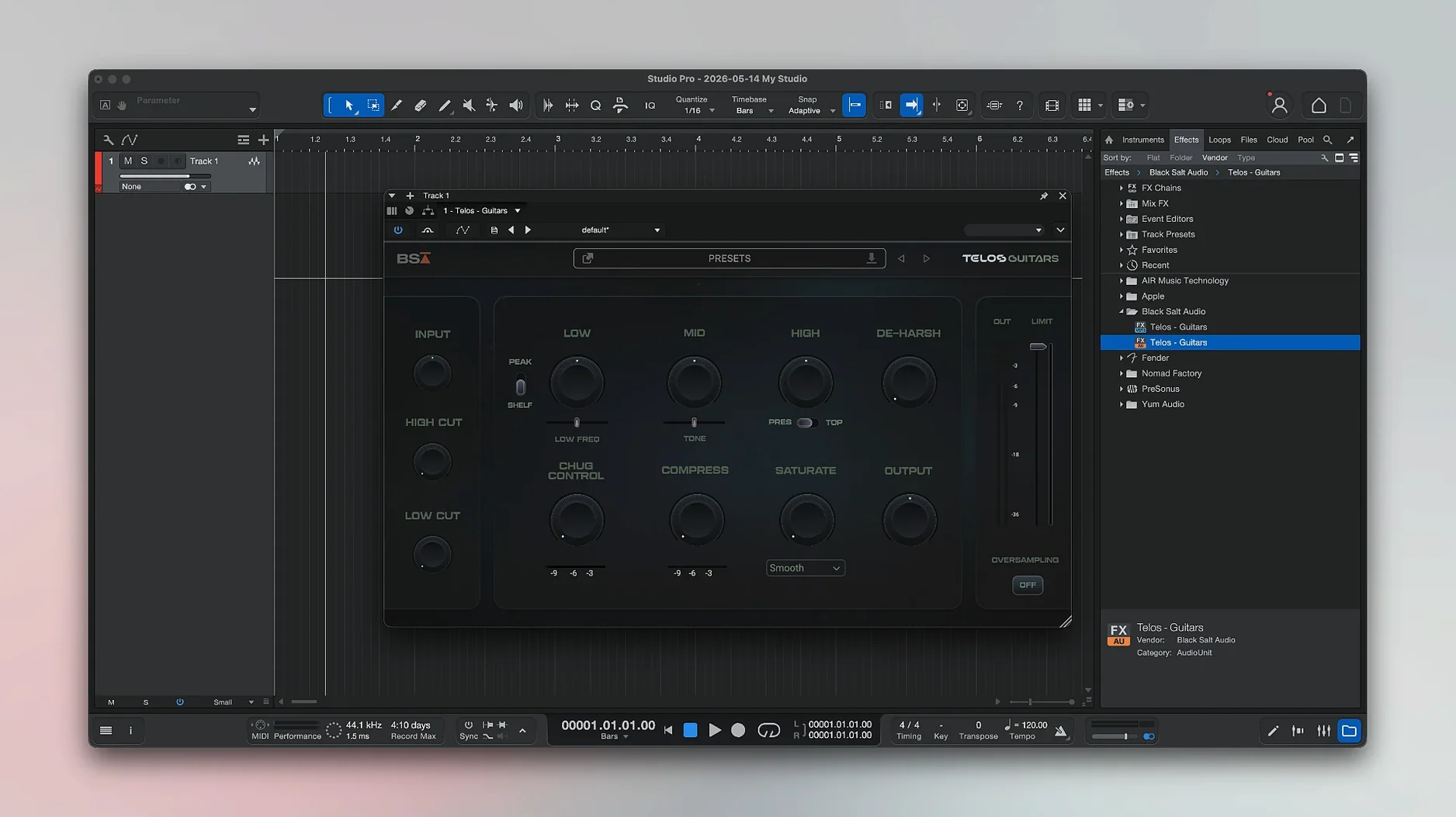
The Chord Track can suggest progressions while you arrange. It sits inside a single-window workspace that keeps recording, mixing, and processing in view—no floating palettes drifting off to a second display.
macOS 13.5 Ventura or newer required
- Requires macOS 13.5 Ventura or later
- Runs natively on both Intel and Apple Silicon Macs
- Interface is in English
Version 8.1.1 continues the Studio One Pro line under the Fender name. If your Mac still runs Monterey or earlier, you are out of luck—Ventura is the floor.
Stem splitting and audio‑to‑MIDI built in
A full production app that can split a stereo recording into separate stems: vocals, drums, bass, and other instruments. There is audio‑to‑MIDI conversion too, turning recorded parts into editable notes. Effect pedals and ready‑made presets are built in, so you can shape sounds without hunting down third‑party plug‑ins on day one. Chord detection helps when you are stuck staring at an empty bar. The Fender Studio Pro Remote companion app works across Mac and Windows if you need transport control away from the desk.
A songwriter’s Saturday morning
Someone with a half-finished verse and a Rumble bass plugged into a Volt interface opens Fender Studio Pro to sketch. They arm a track, pick a Fender Mustang amp model from the built-in list, and play the line twice without worrying about latency—Direct Monitoring handles that. The second take splits into stems with one click. Drums, bass, and a muted guitar part land on separate lanes. That leaves the vocal track free for a scratch take. The Chord Track guesses the changes while they hum, so the verse isn’t stuck on two chords anymore. Lunch arrives and the song has a skeleton, not just a loop.
Sample‑accurate batch exports fixed
Three fixes landed in 8.1.1, all aimed at friction that crept in during long sessions.
- Audio Batch Converter plug‑in latency compensation. Export a stack of stems with processing on the master bus and the timing stays sample‑accurate. Before, converters could drift by a few milliseconds once plug‑ins piled up.
- Mustang and Rumble native plug‑ins now follow automation with Direct Monitoring on. If you ride a fader or draw a volume curve while tracking DI bass, the amp plug‑in responds instead of ignoring the moves until playback. Less switching in and out of monitoring modes.
- Freeze Instrument Track in the Launcher. Right‑click a synth part on the start page and freeze it before the project even opens. Handy when a session has one hungry instrument that spikes the CPU during the loading splash.
Core Audio routing with Loopback or BlackHole
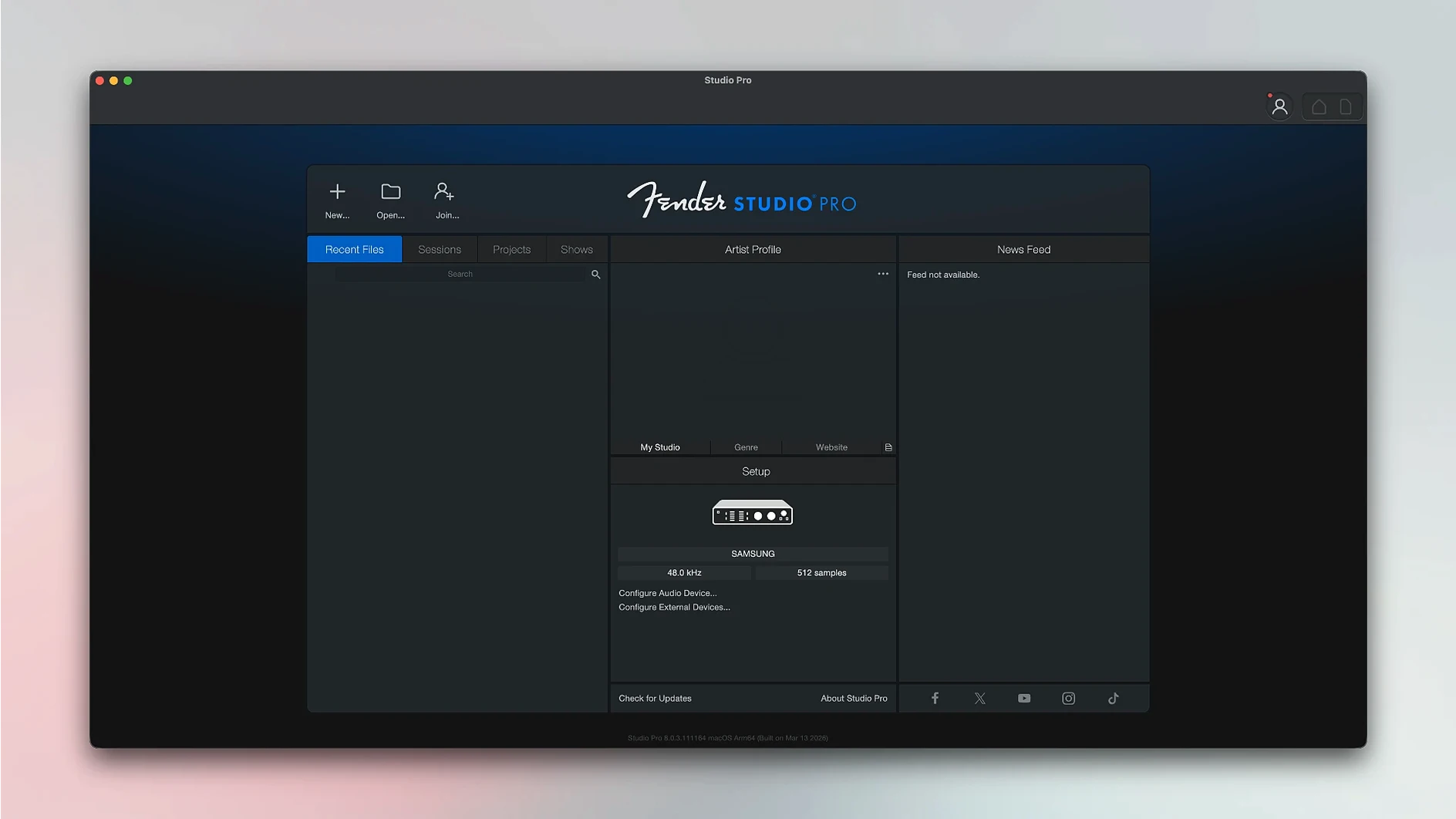
Fender Studio Pro shows up as a Core Audio device, so any system‑level audio routing sees it. Loopback or BlackHole can pipe a reference track from Apple Music straight into a stereo input channel—no import, no drag‑and‑drop. AUv3 plug‑ins bought for Logic sit in the browser alongside the built‑in Fender amp collection. If you keep lyric drafts in Notes, the floating window stays above the mixer when Stage Manager is off; with Stage Manager on, the Notes column tucks to the left while the arrange view fills the rest of the screen. The Remote app connects over Wi‑Fi through the same network, not a proprietary dongle, so an old iPad on the mic stand handles transport while the Mac stays by the desk.
Drag stems from Finder, tab to transients
- Drag stems from Finder. Grab a folder of WAV files, drop them on the track list, and they land on separate channels with names preserved. No import dialogue.
- Tab‑to‑transient with a key. The default shortcut is
Tab. Hit it repeatedly to jump to the next transient for quick edits without zooming. - Macro toolbar on a laptop. The toolbar can collapse into a single strip. On a 13‑inch screen, that reclaims vertical space for the arrange view when you aren’t reaching for macros.
- Listen bus solo. Hold
Optionwhile clicking a solo button and only that channel hits your monitors; the cue mixes stay untouched. Useful when a vocalist wants to hear the full band while you isolate the snare. - Chord Track from audio. Drag an existing guitar part onto the Chord Track header and it analyses the changes without converting to MIDI first. Quick way to build a harmony guide from a rough demo.
- Autosave versions. The app keeps timestamped backups inside the project bundle. Right‑click the project in the Launcher and pick “Browse Versions” to pull up a Time‑Machine‑style restore.
If you spend more time mixing than installing plug‑ins, the 8.1.1 build tightens the loose bolts that matter at 2 a.m. when a batch export is due. The Fender amp models and stem splitting remain the headline acts, but the quiet conveniences—freezing from the Launcher, drag‑and‑drop stems, Core Audio routing—are what keep a home session moving.
What’s new
Adds latency compensation to the Audio Batch Converter. Fixes Mustang and Rumble native plug‑ins so they now follow automation with Direct Monitoring on. Improves the Launcher—Freeze Instrument Track is available there now.
Requirements
- macOS 13.5 Ventura or later
- Intel or Apple Silicon Mac
Comments 0
Sign in or create an account to leave a comment.
No comments yet…
If you’ve installed it, say how it went. Mention your Mac and macOS version — it helps the next person more than you’d think.