
Cotypist for macOS
Description
Writers, developers and anyone who spends all day in text fields will see the appeal of Cotypist. It is a local autocomplete tool that watches what you type and suggests the next few words. Tap Tab to accept a phrase and keep moving.
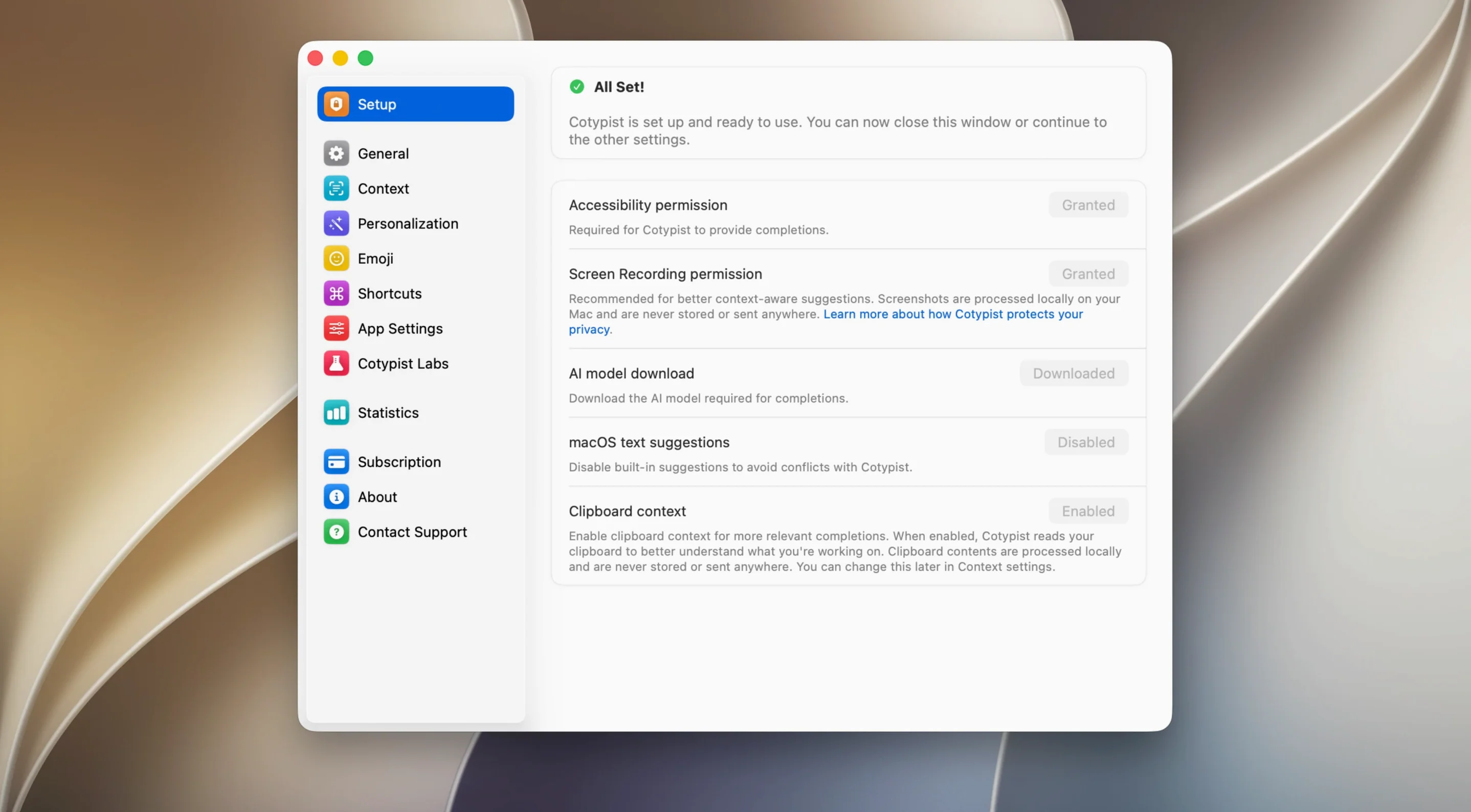
Before you get too interested, check your hardware. Cotypist is built for Apple Silicon and needs macOS 14 or later. If you are on an Intel Mac, it will not run. It is ARM-only, no fallback.
Once installed, Cotypist works in most places you type. Apple Mail, Slack, Notion, Obsidian and browser text fields are all fair game. It also spots typos inline and offers corrections as you go. The interface is English only.
One practical note: the first-run language model download can be stubborn. You might need a VPN to get it through. Worth keeping in mind before you hunt for a way to fix the download.
Next-word guesses vs. a full rephrase button
Cotypist vs Elephas. Elephas is a broader AI writing assistant that rewrites sentences and generates whole emails. Cotypist stays narrower — it guesses your next words inline and gets out of the way. If you want a rephrase button, Elephas does more. If you want a quiet prediction engine that never opens a popover, Cotypist fits better.
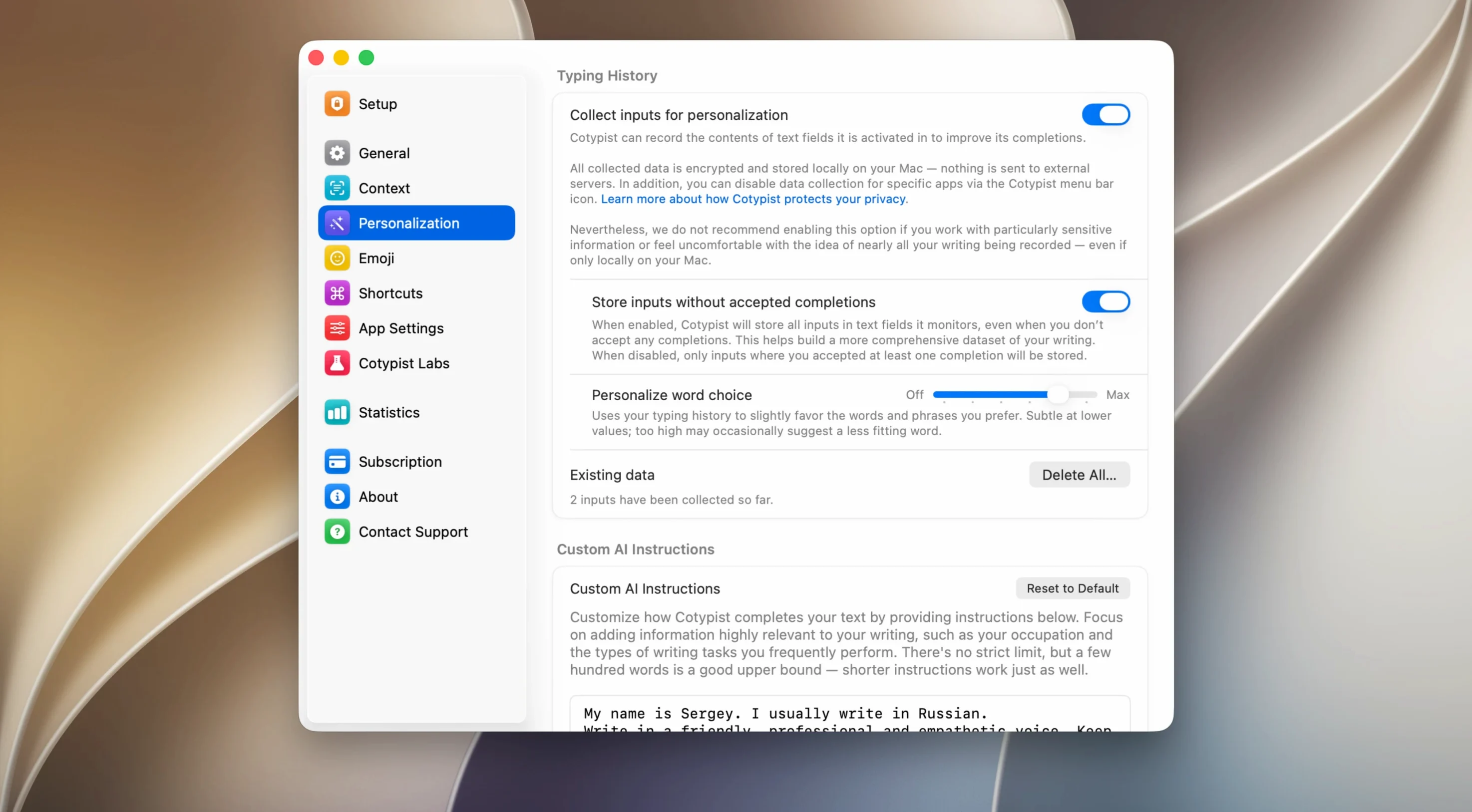
Cotypist vs TextExpander. TextExpander works from snippets you set up yourself. Cotypist needs no setup at all — it learns your patterns as you type. They do different jobs. TextExpander is muscle memory you programme. Cotypist is a guess you accept or ignore. Plenty of people run both.
Cotypist vs Apple's inline predictions. macOS has its own word suggestions on newer versions, but they are tied to Apple's text engine. Cotypist works in more places and often catches longer phrases. Its typo detection is more aggressive too.
Letting weak predictions expire so it learns faster
The most common one is hammering Tab the moment a suggestion appears. Cotypist learns from what you accept. If you grab every half-baked guess, you train it to be sloppy. Let a few bad predictions pass and it improves faster.
Another is forgetting the VPN step. The language model download stalls on some networks — people assume the app is broken when it is just a routing issue. A quick VPN hop during first setup saves an afternoon of frustration.
Some users expect it to work in every single text field on the Mac. It covers most, but a handful of older apps with custom text rendering will not show suggestions. If you cannot get it to trigger, the app's text field is probably the culprit, not Cotypist.
Finally, ignoring the colon trigger for emoji. Type :fire and Cotypist offers 🔥. New users often miss this entirely and switch away to the emoji picker for no reason.
Requirements
- macOS 14 or later
- Apple Silicon Mac (ARM architecture)
- A VPN may be needed for the language model download
Comments 0
Sign in or create an account to leave a comment.
No comments yet…
If you’ve installed it, say how it went. Mention your Mac and macOS version — it helps the next person more than you’d think.