Cycling '74 Max for macOS
Description
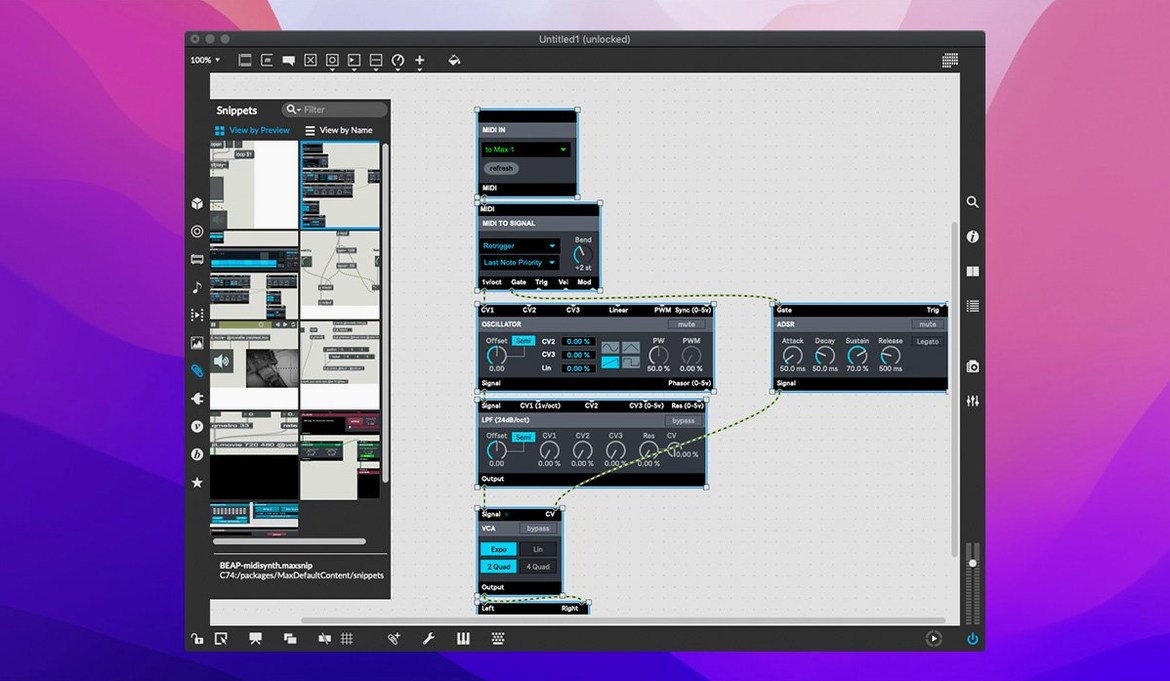
Max is a visual programming language for music and multimedia on the Mac. You build by connecting objects on a canvas rather than writing lines of code, which makes it a different kind of tool for sound design, installations and performance.
Patching audio, MIDI, video and UI in one workspace
- Patching together audio, MIDI, video and UI elements in one workspace
- Learning through over 40 built-in interactive tutorials
- Building standalone tools and instruments with RNBO, now at v1.3.5
- Debugging patches with message tracking, breakpoints and an object inspector
- Running natively on both Apple Silicon and 64-bit Intel Macs
Requires macOS 11+ and disk space is a surprise
- Requires macOS 11 or later; the disk space needed isn't published upfront
- QuickTime movie playback is built in, but the format support is what macOS provides
- The interface language is English only
- Hundreds of objects are available, so early progress depends on working through the tutorials
Why the first five tutorials stop you fighting the canvas
Don't try to build a masterpiece on day one. Open the tutorials panel and work through the first five numbered lessons — they cover signal flow, message order and basic UI objects. That groundwork stops you from fighting the canvas later.
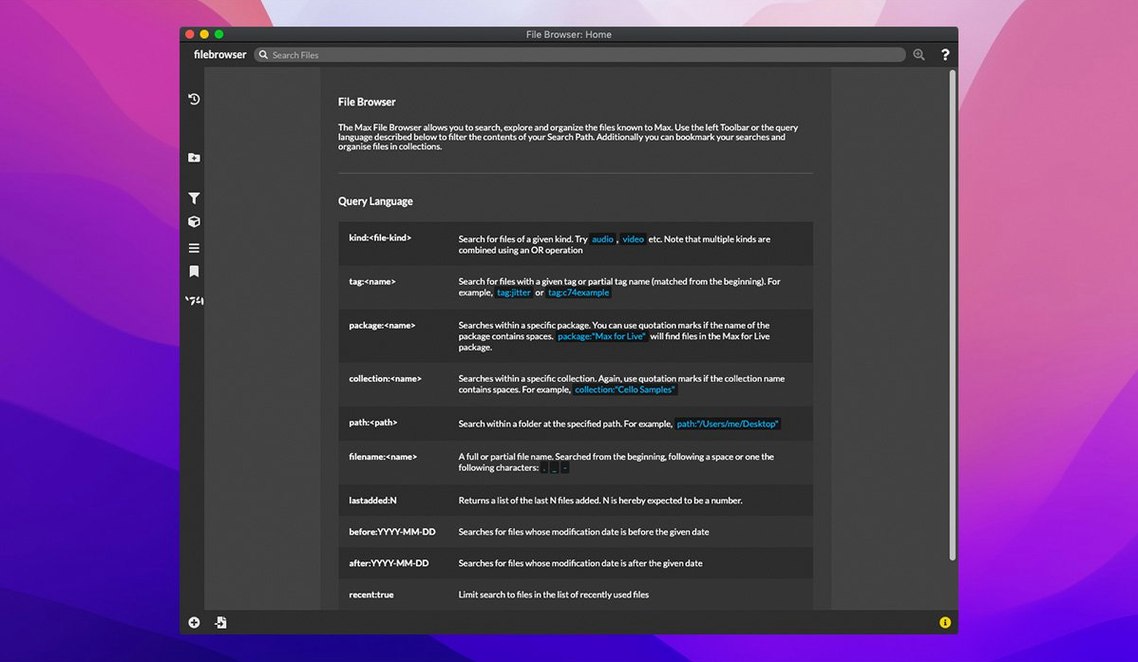
Right-click any object and choose Open Help. Every object ships with a working patch that demonstrates its inputs and outputs. Copy bits from those help files into your own experiments. It's faster than reading documentation in the abstract.
Set the Overdrive switch in Audio Status to on if you're running a tight patch with lots of DSP. Without it, audio dropouts appear sooner. Also, lock your canvas when performing — a stray click in edit mode during a gig is embarrassing.
Patch cords have a habit of turning into spaghetti. Use send and receive objects early for long-distance connections. Name them sensibly. You'll thank yourself at 2 a.m. when debugging.
Who clicks with Max straight away
Sound designers who already think in signal chains get comfortable within a week. The object palette maps directly onto the way they picture audio routing. Dragging a cycle~ into a gain~ and out to a dac~ feels like wiring a rack.
Performers building live setups — keyboardists, electronic duos, installation artists — get the most out of the real-time patching model. You can tweak a reverb tail or swap a synth voice mid-set without stopping the audio engine. RNBO lets you export that patch as a VST or a Raspberry Pi executable later.
Researchers and tinkerers who enjoy exploring a system from the inside benefit from the cross-platform SDK. If you've ever wanted to write your own object in C++, Max doesn't get in the way. It's also the kind of environment where someone inevitably builds a patch that tracks mouse coordinates to control a granular synth, just because they can.
People who want a polished, finished instrument out of the box tend to bounce off. Max is a workshop, not a showroom.
Connect metro 500 to counter in the blank patcher
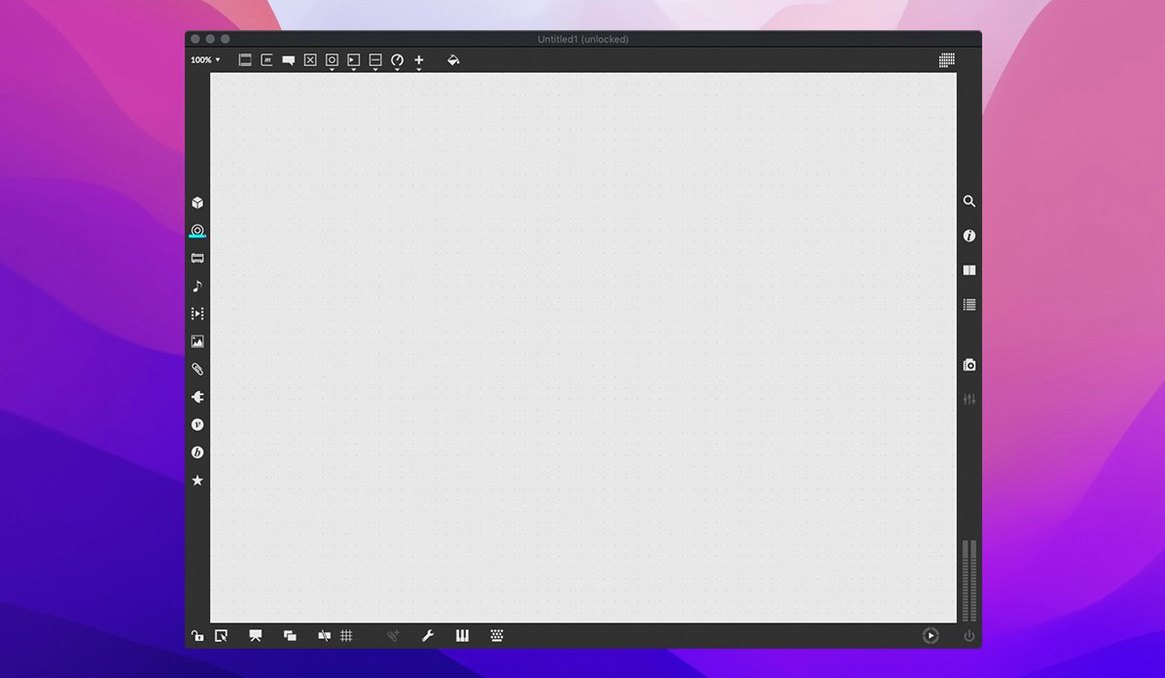
You launch the app and a blank patcher window appears. You press n to create a new object box, type metro 500 and hit enter. Press n again, type counter. Connect the outlet of metro to the inlet of counter with a drag.
Now you want to hear something. You add a cycle~ 440 object and a ezdac~. The counter's output doesn't connect directly to audio — you need to scale it. You drop in a scale 0 100 200 800 object, wire the counter output through it and into the left inlet of cycle~. Click the toggle attached to metro and a rising tone fills the room.
You get curious. You open the help file for scale and spot a mapping trick you hadn't considered. You copy a subsection of the help patch, paste it next to your counter and wire it into a second cycle~ for a harmony line. Twenty minutes have passed and you've got a two-voice generative drone running. You lock the patcher, open the window for a cup of tea and let it play.
That's the rhythm of working in Max: build a small thing, test it, steal an idea from a help file, build a slightly bigger thing. The timeline compresses once the basic objects become muscle memory.
Worth it if you want to build your own tools rather than use someone else's.
What’s new
- Adds button assignment support for parameter banks in live.banks
- Bundles RNBO v1.3.5
- Fixes a crash in the Inspector when editing or closing a text field
Requirements
- macOS 11 or later
- Apple Silicon or 64-bit Intel processor
FAQ
Does Max 9 run on Apple Silicon Macs?
Yes. Max 9.0.9 supports both ARM (Apple Silicon) and 64-bit Intel Macs.
What is RNBO and is it included?
RNBO is an interactive visual programming tool that can export Max patches as standalone code. Version 1.3.5 is bundled with Max 9.0.9.
How do I learn Max once it's installed?
Start with the interactive tutorials. Max includes more than 40 of them, covering everything from basic patching to advanced multimedia.
Comments 0
Sign in or create an account to leave a comment.
No comments yet…
If you’ve installed it, say how it went. Mention your Mac and macOS version — it helps the next person more than you’d think.