
Cubase for macOS
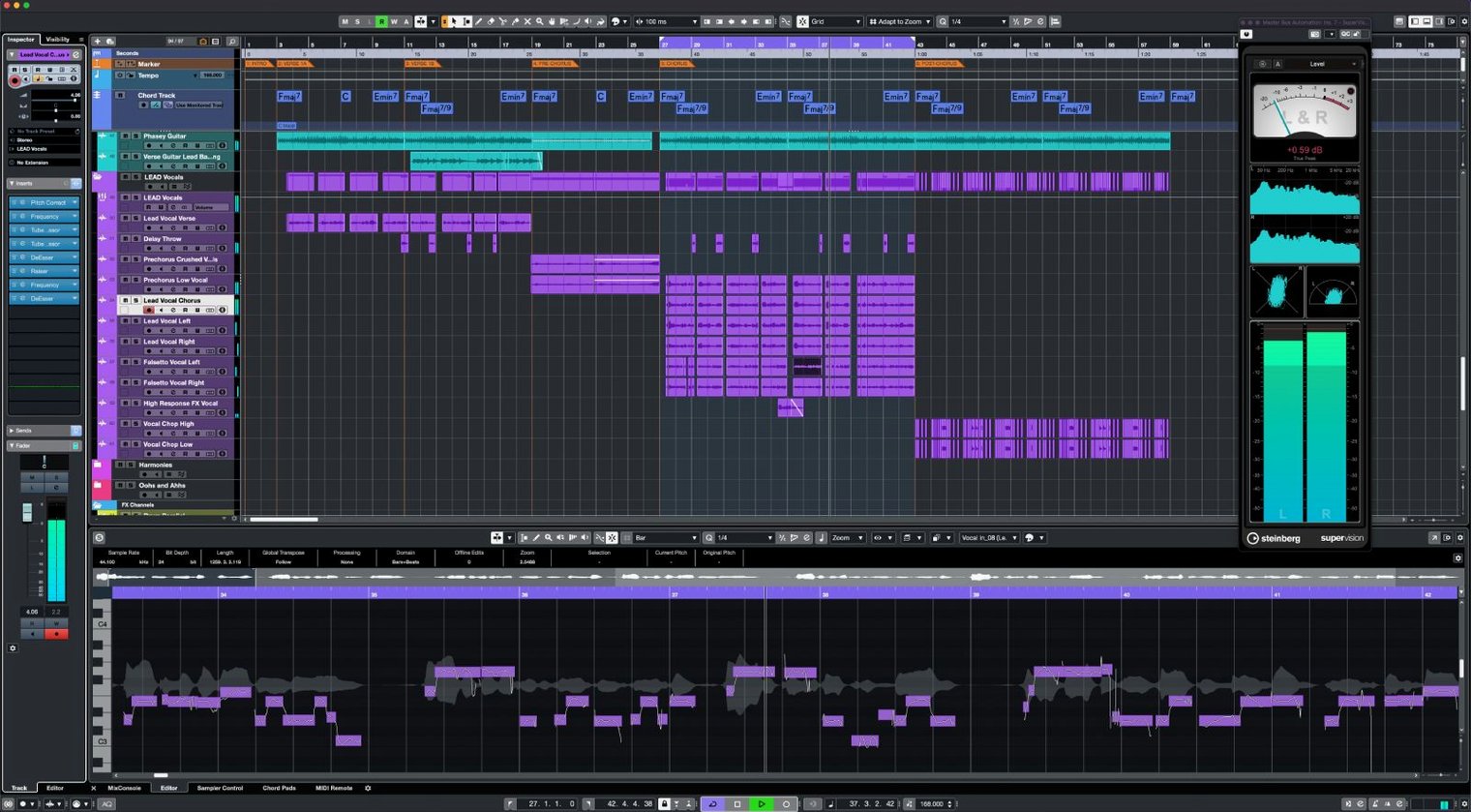
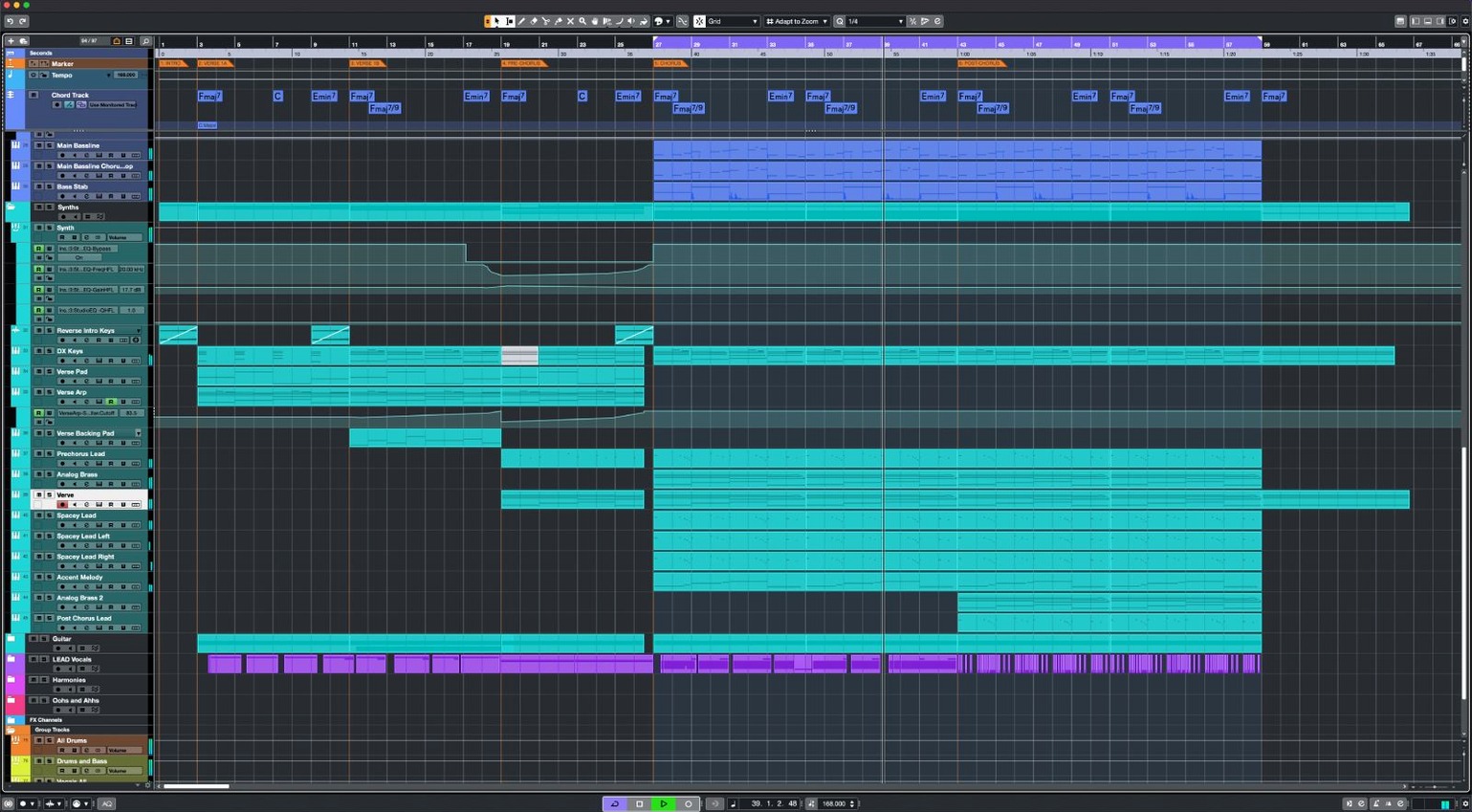
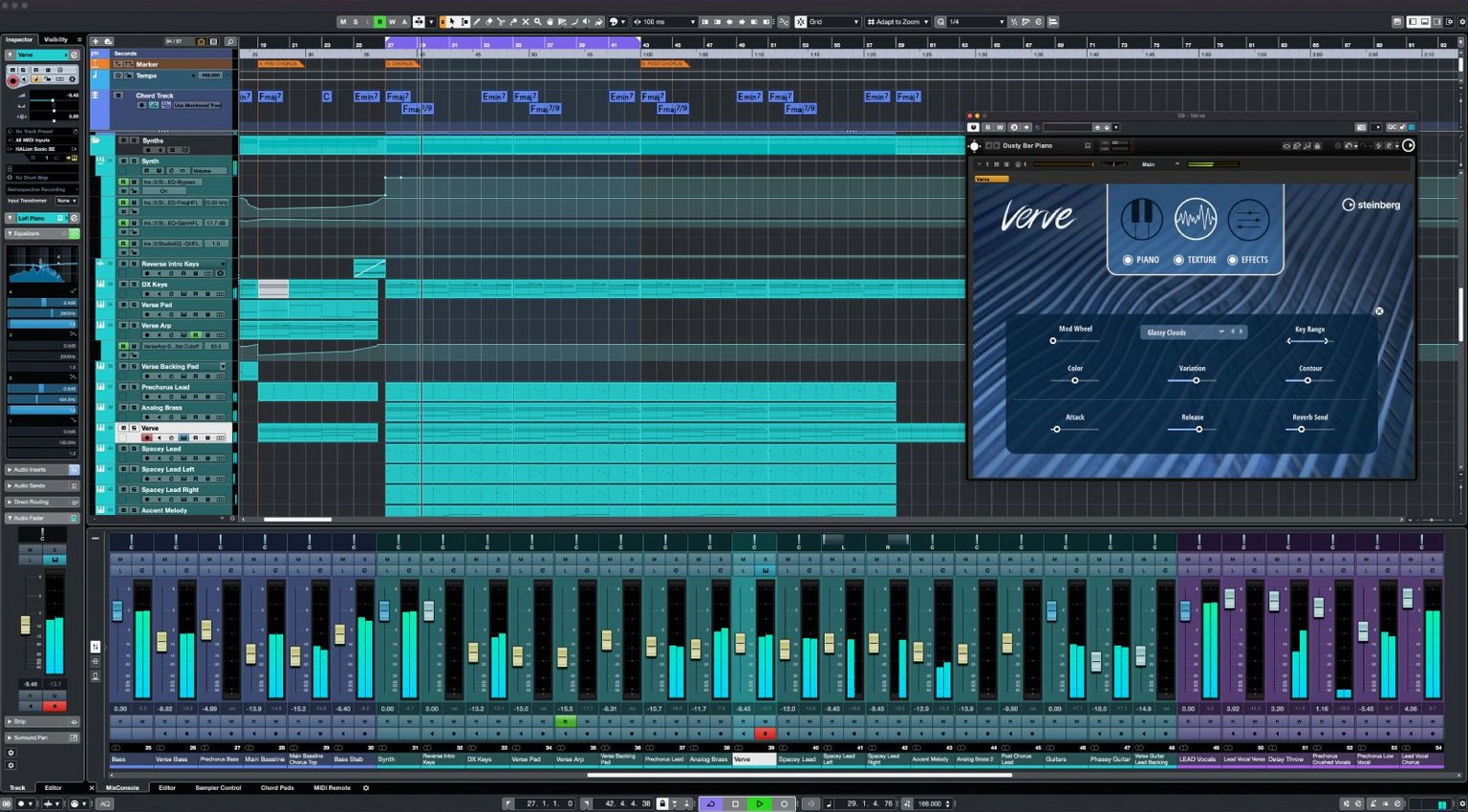
Description
Cubase ships with 64 VST instrument slots ready to load. That is a lot of blank space before you hear a single note. Here is where to aim first.
Snap MIDI to any scale with one click
Open Scale Assistant in the Key Editor. Pick a preset scale and Cubase snaps incoming MIDI to the correct notes. It keeps your takes musical while you learn the keyboard shortcuts.
What turns a chord into MIDI notes?
Drag a chord recording onto a MIDI track and use Audio to MIDI chords. Cubase detects the harmony and writes the notes for you. Useful when you hum an idea but cannot name the voicing.
Which tool adds weight without squashing transients?
Raiser sits in the dynamics slot. It increases perceived loudness while leaving the attack alone. Try it on a drum bus before reaching for a limiter.
How do I build movement into a static pad?
Load FX Modulator onto the channel. Draw a curve or use an LFO to shift filter, pitch or volume over time. It turns a held chord into something that breathes.
Small things make the difference between a quick session and a late night staring at a progress bar. Here are a few Cubase conveniences that hide in plain sight.
See bars and minutes side by side in the transport
The transport bar remembers more than you think. Right-click it and enable Show Time Linear to see bars-and-beats alongside minutes-and-seconds without opening a separate window. You can also drag the tempo display up or down to nudge the project tempo — no need to open the Tempo Track editor for a quick check.
Hold Shift while dragging a fader. Cubase moves it in finer increments. Works on the MixConsole, the Channel Settings window and any stock plug-in slider. Same trick applies to pan controls.
The Project Logical Editor sits under the Edit menu and most people ignore it for years. It can select every muted clip, every region under two seconds, or every track with "vox" in the name — all in one command. Set up a preset once, trigger it with a key command, and you will wonder why you ever scrolled through 80 tracks hunting for muted takes.
If you use a laptop without a numeric keypad, the Transport controls can feel out of reach. Remap them. Head to Edit > Key Commands, search for "Start", "Stop" and "Record", and assign something you can hit without looking down. Many producers park them on F1–F3.
Clicks and pops? Check if ASIO-Guard got turned off
A common one: audio suddenly plays back with clicks and pops that were not there yesterday. Before you blame the interface or the buffer size, check whether ASIO-Guard has been switched off by accident. It lives under Studio > Studio Setup > Audio System. Cubase sometimes disables it after a crash. Turn it back to Low or Normal and the clicks usually vanish.
Another head-scratcher: a MIDI controller stops responding after plugging in a new USB device. Cubase re-orders MIDI ports when the system reports a hardware change. Open Studio > Studio Setup > MIDI Port Setup and check the "In 'All MIDI Inputs'" column. Chances are your controller got unchecked. Tick it and carry on.
VariAudio can refuse to analyse a vocal take that looks perfectly clean. The issue is nearly always a stereo file. VariAudio expects mono. Select the clip, go to Audio > Convert to Mono, then run analysis again. It will pick up the pitch straight away.
If the whole application feels sluggish on a machine that handled Cubase 14 without trouble, the culprit is often an old third-party plug-in trying to draw its interface in a way Cubase 15 no longer likes. Launch Cubase with Shift held down to skip scanning third-party plug-ins. If the performance returns, you know where to start thinning the herd.
Opening projects from Cubase 7 or later
Can I open old Cubase projects safely? Yes. Cubase 15 reads projects from Cubase 7 onwards without a conversion step. The first save writes them in the new format, so keep a backup if you need to go back to an older version later. Audio files, group routing and automation lanes translate without fuss.
Does it hog the CPU more than version 14? On the same machine with the same buffer setting, tests show it is slightly leaner — roughly 5–8% lower on identical projects. The 64-bit mix engine has not changed its core maths. What has changed is how plug-in windows draw themselves, which frees up a little headroom when you have ten GUIs open.
Will my third-party plug-ins work? Anything that runs as a VST3 or AU in macOS 13 or later should load. The big exception is 32-bit plug-ins: those died with macOS 10.15 and Cubase 15 does not bring them back. If you have an old favourite from the Intel-only days that was never updated, assume it will not pass validation.
Is the download as enormous as it looks? The installer package is just under 1.3 GB. The actual installed size lands around 2.4 GB once the core content and HALion Sonic SE library unpack. You can skip the optional content packs if you are tight on space.
Cubase vs Logic: sound library versus editing flexibility
Three DAWs sit on the same shelf, and each picks a different fight.
Cubase vs Logic Pro. Logic includes a vast sound library out of the box — Alchemy alone is hard to beat. Cubase counters with a more flexible routing matrix and a MIDI editor that still leads the pack for detailed controller lanes. Logic ties you to Apple hardware and macOS updates. Cubase gives you the same session format whether you sit at a Mac Studio or a Windows laptop. If you rely on drum maps and expression maps, Cubase gets there with fewer workarounds.
Cubase vs Ableton Live. Live wins on speed for loop-based writing and live performance. Its Session View has no direct equivalent in Cubase. But when a track moves into arrangement, mixing and detailed vocal editing, Cubase pulls ahead. VariAudio, AudioWarp and the control room section cover ground that Live simply does not attempt. Plenty of producers run both: start ideas in Live, finish them in Cubase.
Cubase vs Studio One. These two feel the most alike. Both offer a single-window workflow, chord tracks and drag-and-drop convenience. Studio One's Project page is genuinely useful for mastering an album. Cubase answers with deeper MIDI editing, more comprehensive control over tempo and time signatures, and a mixer that scales further without running out of inserts or sends. The choice often comes down to which one you learned first.
Cubase earns its place when the work demands precise editing, large track counts and a mixer that does not run out of headroom. No DAW does everything comfortably — this one just happens to do the hard stuff without making a song and dance about it.
What’s new
Adds support for Novation Launch Control Series 3. Implements MIDI Remote API 1.3. Several application-wide fixes and enhancements are included.
Requirements
- macOS 13 or later
- Apple Silicon or Intel processor
Comments 0
Sign in or create an account to leave a comment.
No comments yet…
If you’ve installed it, say how it went. Mention your Mac and macOS version — it helps the next person more than you’d think.