CleanMyMac for macOS
Description
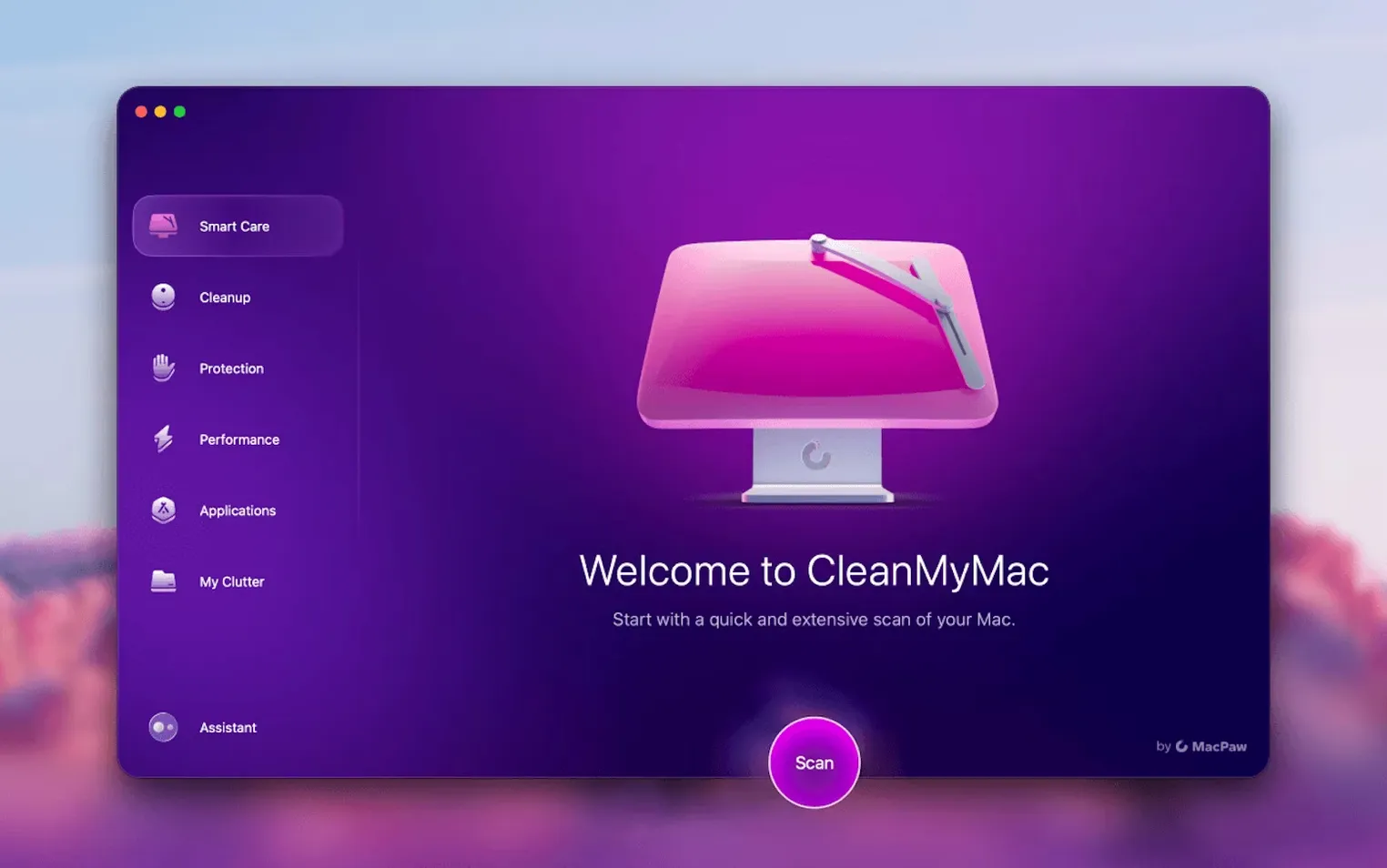
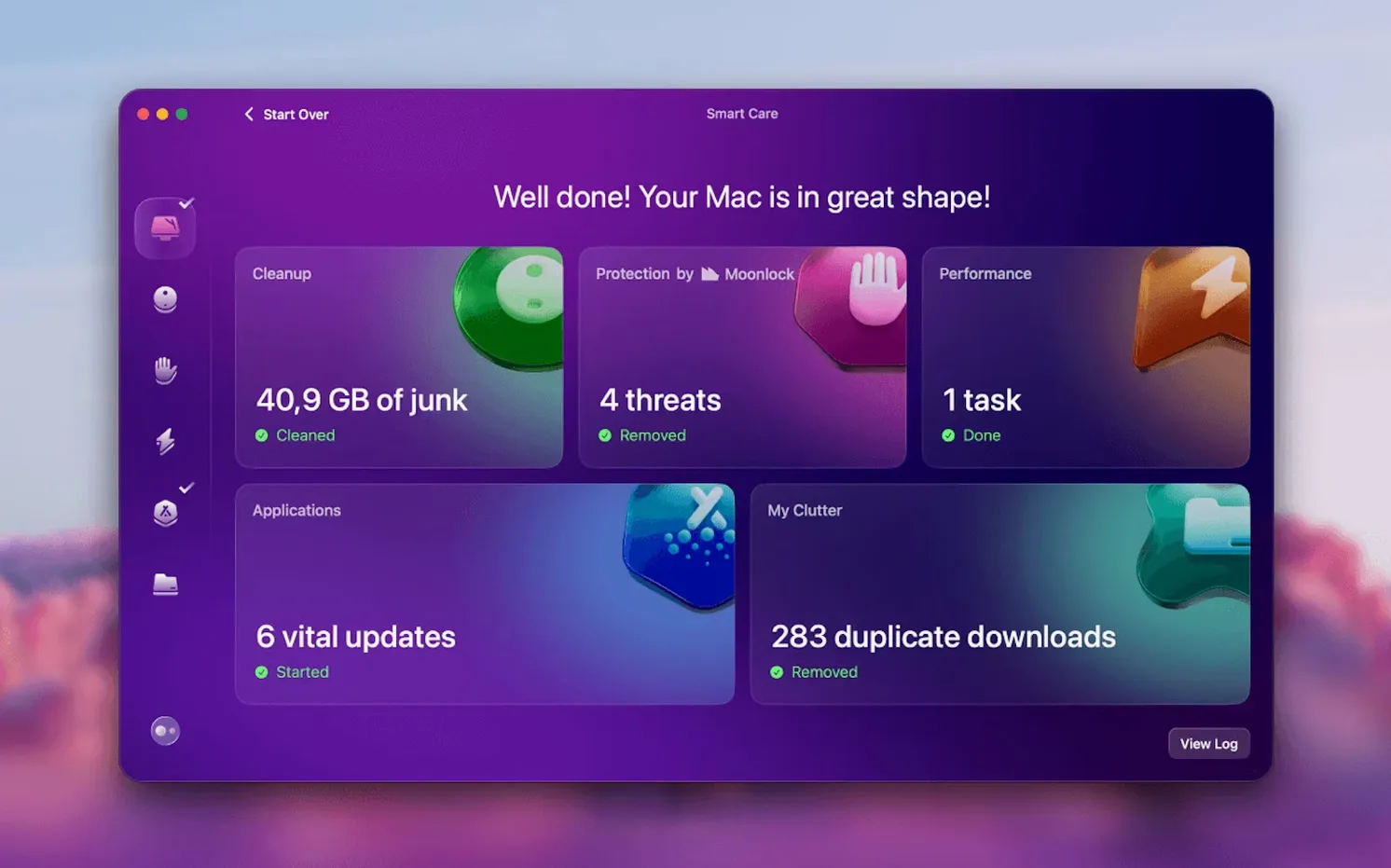
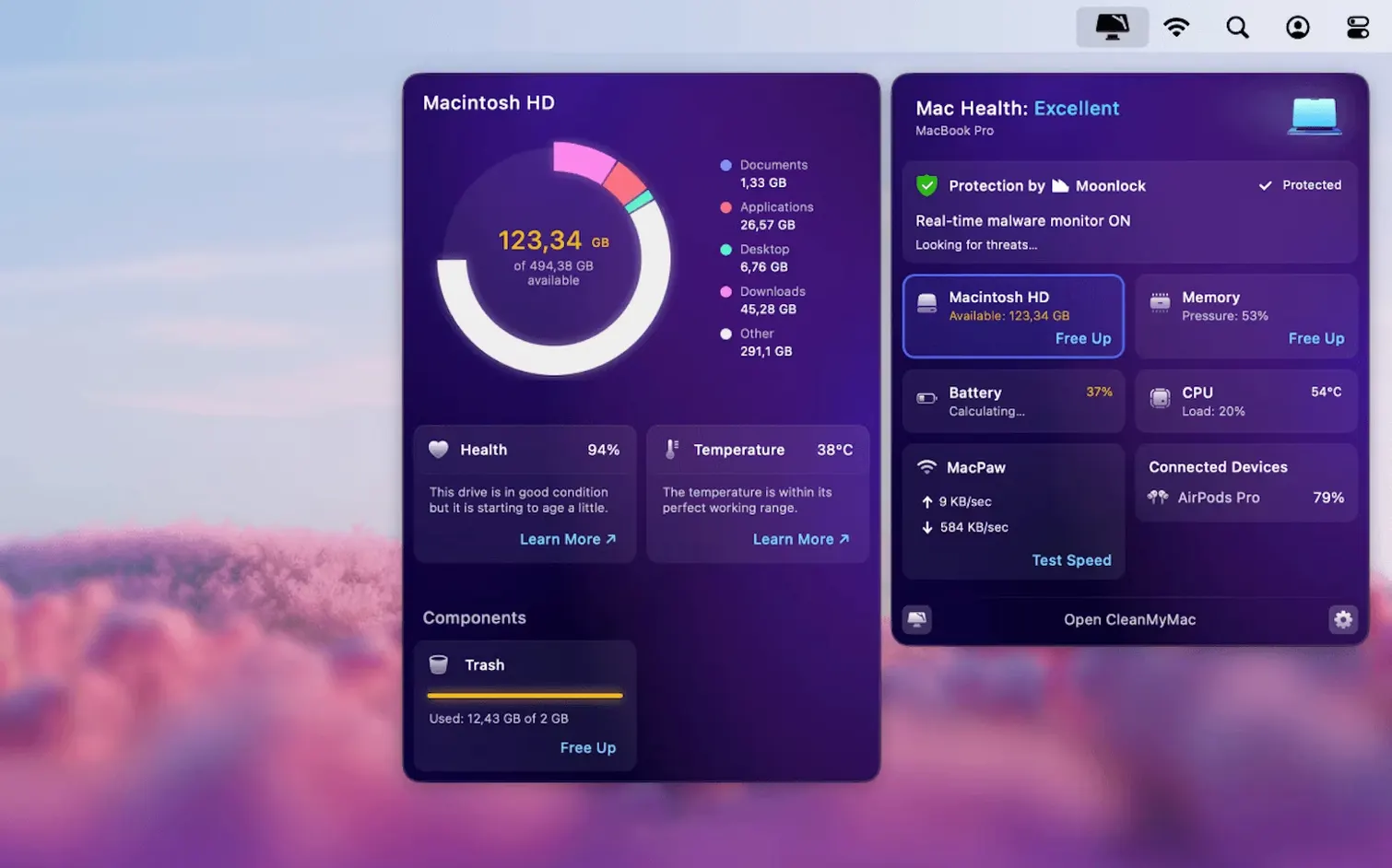
A Mac that has been in service for a year or two collects clutter. Cache files, old downloads, mail attachments, leftovers from apps you removed long ago. CleanMyMac deals with that lot so you don't have to go hunting through Library folders yourself.
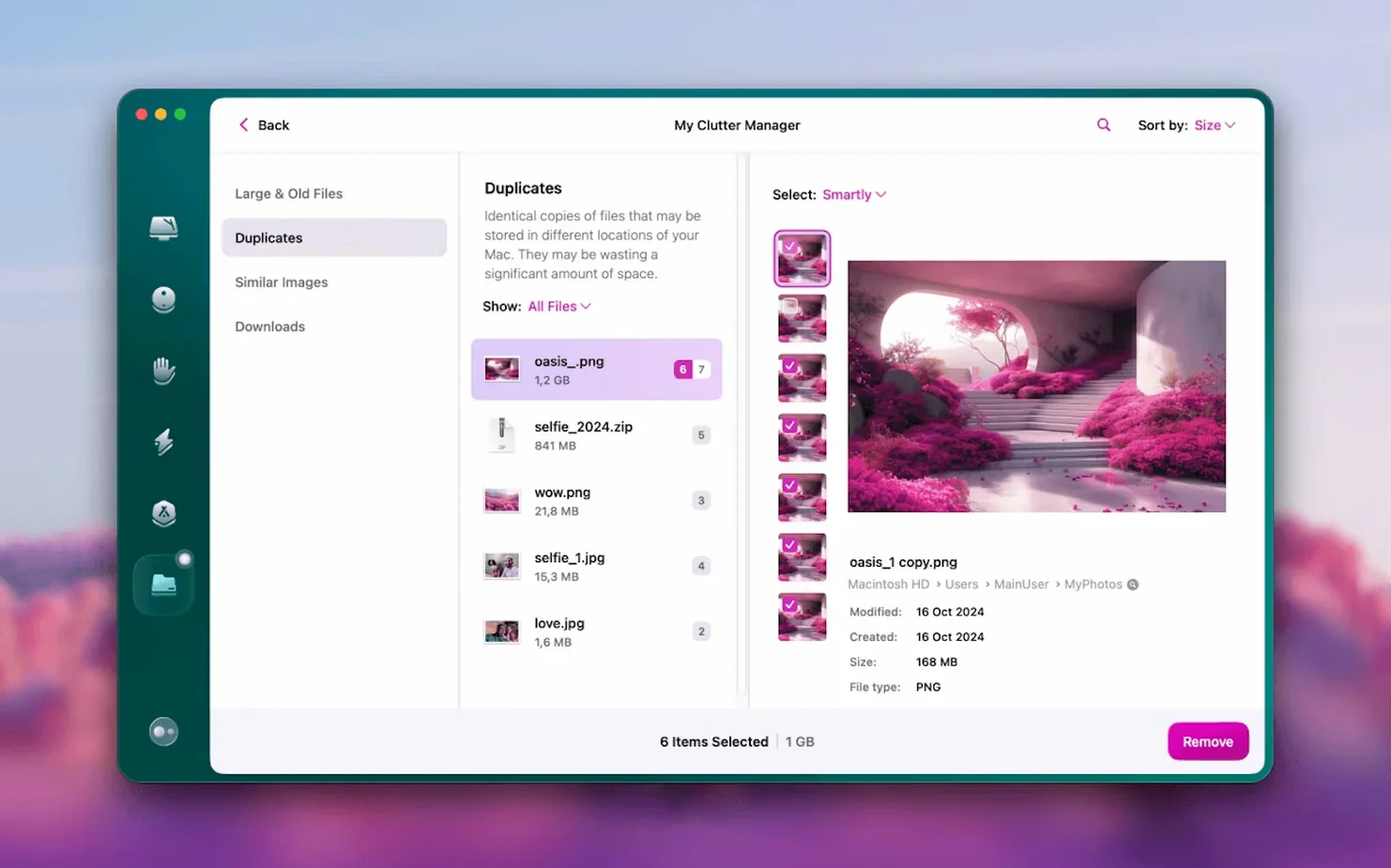
Space-hungry files are grouped by category for a quick memory view
- File Scope gives you a memory view of what is actually taking up space, split by category.
- The large files tool finds the biggest items on the disk — useful for a quick reclaim of space.
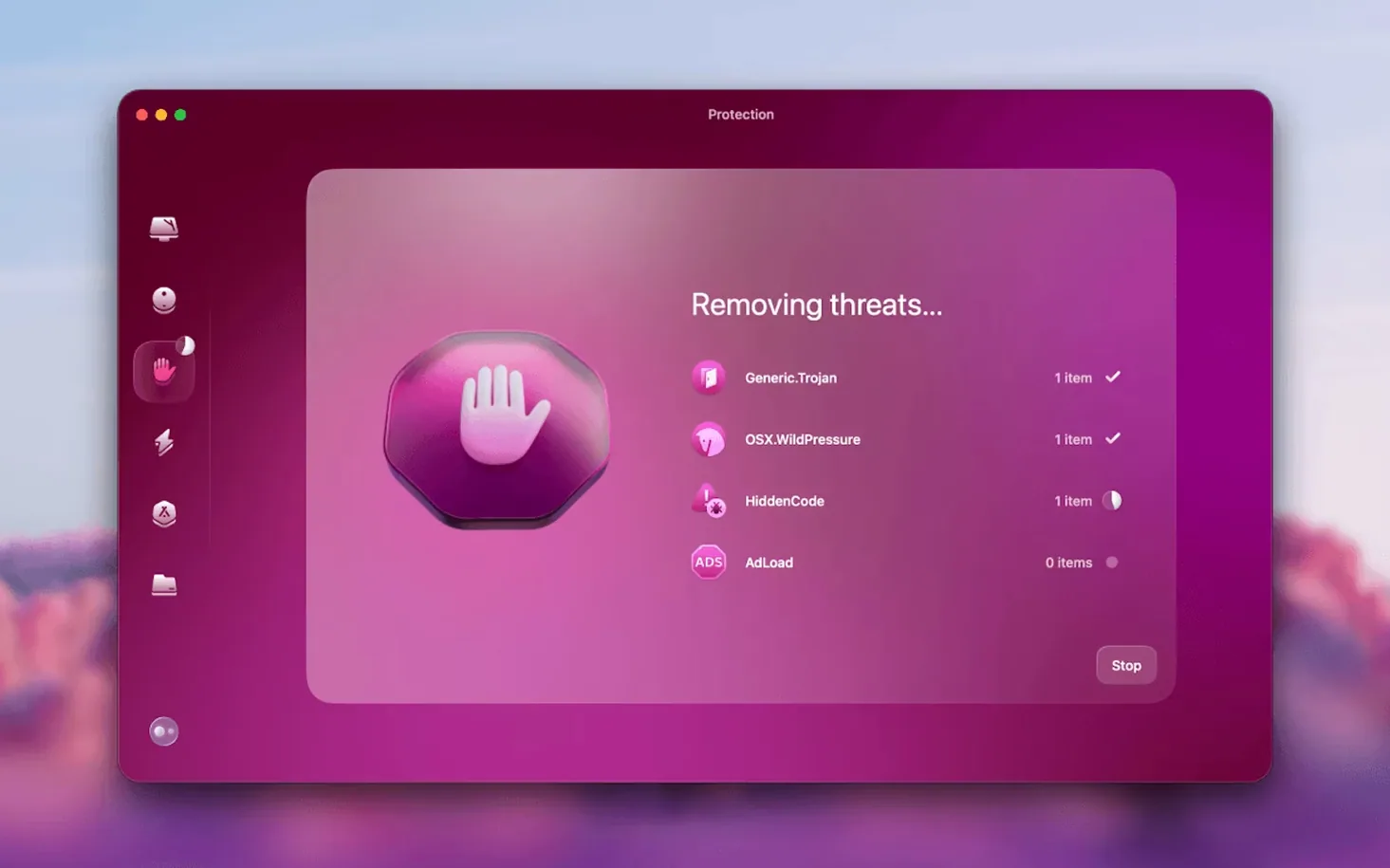
- A protection module watches for malware threats in the background.
- The permanent delete tool removes files so they cannot be recovered.
CleanMyMac is for people who want maintenance handled in one place without learning Terminal commands. It supports Apple Silicon and 64-bit Intel Macs, and needs macOS 11 or newer. On macOS 27 you must grant full disk access before it will run.
Will it slow my Mac down while scanning?
Will it slow my Mac down while it is scanning? Not in any way you would notice. The scan itself is quick, and the background protection module uses very little CPU. If you have an older machine with a spinning hard drive, the large-files scan might take a minute or so, but you can carry on working.
Does it delete anything without asking? No. Every category it finds — system junk, mail attachments, large files — sits in a list with tick boxes. You decide what goes. The only exception is the malware module, which removes threats it finds, but that is the point of a security tool.
Can I use it alongside another antivirus? It plays fine with most of them. The protection module is lightweight and does not try to be a full-blown internet security suite, so conflicts are rare.
What if I already have App Cleaner & Uninstaller from MacPaw? CleanMyMac includes app removal too, but the standalone App Cleaner & Uninstaller goes deeper on that one job. If you only need to strip apps, keep the smaller tool. If you want cleanup, malware scanning and space management in one go, CleanMyMac is the broader choice.
Gmail attachments and old threads can now be cleaned directly
Version 5.7.0 brought tools for cleaning and managing mail in Gmail. That is new email cleanup functionality that reaches into your Gmail account and finds attachments and old threads you can safely remove. Before that, the mail tools only looked at what had already been downloaded to your Mac.
In practice that change matters if you keep years of email. The Gmail cleanup runs its own scan, shows you a list of large attachments and conversations sorted by size, and lets you delete them from the server. You are not just freeing local space — you are tidying the account itself.
Over the last few point releases the large-files scanner got faster at re-scanning folders it has already indexed, and the malware definitions updated more quietly. Nothing dramatic in the interface, just fewer spinning wheels.
Uncheck any scan category you don’t want touched
Open preferences before you run a full scan. Uncheck any category you do not want touched. Some people like to keep browser history; others want it cleared every time. The defaults are sensible but they are not psychic.
Second, visit the protection module tab and make sure real-time monitoring is turned on. It is not always enabled by default after a fresh install, and it is the main reason to keep the app around between manual cleanups.
Third, in the large files tool, set a minimum file size filter — 100 MB is a good start. Otherwise you will scroll past a thousand PDFs before you find the 4 GB virtual machine image you forgot about.
Grant full disk access so it opens on macOS 27
The app refuses to open on macOS 27. The system blocks it until you grant full disk access. Go to System Settings > Privacy & Security > Full Disk Access, add CleanMyMac, then launch it again. One trip to that pane and it will not bother you afterwards.
Cleanup claimed to free 12 GB but Finder shows less. Some of that space is purgeable — local Time Machine snapshots or APFS snapshots the system holds onto until it actually needs the room. The space is freed; Finder just does not always reflect it immediately. Wait a few minutes or open Disk Utility to see the real figure.
Mail cleanup does not find my Gmail account. Check that you have added the account in System Settings > Internet Accounts and that Mail has been opened at least once. CleanMyMac needs the account to be set up at the system level before it can reach into it.
A scan gets stuck on one file. This is rare, but if it happens, quit and relaunch the app. The stuck file is usually a corrupted cache entry that the system itself is having trouble reading. On relaunch the scan will skip past it.
If you have been hunting for a CleanMyMac 5.0.7 torrent or a CleanMyMac crack after searching CleanMyMac Mac torrent or CleanMyMac 3 torrent, you have probably already noticed how many old versions float around. A straight CleanMyMac download of the current build sidesteps the guesswork of whether the version you grabbed still supports your macOS release.
What’s new
Adds tools for cleaning and managing mail in Gmail. Includes new email cleanup functionality.
Requirements
- macOS 11 or later
- Apple Silicon or 64-bit Intel Mac
FAQ
Does CleanMyMac work on Apple Silicon?
Yes, CleanMyMac 5.7.0 supports Apple Silicon and 64-bit Intel Macs.
What languages does CleanMyMac include?
The interface is available in Russian, English, German, Spanish, Italian, Simplified Chinese, Korean, Dutch, Polish, Ukrainian, French and Japanese.
Comments 0
Sign in or create an account to leave a comment.
No comments yet…
If you’ve installed it, say how it went. Mention your Mac and macOS version — it helps the next person more than you’d think.