BAO Mask Avenger for macOS
Description
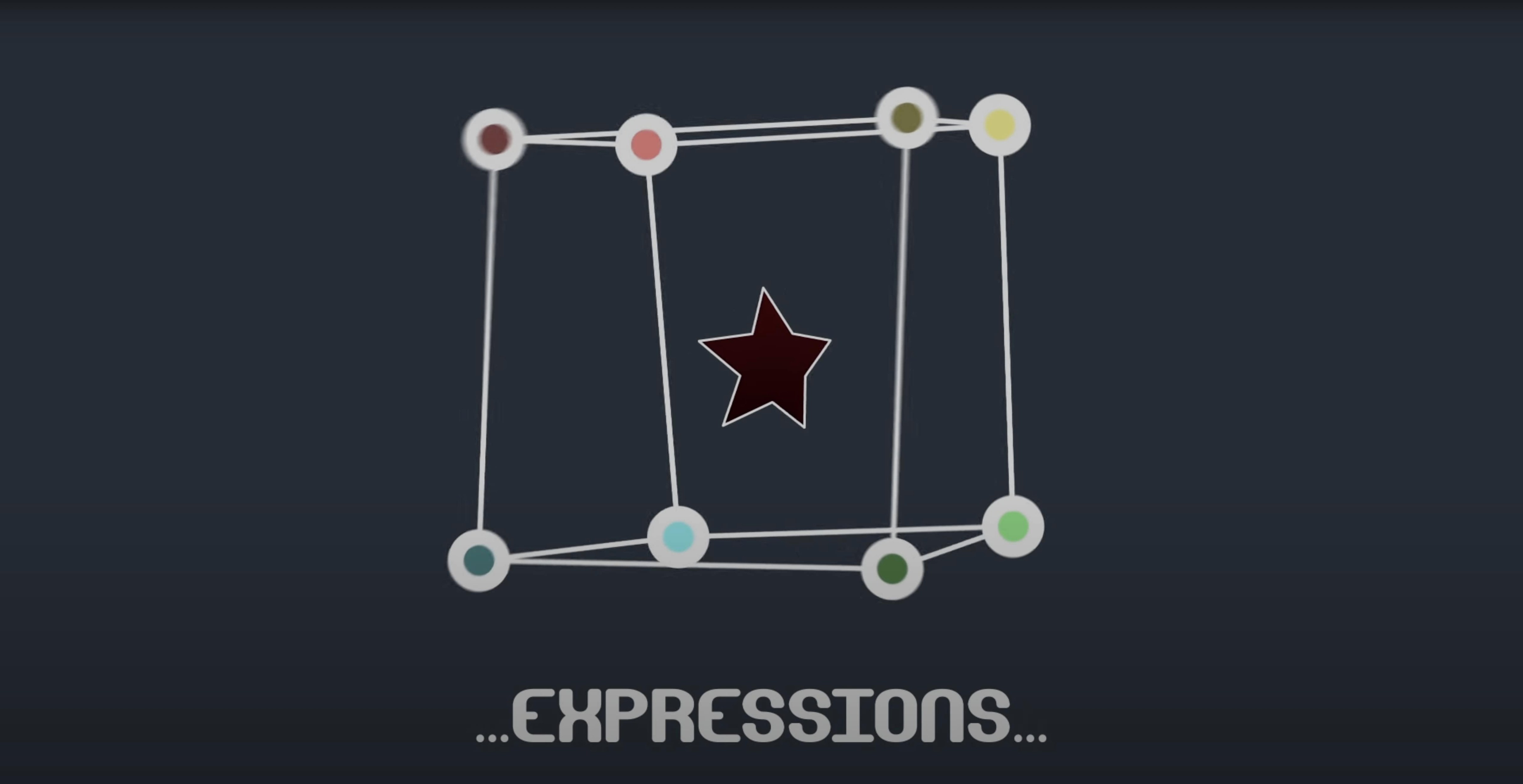
If you've ever pushed the built-in mask tracker in After Effects as far as it can go and still felt the edges slip, Mask Avenger is the next logical step. It gives you per-vertex and per-tangent control that the standard tools just don't offer.
What it lets you control
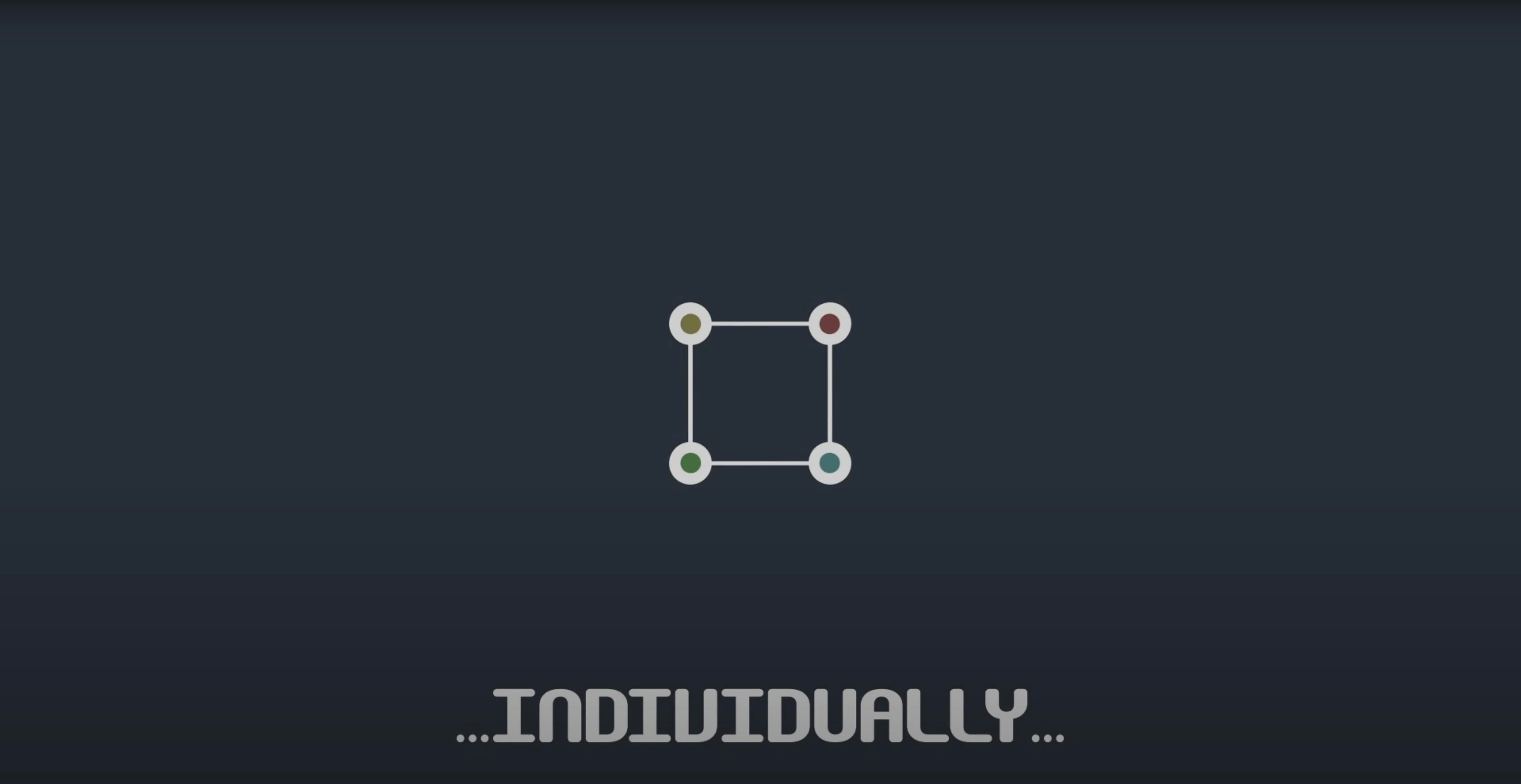
- Individual mask vertices, with or without full tangent handles
- A pick-whip expression to link vertices directly to tracker points
- Position and orientation data pulled from any spot along a mask path
How the interpolation holds things together
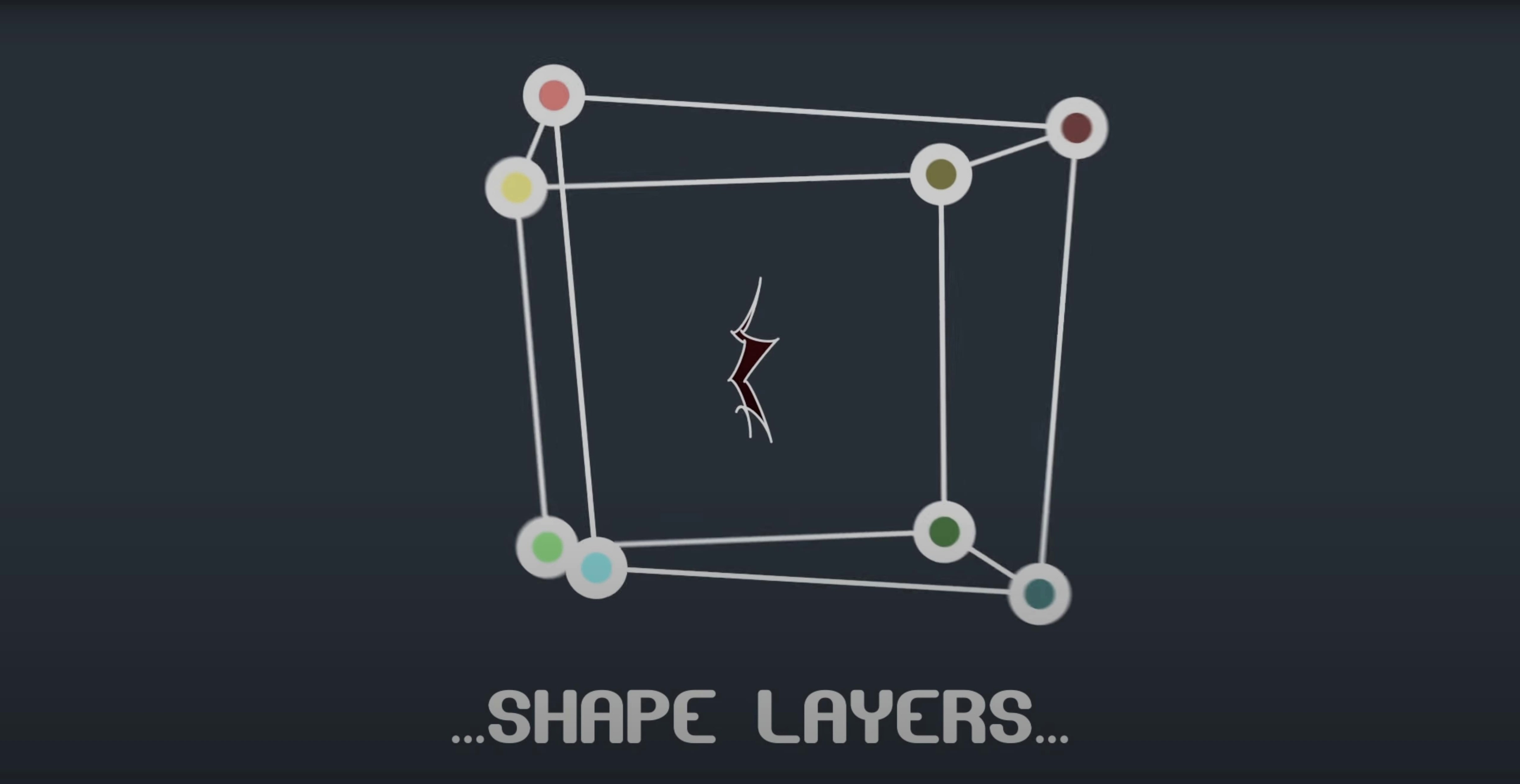
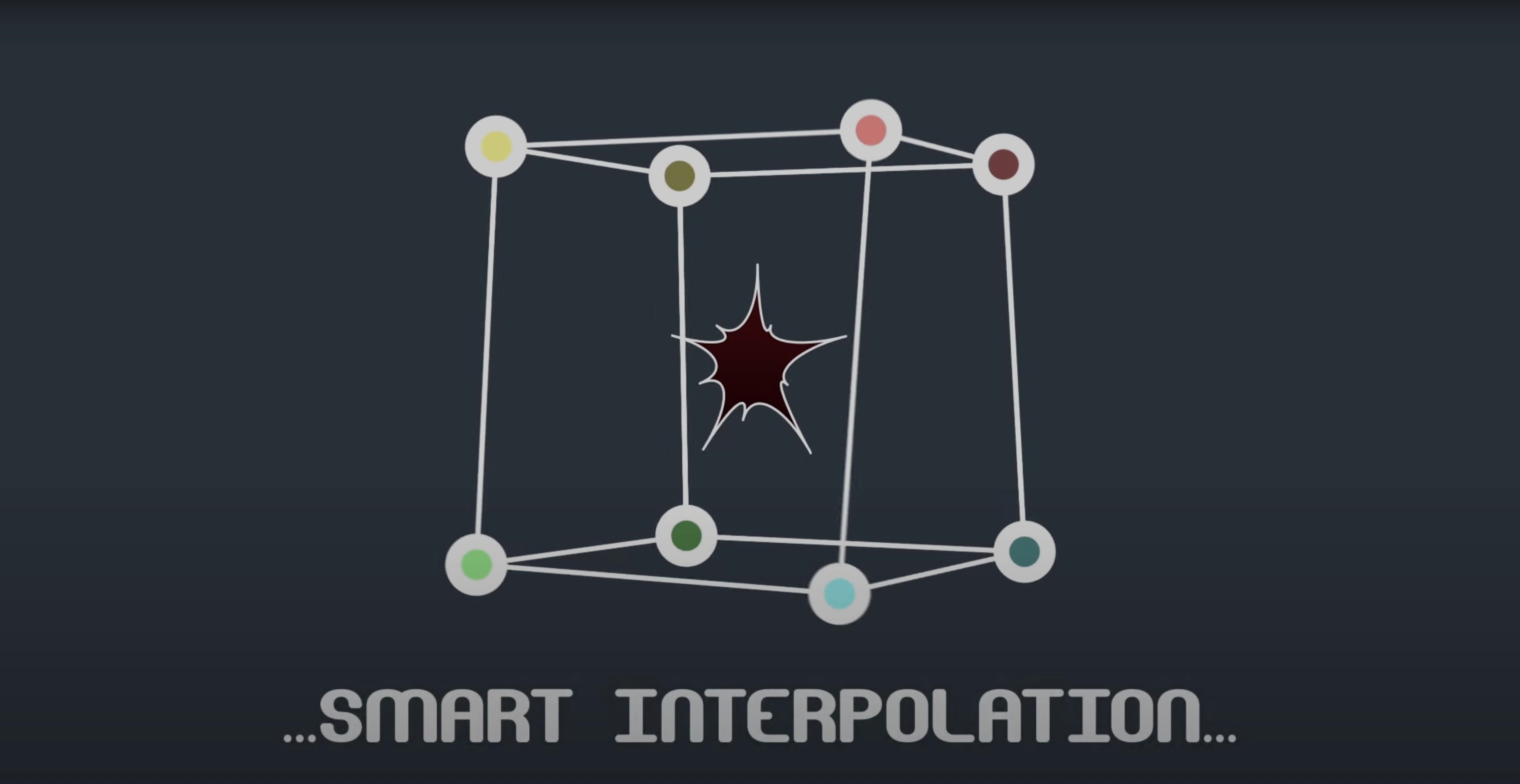
The plugin includes an intelligent interpolation mode. You can base it on the shape's center of gravity or set an independent key anchor point. Apply a Mask Avenger mask to shape layers and the motion stays plausible even when the tracked object rotates.
When your mask has to follow a folding jacket
Mask Avenger earns its keep on jobs where masks need to follow something organic: hands, faces, clothing edges, moving vehicles shot at awkward angles. If your work involves rotoscoping a shoulder seam while a jacket shifts and folds, you'll notice the difference within an hour. Motion graphics artists who regularly combine tracked footage with shape-layer animations benefit too, since the plugin reads position and orientation data from anywhere along a mask path.
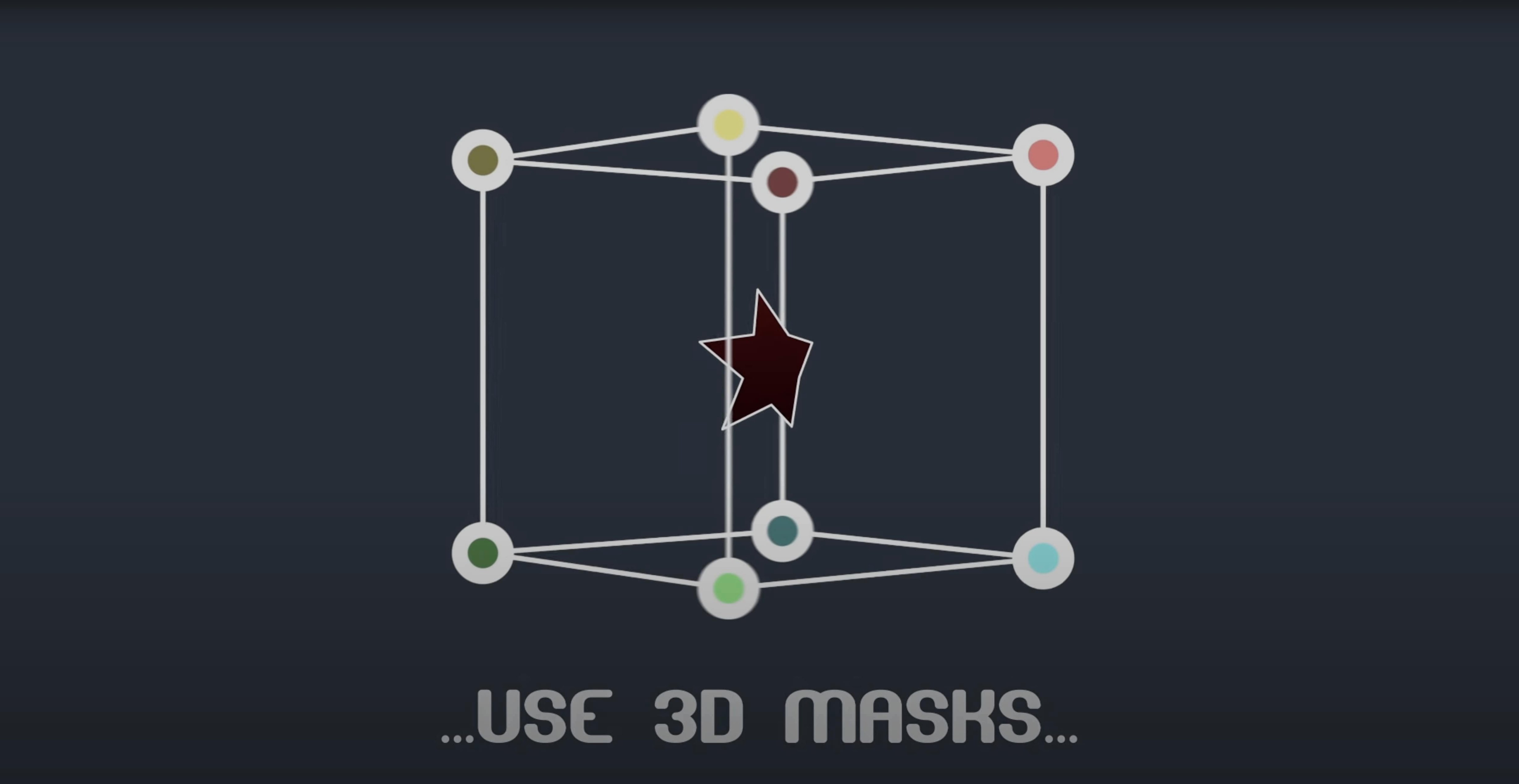
It is less relevant for people who only cut simple rectangular masks around static objects. The built-in tools handle that fine. But once a mask needs to bend, stretch or rotate in 3D space while staying locked to a moving subject, this is the kind of control that saves afternoons.
Splitting a mask apart versus moving it as a unit
Against the native After Effects mask tracker, Mask Avenger is not a replacement so much as a layer on top. The native tracker moves the whole mask as a unit. Mask Avenger lets you split that unit apart and treat each vertex as its own animated property. That matters when different parts of a subject move at different speeds.
Compared with scripts that convert masks to nulls, the workflow here is tighter. Those scripts often leave you juggling dozens of null layers and expressions. Mask Avenger keeps everything inside the mask itself, with its own scripts for linking masks to nulls when you do want that setup. It also includes a freeze mode for handing a project to someone without the plugin — useful in shared pipelines.
Shape-layer animation tools like RubberHose or Joysticks 'n Sliders solve different problems. They build rigs from scratch. Mask Avenger works with masks you already have, so the transition from a tracked or hand-drawn mask to a fully controllable one is shorter.
Drag a single vertex before you touch tangents
- Start with a simple two-vertex test. Draw a straight mask, enable vertex control, and drag one point while playing back. Get a feel for how keyframes are written before you touch tangents.
- Try the pick-whip on a short clip. Link two or three vertices to a tracker point and watch how the mask deforms. This is the fastest way to understand what the interpolation mode does.
- Leave tangent control off until you need it. Vertex-only mode is easier to read and edit. Switch to full tangents when the edge between points starts looking wrong.
- Test freeze mode early. If you work in a team, render a small test with freeze mode enabled and open it on a machine without the plugin. Better to catch workflow issues now than at delivery.
A lot of Mask Avenger's value comes from small habits: naming your masks clearly, keeping tracker points organised, and not keyframing more vertices than the shot actually needs. The plugin rewards restraint.
What’s new
Fixes an M1 compatibility issue on Mac.
Requirements
- macOS (Apple Silicon and Intel)
- After Effects 2024, 2023, 2022, 2021, 2020, CC 2019, CC 2018, CC 2017, CC 2015.3, CC 2015, CC 2014, CC, or CS6
FAQ
Can I use it on shape layers?
Yes. You can apply a Mask Avenger mask to shape layers for more precise animation control.
Does it work on Apple Silicon Macs?
Version 2.7.5 fixed an M1 compatibility issue, so it runs on Apple Silicon and Intel Macs.
Which versions of After Effects does it support?
It supports a long list, from CS6 through to After Effects 2024.
Comments 0
Sign in or create an account to leave a comment.
No comments yet…
If you’ve installed it, say how it went. Mention your Mac and macOS version — it helps the next person more than you’d think.