Airfoil for macOS
Description
Version 5.13.0 restores something that went missing: audio streaming to Apple TV and HomePod devices. If you've been waiting for those to reappear in your speaker list, this update sorts it.
Runs natively on Apple Silicon and Intel
Yes. It's a 64-bit app that runs natively on both Intel and Apple Silicon Macs.
Can it send audio to more than one speaker?
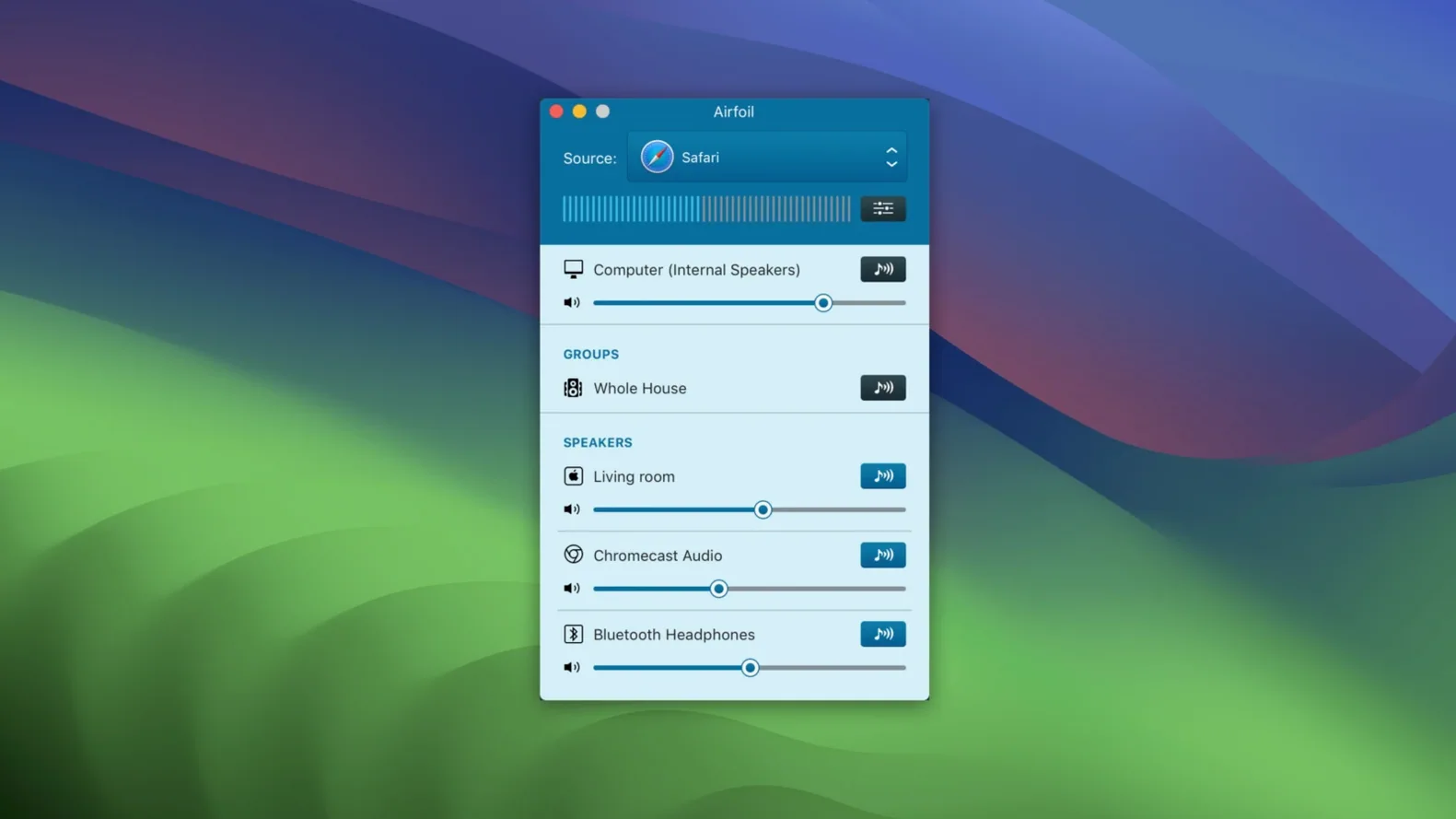
It can. Pick a handful of AirPlay devices and they'll all play in sync.
Will it grab audio from any app I choose?
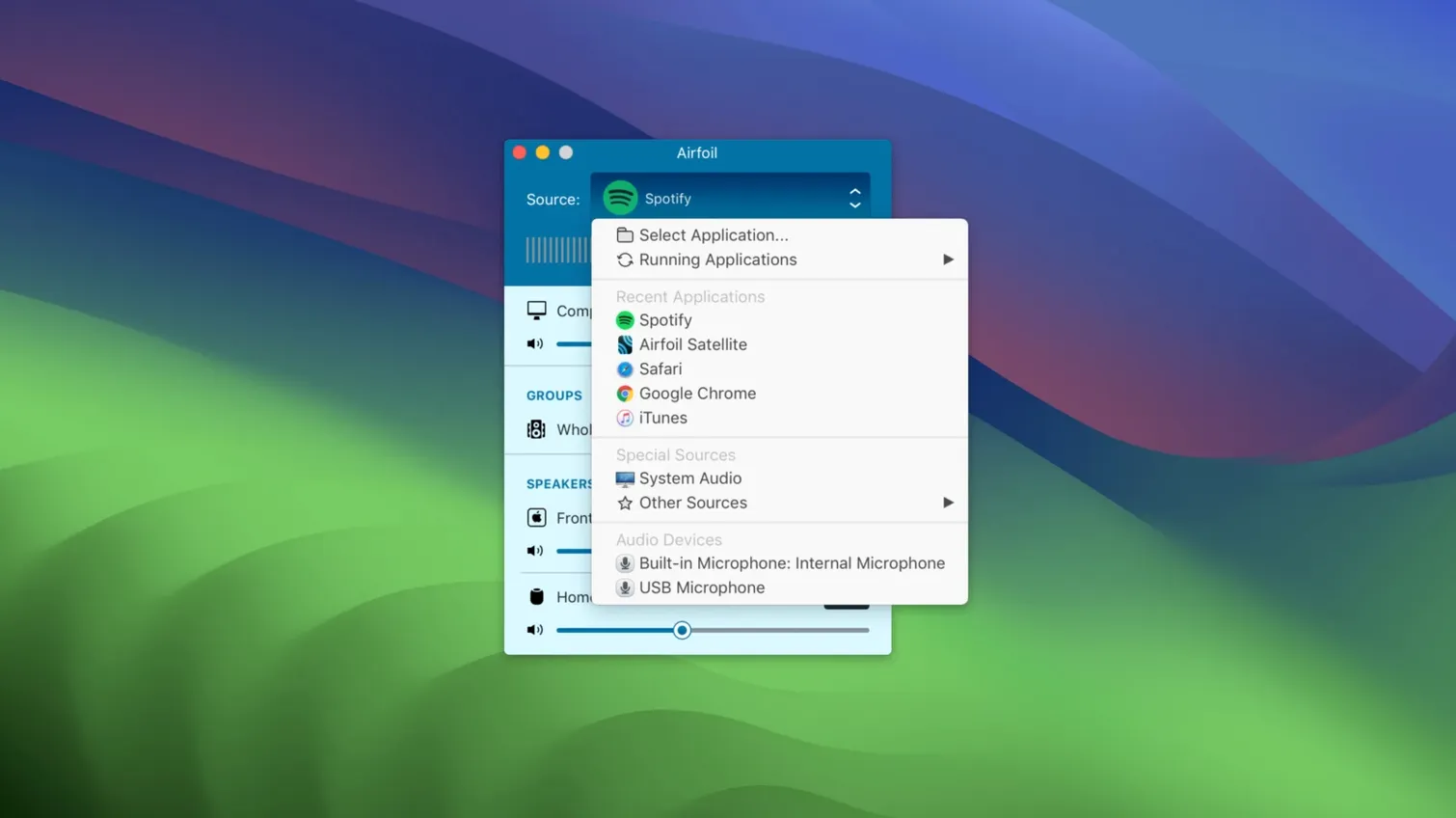
Yes. You can capture sound from a single application rather than the whole system. The built-in equalizer lets you tweak the output before it leaves the Mac.
Unifying AirPlay 2, AirPort Express, and Google Cast
If you own a mix of AirPlay 2 speakers, an older AirPort Express hooked up to a hi-fi, and perhaps a Google Cast device in the kitchen, Airfoil is the glue that makes them behave as one system. Without it, macOS will only talk to one or two of those at a time—and certainly not all at once.
People who keep a Mac Mini plugged into the telly often end up using it as a whole-house audio source. Open the Music app, pick a playlist, and send it to three rooms at once. The app's ability to capture from a single application means system alert sounds never interrupt the dinner party.
Flatmates with incompatible kit also benefit. One person's Bluetooth shower speaker and another's old Apple TV suddenly coexist in the same streaming session. No need to standardise on one brand of hardware.
Free Satellite app turns old devices into speakers
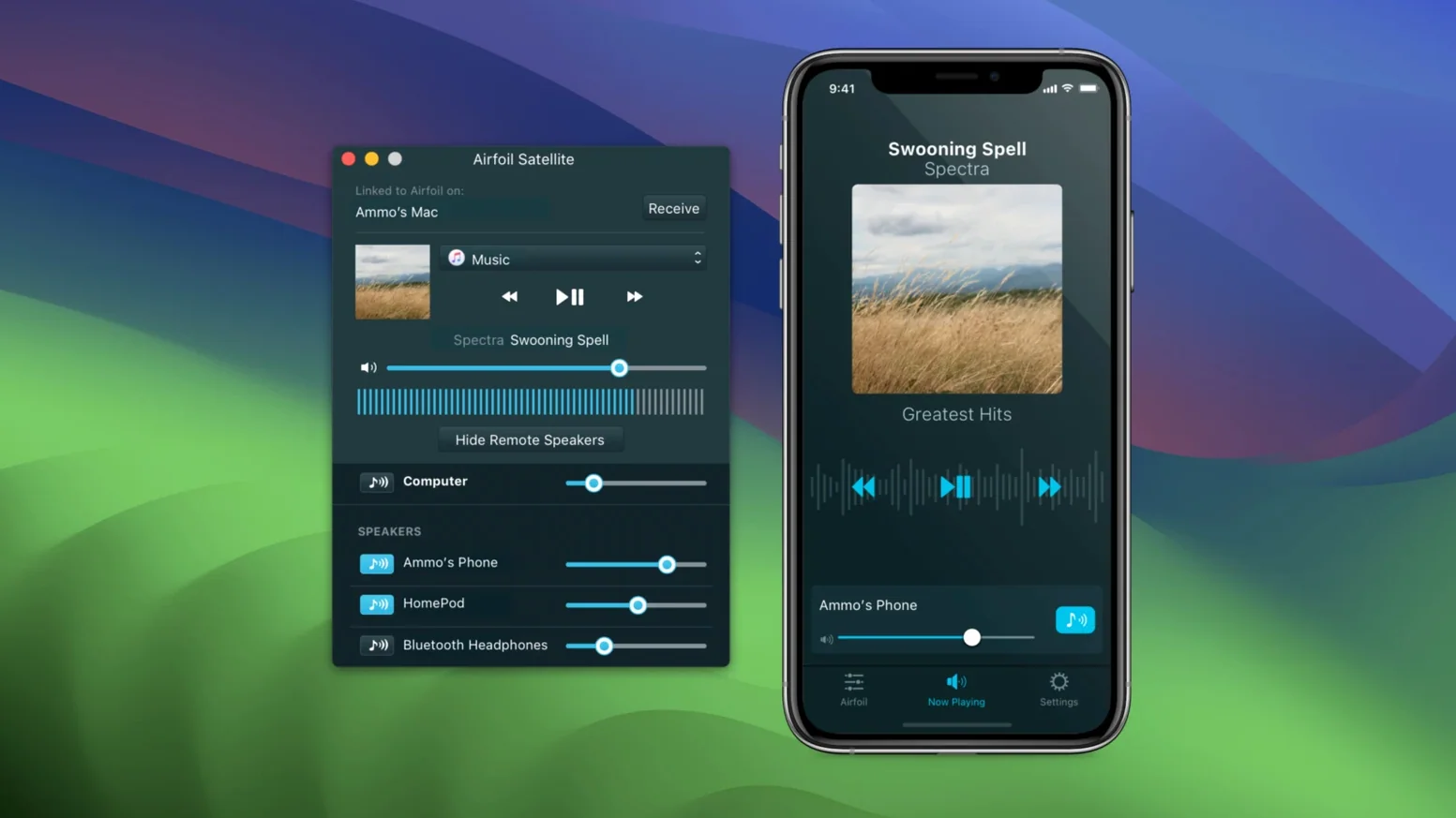
Airfoil Satellite—a free companion for iOS, other Macs, and even Windows—turns remote devices into receivers or controllers. An old iPhone plugged into a set of powered speakers becomes an always-available Airfoil target. A MacBook in the study can adjust the volume in the living room without anyone getting up.
The app plays nicely with Rogue Amoeba's own ecosystem. If you use Audio Hijack for recording or SoundSource for per-app volume control, Airfoil slots in without conflict. It grabs the same audio routing those tools expose, so you can capture a browser tab playing a radio stream and send it to the garden speakers while keeping the rest of the Mac silent.
macOS treats Airfoil as a standard audio device. That means it appears in the Sound menu bar and in any app that lets you choose an output. Set it once and forget it, or switch on the fly. The automatic-start option pairs well with Login Items: tick one box in Airfoil's preferences, and as soon as you sit down at the desk, the kitchen speaker wakes up playing whatever you left running the night before.
Per-speaker volume sliders and custom labels
- Volume per speaker. The main window shows a slider for each connected device. Drag the group master to keep them in relative balance, or tweak one that's too quiet without affecting the rest.
- Custom labels. Rename any speaker in Airfoil's list. "Living Room Apple TV" becomes "TV" so the sidebar stays readable when you have six or seven devices.
- Global keyboard shortcut. The preferences let you set a hotkey to start or stop streaming. A quick tap pauses the whole house without hunting for the window.
- Equaliser presets. Beyond the per-device volume, the built-in EQ can be saved as a named preset. One preset for the bookshelf speakers, another for the tinny portable in the bathroom.
- Apple Lossless encoding. Airfoil transmits in ALAC, so you're not adding a second round of lossy compression if your source files are already high-quality. The difference is audible on a decent pair of speakers.
One thing that catches people out: the app runs a helper process in the menu bar. If you close the main window, it keeps streaming. Look for the Airfoil icon near the clock if you want to stop it entirely.
If you search for airfoil for mac, you'll find plenty of discussion about version compatibility. The 5.13.0 release works from macOS 14.4 through to macOS 27 according to Rogue Amoeba's own support centre, so it's likely to keep running across several major OS updates.
What’s new
- Restores audio streaming to Apple TV and HomePod devices.
Requirements
- macOS 14.4 or later
- Intel or Apple Silicon Mac (64-bit)
Comments 0
Sign in or create an account to leave a comment.
No comments yet…
If you’ve installed it, say how it went. Mention your Mac and macOS version — it helps the next person more than you’d think.