
Alfred 5 Powerpack for macOS
Description
People who live on the keyboard end up here. Typing a few letters to open an app feels obvious, but when you start launching workflows, jumping into folders without knowing where they sit, or controlling a Mac with a few keystrokes, that is when the Powerpack makes sense. It is not a separate app. It unlocks what Alfred 5 already knows how to do.
| What it is | Good to know |
|---|---|
| Feature add-on for Alfred 5 | Runs on Intel and Apple Silicon Macs |
| Adds workflows, themes and advanced search | macOS 10.14 or later, 64-bit only |
| Made by Running with Crayons Ltd | Interface is in English |
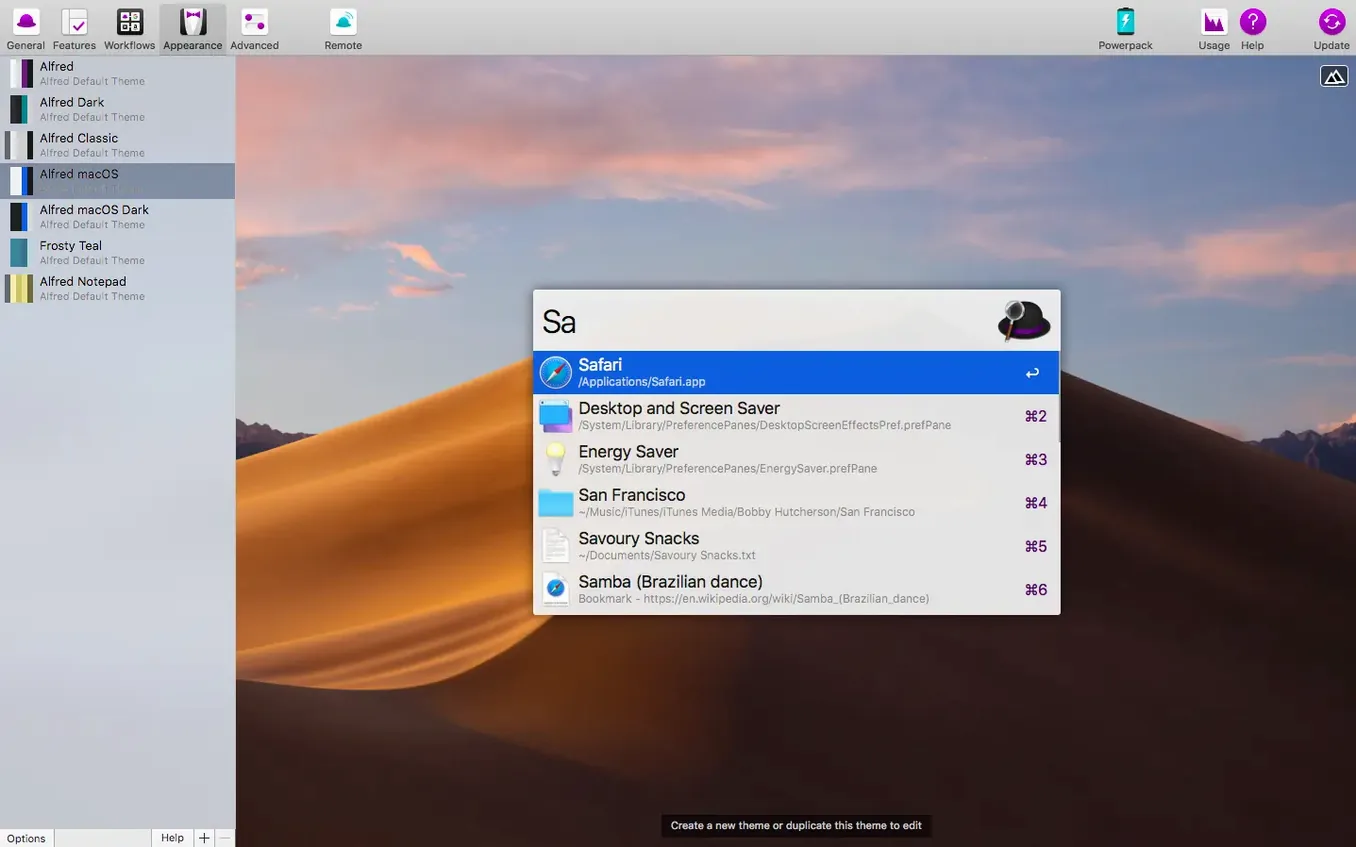
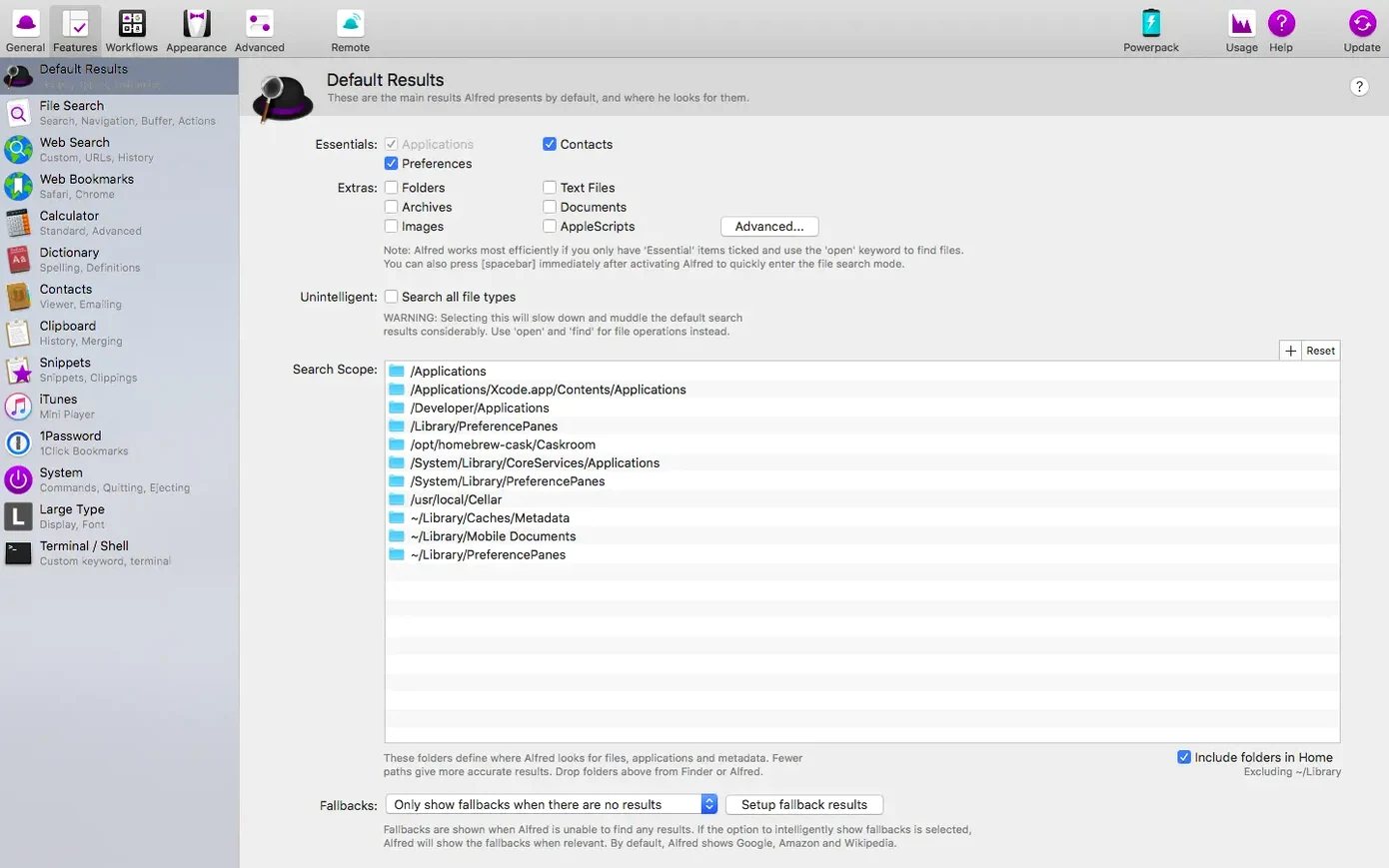
Workflows are the main reason people look for an alfred 5 powerpack license code free. They connect apps and actions into sequences you trigger with a shortcut or a keyword. The built-in file search gets more useful too, because you are not just finding a document — you are acting on it immediately. The themes panel is there if you care how the launcher looks, but most users set one and forget it. The 5.8.1 update tidied up the System Settings search so iCloud and General results show correctly, and Google Chrome bookmarks search now covers the lot.
Renaming a batch of screenshots, step by step
Say you have forty screenshots from a client call, all named Screen Shot 2026-09-24 at 14.03.11.png and similar. You want them renamed to client-call-01.png and so on, then moved into a project folder. Here is one way with the Powerpack.
- Open Alfred and type
filefollowed by a space, then a fragment of one screenshot name. Arrow down to the parent folder and press Enter to reveal it in Finder. - Select the screenshots you need. The file navigation in Alfred keeps you on the keyboard, so there is no need to go hunting through the Pictures folder by hand.
- Use a workflow trigger you have already built once — something like a hotkey that runs a rename-and-move script. Alfred passes the selected files to it.
- The workflow renames the files with a counter and moves them to the project folder you set as the destination. You see a brief notification when it finishes.
Once that workflow exists, the whole job takes less than a minute. The first time you build it is slower, but that is the trade-off: you spend a quarter of an hour setting up a sequence you will run every week.
Raycast pushes extensions; Alfred waits for your own
Compared with Raycast, Alfred 5 Powerpack feels quieter and less opinionated. Raycast pushes its extension store and team features at you. Alfred stays closer to a local launcher that you extend yourself. Both are fast, but Alfred asks less of your attention.
LaunchBar is the other veteran in this space. It has been doing abbreviation-based navigation for decades. Alfred tends to be easier to pick up, with clearer feedback as you type. LaunchBar rewards a longer learning curve.
If you already live in Alfred and want workflows without switching to a different launcher, the Powerpack is the natural step. If you are starting fresh, any of the three will do the job — but Alfred is the one that gets out of the way once it is set up.
What’s new
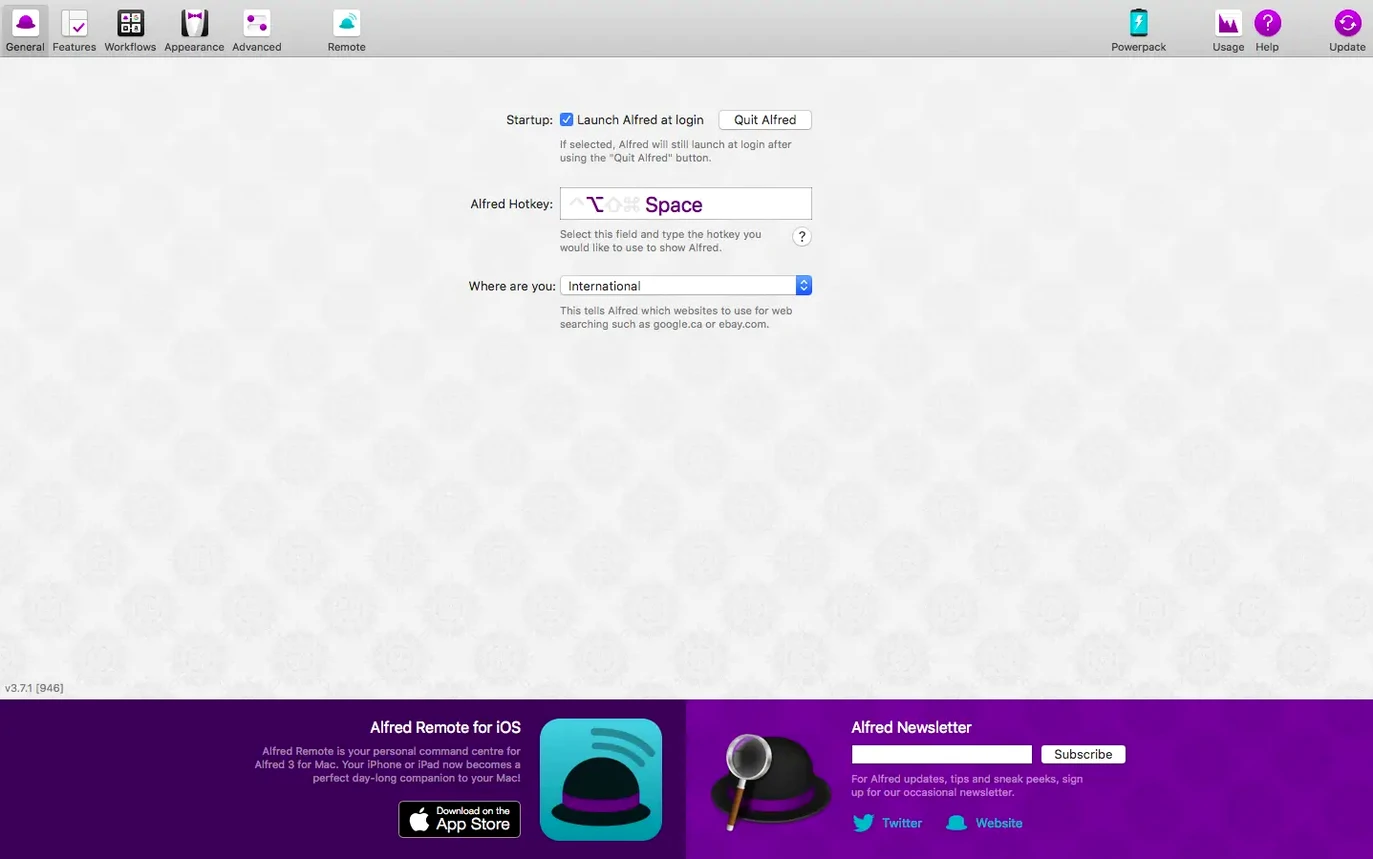
Adds improved Light Mode support in the updated General preferences. Fixes System Settings search so iCloud and General results appear correctly on macOS 27. Fixes Google Chrome bookmarks search to cover all bookmarks.
Requirements
- macOS 10.14 or later
- Apple Silicon or 64-bit Intel processor
Comments 0
Sign in or create an account to leave a comment.
No comments yet…
If you’ve installed it, say how it went. Mention your Mac and macOS version — it helps the next person more than you’d think.