
AIMP for macOS
Description
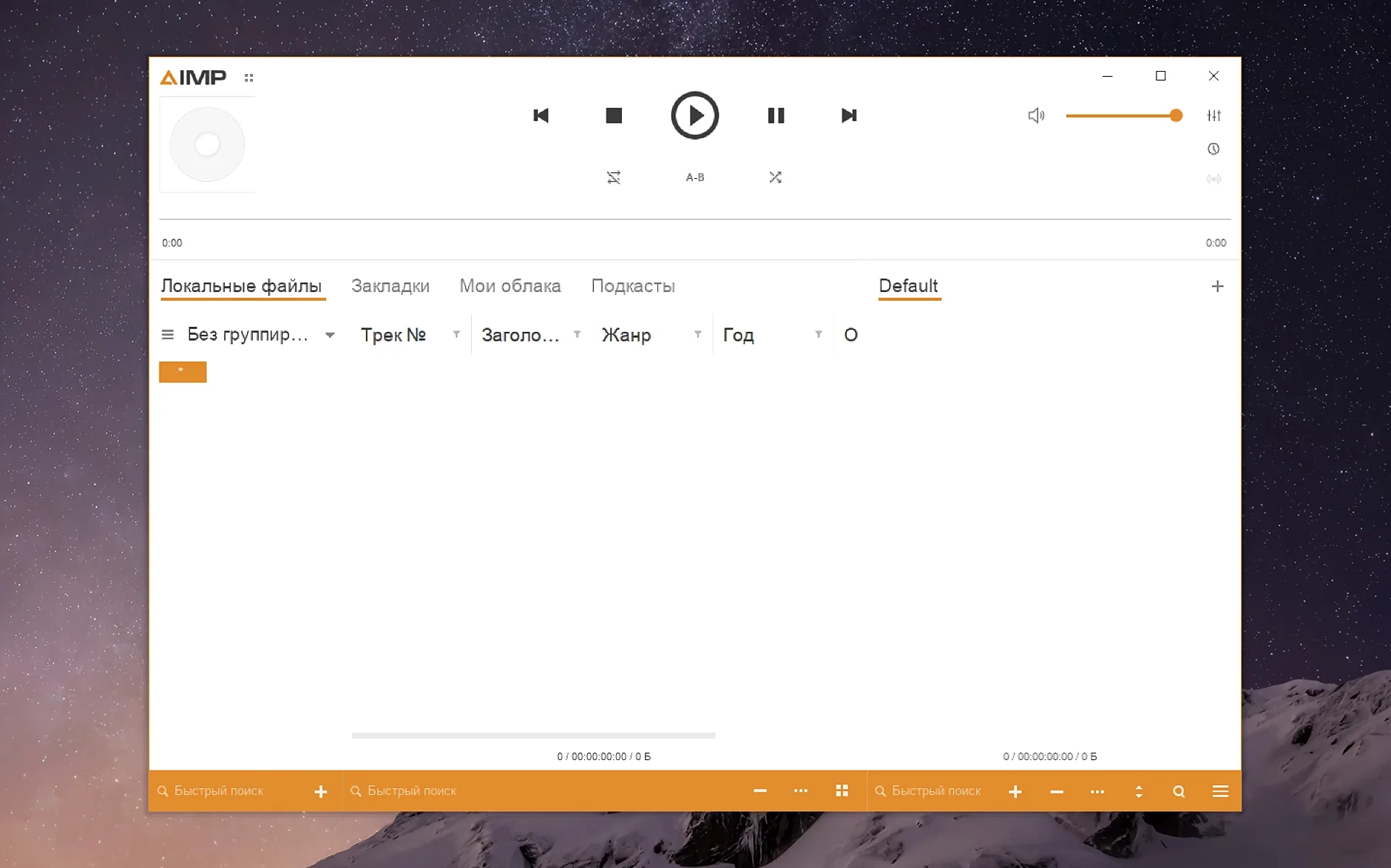
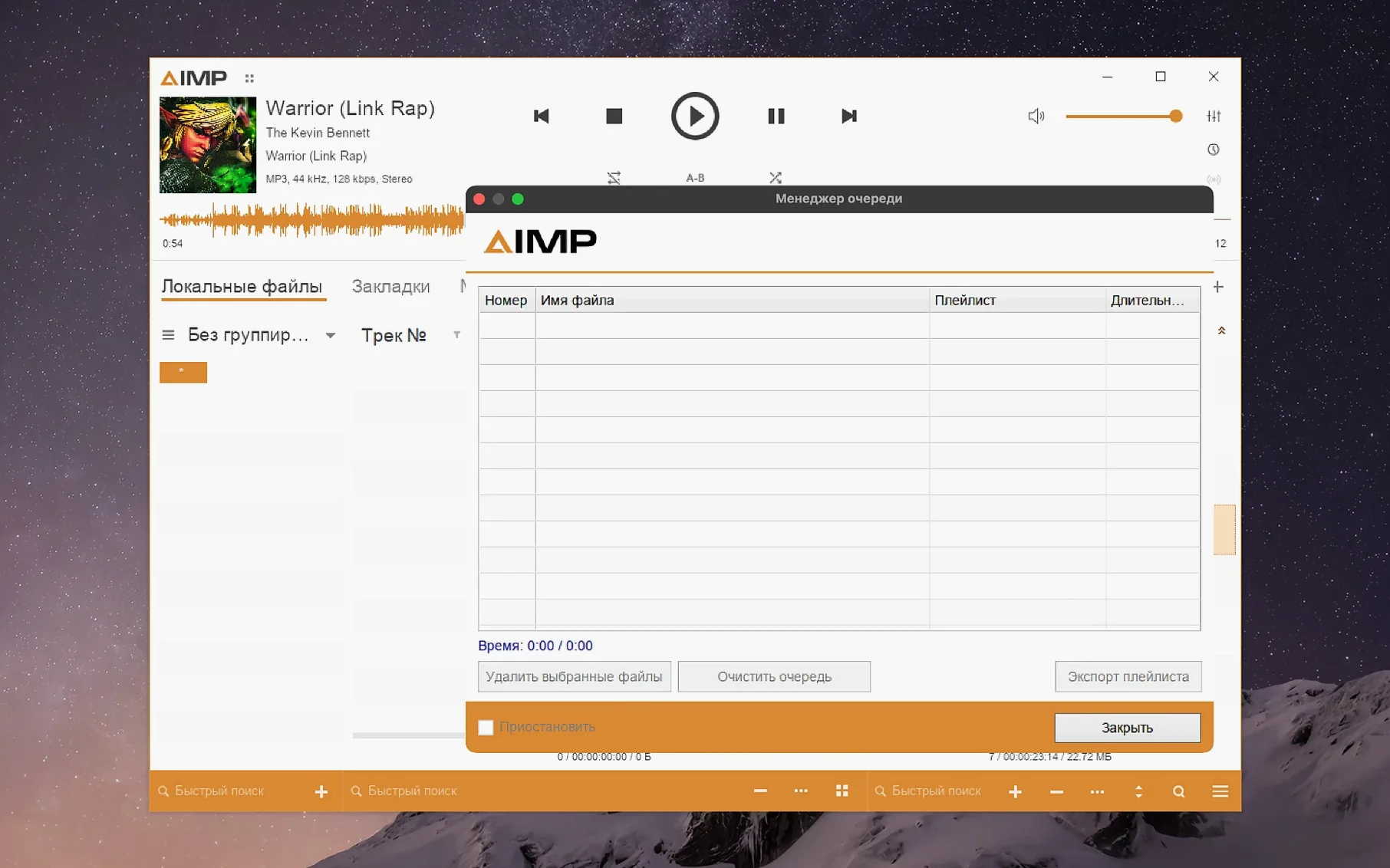
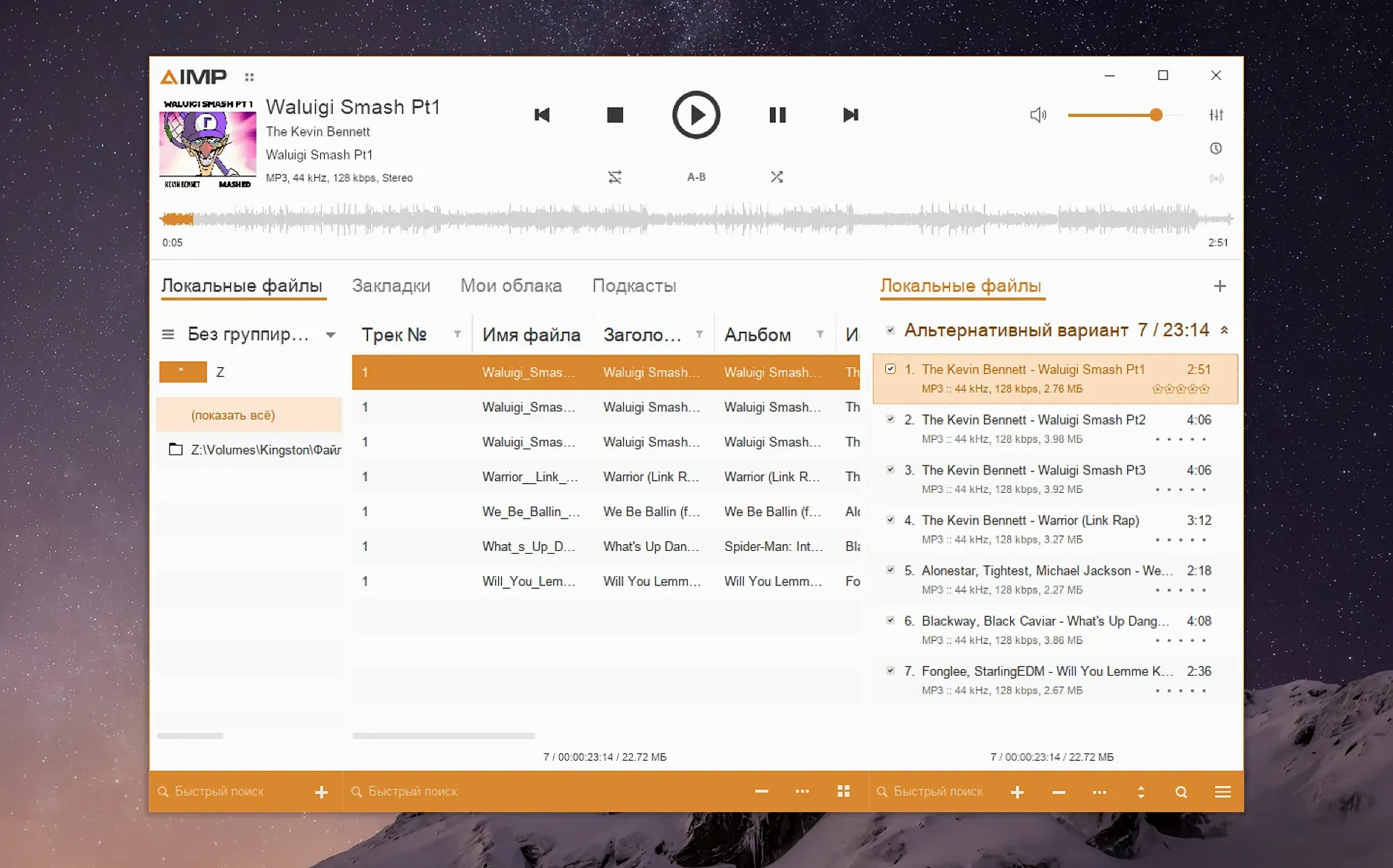
AIMP for Mac is the Windows version of the AIMP audio player, bundled with a compatibility layer so it runs on macOS. It is not a native Mac application.
Under the hood you get the same player that Windows users have known for years. It handles a long list of audio formats, includes an 18-band equaliser, and can manage a large local music library. The interface can be switched to English, Spanish, French, Korean, Danish, Simplified Chinese and several other languages.
Because this is a wrapped app, you need to accept a few rough edges. The current version requires macOS 11 or later and runs on Apple Silicon Macs. The interface scaling is not automatic — if everything looks too small you have to open the app package, launch a configuration tool, and manually set a screen resolution between 122 and 144 dpi in the Graphics tab.
This release updates the Monkey's Audio codec to version 11.08 and fixes a conflict between the built-in libVorbis library and third-party plugins that use the same codec. A buffering problem when changing the sampling frequency has also been resolved. Worth a look if you need AIMP specifically and are comfortable with a non-native setup.
Tagging a batch of live recordings
Say you have a folder of live recordings with messy filenames and half-empty tags. AIMP’s tag editor gets this tidy in a few minutes.
- Drop the folder into a new playlist.
- Select all the files, right-click and open Tag Editor.
- Set a common album artist and album title in the left panel, then let the editor fill the rest per file.
- Use the auto-numbering option to add track numbers in playlist order.
- Save. The playlist now displays proper titles instead of raw filenames.
The unnamed MP4 field fix in this build means you are less likely to hit a parser error on files that came from older tagging tools. Waveform calculation is also faster, so the small preview graphs in the playlist populate without a long wait.
Playlist muscle and batch tag work that Vox skips
Against Vox, AIMP wins on playlist management and tag editing. Vox leans on streaming and a sleeker, simpler interface aimed at casual listening. AIMP is the one you pick when your library lives locally and you want batch operations.
Compared with foobar2000 for Mac, AIMP feels more traditional. foobar2000 is lighter and highly customisable, but its Mac release has fewer built-in tools for tags and library browsing. AIMP arrives with a fuller feature set out of the box.
IINA is the wrong comparison if you only need music. It is a video player first. AIMP’s equaliser, playlists and tag editor make it the stronger choice for a dedicated audio workflow.
A radio archivist’s routine
Someone who records long radio sessions and stores them as FLAC or APE files will recognise this pattern. They keep a folder per month, each containing a dozen multi-hour recordings. The Monkey’s Audio update in this release matters because their older APE files were encoded with earlier codec versions. Playback is smooth, and they can re-tag episodes without leaving the player.
During a session they queue three or four recordings, apply a mild equaliser preset to lift speech clarity, and let the playlist run. When a recording needs a cue point trimmed, the built-in converter handles the cut without sending them to another app.
What’s new
- Updates localizations.
- Updates the Monkey's Audio codec to version 11.08.
- Improves waveform calculation speed.
- Fixes a libVorbis conflict with third-party plugins.
- Fixes a buffering issue when changing sampling frequency.
Requirements
- macOS 11 or later
- Apple Silicon
FAQ
Why does AIMP for Mac look so small on my screen?
The app is a wrapped Windows program and does not auto-scale. To fix it, open the app package contents, start KegworksConfig from the Contents folder, then go to Tools > Config Utility (winecfg) and set the Graphics tab resolution to a value between 122 and 144 dpi.
Comments 0
Sign in or create an account to leave a comment.
No comments yet…
If you’ve installed it, say how it went. Mention your Mac and macOS version — it helps the next person more than you’d think.