Absynth for macOS
Description
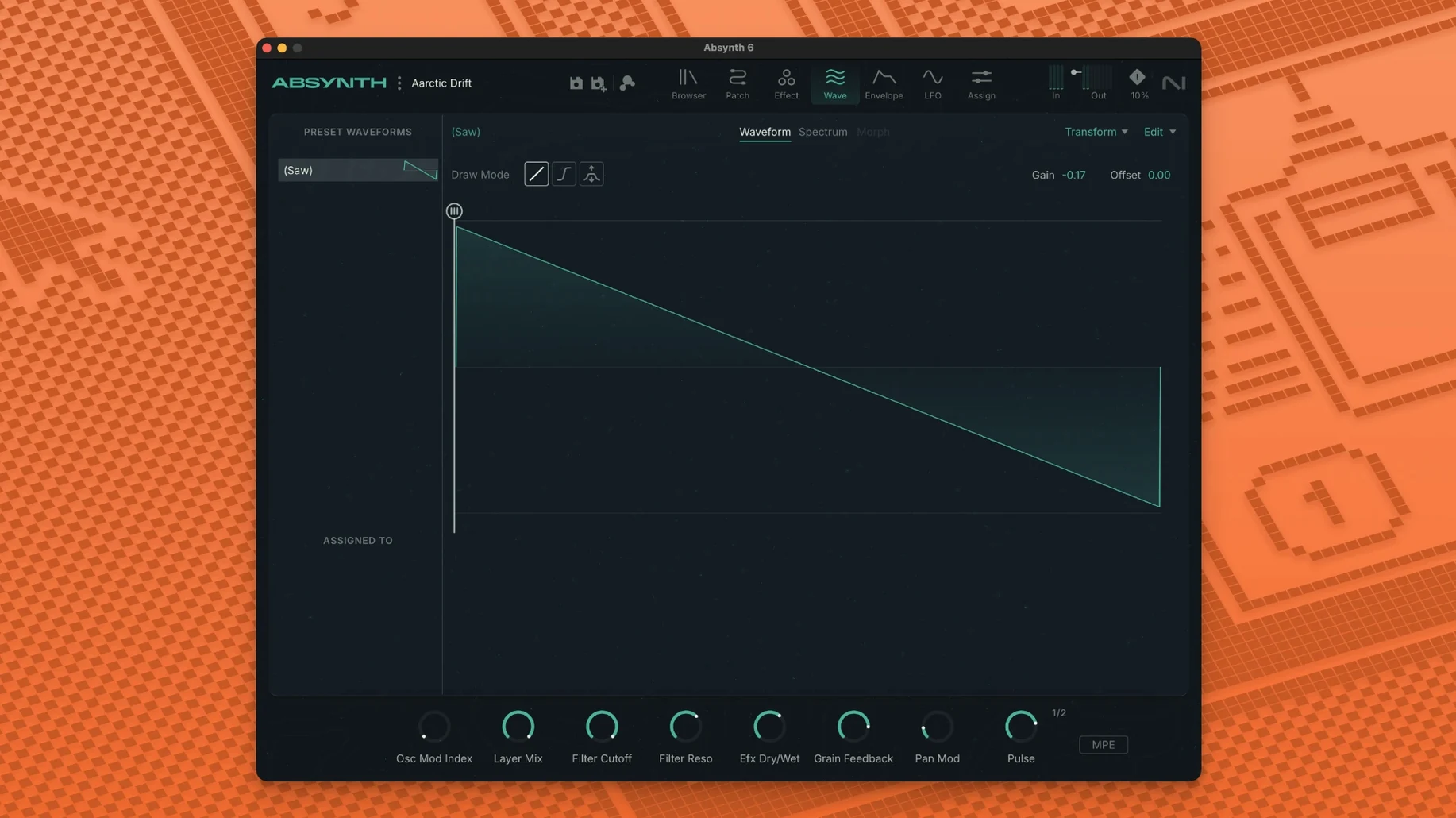
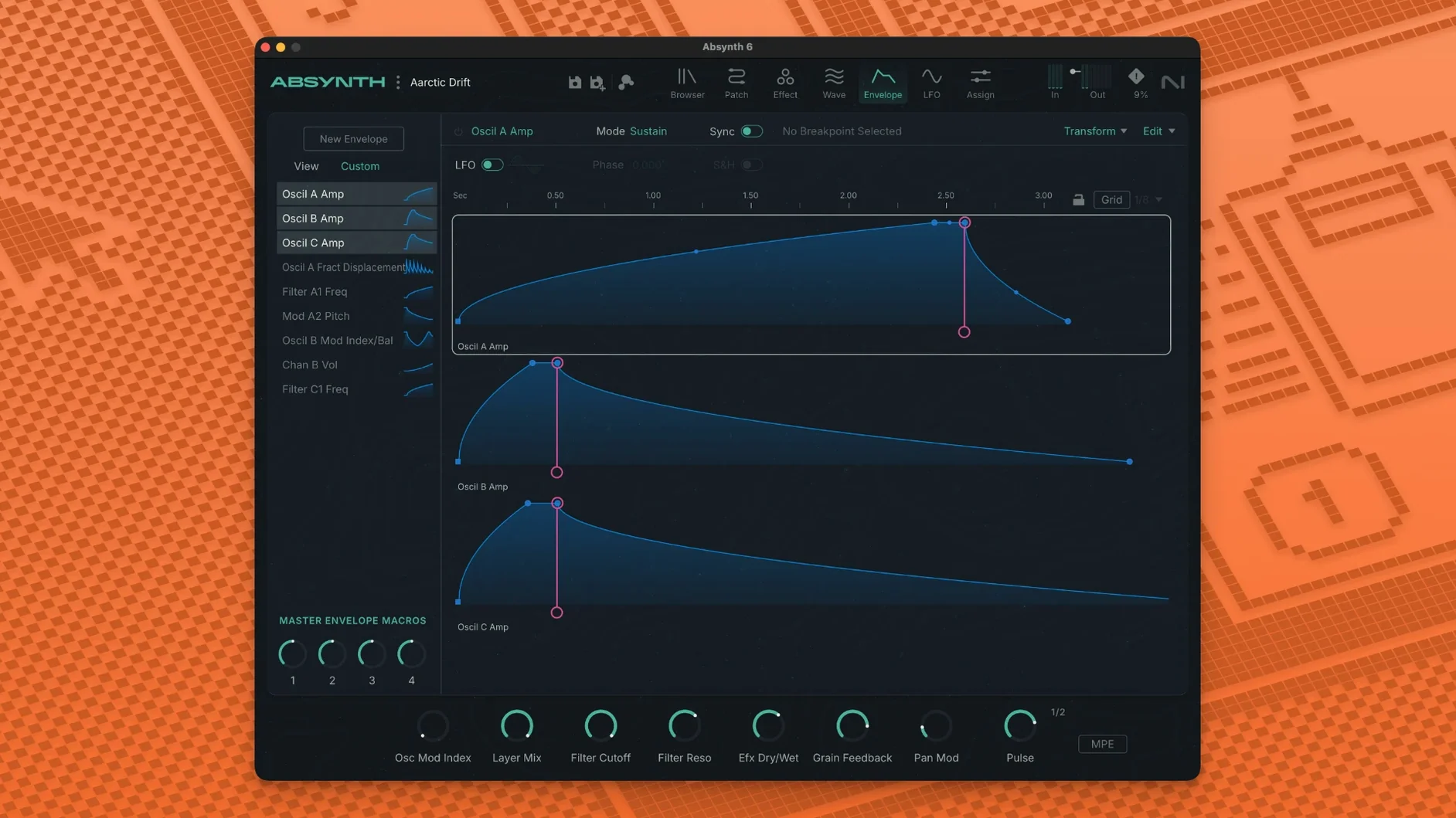
If you remember Absynth as the oddball in the Native Instruments lineup, it's back. Version 6 picks up where the old semi-modular left off, only now it runs natively on Apple Silicon.
Check it'll actually run
You need macOS 14, 15, or 26 with the latest update. 4 GB of RAM gets you in, but 6 GB stops the fan noise. The plug-in comes as 64-bit VST3, AU, and AAX — Intel and ARM Macs are both fine.
What the synth does
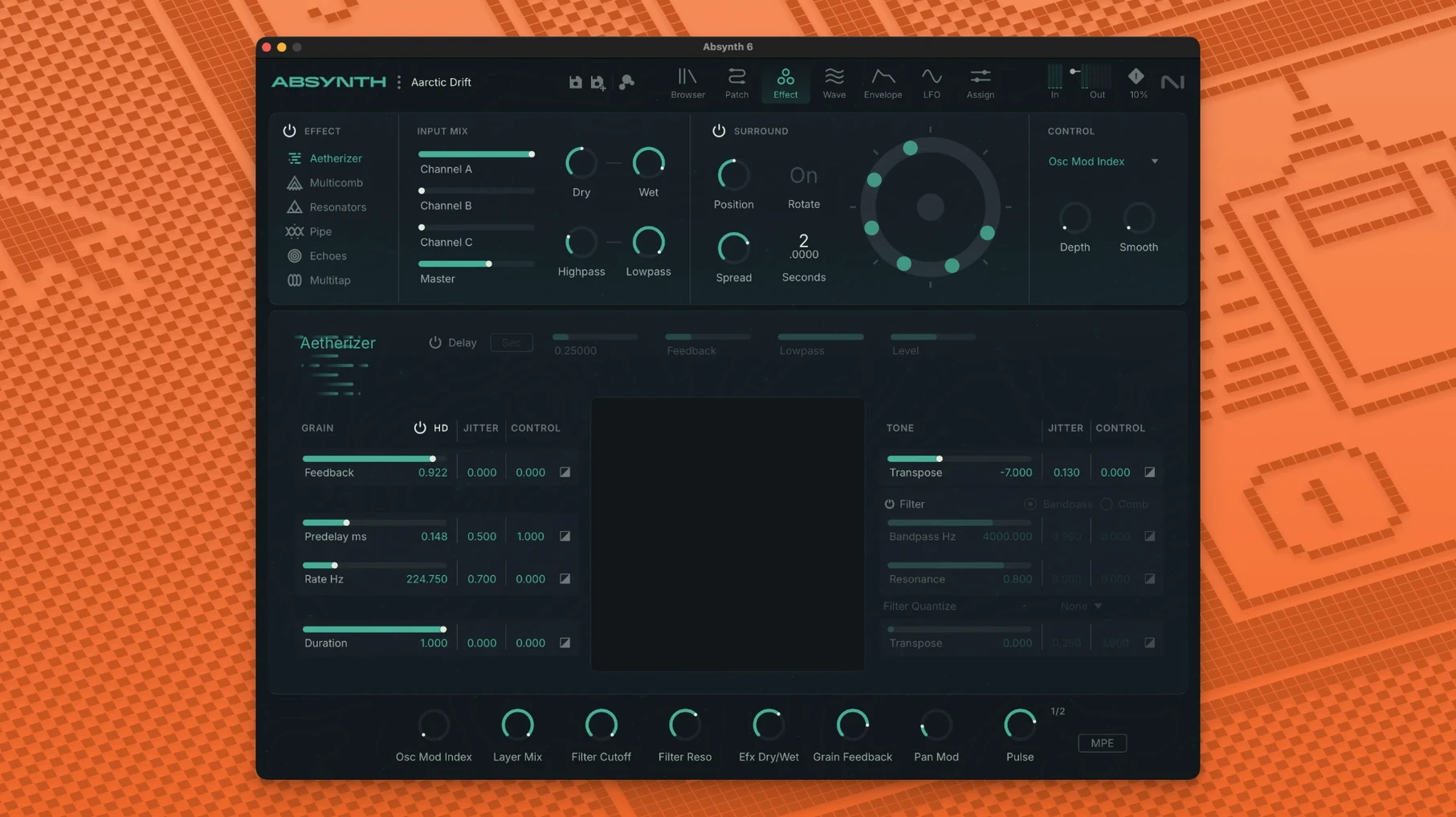
This is a hybrid engine covering subtractive, FM, wavetable, and granular synthesis. New to version 6 is full MPE support and polyphonic aftertouch, plus up to eight-channel surround formats. The Sound Mutator lets you cross two sounds, and the Aetherizer, Cloud Filter, and Supercomb effects are still there for mangling the result.
Find a sound and go
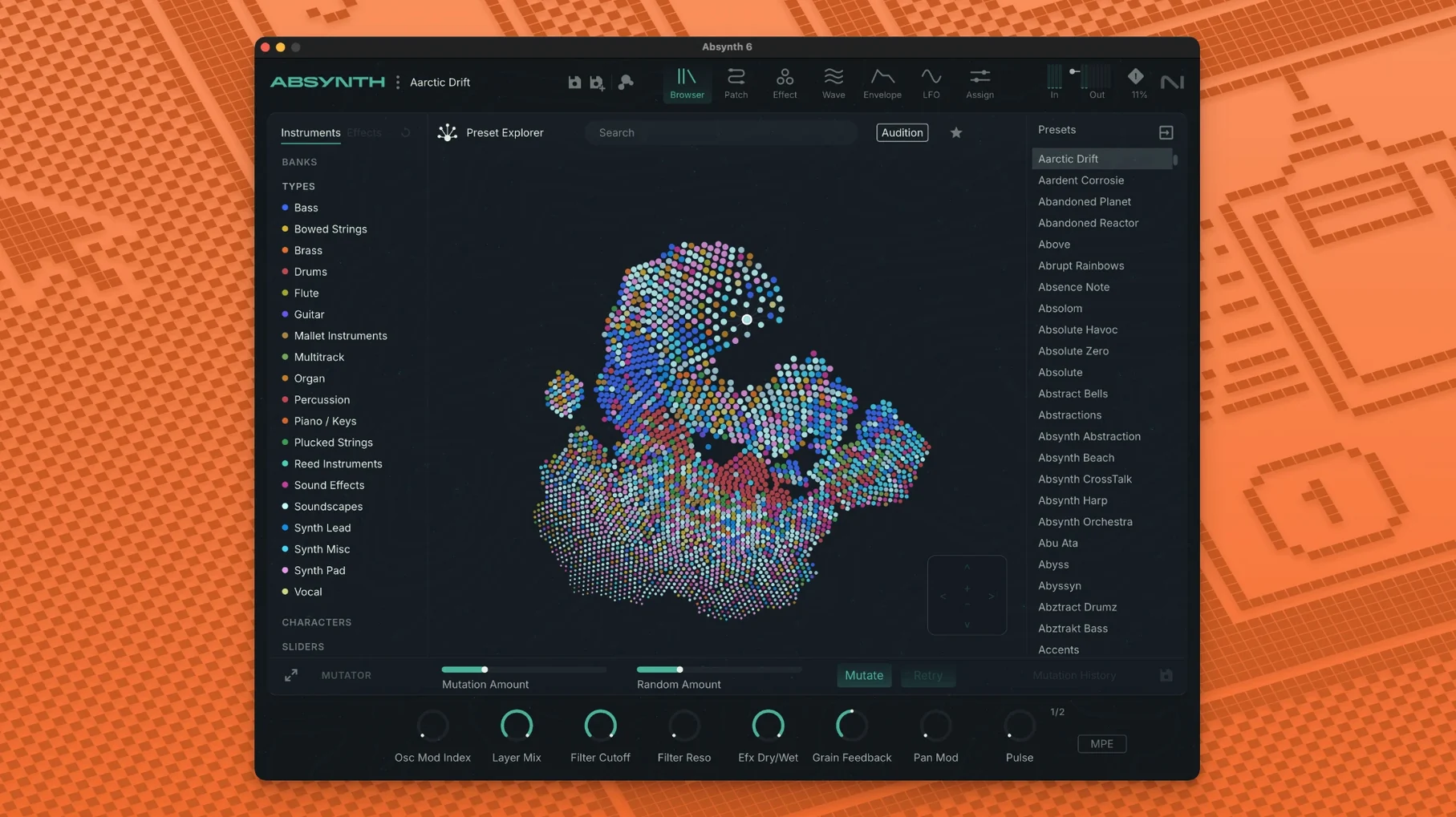
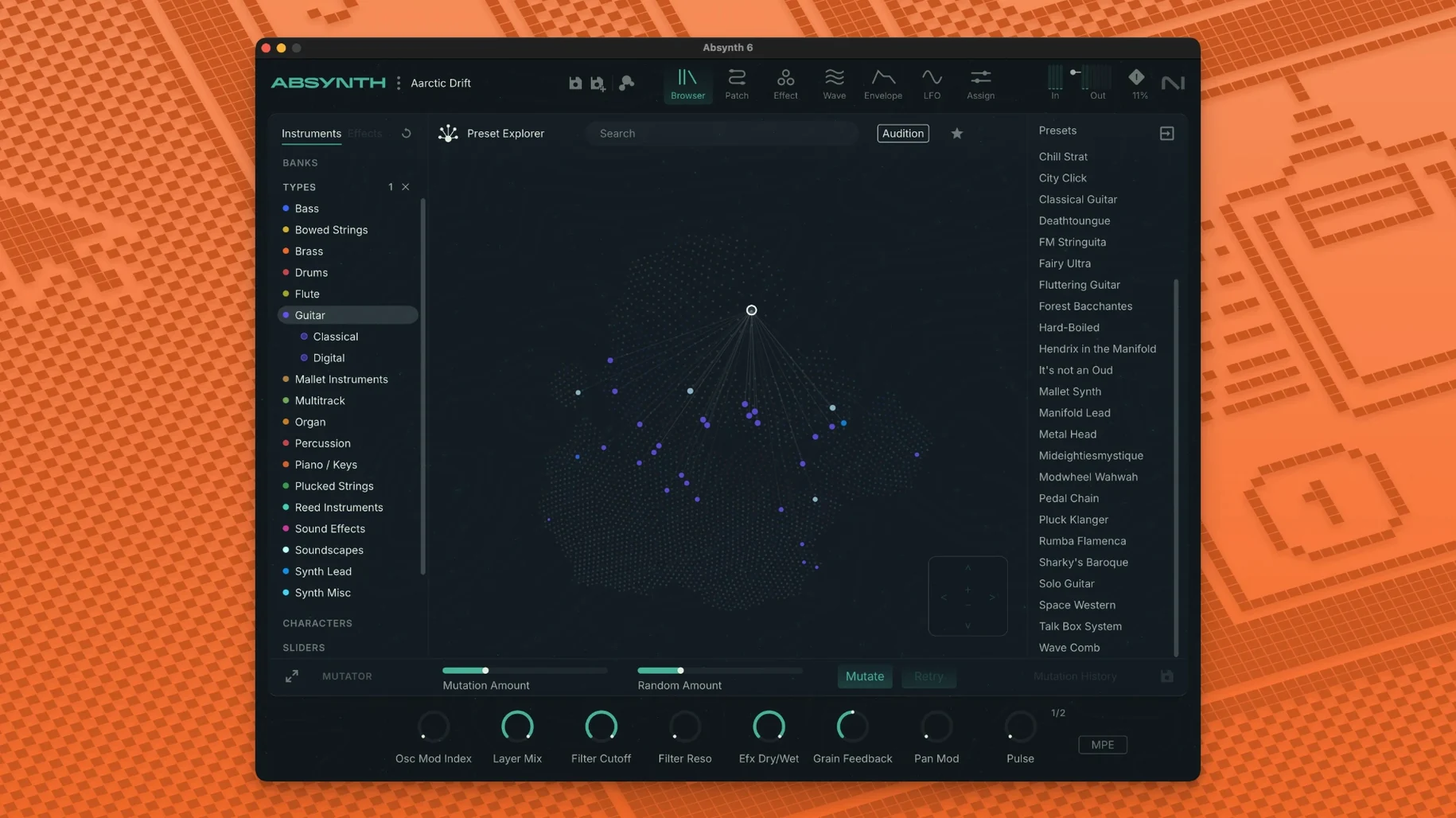
The preset browser is straightforward. Pick something close, then twist something until it isn't. No need to build a patch from nothing unless you want to.
Match your sample rate before the first patch
Right after the first launch, open the audio settings and set the sample rate to match your project. Absynth defaults to 44.1 kHz, and a mismatch with a 48 kHz session causes grumbling down the line.
Next, go to the MIDI tab and switch polyphonic aftertouch on if your controller supports it. The factory toggle is off. MPE is enabled automatically when a compatible controller is detected, but it's worth checking the channel count — most MPE controllers want channel 1 for the master and the next 14 for expression.
Three other tweaks I'd make before starting a real session:
- Set the voice limit to something sensible. The default is 64, and a complex granular patch with long release tails will eat that in seconds.
- Turn off "load with host" if your DAW already groans at startup. Absynth's sound library is not tiny.
- Map the mod wheel to the master filter cutoff in the performance page. It saves reaching for the mouse on almost every patch.
How a film sound designer uses it
Claire works on sci-fi and horror scores. She doesn't need a lead synth — she needs textures. Absynth sits on a return track in Logic, fed by a dry dialogue stem.
She loads a granular preset from the "Organic Textures" category, drops the dry/wet to 40%, and routes the output to a quadraphonic bus. The Aetherizer adds a slow, pitch-shifting smear that makes a courtroom argument sound like a half-remembered nightmare. The director asked for "unease", and she delivered it in under ten minutes.
For the final reel, she uses the Sound Mutator to cross the dialogue texture with a bowed-metal sample. The result is a hybrid that neither source could produce alone. Claire keeps the patch and reuses it on the next project with a different input — same chain, completely different character.
Auditioning FM bass patches in Logic
- Load Absynth as an instrument track in Logic. The preset browser opens by default.
- Type "bass" in the search field. Audition four or five candidates with the arrow keys. One FM patch has the right attack but too much sub. Keep it.
- Switch to the oscillator page. The FM carrier is a sine at ratio 2 — drop it to ratio 1 and the sub cleans up. The modulator ratio stays at 3 for bite.
- Add a second oscillator in the slot below: a wavetable, set to a vocal formant. Blend it in at 30%. Now the bass has a throaty resonance that cuts through a dense mix.
- Open the filter section. A low-pass with key tracking at 50% keeps the formant from getting fizzy on higher notes.
- Route both oscillators through the Cloud Filter on the effects page. Diffusion at 20%, mod rate synced to 1/8. The sound gains width without losing its centre.
- Save the patch. The whole process took about four minutes, and you have a bass that sits in the track without extra EQ or compression.
That's the typical flow: start with a preset, swap or layer oscillators, and shape with the built-in effects. You don't need to understand every modulation matrix slot to get something usable.
MPE-ready native Apple Silicon build
No Rosetta required on M1 Macs
Yes. The current build is a universal binary. It runs natively on Apple Silicon — no translation layer, no extra CPU overhead. If you've been holding onto an older Intel-only version, this alone is reason enough to update.
Will my old Absynth 5 patches open in version 6?
They should. The patch format hasn't changed in a way that breaks backwards compatibility. If a patch uses a feature that was removed or reworked, it'll still load but may sound slightly different — usually the filter or envelope curves. Worth checking your favourites, but nobody's reported a total refusal so far.
Is it a standalone app or plug-in only?
Both. The standalone application is useful for sound design sessions where you don't want a DAW in the way. The plug-in versions — VST3, AU, AAX — cover every major Mac host.
How heavy is it on CPU?
It depends on the patch. A simple subtractive patch with one oscillator and no effects barely registers. A granular patch with eight voices, the Aetherizer, and surround output will make your machine work. The 6 GB RAM recommendation isn't a joke for larger sessions.
Low-buffer MPE performance with ROLI Seaboard
Yes, and the MPE support makes it particularly good with controllers like the ROLI Seaboard or LinnStrument. Set your buffer low, keep patches to a reasonable voice count, and it holds up fine on stage. The preset browser's search is fast enough to switch sounds between songs.
What’s new
- Adds full MPE and polyphonic aftertouch support
- Adds support for up to eight-channel surround formats
- Improves native Apple Silicon compatibility
Requirements
- macOS 14, 15, or 26 (latest update)
- Apple Silicon or Intel Mac (64-bit)
- 4 GB RAM (6 GB recommended)
- VST3, AU, or AAX host
Comments 0
Sign in or create an account to leave a comment.
No comments yet…
If you’ve installed it, say how it went. Mention your Mac and macOS version — it helps the next person more than you’d think.