A Better Finder Attributes for macOS
Description
Version 7.50 quietly fixes a couple of date-writing bugs that have been annoying photographers and video editors. Photoshop files get their shooting dates back, and QuickTime movies no longer slip by an hour when daylight saving kicks in. It also writes the Apple QuickTime creation date so that Photos and Final Cut Pro can actually use the content creation date of a movie.
Bulk-fix creation dates, EXIF timestamps, and movie metadata
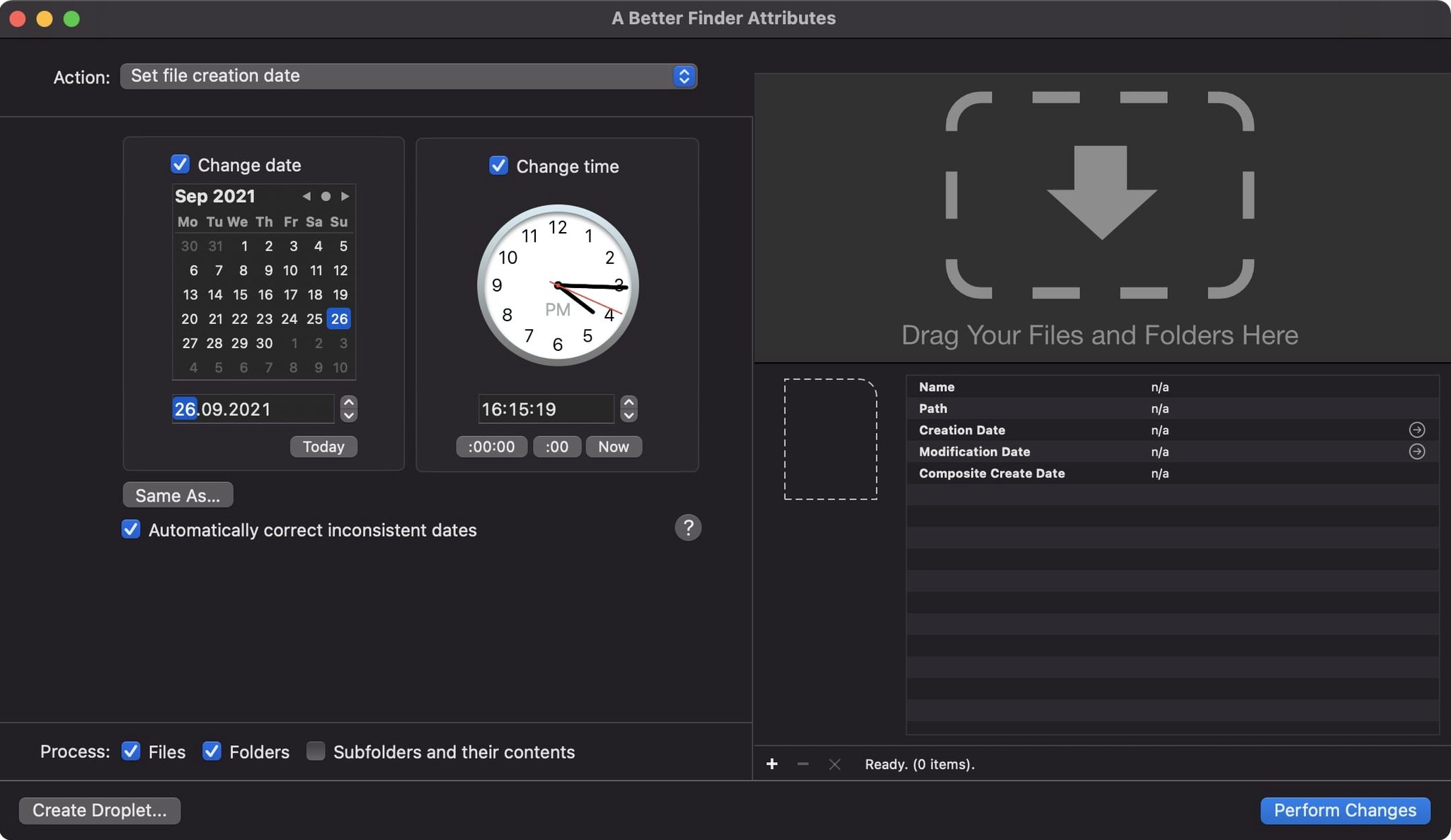
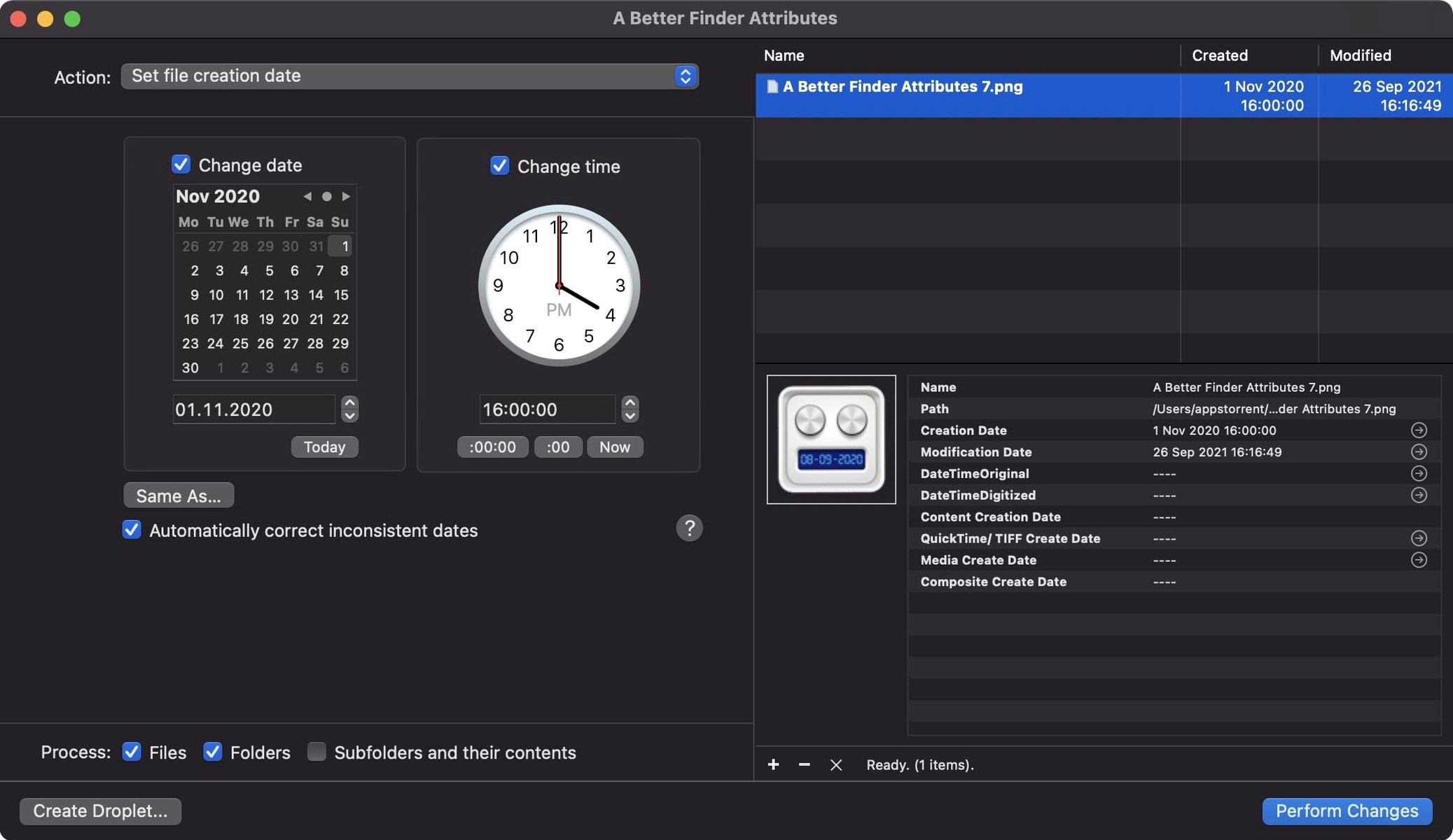
- Changing file creation and last modified dates in bulk.
- Adjusting EXIF date and time data inside JPEG and RAW photos.
- Correcting timestamps in CIFF and CRW files from older Canon cameras.
- Setting movie creation dates that stick in Apple's own apps.
Needs macOS 14.6 and skips the media-browsing fluff
- Requires macOS 14.6 or later. Not for older Macs stuck on earlier systems.
- The interface is utilitarian. It's a tool, not a media browser.
- Available in English, German and French.
Mistakes that catch you out early on
Most trouble comes from not checking which date you're actually changing. The app gives you three distinct targets — creation date, modification date, and the embedded EXIF dates inside the photo. People often adjust the modification date on a batch of RAW files, then wonder why Lightroom still shows the wrong capture time. That's because Lightroom reads the EXIF shooting date, not the file modification date. Two different things.
Another common slip: changing dates on files that are still open in another app. The Finder will show the new timestamp, but the other application might overwrite it the moment it saves. Close everything first. It sounds obvious, but it's the number one reason people think the tool didn't work.
With movies, the old version would set a file date that looked correct in the Finder but vanished inside Photos or Final Cut Pro. Version 7.50 writes the QuickTime creation date properly, so that problem is mostly gone — but only if you're actually using 7.50. If you're on an earlier build, don't expect movie dates to survive inside Apple's apps.
A typical session: fixing a holiday photo dump
You've just come back from a trip and the camera's clock was wrong. Every shot is stamped two hours ahead. You drag the folder of JPEG and CR2 files into the app's file list. The table populates with filenames and their current EXIF dates. You switch to the Adjust EXIF Timestamps action from the dropdown on the left.
You set it to subtract two hours, check the preview column to confirm the shift looks right, and hit the big Apply button. The progress bar sweeps through a couple of hundred files in under ten seconds. Then, because you want the Finder modification dates to match, you switch the action to Synchronize File Modification Date with EXIF Date and run it again on the same batch. Now everything lines up — Finder, Photos, Lightroom, and any backup script that uses timestamps.
If macOS blocks the app on first launch, you open Terminal, type the command, press Enter, and drag the icon into Applications. After that it launches normally.
IPTC and EXIF time zone offset now stay in sync
The IPTC Date Created and EXIF time zone offset now stay in sync when you set embedded dates. Before, you could end up with a mismatch between the two metadata fields, which caused odd behaviour in some digital asset managers. That's fixed.
The DST error in QuickTime dates was a specific one-hour shift that appeared only when writing movie creation dates during daylight saving. Gone now.
The change tag action accepts more GPS coordinate formats, so pasting coordinates from different mapping tools is less likely to be rejected. And the new info button in the title bar gives you a quick way to check version details without digging through menus.
Requirements
- macOS 14.6 or later
- 64-bit Intel or Apple Silicon Mac
FAQ
Can it change the date a photo was taken?
Yes. It can adjust the EXIF creation date embedded in JPEGs and all common RAW formats, so the camera's timestamp reflects the correct moment.
Will the changed dates work in Apple Photos?
For movies, yes. Version 7.50 writes the QuickTime creation date in a way Photos and Final Cut Pro understand. For stills, it writes standard EXIF dates those apps already read.
What Mac does it need?
Any Mac running macOS 14.6 or later, with a 64-bit Intel or Apple Silicon processor.
Comments 0
Sign in or create an account to leave a comment.
No comments yet…
If you’ve installed it, say how it went. Mention your Mac and macOS version — it helps the next person more than you’d think.