Adguard for macOS
Description
Version 2.18 now covers three AI-powered browsers, alongside the usual apps. Stability has been improved and the system requirements have been tidied up. If you have been holding off, this is a practical moment to jump in.
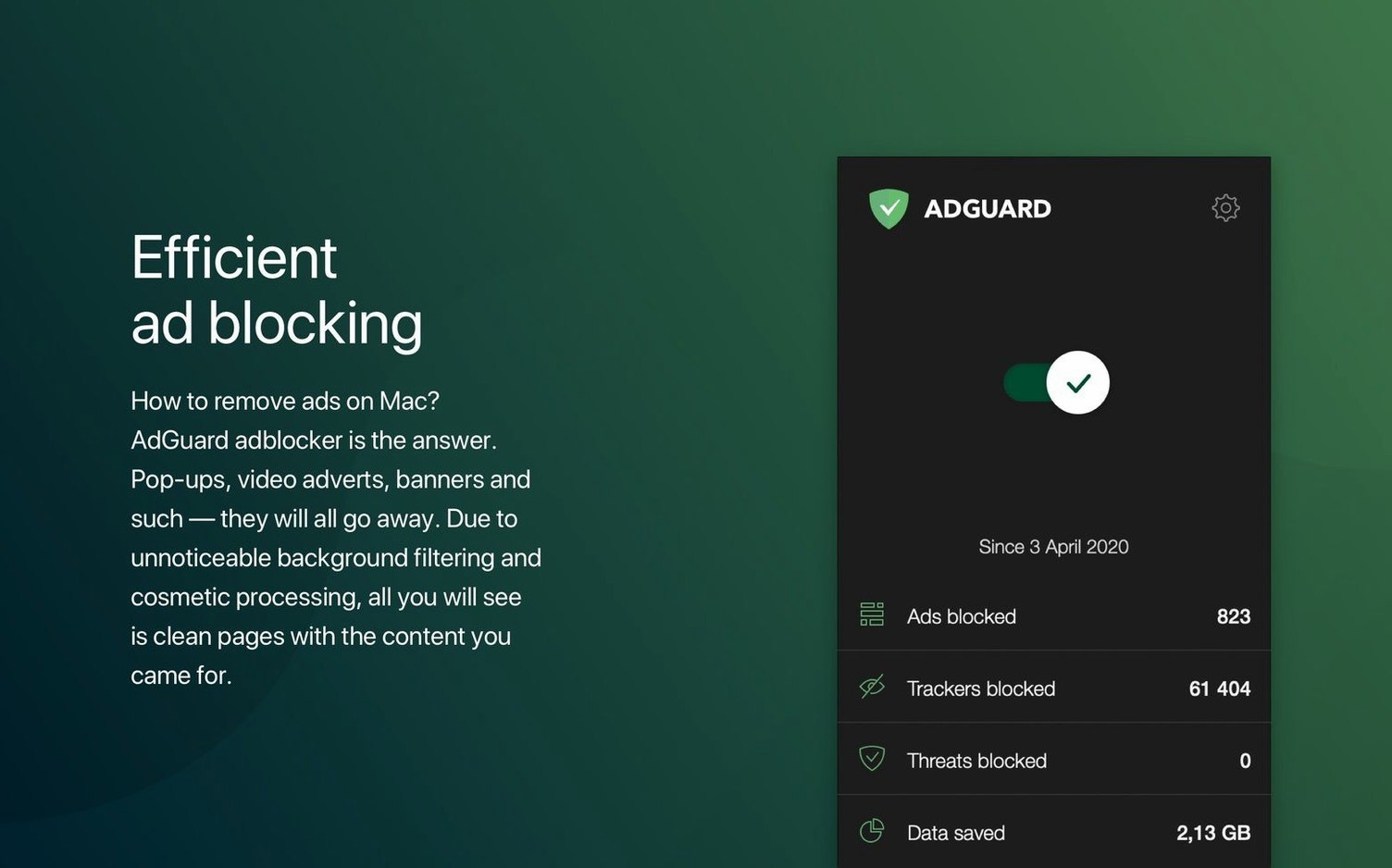
The app works across your whole Mac. It catches ads in browsers and desktop applications, not just web pages. A spyware filter and a site scanner run quietly in the background, flagging fraud and phishing attempts before they reach you. You can also tell it to hide your data from analytics systems and trackers.
Dark mode is supported, and the interface is kept simple. Language support is vast — from Amharic to Vietnamese — so you are unlikely to hit a barrier there. It runs on Intel and Apple Silicon machines from macOS 10.15 onwards.
Feeling a drag on older Intel Macs
Will it slow my Mac down? On any machine that runs macOS 10.15 comfortably, you are unlikely to feel it. The filtering happens at the network level, not inside each app. Older Intel Macs with 4 GB of RAM might notice a tiny drag when a hundred tabs are open, but that is the tabs, not Adguard.
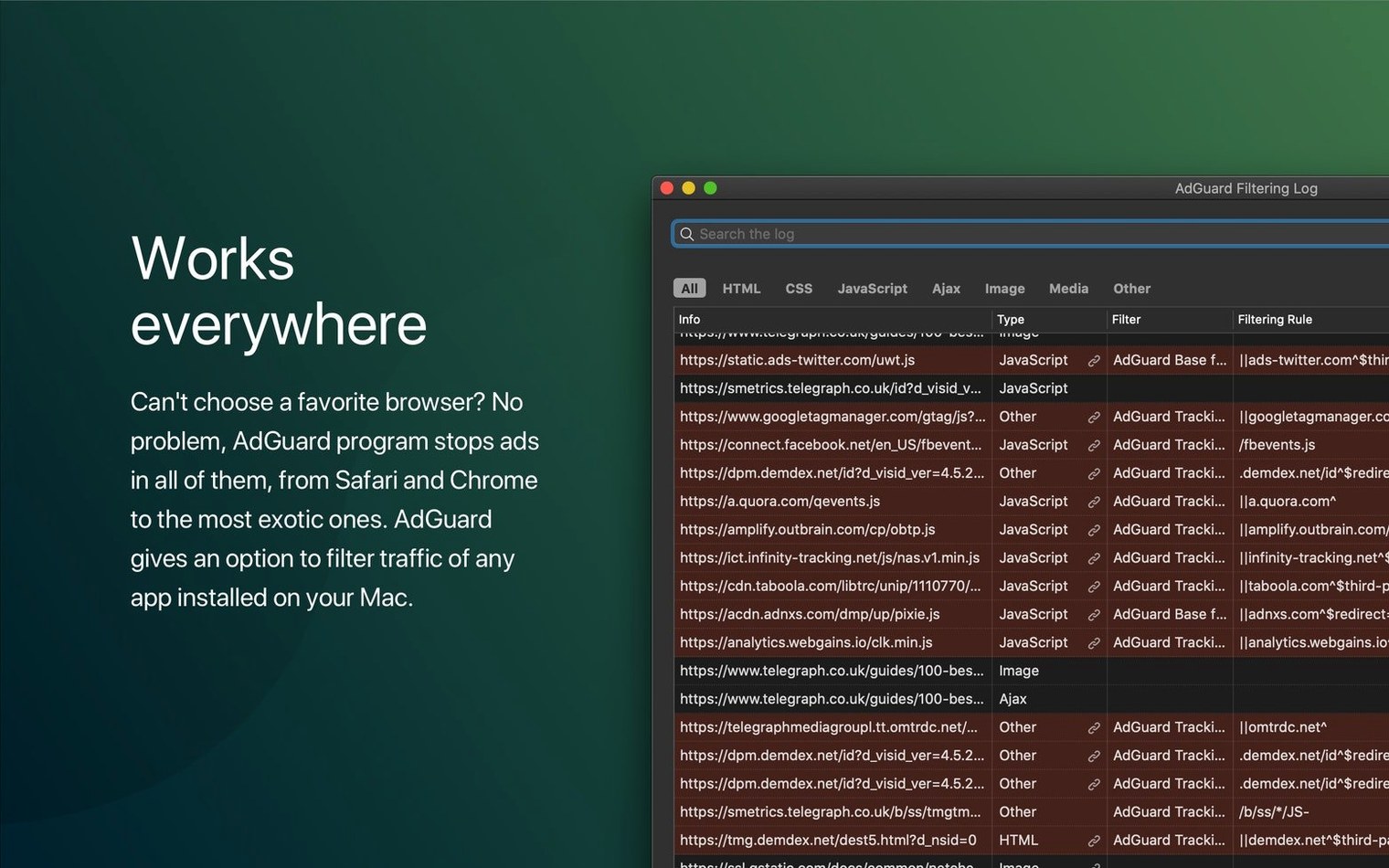
Does it block YouTube ads in Safari? Yes — and in Chrome, Firefox and any browser you throw at it. The same goes for in-app adverts, like those banners that sneak into weather or news apps.
Do I still need a browser extension? No. The system-wide filter catches traffic before it reaches any browser. You can install the Adguard browser assistant if you want quick access to per-site controls, but it is strictly optional.
Will it clash with my VPN? Rarely. Both want to route network traffic, so the order matters. Adguard sits as a local proxy by default. Most VPNs can be set to run above or below it without trouble. If something feels off, toggle Adguard off for five minutes and test.
The one-click filter that catches what you actually browse
Adguard ships with sensible defaults, but a couple of tweaks make the difference between "fine" and "just works."
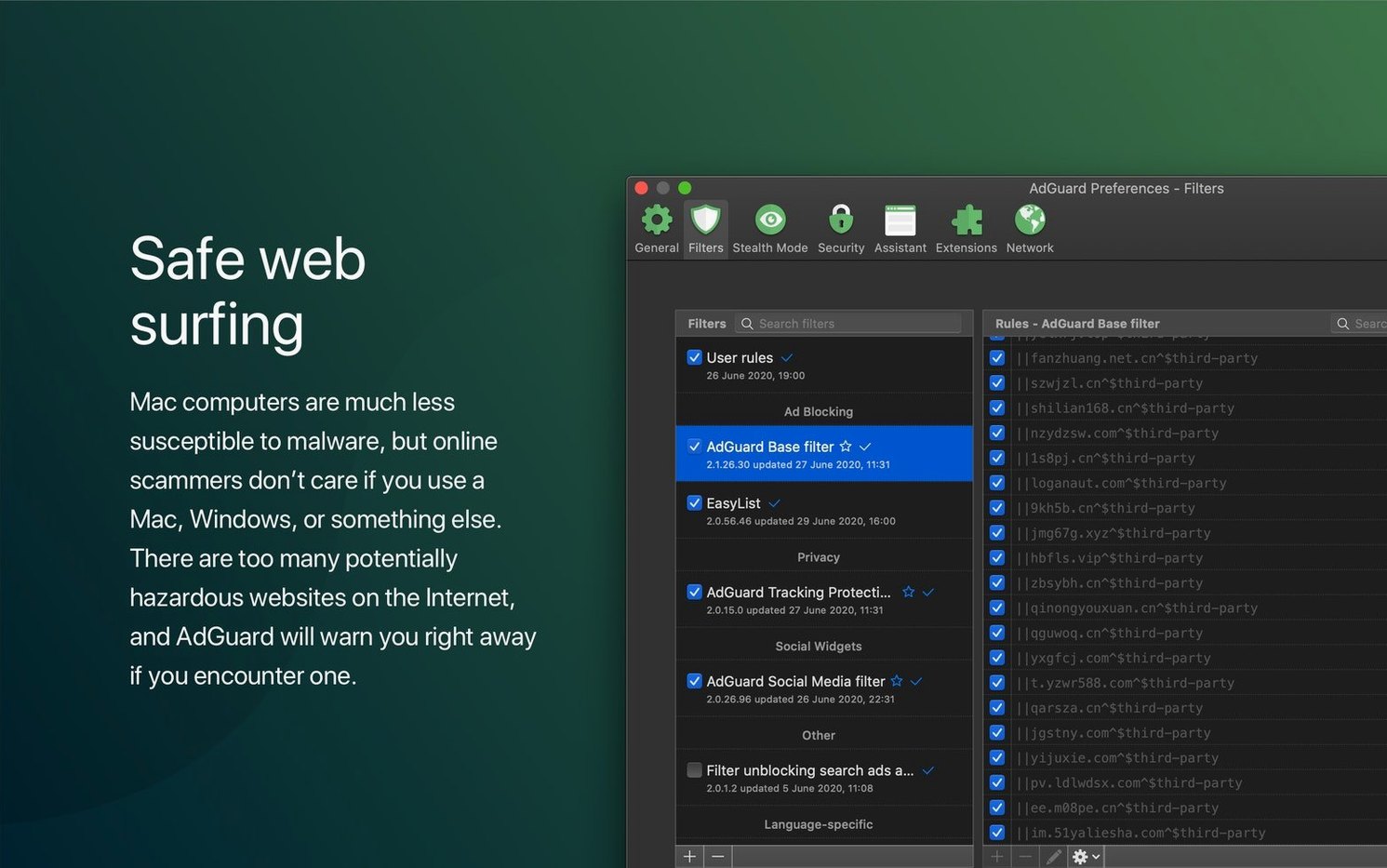
- Filter quality. Open Preferences, then Filters. You will see a list of built-in lists. Tick the language-specific ones — Adguard usually enables English only out of the box. If you browse German, French or Japanese sites regularly, enable the matching list. It catches the local ad networks that generic filters miss.
- DNS protection. Under Network, switch DNS protection on. Pick a provider like Adguard DNS or Quad9. This adds a second net, blocking known malware and tracking domains before they even load. It is the single setting that catches things the ordinary filters cannot see.
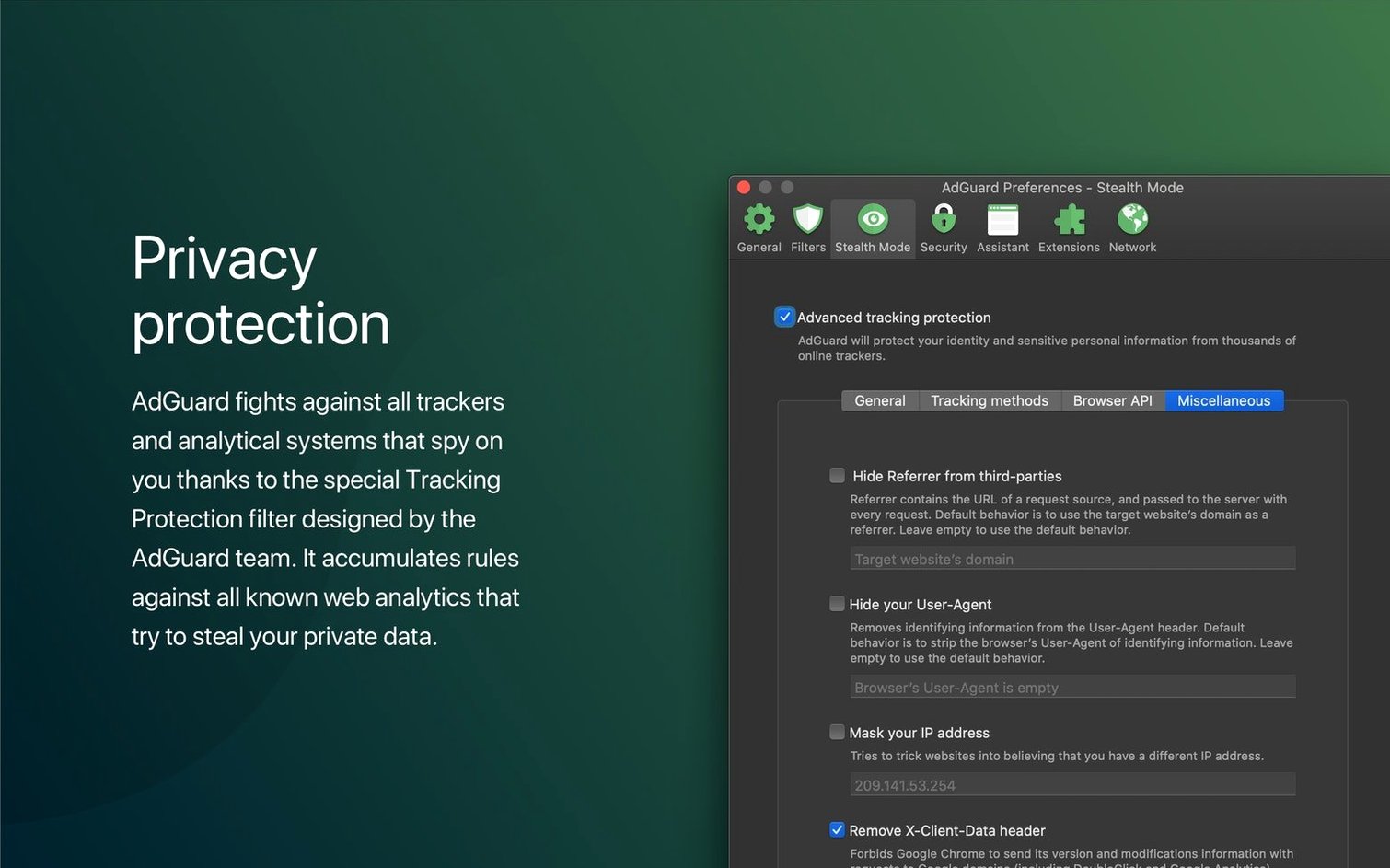
- Stealth Mode. Buried under Preferences, this strips tracking parameters from URLs and spoofs common browser fingerprints. Enable it if you are fed up with the same pair of trainers following you across the web. It can break a few sites, but the toggle per site is quick to reach.
- HTTPS filtering. Turned off by default. Turn it on, then install the certificate when prompted. Without it, encrypted ads slip past because Adguard cannot inspect the traffic. The certificate only lives on your machine and only for filtering. A two-minute job.
A morning glance at the tiny shield icon
You open your Mac in the morning. Adguard has been running since you installed it — it sits in the menu bar, a tiny shield icon with a number showing blocked items. You click it once to check. Nothing eye-catching, so you carry on.
You fire up Firefox. A news site loads. The spot where a video ad usually auto-plays is just whitespace. The page renders faster because half a dozen tracking scripts never fired. You read the article, close the tab.
Next, a free weather app. It opens with a clean interface — the bottom banner that normally peddles car insurance is gone. Adguard filtered the request before the app could draw it. You did not configure anything specific for that app; the network rules caught it automatically.
Mid-morning, a site asks you to disable your ad blocker. You click the Adguard menu bar icon, choose "Open Assistant" on that page, and drag the slider for the site to off. Reload. The page works. You remember to turn filtering back on when you leave.
Late afternoon, you catch up on YouTube. A 15-second pre-roll never appears. That is the DNS filter and the regular filter working together. You close the lid, walk away. Adguard has been silent all day, exactly as it should be.
When an app goes mute, exclusions bring it back
Some apps cannot reach the internet after installation. This usually means the local proxy is not playing nicely with that specific app. Open Adguard preferences, go to Network, and add the app to the exclusions list under "Filtered applications." Uncheck it. Restart the app. Problem solved.
A site looks broken or blank. Whitelist it temporarily. Click the menu bar icon, hit the pause button, and reload. If the site springs back, Adguard blocked something critical. You can report the site via the "Report a problem" option or just leave it paused for that domain. The assistant makes this a one-click job.
Adguard itself stops updating filters. Check that "Automatically update filters" is ticked under Filters preferences. If it is, your Mac may have been offline during the scheduled check. Manually click "Check for updates" and give it ten seconds.
HTTPS sites show certificate warnings. You turned on HTTPS filtering without installing the certificate. Go to Preferences, Network, and click "Install certificate." Follow the macOS prompts. Restart your browser. The warnings vanish.
The menu bar icon vanishes after a restart. macOS hides menu bar icons when space runs tight. Hold Command, drag the Adguard icon left, and drop it back. It will stick. If you never see it, check Login Items in System Settings — Adguard should be listed there.
An adguard torrent search brings up interesting results. You might see an Adguard Mac crack or an Adguard DMG on third-party sites while hunting for something unrelated. Those builds often come with extra configuration steps to get filtering working properly. The version described here is clean and self-contained. A straightforward install saves you the setup quirks that an Adguard Torrent Mac search can lead you into. Same goes for any Adguard Mac cracked package — it usually does less filtering and more phoning home.
Worth a look if you want one blocker that covers the whole system without constant tinkering.
What’s new
- Adds support for three AI-powered browsers
- Updates system requirements
- Improves stability
Requirements
- macOS 10.15 or later
- Intel or Apple Silicon Mac
Comments 0
Sign in or create an account to leave a comment.
No comments yet…
If you’ve installed it, say how it went. Mention your Mac and macOS version — it helps the next person more than you’d think.