1Password for macOS
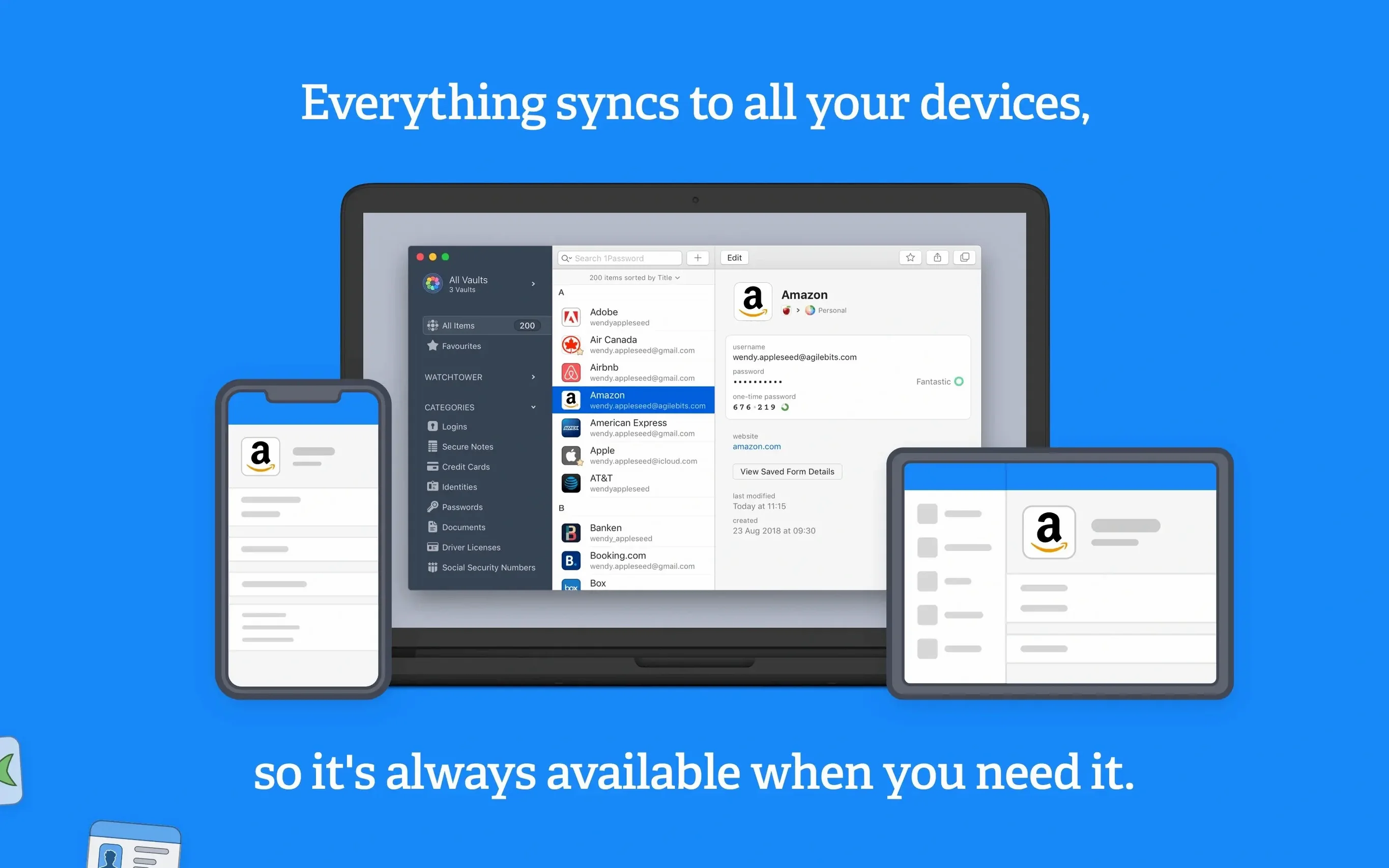
Description
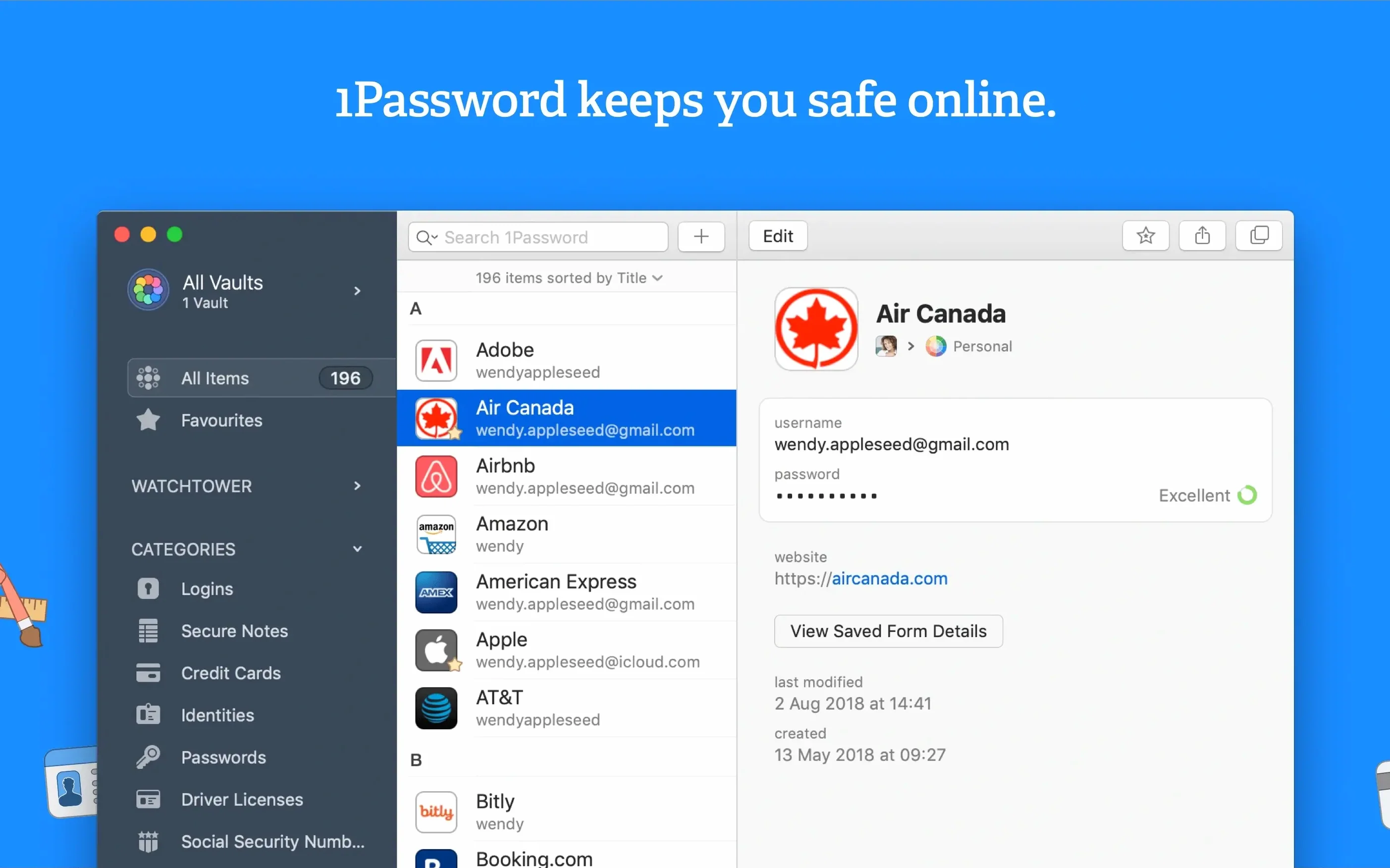
Watchtower is the bit that quietly earns its keep. It flags reused passwords, items caught in known breaches, and sites still using plain HTTP. You get the report. You decide what to fix first.
- Unlock the vault with your master password. AgileBits never sees it.
- Let Watchtower run its checks. Compromised logins and weak duplicates float to the top.
- Change a dodgy password. The browser extension fills the new one on the site in one click.
That is the loop for 1Password 7.9.4. It covers saving logins and filling forms without much fuss. The app runs on macOS 10.12 (Sierra) or later, Intel only. Sync and web access are not available, but the local vault still works. Worth it if you want a blunt audit of your login hygiene and a quick way to act on it.
Lock the vault when you step away
Out of the box 1Password does sensible things, but a few tweaks make it less chatty and more predictable.
Lock behaviour. Open Preferences > Security. Tick Lock on sleep and Lock when screen saver is activated. Set the auto-lock timer to something you can live with — five minutes is about right on a shared Mac. Clear the clipboard after 90 seconds. Any shorter and you will be pasting the same thing twice.
Browser extension. Turn off Automatically ask to save new Logins if you already imported a pile of them. The constant prompts get old fast. You can still save manually from the extension icon when you hit a new site.
Vault organisation. Create one extra vault called Archive straight away. Dump old logins there instead of deleting them. If you ever find a 1password duplicate item during a Watchtower sweep, moving one copy to Archive keeps the list clean without losing anything you might need later.
The browser extension fills and saves everywhere
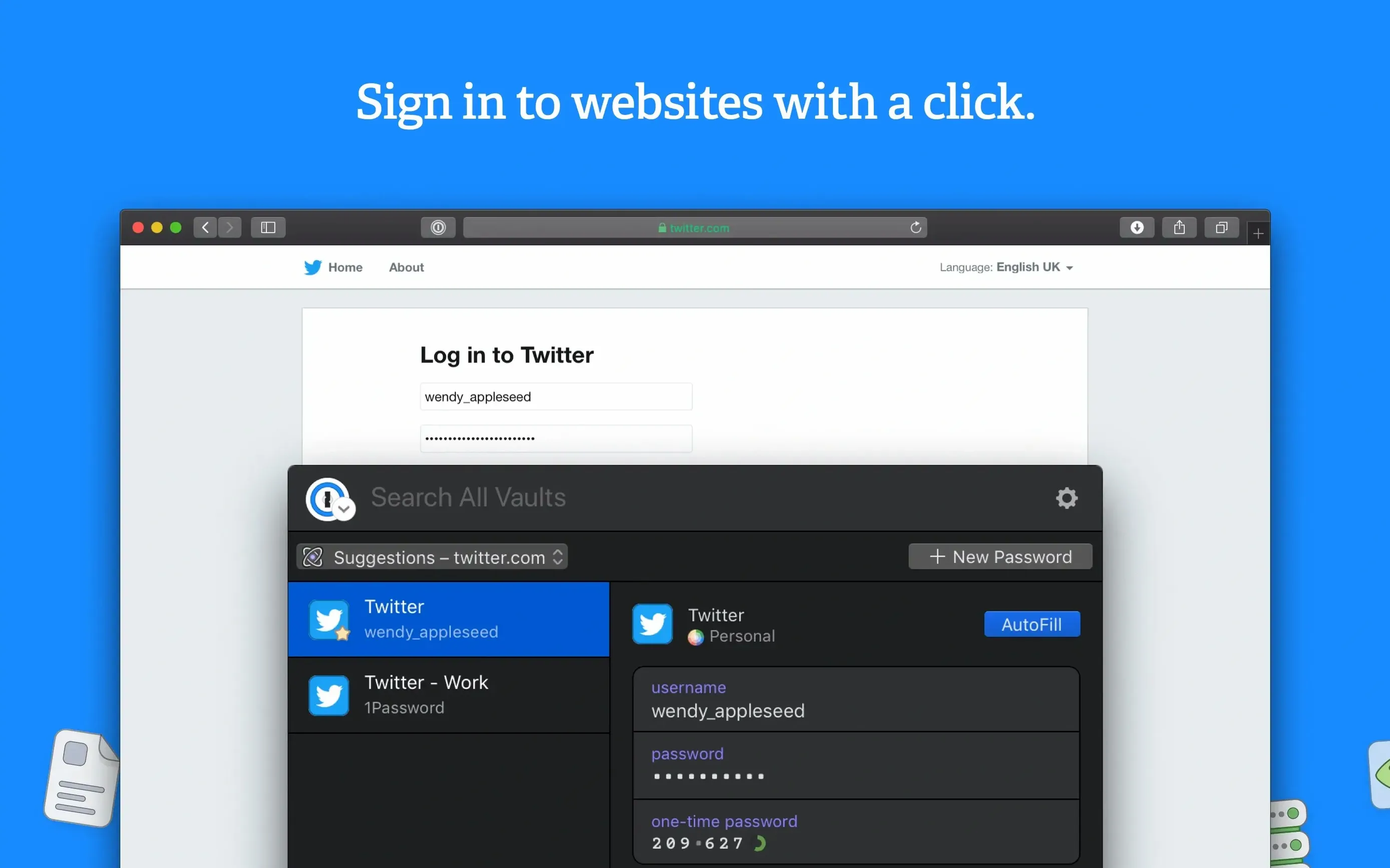
The browser extension does the heavy lifting day to day — filling logins, capturing new credentials, offering strong passwords. Safari, Chrome and Firefox all work. The extension talks to the desktop app, so the vault stays unlocked as long as the main window is open.
On macOS the app hooks into the keychain less than you might expect. It does not read Safari's saved passwords unless you import them deliberately. That is a good thing. You decide what moves across.
For apps that need a licence key or a server password, drag the item from 1Password's main window onto the field. It works in most native Mac apps. Terminal users can enable the command-line tool from Preferences > Advanced — it drops a op binary into /usr/local/bin and lets scripts pull secrets without opening the GUI.
The mini app sits in the menu bar. One click opens a search box. Type three letters of the thing you need and press Return. It copies the password. No vault window, no browser tab. Good for wi‑fi codes and router logins.
Triage breached passwords before weak ones
Do not try to fix everything Watchtower reports on day one. That way lies password fatigue.
Sort by breached first. Every login Watchtower marks as compromised needs changing now. Do those, then stop. The weak-but-not-breached ones can wait until the weekend.
Tag as you go. Add a tag like 2FA to every account that supports two-factor authentication. Watchtower flags sites that lack it, but tagging the ones that have it gives you a quick filter later when you are setting up an authenticator app.
Audit your email logins. Search for your email address in the vault. You will probably find three or four entries for the same provider. Pick the current one, verify it works, and archive the rest. A clean set of email credentials stops the browser extension filling the wrong one on a login page.
Test the password generator early. Hit the generator icon, dial the length to 20 characters, and save the recipe as a profile. Use it for the first new account you create. It is faster than tweaking sliders every time, and 20 random characters beats anything you will think up.
If you moved from an older 1password mac download, check for duplicate vaults in Preferences > Vaults. Version 7 sometimes creates a Primary vault alongside an imported one. Merge them sooner rather than later — duplicate items confuse search results and make Watchtower noisier than it needs to be.
Requirements
- macOS 10.12 (Sierra) or later
- Intel Mac
FAQ
What does Watchtower actually check?
It looks at three things: passwords that are weak, passwords that appear in known data breaches, and logins for sites that still use unencrypted HTTP connections.
Can 1Password fill forms automatically?
Yes. Once a login is saved, you can fill the username and password on a site with a single action through the browser extension.
Does AgileBits know my master password?
No. The master password stays on your Mac and is never sent to the developer. It is the only key to your vault.
Comments 0
Sign in or create an account to leave a comment.
No comments yet…
If you’ve installed it, say how it went. Mention your Mac and macOS version — it helps the next person more than you’d think.