
4K YouTube to MP3 for macOS
Description
It runs on Intel Macs that still hold macOS 12 Monterey or newer — older machines are out of luck here.
YouTube, VEVO, SoundCloud and Facebook audio in three formats
4K YouTube to MP3 — desktop converter that pulls the audio track out of online videos.
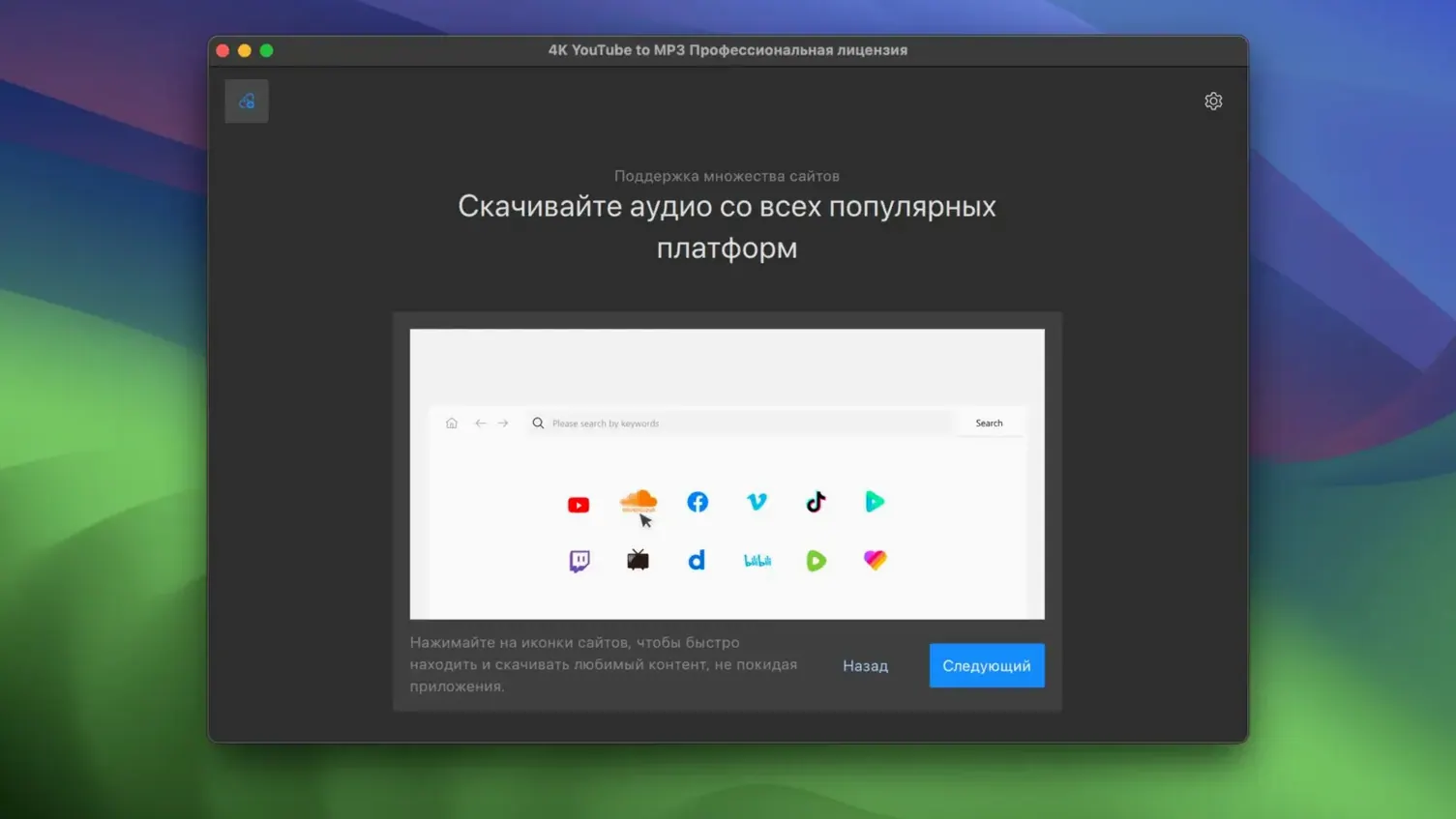
Source sites — YouTube, VEVO, SoundCloud and Facebook. No other platforms are mentioned.
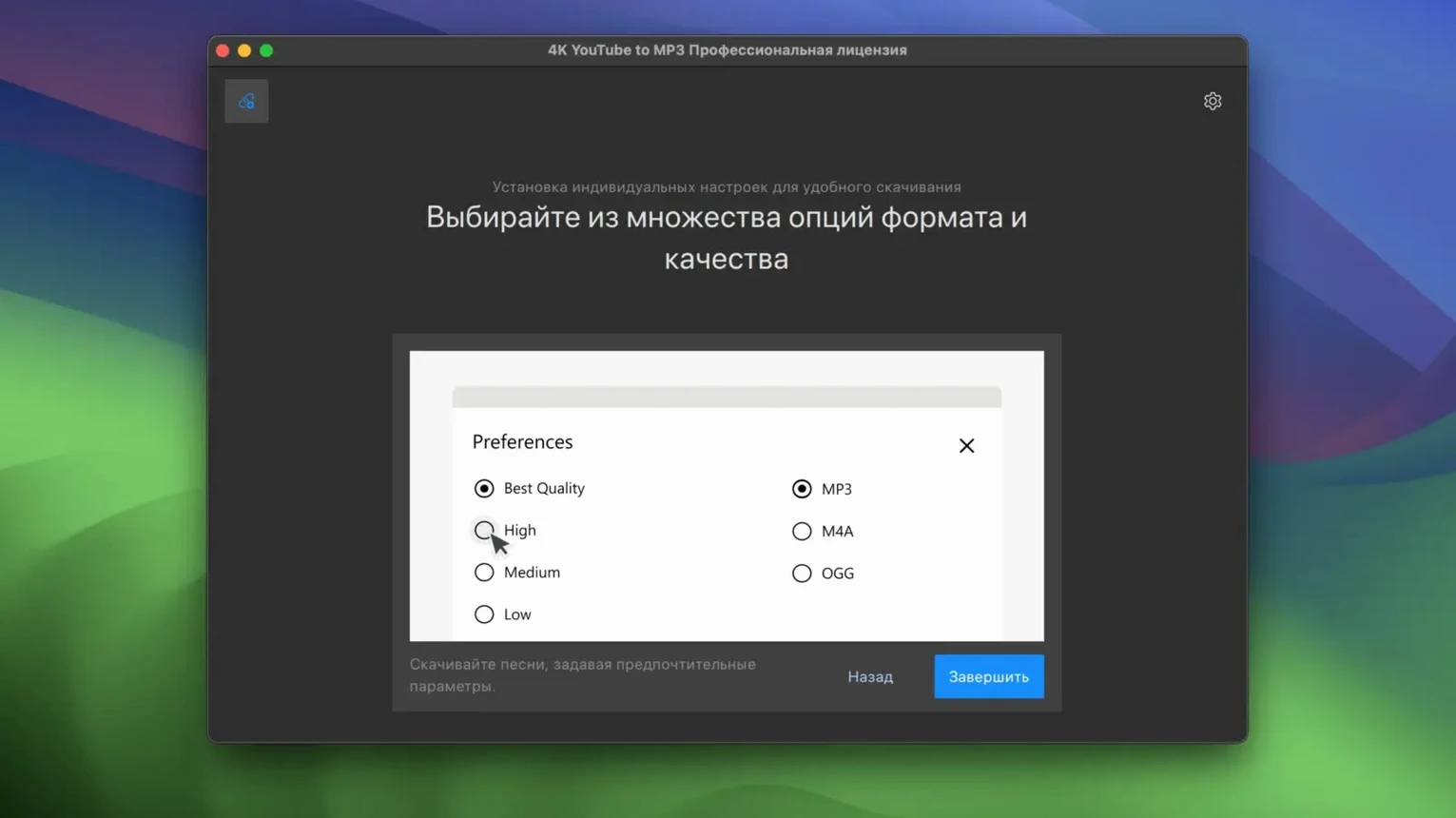
Output formats — MP3, M4A and OGG. That covers Apple Music library compatibility and open-source players alike.
Playlist support — paste a playlist link and it queues the lot, rather than making you feed it one URL at a time.
Cross-platform — Windows and Linux builds exist, so a shared workflow won't break if one machine runs something else.
Daily use on an older Mac
Version 26.3.5 feels at home on an Intel machine. It is not a lightweight menubar toy, but it settles into background work without much fuss. Queuing a playlist of forty tracks keeps the fans audible on a 2017 iMac, yet the interface stays responsive. The conversion itself is quick for single tracks — most finish before you have queued the next link.
Memory use sits around 200 MB during a busy batch, which is reasonable for an Electron-style app. It is not the leanest tool in the drawer, but it does not beachball on Monterey or Ventura. If you convert while other apps are open, give it a moment when the queue first starts; after that it chugs along steadily.
One annoyance: the app occasionally re-checks a long playlist when you drag the window between displays. It recovers in seconds, but it breaks the rhythm.
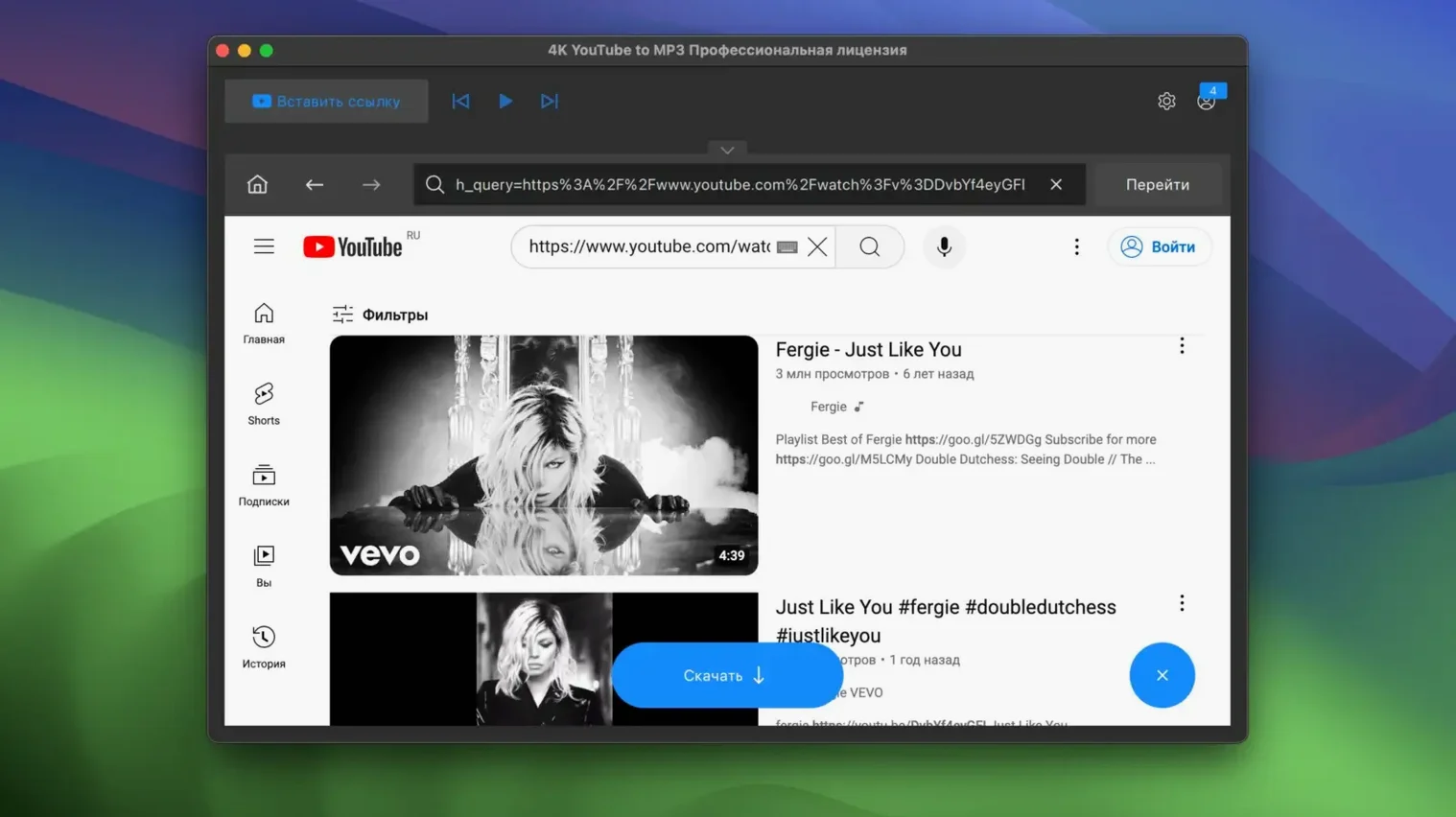
Drop a URL straight onto the dock icon to grab a track
- Drag a link anywhere. The app accepts URLs dropped straight onto the dock icon, even when the main window is closed. That is the fastest way to grab a single track.
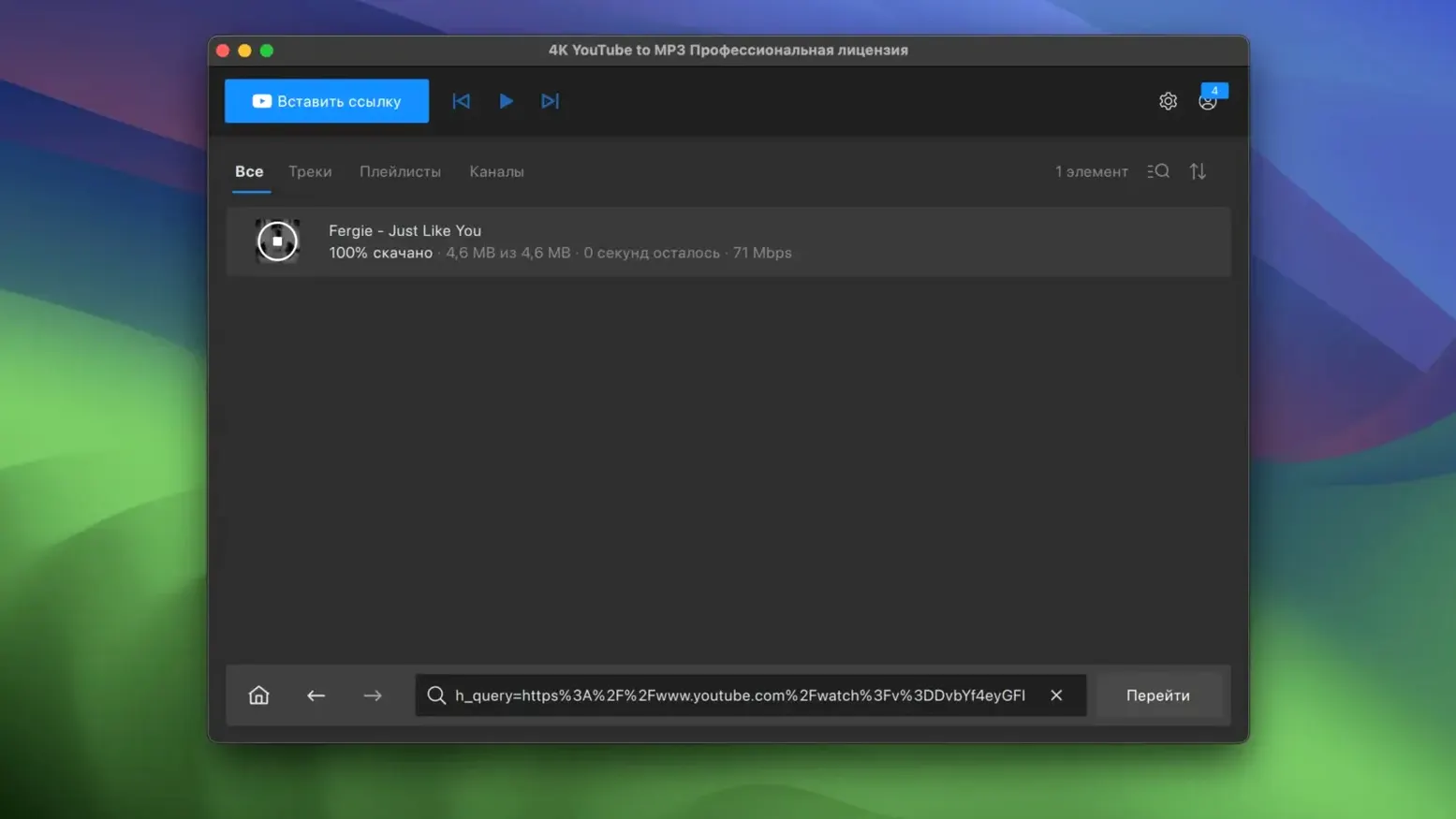
- Pause the queue, not the conversion. Right-click any queued item to hold it. Useful when three tracks from the same album come up together and you want to keep them grouped.
- Output folder mirrors the source. It creates subfolders based on playlist names by default. Turn that off in settings if you prefer one flat pile of MP3s.
- SoundCloud artwork survives. For tracks pulled from SoundCloud, the cover art often lands in the file metadata. YouTube and Facebook tracks do not always get the same treatment.
- Keyboard skip. Space pauses the active conversion. Command-K clears finished items from the list. Neither is advertised, but both work.
If you have ever sat through a 4k YouTube download that stalls at 80 percent, this app's queue handling will feel like a mercy. It retries failed items once, then marks the rest and carries on rather than freezing the whole batch.
Paste a playlist link and walk away while tracks download
People who build offline playlists for commutes or flights. The playlist support means you paste one link and walk away — thirty tracks land in a folder while you pack. No clicking through YouTube's own app and hoping the connection holds.
DJs and sample collectors also squeeze value out of the OGG option. M4A suits anyone who already uses iTunes or the Music app and wants tags to behave. If your whole library lives in MP3, the app is still the fastest route from a video link to a playable file.
Casual users who only want one song every few weeks might find it heavier than a browser extension. But for regular, batch work on an Intel Mac running macOS 12 or newer, it earns its place in the dock.
Requirements
- macOS 12 (Monterey) or later
- Intel processor only
- Interface language: English
FAQ
Does it handle playlists, or only single videos?
The developer says it can parse a full playlist URL and convert every track in sequence.
Which audio formats does it save?
It saves to MP3, M4A and OGG — a practical spread that covers iTunes, VLC and most podcast workflows.
Comments 0
Sign in or create an account to leave a comment.
No comments yet…
If you’ve installed it, say how it went. Mention your Mac and macOS version — it helps the next person more than you’d think.