
ACDSee Photo Studio for macOS
Description
ACDSee Photo Studio is the Mac version of ACDSee's long-running photo management and editing app. Before you go hunting for an acdsee torrent, make sure your Mac can actually run it.
macOS 14 or later required, runs native on Apple Silicon
The current build needs macOS 14.0 or later. It runs natively on both Apple Silicon and Intel Macs, so architecture isn't a hurdle.
Manage and rate your library
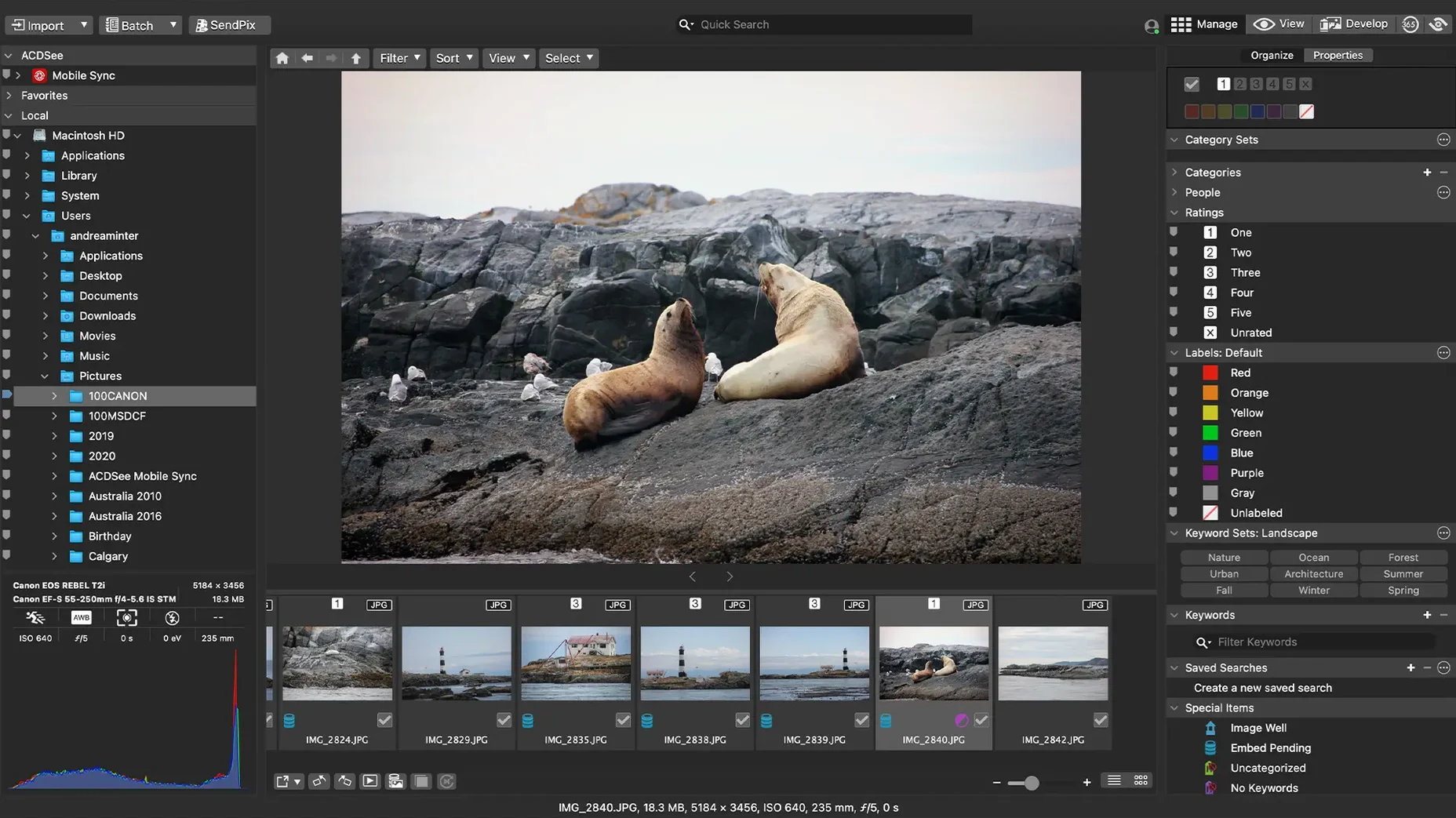
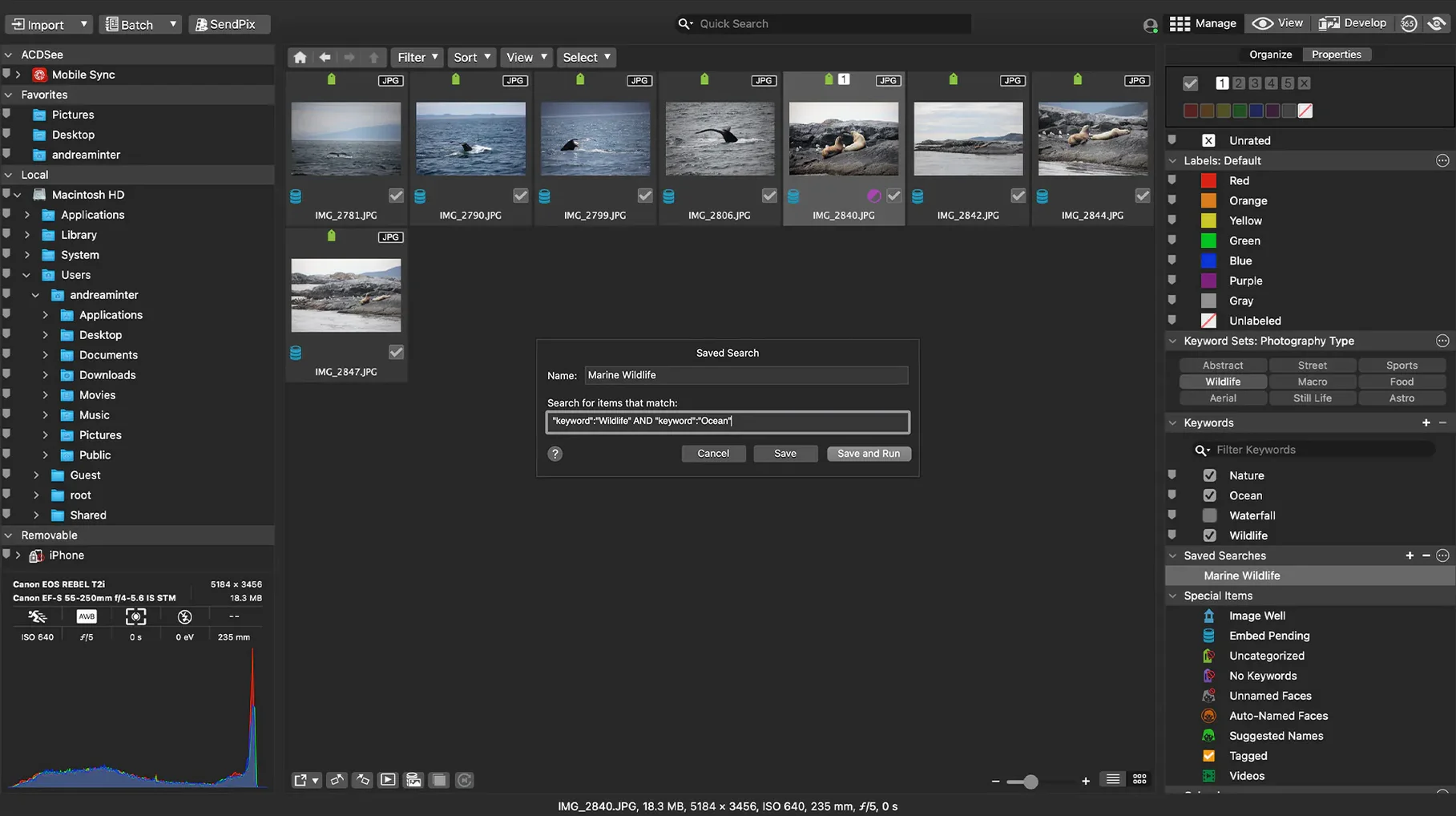
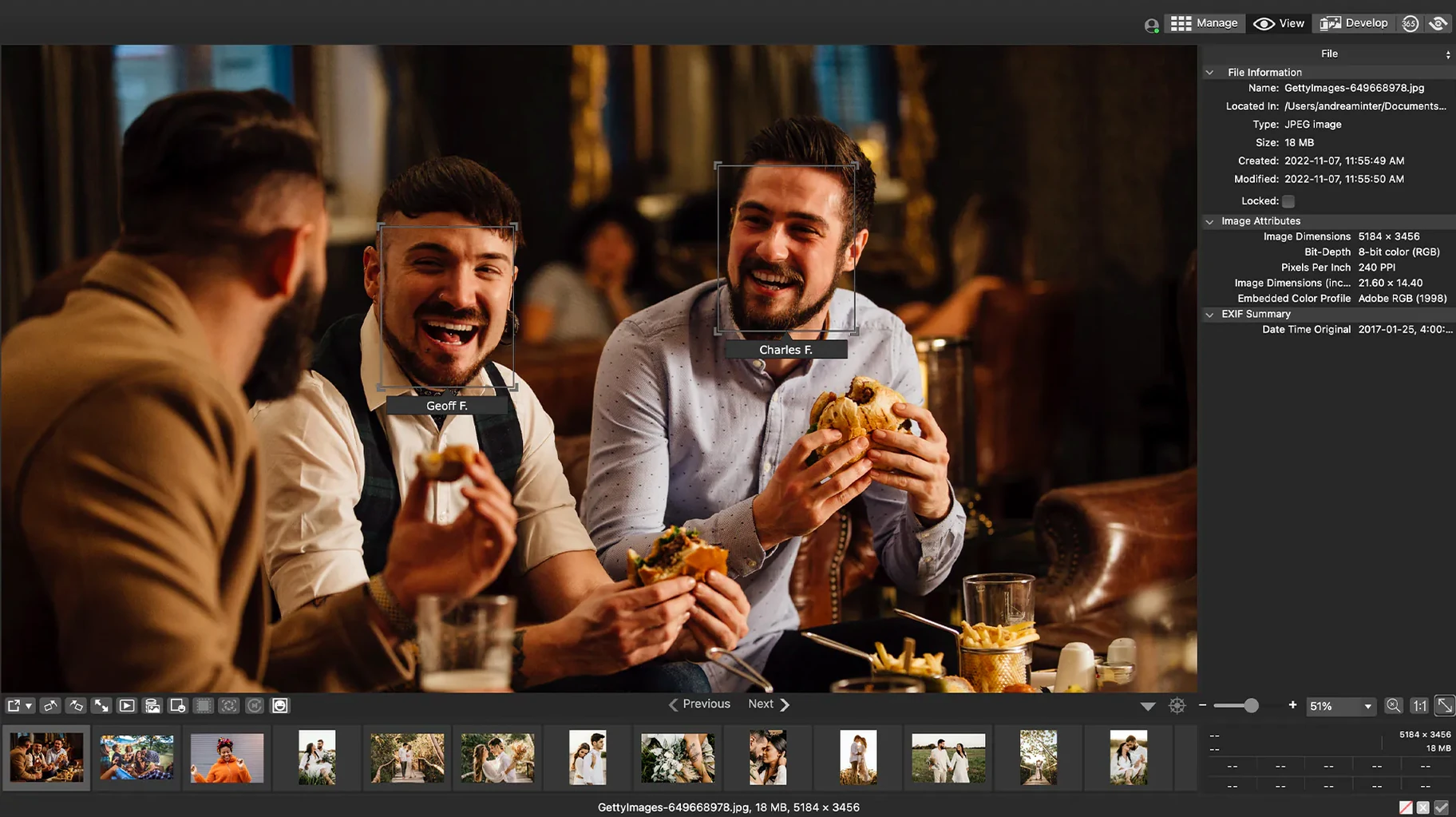
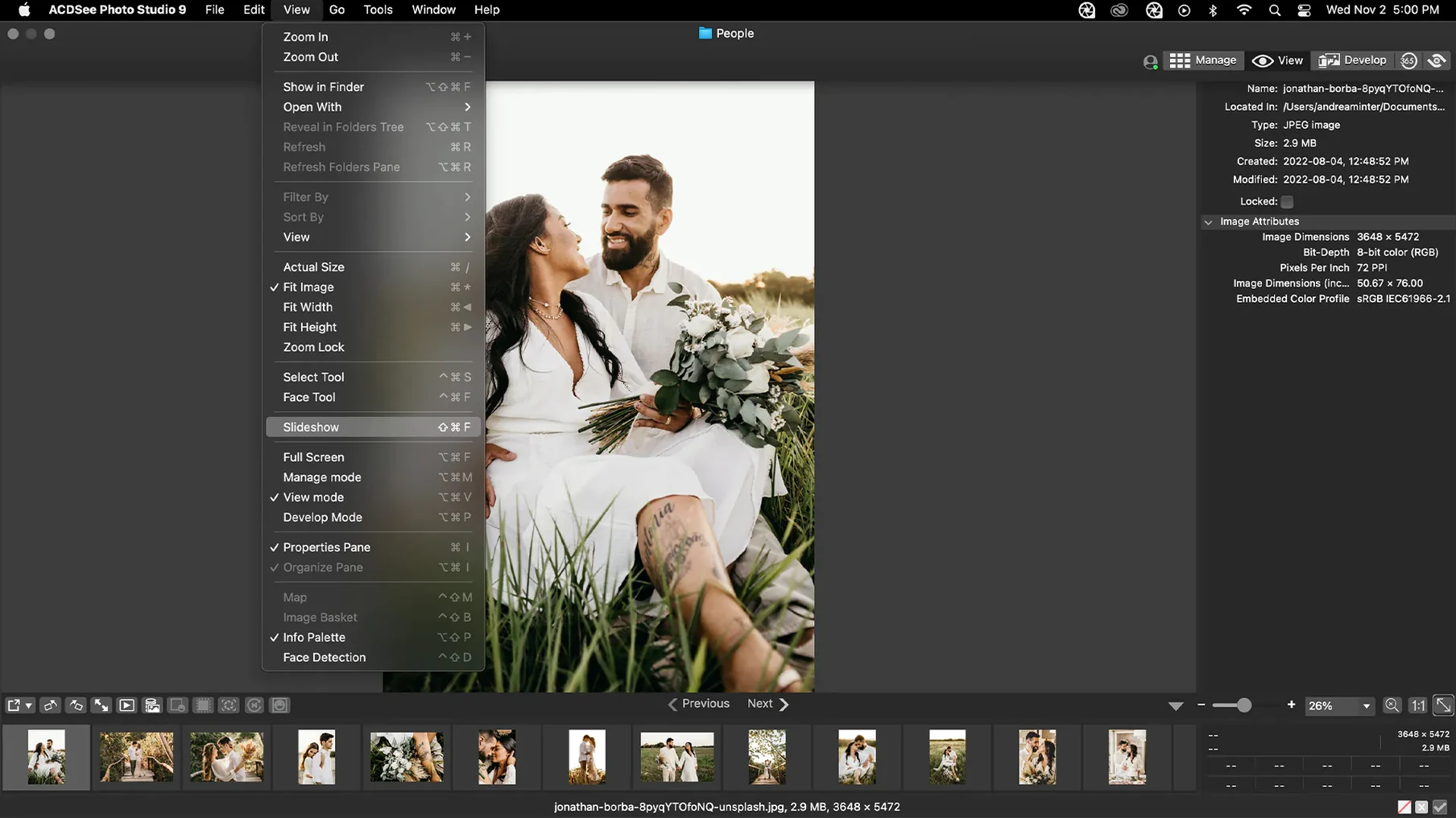
You can rate images, find duplicate files and organise shoots without opening five different tools. The browser stays snappy even with folders full of RAW files.
Edit RAW files directly
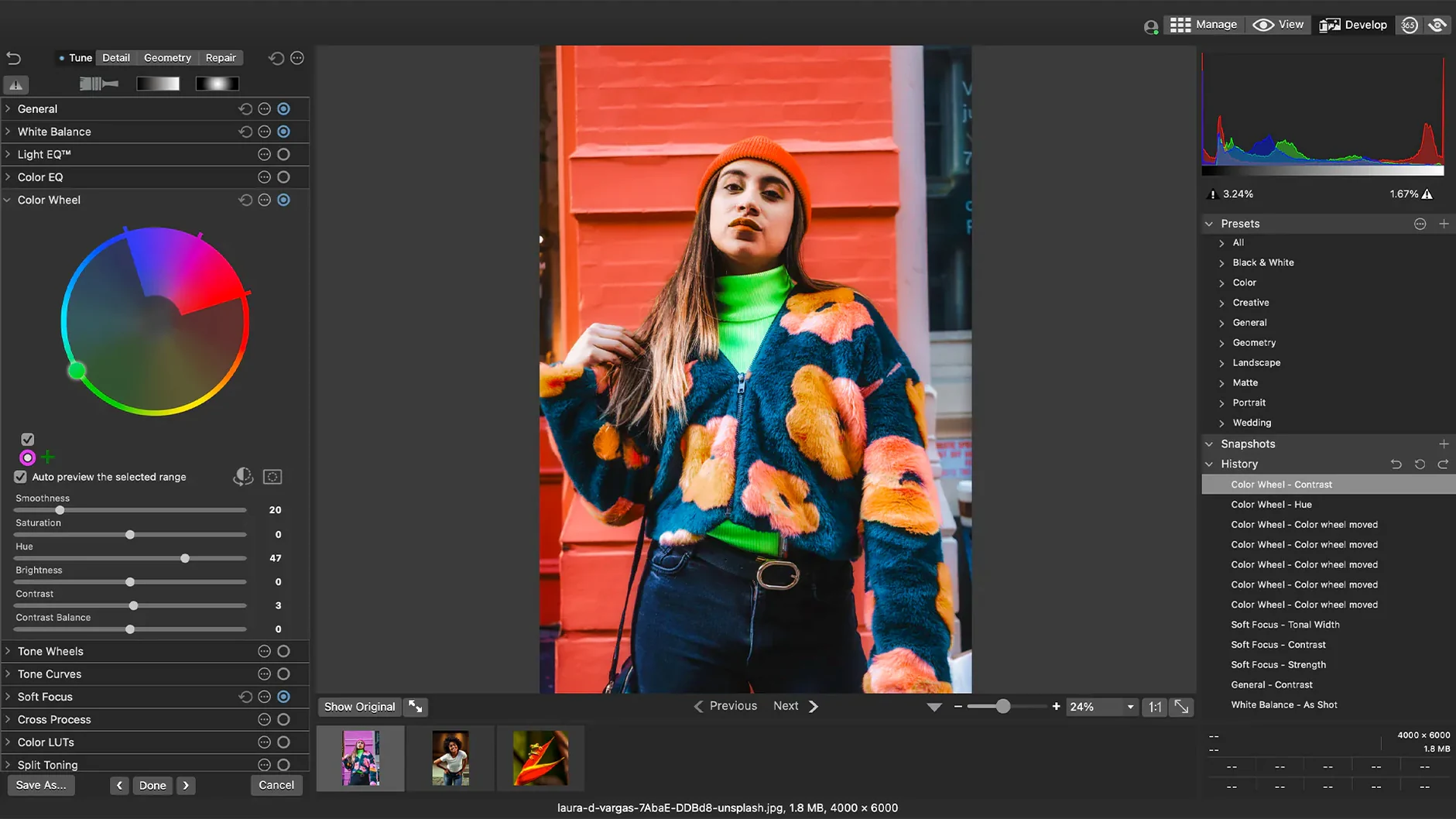
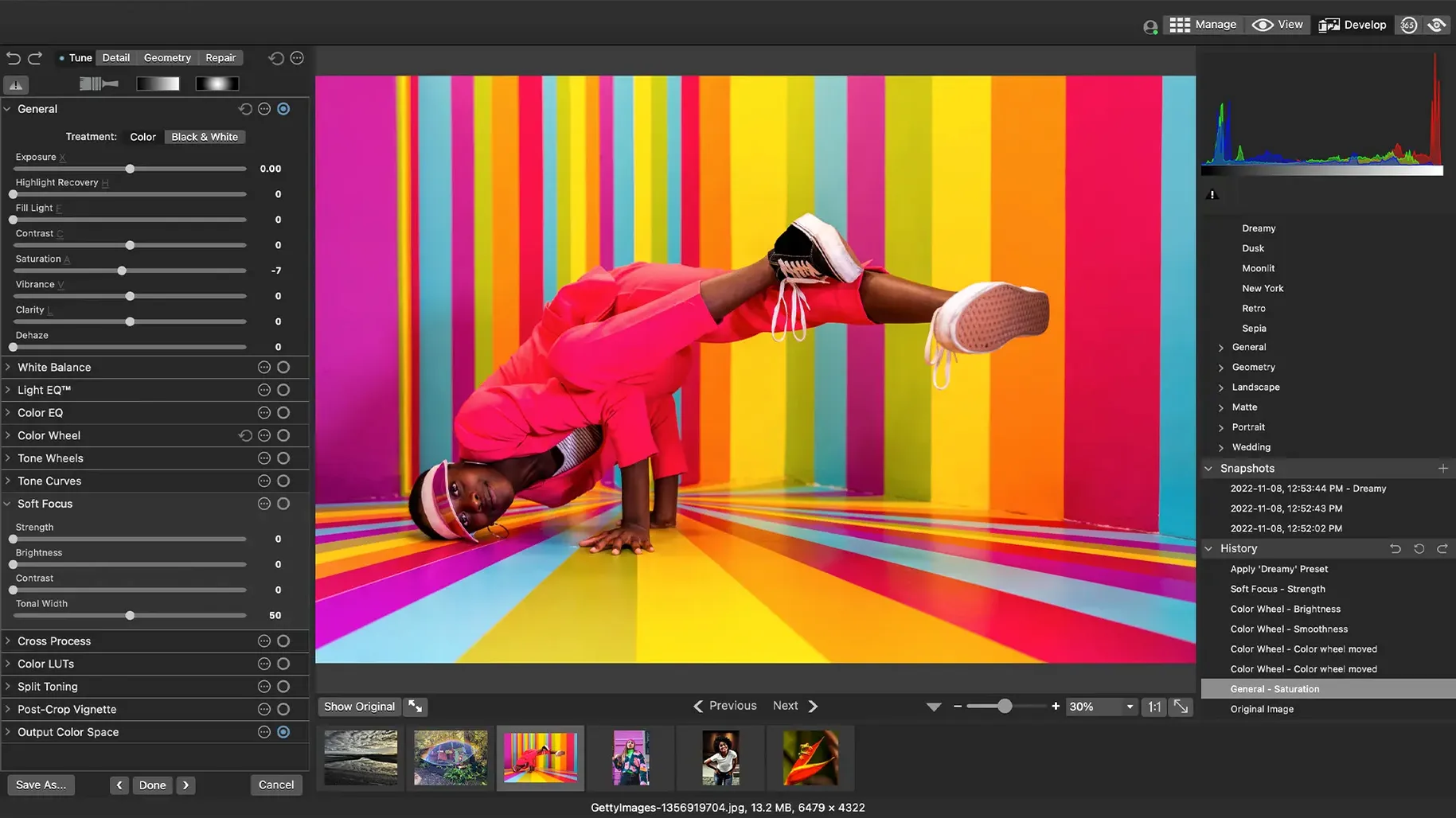
Adjust exposure, clarity, sharpness, colour and noise in the built-in editor. Customisable batch presets let you apply the same corrections across a whole import without babysitting each frame.
Single-app culling, rating and editing for event volume
ACDSee suits people who want one app for culling, rating and editing — rather than pairing Photo Mechanic with Lightroom and hoping the two stay in sync. If you shoot events or volume work where you churn through hundreds of frames, the keyboard shortcuts for rating and the batch tools save real time.
It's also a decent fit for anyone who finds Apple Photos too opaque about where files live. With ACDSee you browse folders directly. Nothing gets tucked inside a library package unless you want it there.
Landscape and portrait photographers who lean heavily on local adjustments won't find that here — the editing panel covers global adjustments well, but it isn't trying to be Photoshop.
Switch the default RAW engine before importing
A few things aren't obvious on first launch. Change these before you start importing.
- Reset the default RAW engine. Under Preferences, check whether the app uses the system RAW engine or ACDSee's own. The ACDSee engine often renders colour more faithfully for Sony and Fuji files, but the Apple engine can be faster on M-series chips. Test both with a tricky frame before committing.
- Turn off file watching for bulk folders. The app can monitor folders for changes, which is useful for tethered shoots but chews CPU if you point it at a 4TB archive. Keep it on for current working directories only.
- Customise the batch preset menu. The defaults include a few generic presets. Spend ten minutes making your own — one for web exports, one for client proofs, one for archival TIFFs — and the right-click menu becomes genuinely useful.
- Map the rating keys to something you'll remember. The default 1–5 keys work fine, but if you're used to Photo Mechanic's single-key shortcuts, remap them. Your muscle memory will thank you after the first thousand frames.
Why people search for an ACDSee torrent instead
People searching for an ACDSee Photo Studio torrent are usually weighing it against a few other apps. Here's how they stack up.
Basic RAW edits stay inside one window, no Camera Raw jump
Bridge is free and handles metadata well, but editing requires jumping to Camera Raw or Photoshop. ACDSee keeps basic RAW adjustments inside the same window. Bridge's interface feels cluttered next to ACDSee's tabbed panels, though Bridge wins for deep metadata templating and scripting. If you already pay for Adobe, stick with Bridge. If you don't, ACDSee gives you an editor and organiser in one download.
Reads everything but the interface looks stuck in 2008
XnView MP is the scrappy underdog here. It reads practically every format, runs on anything, and the acdsee mac torrent crowd often compares the two. XnView's batch conversion is powerful but the interface looks like it was designed in 2008. ACDSee's rendering of RAW files is cleaner out of the box, and the DAM tools — ratings, categories, duplicate finder — are more polished. XnView works if you just need a fast browser. ACDSee makes sense when you want to stay in one app from ingest to export.
Bounced off Apple Photos and its clumsy batch editing
Photos is there, it syncs with iCloud, and it costs nothing extra. But it buries the file system and makes batch editing clumsy. If you're searching for acdsee for mac free download, you probably already bounced off Photos because you want folder-based organisation and proper RAW controls. ACDSee gives you that. The trade-off is no cloud sync and no integration with your iPhone library — it works best when you treat your Mac as the single workspace.
What’s new
Version 26.0.3.3479 fixes a crash when adding a new keyword or category in certain scenarios. Also fixes an issue where clicking away from a new keyword or category didn't stop editing, incorrect RAW file ratings in some cases, and a problem with iCloud integration.
Requirements
- macOS 14.0 or later
- Apple Silicon or Intel Mac
FAQ
Will ACDSee Photo Studio work on an older Mac?
It requires macOS 14.0 or later, so anything older than that won't run the current version.
Does the Mac version handle the same RAW formats as the Windows one?
The Mac edition reads and edits RAW files with controls for exposure, sharpness, noise and colour, but the supported camera list is its own thing — check ACD Systems' site for your model.
Comments 0
Sign in or create an account to leave a comment.
No comments yet…
If you’ve installed it, say how it went. Mention your Mac and macOS version — it helps the next person more than you’d think.