

Prototype Audio Eraform Fraction for macOS
Description
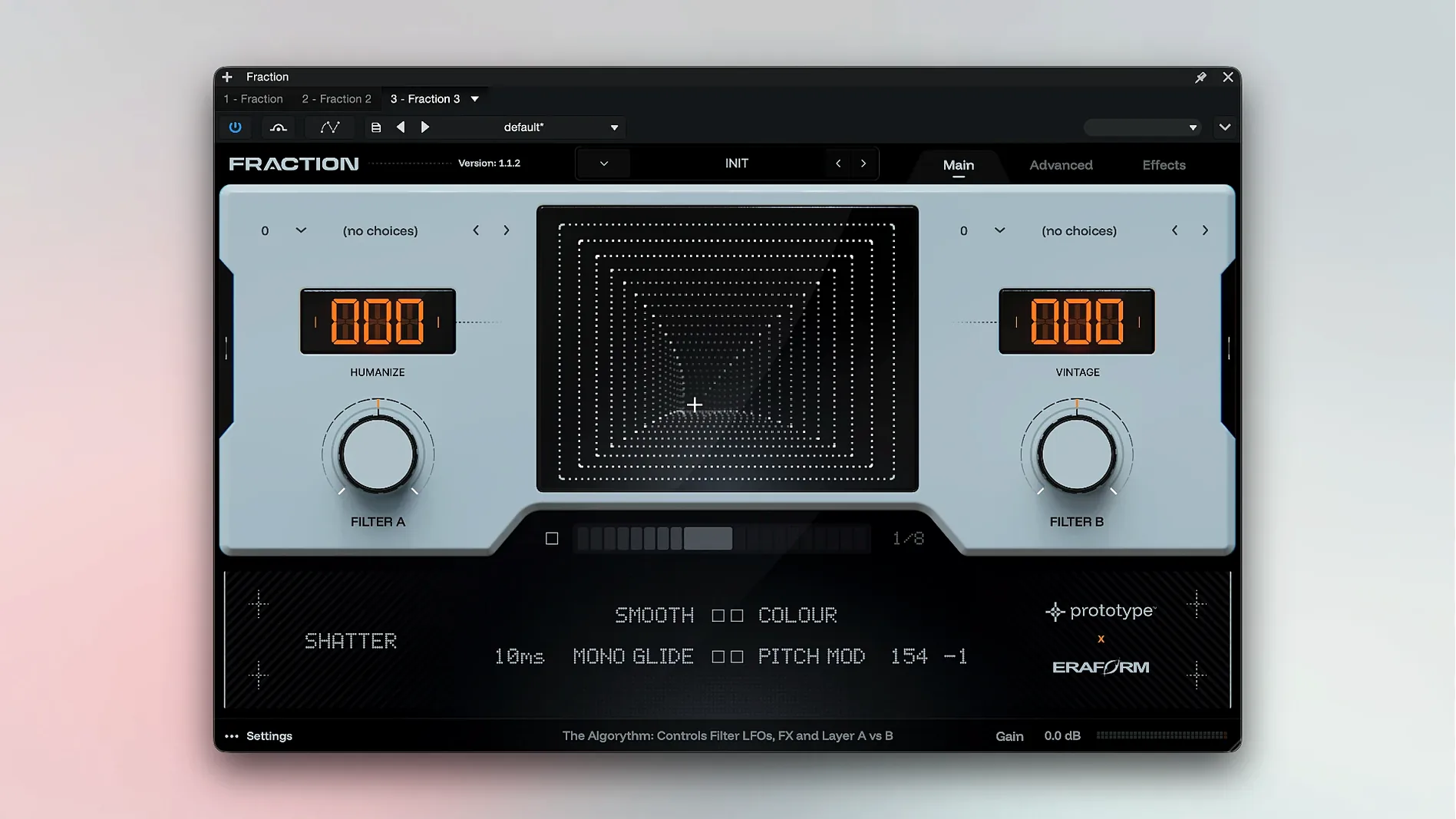
Eraform Fraction holds thousands of recordings of real hardware—synthesizers, drum machines, effects units, and other devices. It treats each one as raw material for a multisample analog synthesizer that runs inside your DAW.
One knob can flip analog into grainy modern texture
- A visual panel lets you push the sound character somewhere new. One move can turn a familiar analog timbre into a grainy modern texture.
- Add granular effects, rhythmic repeats, or feedback echo without leaving the plugin.
- Atmospheric layers build quickly from the same source recordings.
Stretch and fog sounds that already carry real-instrument weight
The controls are simple enough that you stay focused on the track, not the manual. Because the core sounds come from real instruments, they already have weight. The processing tools let you stretch, repeat, or fog things up until the sound fits the space you need. Hosts like Logic Pro X, Ableton Live, and FL Studio see it as a standard AU or VST3 instrument.
Adding a bass part with movement to a verse
Say you’ve got a verse that needs a bass part with some movement. You load Eraform Fraction onto an instrument track in Logic. The plugin opens to its main panel—a straightforward view with a preset browser and a handful of macro-style controls.
- Scroll through the preset list until a patch called Sub Foundation catches your ear. It’s a round, analog-style bass sampled from a vintage monosynth.
- Play a few notes on the keyboard. The fundamental is solid, but it feels too static for the track. You nudge the Movement dial clockwise. The sound starts to drift slightly in pitch and timbre, like tape wow but tighter.
- To add some edge, you increase the Saturation control. The low end stays thick, but a soft harmonic fuzz creeps into the midrange.
- The part still needs depth. You turn up the Space parameter, which blends in a feedback echo that tails off into a grainy wash. It doesn’t sound like a separate reverb—more like the bass is dissolving at the edges.
- You play the part in, and it sits in the mix without extra processing. The sound has weight from the original sample, grit from the saturation, and a sense of motion from the drifting texture.
That’s the pattern with this plugin. Start with a source sound that already has character, then use the panel to nudge it somewhere unexpected. The same workflow works for a lead melody, a percussive stab, or an atmospheric pad that fills the background.
It starts from multisamples, not scratch oscillators
A common mistake is treating Eraform Fraction like a synth where you build sounds from oscillators. It isn’t that. Every patch starts from a multisample of existing hardware. If you go in expecting to design a patch from scratch with raw waveforms, you’ll feel lost. The power is in reshaping what’s already there.
Another error is overcranking the granular and echo controls too early. A little goes a long way. When all three processing dials are pushed past three o’clock, the original recording turns to mush. It’s tempting to twist everything at once, but the best results usually come from setting the core tone first, then adding one effect at a time.
New users sometimes miss that the plugin needs an internet connection for the initial authorization. If you skip that step—perhaps because you’re setting up on a studio machine that’s offline—the plugin won’t load. Plan to authorize it while connected, then it runs fine afterward.
Requirements
- macOS 10.14 Mojave or later
- Intel or Apple Silicon Mac
- 64-bit AU or VST3 host (Ableton Live, Logic Pro X, Studio One 5, FL Studio, GarageBand)
- Internet connection for download and authorization
FAQ
What kind of sounds are included in Eraform Fraction?
It includes thousands of recordings of real synthesizers, drum machines, effects, and other hardware devices.
Comments 0
Sign in or create an account to leave a comment.
No comments yet…
If you’ve installed it, say how it went. Mention your Mac and macOS version — it helps the next person more than you’d think.
More in VST Plugins
All in VST Plugins-
 Pulsar Audio IPA
1.0.9
Apple Silicon
Pulsar Audio IPA
1.0.9
Apple Silicon
-
 Plugin Alliance Shadow Hills OptoMax
1.0.0
Apple Silicon
Plugin Alliance Shadow Hills OptoMax
1.0.0
Apple Silicon
-
 Plugin Alliance Brainworx Bundle
2025.06.16
Apple Silicon
Plugin Alliance Brainworx Bundle
2025.06.16
Apple Silicon
-
 RC-20 Retro Color
1.5.1
Apple Silicon
RC-20 Retro Color
1.5.1
Apple Silicon
-
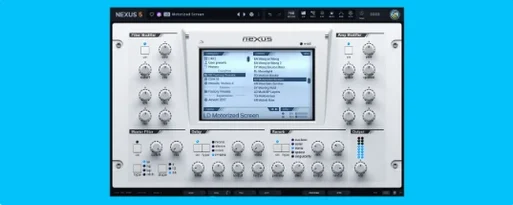 reFX Nexus
5.5.21
Apple Silicon
reFX Nexus
5.5.21
Apple Silicon
-
 Revoice Pro
5.1.30
Apple Silicon
Revoice Pro
5.1.30
Apple Silicon
-
 RipX DAW Pro
8.0.3
Apple Silicon
RipX DAW Pro
8.0.3
Apple Silicon
-
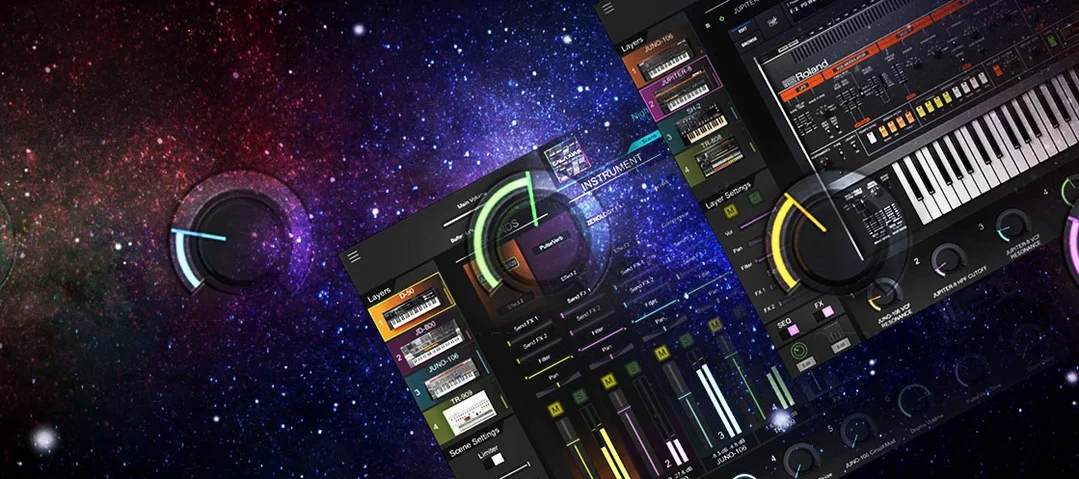 Roland Cloud Legendary Series
2025.06.29
Apple Silicon
Roland Cloud Legendary Series
2025.06.29
Apple Silicon