

Plugin Alliance Shadow Hills OptoMax for macOS
Description
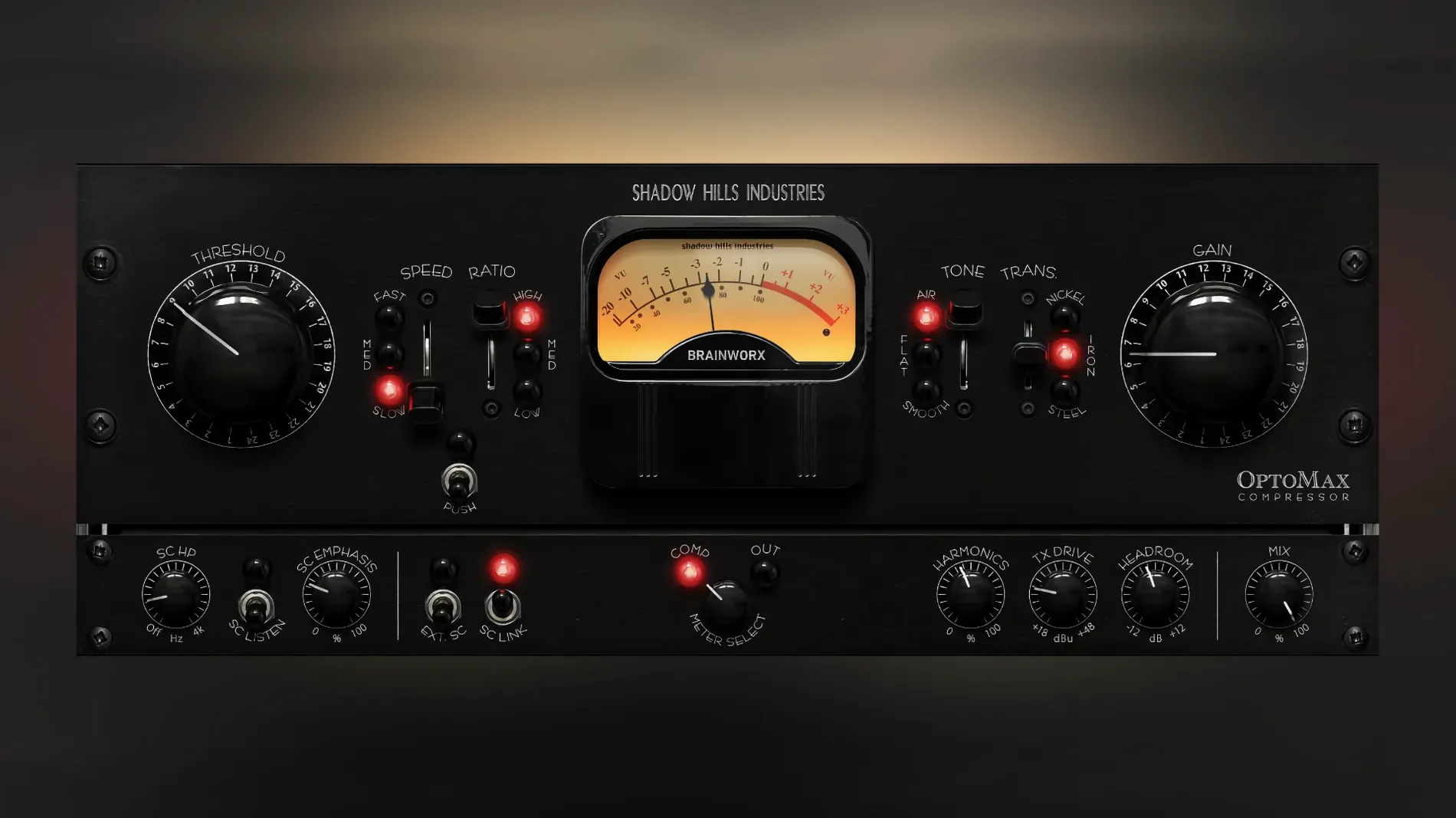
Shadow Hills OptoMax is an optical compressor plugin developed by Brainworx, based on the separate optical section of the Shadow Hills Mastering Compressor. It's a straightforward processor that keeps dynamics natural while evening out levels.
Using OptoMax on a mix
- Set the high-frequency mode. The Shine control lets top-end transients through without squashing them. Softness takes the opposite approach, rounding off high frequencies as gain reduction increases.
- Dial in the sidechain filter. The advanced sidechain filtering stops low-end energy from triggering the compressor. Handy on full mixes where the kick drum would otherwise make the whole track pump.
- Choose your compression style. Lower ratios give you gentle levelling that's barely audible. Higher ratios and faster timings provide stronger peak control without the brittle sound some optical emulations get.
The current version 1.0.0 gives you the core circuit. A later 1.0.1 update fixed a Pro Tools gain reduction meter issue, so keep an eye out for that if you work in Pro Tools.
Surgical optical control for vocal and acoustic work
OptoMax makes the most sense for producers and engineers who already know they like optical compression but want more control than a one-knob emulation gives them. If you mix vocals that need evening out without sounding processed, or acoustic instruments where the compressor shouldn't announce itself, it fits.
Mastering engineers get a useful tool for gentle programme levelling — the kind where you're taking off a decibel or two and the client shouldn't hear the compressor working. The three transformer types let you fine-tune the weight of the low end without reaching for an EQ. Mix engineers working with dense arrangements will lean on the sidechain filter to keep the bass from dictating the gain reduction on the whole bus.
It's less suited to sound-design work where you want obvious pumping or aggressive character. This isn't a smash-the-transients box. It's a glue thing.
Barely-there CPU hit even on Intel Macs
On a modern Apple Silicon Mac, a single instance barely registers. On an Intel machine running macOS 12, you can stack instances across a full mix session without the plugin being the thing that tips you over the edge. CPU use sits in the same ballpark as other Brainworx optical emulations — light enough that you won't think about it until you're past forty tracks.
The attack and release curves feel natural. The three timing presets — slow, medium, fast — cover practical ground without offering sub-millisecond tweaking that most optical compressors wouldn't deliver in hardware anyway. Switching between them is click-free, and the gain reduction meter tracks the signal honestly. No GUI lag, no sudden CPU spikes when you change transformer types mid-playback.
Start on the vocal bus with Shine mode engaged
Put it across a vocal bus first. Start with the medium response, a 2:1 ratio, the nickel transformer, and the Shine mode engaged. Adjust threshold until you see 3–4 dB of reduction on the loudest phrases. That setup alone tells you whether the plugin suits your style — it's a transparent leveller that keeps consonants present.
Next, try it on a drum bus with the sidechain filter set around 120 Hz and the iron transformer. The filter stops the kick from grabbing the compressor while the iron transformer adds a bit of weight to the shells. Switch between Shine and Softness on cymbal-heavy sections to hear what each mode does to the top end.
Don't sleep on the parallel mix control. Pushing it to around 70–80% wet and running a slightly heavier compression setting gives you the movement of optical gain reduction without losing the transient snap that keeps a mix feeling alive. That's where OptoMax pulls ahead of simpler optical plugins that commit you to full wet operation.
Requirements
- macOS 12 or later
- Supports Intel and Apple Silicon Macs
FAQ
What is the Shine mode on OptoMax?
Shine is a high-frequency mode that allows top-end transients to pass through the compressor with less attenuation, preserving detail and air.
Is OptoMax the full Shadow Hills Mastering Compressor?
No. It is a plugin inspired by the optical section of that hardware unit, focusing on the optical compressor circuit rather than the full dual-stage design.
Can I use OptoMax on individual tracks?
Yes. While its roots are in mastering, the sidechain filtering and dual high-frequency modes make it useful on drum bus, vocals, or any track needing transparent level control.
Comments 0
Sign in or create an account to leave a comment.
No comments yet…
If you’ve installed it, say how it went. Mention your Mac and macOS version — it helps the next person more than you’d think.
More in VST Plugins
All in VST Plugins-
 Plugin Alliance Brainworx Bundle
2025.06.16
Apple Silicon
Plugin Alliance Brainworx Bundle
2025.06.16
Apple Silicon
-
 Prototype Audio Eraform Fraction
1.1.2
Apple Silicon
Prototype Audio Eraform Fraction
1.1.2
Apple Silicon
-
 Pulsar Audio IPA
1.0.9
Apple Silicon
Pulsar Audio IPA
1.0.9
Apple Silicon
-
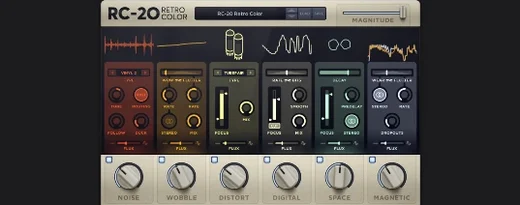 RC-20 Retro Color
1.5.1
Apple Silicon
RC-20 Retro Color
1.5.1
Apple Silicon
-
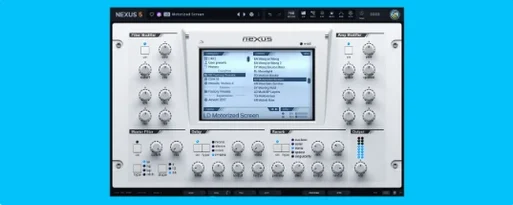 reFX Nexus
5.5.21
Apple Silicon
reFX Nexus
5.5.21
Apple Silicon
-
 Revoice Pro
5.1.30
Apple Silicon
Revoice Pro
5.1.30
Apple Silicon
-
 RipX DAW Pro
8.0.3
Apple Silicon
RipX DAW Pro
8.0.3
Apple Silicon
-
 Output Portal
1.2.1
Apple Silicon
Output Portal
1.2.1
Apple Silicon