
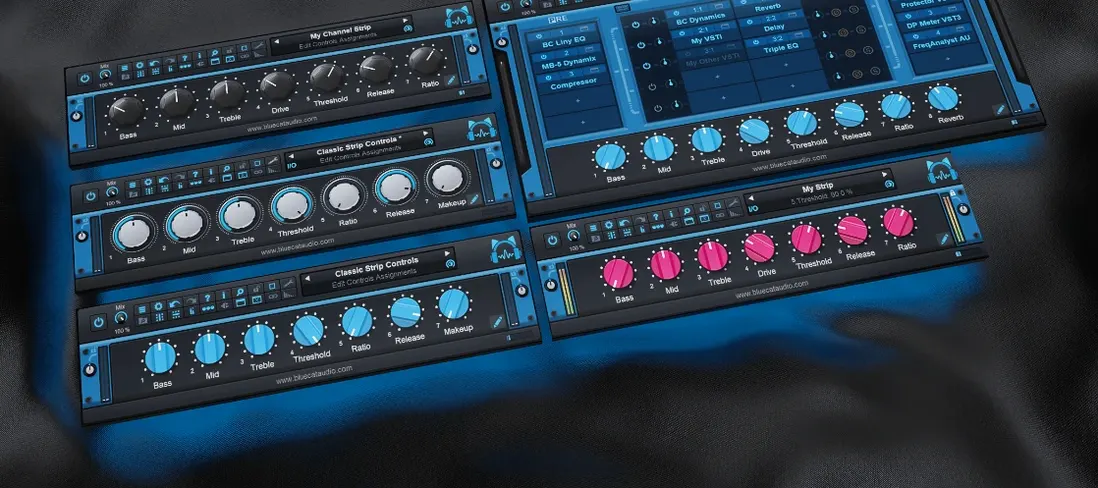
Blue Cat Audio Blue Cats PatchWork for macOS
Description
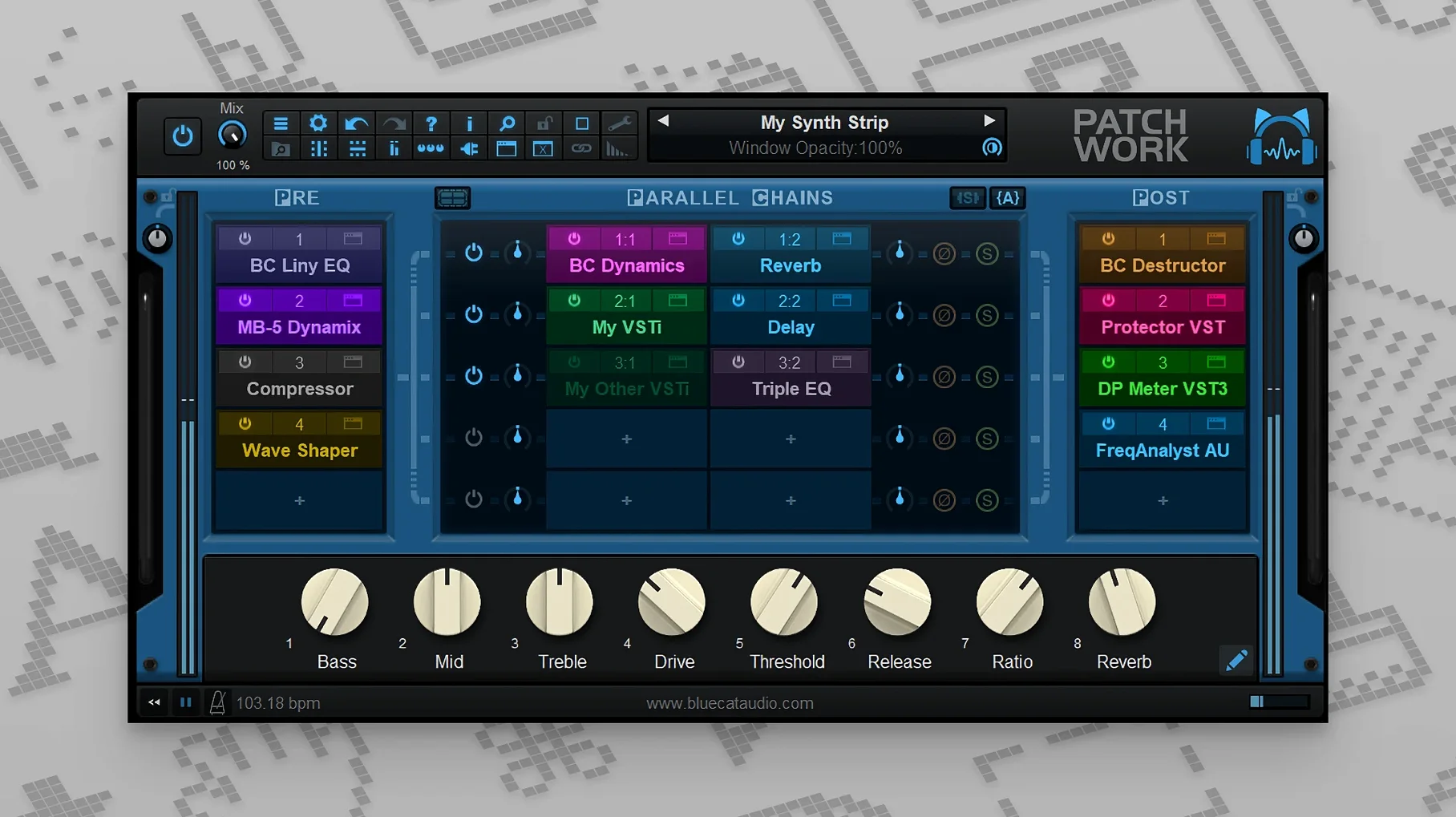
Parallel chains. It is the feature that changes how you hear the plug-ins you already own. PatchWork lets you split audio into parallel lanes and process each one differently, all inside a single insert slot. You do not need a new reverb — you just need to hear it in parallel with a dry signal and a bit of grit.
Three things to build in your first ten minutes
- A multi-FX chain. Drop in a few of the built-in plug-ins, reorder them, and save the preset so you never build it again.
- A parallel guitar or vocal bus. Create two lanes. Leave one clean. On the other, stack a compressor, a pitch shifter and a narrow bandpass filter. Blend the faders to taste.
- A VST3 you cannot open natively. Some DAWs are picky about VST3. Load PatchWork, host the plug-in inside it, map a few parameters to MIDI and control them from a keyboard.
Why the presets browser matters now
The browser searches in real time while you type. You can audition chains without committing — just arrow through the results. New MIDI assignments let you toggle individual plug-in bypass from a controller, which makes A/B testing much less tedious. You have 64 slots to fill. Start with three.
Live players and format jugglers who adopt it first
Not everyone needs a plug-in host inside a plug-in. If your DAW already chains effects the way you like and you never hit a format wall, PatchWork may sit unused. But a few groups tend to adopt it quickly.
Live performers who use a laptop. A single instance can hold a whole guitar or vocal chain — zero latency switching between sounds, no DAW preset lag. Map bypass and wet/dry to a MIDI foot controller and you have a pedalboard that loads VST3s and Audio Units equally. You are not locked into one plug-in format.
Mix engineers who receive messy sessions. When a project arrives with a mix of VST, VST3 and AU plug-ins and your DAW stumbles on one format, PatchWork wraps them all. You open the session, host the awkward plug-in, and move on. No installing a second DAW just to print a stem.
Sound designers stacking layers. Parallel routing means you can feed one source into three lanes — say, a sub-bass generator, a ring modulator and a long reverb — and blend them with faders. You are not limited to series inserts. The 64-slot ceiling means you rarely hit a limit before your CPU does.
Capturing 16-channel audio without routing back to the DAW
Version 2.7.5 added a built-in audio recorder, and that shifts how you work with chains. You can now capture up to 16 channels of audio directly from PatchWork without routing back into your DAW's track inputs.
This means you can build a parallel processing chain, hit record inside PatchWork, and print the result while you tweak parameters. The recording is already post-chain — no real-time bounce from the host. For sound design sessions where you want to keep every experiment, this is a faster way to archive what you hear.
Copy, paste, save and reload for entire effects chains arrived in the same update. Before that, moving a complex parallel setup between projects meant saving a preset and hoping the host recall was clean. Now you copy a chain to clipboard and paste it into another PatchWork instance. The chain travels complete, lanes and all.
MIDI control also tightened up. Individual plug-in bypass and UI open/close actions became assignable, so you can map a single button on a controller to toggle a reverb or reveal a compressor interface. More MIDI event types for parameter control mean less guesswork with NRPN and high-resolution CC messages.
A chain for vocal thickening
Here is a concrete workflow using three lanes and two built-in plug-ins. Start with a mono vocal track. Load PatchWork as an insert.
Step 1. Set up the lanes. Create three parallel lanes from the routing grid. Name them Dry, Thick and Wide.
Step 2. The Dry lane. Leave it empty. You will blend the processed lanes against the original signal.
Step 3. The Thick lane. Drop a built-in pitch shifter into the first slot. Shift down 12 cents — not a full semitone, just enough to create a slight chorusing effect. Follow it with a compressor set to fast attack, medium release, about 4 dB of gain reduction. The compressor glues the shifted signal so it does not poke out.
Step 4. The Wide lane. Insert a short stereo delay, around 25 ms left and 35 ms right, no feedback. Pan the delay outputs hard left and right. This creates a Haas-effect spread without a dedicated widener plug-in.
Step 5. Blend and print. Bring up the Thick lane fader until the vocal feels doubled, then add the Wide lane until the edges open up. Use the built-in recorder to capture the processed output to a stereo file. Import the file back into your session and align it as a parallel aux if you want further processing downstream.
The whole chain saves as one preset. Next session, two clicks and it is back.
What’s new
Adds more MIDI event types for parameter control. Adds MIDI control for individual plug-in bypass and user-interface open or close actions. Improves the presets browser with real-time results while you type.
Requirements
- macOS 10.9 or later
- 64-bit Intel or Apple Silicon Mac
- Compatible DAW or standalone use
FAQ
Can PatchWork host Audio Units as well as VST plug-ins?
Yes, it loads VST, VST3 and Audio Unit plug-ins alongside its own built-in effects, all inside one instance.
Does the plug-in save the whole chain as a single preset?
It does. You can save and recall the entire layout, including all loaded plug-ins, their settings and the routing between them.
Can I use PatchWork as a standalone application?
Yes, it runs as a standalone app on Mac and Windows, or as a plug-in inside any DAW that supports the format.
Comments 0
Sign in or create an account to leave a comment.
No comments yet…
If you’ve installed it, say how it went. Mention your Mac and macOS version — it helps the next person more than you’d think.
More in VST Plugins
All in VST Plugins-
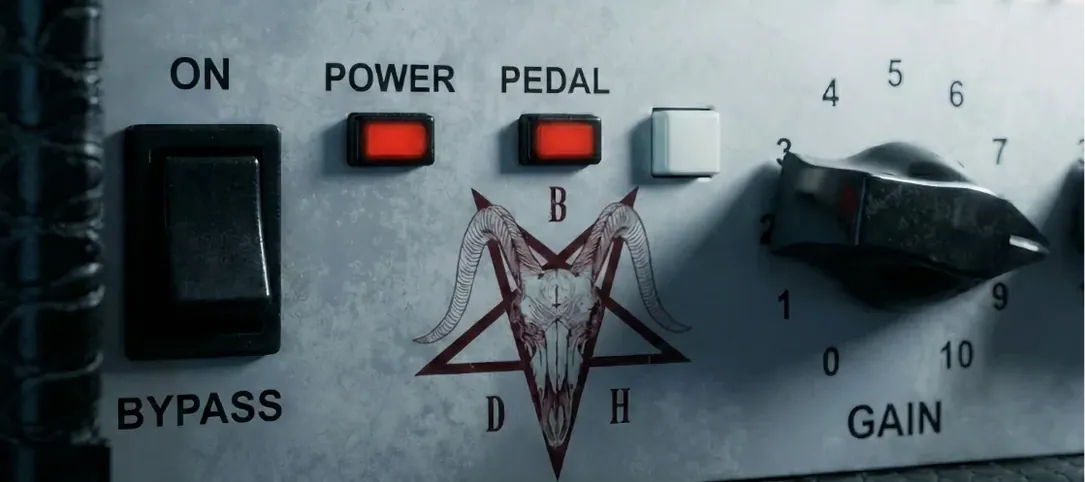 Bogren Digital Ampknob BDH 66o6 Plus
1.2.118
Apple Silicon
Bogren Digital Ampknob BDH 66o6 Plus
1.2.118
Apple Silicon
-
 Cableguys Snapback
1.1
Apple Silicon
Cableguys Snapback
1.1
Apple Silicon
-
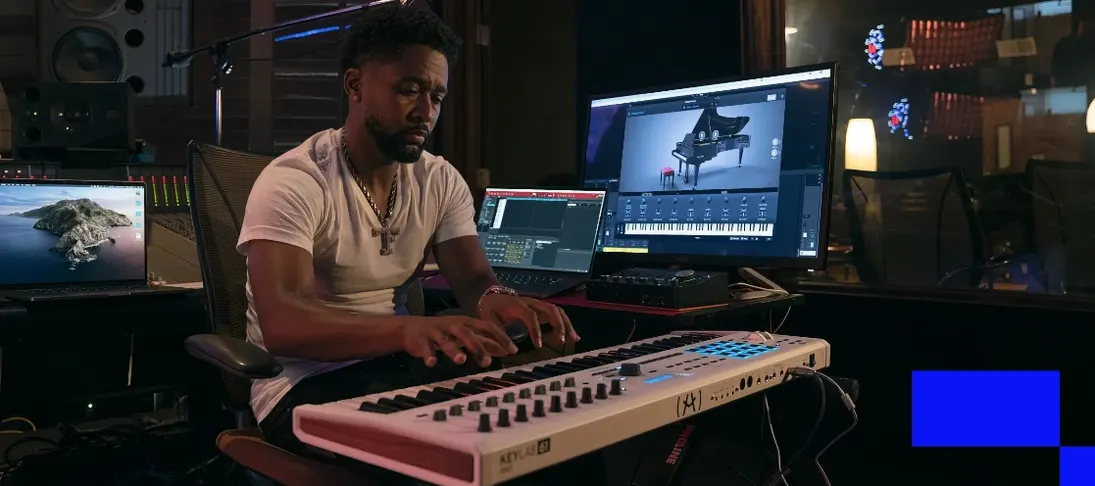 Arturia V Collection 11 Pro
2025.20.26
Apple Silicon
Arturia V Collection 11 Pro
2025.20.26
Apple Silicon
-
 Arturia Pigments
7.0.1-6772
Apple Silicon
Arturia Pigments
7.0.1-6772
Apple Silicon
-
 Arturia Mellotron V
1.9.3
Apple Silicon
Arturia Mellotron V
1.9.3
Apple Silicon
-
 Arturia FX Collection
2026.02
Apple Silicon
Arturia FX Collection
2026.02
Apple Silicon
-
 Arturia Emulator II V
1.6.2
Apple Silicon
Arturia Emulator II V
1.6.2
Apple Silicon
-
 Arturia Efx AMBIENT
1.0.0
Apple Silicon
Arturia Efx AMBIENT
1.0.0
Apple Silicon