Nitro PDF Pro for macOS
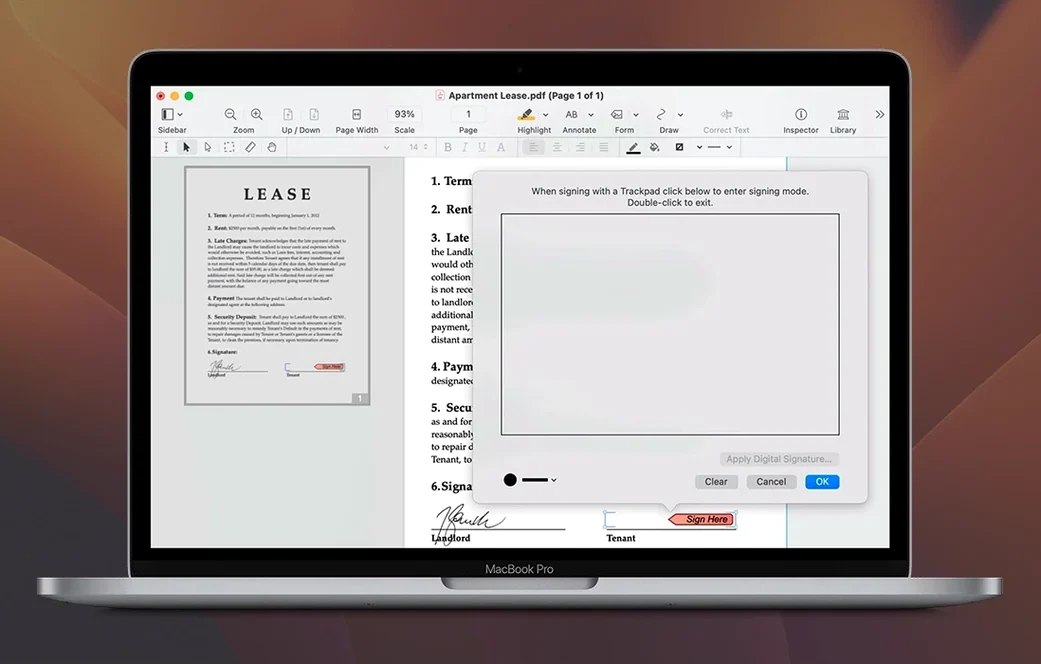
Description
Most PDF apps handle reading just fine. The trouble starts when you need to pull a formatted table out of a report, batch-watermark fifty invoices, or extract a file attachment buried three layers deep. Nitro PDF Pro is built for that kind of work. Version 13.3.1 runs on macOS 10.14 Mojave or later, natively on Apple silicon and Intel.
Tools that go beyond the basics
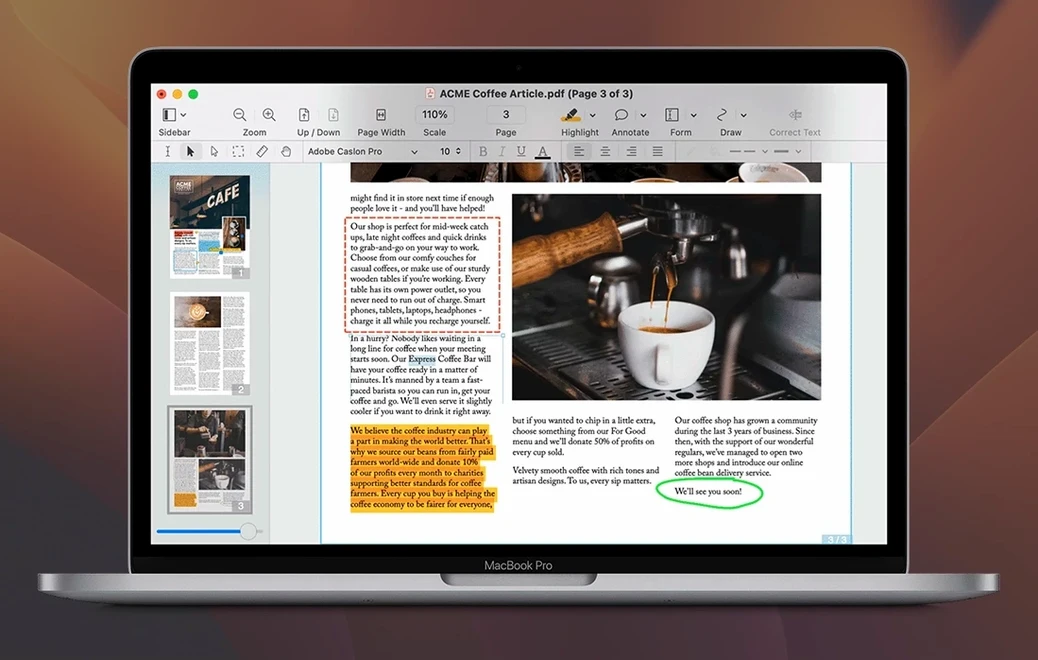
- Rich text extraction that respects the layout. Copy text from a multi-column PDF and it lands in your word processor with fonts and formatting intact, not as a pastebin of fragments.
- Portfolios, not just files. Merge related documents—a contract, its addendum, and the email chain—into one organised container. Everything travels together.
- Forms you can fill or build from scratch. Open a static form, type straight into the fields, and save it. Or create your own interactive form and send it out.
- Batch processing. Apply the same watermark, header, or page number to a folder of documents in one go. Real time-saver for anyone producing reports in volume.
- Audio annotations. Record a spoken note right onto a page. Useful when a typed comment would take too long, or when tone matters.
- Attachments inside attachments. Add, view, and extract files embedded in a PDF. Handy for pulling original spreadsheets out of a board pack.
OCR that earns its keep
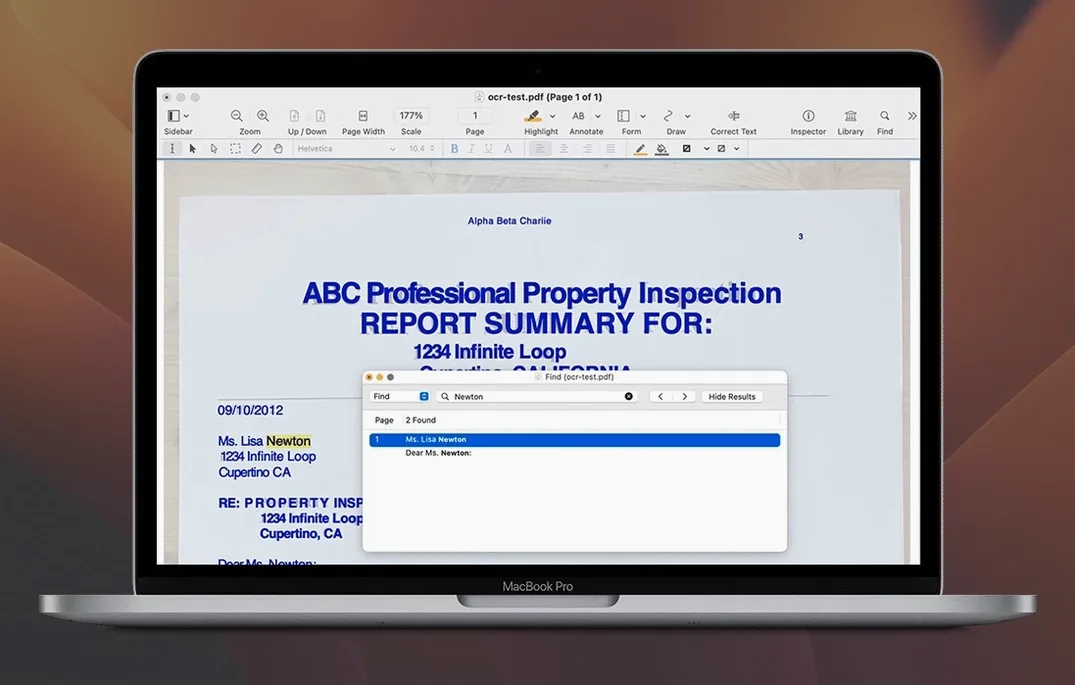
Scanned documents become searchable text without leaving the app. The recognised text stays inside the PDF, where you can copy or search it. Combine that with the editing tools—adjust text, swap an image, place a signature—and you have a proper production tool, not just a reader with a few extras bolted on.
Does it open your existing files without breaking them
Does it handle the same files I already use? Yes. Nitro PDF Pro opens any standard PDF and preserves fonts, images, and layers from files created in Acrobat, Preview, or a scanner. If another Mac app made it, this app reads it.
Will it slow down a machine that's a few years old? Not noticeably. The 1 GB RAM requirement is modest, and the app runs natively on both Apple silicon and Intel. Opening a 200-page scanned document still takes a moment—that's the file size, not the software.
Can I trust the export to Word? Most of the time, yes. The conversion handles columns, tables, and fonts better than the free online tools. A complex layout with nested text boxes might need a few manual tweaks afterwards, but straightforward reports and contracts come through clean.
Test OCR on a fuzzy page before you trust it on a batch
- Test the OCR on one page first. Scan quality varies wildly, and a fuzzy 72 dpi scan will never produce perfect text. Run the recognition on a single page, copy the result, and check for errors before you batch-process a 300-page archive.
- Save your batch profiles. When you set up a watermark, header, or page-numbering job that you'll repeat, save the settings as a profile. Next quarter's report pack takes two clicks instead of fifteen minutes.
- Drag attachments out, don't export. If a PDF contains embedded files—spreadsheets, images, zip archives—drag them straight to the desktop from the attachments pane. Quicker than using the export dialogue every time.
Where Nitro pulls ahead of PDF Expert
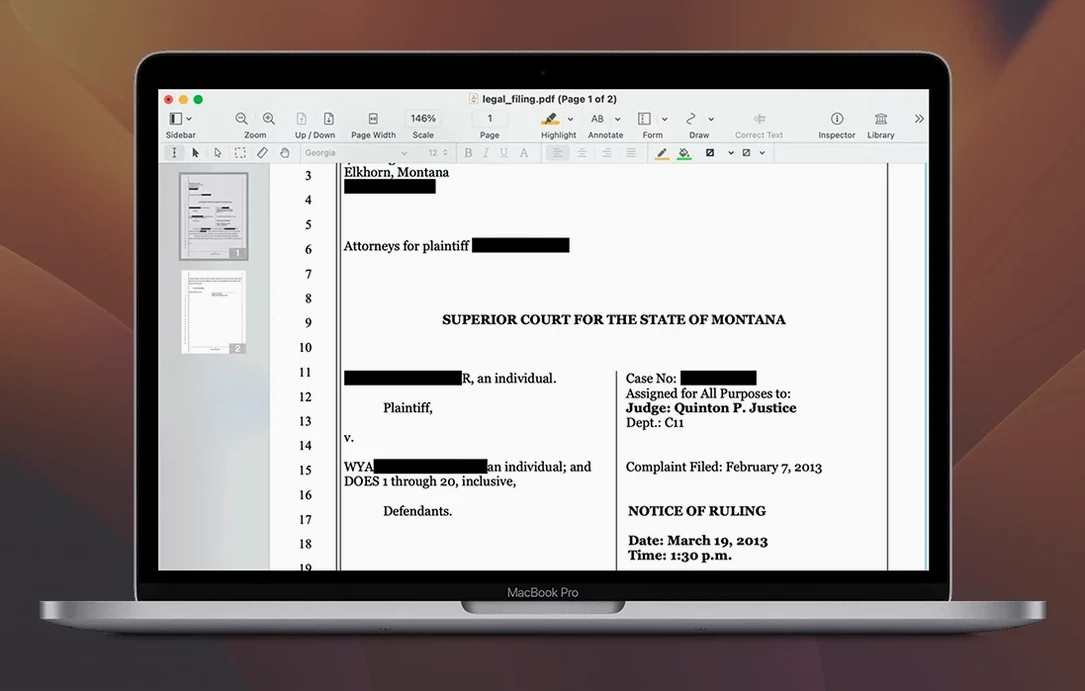
Compared with PDF Expert, Nitro PDF Pro has stronger batch and form-creation tools. PDF Expert feels snappier for quick reading and light annotation, but it doesn't build fillable forms or merge portfolios the way Nitro does. If your day involves marking up a handful of pages, either works. If you're processing stacks of documents, Nitro covers more ground.
Against Acrobat Pro, the difference is narrower. Acrobat has deeper preflight and print-production features that prepress people rely on, and its mobile apps are more mature. Nitro gives you the editing, OCR, redaction, and export tools most offices actually use, without the weight of features you'll never open. For someone searching for nitro pdf mac download options, it fits the gap between Preview and a full Creative Cloud subscription.
Next to PDFpen (now Nitro's sibling under the same roof), the lineage shows. Both offer OCR, editing, and signatures. Nitro PDF Pro pulls ahead on batch processing, audio annotations, and portfolio handling—features that matter when a dozen documents land on your desk at 4:30 pm and all of them need watermarks and page numbers before you leave. People hunting torrent nitro pdf files often find older builds that lack these additions; this version has them built in from the start.
Requirements
- macOS 10.14 Mojave or later
- Works on Intel and Apple Silicon Macs
- 1 GB RAM minimum
- Up to 2 GB disk space
- Display resolution 1280x800 or higher
Comments 0
Sign in or create an account to leave a comment.
No comments yet…
If you’ve installed it, say how it went. Mention your Mac and macOS version — it helps the next person more than you’d think.