

Stellaris for macOS
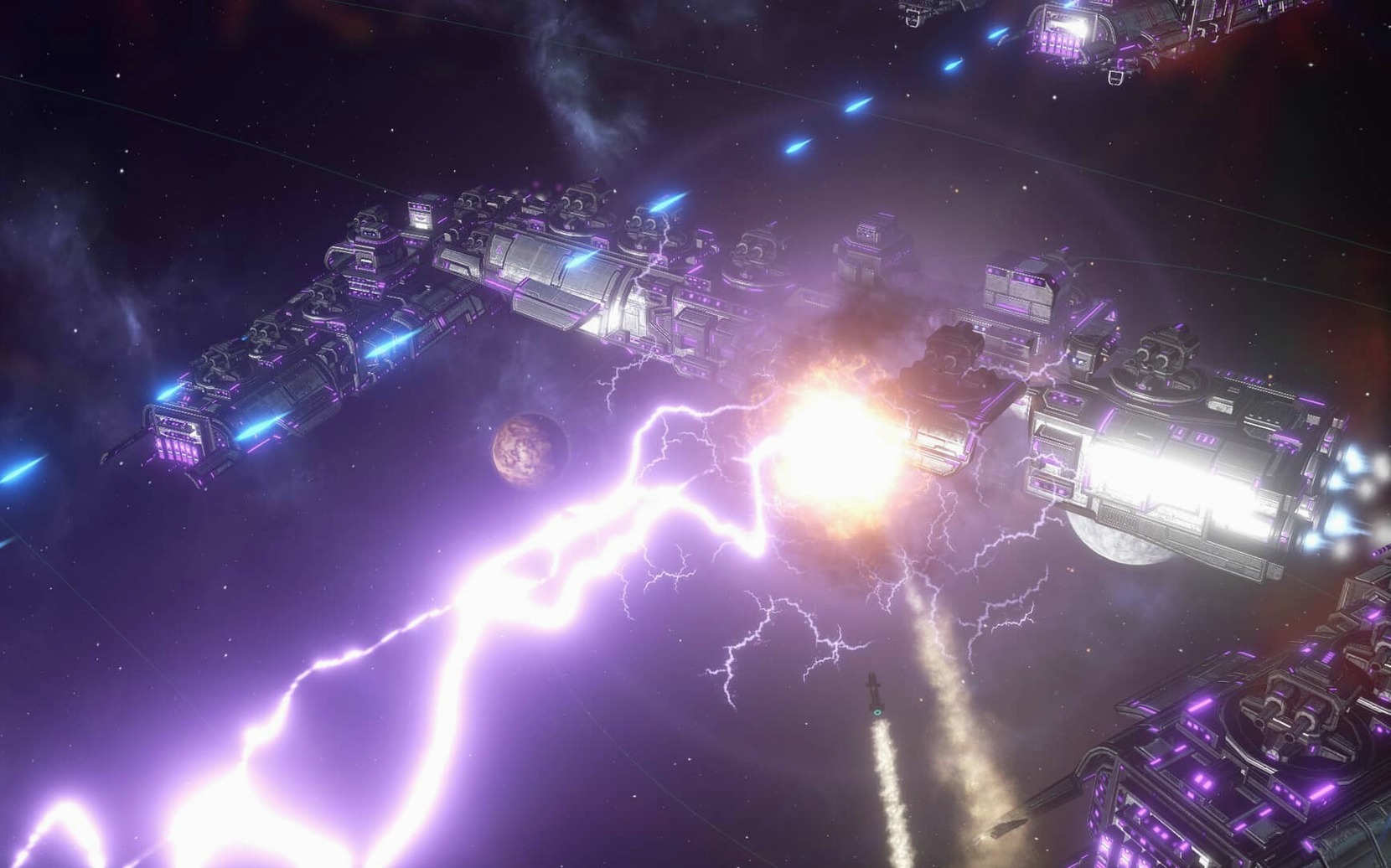
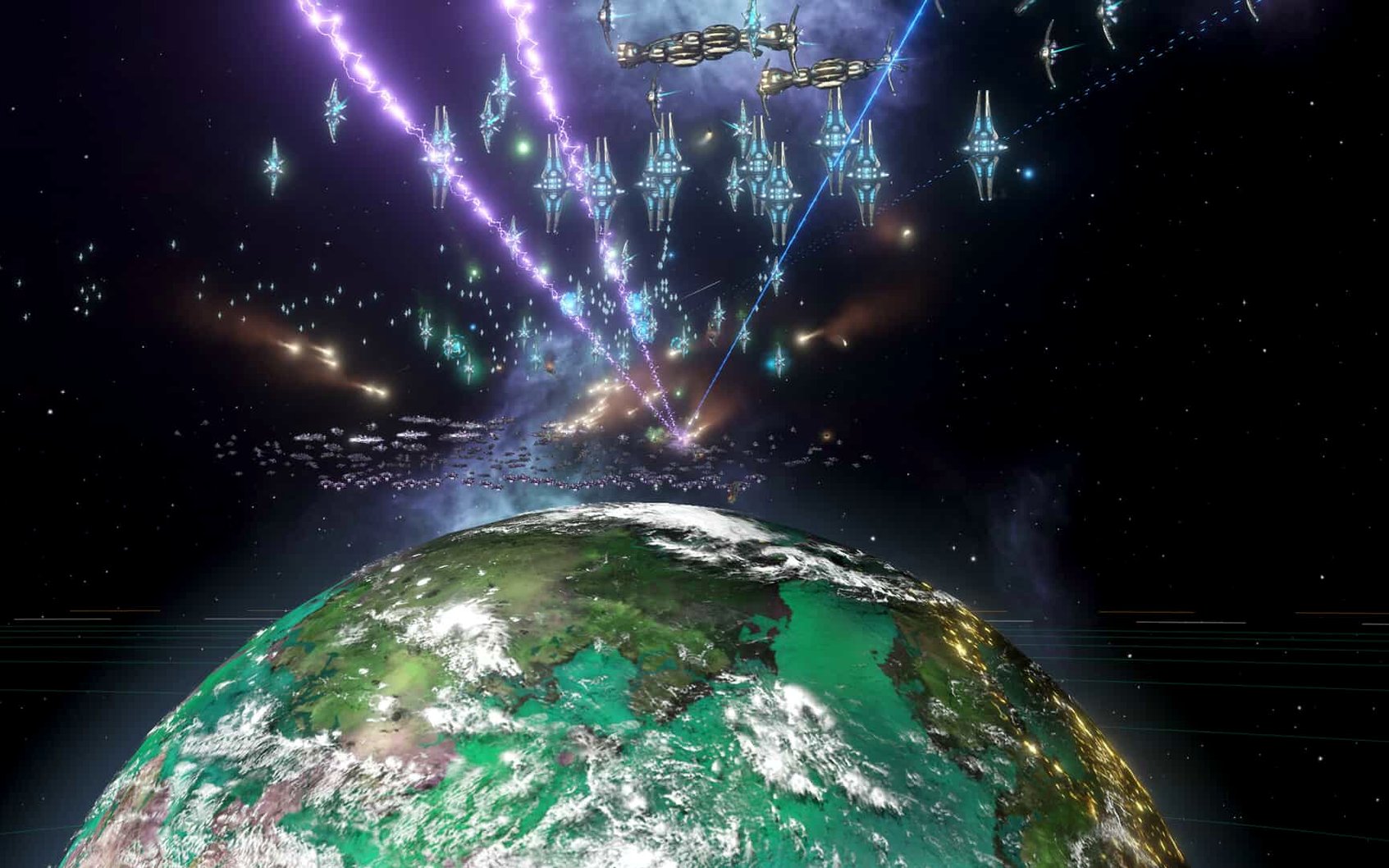
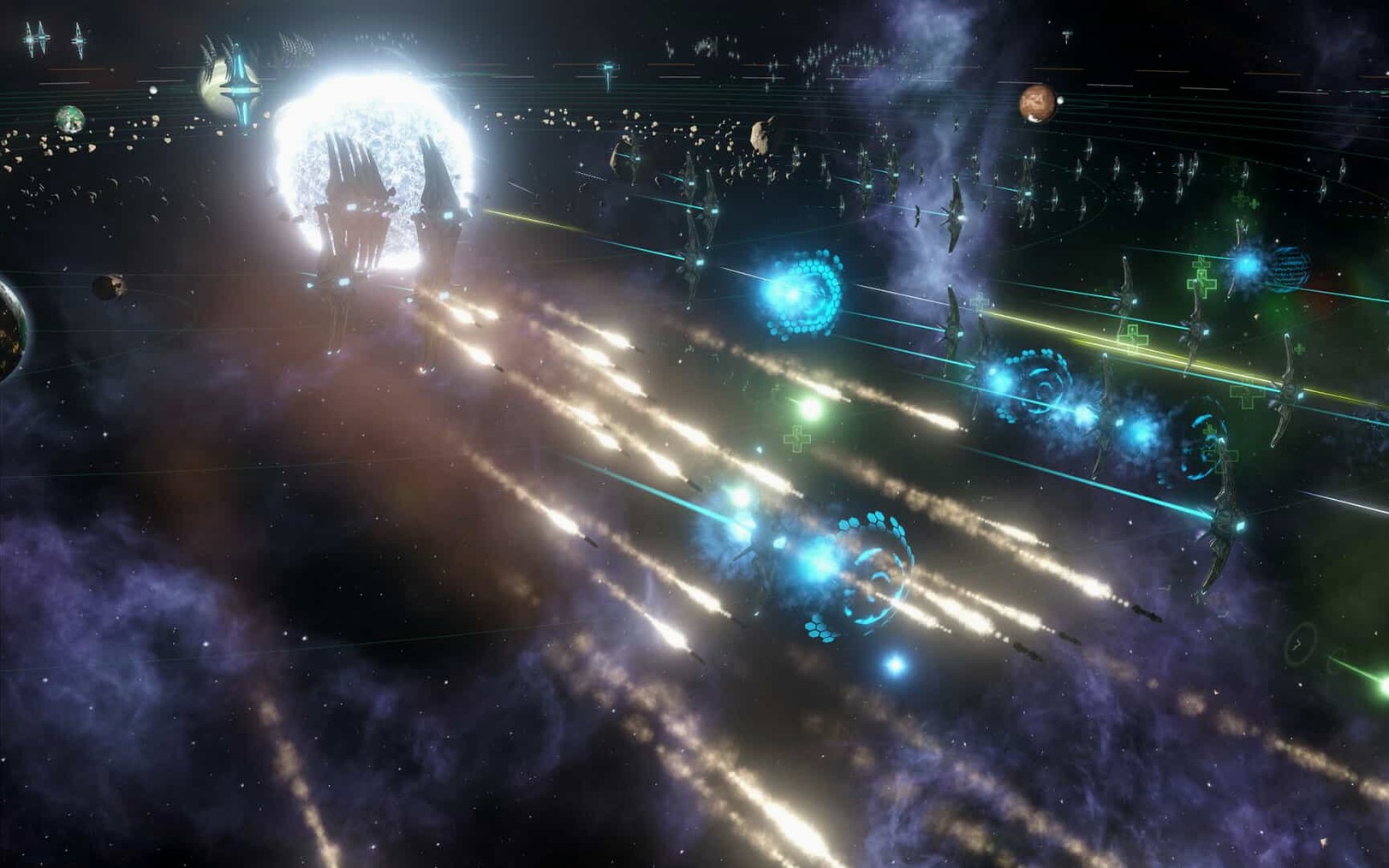
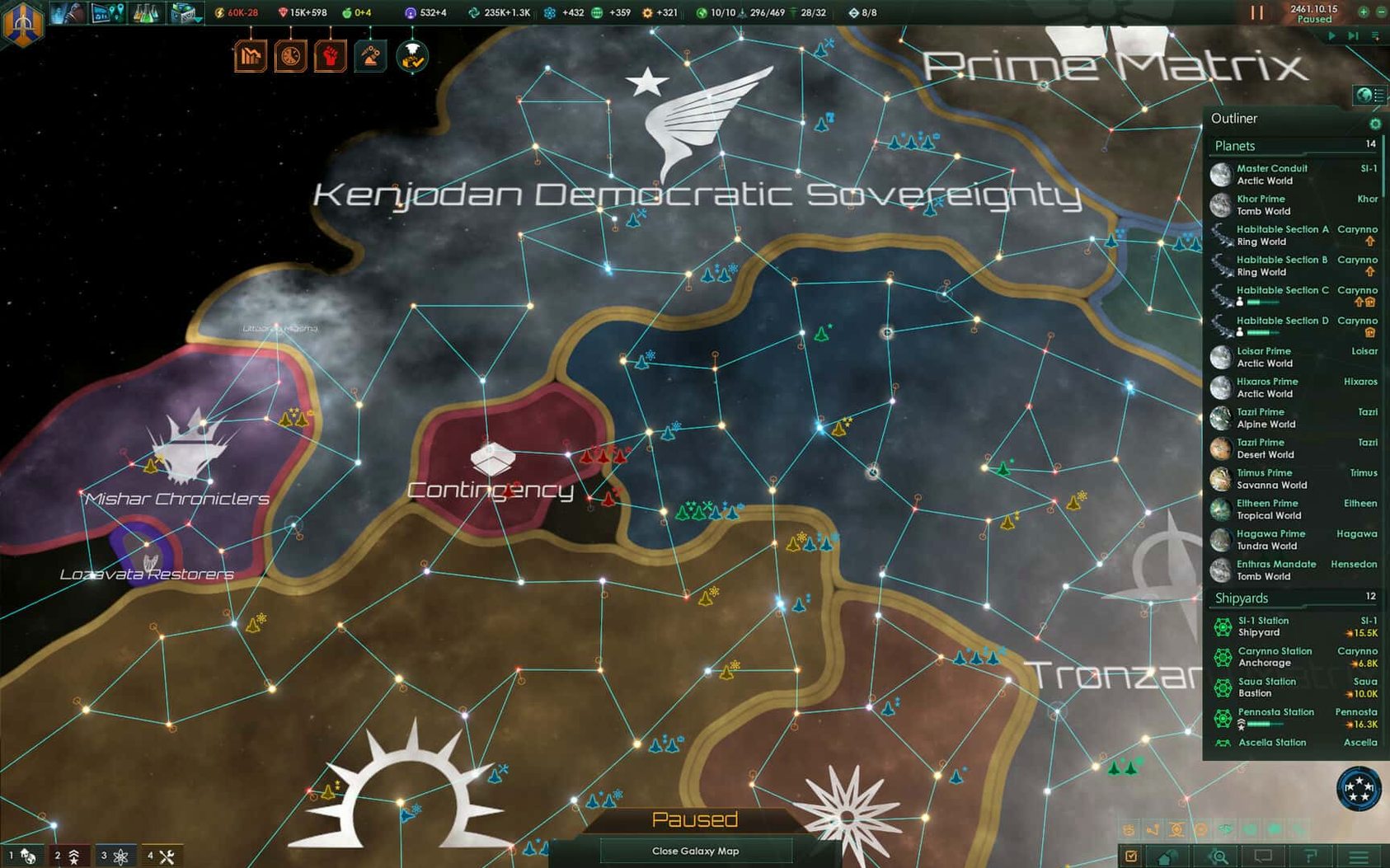
Description
The galaxy contains a thousand stars, and you start with one planet. Earth is behind you. A new colony ship is ready, and the first habitable world you find will become the cradle of an empire that spans the stars. That is the scale Stellaris works at from the first minute.
It is a grand strategy game that runs in real time. You explore, research technologies to reach distant worlds, and deal with alien races — some diplomatic, some hostile. As your society grows, internal factions appear and conflicts multiply. The game lets the AI manage autonomous regions if you prefer, but the core loop is about long-term planning, not quick wins.
Slow-burn empire building and story-driven exploration
- Players who enjoy slow-burn strategy and empire management.
- Anyone fascinated by exploration, from scanning space objects to finding non-habitable planets that still hold secrets.
- Those who like stories emerging from systems — first contact, faction splits, wars that start over a single border system.
Dozens of hours per campaign, with no turn breaks
- This is not a fast game. A single campaign can run for dozens of hours.
- Real-time means you cannot take a turn and walk away; the galaxy keeps moving.
- Late-game micro-management can get heavy if you do not delegate to the AI.
Windowed play with a notes app on a second display
Stellaris works well in a window. If you play on a Mac with a second display, you can keep a notes app or spreadsheet open on the side — useful for tracking which systems have strategic resources, or jotting down which empire just insulted your ambassador for the third time. The game does not hog the cursor. You can click out to a browser without minimising, which is a small mercy during a long session.
On macOS, the game respects Mission Control and virtual desktops. Flick left to a desktop with Discord running for multiplayer chatter, then flick back to the galaxy map with no fuss. If you use Shortcuts or Automator, a simple workflow can launch Stellaris and mute notifications automatically — one less distraction when a crisis kicks off. The save files live in Documents/Paradox Interactive/Stellaris, so they slot into any normal Time Machine backup without extra steps.
Fleet automation stops chasing lone pirate corvettes
Version 4.5.1 is a hotfix, but it tidied up several things that mattered day to day. Fleet automation now follows the actions and options you select, which means your patrol fleets stop wandering off to chase one pirate corvette three systems away. The removal of the Harvesting Agreements Automation sub-menu setting simplifies a corner of the interface that nobody enjoyed navigating.
Multiplayer got a fix for out-of-sync issues with custom AI empires — fewer dropped games when a friend insists on playing against ten fanatically spiritualist space foxes. Several crash cases were closed: startup crashes, galaxy generation hangs, and crashes during federation law votes. The auto-disengagement after 15 days of inactivity is now off. A fleet that sits idle will stay put, which suits defensive deployments far better.
Over-colonising early drains influence and resources
- Over-colonising early. Every planet costs influence and resources. Three well-placed colonies with decent habitability beat six scattered worlds that drain your budget and spark unrest.
- Ignoring the clock. The game is real-time. Leaving it running while you read tooltips means five years slip by and the neighbour you ignored just built a fleet twice your size.
- Treating all aliens the same. A xenophile fallen empire will tolerate your existence. A militant isolationist one will not. Check the diplomacy screen before you send an envoy or a science ship into their space.
- Skipping the settings.txt step. To switch the interface to Russian (or back to English), you must launch the game once, close it, then edit
settings.txtin the Paradox Interactive folder. Changing the language inside the game is not an option on this build.
What’s new
- Fixes a Synaptic Lathe ownership issue.
- Improves fleet automation behavior.
- Fixes multiplayer out-of-sync issues and multiple crash cases.
Requirements
- macOS (version not specified by the developer)
- Intel processor, 64-bit
FAQ
Can I let the AI manage parts of my empire in Stellaris?
Yes, the artificial intelligence can handle autonomous regions, which helps once your empire grows large and internal conflicts become harder to track manually.
Comments 0
Sign in or create an account to leave a comment.
No comments yet…
If you’ve installed it, say how it went. Mention your Mac and macOS version — it helps the next person more than you’d think.
More in Games
All in Games-
 Stoneshard
0.9.4.24
Apple Silicon
Stoneshard
0.9.4.24
Apple Silicon
-
 STORROR Parkour Pro
0.39.0
Apple Silicon
STORROR Parkour Pro
0.39.0
Apple Silicon
-
 Stardew Valley
1.6.15.24357.8705766150
Apple Silicon
Stardew Valley
1.6.15.24357.8705766150
Apple Silicon
-
 Stray
1.6
Apple Silicon
Stray
1.6
Apple Silicon
-
 Stronghold Crusader HD
1.41
Apple Silicon
Stronghold Crusader HD
1.41
Apple Silicon
-
 Sons Of The Forest
53951 Build 17079992
Apple Silicon
Sons Of The Forest
53951 Build 17079992
Apple Silicon
-
 Software Inc
1.8.41
Apple Silicon
Software Inc
1.8.41
Apple Silicon
-
 SnowRunner
39.0
Apple Silicon
SnowRunner
39.0
Apple Silicon