

Stronghold Crusader HD for macOS
Description
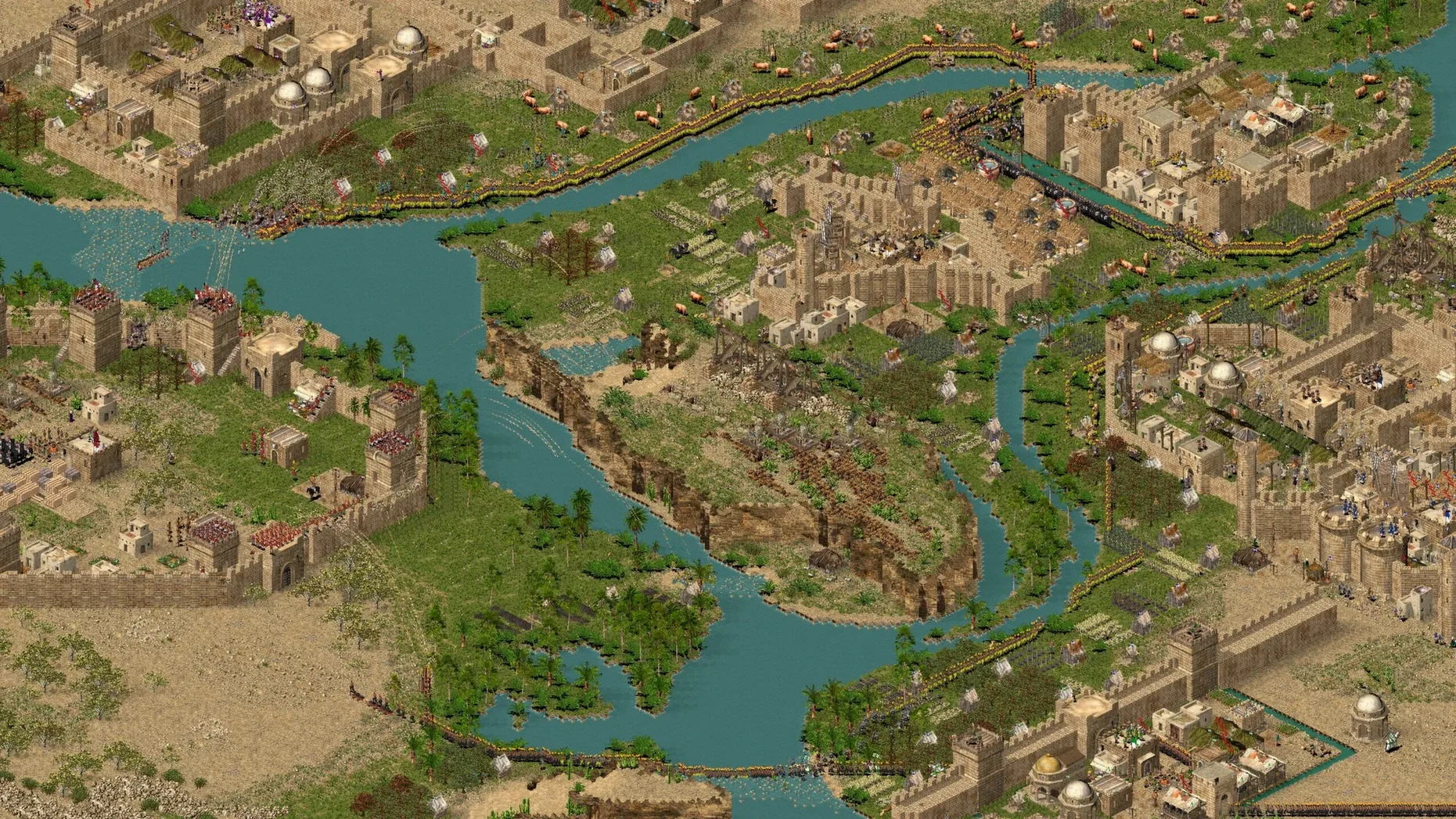
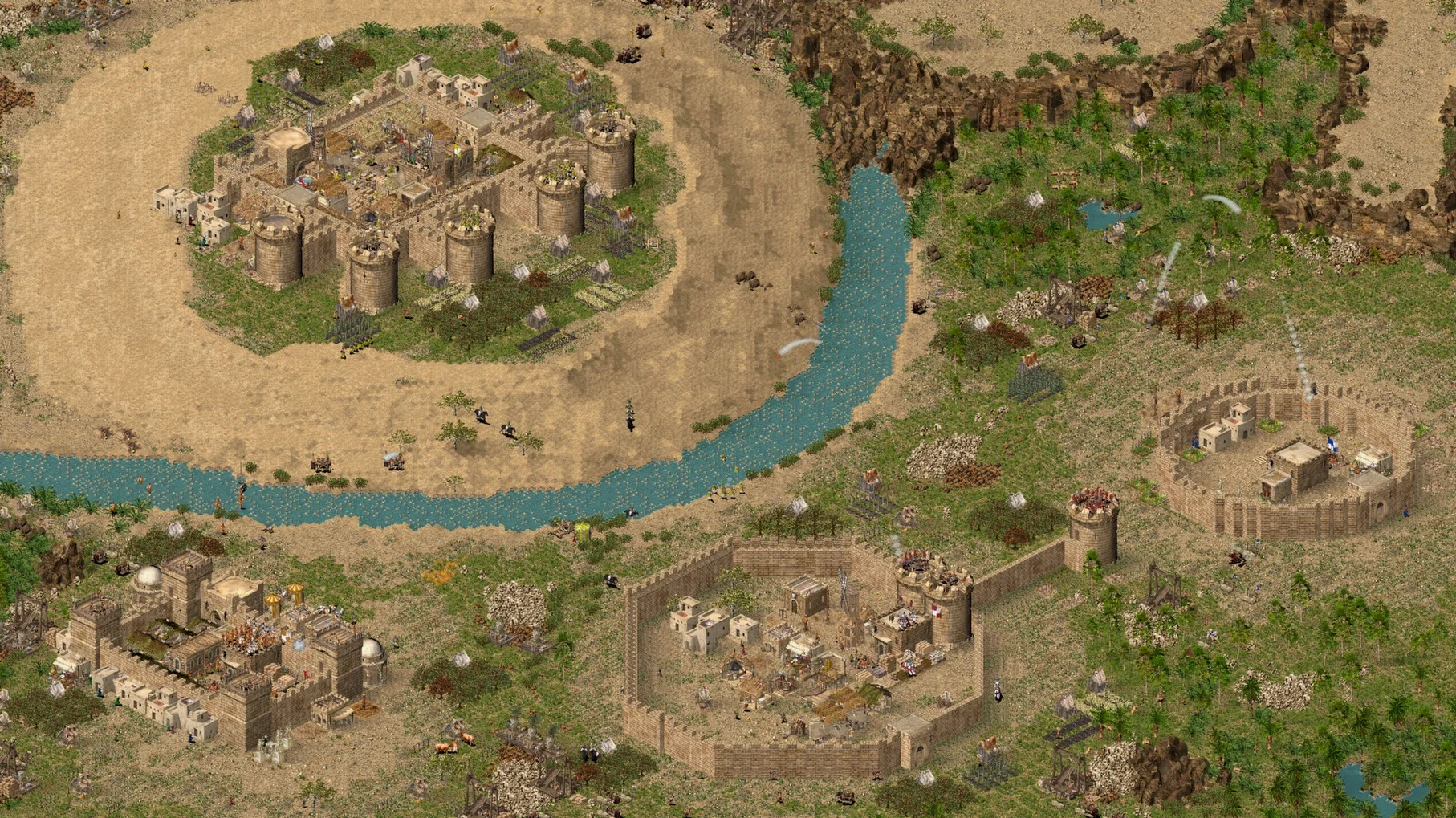
If you remember spending evenings laying curtain walls in the original Stronghold, Crusader HD feels like a workshop tool you already know — just one that's been pulled out of the shed and dusted off. Same mechanics, same voice lines, same supply-chain panic when the bread runs out. It runs here inside a Wineskin wrapper, not as a native Mac app.
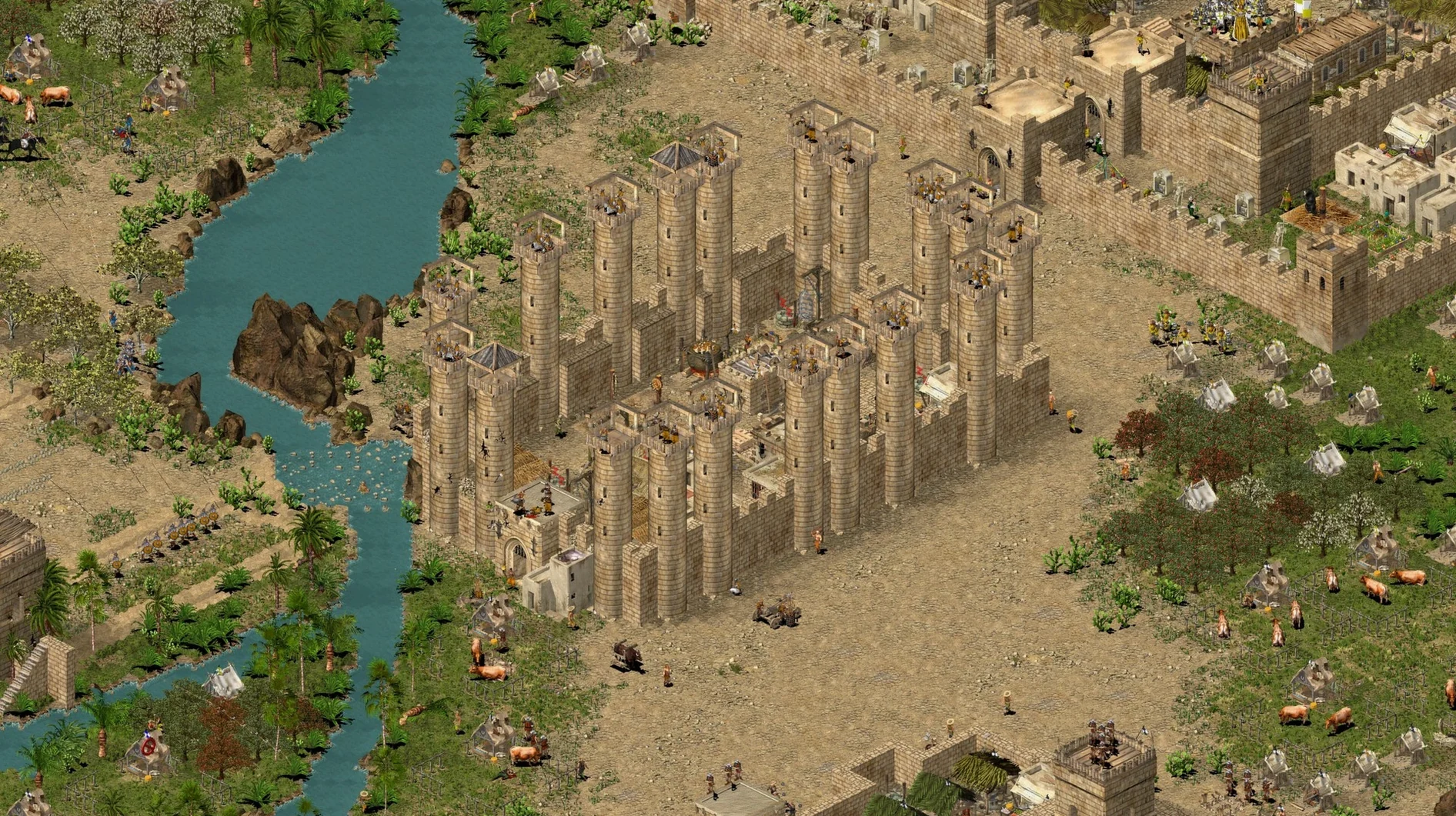
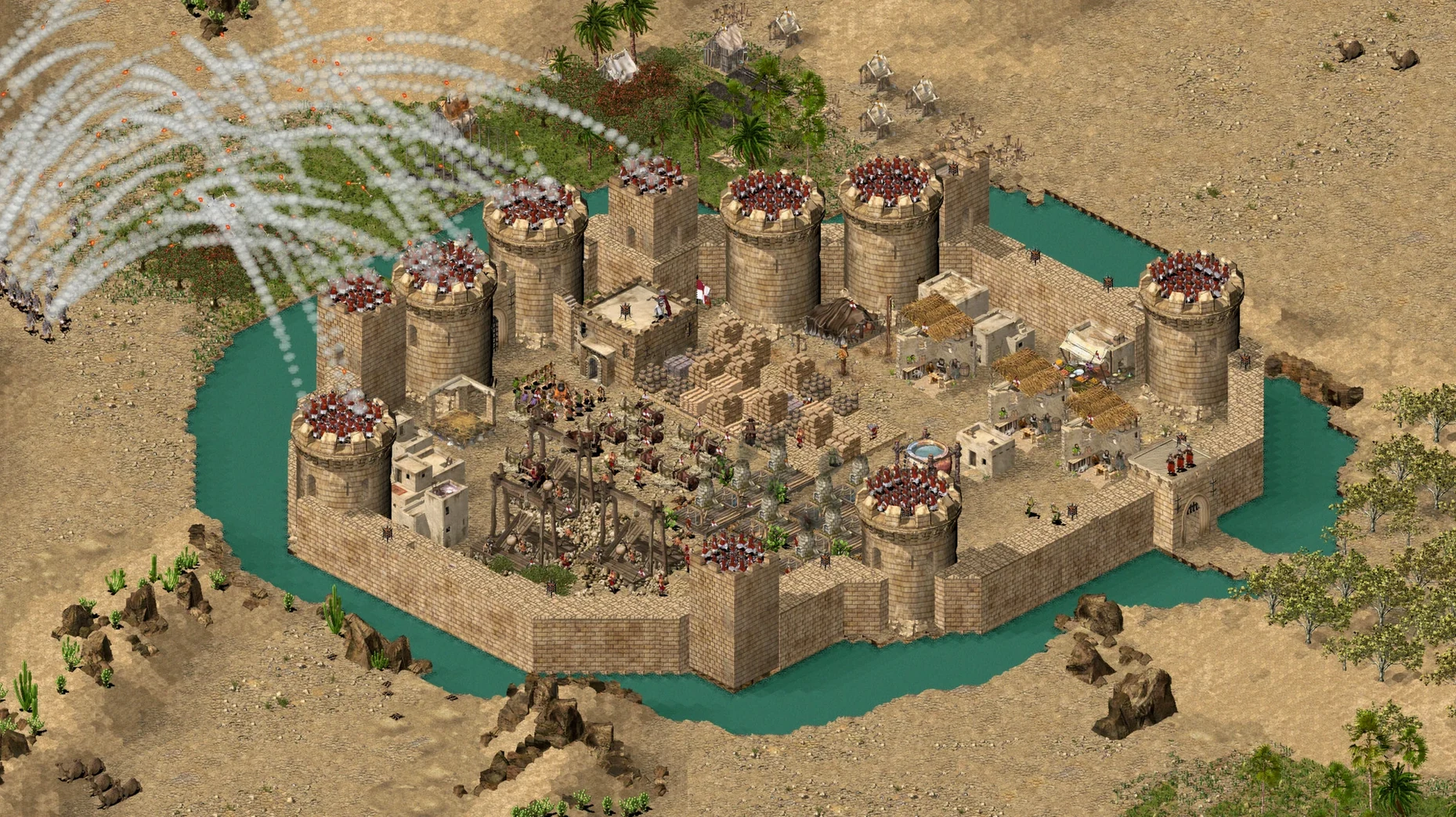
Keep a castle running in the desert
You balance food, weapons and morale while the enemy does the same on the other side of the map. The AI is blunt and fast — it doesn't wait for you to finish a pretty curtain wall.
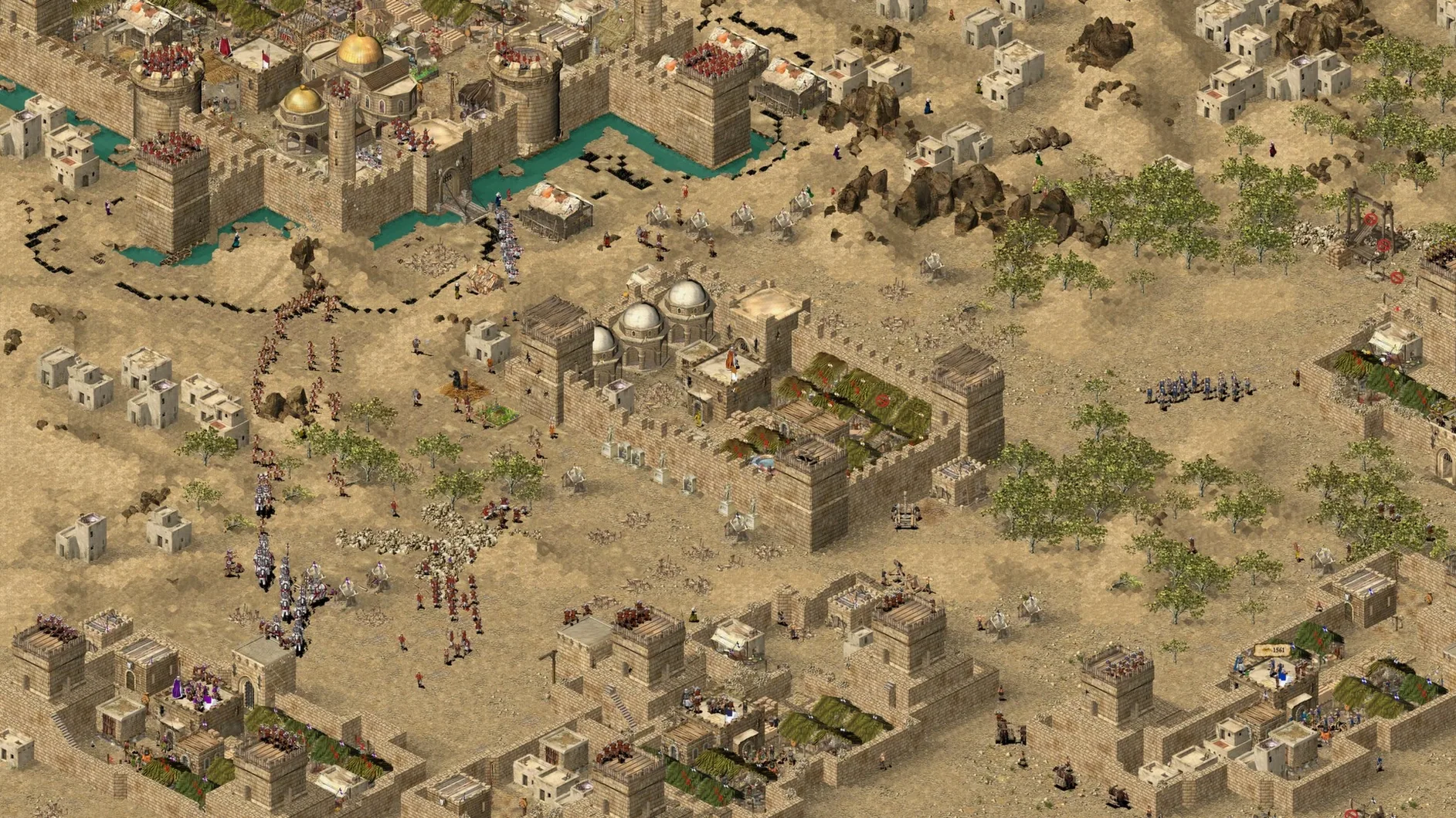
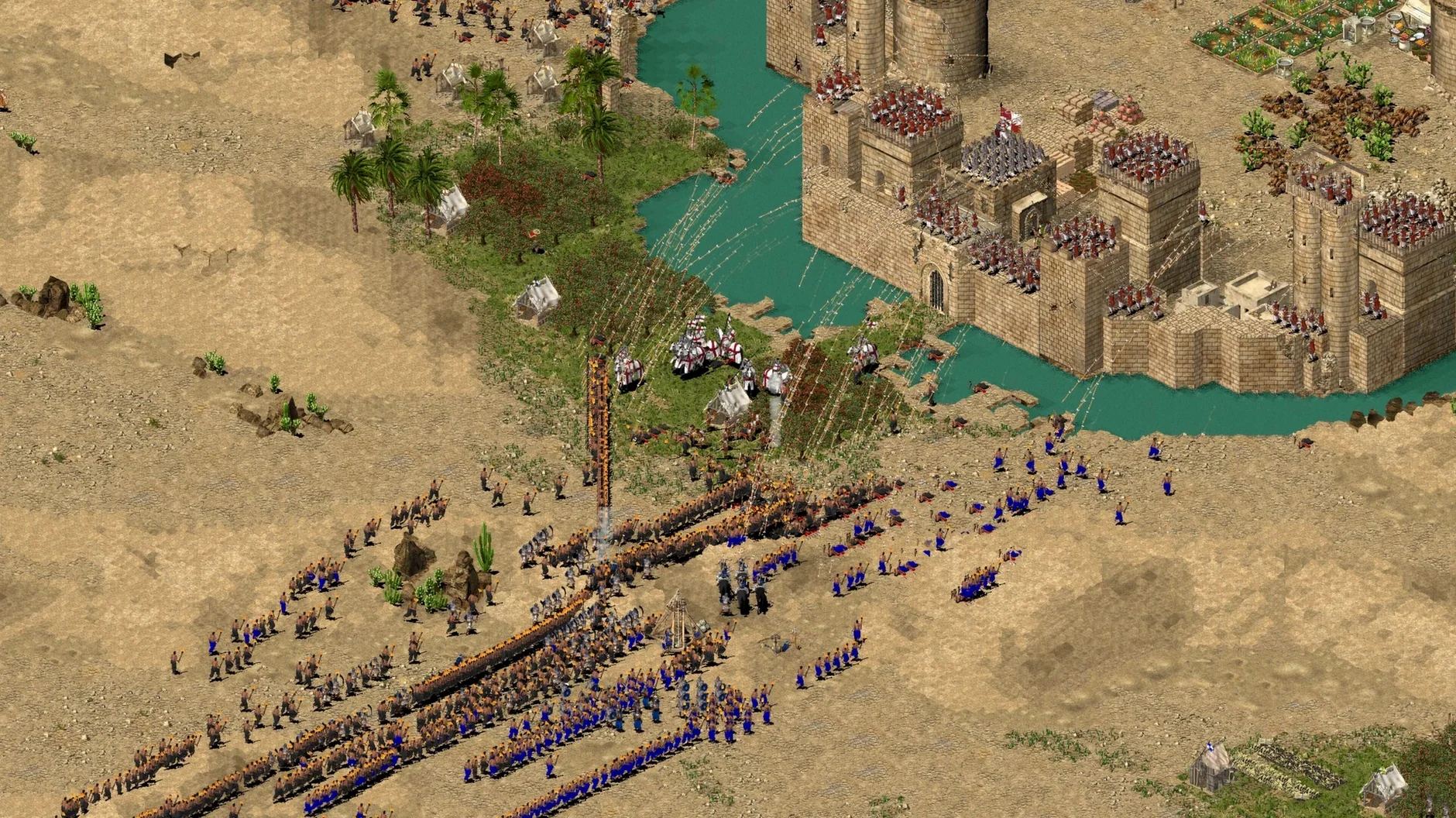
Fight with a screen full of troops
The Extreme expansion lifts the unit cap to 10,000, which turns skirmishes into carpet-sized brawls. The HD edition's scalable battlefield view helps you keep track when the map becomes a mess of burning siege towers and dead mules.
Accept that it's held together with string
This is a Wineskin bundle tested on an M1 MacBook Air running Sequoia. It works, but you may need to set your display to 1920×1200 if the game refuses to start. Switching between the base game and Extreme means digging into the Wineskin settings. If you want a double-click-and-play experience, look elsewhere. If you don't mind a bit of fiddling for a strategy game that still has teeth, it does the job.
Wrapper overhead on Apple Silicon
Does the Wineskin wrapper mean it’s slow? On Apple Silicon you won’t notice. A skirmish with several thousand units runs without stuttering, even on a fanless M1 Air. The wrapper adds no meaningful overhead for a game this old.
Can I play against a friend? LAN and direct-IP multiplayer are present in the menus, but getting them working through Wineskin is hit-and-miss. Treat this as a single-player package. The four campaigns and hundred-plus missions keep you busy.
Will it chew through my battery? It’s a 2002 game drawing 2D sprites. Power draw stays low. You can play unplugged for hours without the Mac warming up.
Match your native resolution to avoid a black screen
Open the options menu before starting a mission and do three things:
- Set the game resolution to match your Mac’s native display — the HD build handles this cleanly, and mismatched resolutions are the usual cause of a black screen on launch.
- Turn edge scrolling on or off depending on your taste. The default can feel aggressive on a trackpad.
- Lower the game speed if you haven’t played in years. The AI builds faster than you remember, and 20% speed gives you room to think without making sieges drag.
The Extreme executable also defaults to the higher unit cap — switch to it from the Wineskin configuration if you want those 10,000-troop battles without hunting through a menu.
What’s new
Adds higher-resolution support and a real-time scalable battlefield view. The latest release notes also mention additional resolutions and bug fixes.
Requirements
- macOS Sequoia
- Apple Silicon (tested on MacBook Air M1, 2020)
- Wineskin wrapper included in the package
FAQ
Which versions of Stronghold Crusader are included?
The package includes both the original Stronghold Crusader and the Stronghold Crusader Extreme expansion. Voice support is available in English and Russian.
Comments 0
Sign in or create an account to leave a comment.
No comments yet…
If you’ve installed it, say how it went. Mention your Mac and macOS version — it helps the next person more than you’d think.
More in Games
All in Games-
 Stray
1.6
Apple Silicon
Stray
1.6
Apple Silicon
-
 STORROR Parkour Pro
0.39.0
Apple Silicon
STORROR Parkour Pro
0.39.0
Apple Silicon
-
 Stoneshard
0.9.4.24
Apple Silicon
Stoneshard
0.9.4.24
Apple Silicon
-
 Stellaris
4.5.1
Stellaris
4.5.1
-
 Supermarket Simulator
1.7.0 Native
Apple Silicon
Supermarket Simulator
1.7.0 Native
Apple Silicon
-
 Stardew Valley
1.6.15.24357.8705766150
Apple Silicon
Stardew Valley
1.6.15.24357.8705766150
Apple Silicon
-
 Sons Of The Forest
53951 Build 17079992
Apple Silicon
Sons Of The Forest
53951 Build 17079992
Apple Silicon
-
 Syberia: The World Before
1.2.40404-56798
Apple Silicon
Syberia: The World Before
1.2.40404-56798
Apple Silicon