SnowRunner for macOS
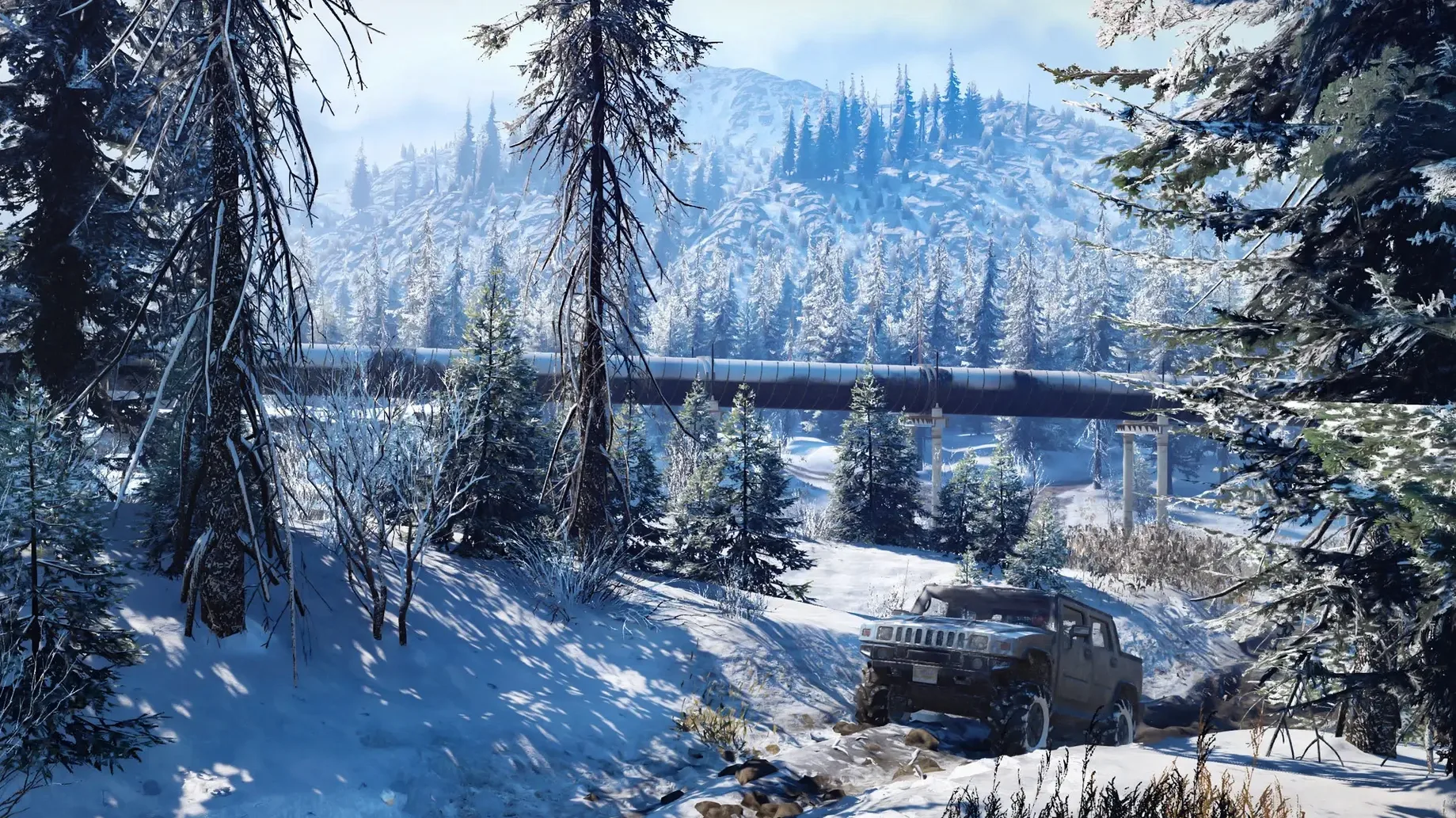
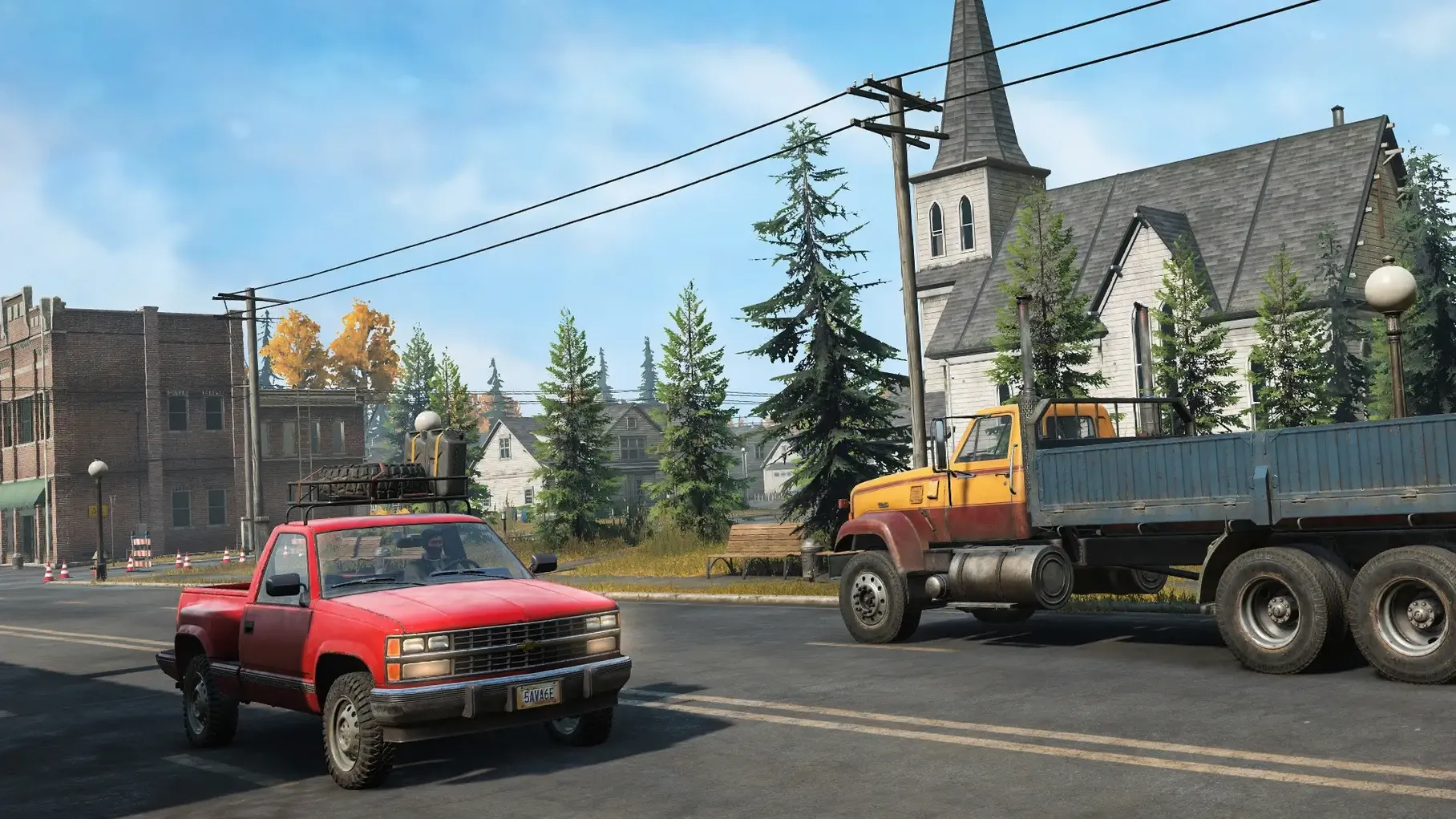
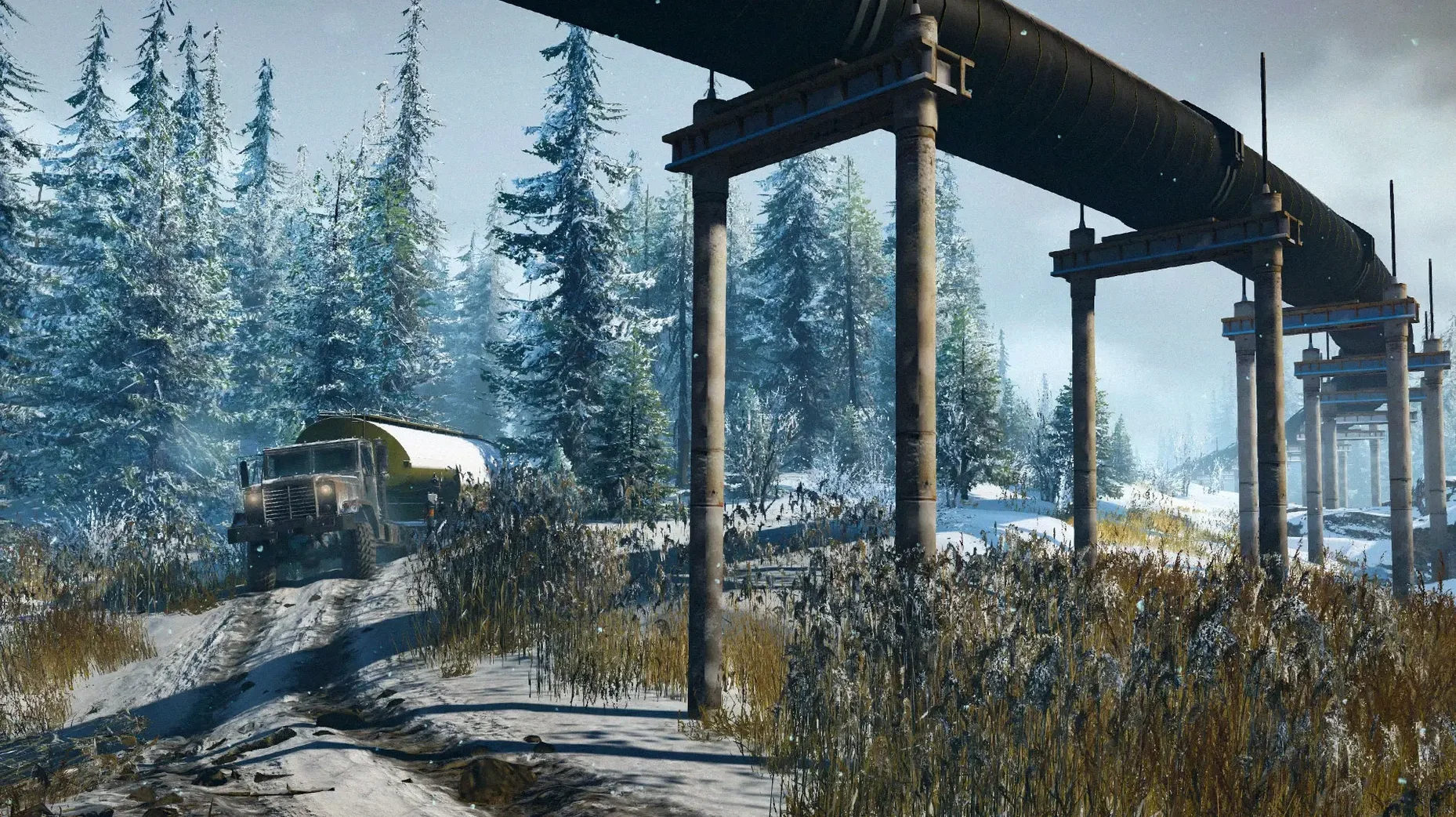
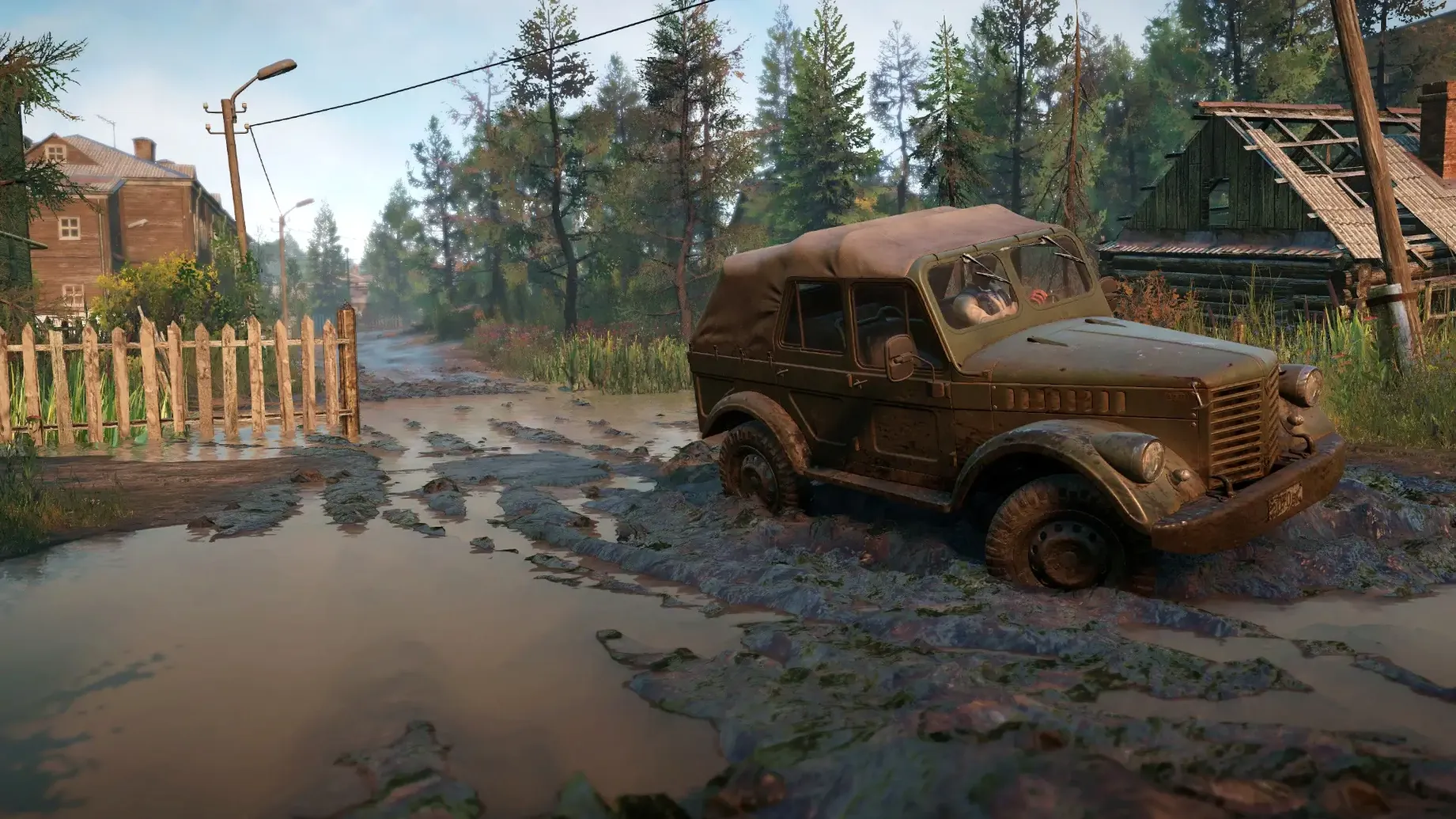
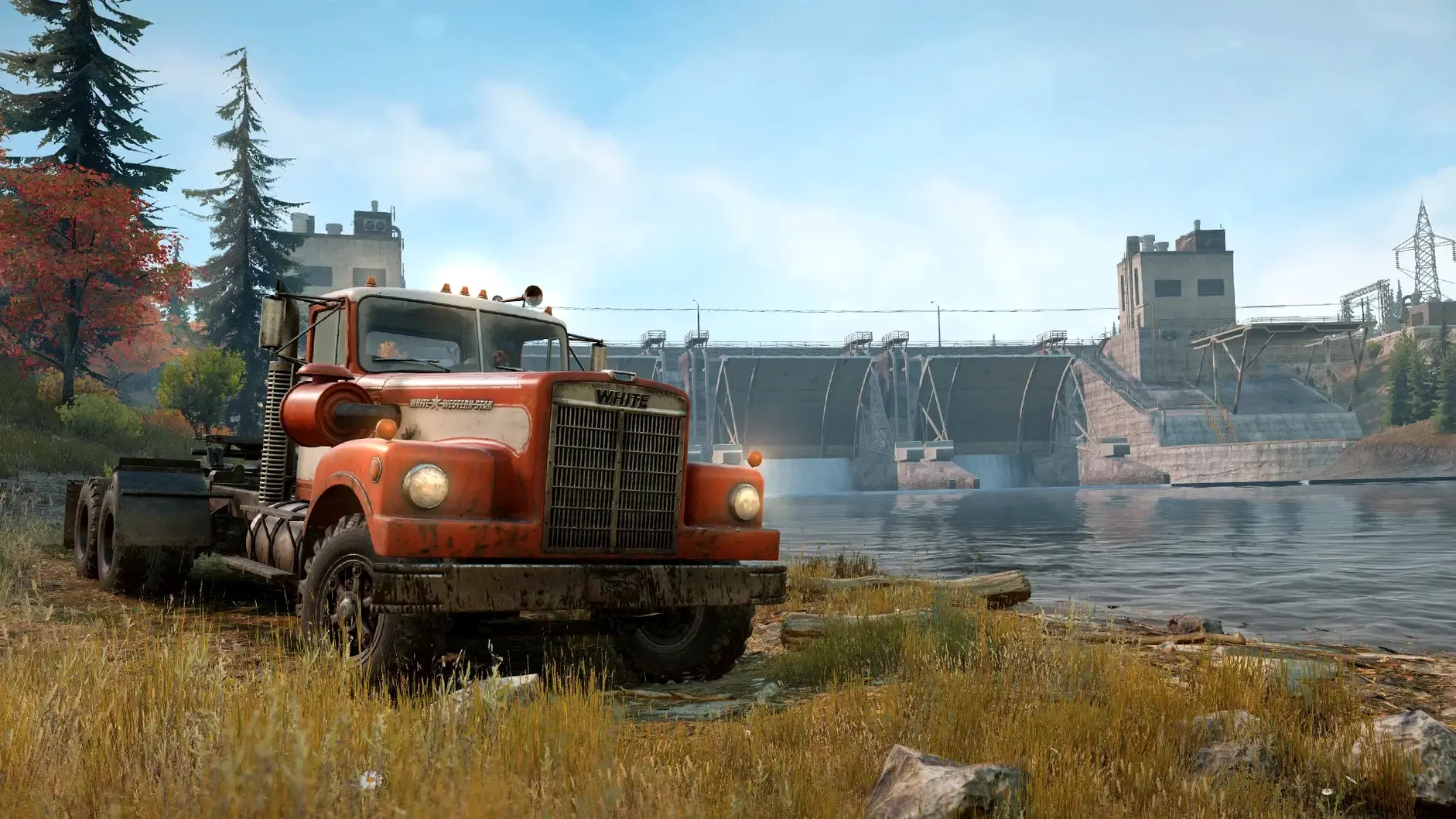
Description
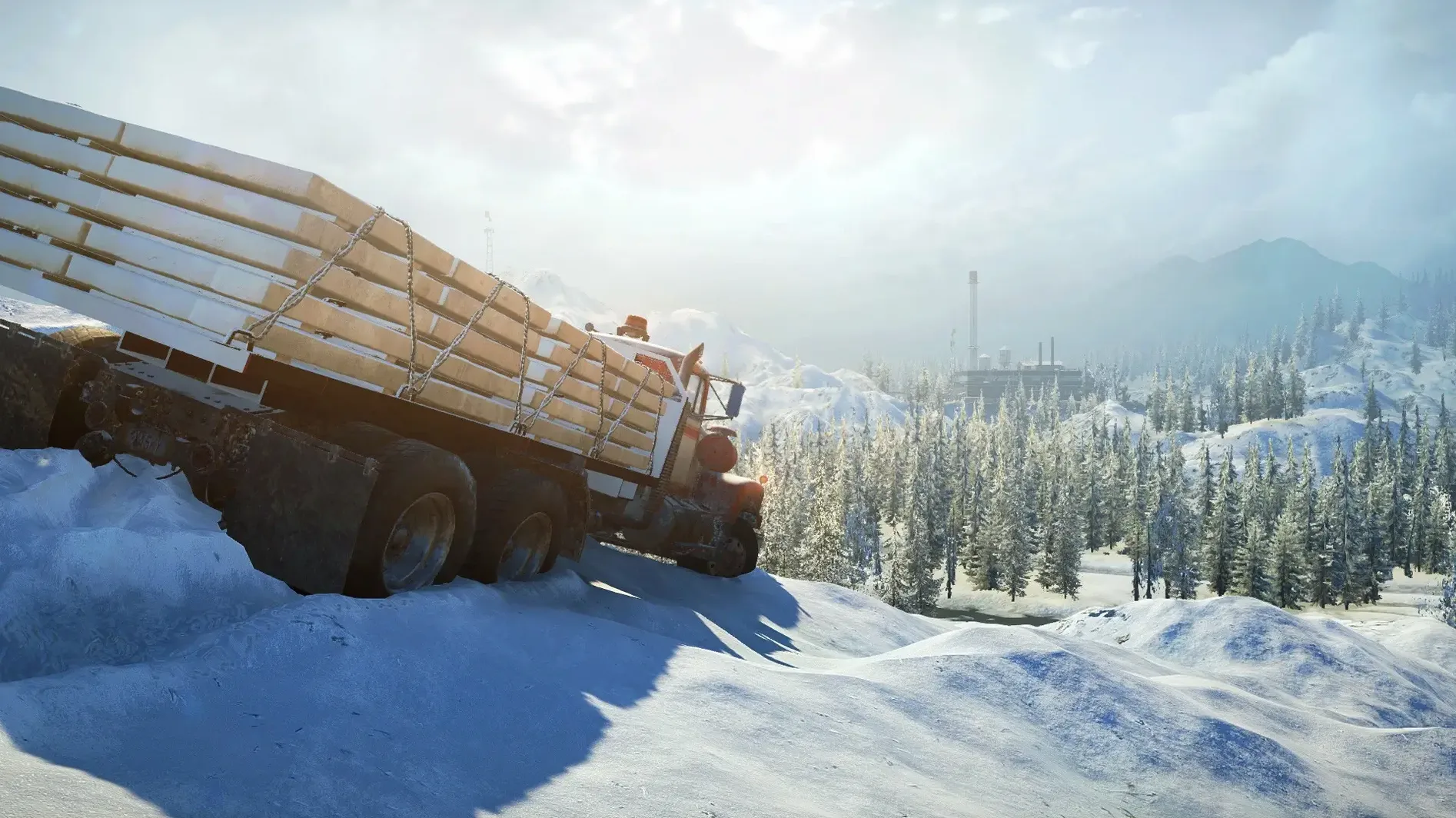
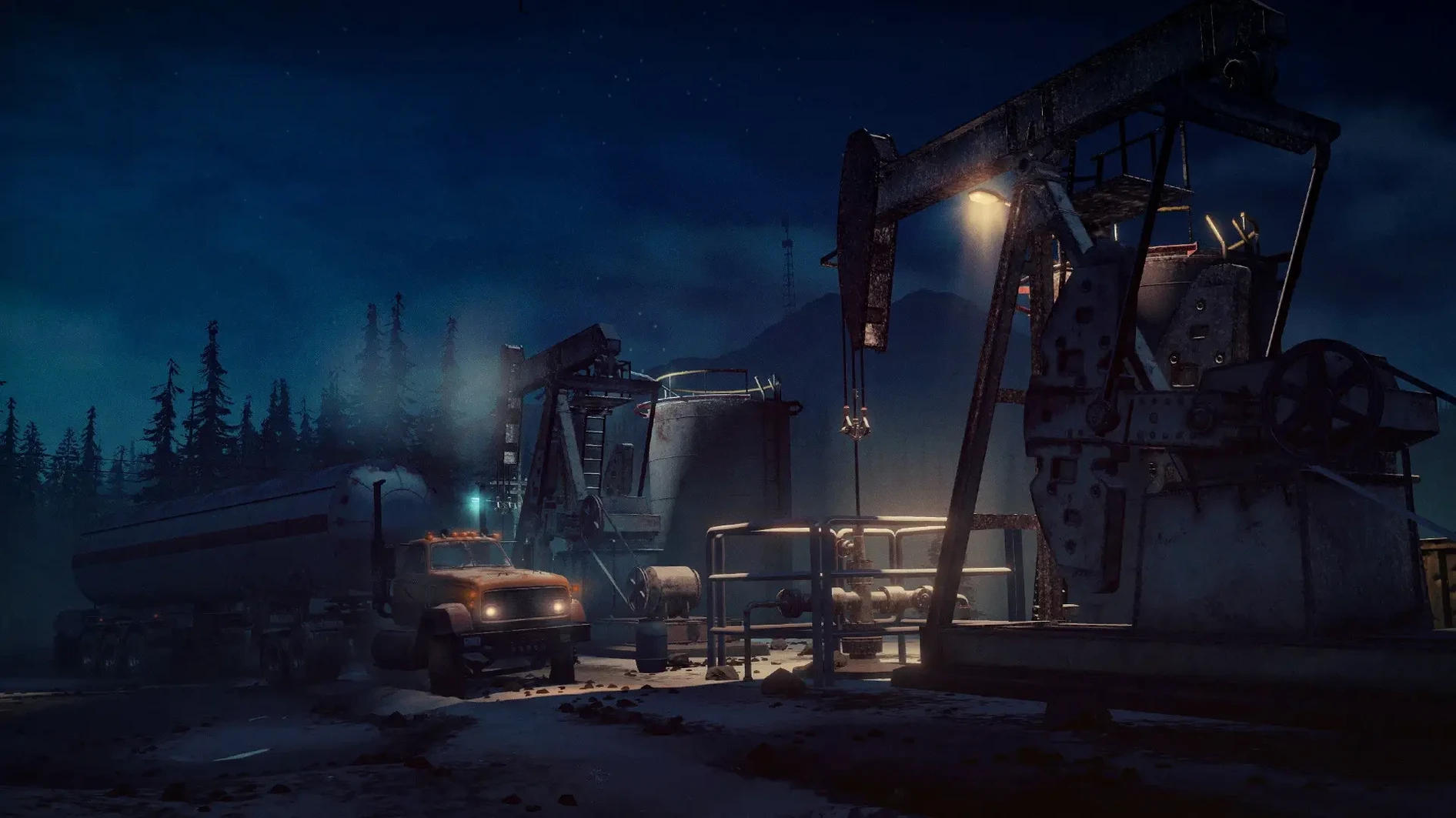
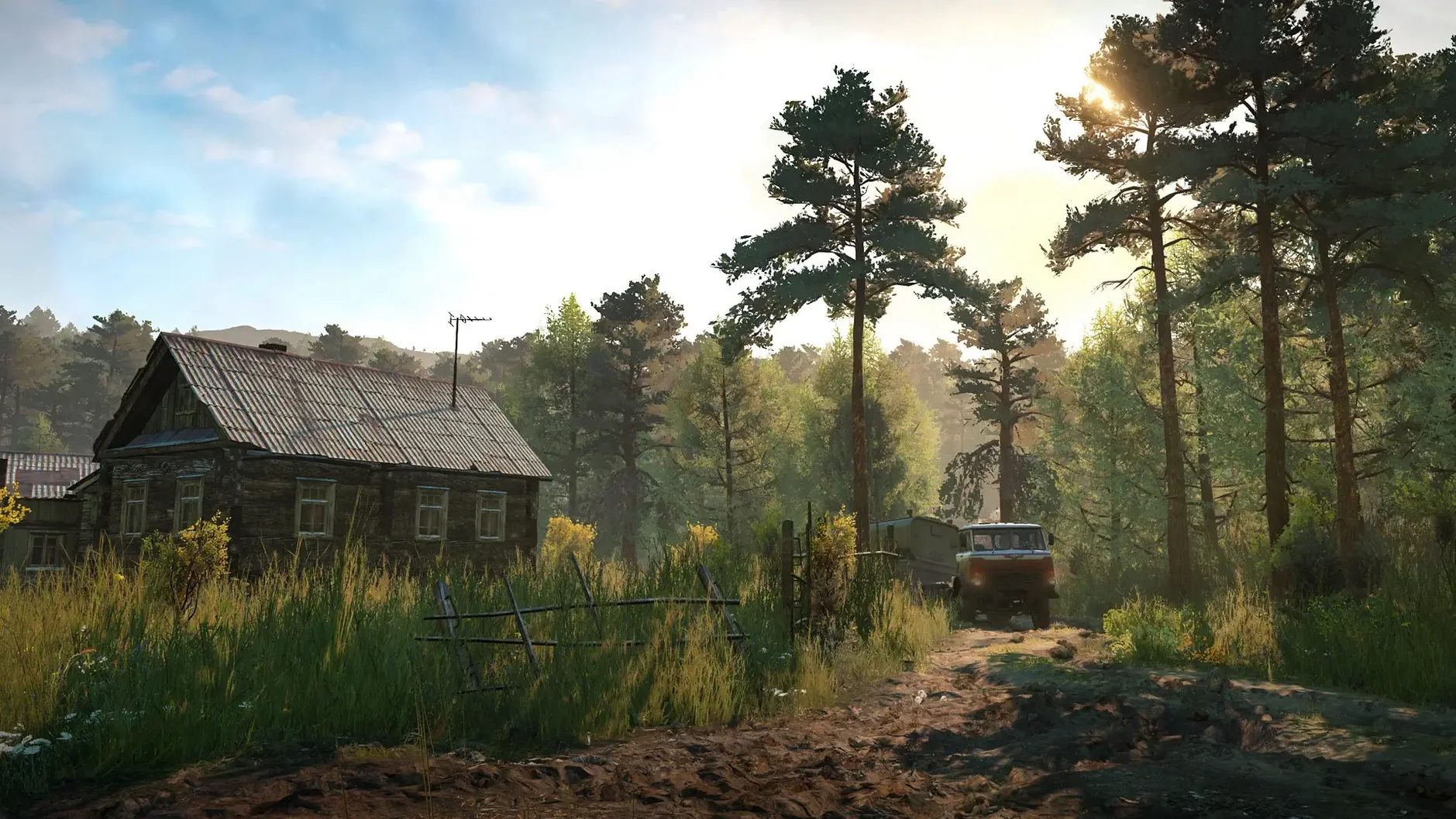
Most driving games hand you a fast car and a clear road. SnowRunner hands you a bog, a logging truck, and a winch. It’s a cure for arcade boredom, but it’s not for everyone.
Route planning meets mud crawling
Players who enjoy planning a route as much as driving it. If you find satisfaction in crawling a loaded truck through mud for twenty minutes without tipping, you’re the target audience.
Who’ll bounce off it?
Anyone after speed, instant action, or a quick gaming session. Progress is slow and mistakes are punishing. A flipped truck ten metres from your goal is a common heartbreak.
Does it work solo?
Yes. The solo campaign is where the game shines. You can also tackle jobs with up to three friends in multiplayer, but the core loop is a solitary, meditative grind.
What’s the actual draw?
A realistic terrain sim that turns every puddle into a puzzle. Upgrading your fleet with snorkels and snow chains feels earned because you remember the swamp that made you need them.
M1 MacBook Air runs it without stutter
Does the Mac port hold up? Yes. Tested on an M1 MacBook Air with macOS Sequoia, the game runs without the stutter you might expect from a port of this size. The build supports both ARM and 64‑bit Intel, so you’re covered on Apple Silicon or an older Intel machine. What you won’t get is a bare‑bones wrapper.
Can I play offline? The solo campaign works perfectly without a network connection. Multiplayer needs an internet link, but nothing phones home for activation. And no, you don’t need a Saber account to start driving.
People also ask about controller support. A DualSense or Xbox pad plugs in and works straight away. Keyboard and mouse is usable, but analog throttle and steering make a real difference in deep mud.
Shadow quality is your biggest frame-rate lever
Before you turn a wheel, open the graphics options. Two things matter most:
- Shadow quality. Drop it to medium. It’s the single biggest frame‑rate hog on integrated GPUs and the visual trade‑off is barely noticeable.
- FOV. The default camera sits too close to the bumper. Push the field‑of‑view slider up a few notches so you can actually see the rocks your front wheel is about to catch.
Audio needs a tweak too. The music is listed as the only audio language, and it’s fine for menus, but in the field you want to hear the engine note change when the tyres start to slip. Turn the music down and the effects up.
Selling the Fleetstar leaves you stranded
Rushing the tutorial and selling the Fleetstar. That truck is ugly and slow, but it’s your best early‑game workhorse. Sell it and you’ll be begging for a recovery truck you can’t afford.
Ignoring the winch. New players treat it as a last resort. Veterans use it constantly — to steady a truck on a side slope, to pull a scout through a crossing, or to anchor themselves before a turn. Bind it to a key you can reach without looking.
Taking the shortest route shown on the map. The dotted line might save two minutes if the surface is dry. After rain, that same shortcut is a peat bog that’ll swallow a fully loaded semi. Learn to read the terrain, not just the GPS line.
Requirements
- macOS 14.0 or later
- Apple Silicon and Intel Macs
FAQ
How many players can join in multiplayer?
SnowRunner supports co-op multiplayer for up to 4 players.
Which languages does the interface support?
The game includes 13 interface languages, including English, German, Japanese, and Russian.
Comments 0
Sign in or create an account to leave a comment.
No comments yet…
If you’ve installed it, say how it went. Mention your Mac and macOS version — it helps the next person more than you’d think.