
Stardew Valley for macOS
Description
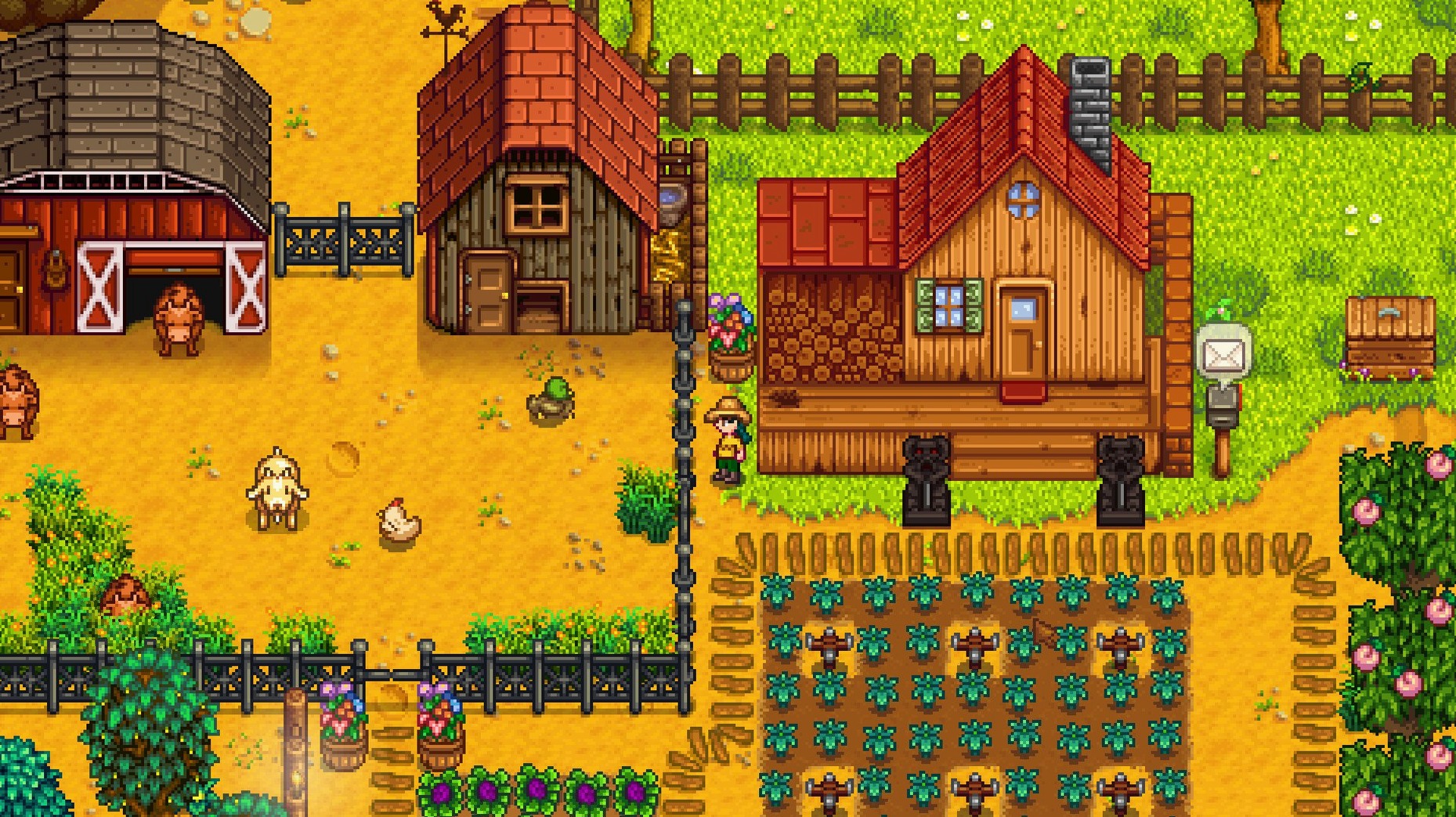
You inherit 24 parsnip seeds, a rusty axe, and a field full of stones. A corporate drone's idea of hell, or the perfect escape — it depends on what you want from a game. Stardew Valley is a country-life RPG that asks you to rebuild a farm and a town at your own pace.
- You'll like it if you enjoy setting your own goals. The game hands you a broken-down farm and a community centre full of cobwebs, then steps back. Fish, mine, farm, or do none of the above for a week. Nothing pushes you.
- You'll like it if routine feels satisfying. Watering crops, checking crab pots, giving Abigail an amethyst every morning — the days build into a rhythm you shape yourself.
- You won't like it if you need a clear storyline. The main arc is loose and slow-burn. If you skip reading dialogue, you'll wonder what the point is by mid-summer.
- You won't like it if repetitive clicks bother you. You'll swing that axe thousands of times. The early energy bar runs out fast, and tool upgrades take real-time patience.
It runs on Mac, Windows, and Linux, and it's the kind of game you either bounce off after two hours or lose three weeks to. Worth the download if the idea of turning a wilderness into a working farm, one day at a time, sounds like a good way to spend an evening.
Shift-click to buy seeds in stacks of five
A few conveniences sit just under the surface. Hold Shift while buying from a shop and you can purchase five items at once — handy when Pierre sells you a full stack of seeds. Hold Shift plus Ctrl and you'll grab 25 per click. This works for moving inventory, too.
The Tab key cycles through inventory rows without opening the menu. It saves a surprising amount of fumbling when you're switching between sword and pickaxe in the mines. On Mac keyboards you may need to test whether Tab or Ctrl+Tab does the job, depending on your system settings.
Right-clicking a chest while holding an item dumps the whole stack inside. If you shift-right-click, you deposit only half. These small shortcuts turn a chore into a reflex. The fridge and mini-fridge interfaces now have a Junimo bundle button too — added in the latest build — so you can check what you still need without running to the community centre.
There's also a trick with the hoe. Hold the button and the tool area expands as you upgrade it — copper hits three tiles in a line, steel hits five. You can walk while holding the button to drag the effect across a field. Not explained anywhere in-game, but it's the only way to prep a hundred-tile plot without losing your mind.
Runs natively on M1 through M4 Macs
Does it run on Apple Silicon Macs? Yes. The current build is ARM and 64-bit x86, so M1, M2, M3 and M4 machines run it natively. No Rosetta translation layer needed.
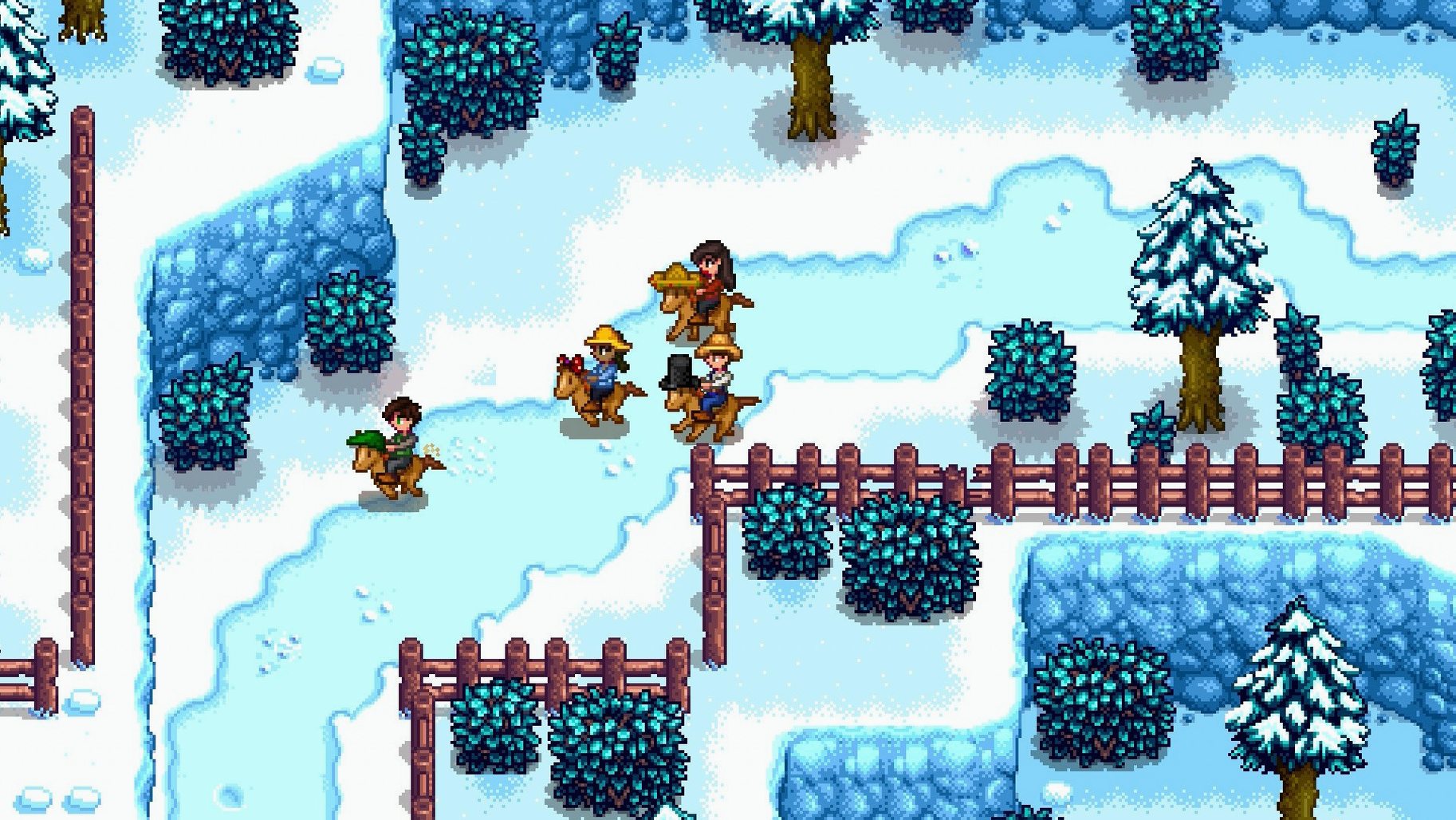
Is there multiplayer? Yes, and it works across Mac, Windows and Linux. The 1.6 series fixed several crashes and connection drops that used to plague co-op sessions. You host a farm and invite friends through a code, or join theirs. Split-screen isn't available on Mac.
How long is a game day? About 13 minutes in real time, if you don't pause in menus. The clock stops indoors, in menus, and during cutscenes. You can't extend the day without a mod, and passing out at 2am costs you money. It's the game's way of saying "pick your battles."
Do saves transfer from Windows or Linux? You can copy the save folder manually. The Mac version stores them in ~/.config/StardewValley/Saves. The file format is identical across platforms. If you're grabbing a Stardew Valley torrent for Mac or a Stardew Valley free Mac build, the official cross-platform save handling works just the same.
A Stardew Valley Mac crack can get you the current version — 1.6.15.24357.8705766150 — which includes performance optimisations that keep frame rates steadier on Retina displays, something older builds don't have.
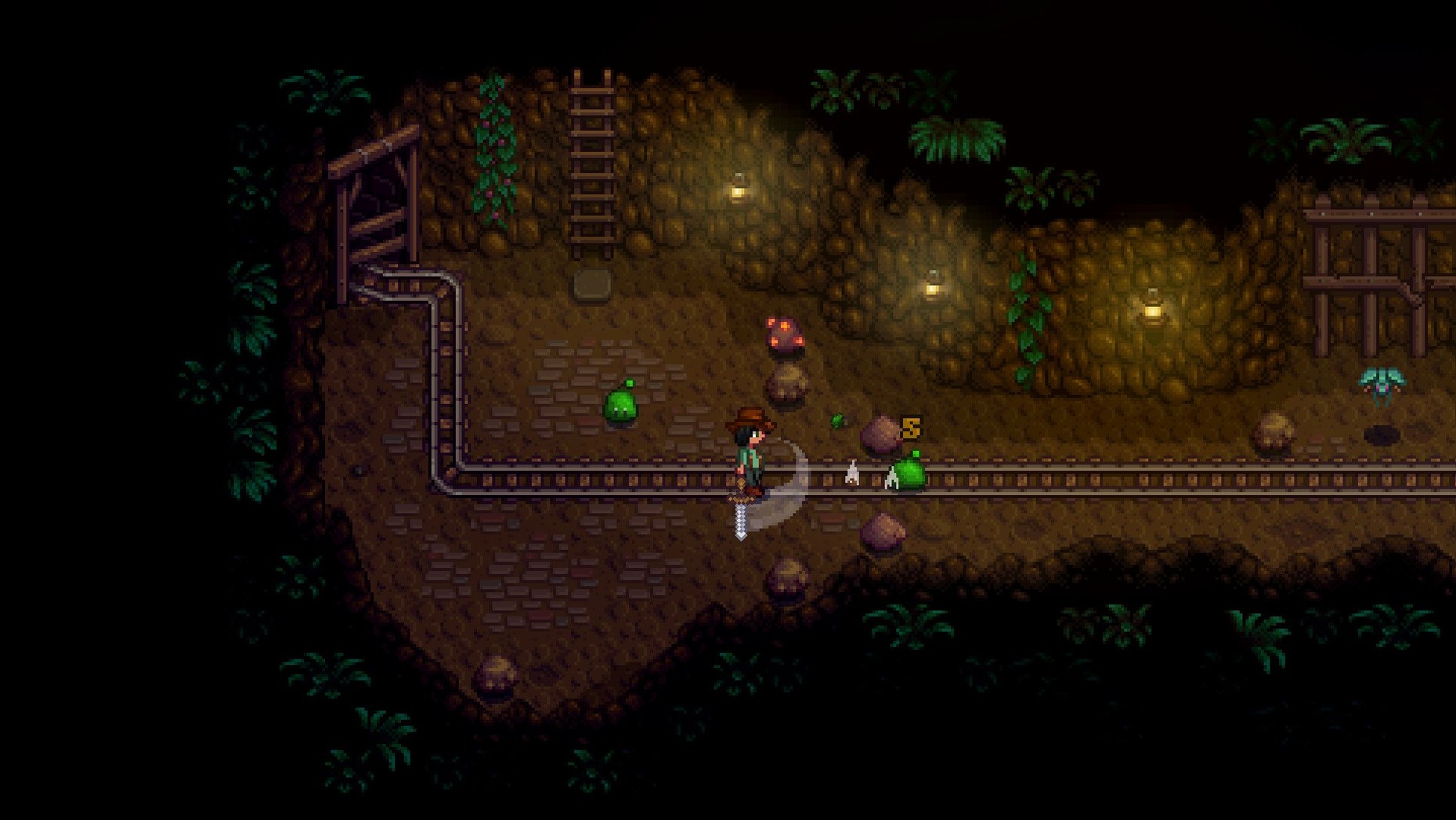
Reaching floor 40 with a copper pickaxe and glow ring
Say it's Fall, Year 1. You've got a copper pickaxe and a glow ring from a previous run. Your goal: reach floor 40 for the iron nodes.
1. Check the TV. The Fortune Teller tells you the spirits are in good humour. That means better loot and fewer monsters. A bad-luck day is better spent fishing or chopping trees.
2. Pack your bag. Pickaxe, weapon, and a stack of field snacks or salmonberries go in the top row. Leave your watering can and fishing rod in a chest. The less you carry, the more ore you bring back.
3. Head out by 9am. You want a full day underground. The minecart shortcut — unlocked earlier by completing the boiler room bundles — drops you right at the entrance, saving an hour of walking.
4. The descent. You're not clearing every floor. Find the ladder or a drop shaft. If a floor has ore, mine it quickly; if it's infested, fight through or craft a staircase with 99 stone. Don't get greedy for copper on floor 15 when you're aiming for iron.
5. By floor 35. Your inventory is half-full of quartz and cave carrots. Dump the quartz if you need space — it's easy to replace. Keep the cave carrots; they restore energy better than field snacks and you'll need them on deeper dives.
6. Floor 40 reward. You hit the checkpoint, grab the slingshot (or ignore it — most players do), and start mining iron. With a copper pickaxe, each node takes four swings. The glow ring keeps the dust sprites visible before they swarm you.
7. Home by midnight. You pass out in the mine entrance at 1:50am, which costs you only 10% of your gold — cheaper than losing ore to monsters. The next morning you smelt ten bars and craft a set of quality sprinklers. Summer Year 2 will thank you.
That rhythm — check luck, pack light, pick a target, push until you drop — works for fishing, foraging, or any skill grind in the valley. The game's deepest satisfaction isn't the big milestones. It's knowing exactly why you're leaving the house at 6:10am with a pickaxe and a plan.
What’s new
Adds a Junimo bundle button to fridges and mini-fridges. Legendary fish ponds now produce roe more often with a higher average daily value. Adds performance optimizations. Fixes several crashes, multiplayer issues, and localization problems.
Requirements
- macOS (64-bit)
- Runs on Intel and Apple Silicon Macs
FAQ
What do you actually do in Stardew Valley?
You start with a neglected farm and the option to grow crops, raise animals, fish, mine for ore, fight monsters, and restore the abandoned community centre by completing bundles of items.
Comments 0
Sign in or create an account to leave a comment.
No comments yet…
If you’ve installed it, say how it went. Mention your Mac and macOS version — it helps the next person more than you’d think.