
Software Inc for macOS



Description
Software Inc is a business simulation about constructing an office, assigning staff, and shipping software before the market leaves you behind.
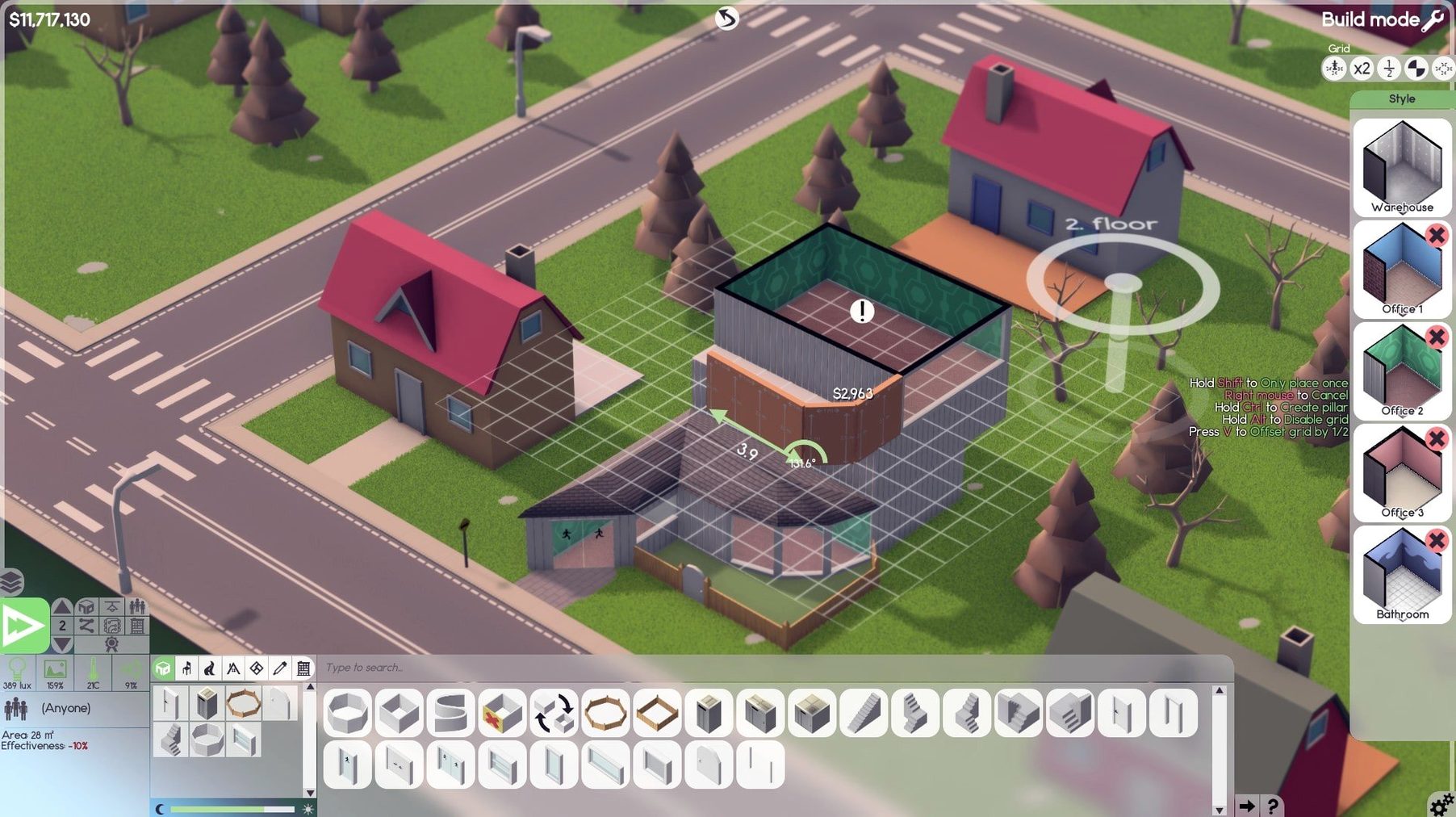
Drawing walls and dragging desks in a freezing basement
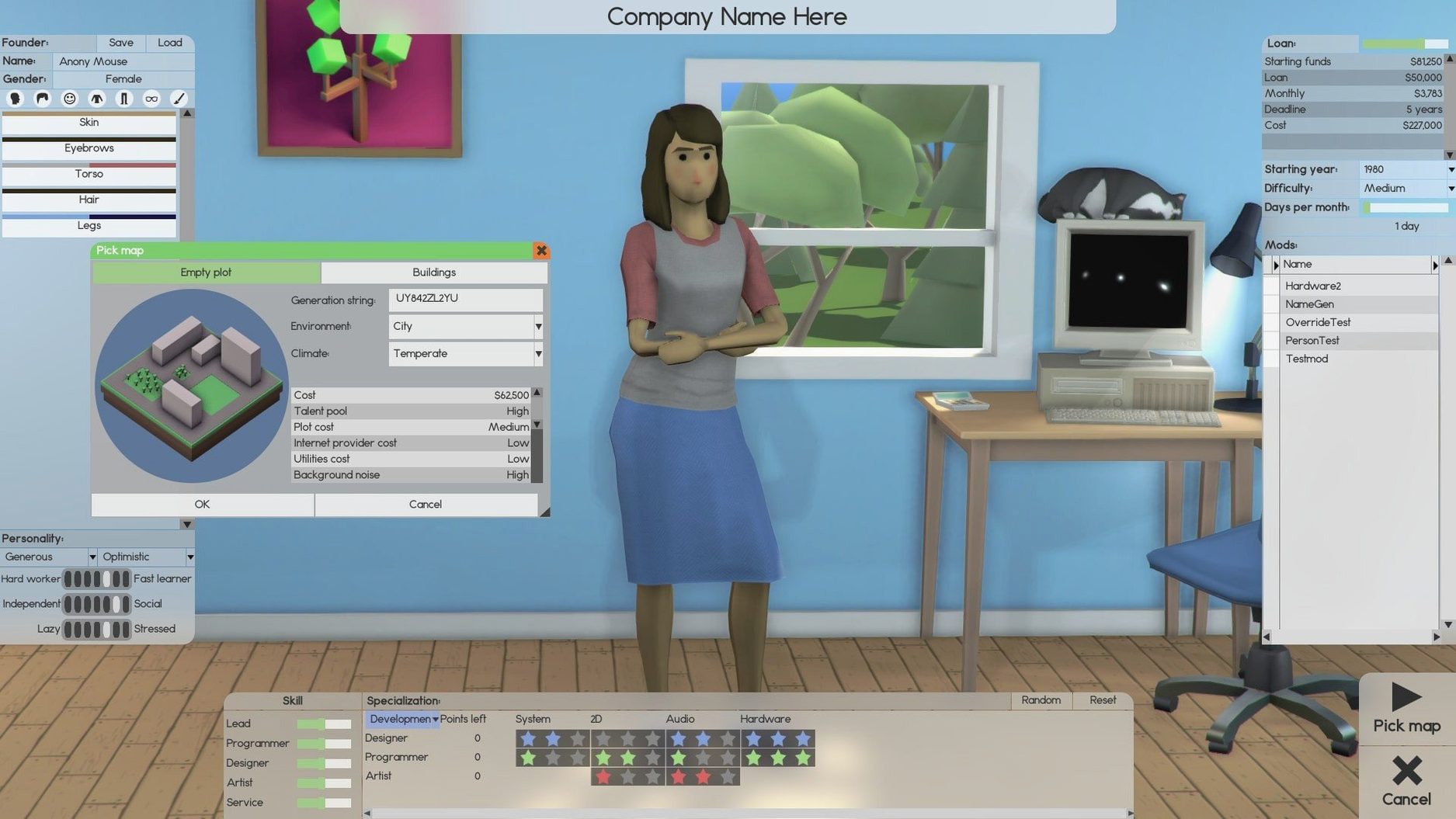
You draw walls, place a few desks, and hire a founder to code in a freezing basement. Most of your time goes on dragging furniture into rooms that are just a metre too small.
How does the staff actually work day to day?
You assign teams to design, develop and support products, then watch their relationships and stress levels shift. A neglected employee slows down, so you hire a cleaner to mop the floor and a repair tech to fix the photocopier.
What keeps you busy once a product launches?
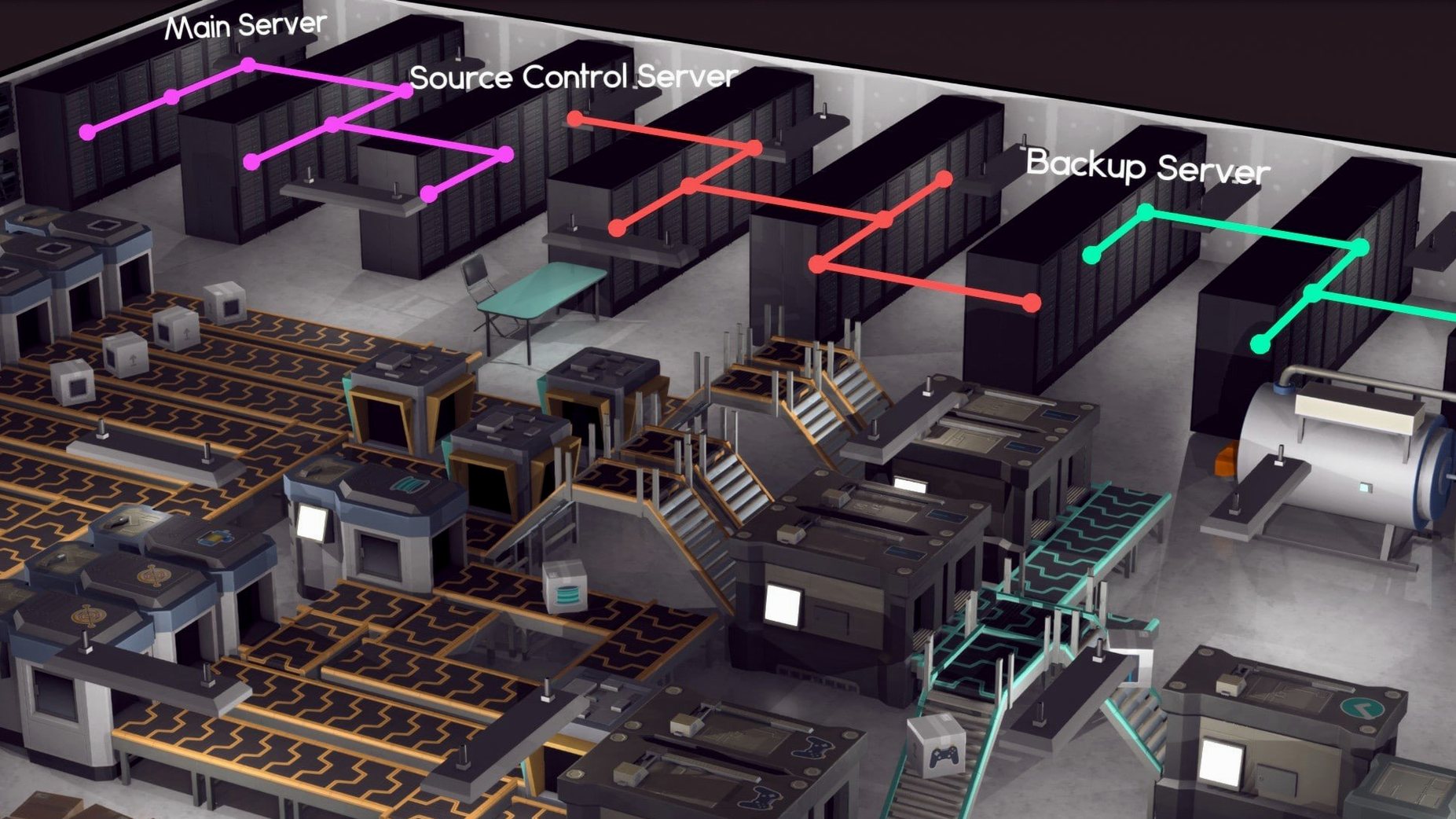
You set up an online store, spin up servers to handle traffic, and sign support contracts. Between updates, you're likely extending the building to ten floors or selling shares to fund the next project.
What does the office end up looking like?
A multi-storey block with furnished meeting rooms, a basement server farm, and maintenance staff wandering through. It starts with a single room and turns into a miniature corporation you can walk around.
Three tweaks to make early play less frustrating
The defaults work, but three tweaks make early play less frustrating.
- Auto-save interval. Push it from the default 30 minutes down to 10. A power cut or a badly timed crash hurts less when you haven't just laid out half an office floor.
- Employee specialisation. Switch the hiring filter to show only one role at a time. The default list mixes designers, developers and artists in a single scroll, and picking the wrong CV by mistake costs you months of salary.
- Blueprint mode. Enable it from the construction menu before you touch a single wall. It lets you plan rooms without spending money, so you stop building corridors that lead nowhere.
One player's first quarter
A fan of building sims who last played Game Dev Tycoon picks Software Inc because they want more control over the office itself. They spend forty minutes in blueprint mode sketching an open-plan studio, then realise they forgot to leave space for a toilet. The first hire quits after three months — not because of the work, but because the only sink was in the kitchen.
They restart, build a small two-room office with a bathroom, and ship a basic word processor. It earns enough to carpet the floor. That moment — when the place stops looking like a warehouse — is what hooks them. A software inc mac search led them here, and they haven't looked at another management game since.
Workflow: shipping your first contract
A publishing deal is the fastest way to steady income when your own products are still months away. Here's how to land one from a cold start.
- Build the essentials. One room with a desk, a chair, a computer and a door. Add a small bathroom next door so your founder doesn't wander off-site. A software inc download that runs cleanly on Apple Silicon handles this without a hitch.
- Hire a single designer. Contracts need design points more than pure coding skill early on. Assign them to the desk and open the contract board.
- Filter by deadline. Sort the available contracts by time remaining and pick one with at least six months left. Anything shorter and you risk a penalty that wipes out the fee.
- Accept and assign. The designer starts work immediately. Watch their stress bar — if it hits orange, click the coffee machine into the room before they burn out.
- Deliver and repeat. Once the contract completes, the payment lands. Use it to hire a developer, then take a second contract that needs both roles. Two successful deals fund your first original product without touching a loan.
A software inc macos setup with 16 GB of RAM handles a ten-floor office without stuttering, so the only limit is how fast you scroll through the contract list.
Requirements
- macOS (version not specified)
- Runs on Intel and Apple Silicon Macs
- Interface language: English
Comments 0
Sign in or create an account to leave a comment.
No comments yet…
If you’ve installed it, say how it went. Mention your Mac and macOS version — it helps the next person more than you’d think.