
Slay the Spire 2 for macOS
Description
4-player co-op and a mod-ready engine arrive with Early Access
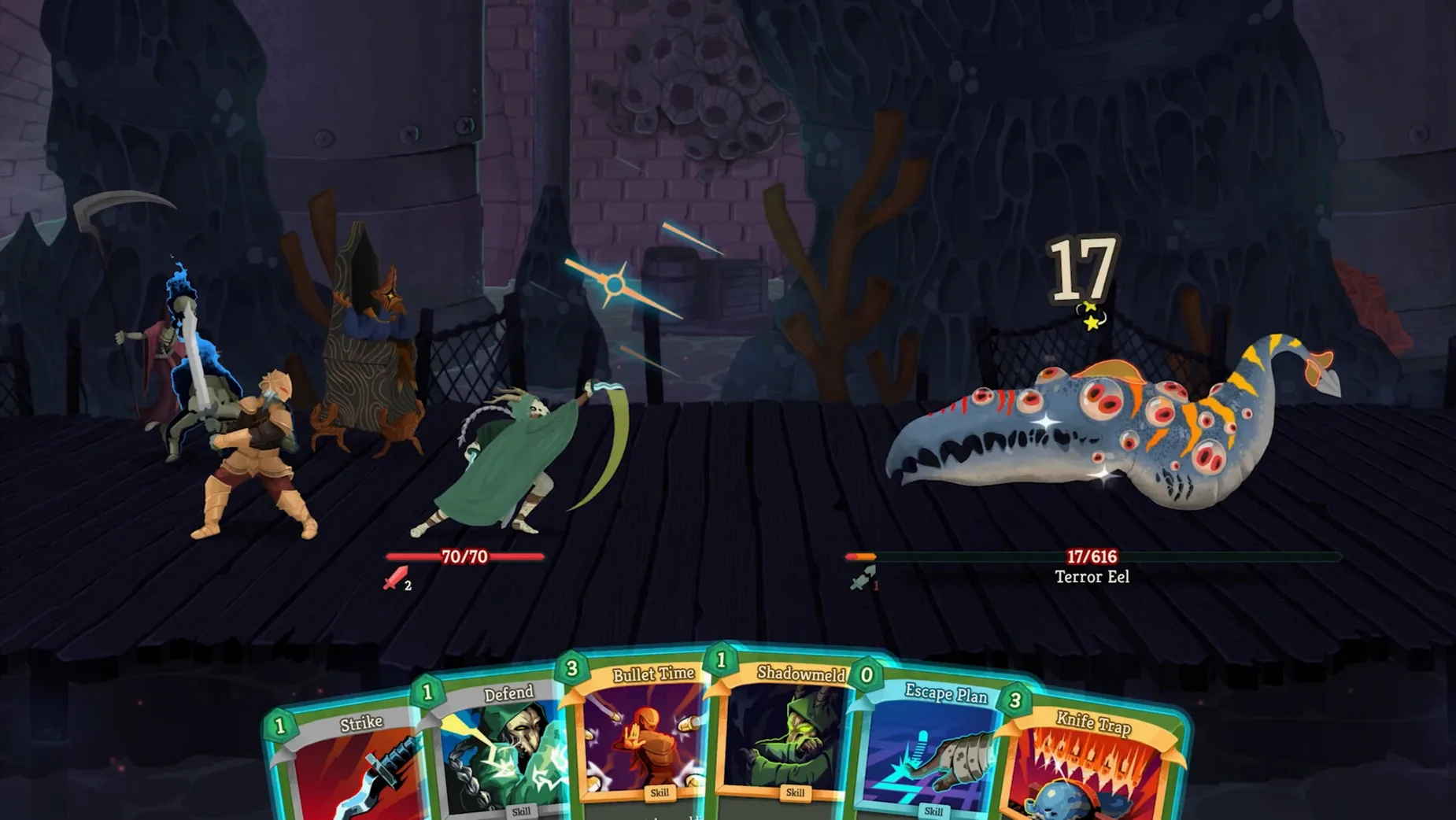
The Early Access launch drops you straight into 4-player co-op, two fresh characters, and a new engine built for modding. Expect quality-of-life tweaks from day one.
Pick a character whose card pool reshapes every run
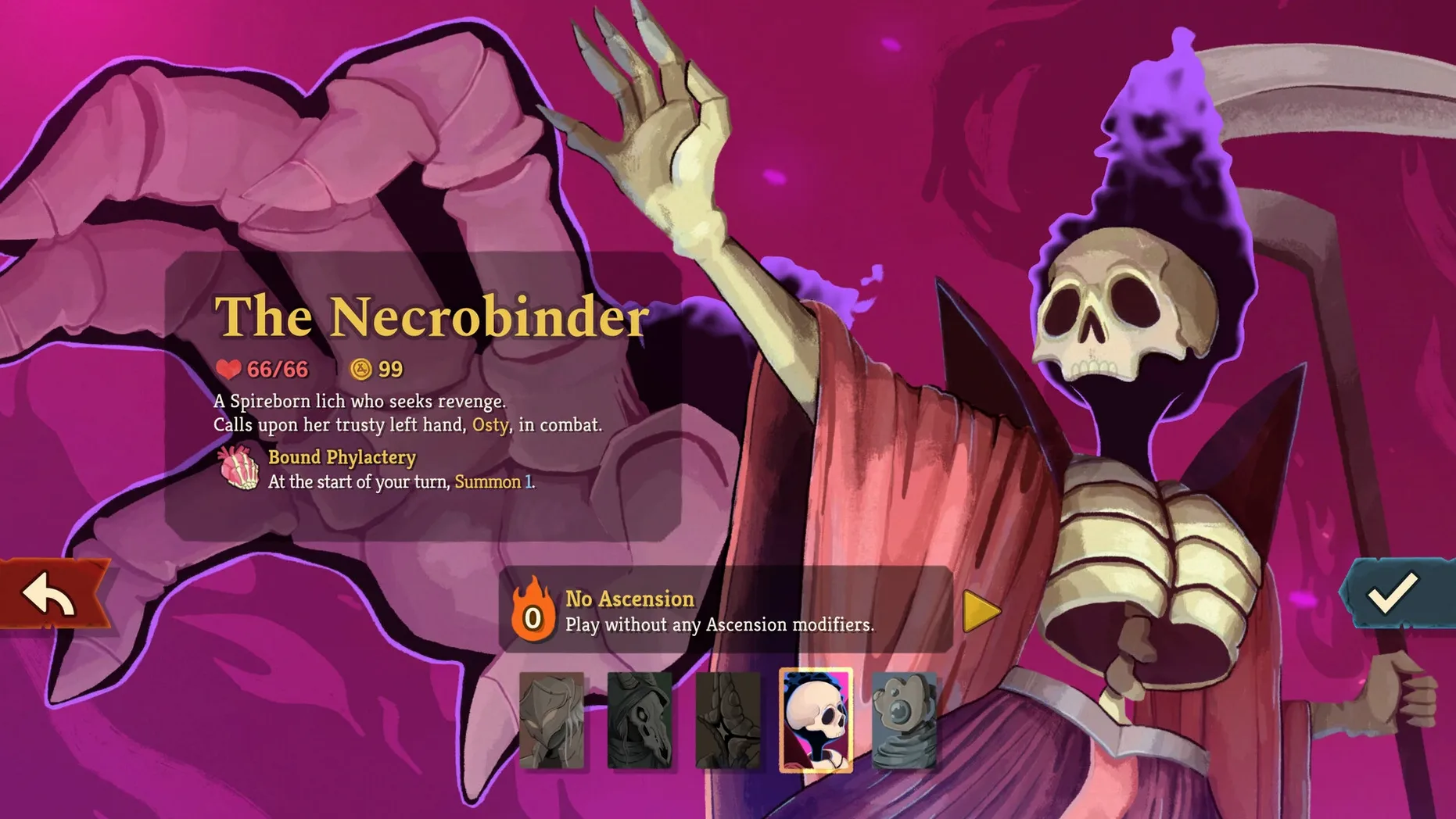
- Pick a character you’ll die with repeatedly. Two are new, each carrying distinct card pools and playstyles. Your choice reshapes every decision that follows.
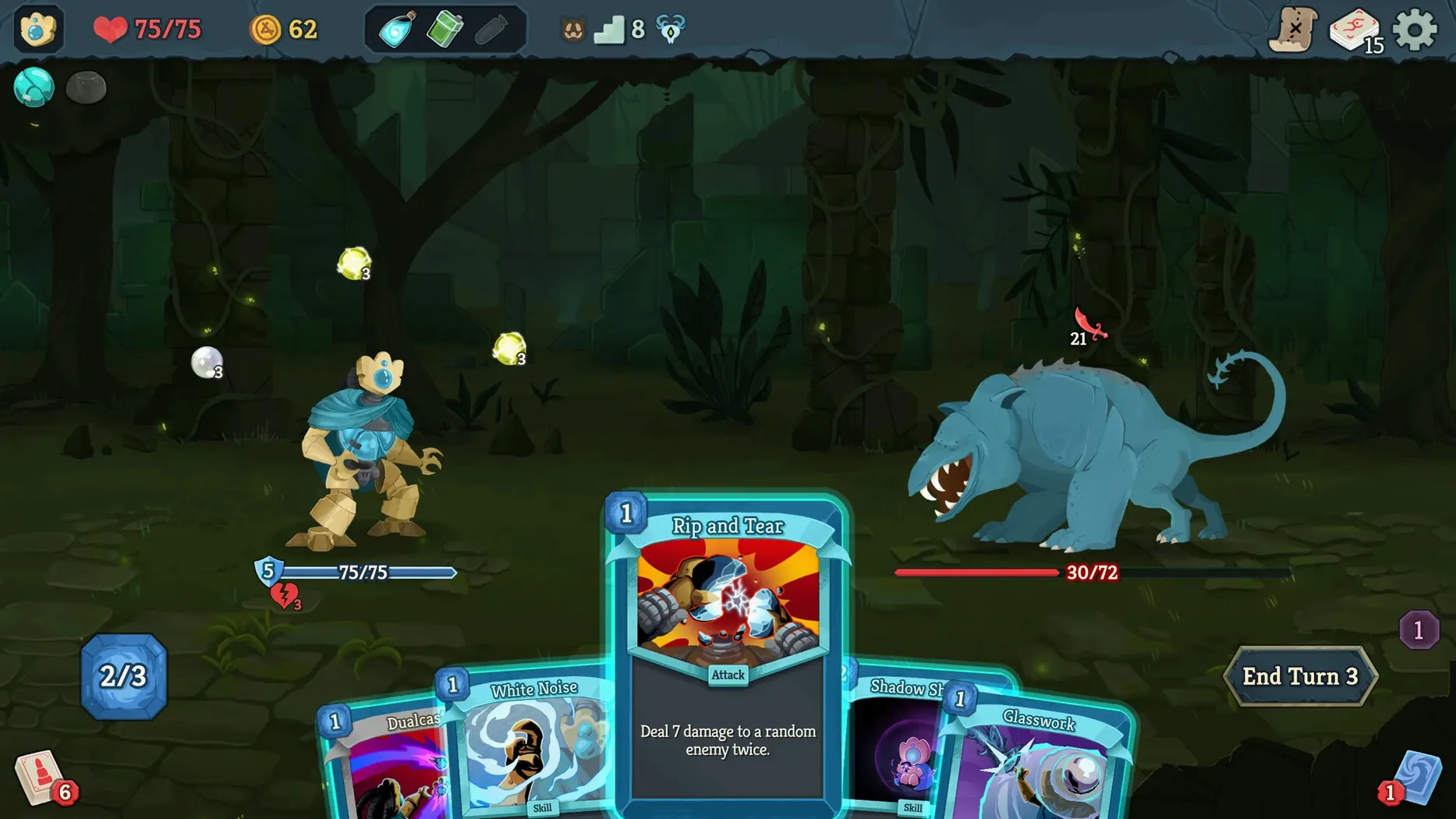
- Draw your hand and hate the shuffle. Each turn hands you a few cards. You spend energy to play attacks, skills, or powers, then watch the enemy telegraph its next move. The tension is reading the intent icon and deciding whether to block or gamble on damage.
- Argue about synergy in co-op. Up to four players draft cards into a shared pool. Someone will always push for an unreliable combo. The run lives or dies on those negotiations.
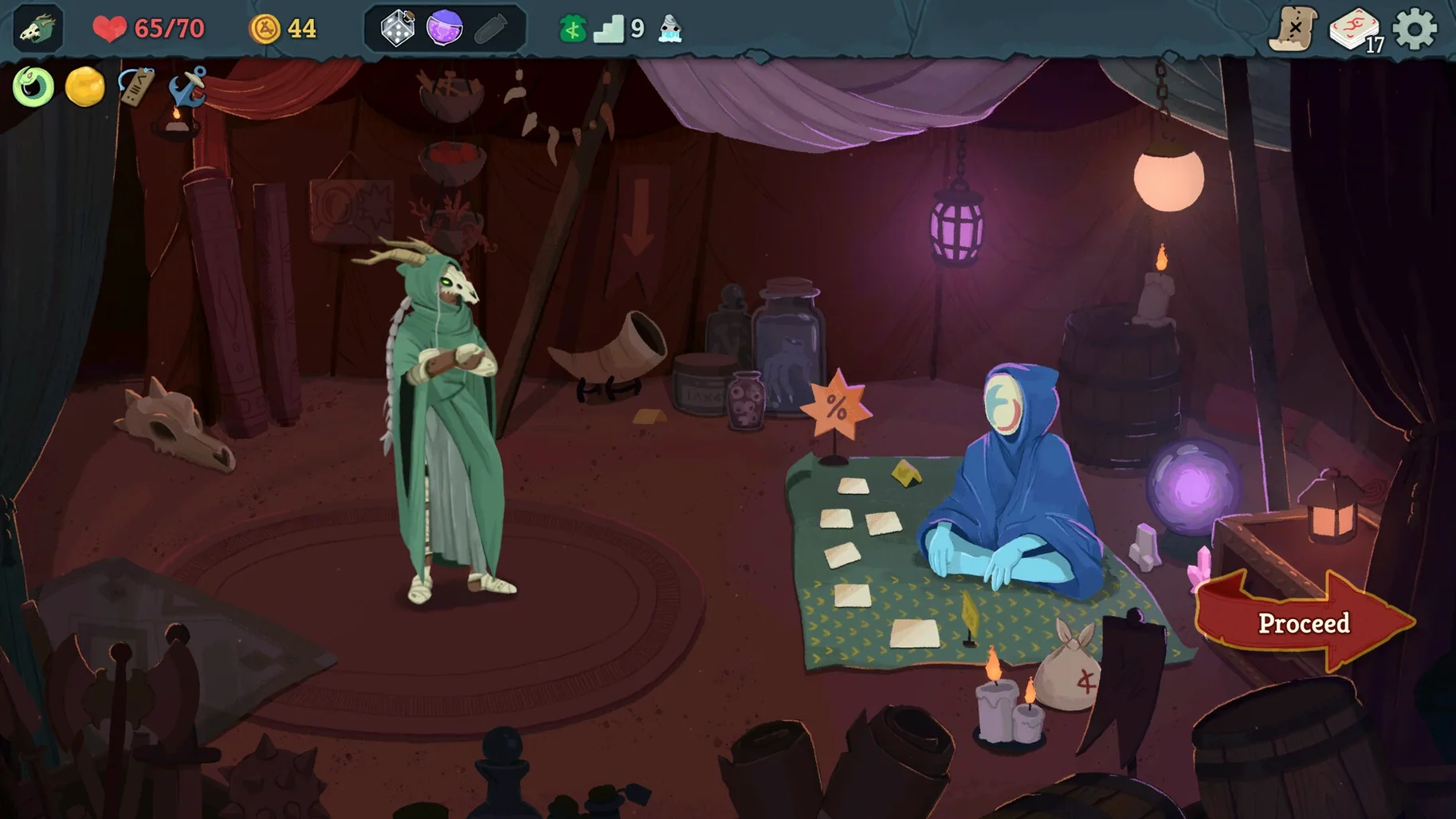
- Map a route through the spire. Between fights you choose branching paths — a campfire to heal, a shop to trim the bloat from your deck, an elite for a relic. Each click is a small commitment to a strategy you hope holds together.
- Die, unlock, repeat. A failed run feeds back new cards and relics. The loop is tight: draft, fight, route, die, tweak, go again.
Mod support means the card pool expands the moment the community gets to work. The new engine keeps frametimes flat even when a late-game deck triggers thirty effects in sequence.
Performance and system load
The new engine runs quieter than the original on Apple Silicon. On an M4 Mac mini, the fan stays silent through four-player co-op sessions, even when a late-game deck chains twenty status effects at once. Memory sits around 1.8 GB — modest for a 2026 title.
Intel Macs work fine at 60 fps, though older machines may dip during heavy particle effects. The frame limiter in settings helps. No crashes across roughly twenty hours of Early Access play. One co-op disconnect in that time, and the game reconnected without losing turn progress.
Mod loading adds a few seconds to the title screen. After that, workshop content runs at native speed — no stutter, no extra RAM pressure worth mentioning.
Set frame rate to your display so menus don't overheat
- Fast mode. Tucked under Gameplay. Card animations snap instead of sliding. You'll still read every effect, just without the pause between them.
- Frame rate cap. Under Video. Set it to your display's refresh rate. Uncapped, the menu screens spin the GPU for no reason.
- Card tooltip delay. Drop it to zero. In co-op, waiting for a tooltip while your team argues over a pick wastes everyone's time.
- Co-op turn timer. Default feels generous for two players, tight for four. Start at the middle setting and adjust after your first multiplayer wipe.
- Disable screen shake. Personal taste, but a few elite fights overdo it. The toggle lives under Video.
None of this is buried. Mega Crit kept the options menu flat — one list, no submenus.
What’s new
- Adds 4-player co-op mode.
- Adds new and returning characters with unique cards, playstyles and story threads.
- Adds new enemies, allies, environments, events, relics and lore.
- Introduces a new engine, quality-of-life improvements and expanded moddability.
Requirements
- Apple Silicon or Intel 64-bit Mac.
- Requires macOS 13 or later (tested on macOS Tahoe on a Mac mini 2024 M4).
Comments 0
Sign in or create an account to leave a comment.
No comments yet…
If you’ve installed it, say how it went. Mention your Mac and macOS version — it helps the next person more than you’d think.
More in Games
All in Games-
 Sleeping Dogs
1.1
Sleeping Dogs
1.1
-
 Sneaky Sasquatch
2.2-993
Apple Silicon
Sneaky Sasquatch
2.2-993
Apple Silicon
-
 Sniper Elite 4
1.2.2
Apple Silicon
Sniper Elite 4
1.2.2
Apple Silicon
-
 SnowRunner
39.0
Apple Silicon
SnowRunner
39.0
Apple Silicon
-
 Software Inc
1.8.41
Apple Silicon
Software Inc
1.8.41
Apple Silicon
-
 Sons Of The Forest
53951 Build 17079992
Apple Silicon
Sons Of The Forest
53951 Build 17079992
Apple Silicon
-
 Sid Meier’s Civilization VII
1.5.0
Apple Silicon
Sid Meier’s Civilization VII
1.5.0
Apple Silicon
-
 Sid Meier’s Civilization VI
1.4.6
Apple Silicon
Sid Meier’s Civilization VI
1.4.6
Apple Silicon