Sid Meier’s Civilization VII for macOS
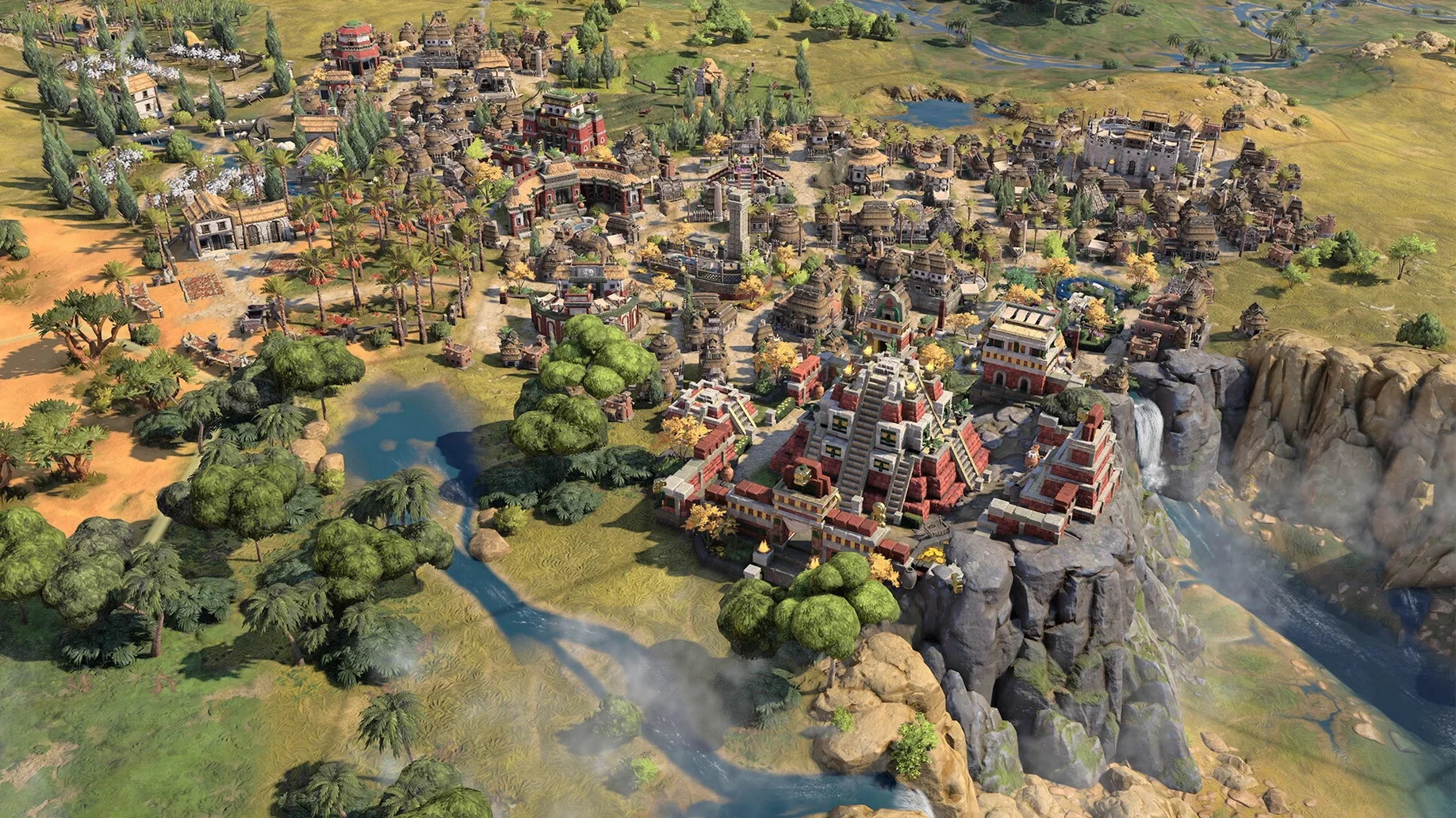
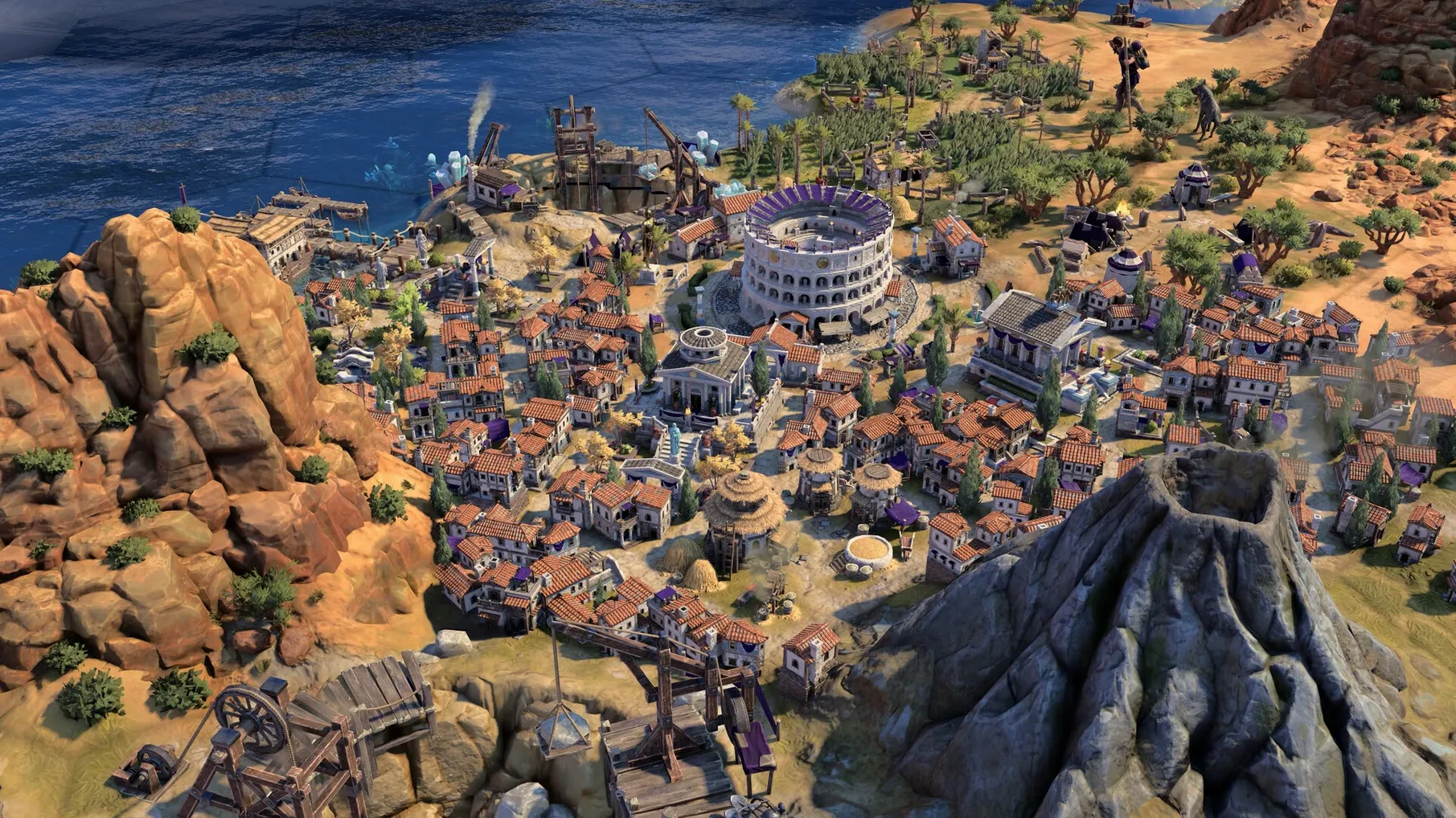
Description
Three ages, each with its own civ-switching rule set.
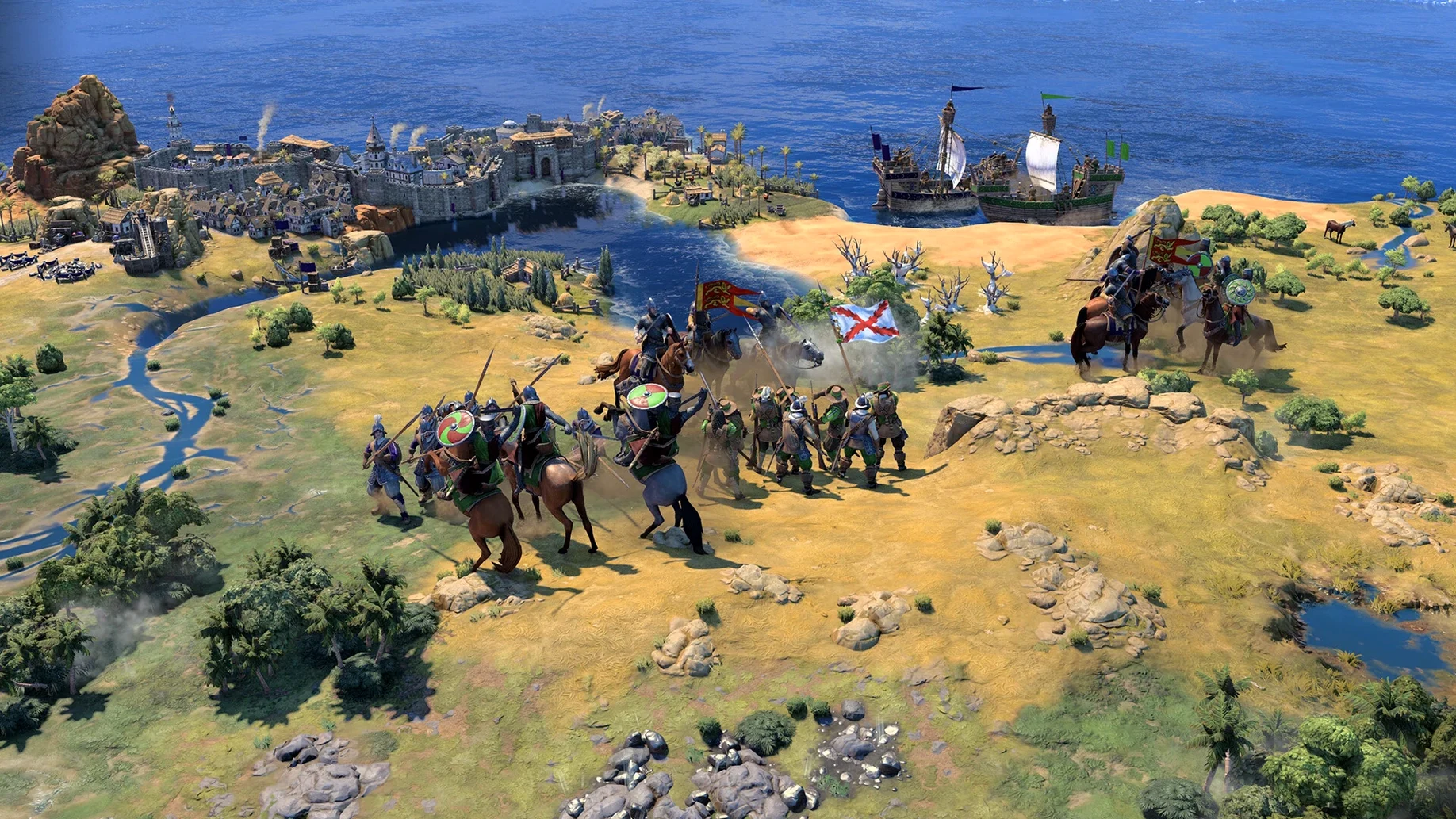
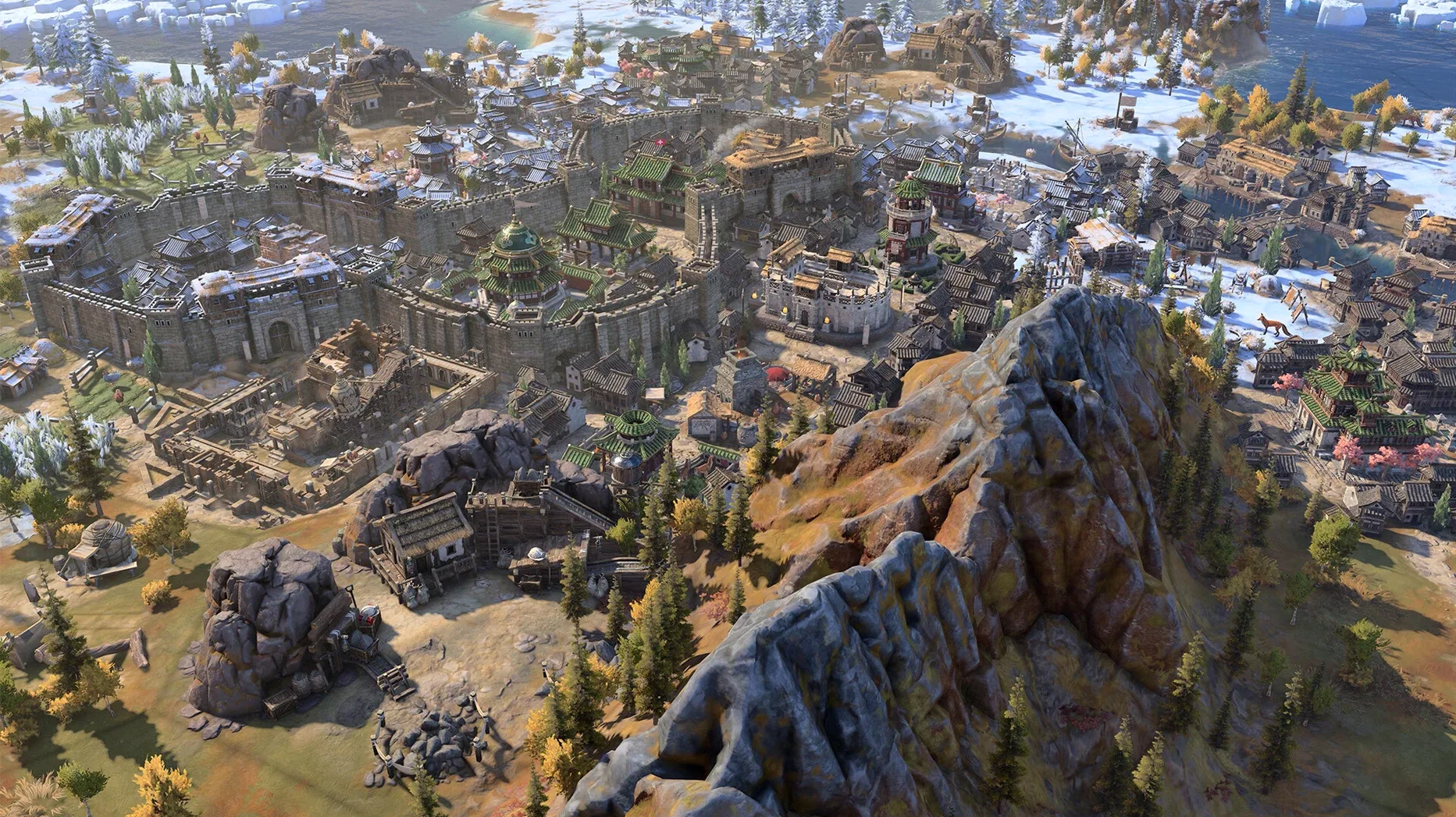
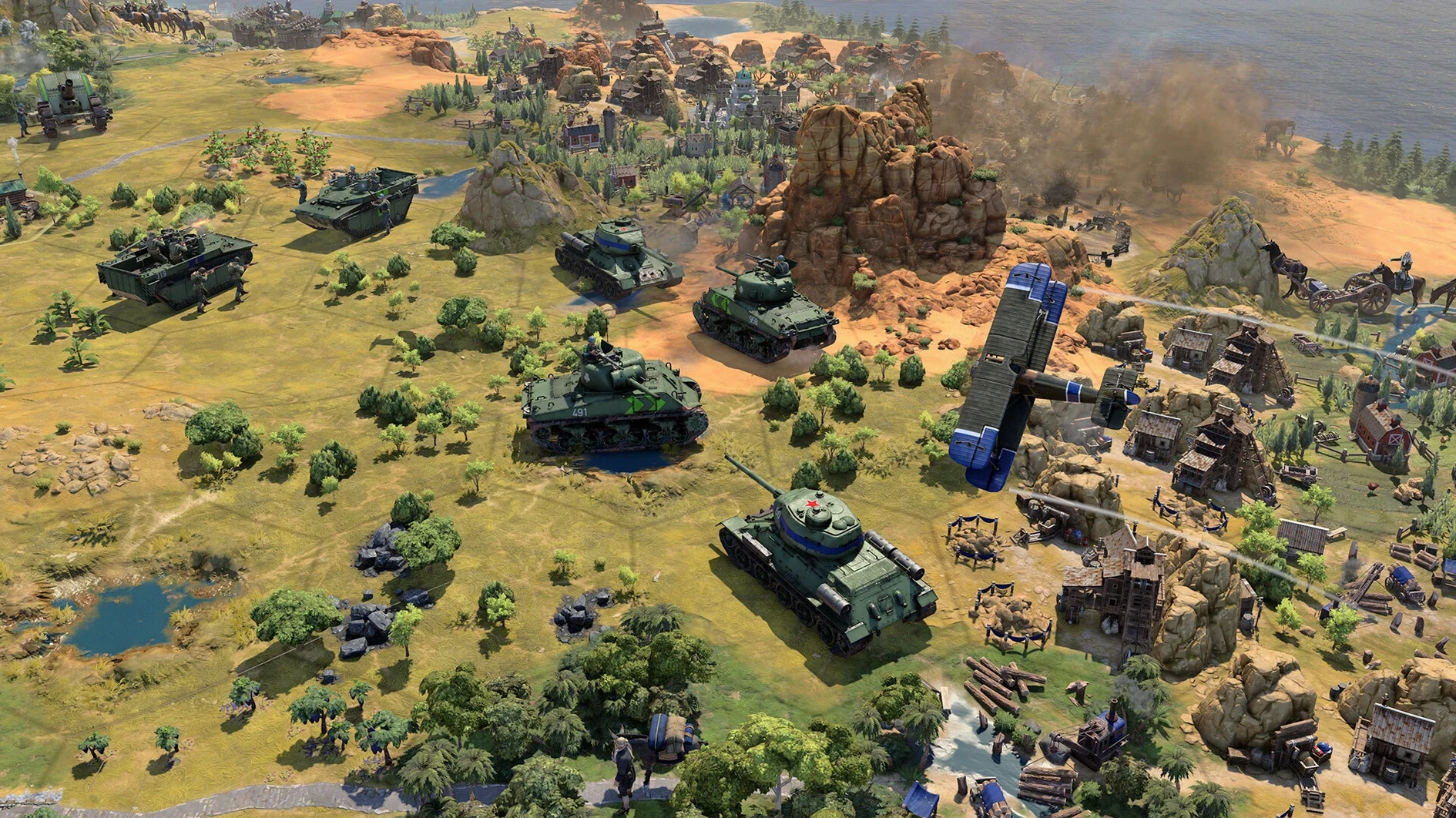
Sid Meier’s Civilization VII — a turn-based strategy game where you guide a culture from antiquity to the modern era, changing civilizations at age transitions.
Mac release — native Apple Silicon build, available since the February 2025 launch.
Age transitions — at the end of Antiquity and Exploration, you pick a new civilization with fresh traits and bonuses. Your earlier choices carry over in other ways, so no two campaigns unfold the same.
Command & performance — on an M4 Mac mini it holds steady frame rates during late-game turns. Update 1.5.0 fixed a lag bug that triggered when mouse and keyboard input overlapped, plus Modern Age crashes.
New map — True Start Location Earth arrived in the latest update, placing civs at their real-world historical coordinates.
Languages — interface supports Russian, English, German, Spanish, Italian, Traditional Chinese, Simplified Chinese, Korean, Polish, Portuguese, French and Japanese.
Let the first two ages teach you the rules
Don't try to master every system at once. The game layers in mechanics gradually over the first two ages, so a campaign started on default difficulty works as a hands-on tutorial even for series veterans.
Pick your first leader for their early-game trait. Some bonuses only kick in during the Exploration Age, but a strong Antiquity boost — extra food, faster builders, a free scout — smooths the first 80 turns. You can change leader later anyway; treat the first game as reconnaissance.
Three things worth doing before you hit End Turn the first time:
- Open the city management lens (hotkey
Y) and note which tiles your citizens are working. The game picks decent defaults, but a single manual reassign can shave turns off an early builder or settler. - Send your starting warrior in a 7‑hex circle around the capital before committing to a scout build. Revealing barbarian camps early saves you losing a settler in the fog.
- Change auto‑cycle units in the Game Options. Off by default, it still cycles in some situations. Turning it fully off stops the camera jumping mid‑decision.
Save the True Start Location Earth map for your second or third campaign. Historical placement sounds great, but spawning three tiles from a hostile neighbour with a cramped capital isn't the best learning environment.
Full base game, not a stripped-down arcade edition
Does it feel like a complete Civilization game, or is it a stripped‑down arcade version?
It's the full base game. All three ages, all victory conditions, the same diplomacy layers, city planning and tech trees you'd expect. The Apple Arcade description says "authentic Civilization VII base game experience" and that's accurate. Nothing is cut for the Mac build.
Is it too easy for someone who's played hundreds of hours of Civilization V and VI?
Not once you raise the difficulty. The age‑switching mechanic forces you to rethink long‑term strategies because you can't ride one civ's unique unit across the whole timeline. On Emperor and above, the AI punishes complacent transitions. Even veteran players lose a campaign or two while they unlearn Civ VI habits.
Will it run hot on a MacBook Air?
Apple Silicon machines handle it well. On an M2 Air the fans never spin up because there aren't any, but the SoC throttles gently in the late Modern Age — frame pacing stays smooth, the chassis gets warm near the hinge. Not uncomfortable. An M4 Mac mini barely notices the load. The 1.5.0 stability fixes helped older‑architecture Macs the most; early crash reports clustered around Intel machines running through Rosetta.
Does it need an internet connection?
No. The offline single‑player campaign works without any network. Multiplayer and the cloud‑save sync need a connection, but the core game is local.
Daily‑use impressions
After a dozen campaigns across two Macs — an M4 Mac mini and an M2 MacBook Air — the word that keeps surfacing is predictable. Frame times hover between 28 and 33ms at 1440p on the M4, even during late‑game turns where Civ VI used to stutter while the AI crunched unit moves. The 1.5.0 fix for simultaneous mouse‑and‑keyboard lag is noticeable if you play with a trackpad and keyboard shortcuts; before the patch, holding Shift while right‑clicking a city queue could hitch the interface.
Memory use sits around 6.5–7.2GB on an 8GB machine, which leaves enough headroom for a browser and a messaging app in the background. On 16GB it stays closer to 8GB, the engine apparently caching more terrain data when RAM is plentiful. No swapping on 16GB; light swapping on 8GB in the Modern Age with standard map sizes. Huge maps will push that harder.
Load times deserve a mention. Launching a saved game from the main menu takes 11 seconds on the M4 Mac mini. The same save loads in 18 seconds on the M2 Air. Neither is painful, but if you're the kind of player who reloads turns to test different decisions, the M4 shaves enough time to keep you in flow. The initial cold launch — splash screen to main menu — is 8 seconds on the M4. The game stays responsive while macOS handles background tasks; Time Machine backups during gameplay caused a brief dip on the M2 Air but no dropped frames on the M4.
Battery drain on the M2 Air: expect about 28% per hour with screen brightness at 70%. That's two and a half hours on a full charge, which is on par with other native Apple Silicon strategy titles. Plugged in, the chassis never gets too hot to rest hands near the keyboard.
One quirk: the game sometimes holds a discrete wake lock after you quit, preventing the Mac from sleeping. Quitting with Command‑Q rather than closing the window avoids it. Firaxis knows about this and it's on the known‑issues list for a future patch.
What’s new
Adds the True Start Location Earth map. Fixes late-game Modern Age crashes. Improves input handling when mouse and keyboard are used together.
Requirements
- macOS version not publicly pinned by the developer
- Apple Silicon Mac required
FAQ
Does Civilization VII run on Intel Macs?
No. The macOS version requires Apple Silicon. There is no Intel build.
Can I play with mouse and keyboard without lag?
Yes. Version 1.5.0 addressed the simultaneous mouse-and-keyboard input lag that affected earlier releases.
Comments 0
Sign in or create an account to leave a comment.
No comments yet…
If you’ve installed it, say how it went. Mention your Mac and macOS version — it helps the next person more than you’d think.