

Half-Life Source for macOS
Description
This build runs on Apple Silicon Macs. It's been confirmed working on macOS Sonoma with an M1 chip, so anything in that family should handle it fine.
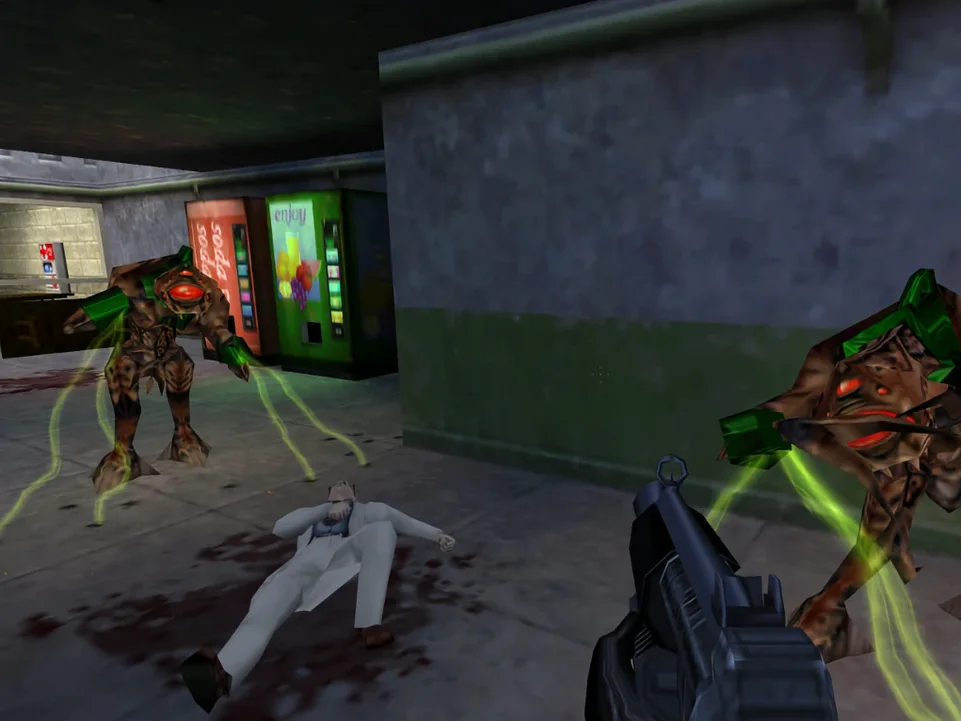
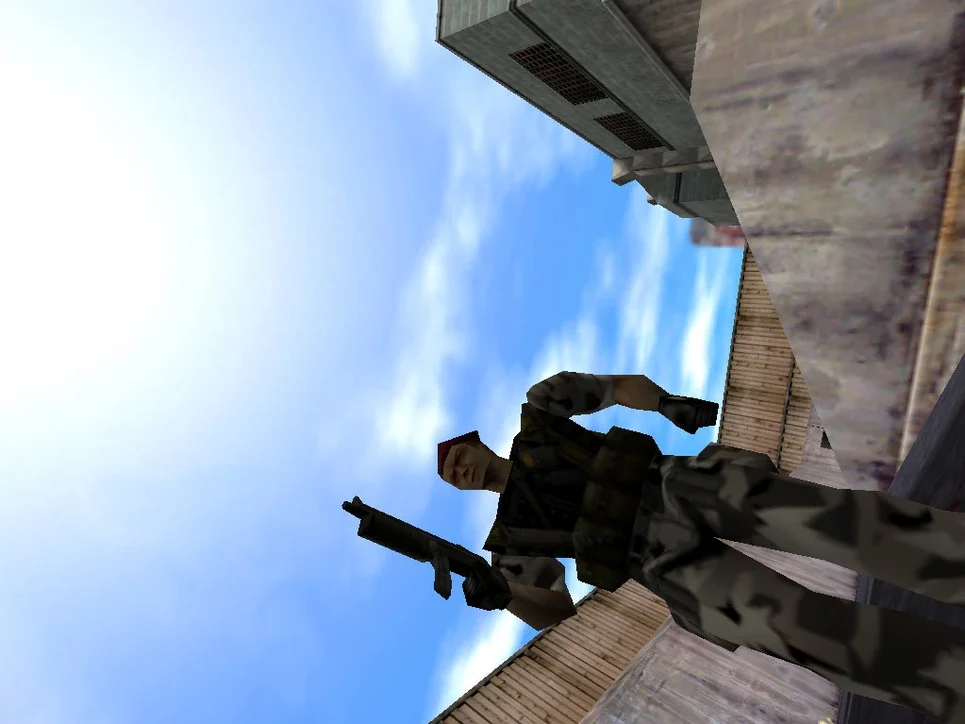
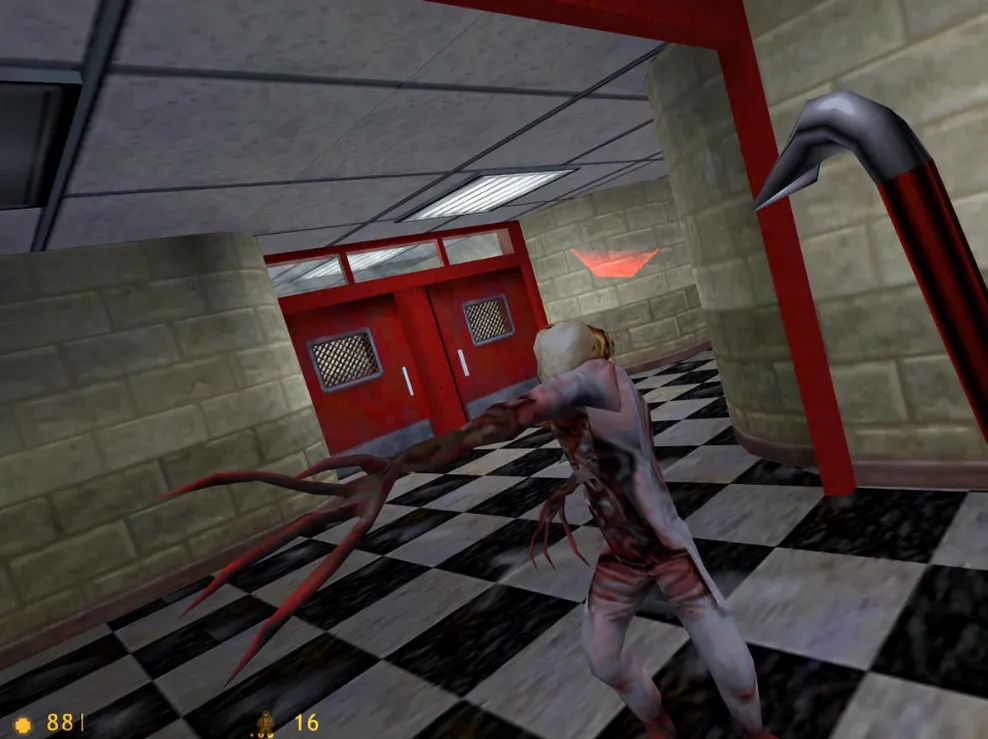
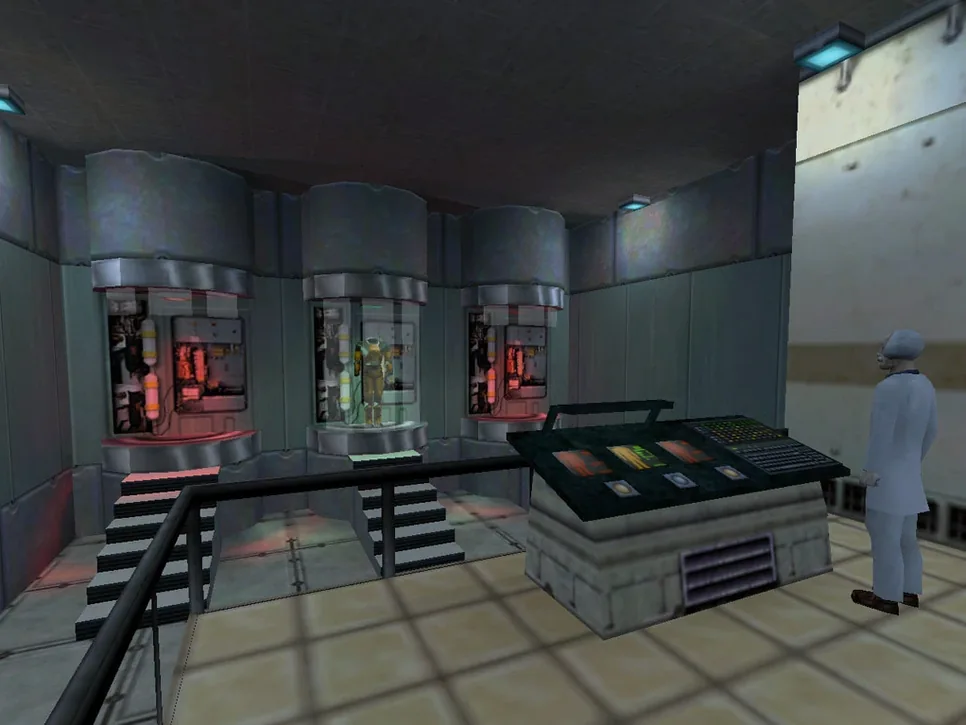
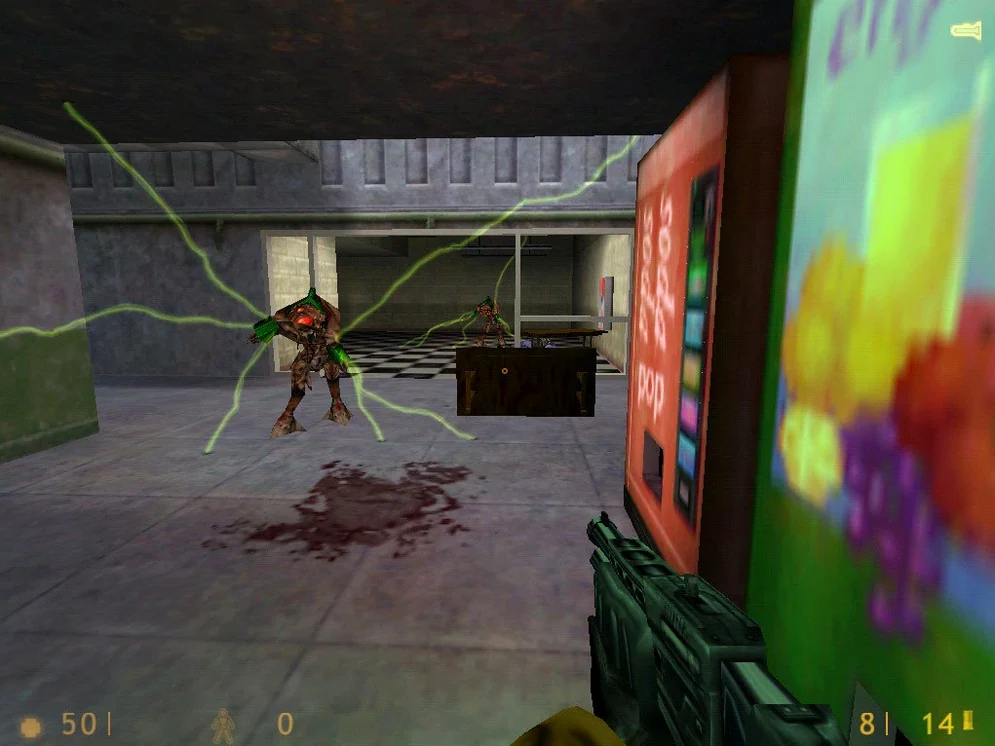
What you're getting is the 2004 Source engine port of the original Half-Life. It's an action game threaded with adventure beats, now carrying the 2013 singleplayer update. Expect enhanced water, lighting and particle effects over the GoldSrc original.
In the box:
- The full Half-Life singleplayer campaign on the Source engine
- Enhanced shader and physics effects
- English voice audio throughout
- A bundled Fix file for launch errors
- Interface in Russian, English, German, Spanish, Italian, French, Japanese, Korean, Thai, and both Chinese scripts
- Build 8491853, wrapped for straightforward Apple Silicon play
Save data lives inside the app package, which is a bit old-fashioned, but the instructions cover how to reach it. The language switcher is a small text-file edit rather than an in-game menu. Small quirks you'd expect from a port that's been nudged along since 2004.
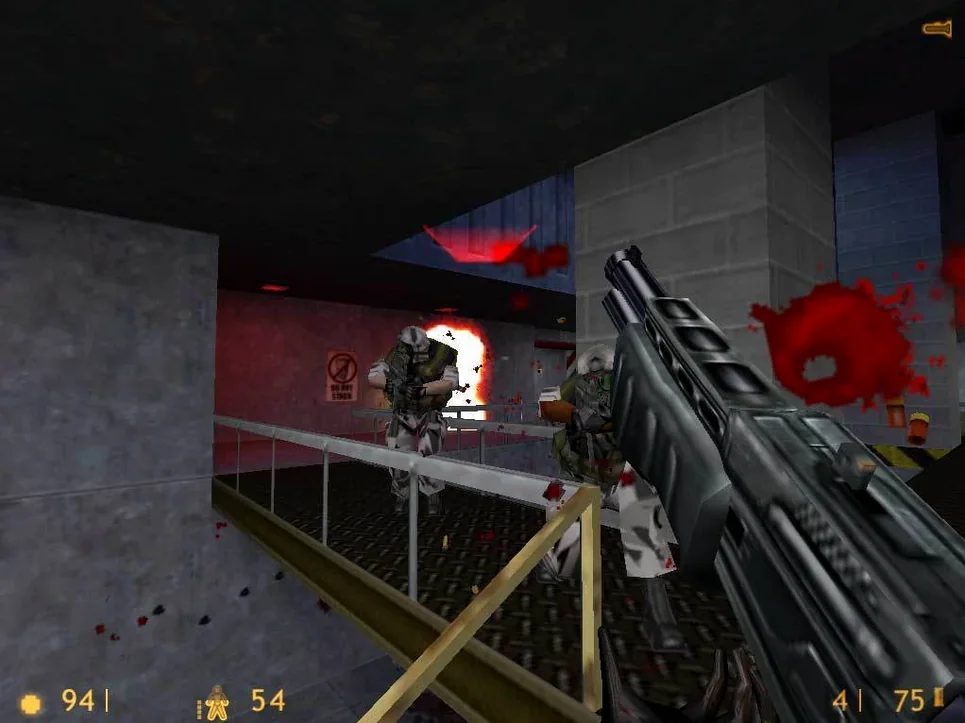
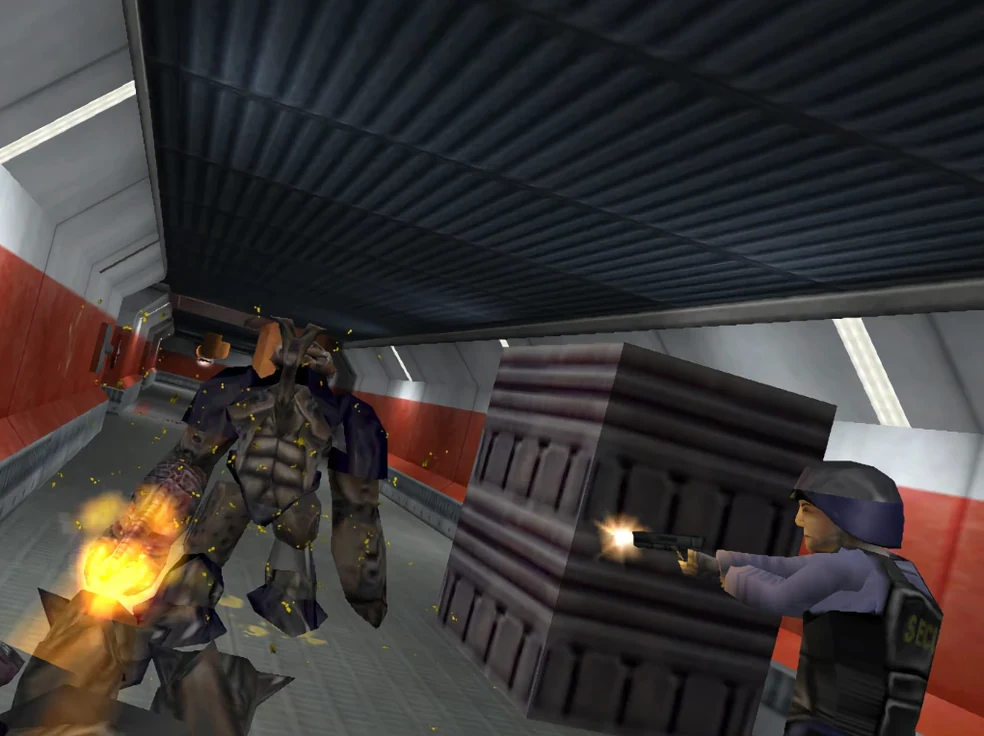
A level designer revisiting Black Mesa on an M2 MacBook Air will notice the physics immediately. Barrels tumble with Source-era weight, not the lighter GoldSrc bounce, and ragdoll soldiers collapse differently against railings and consoles. For someone picking apart the encounter flow of Surface Tension, that extra physicality changes pacing: cover shifts, explosions scatter debris further, and the visual feedback loop feels a half-step closer to Half-Life 2. It’s the same map geometry you remember, but the engine makes every firefight land with a little more thump.
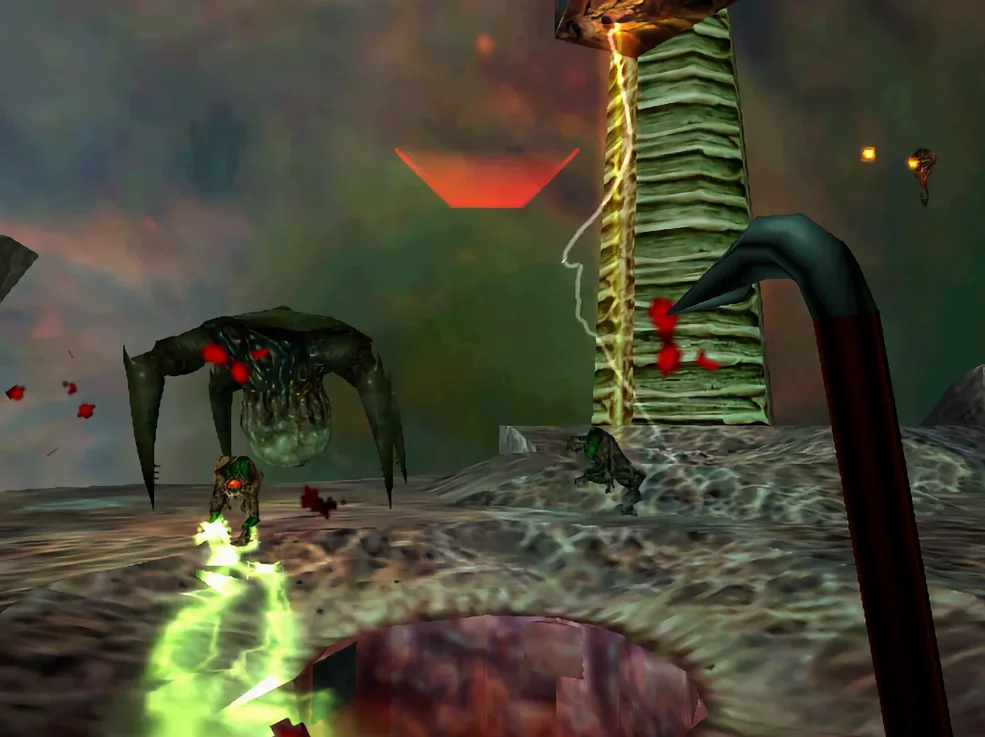
During a straight playthrough from Anomalous Materials through Xen, the build holds a steady frame rate on M-series silicon without the micro-stutter that plagued some older Mac Source ports. Load times between chapters sit around two to three seconds on an internal SSD. Memory pressure stays low enough that leaving Safari and a text editor open in the background causes no visible hitch, even during the particle-heavy Gonarch encounter. The 2013 update introduced a few scripting wobbles — occasionally a scientist gets stuck on a doorframe — but nothing that breaks progression.
Resource footprint is modest by modern standards. Fans who download Half-Life Source for Mac should expect the same trade-off they’d get on the Windows build: cleaner rendering and physics at the cost of a handful of minor AI pathing quirks that the GoldSrc original didn’t have. It’s a fair swap if you value the enhanced effects and smoother lighting. The game sits comfortably on a base M1 with 8 GB of RAM, rarely pushing the chip beyond lukewarm even after an hour of continuous play.
What’s new
Build 8491853. Ships the Source 2013 Singleplayer update, which brought enhanced effects but also introduced some bugs the included Fix file handles.
Requirements
- Apple Silicon Mac (runs on M1 and later)
- macOS Sonoma or compatible
FAQ
Where does the game store its save files?
Saves sit inside the app package. You'll find them at /Applications/Half-Life Source macOS.app/Contents/Resources/GameData/hl1/save.
How do I switch the game to a different language?
Open the app package contents, find the HL.command file, and edit it in TextEdit to set your language.
What if the game throws an error at launch?
Run the Fix file included on the disk image. That clears up the launch error the Source 2013 update sometimes introduces.
Comments 0
Sign in or create an account to leave a comment.
No comments yet…
If you’ve installed it, say how it went. Mention your Mac and macOS version — it helps the next person more than you’d think.
More in Games
All in Games-
 Half-Life Blue Shift
1.1.2.1
Apple Silicon
Half-Life Blue Shift
1.1.2.1
Apple Silicon
-
 Hades
1.38291
Hades
1.38291
-
 Hades II
1.143476
Apple Silicon
Hades II
1.143476
Apple Silicon
-
 Hearts of Iron IV
1.19.3
Hearts of Iron IV
1.19.3
-
 Heroes of Might and Magic 4: Complete
3.0.0.2.76223
Apple Silicon
Heroes of Might and Magic 4: Complete
3.0.0.2.76223
Apple Silicon
-
 GRID Autosport
1.0
GRID Autosport
1.0
-
 Heroes of Might and Magic II: Gold Edition
1.01-2.1-33438
Apple Silicon
Heroes of Might and Magic II: Gold Edition
1.01-2.1-33438
Apple Silicon
-
 Heroes of Might and Magic III HD Horn of The Abyss
4.0.77075.HD.1.8.0
Apple Silicon
Heroes of Might and Magic III HD Horn of The Abyss
4.0.77075.HD.1.8.0
Apple Silicon