
GRID Autosport for macOS
Description
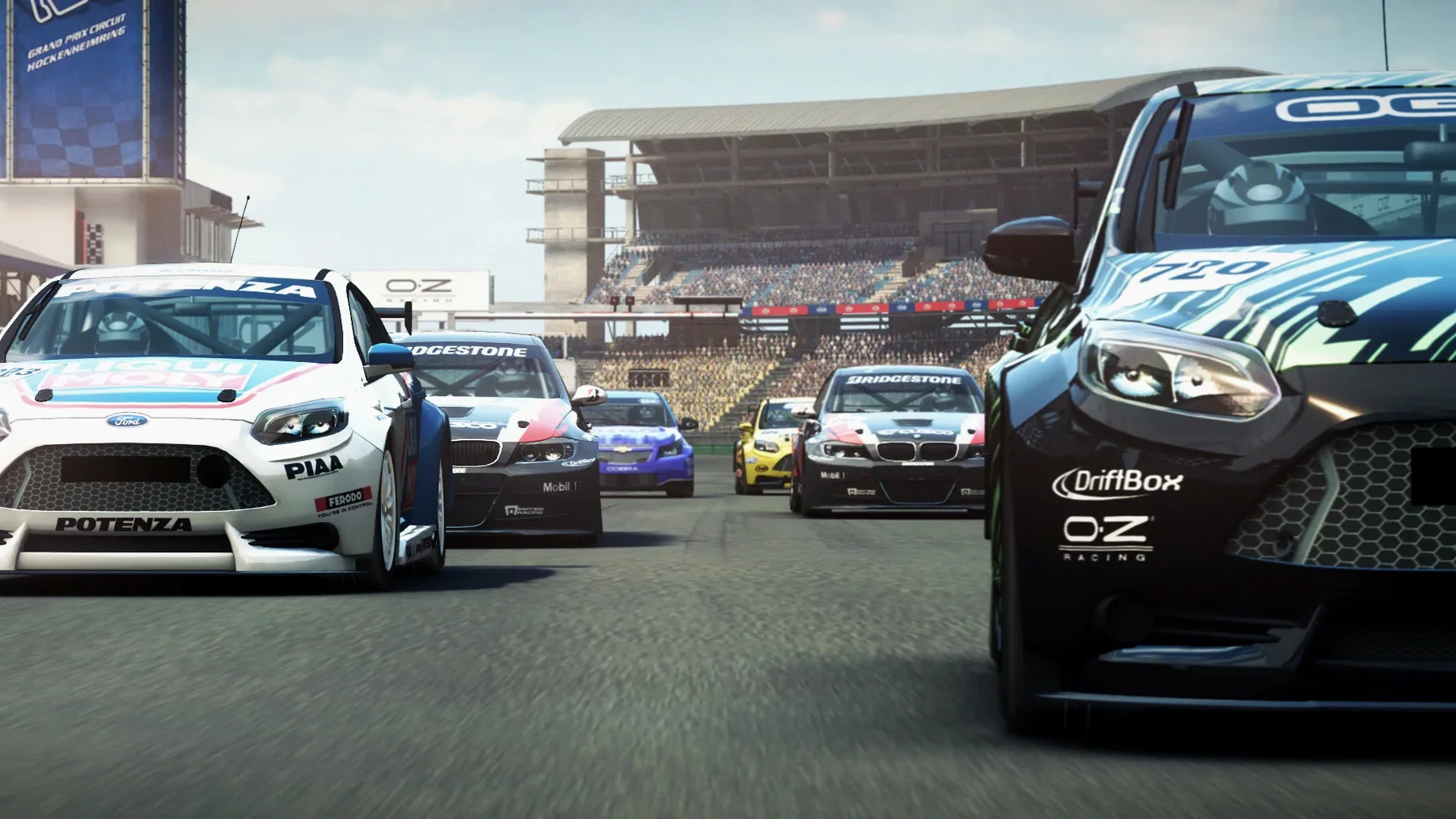
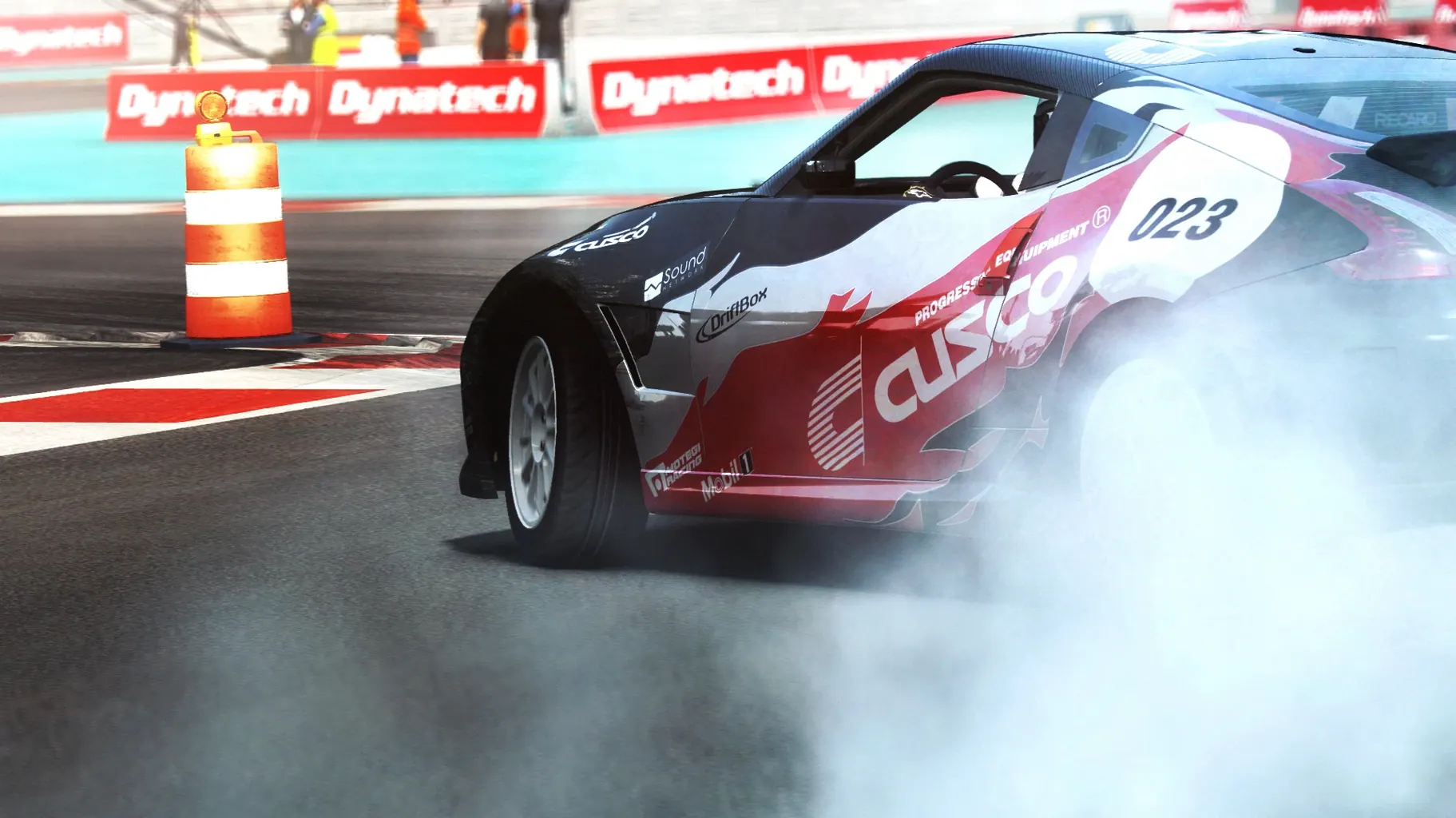
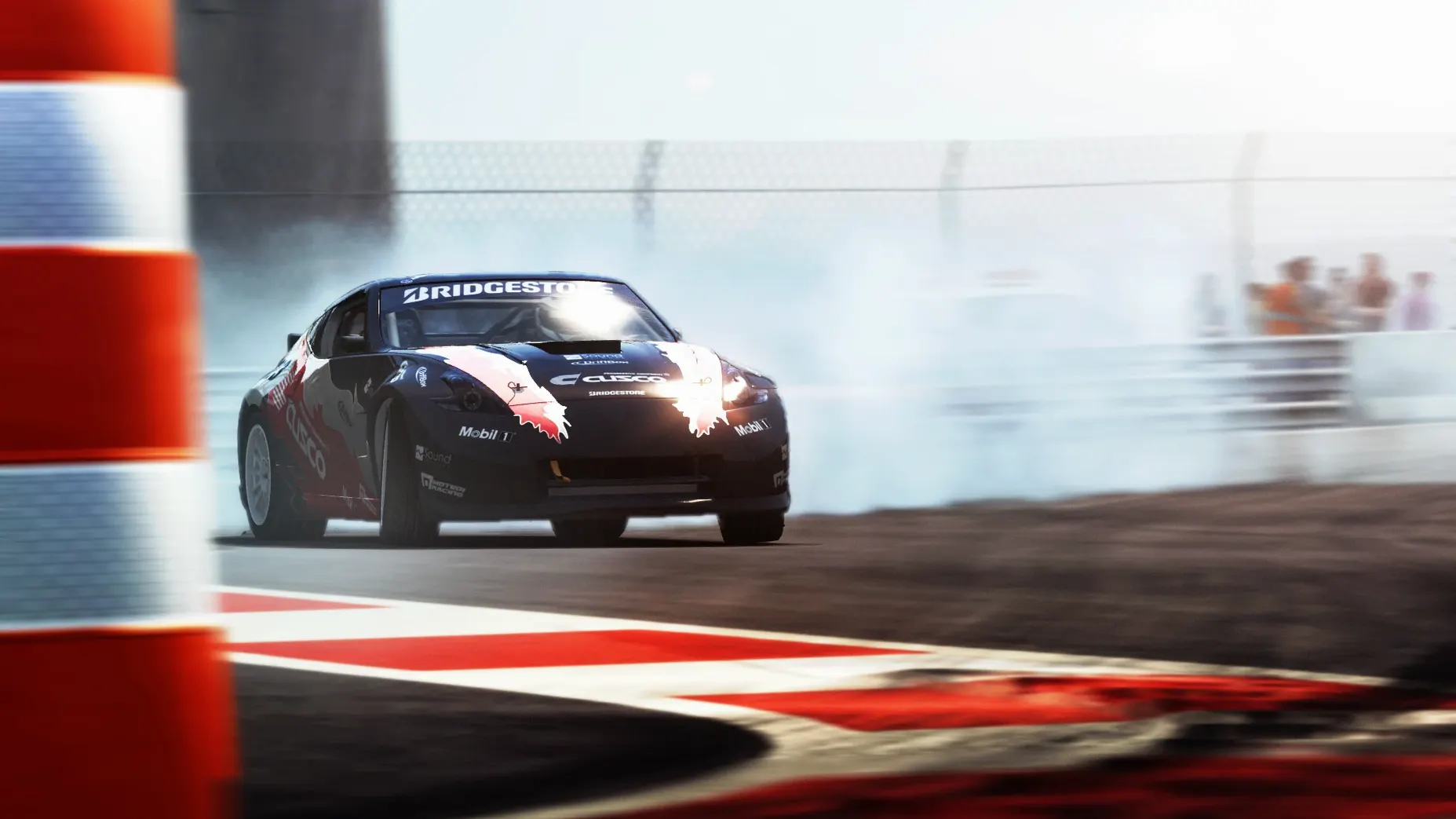
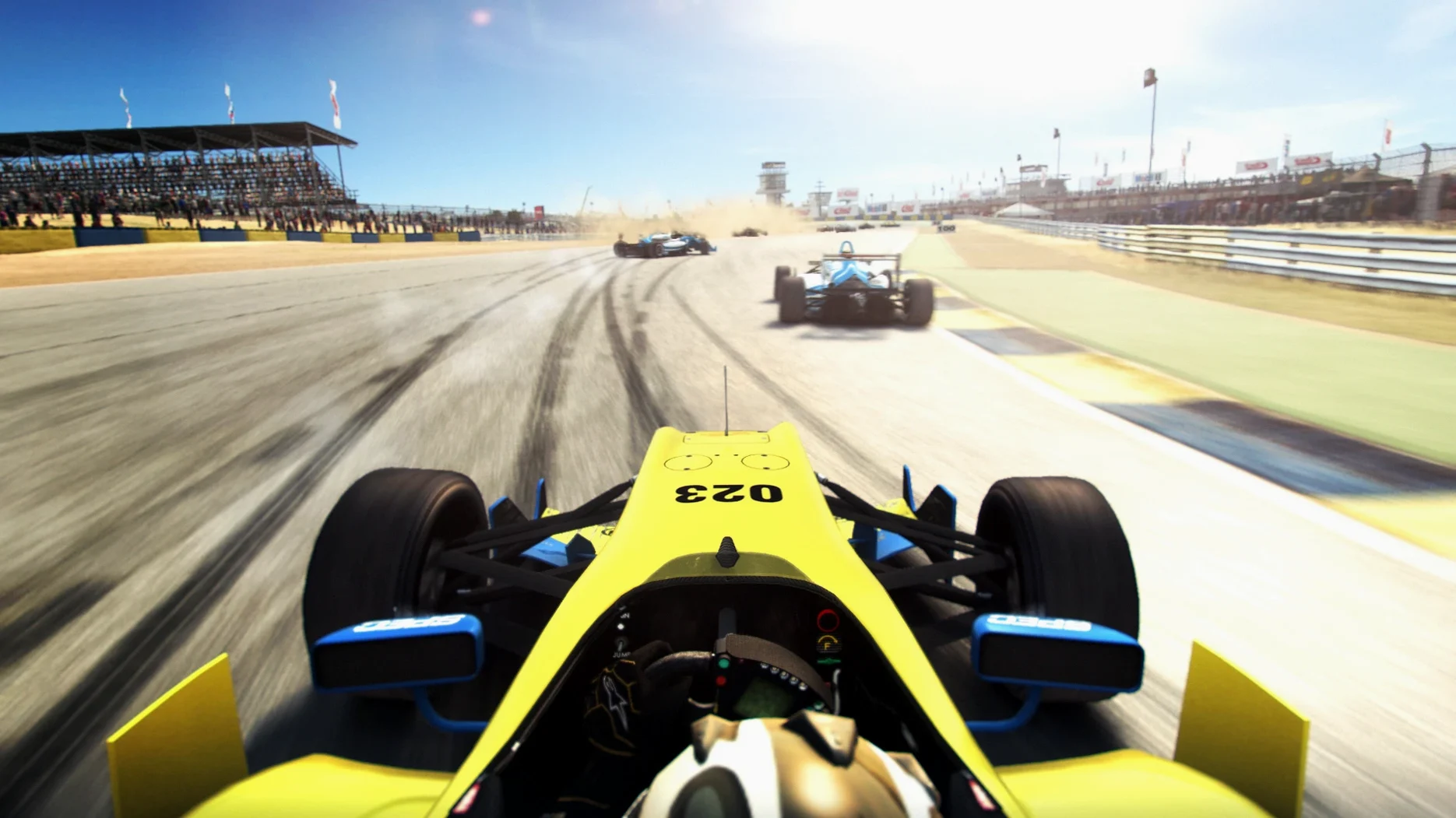
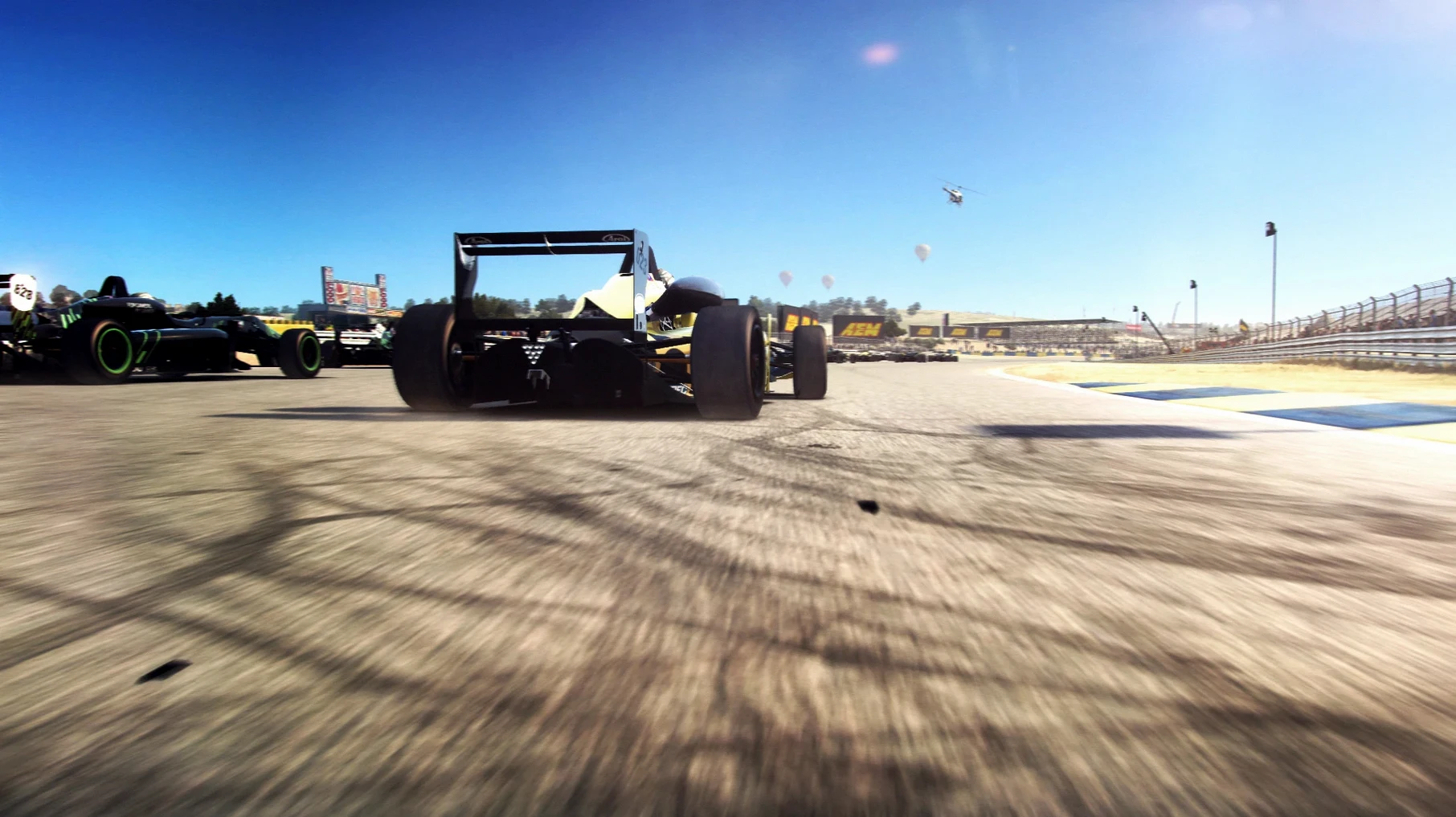
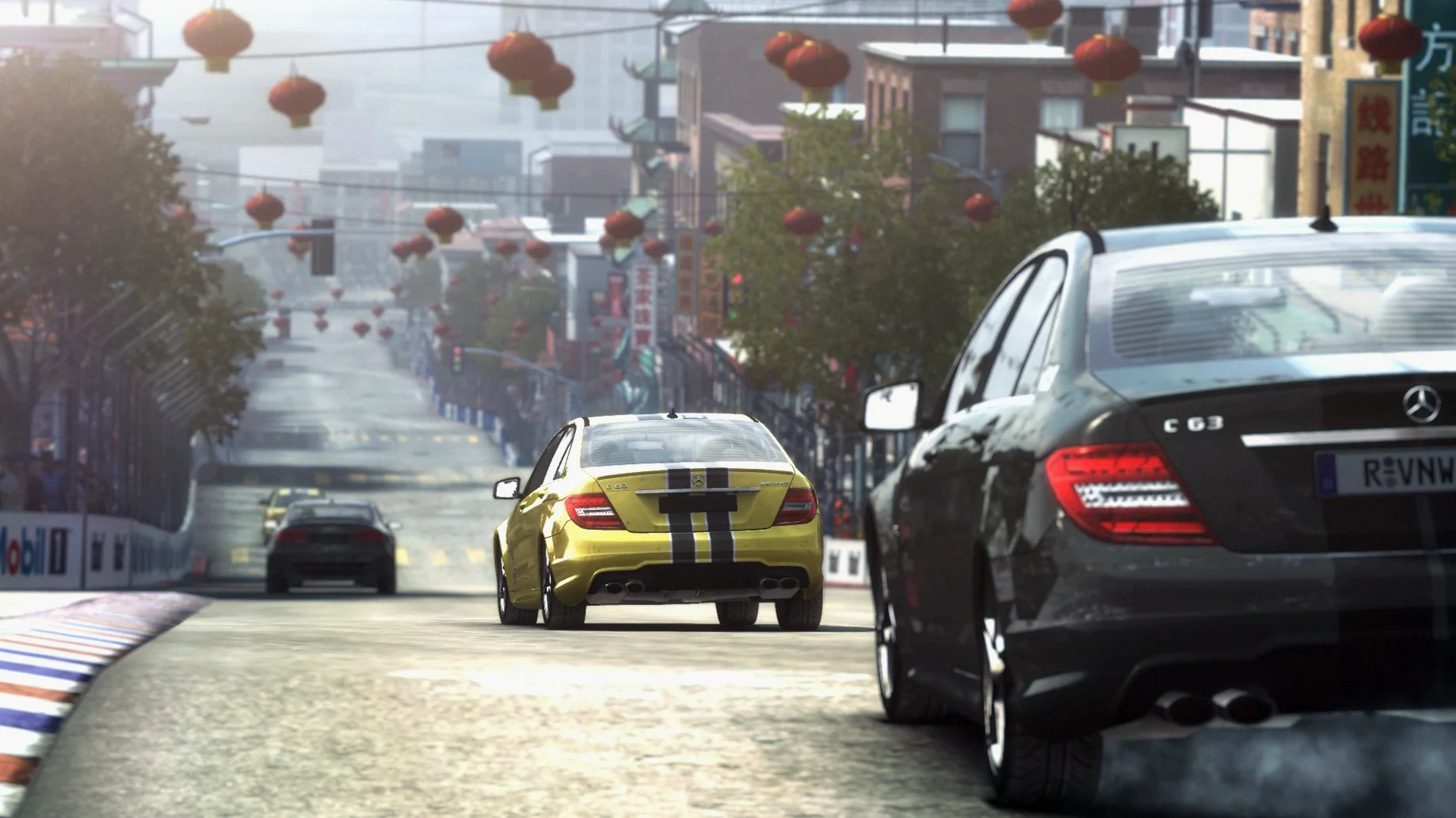
GRID Autosport is a AAA racing game ported to macOS by Feral Interactive that mixes simulation handling with arcade-style pace.
Jump across five racing disciplines in one career
- Switching between five disciplines — touring, endurance, open-wheel, tuner and street — without leaving the career.
- Setting the difficulty where you want it. The scale runs from very easy to ultra-realistic, so you can have a relaxed Sunday drive or fight every braking point.
- Getting straight into a race. The 100-car garage covers modern and classic machinery, and the AI pushes hard without feeling scripted.
Handling favours immediacy over hardcore simulation
- This is an Intel build. Apple Silicon Macs run it through Rosetta, which works but isn't native.
- The handling leans arcade. It's not a hardcore sim — weight transfer and tyre feel take a back seat to immediacy.
Who gets the smoothest ride out of it
Mac users with a gamepad tend to settle in fastest. The game detects most controllers without fiddling, and the default button maps feel natural within a lap or two. Keyboard racers can manage the lower difficulty tiers, but once you nudge the realism slider up, a controller with analogue triggers makes throttle and brake modulation far less binary.
People who like variety without grinding will also click with it. Career mode doesn't lock you into one discipline for hours. You can run three laps of open-wheel at Brands Hatch, then jump to a muscle-car street race without restarting a career or losing progress. It suits short sessions and weekend-long binges equally well.
A complete lap — from cold start to chequered flag
Here's a typical workflow if you want to download GRID Autosport for Mac and get racing in under five minutes.
- Copy the files from the disk image to a folder on your Mac — the Applications folder works, or an external drive if space is tight.
- Launch GRID Autosport. On first run the game asks you to point it at the GridAutosportData folder. Pick the one you copied in step one and it won't ask again.
- Head to Options, plug in a gamepad if you have one, and set the difficulty to Medium as a starting point. Turn off the racing line if you already know the circuits.
- Jump into a custom cup. Pick touring cars, three laps of Mount Panorama, grid of twelve. The AI at Medium gives you enough pressure to make the downhill section interesting without punting you into a wall on the first corner.
- After the race, check the replay. It's not just eye candy — watching your lines back through the mountain section is genuinely useful for spotting where you brake too early.
Rosetta translation happens once — then it runs normally
Does it run on Apple Silicon? Yes, through Rosetta 2. The app is an Intel build, so there's a short translation step the first time you launch it. After that it starts normally. Performance on an M1 is solid at 1080p with most settings turned up.
Can I use a PlayStation or Xbox controller? Both work. The game recognised a DualShock 4 and an Xbox Wireless Controller during testing on macOS Sequoia without extra drivers. Wired and Bluetooth connections behaved the same.
How much space does it really need? You're looking at around 14 GB for the whole package once you unpack the data folder. That includes all 100 cars and 100 circuits — no additional downloads.
Requirements
- Architecture: Intel (Apple Silicon via Rosetta)
- Interface languages: English, French, German, Italian, Spanish, Polish, Portuguese, Russian, Japanese, Korean, Simplified Chinese, Traditional Chinese
FAQ
How do I set up GRID Autosport on Mac?
Copy the files from the disk image to your computer, launch the app, and point it at the GridAutosportData folder when asked.
Comments 0
Sign in or create an account to leave a comment.
No comments yet…
If you’ve installed it, say how it went. Mention your Mac and macOS version — it helps the next person more than you’d think.
More in Games
All in Games-
 Hades II
1.143476
Apple Silicon
Hades II
1.143476
Apple Silicon
-
 Grand Theft Auto V
1.0.1180.1/1.41 REV 1 Update
Apple Silicon
Grand Theft Auto V
1.0.1180.1/1.41 REV 1 Update
Apple Silicon
-
 Hades
1.38291
Hades
1.38291
-
 Half-Life Blue Shift
1.1.2.1
Apple Silicon
Half-Life Blue Shift
1.1.2.1
Apple Silicon
-
 Hearts of Iron IV
1.19.3
Hearts of Iron IV
1.19.3
-
 Heroes of Might and Magic 4: Complete
3.0.0.2.76223
Apple Silicon
Heroes of Might and Magic 4: Complete
3.0.0.2.76223
Apple Silicon
-
 Heroes of Might and Magic II: Gold Edition
1.01-2.1-33438
Apple Silicon
Heroes of Might and Magic II: Gold Edition
1.01-2.1-33438
Apple Silicon
-
 Frostpunk
1927
Frostpunk
1927