
Heroes of Might and Magic III HD Horn of The Abyss for macOS
Description
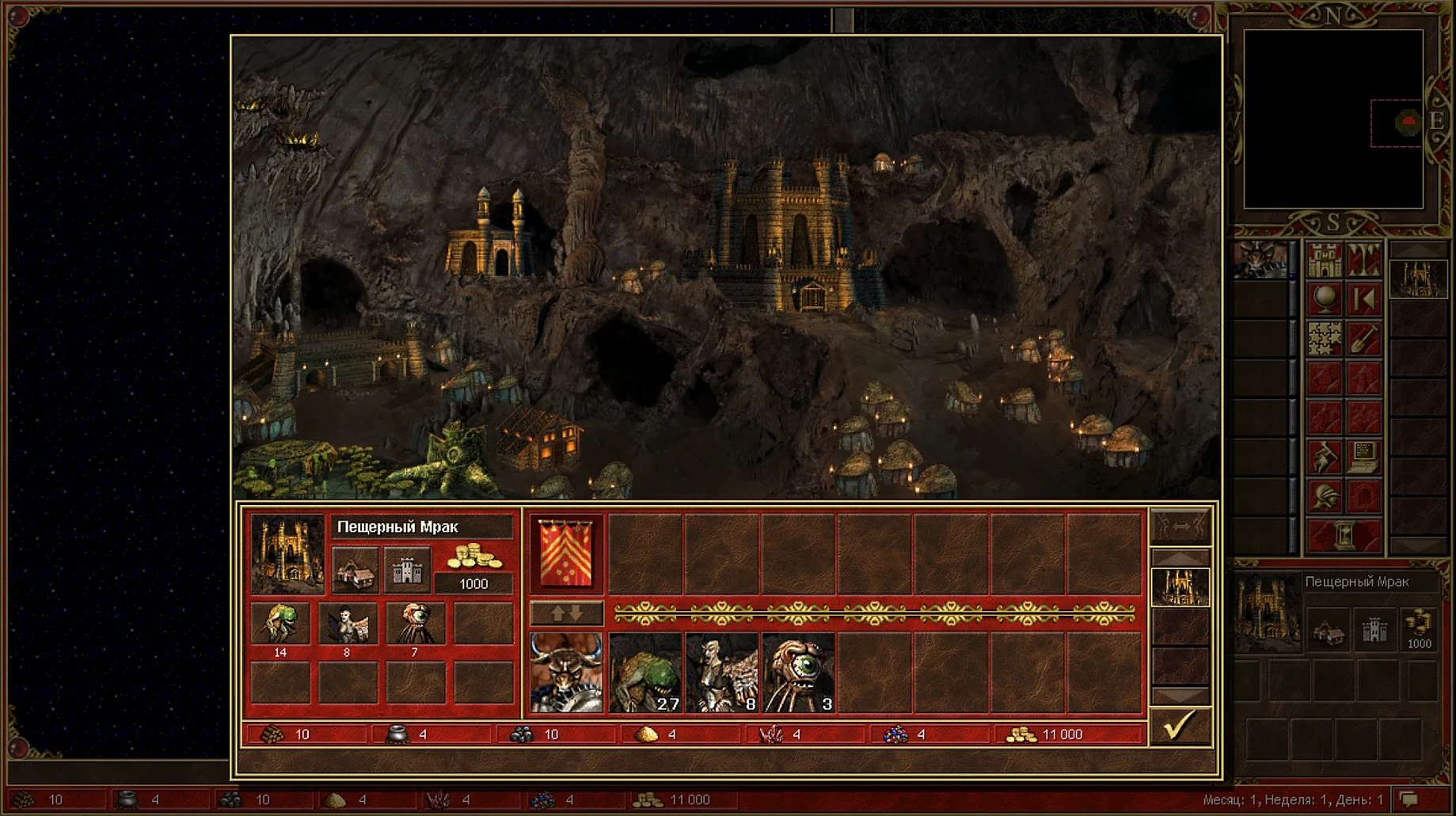
This is a 4.6 GB download that hands you the full Heroes III Complete set — the base game plus Armageddon's Blade and The Shadow of Death — bundled with the Horn of the Abyss expansion and the HD Mod.
Play the original campaigns
The package includes every official mission from the Complete edition. Gameplay logic is untouched, so creature stats, spell mechanics and hero progression behave as you remember them.
Use a clearer interface
The HD Mod raises the original 800x600 resolution to fit modern screens. Interface improvements stay faithful to the classic art style, and the mod also fixes some long-standing bugs from the original release.
Connect for online play
Horn of the Abyss adds features designed for multiplayer matches over the network. It's a separate layer on top of the classic game, keeping the single-player campaigns intact while giving you an online lobby.
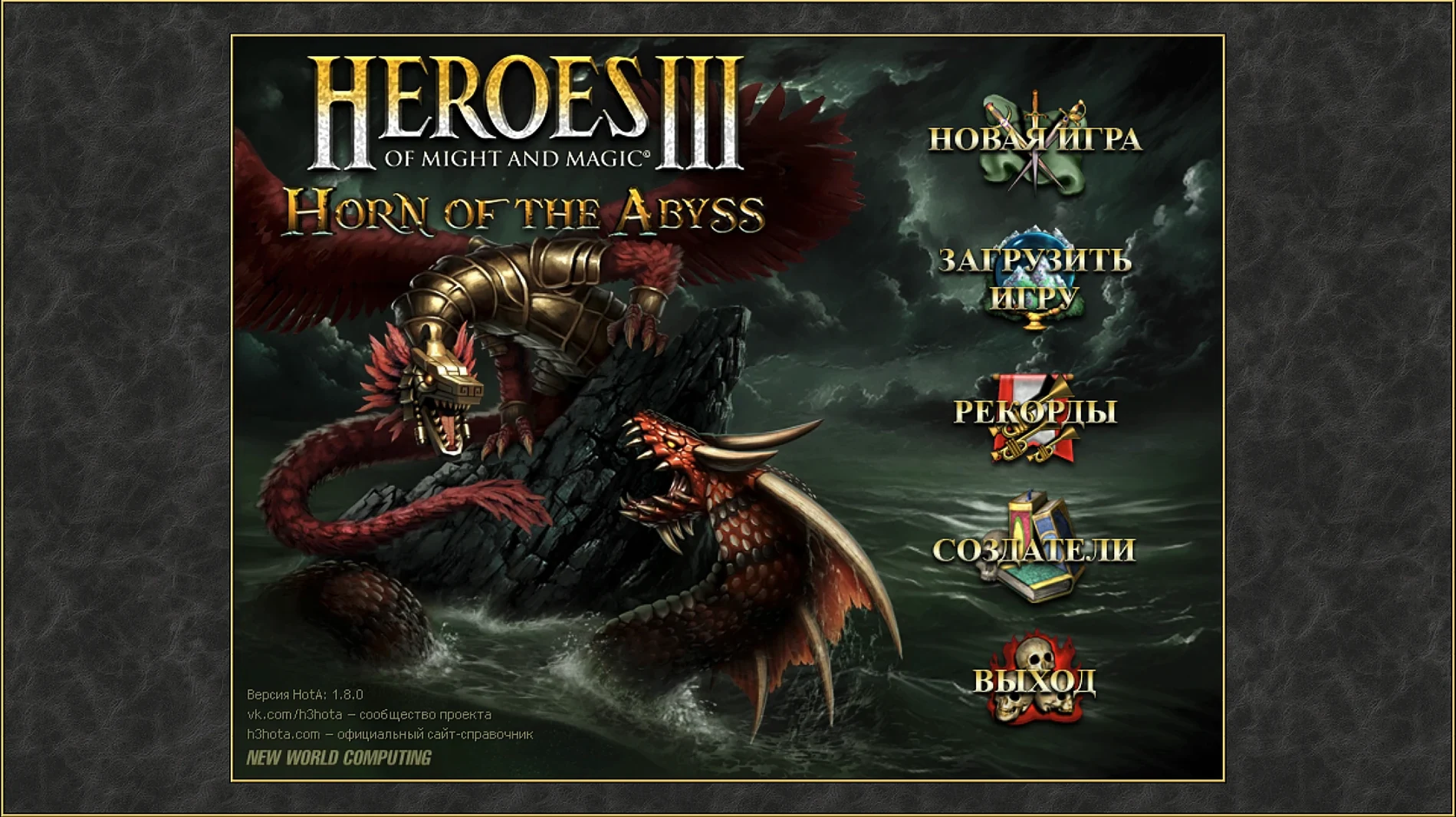
A black terminal flash, then the main menu appears
The desktop finishes loading. You double-click the app.
First launch can take a minute — the Wineskin wrapper builds its little Windows environment inside the bundle. A black terminal window flashes up briefly. That's normal. Then the main menu fills the screen, crisp and sharp at a proper resolution.
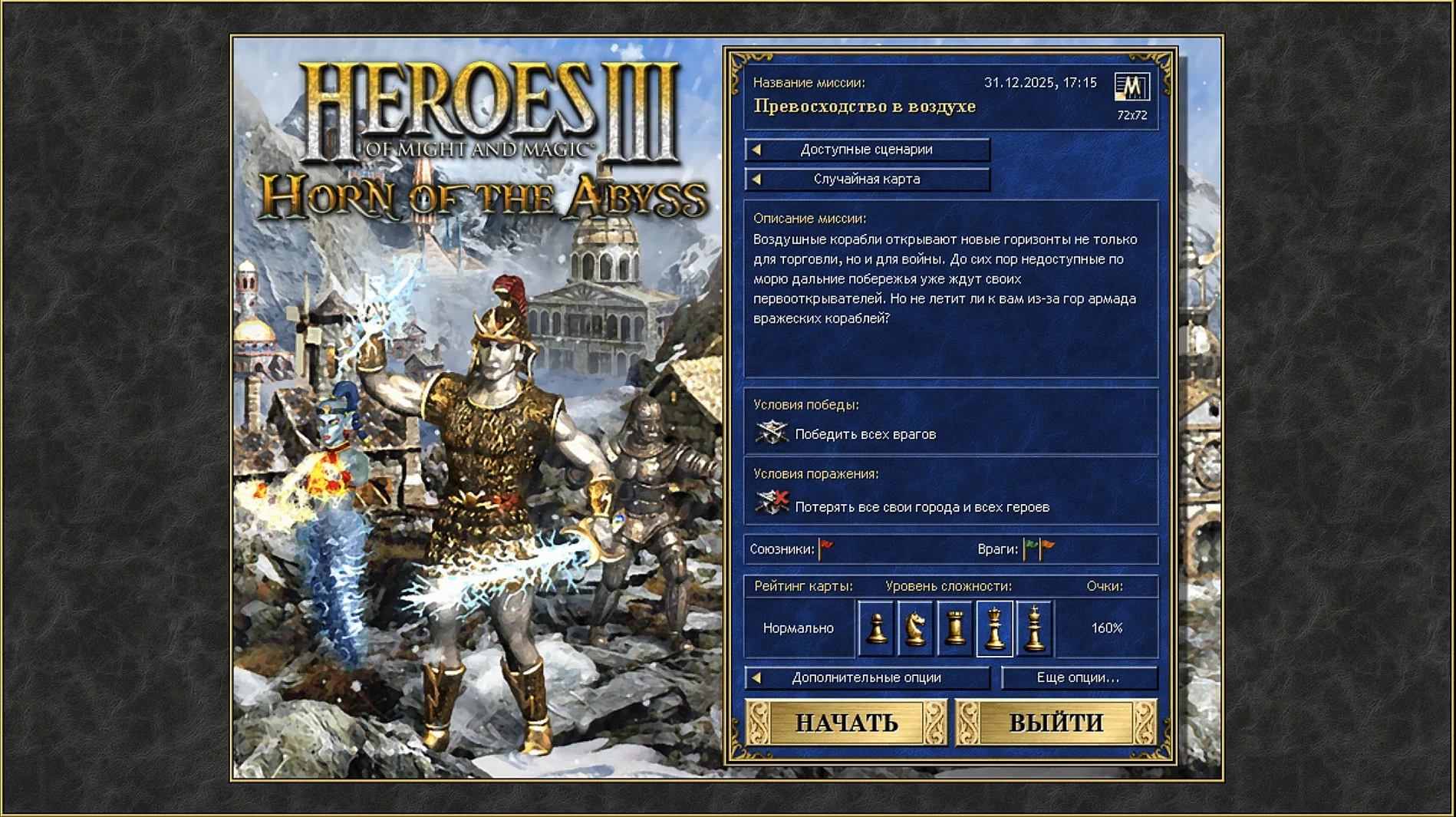
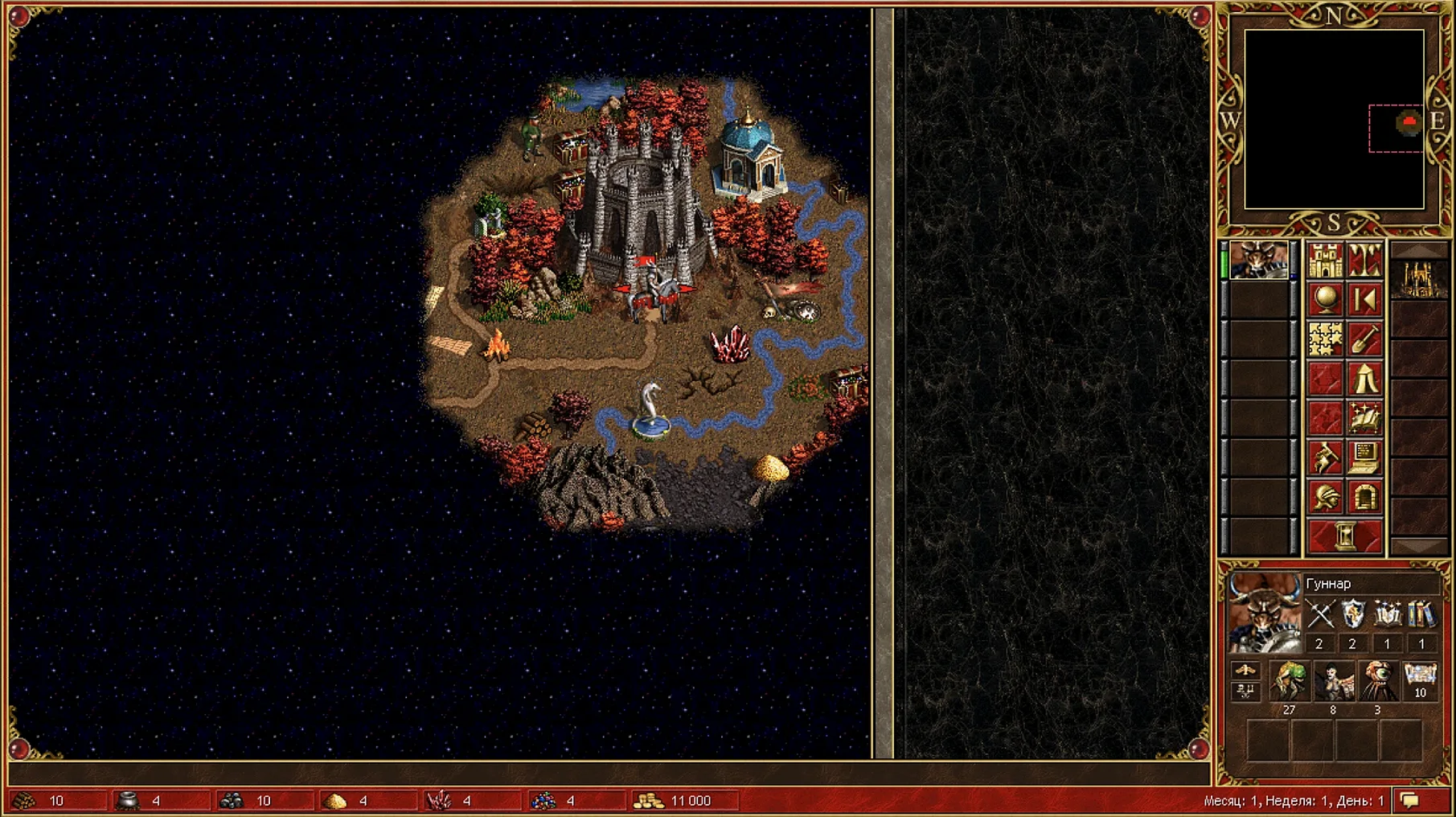
You pick Single Player and scroll through the campaign list. Armageddon's Blade catches your eye. You start the first mission. A short text crawl sets the scene, then the adventure map opens — bright green terrain, a hero waiting by a town, and that midi soundtrack hitting immediately. You check the mini-map. The HD interface puts hero portraits and resource bars exactly where you want them, no squinting.
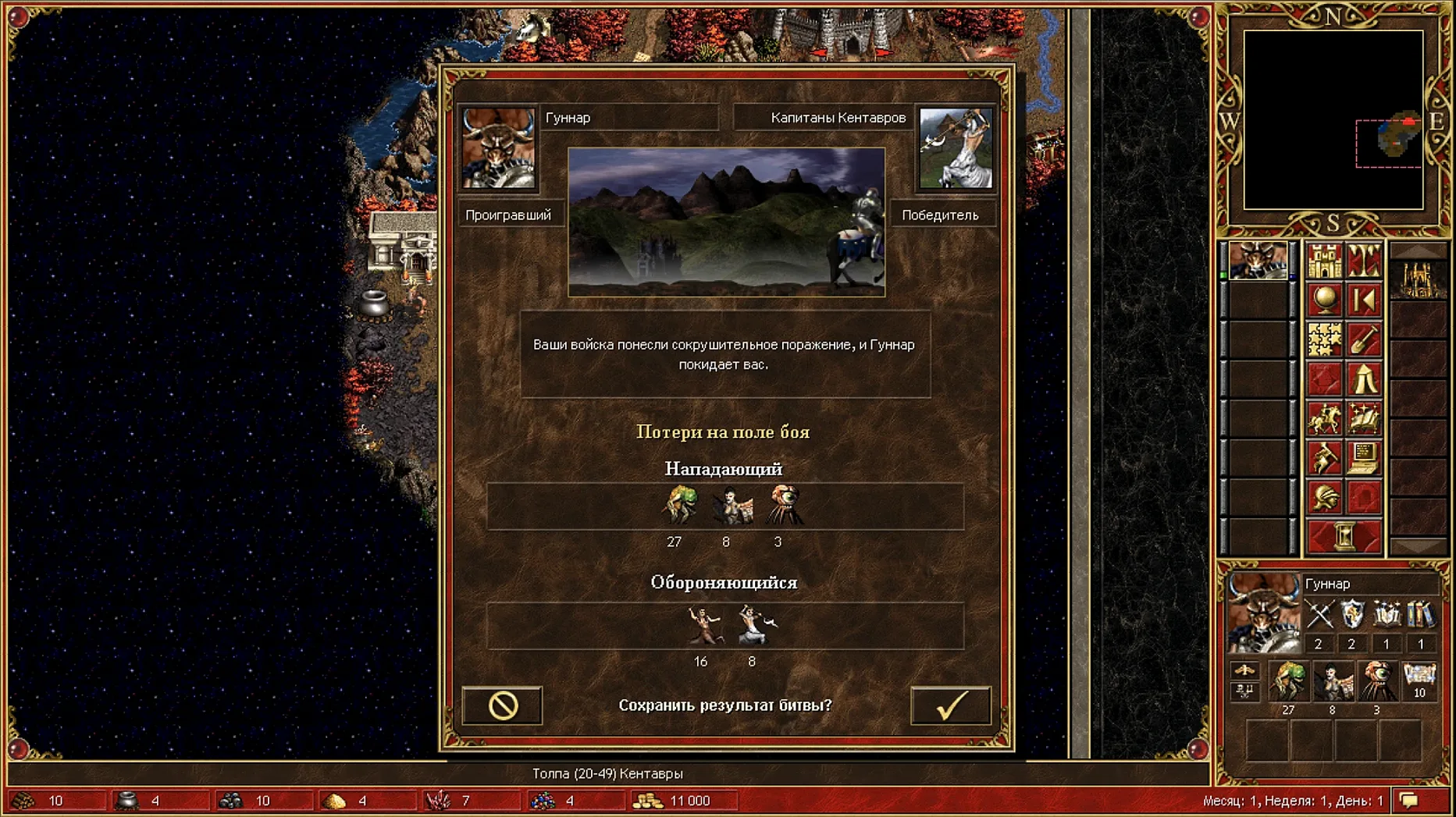
The first few turns you're just collecting wood and ore, flagging a sawmill, hiring a handful of Pikemen. By turn seven a neutral stack of Wraiths blocks a mountain pass. You weigh up your army, check your spell book, and decide to risk it. The battle screen loads quickly. Movement is responsive — the grid lights up under your cursor, combat log ticks along on the right. You lose a stack of Archers but win the fight. A small thrill, the kind that keeps you playing for three more hours.
Saves happen inside the game as normal, but they're tucked away in the app bundle under the SharedSupport prefix path. If you ever need to back them up, that's where you'll dig.
Force-quitting during first launch wrecks the wrapper
Most early problems aren't game-related — they're wrapper-related. Three crop up repeatedly.
Killing the app during first launch. That black terminal window sits there while Wineskin configures itself. If you force-quit because "nothing is happening," the wrapper stays half-baked. Let it cook. It only happens once.
Ignoring the Fix file. If you get an error on startup — something about a missing component or a blank screen — there's a Fix file on the disk image. Run it. It patches the wrapper without reinstalling the whole game. People skip this step and then wonder why the app won't open.
Forgetting it's a Windows game under the hood. Right-click menus, file dialogs, even the in-game text input behave like a Windows app. The keyboard layout defaults to Russian on first run. If your typing comes out Cyrillic, switch to English with the language selector in the HD Mod launcher.
One more thing: the game is a hefty download. Some people search for download heroes of might and magic iii hd horn of the abyss for mac torrent and grab whatever's well-seeded. This package has it all in one place — campaigns, expansion, HD mod, multiplayer lobby — and it actually runs. Worth clearing 5 GB of disk space for.
Requirements
- Tested on ARM and x86 64-bit Macs
- Tested on macOS Tahoe, Mac mini 2024 M4
FAQ
Where are my save files kept?
They are stored inside the app bundle under the SharedSupport prefix path.
Which languages does the interface support?
The interface is available in Russian and English.
What should I do if the game shows an error on launch?
Run the Fix file from the disk image and the error should clear.
Comments 0
Sign in or create an account to leave a comment.
No comments yet…
If you’ve installed it, say how it went. Mention your Mac and macOS version — it helps the next person more than you’d think.
More in Games
All in Games-
 Heroes of Might and Magic II: Gold Edition
1.01-2.1-33438
Apple Silicon
Heroes of Might and Magic II: Gold Edition
1.01-2.1-33438
Apple Silicon
-
 HITMAN World of Assassination
3.280.0
Apple Silicon
HITMAN World of Assassination
3.280.0
Apple Silicon
-
 Heroes of Might and Magic 4: Complete
3.0.0.2.76223
Apple Silicon
Heroes of Might and Magic 4: Complete
3.0.0.2.76223
Apple Silicon
-
 HITMAN
1.13.2
Apple Silicon
HITMAN
1.13.2
Apple Silicon
-
 Hearts of Iron IV
1.19.3
Hearts of Iron IV
1.19.3
-
 Hollow Knight: Silksong
1.0.30000
Apple Silicon
Hollow Knight: Silksong
1.0.30000
Apple Silicon
-
 Hollow Knight
1.5.12620
Apple Silicon
Hollow Knight
1.5.12620
Apple Silicon
-
 Half-Life Blue Shift
1.1.2.1
Apple Silicon
Half-Life Blue Shift
1.1.2.1
Apple Silicon