
Heroes of Might and Magic 4: Complete for macOS
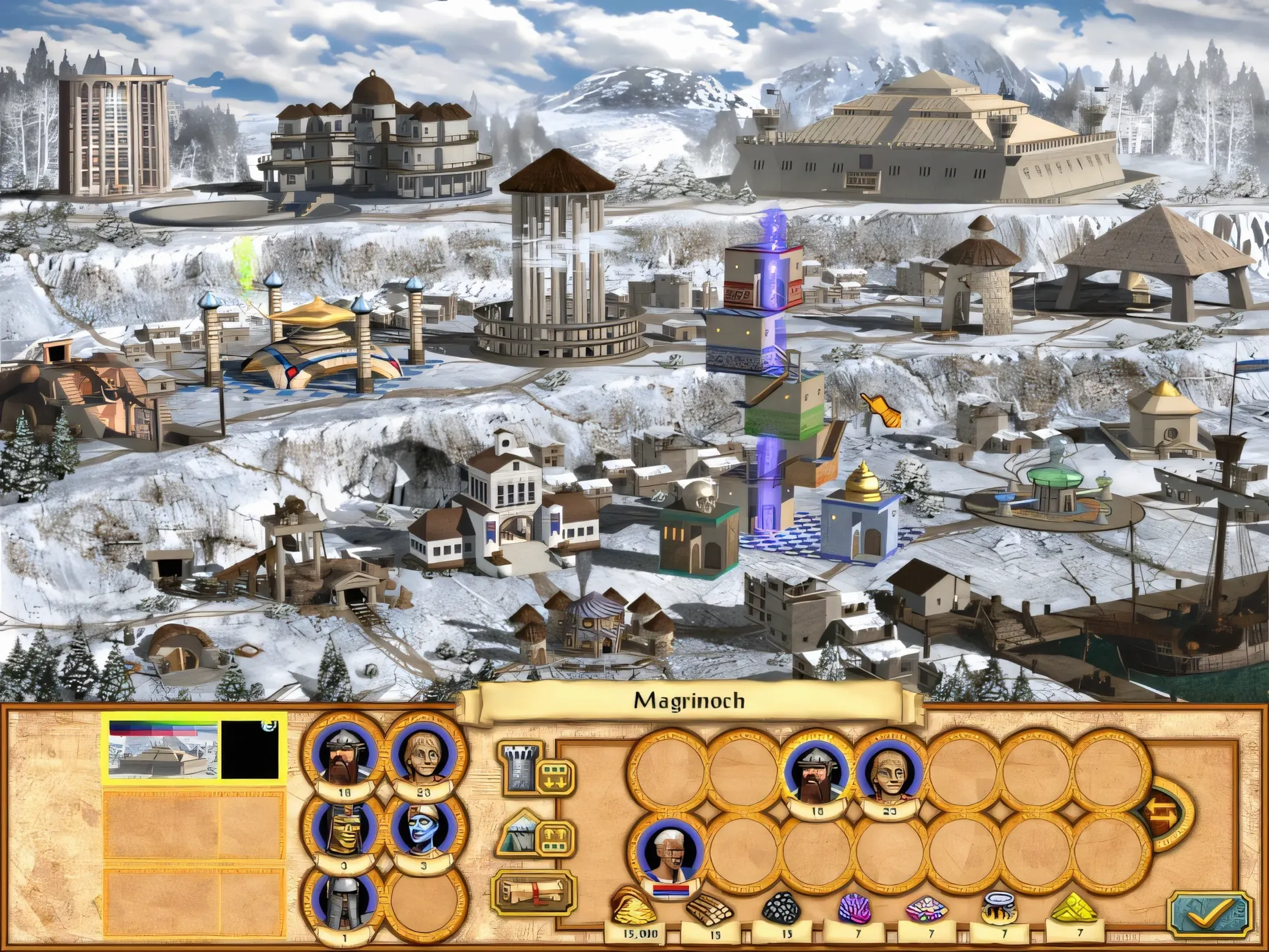
Description
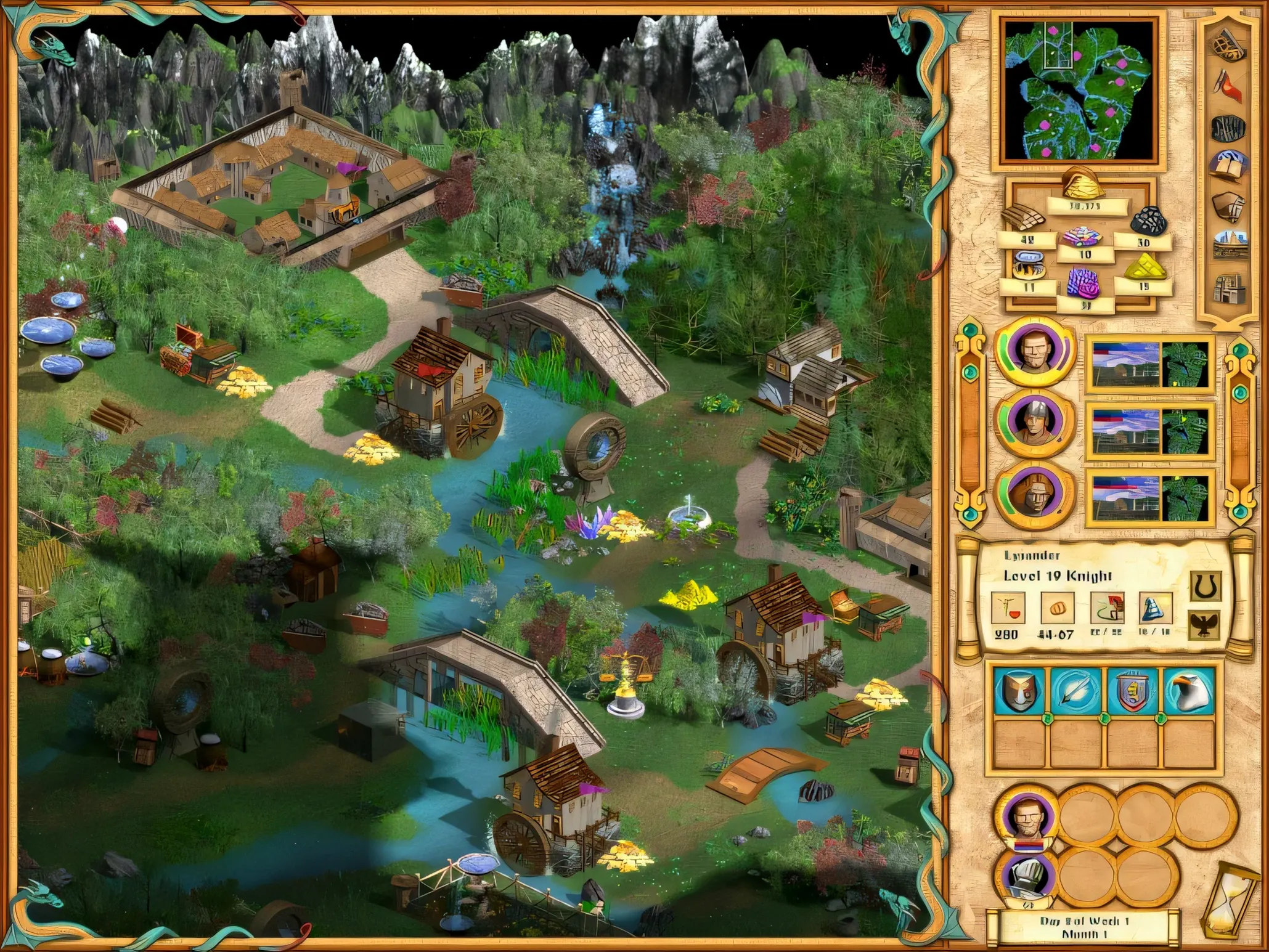
Getting an old Windows turn-based strategy game to behave on macOS usually involves a bit of guesswork. This complete edition bundles the base game and its expansions into one package that handles the translation itself, so you can get straight to the map.
- Includes the original campaign plus The Gathering Storm and Winds of War expansions.
- Interface languages: English and Russian.
- Runs natively on both Apple Silicon and 64-bit Intel Macs.
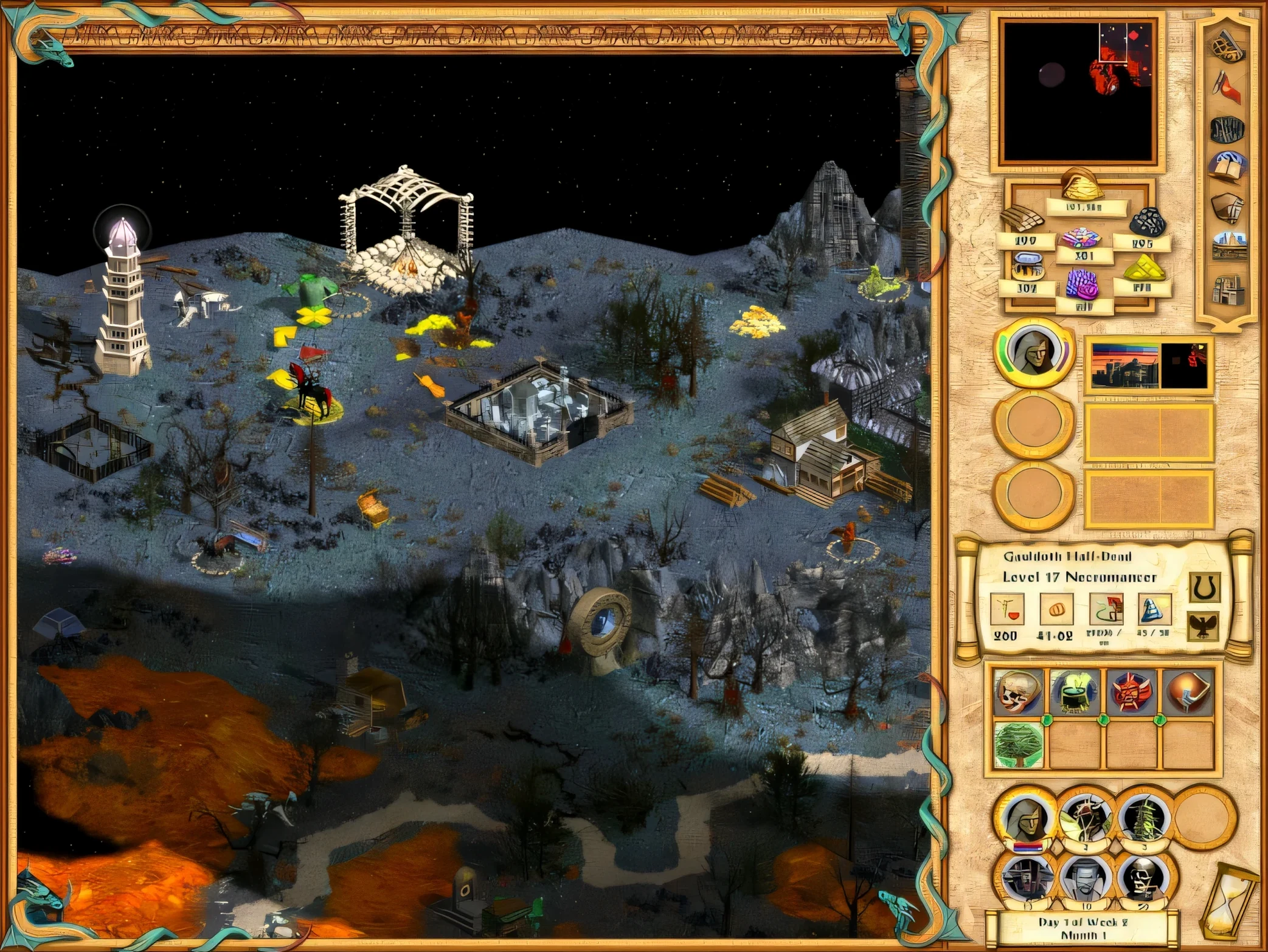
- The story kicks off with a fire behind your lines and a portal to another world.
- Press F4 during play to open the special menu.
- Save files live inside the app bundle under SharedSupport.
It's a straightforward port. On a Mac mini M4, turns process instantly and scrolling is smooth. The main thing to remember is that your progress gets stored inside the application itself, so keep that in mind before you go tidying up your Applications folder.
A regular Mac app in a Wineskin wrapper
The game runs inside a Wineskin wrapper, which means macOS sees it as a standard app. You can toss it into a folder with other games, pin it to the Dock, or launch it from Spotlight like anything else. Because it doesn't scatter files across your system, uninstalling is just a matter of dragging the app to the bin — save games and all.
It behaves well with Mission Control and full-screen spaces. The cursor stays captured inside the game window, so you won't accidentally click onto a second monitor mid-battle. One quirk: if you use a custom keyboard layout, the game reads the physical key positions, not your remapped characters. F4 always works regardless.
Sound plays through whichever output device is set as default in System Settings. I've had it running with Bluetooth headphones without sync issues, though wired speakers gave slightly tighter audio during combat cinematics.
Workflow: a siege town assault from start to finish
Here's a typical session for a mid-campaign siege, assuming you've already built up a hero with a mixed army.
- Launch and load. Open the app from Launchpad. The main menu appears within seconds. Load your save from the campaign list — saves are timestamped, so picking the right one is straightforward.
- Survey the map. Your hero stands outside a walled town defended by a necromancer. Right-click the town to check garrison numbers: skeletons, vampires, and one bone dragon. Your own stack brings crusaders, crossbowmen, and two griffins. Not a guaranteed win, but workable.
- Position before engaging. Move one tile back from the gate to avoid triggering the siege dialog yet. Summon any map creatures nearby — a stack of halberdiers loitering by a sawmill will tip the balance.
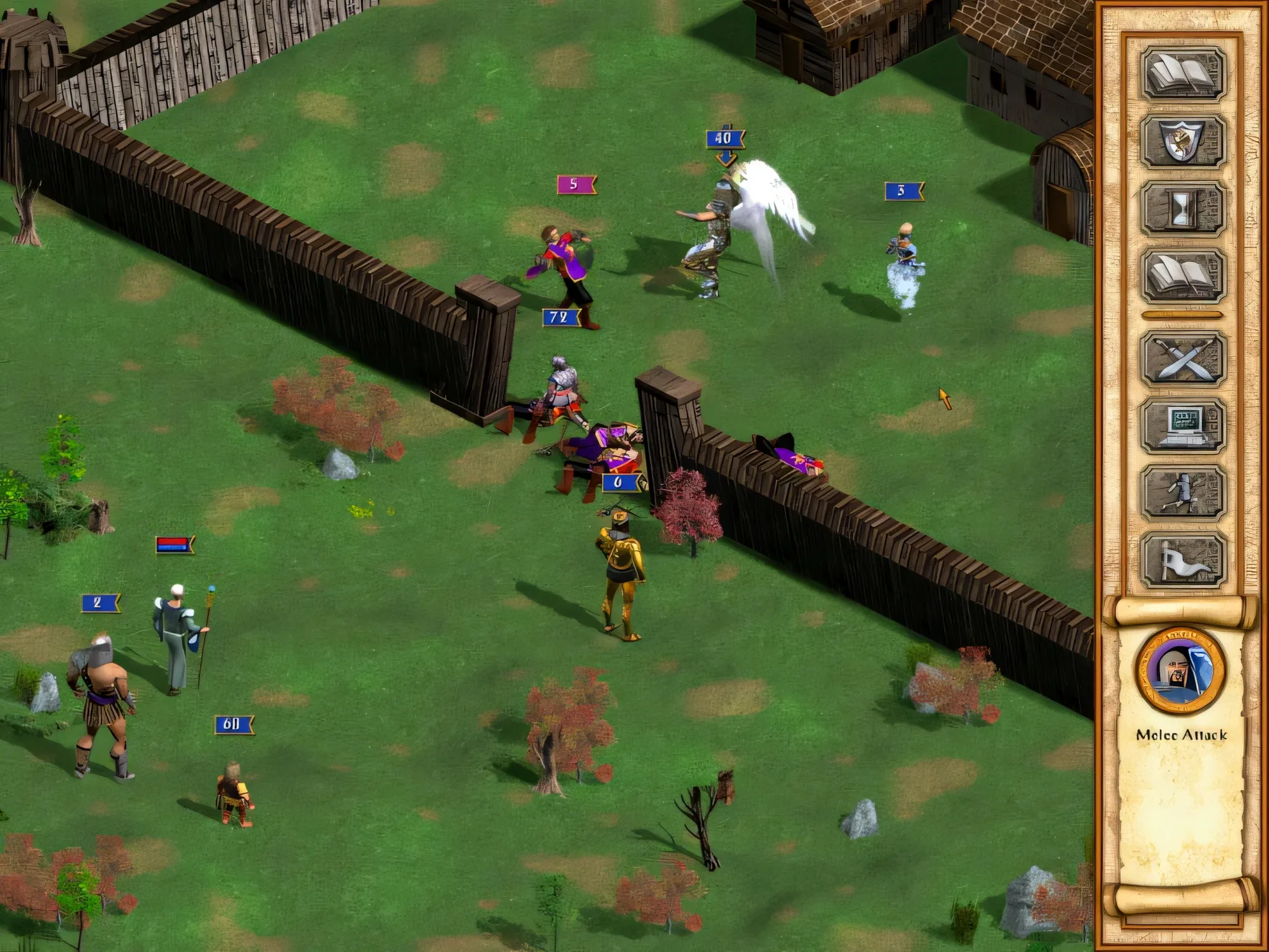
- Attack and deploy. Click the town, choose attack. The battlefield loads with your forces on the left, walls ahead. Place griffins in the front row for a first-turn leap over the battlements. Crossbowmen go in the back row, angled toward the gate.
- Turn one. Griffins fly over the wall and tie up the enemy archers. Crossbowmen focus the gate. Crusaders advance. The necromancer casts a poison cloud — annoying, but your griffins are already behind his lines.
- Clean up. By turn five the gate is down and your crusaders are through. The bone dragon falls to concentrated crossbow fire. Mop up remaining skeletons, capture the town hall, and assign a secondary hero as governor before moving on.
The whole engagement takes about fifteen minutes. The save folder inside the app bundle means you can copy the entire thing to another Mac without hunting down hidden Library folders — handy if you switch between a desktop and a laptop.
Requirements
- Architecture: Apple Silicon and 64-bit Intel.
- Tested on macOS Tahoe.
FAQ
Where are the save files kept?
The save folder is stored inside the app bundle, under the SharedSupport path within the game prefix.
What does the Complete edition include?
It includes the base Heroes IV game plus The Gathering Storm and Winds of War expansions.
How do I open the special menu?
Press the F4 key during a game to bring up the special menu.
Comments 0
Sign in or create an account to leave a comment.
No comments yet…
If you’ve installed it, say how it went. Mention your Mac and macOS version — it helps the next person more than you’d think.
More in Games
All in Games-
 Hearts of Iron IV
1.19.3
Hearts of Iron IV
1.19.3
-
 Heroes of Might and Magic II: Gold Edition
1.01-2.1-33438
Apple Silicon
Heroes of Might and Magic II: Gold Edition
1.01-2.1-33438
Apple Silicon
-
 Heroes of Might and Magic III HD Horn of The Abyss
4.0.77075.HD.1.8.0
Apple Silicon
Heroes of Might and Magic III HD Horn of The Abyss
4.0.77075.HD.1.8.0
Apple Silicon
-
 HITMAN World of Assassination
3.280.0
Apple Silicon
HITMAN World of Assassination
3.280.0
Apple Silicon
-
 HITMAN
1.13.2
Apple Silicon
HITMAN
1.13.2
Apple Silicon
-
 Half-Life Blue Shift
1.1.2.1
Apple Silicon
Half-Life Blue Shift
1.1.2.1
Apple Silicon
-
 Hades
1.38291
Hades
1.38291
-
 Hades II
1.143476
Apple Silicon
Hades II
1.143476
Apple Silicon