
Half-Life Blue Shift for macOS
Description
Two languages, one disc image. The Russian and English text and voice acting are both included, so you get the full 2001 Gearbox expansion exactly as it shipped.
Back inside Black Mesa as Barney Calhoun
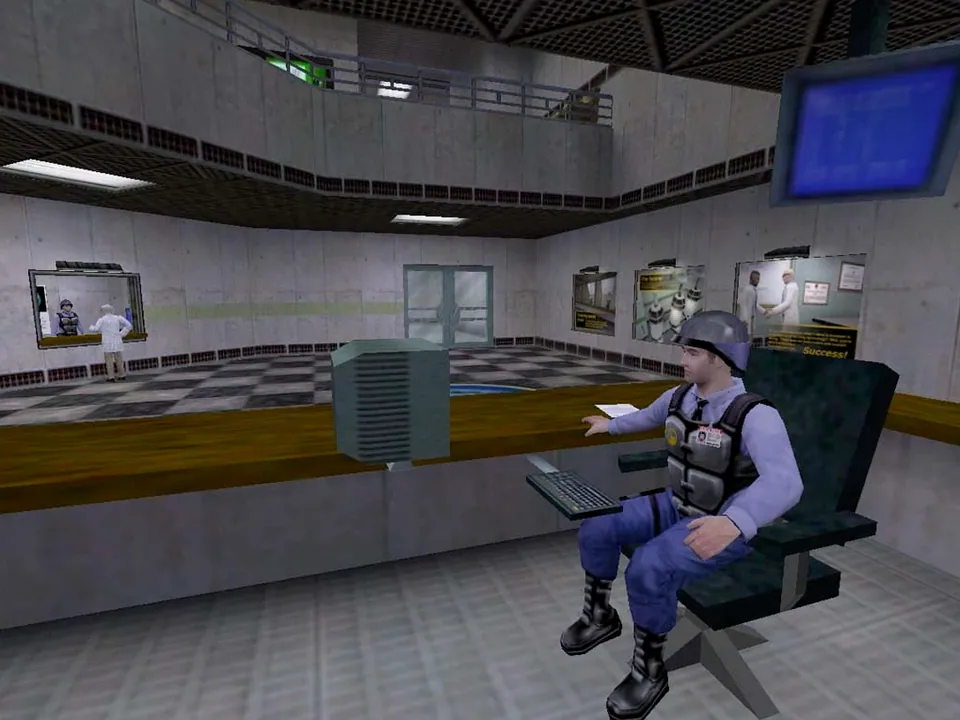
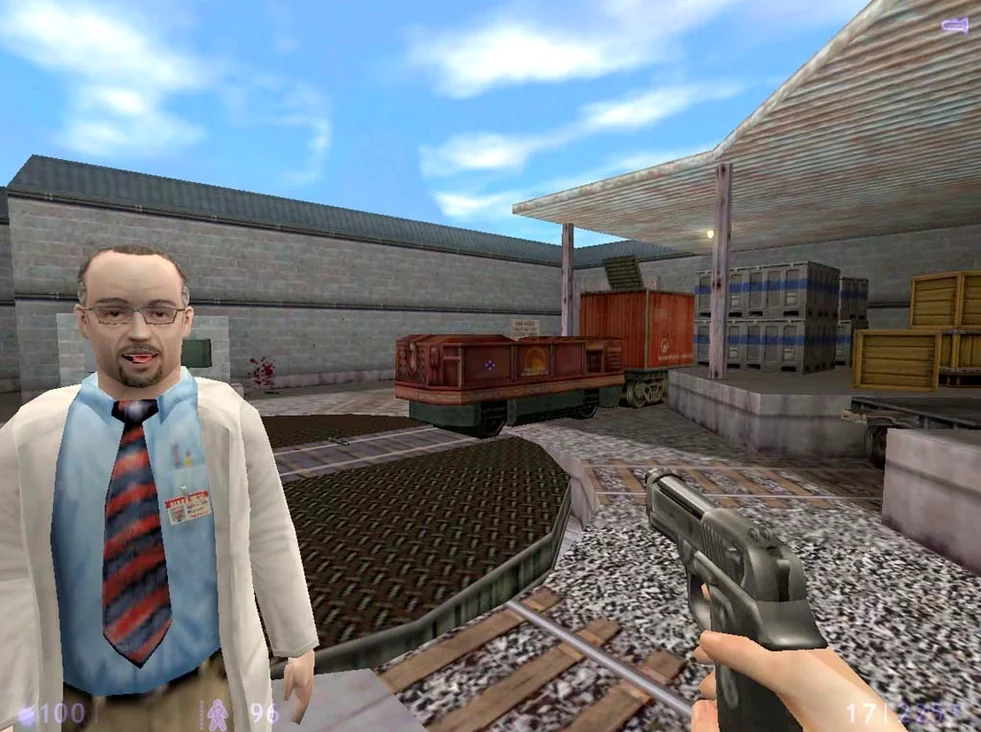
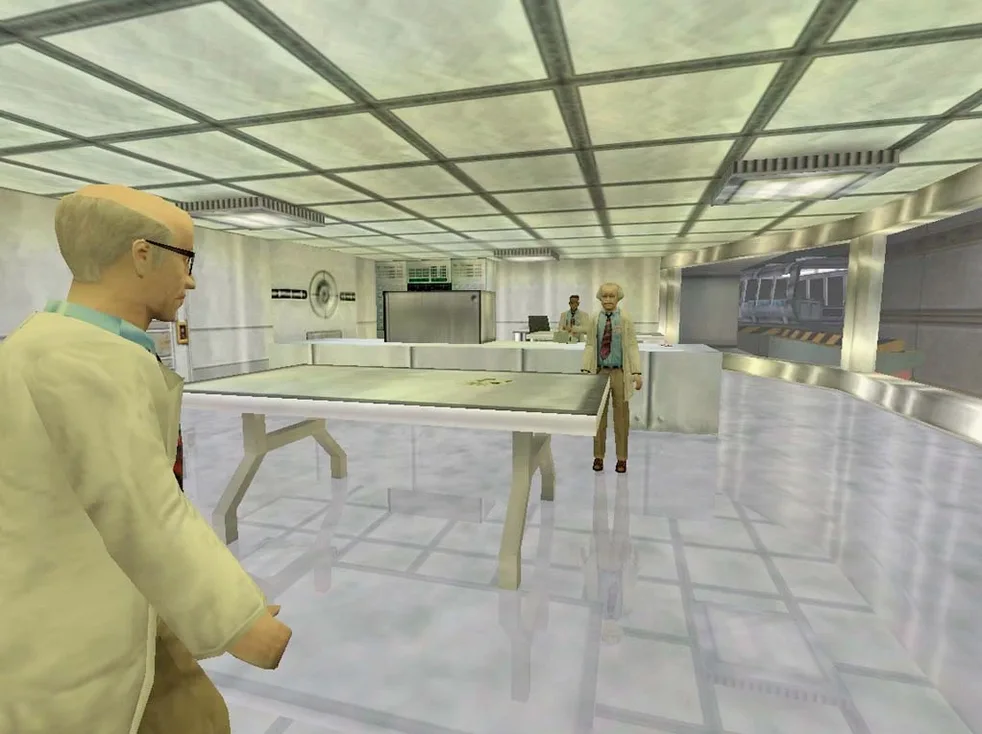
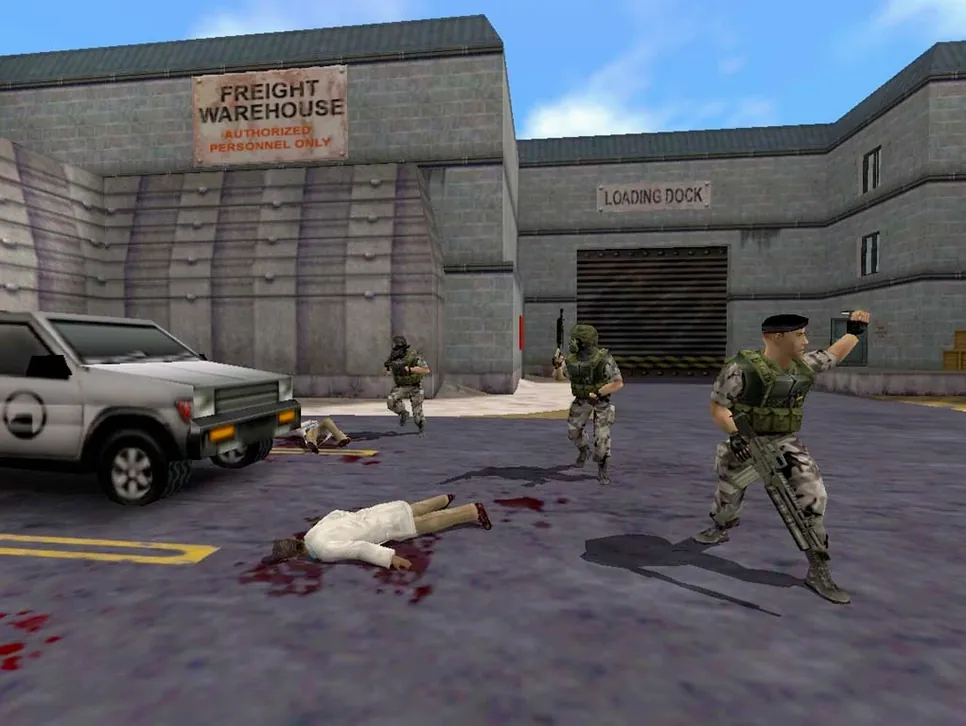
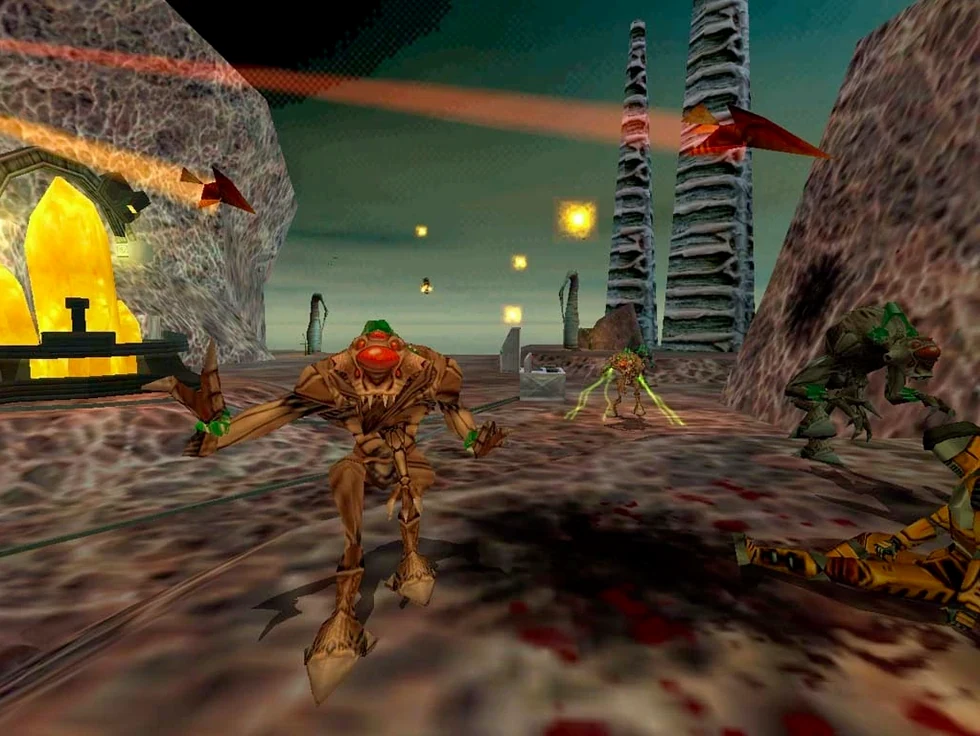
Half-Life Blue Shift puts you back inside the Black Mesa Research Facility as security guard Barney Calhoun. It's a shorter, tighter story that runs parallel to the main game's events. Aliens are pouring in, soldiers are shooting everything, and you just want to get out.
Standalone package with Xash3D for Apple Silicon
This is a standalone expansion. You don't need the original Half-Life installed. The package includes the Xash3D engine port, so it runs on modern macOS — both Intel and Apple Silicon.
A sub-four-hour corridor shooter for lapsed fans
People who played Half-Life years ago and want a compact revisit. It's also a decent entry point if you never touched the series: the corridor-shooter design is straightforward, and the runtime is under four hours.
Veteran shooters still have the edge over newer action titles in one respect: they don't waste your time with cutscenes. Blue Shift puts you straight into a tram ride and a locker room, then hands you a pistol. If you've played Half-Life, the rhythm comes back in roughly ninety seconds.
The people who get the most out of this are players who ran through Black Mesa twenty years ago and want the gaps filled in. Barney's story peels off from Gordon Freeman's at specific points — you'll recognise corridors and set pieces, but from the wrong side of a blast door. It's fan service done with restraint.
Another group: anyone who bounced off modern shooters with upgrade trees and open worlds. Blue Shift is a linear, six-hour push through laboratories, loading bays and underground rail tunnels. Nothing to unlock, nothing to manage, no dialogue wheels. Just movement, shooting and the occasional crate puzzle.
No original Half-Life required—Xash3D handles it
Does it need the original Half-Life? No. The Xash3D engine bundled in the disk image handles everything. The game folder lives wherever you put it — most people drop it in Applications and launch it from there.
Which Macs run it smoothly? Any Apple Silicon machine handles it without breaking a sweat. Intel Macs from the last decade are fine too — the engine targets both architectures. On a Mac mini M4 the frame rate never dipped below the monitor's refresh rate, even with smoke effects and multiple NPCs on screen.
What's with the Russian version label? The package includes both Russian and English text and voice acting. The menu defaults to Russian on first launch, but switching to English takes two clicks in the settings. You'll hear the English voice cast you remember from the original release.
Where do saves go? Straight into /Users/your user/Library/Application Support/Xash3D FWGS/bshift/SAVE. If the Library folder is hidden, press Command+Shift+G in Finder and paste the path — just swap your user for your actual username.
Time Machine backs up saves without extra fiddling
The Xash3D engine that powers this port is a known quantity in the open-source community. It respects standard macOS file paths, so Time Machine backs up your save folder without any fiddling. If you've already got another Xash-based Half-Life installation — say, the main game or Opposing Force — Blue Shift sits in its own separate directory and won't interfere.
On the input side, any USB or Bluetooth mouse and keyboard work. The engine picks up a connected gamepad too, though the original game was designed for keyboard-and-mouse and feels best that way. macOS accessibility features like Sticky Keys and Mouse Keys function normally, which is useful given there's a fair amount of crouch-jumping in the later sections.
The download itself comes as a standard DMG. Run the Fix file inside if you see an error on first launch — it's a one-time permissions script that sorts out the quarantine flag macOS attaches to downloaded apps. After that the game starts cleanly every time.
Requirements
- Intel and Apple Silicon Macs
- Interface languages: Russian, English
Comments 0
Sign in or create an account to leave a comment.
No comments yet…
If you’ve installed it, say how it went. Mention your Mac and macOS version — it helps the next person more than you’d think.
More in Games
All in Games-
 Hades
1.38291
Hades
1.38291
-
 Hades II
1.143476
Apple Silicon
Hades II
1.143476
Apple Silicon
-
 GRID Autosport
1.0
GRID Autosport
1.0
-
 Hearts of Iron IV
1.19.3
Hearts of Iron IV
1.19.3
-
 Heroes of Might and Magic 4: Complete
3.0.0.2.76223
Apple Silicon
Heroes of Might and Magic 4: Complete
3.0.0.2.76223
Apple Silicon
-
 Heroes of Might and Magic II: Gold Edition
1.01-2.1-33438
Apple Silicon
Heroes of Might and Magic II: Gold Edition
1.01-2.1-33438
Apple Silicon
-
 Grand Theft Auto V
1.0.1180.1/1.41 REV 1 Update
Apple Silicon
Grand Theft Auto V
1.0.1180.1/1.41 REV 1 Update
Apple Silicon
-
 Heroes of Might and Magic III HD Horn of The Abyss
4.0.77075.HD.1.8.0
Apple Silicon
Heroes of Might and Magic III HD Horn of The Abyss
4.0.77075.HD.1.8.0
Apple Silicon