Grand Theft Auto V for macOS
Description
The current build is 1.0.1180.1/1.41 REV 1, wrapped in Wineskin for Apple Silicon. No new features in this revision — it's a stability update that keeps the game ticking on a Mac mini M4 under macOS Tahoe.
Plan a heist
You pick an approach, assemble a crew and hit a target. Loud, quiet or somewhere in between — the setup missions are the real work.
Switch between three lives
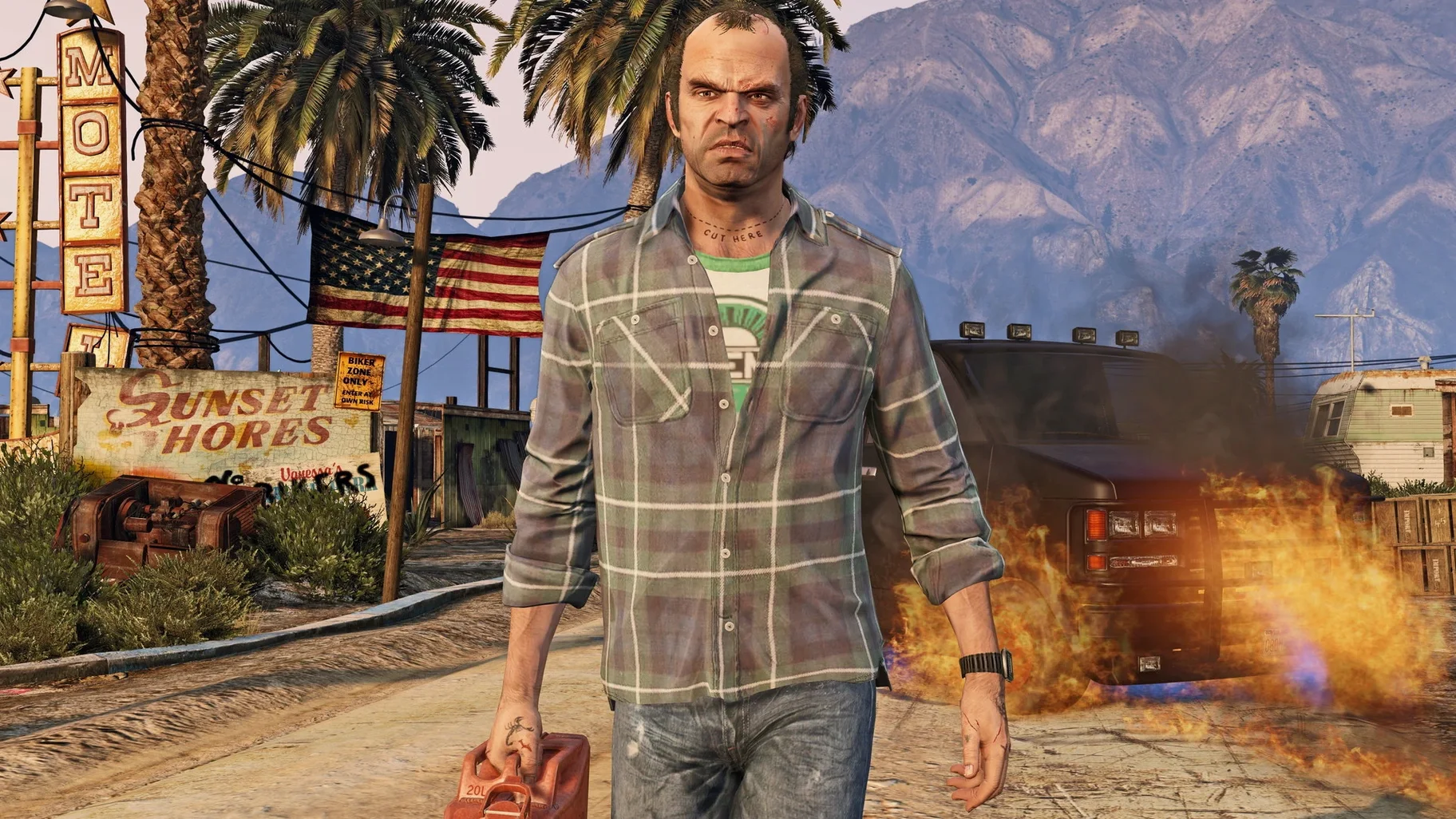
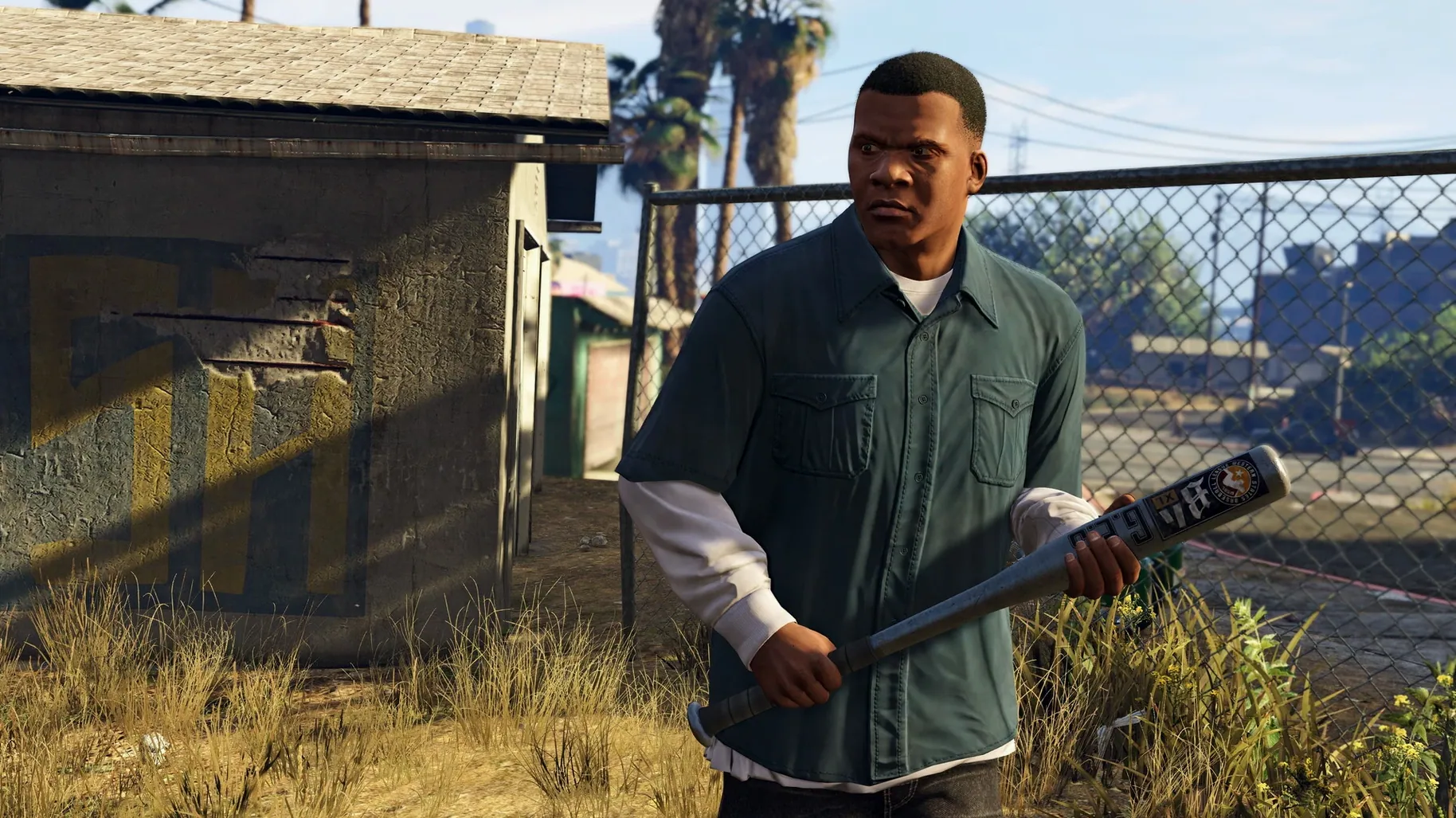
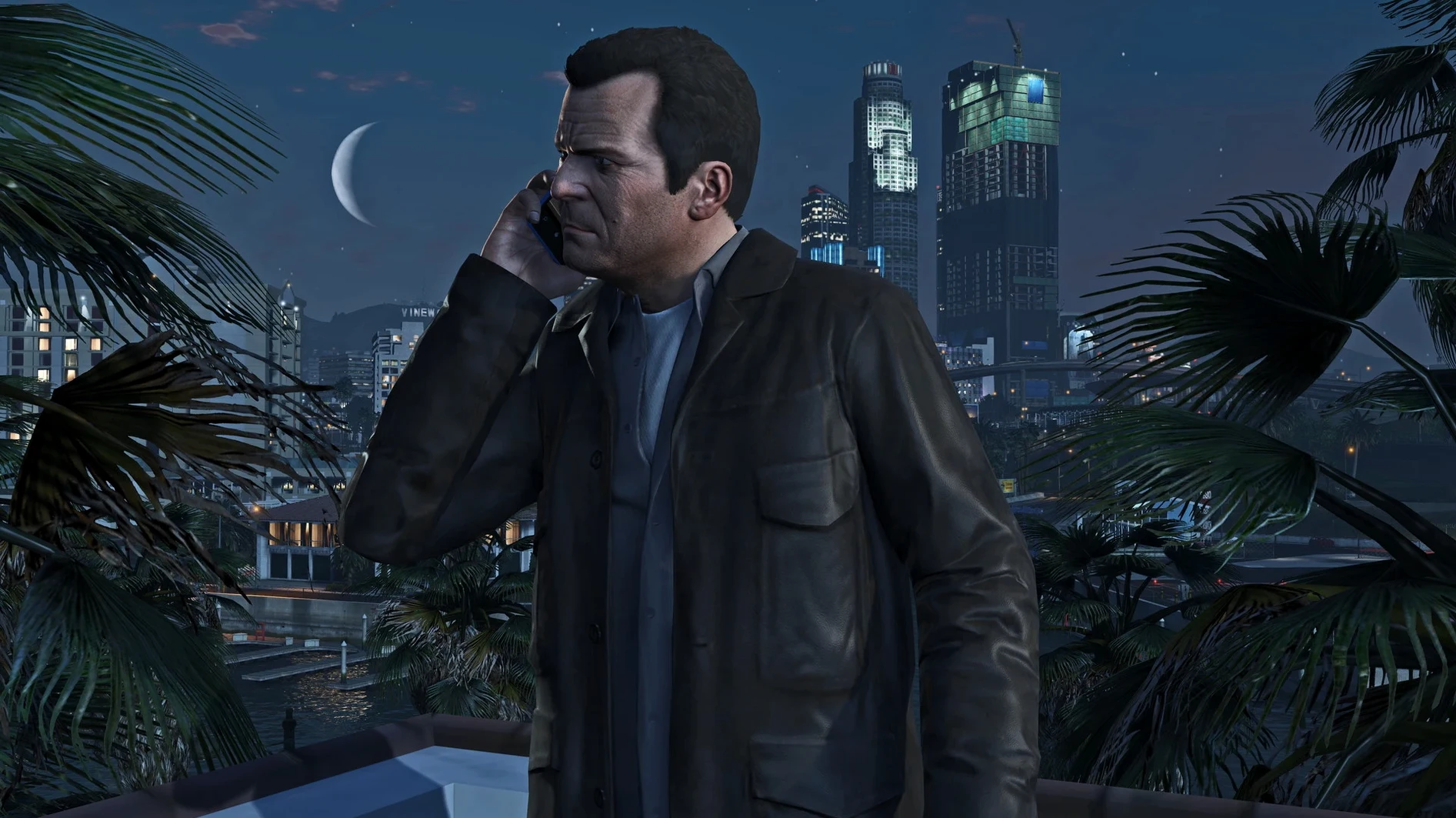
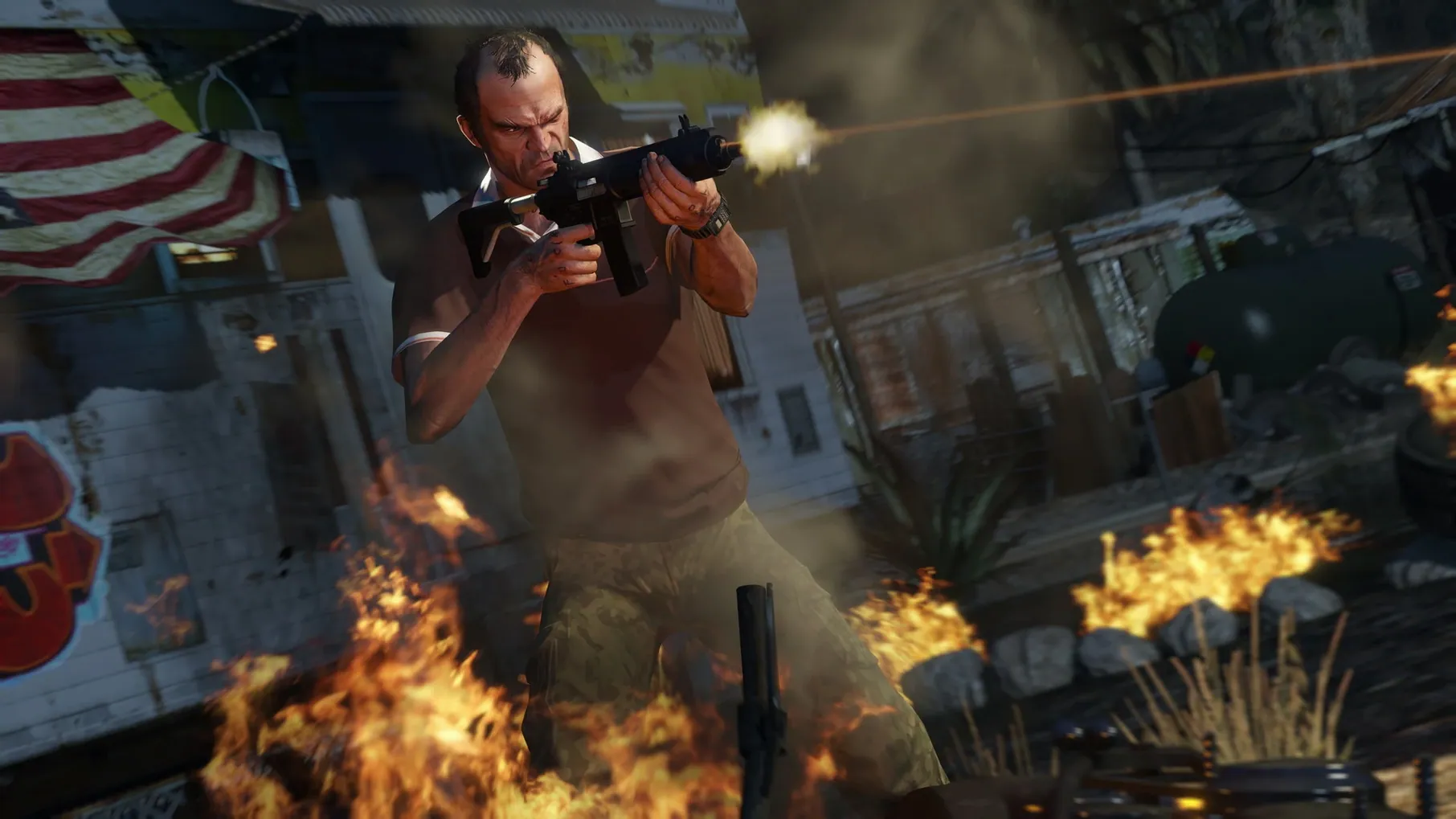
Franklin, Michael and Trevor each have their own mess to deal with. You hop between them mid-mission or just to see what trouble they're in now.
Cause chaos off the clock
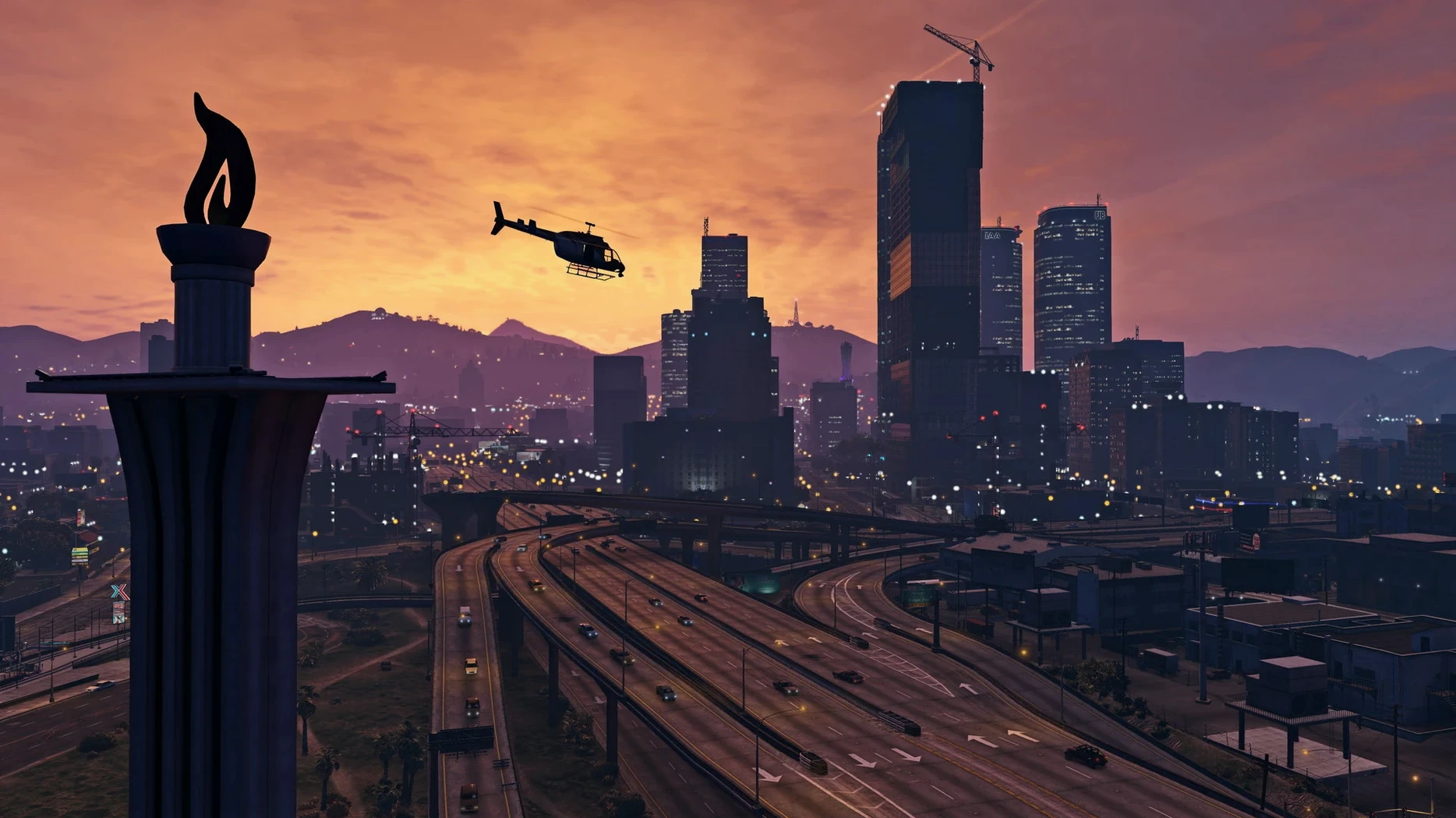
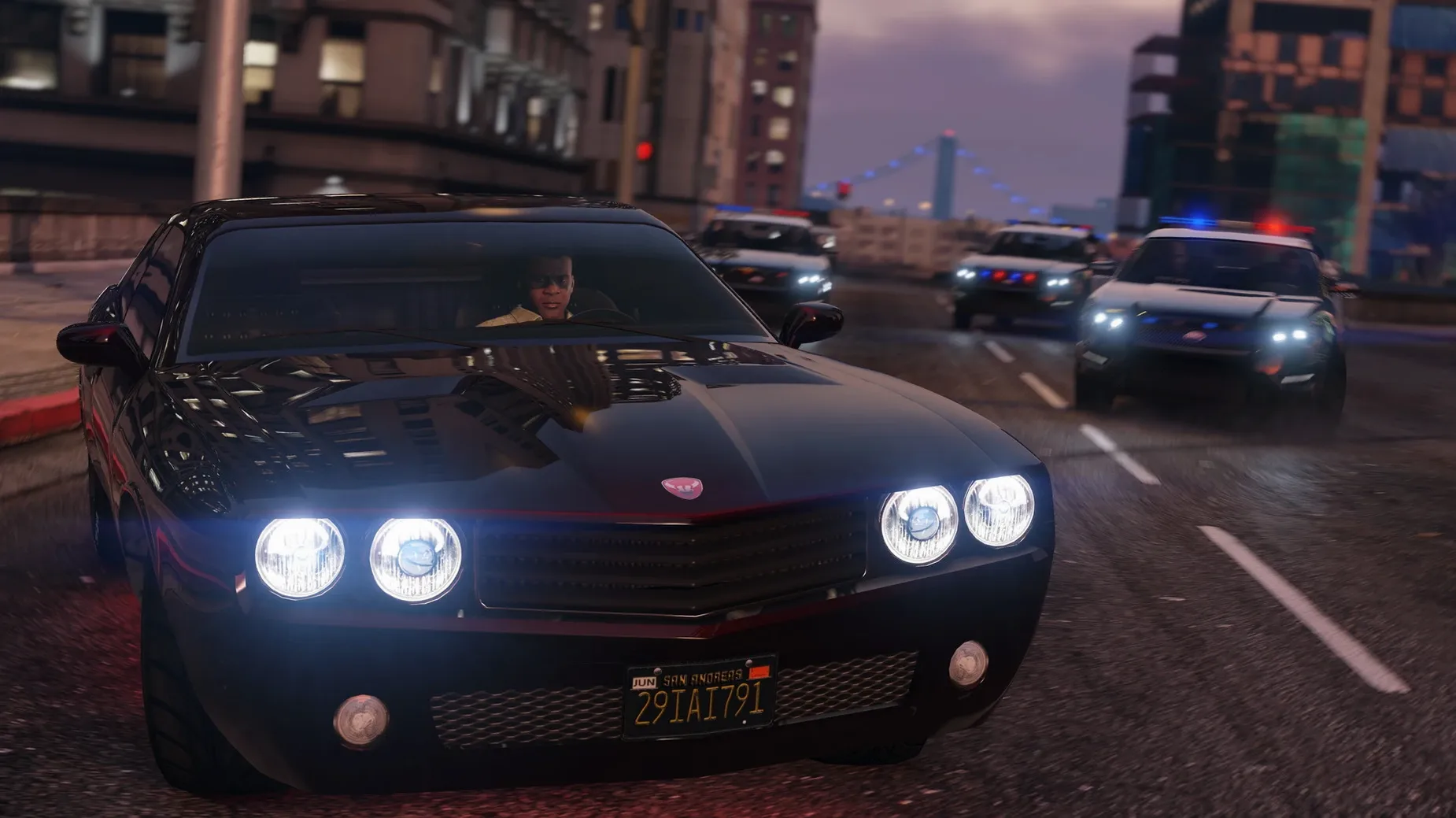
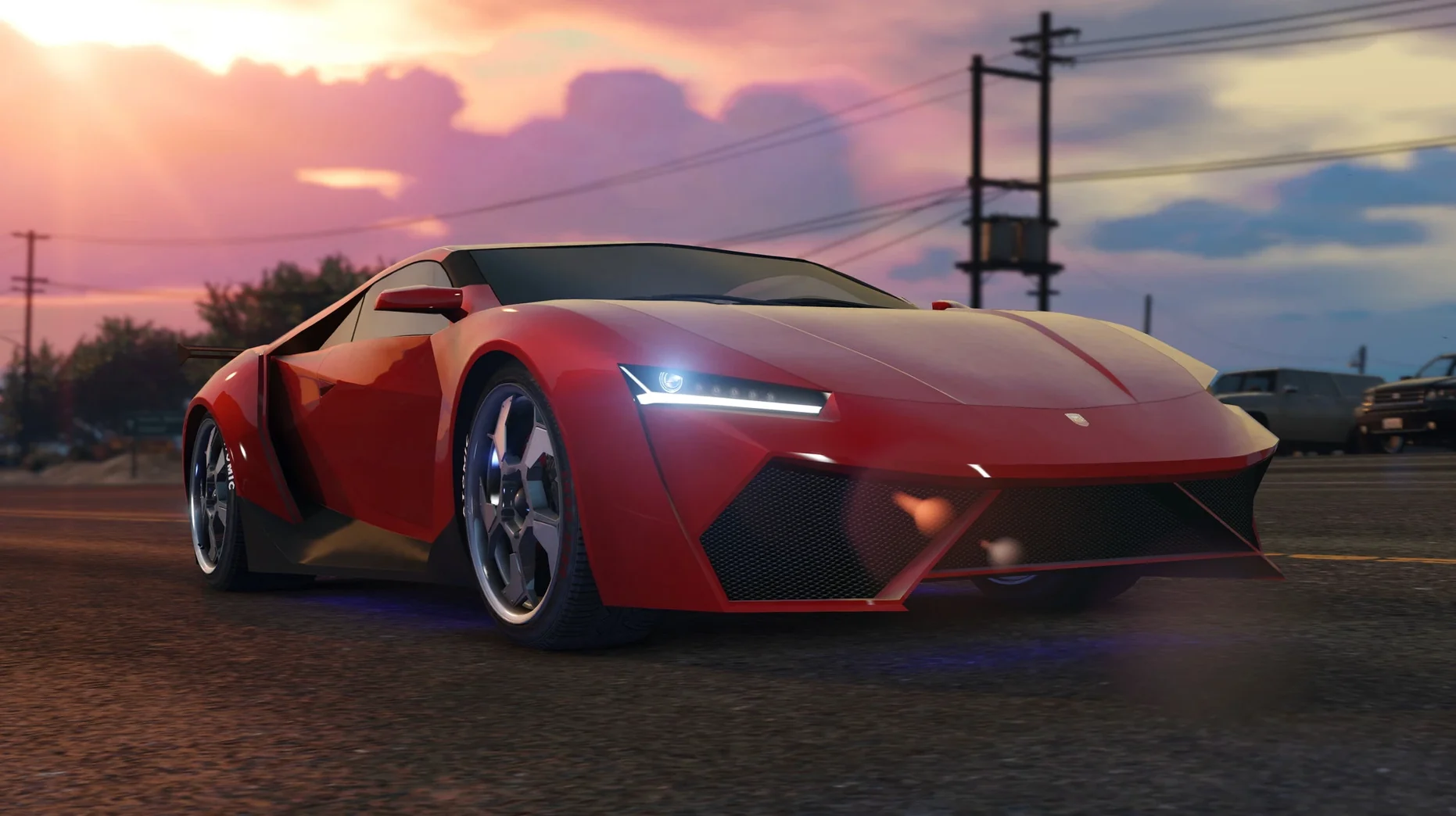
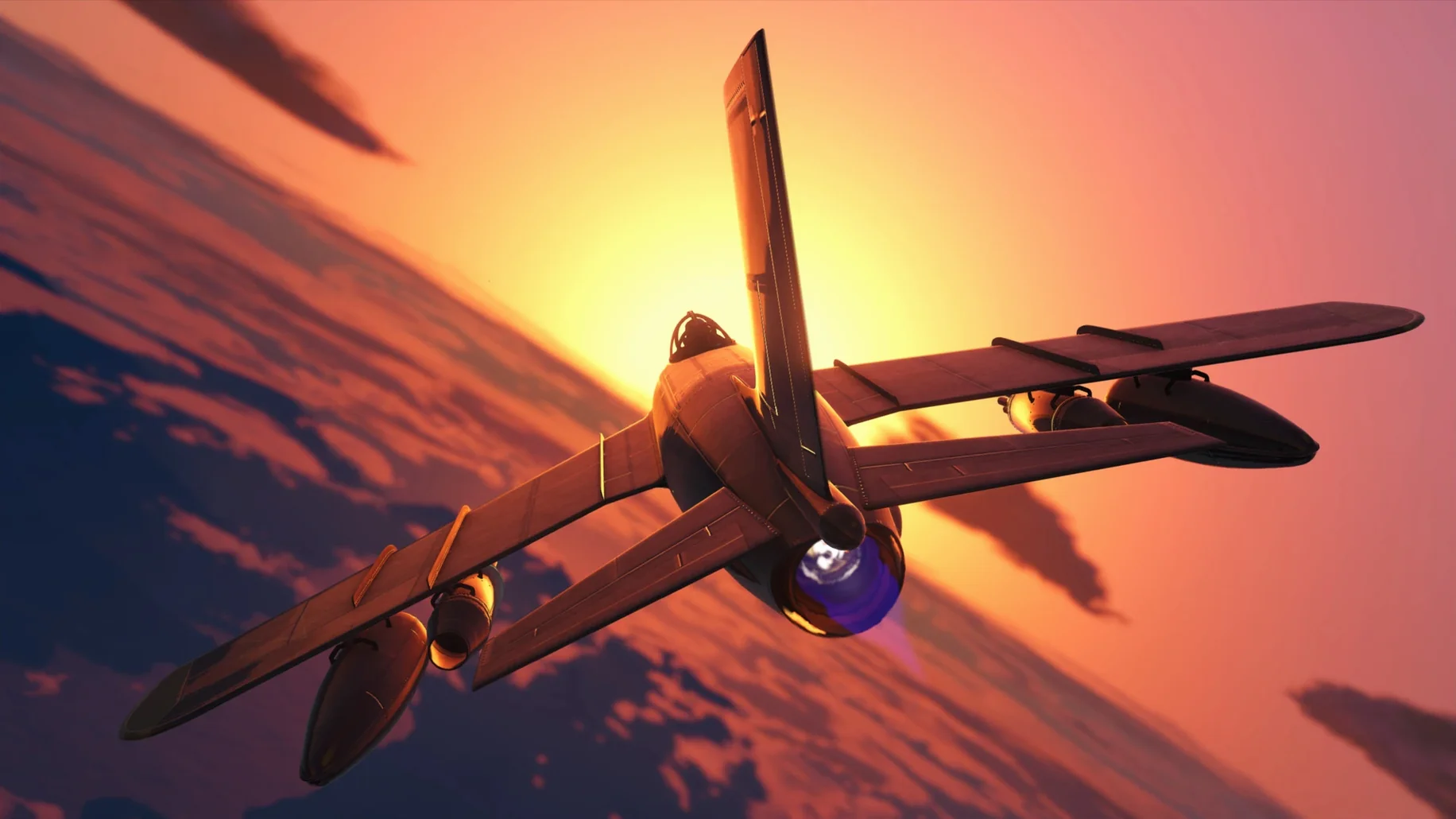
Outside the story, Los Santos is a playground. Steal a jet from Fort Zancudo, lose the cops in the hills or just drive into the desert and see what happens.
Explosions don’t tank the frame rate on an M4 mini
On an M4 Mac mini, the Wineskin wrapper keeps things surprisingly tidy. Frame rates stay playable even when Los Santos gets busy — explosions, traffic pile-ups, a police chopper overhead. The fans might spin up a little, but the machine doesn't choke.
Memory use sits around 8–10 GB. If you have other heavyweight apps open, close them first. An external SSD helps loading times, but the internal drive handles it fine.
Stability in this revision is solid. I have not had a mid-heist crash. Switching characters loads in two to three seconds. The only real slowdown is the initial launch — Wineskin does its translation work up front, so give it thirty seconds before you reach for Activity Monitor.
App bounces in the Dock and quits on first launch
The wrapper does the heavy lifting, but a couple of things still trip people up.
- First-launch error. The app bounces in the Dock then stops. Run the
Fixfile from the disk image — it resets the Wineskin prefix and sorts the permissions. - Mouse acceleration feels wrong. Wineskin inherits a Windows curve that fights macOS. In Settings, under Keyboard & Mouse, drop the in-game sensitivity and turn off mouse smoothing. It won't feel native, but it gets close.
- Stutter after waking the Mac. If the display has slept, the game sometimes loses its rendering stride. Quit and relaunch. It clears every time.
- Online mode expectations. This build is built for the single-player campaign. GTA Online may not connect reliably through the wrapper. Treat it as a bonus if it does.
Tweaks to apply before stealing your first car
A few tweaks make the experience much less annoying before you even steal your first car.
Graphics
- Set VSync to Half. Stops tearing without the input lag of full sync.
- Drop Shadow Quality to Normal. Shadows eat frame time and you will not notice them in a chase.
- Keep Grass Quality on Normal. High grass looks pretty in screenshots but tanks performance when you are off-road.
Fix sluggish mouse aim and camera fight in aircraft
- Swap the aiming sensitivity for third person and first person independently. Defaults feel sluggish on a Mac mouse.
- Turn off auto-centre for aircraft. Flying a stolen jet is hard enough without the camera fighting you.
Audio
- Enable output compression if you play with laptop speakers. Explosions will not blow them out and dialogue stays audible.
The wrapper does not expose many of its own toggles, so the in-game menus carry the weight. Seven minutes spent here saves a lot of frustration down the line.
Requirements
- Apple Silicon Mac
- macOS Tahoe (tested on Mac mini 2024 M4)
Comments 0
Sign in or create an account to leave a comment.
No comments yet…
If you’ve installed it, say how it went. Mention your Mac and macOS version — it helps the next person more than you’d think.