Football Manager 2026 for macOS
Description
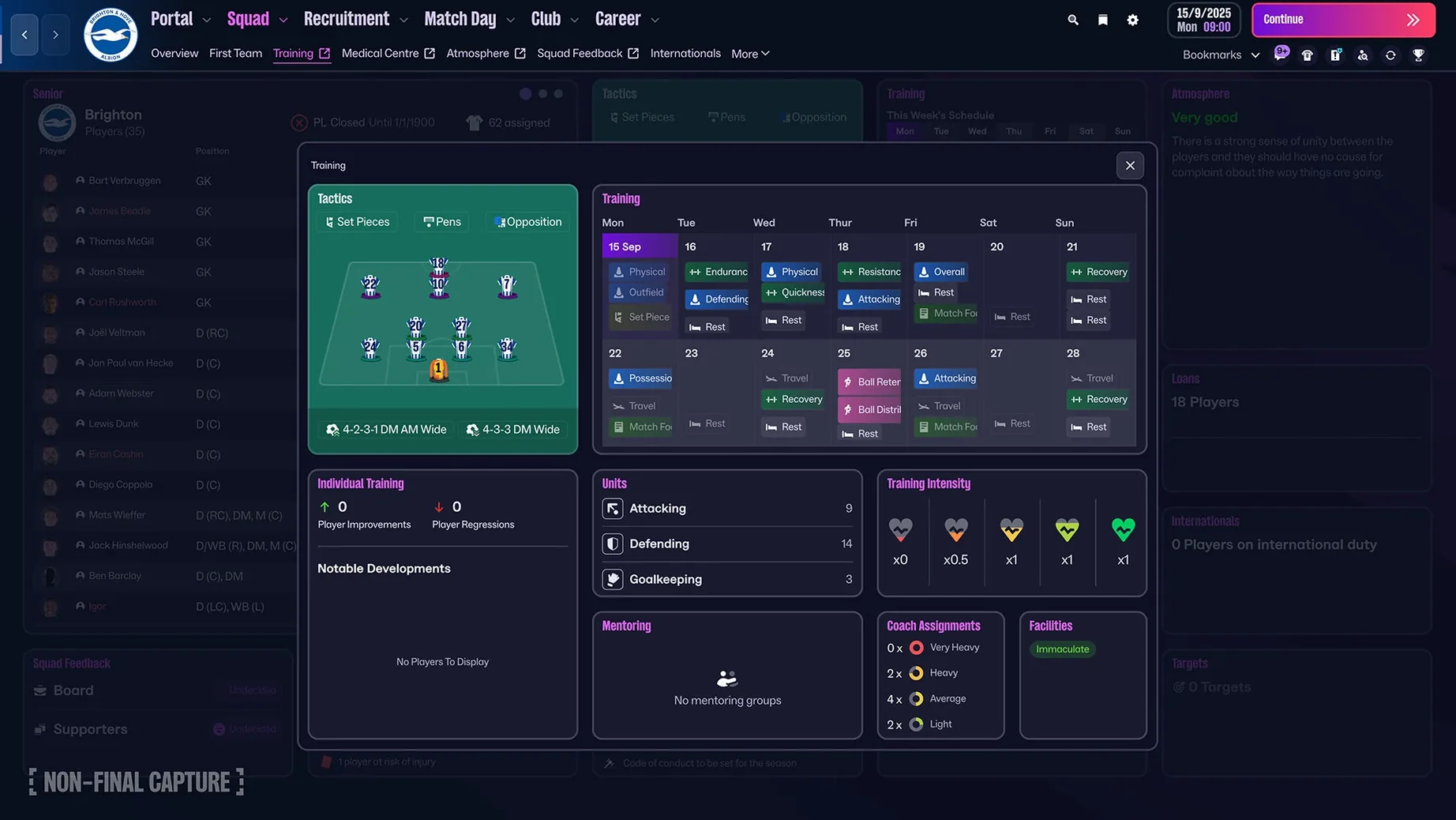
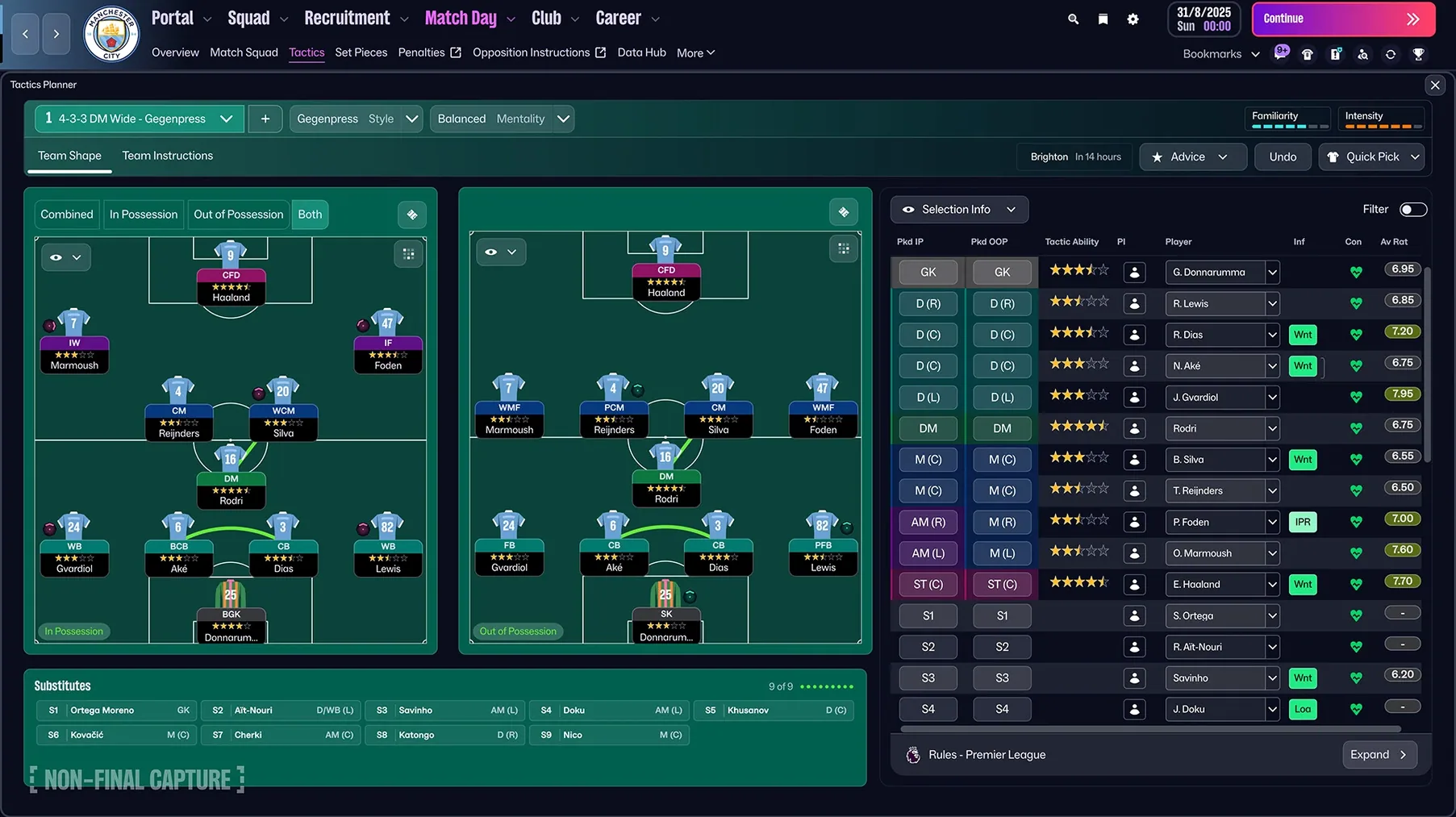
If you've ever nudged a spreadsheet cell and watched a column of numbers shift, you already understand the core loop of Football Manager 2026. It's just that the spreadsheet plays out in a stadium. You inherit a squad, a wage bill, and a board that wants results. Your tools are scouting reports, a tactics board split into attacking and defensive shapes, and the new TransferRoom-style recruitment system for finding undervalued players.
Week to week
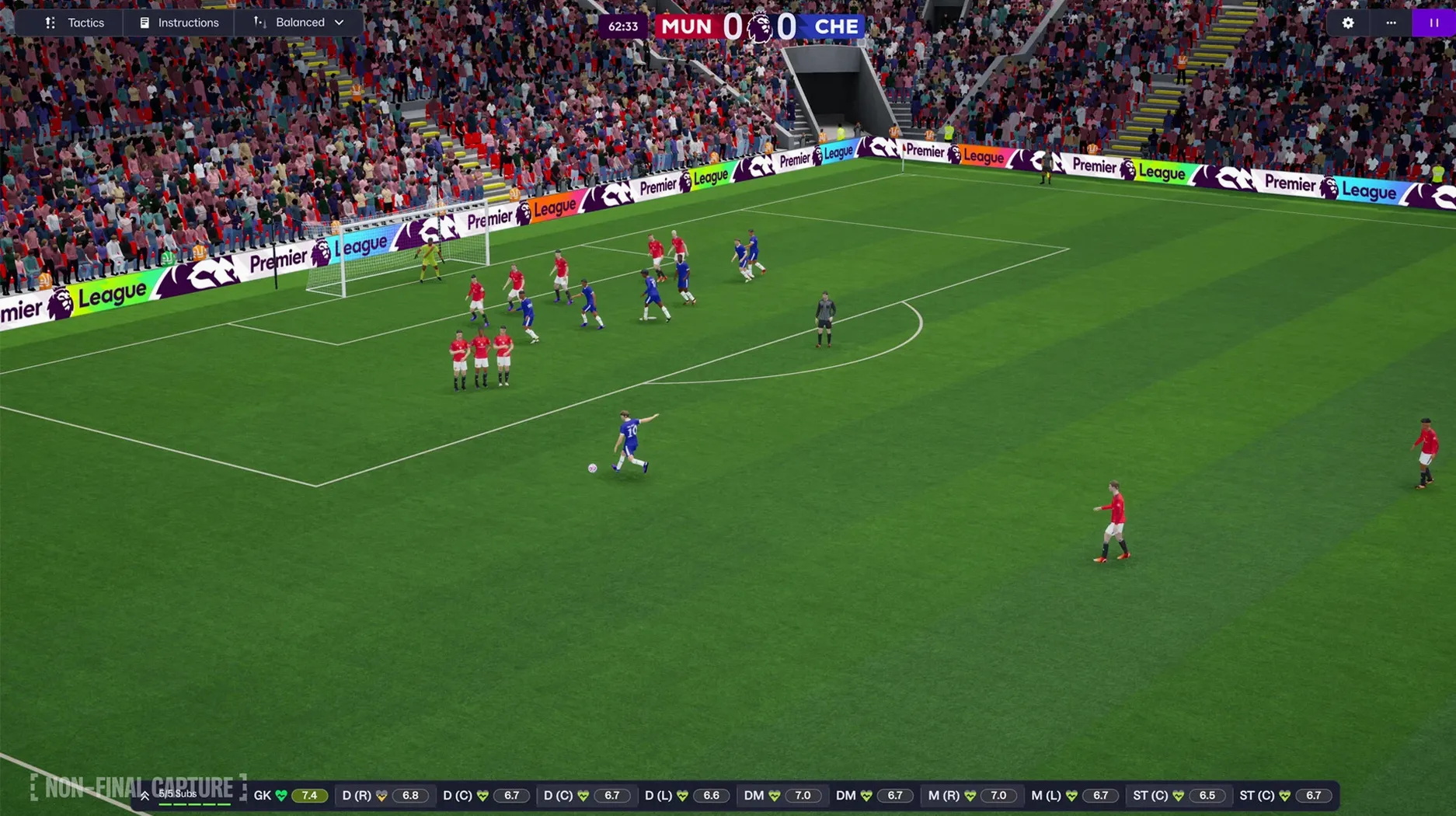
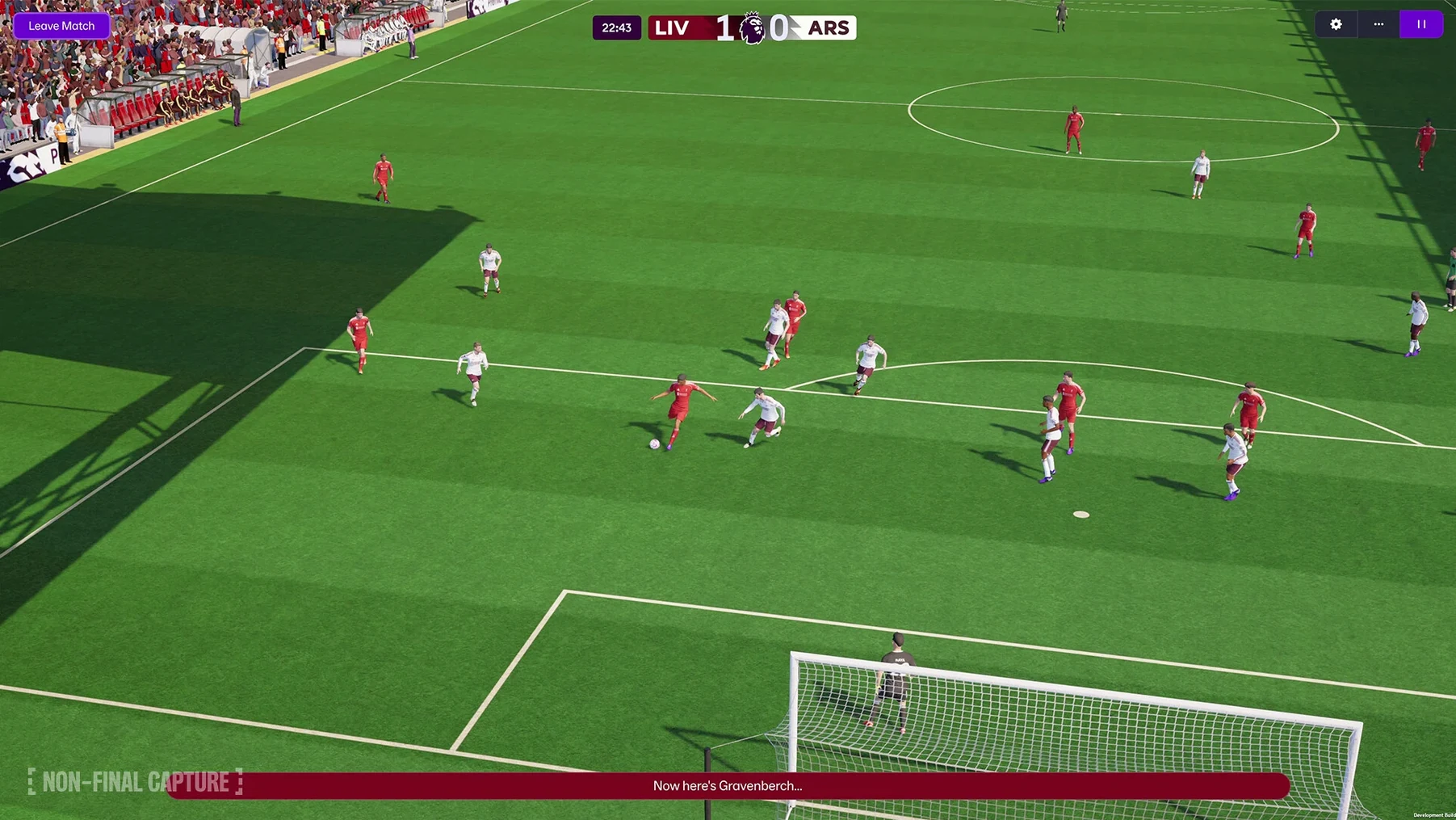
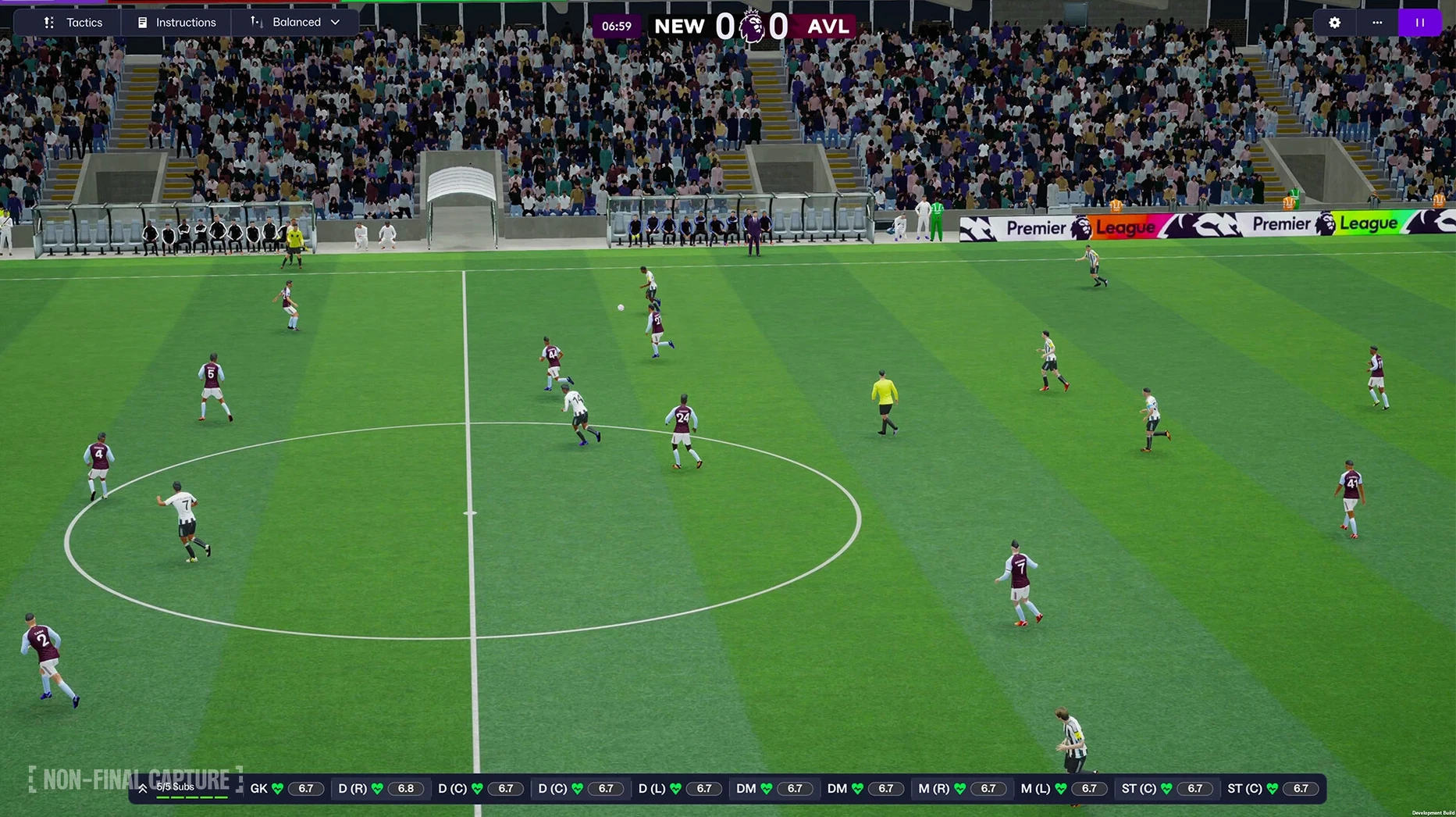
Most sessions open on the portal screen, a news feed that bundles your inbox, scouting updates, and fixture list. You spend a few minutes on squad selection, checking fitness and morale. Then you're into a match. The Unity-built match engine shows your tactical setup playing out in real time. You watch for gaps, tweak a full-back's duty, or switch from a high press to a mid-block. A draw away to a rival feels like a result; a sloppy home defeat to a relegation candidate means a team talk you'd rather skip.
The longer game
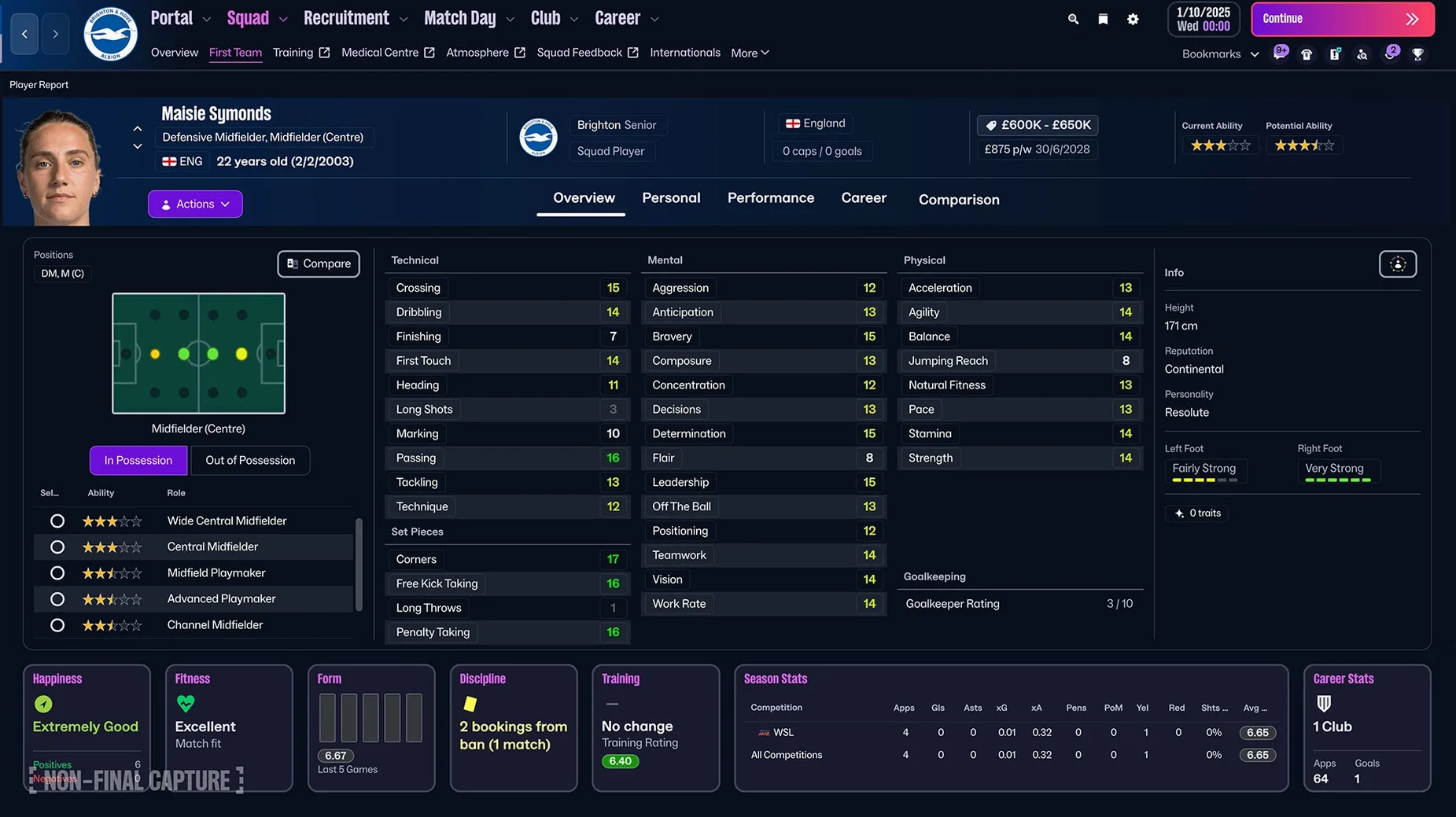
Between matches, you're in the transfer market or the development screen. The women's game is fully integrated here: the Women's Super League and NWSL are licensed, with the same depth as the men's pyramid. You'll weigh up a loan move for a young winger against the risk of leaving your bench thin. Flicking open the FMPedia glossary to check a work-permit rule or a rare clause becomes second nature after a while. Over a season, you're not just managing a team; you're managing a calendar, a budget, and a board's patience.
Split attack and defence screens draw in a broader crowd
The people who sink deepest into Football Manager 2026 aren't always the obvious ones. Yes, the die-hard tactics tinkerer who sketches formations on a notepad will find plenty to chew on with the split attack and defence screens. But the game also rewards the spreadsheet-minded — the person who enjoys filtering a scouting database by "determination above 15, age under 23, contract expiring in six months" more than watching match highlights.
Mac users with an M-series chip will notice the Unity engine feels snappier than the old architecture. On a Mac mini M4, the gap between pressing continue and seeing the next day's inbox is barely a breath. That matters when you're grinding through an off-season rebuild. If you've played earlier versions on a MacBook Air, this one runs cooler and quieter. Anyone who's searched for a football manager mac torrent just to test the waters before committing will find this build holds together on Apple Silicon without the old quirks.
Then there's the career-mode tourist. You start unemployed, no badges, Sunday League experience. You take a job in the Swedish fourth tier because the name sounds interesting. You're not here for the big names; you're here to see how far a 3-4-3 with a libero can take you. This version's manager creator — with its expanded backstory options — sets you up for that kind of story. And with women's football fully licensed across 14 leagues, a whole parallel career path sits waiting. You might manage Arsenal in the Women's Super League and find the tactical depth identical, the budgets tighter, the scouting just as obsessive.
Taking a mid-table Championship side with bloated wages and ageing legs
Imagine someone who treats football management like a data science project. Their day job involves SQL queries and Tableau dashboards. In FM26, they take over a mid-table Championship side with a bloated wage bill and an ageing squad.
First evening: they don't touch a match. They open the squad planner, sort by "appearances per goal contribution," and highlight every player over 28 earning more than £20k a week. Three names go straight onto the unwanted list. They set up a TransferRoom alert for ball-playing defenders with pace above 14, then spend an hour building a shortlist from the Portuguese second tier. The new quick bookmarks pin their key screens — scouting centre, development list, contract expiry view — so they can cycle through them in seconds. By Friday night, they've sold two veterans, loaned a third, and signed a 19-year-old centre-back from Braga for £1.2 million. The board is cautiously pleased.
Set up the quick-bookmark bar before you do anything else
The scale of the thing hits you when the portal screen loads. Don't try to absorb everything at once. Here's what makes the first few sessions smoother.
Set up your bookmarks immediately. The quick-bookmark bar at the top of the sidebar saves more time than any other feature. Pin your squad screen, the scouting centre, the tactics page, and the development list. If you're jobless, pin the job centre and your manager profile. You'll flick between these constantly.
Delegate, then gradually reclaim. Staff responsibilities are granular. For the first season, leave training, press conferences, and friendly arrangements to your assistant. You focus on transfers, tactics, and team selection. As the rhythm sets in, take back control of individual training for your high-potential youngsters. The FMPedia glossary is your friend when a responsibility description uses jargon you've forgotten.
Play five friendlies before judging the match engine. The Unity-built presentation takes a little adjustment. Player movement reads differently than the old engine — a bit floatier, a bit more deliberate. Give your eyes time to recalibrate. Use those friendlies to test the separate attacking and defensive shape screens. Set an attacking 4-3-3 that morphs into a 4-5-1 out of possession. Watch how your wingers track back. Tweak from there.
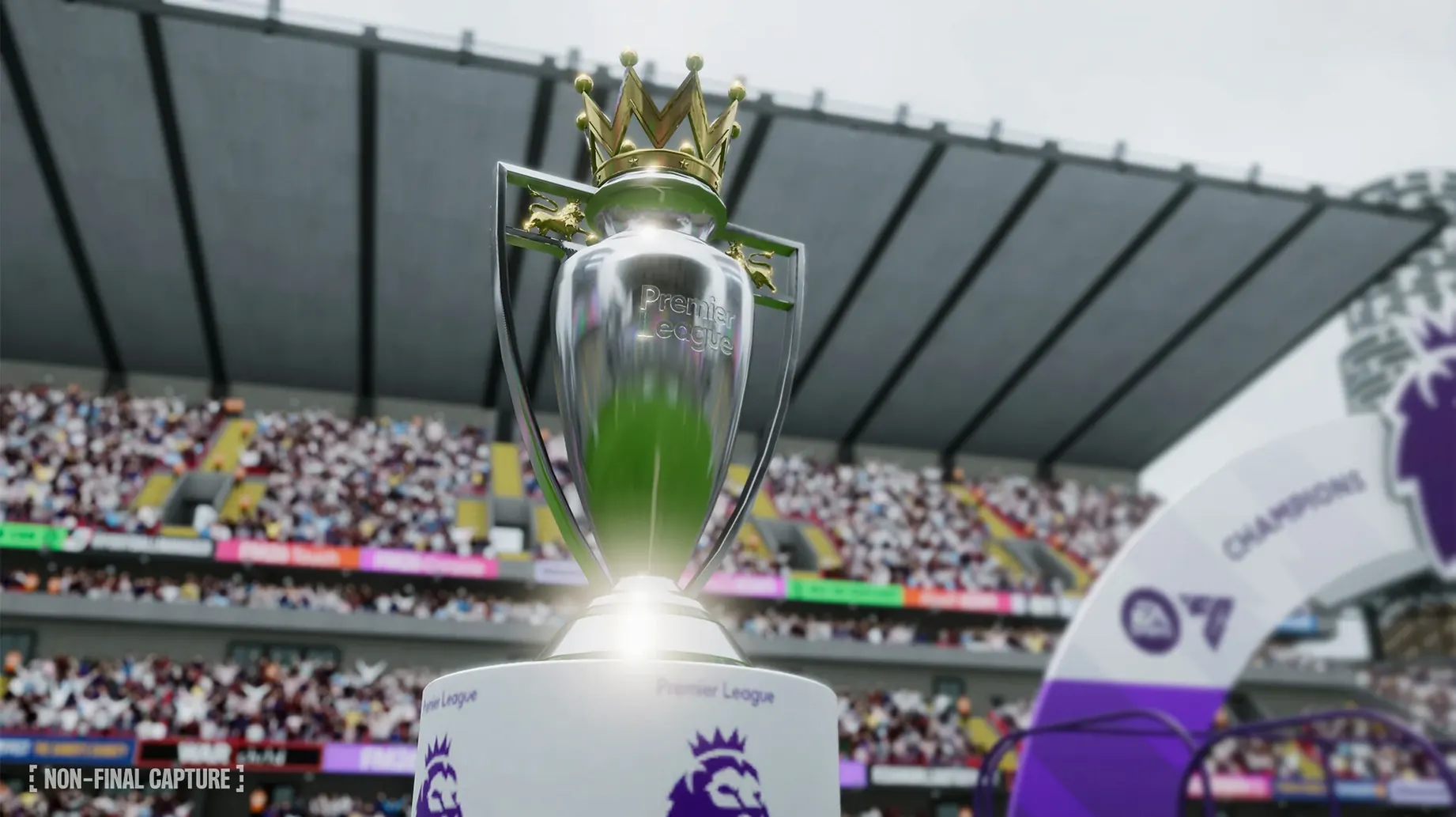
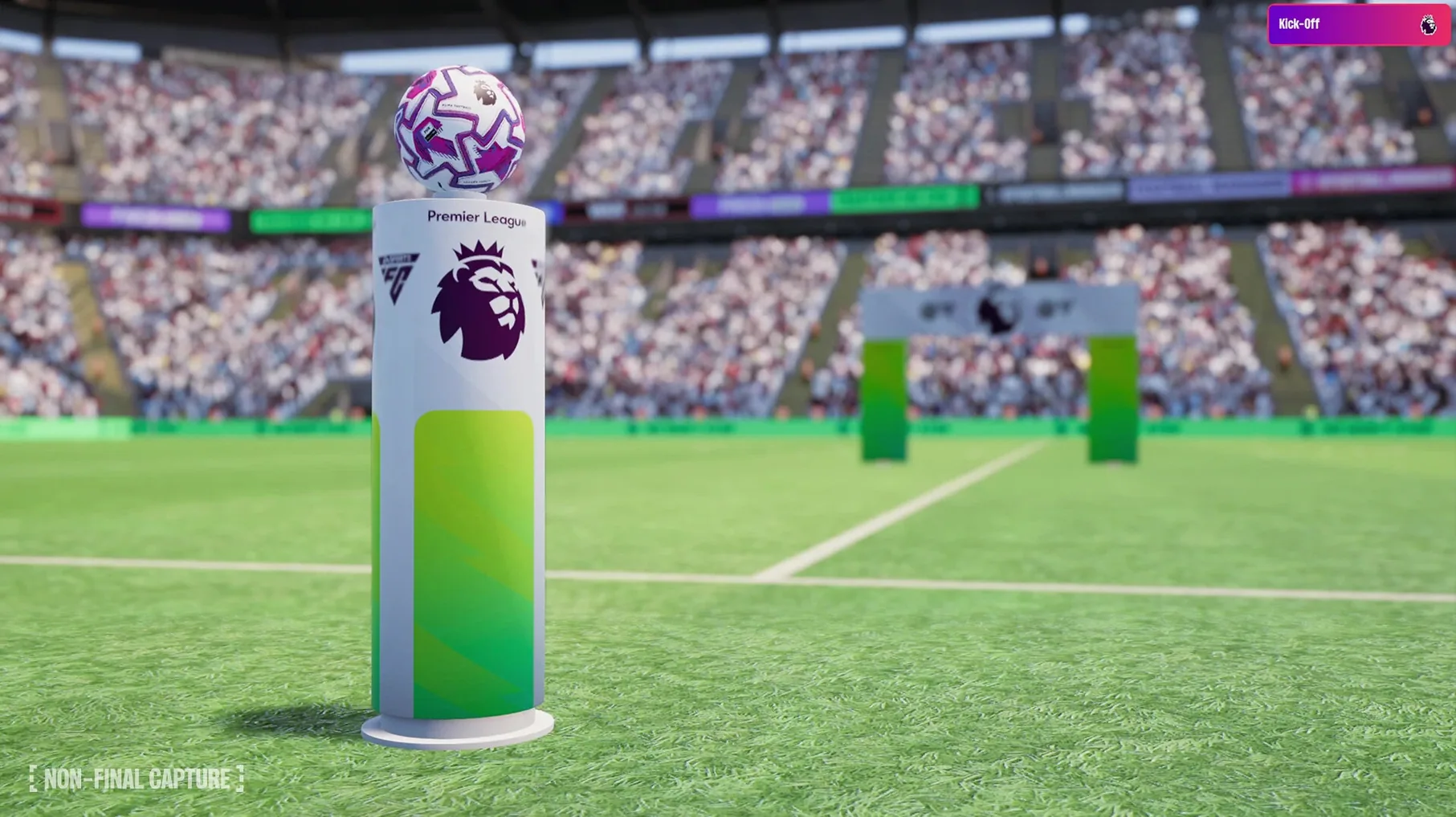
Check the Premier League licensing early. If your first save is in England, you'll notice the official badges, kits, and player photos right away. It's a small thing, but it makes the inbox news items feel less generic. If you've grabbed a Football Manager 2026 Mac torrent, the licensed presentation here means you won't be stuck with a blank-shielded mess — just make sure any graphics pack folders land in the correct user directory.
What the Unity shift and recent updates changed in practice
The move to Unity wasn't just a back-end swap. It remade the interface. Screens load faster, the match-day UI overlays stats more cleanly, and the whole thing scrolls without the micro-stutter that plagued the old engine on retina displays. If you've used a football manager 26 torrent download on a friend's machine, the difference between the pre-Unity and Unity versions is the first thing you notice.
Separate attack and defence tactics arrived in this version, and they've changed how you prepare for matches. You no longer build one shape and hope it works in all phases. Now you design a defensive 4-4-2 that compresses into a 5-3-2 when you lose the ball, and an attacking 3-2-5 that stretches the opposition on the break. It sounds fiddly. In practice, you set it once per tactic and adjust for specific opponents.
Women's football integration isn't a token addition — it's the full database treatment. Player attributes, media interactions, scouting networks, and league rules all mirror the men's game. The loading times when switching between saves in different leagues haven't ballooned either. A save with the NWSL loaded alongside the men's Premier League runs about as quickly as a men-only setup, at least on Apple Silicon. Anyone hunting for a Football Manager 2026 cracked version specifically to access the women's leagues will find the real thing; just point the app to the right user data folder and it's ready to go.
What’s new
Adds women's football with licensed WSL and NWSL leagues. Adds Premier League licensing for club badges, kits, and player photos. Adds separate attacking and defensive tactical setups. Introduces a new user interface and portal, built with Unity.
Requirements
- Runs on both Apple Silicon (ARM) and 64-bit Intel Macs.
- Tested on macOS Tahoe.
FAQ
Does Football Manager 2026 include women's football?
Yes, it introduces the Women's Super League and National Women's Soccer League as fully playable leagues integrated into the main simulation.
Is Football Manager 2026 a native Apple Silicon app?
Yes, it supports both ARM and 64-bit x86 architectures and has been tested on Apple Silicon hardware like the Mac mini M4.
Comments 0
Sign in or create an account to leave a comment.
No comments yet…
If you’ve installed it, say how it went. Mention your Mac and macOS version — it helps the next person more than you’d think.