
Fallout: A Post Nuclear Role Playing Game for macOS
Description
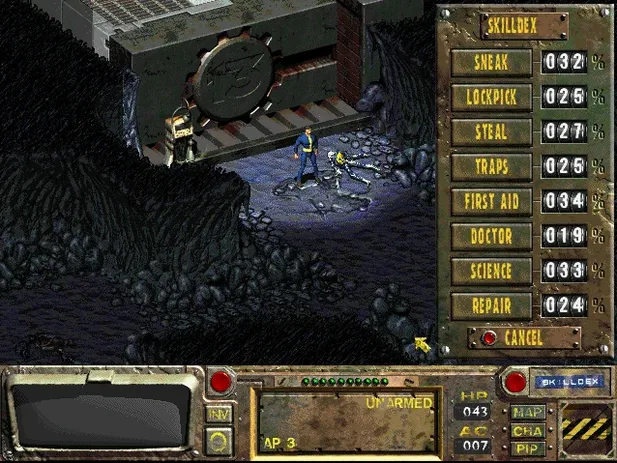
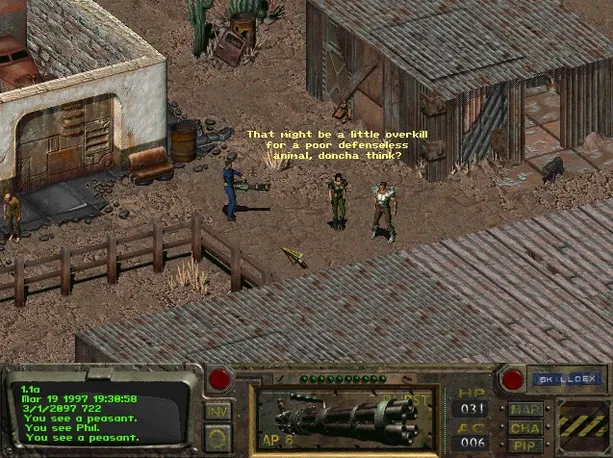
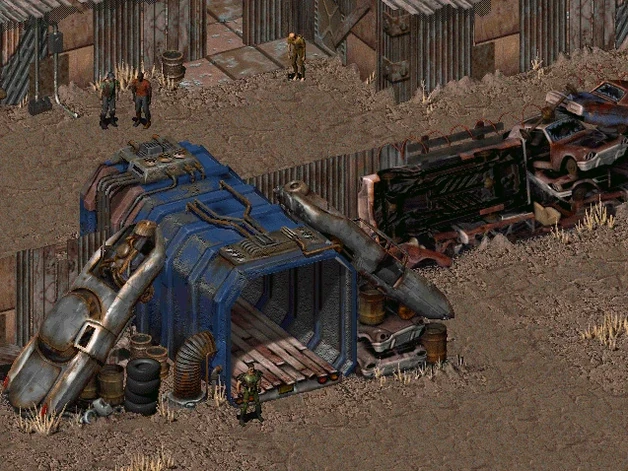
A single water chip stands between Vault 13 and extinction. That's the 150-day timer that kicks off Fallout, the 1997 isometric RPG now packaged to run on modern Macs. You control a dweller sent into the ruins of Southern California to find the part and bring it back.
Launches on M1 with full score, no emulator setup
The build was tested on an M1 MacBook Air from 2020. It launches through the fallout-ce app icon and includes the full musical score. No emulator tweaking required. Save files land in /Applications/Fallout/DATA/SAVEGAME—useful to know if you want to back up a run before a dicey super mutant encounter.
Controls and expectations
This is a late-90s PC game at heart. Mouse and keyboard are essential; the isometric view and hexagonal grid movement haven't been reimagined for trackpad gestures. Expect the original interface quirks, not a remaster. The Russian and English language options are built in.
What it plays nicely with
Because the save files sit in a plain folder under /Applications/Fallout/DATA/SAVEGAME, they're easy to scoop up with any backup tool. Time Machine grabs them automatically. If you use a utility like Hazel, you can set a rule to copy changed save files to iCloud or a network drive after each session — handy if you want to pick up a run on a different Mac.
macOS's built-in screen recording (Shift-Cmd-5) works without a hitch for capturing mutant ambushes. The game also cooperates with Focus modes: turn one on, and notifications won't interrupt dialogue with the Brotherhood of Steel.
Save files land in /Applications/Fallout/DATA/SAVEGAME
Launch error on first open
A clean macOS install sometimes flags the app. If the game throws an error right after the icon bounces, don't delete it. Mount the disk image again and run the Auto Fix file sitting there. That patches up what the system objected to, and the next launch usually sticks.
Mouse feels sluggish in the wasteland
The original game polls for input at a rate that doesn't always gel with macOS mouse acceleration. Try turning off "Pointer acceleration" in your mouse settings (or set it to the lowest notch). If you use a third-party mouse with its own driver, a flat acceleration profile tends to make hex-grid movement feel more precise.
Finding the save folder later
The path is /Applications/Fallout/DATA/SAVEGAME, but Finder hides the app's insides by default. Right-click the Fallout app and pick "Show Package Contents", then drill through to Contents/Resources — that's where the DATA folder lives. Bookmark it in Finder for faster access.
Window doesn't remember its size
Some players report the window snapping back to a default size between launches. A workaround that tends to stick: resize the window, quicksave (F5), then quit via the in-game menu rather than Cmd-Q. The engine seems to honour the resolution written into a fresh save.
Requirements
- macOS (exact version not specified by the developer)
- Apple Silicon or Intel Mac
FAQ
What is the main objective in Fallout?
You must find a replacement water chip for your vault's failing generator and return it before time runs out.
Where are the save files stored?
Saves are kept in /Applications/Fallout/DATA/SAVEGAME, making it straightforward to back up your progress manually.
What setting and enemies does the game have?
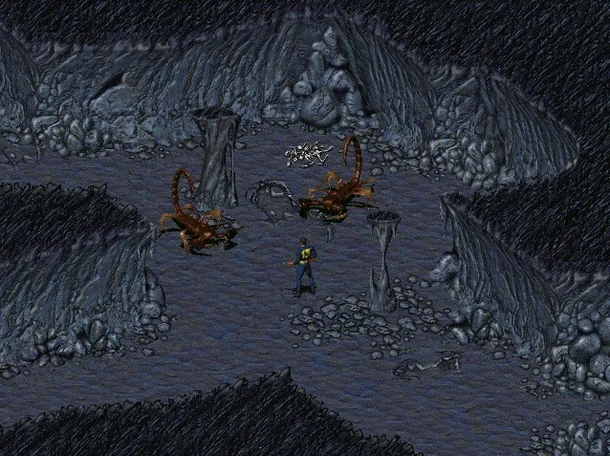
It's set in a post-nuclear Southern California and features hostile creatures including super mutants.
Comments 0
Sign in or create an account to leave a comment.
No comments yet…
If you’ve installed it, say how it went. Mention your Mac and macOS version — it helps the next person more than you’d think.