

Firewatch for macOS
Description
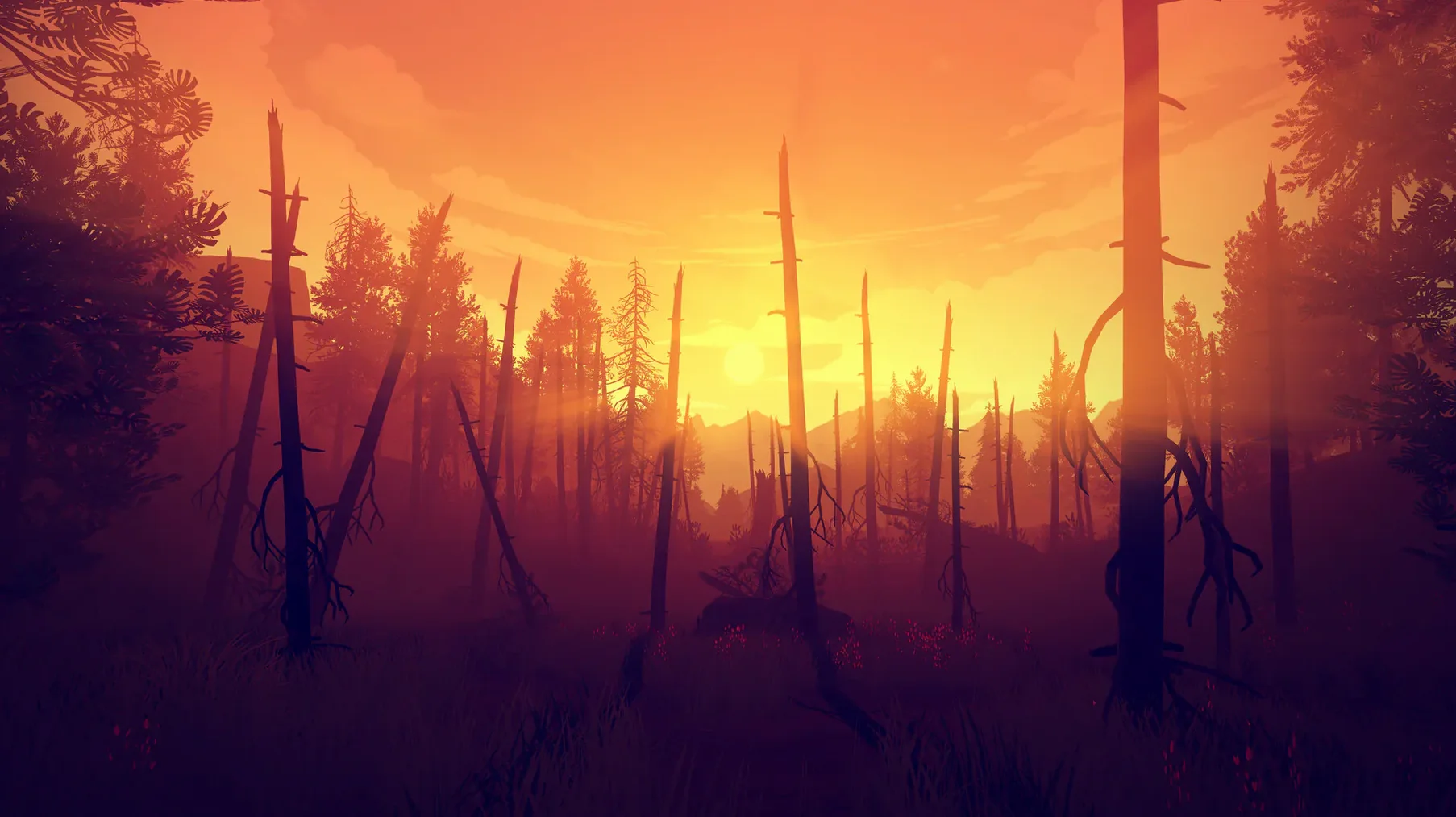
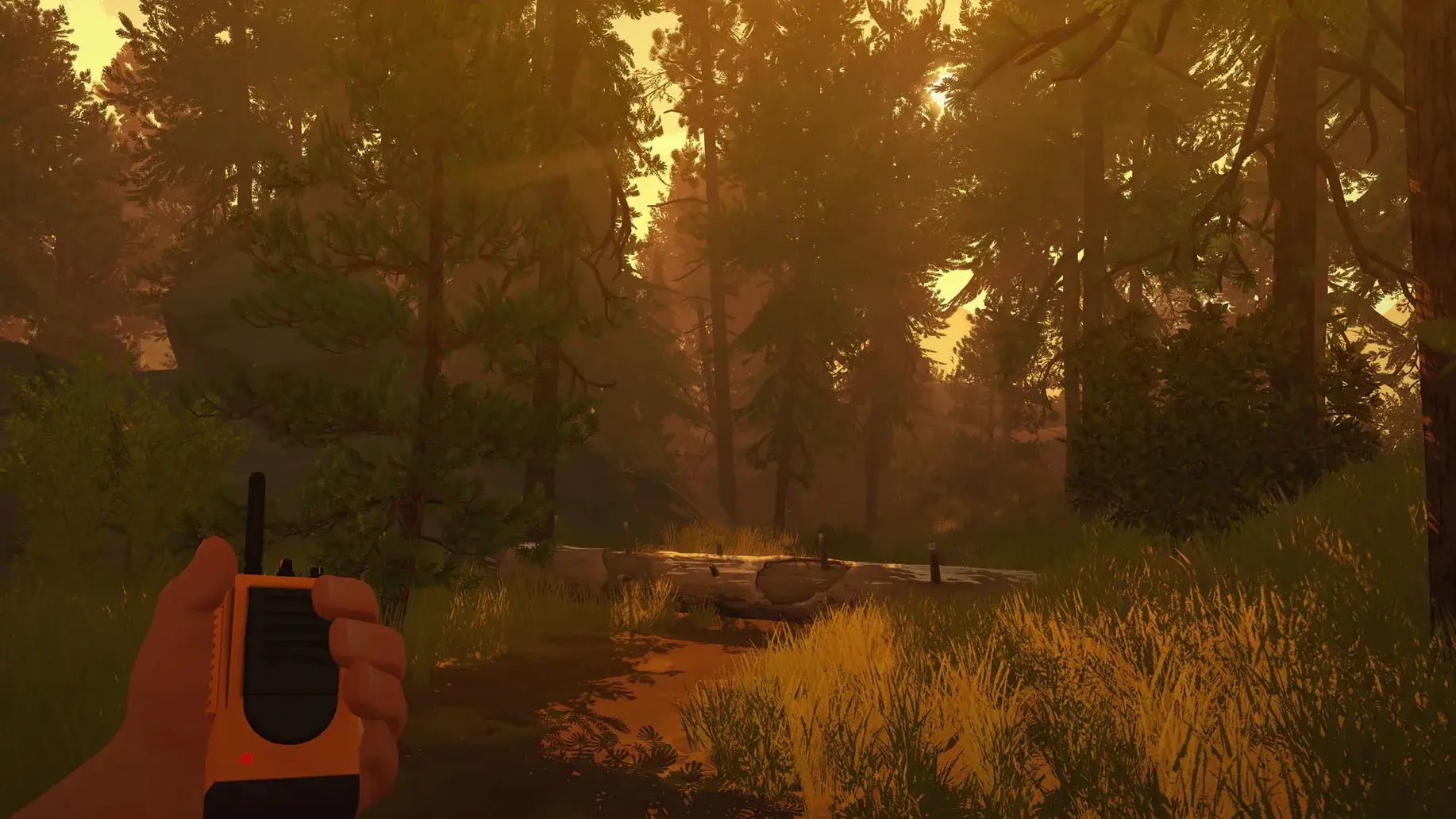
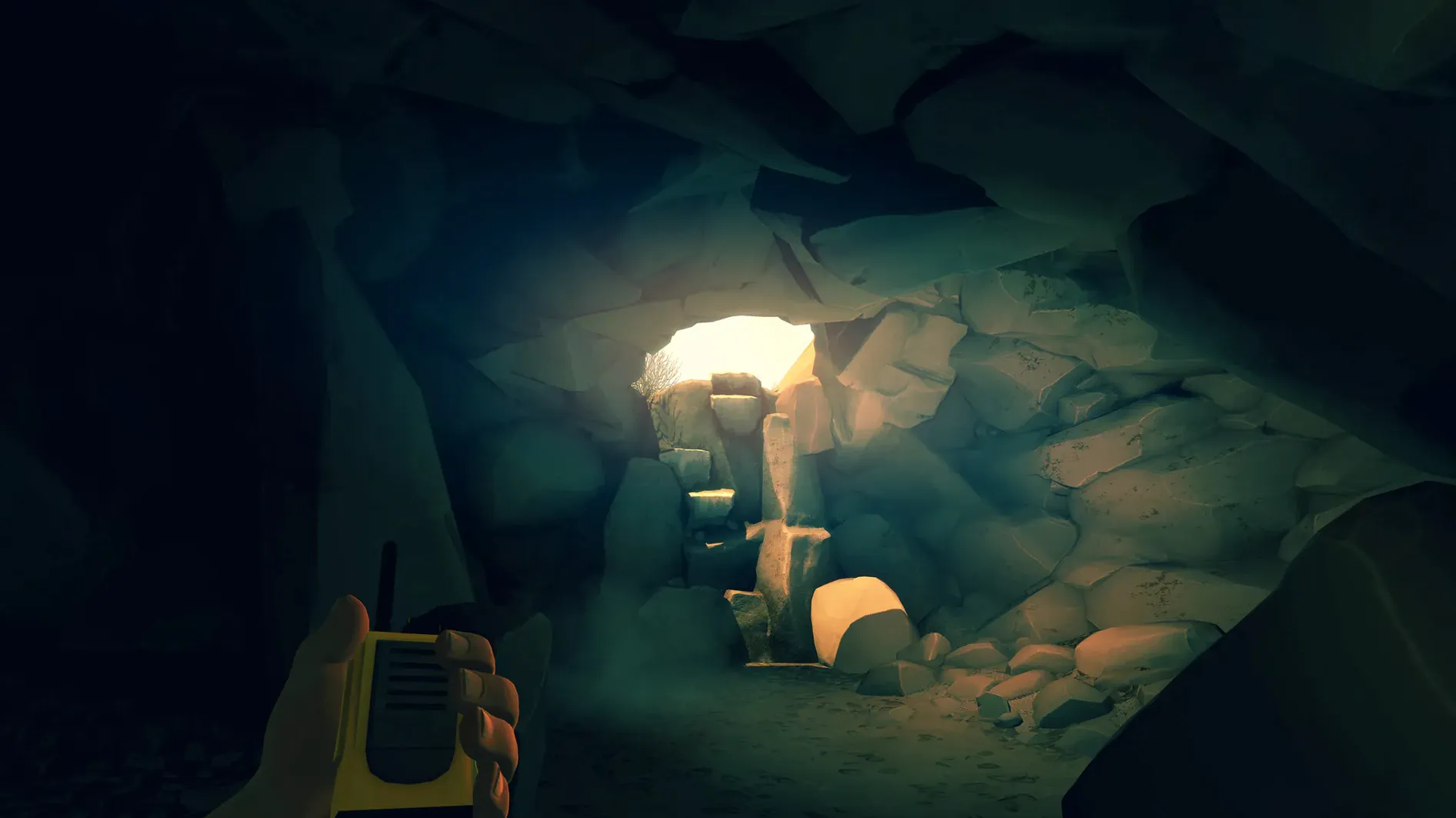
The Mac build is a single-player, first-person mystery that runs on the x86 architecture. You see the world through Henry’s eyes, and your only link to another person is a handheld radio. Delilah is on the other end, and the choices you make in conversation can shift your relationship with her.
The story starts in a fire lookout tower. Something odd pulls Henry out of the tower and into the forest, and from that moment on you are walking, climbing, reading maps, and reporting what you find. There is no combat. The rhythm is slow, deliberate, and built around exploration and talk.
A painterly mystery driven by dialogue, not gunfire
- A story-driven single-player experience with no shooting or levelling up
- A slow-paced mystery that relies on navigation and dialogue
- A short, contained game set in a distinct, painterly wilderness
Your choices shape Henry and Delilah’s tone, not the ending
- The macOS version is Intel-only; it was tested on a 2020 M1 MacBook Air under Rosetta
- Your dialogue choices shape the tone of the relationship, not the core plot
- Minute-to-minute action is walking, exploring, and talking — it is not an action game
Day three: following a smoke plume
Here is a walk through one typical mid-game task — investigating a smoke report from the south ridge. You start in Two Forks tower. Delilah radios in about a thin column rising near Jonesy Lake, and asks you to hike over and check it.
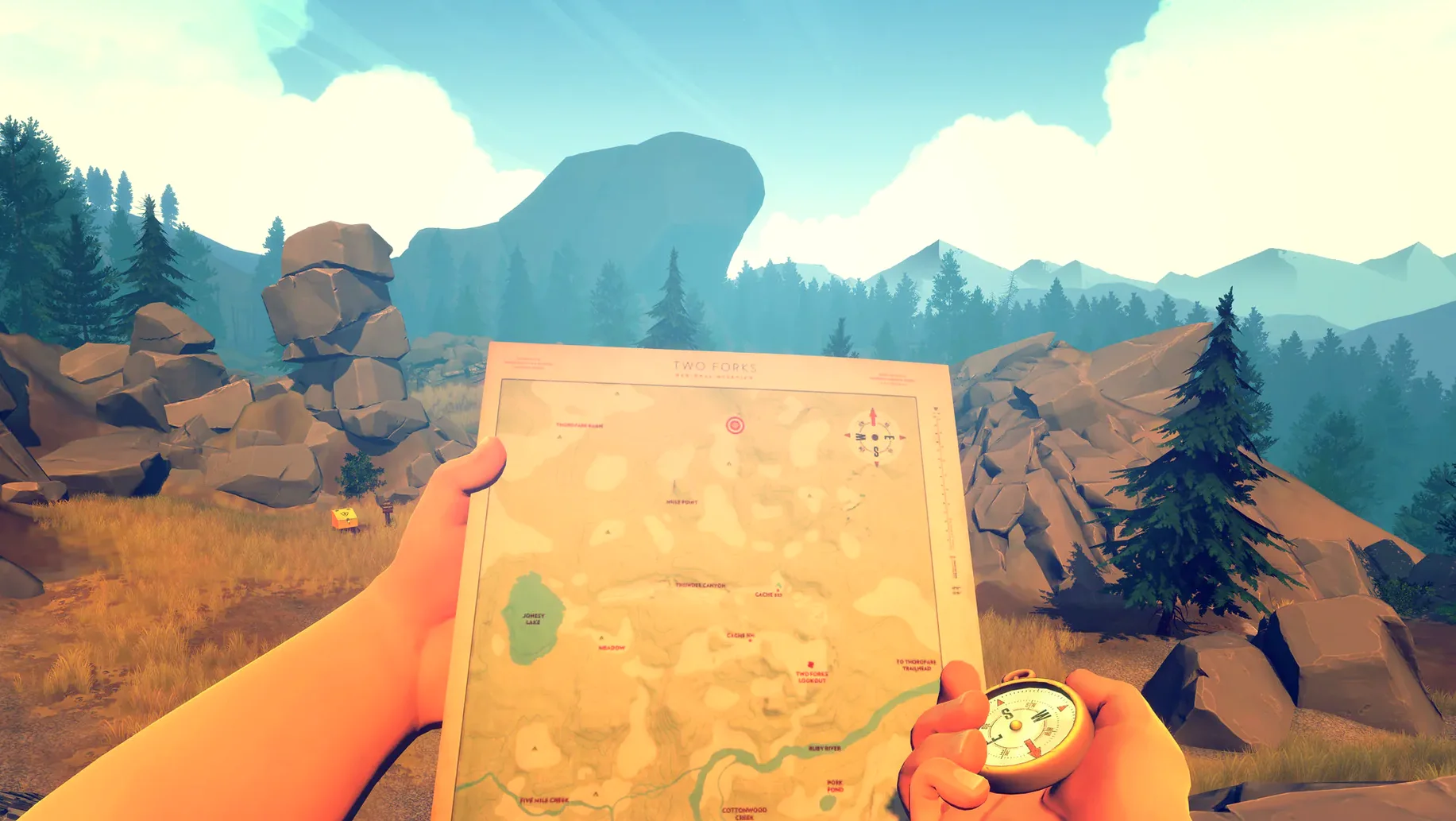
- Grab the map from the desk. The compass heading is already marked, but you will want to pencil in a rough route. The map is a real object you look down at while moving — no minimap overlay.
- Descend the tower and follow the marked trail south. At the first fork, take the left path. The game does not hold your hand here. You orient by matching rock formations and trail markers against the map’s contour lines.
- After about five minutes of walking, the trail thins out and the radio crackles. Delilah will ask what you see. Your reply can be factual, evasive, or sarcastic. This specific exchange sours or warms the next couple of hours of chatter.
- The smoke plume becomes visible through the trees. Use the binoculars to confirm the source — a small campfire, unattended. Report it. Delilah logs it and asks you to head back. Simple job, but the quiet walk back through the aspen groves is when a lot of players start to feel the isolation the game builds on.
The task itself is straightforward. The tension comes from being alone with your own decisions and the growing sense that something is off in the forest.
Command-Tab out freely or keep a physical notebook for maps
Firewatch plays nicely with standard Mac behaviour. You can Command-Tab out to a browser if you want to take notes, though many players prefer a physical notebook for map annotations — the game's mapping mechanic rewards that. Mission Control does not interfere, and the game restores focus cleanly after a notification banner.
Spotify or Apple Music in the background works against the atmosphere, and the game’s own ambient sound design is half the experience. If you do leave music running, the game does not duck it automatically. You will want to pause it manually. On a multi-monitor setup, the game stays on the primary display and does not lock the cursor to its window — useful if you keep a reference guide open on a second screen, though the in-game map is usually all the reference you need.
macOS Screen Sharing and QuickTime screen recording both work without glitching, so capturing segments for later discussion is trivial. The game writes its save files to the user Library in a standard location; Time Machine will pick them up in its next pass with no extra configuration.
Launches in under ten seconds on M1 via Rosetta
On the tested M1 MacBook Air running under Rosetta, the game launches in under ten seconds. Load times between days are brief — six to eight seconds typically. The frame rate holds steady, with only occasional micro-stutters when the engine streams in a new area of dense forest. No crashes across three complete playthroughs. Memory use sits around 2.5 GB; you will notice the fans if you are also running Xcode or a browser with fifty tabs, but for a single-application session the Air stays cool and silent.
Battery drain is moderate. A full charge on the M1 Air yields roughly three and a half hours of continuous play with brightness at 70%. That is enough for a leisurely playthrough split across two afternoons. The game suspends cleanly when you close the lid, and resumes without audio dropouts or input lag.
It is a lightweight install — around 4 GB — and leaves no background processes running after you quit. For a Mac game distributed as a direct download, it behaves itself. The absence of DRM means no launcher and no online check-in. You can throw the whole folder on an external SSD and play it on another Mac without reinstallation. A firewatch mac download that keeps things this straightforward is rare enough to mention.
Requirements
- macOS (Intel, 64-bit)
- Tested on macOS Sonoma, M1 MacBook Air (2020)
FAQ
Can I run Firewatch on an Apple Silicon Mac?
Yes, the Intel build runs via Rosetta 2. It was tested successfully on macOS Sonoma with an M1 MacBook Air.
Is Firewatch a multiplayer game?
No, it is strictly single-player. You explore the forest alone, with Delilah’s voice on the radio as your only company.
Do my dialogue choices change the ending?
They shape the tone of your relationship with Delilah, but the main story follows a set path.
Comments 0
Sign in or create an account to leave a comment.
No comments yet…
If you’ve installed it, say how it went. Mention your Mac and macOS version — it helps the next person more than you’d think.
More in Games
All in Games-
 Football Manager 2026
26.3.2.2329565
Apple Silicon
Football Manager 2026
26.3.2.2329565
Apple Silicon
-
 Farming Simulator 25
1.23.1.0
Apple Silicon
Farming Simulator 25
1.23.1.0
Apple Silicon
-
 Farming Simulator 22
1.14.0.0
Apple Silicon
Farming Simulator 22
1.14.0.0
Apple Silicon
-
 Fallout: A Post Nuclear Role Playing Game
1.2-27130
Apple Silicon
Fallout: A Post Nuclear Role Playing Game
1.2-27130
Apple Silicon
-
 Frostpunk 2
1.6.1
Apple Silicon
Frostpunk 2
1.6.1
Apple Silicon
-
 Fallout 2
1.02.GOG.v1.77792
Apple Silicon
Fallout 2
1.02.GOG.v1.77792
Apple Silicon
-
 Frostpunk
1927
Frostpunk
1927
-
 Factorio
2.0.77
Apple Silicon
Factorio
2.0.77
Apple Silicon