Fallout 2 for macOS
Description
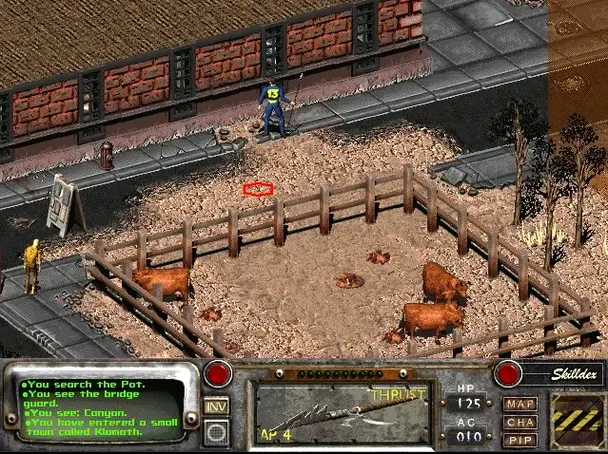
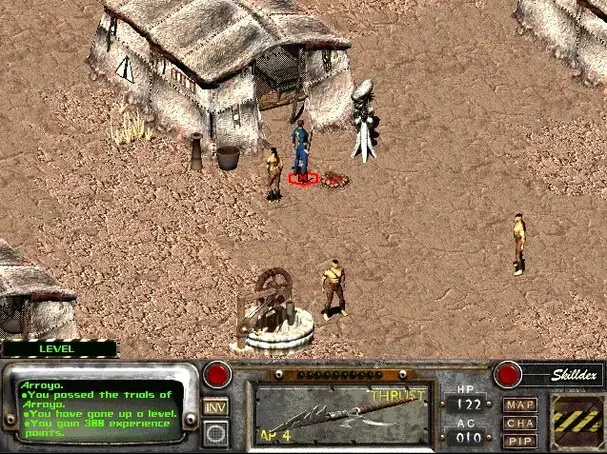
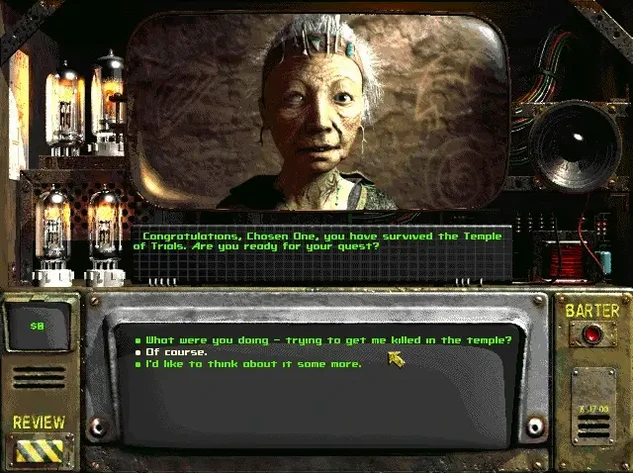
Mac players who missed the late-90s CRPG wave, or anyone who wants to see where the modern wasteland obsession started, tend to pick this one up. It is a proper sequel, set 80 years after the Vault Dweller's ancestors first trudged across the map, and it does not hold your hand.
Skills that shift your survival, not just dialogue
- A reactive world where character skills and traits genuinely steer survival, not just dialogue flavour.
- A retro-future wasteland that runs without emulator fuss—the build is ARM and x86 64-bit clean.
- Quick testing on current hardware; it was verified on macOS Ventura with an M1 MacBook Air.
Interface and turn-based combat from 1998
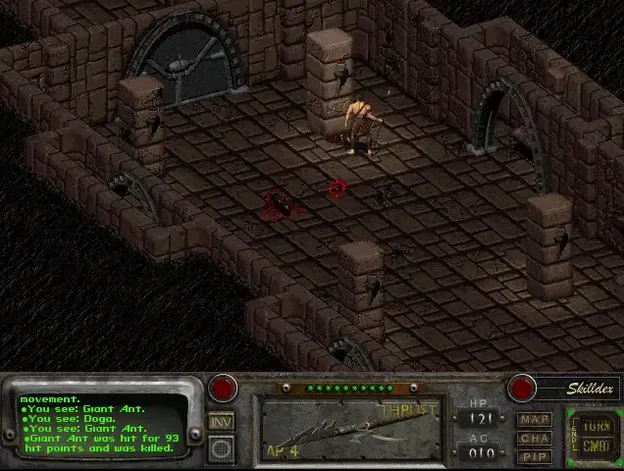
- This is a 1998 game. Interface and turn-based combat feel their age, which is fine if that is what you came for.
- Launcher behaviour is old-school. You will drag folders manually, and the second install method puts it in Launchpad.
- Russian localisation needs a manual file copy into the data folder.
Modern Mac launch fix without the emulator hunt
The GOG wrapper build (1.02.GOG.v1.77792) does not alter the 1998 game logic, so quests and combat math stay as buggy and brilliant as ever. What it changes is the launch experience on modern Macs. Gone are the days of hunting for a community patch to stop the intro movies from crashing the app. The bundled configuration tool remembers your resolution choice between sessions—something the original floppy-era installer never managed on its own.
On Apple Silicon, the most noticeable shift is that save files land in a sensible, self-contained folder inside the app package rather than scattering across a virtualised Windows directory. That one change makes a fresh install on a MacBook Air feel less like archaeology and more like just opening a game.
Starting a low-Intelligence gunslinger, step by step
Low-Intelligence runs are a Fallout 2 rite of passage—most NPCs treat you like a toddler, and half the quest dialogue becomes a garbled mess of grunts. Here is how a character like that can still clear the early game without save-scumming every conversation.
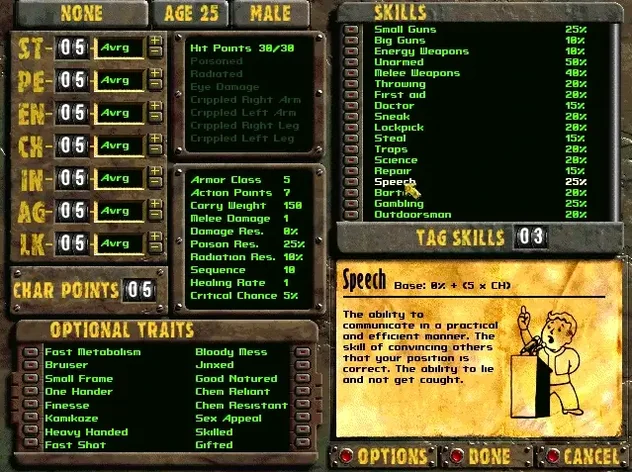
- Tag Small Guns, Lockpick and Speech. Even with Intelligence at 3, tagged Speech opens a few dialogue bribes that bypass the worst combat in Klamath.
- Leave Arroyo with a sharpened spear, then swap it for a pipe rifle from the rat caves. Ammo is tight, so only pull the trigger on geckos that block a doorway.
- In Klamath, ignore the brahmin herding quest—it pays little and requires reading ability your character barely has. Instead, head straight to the trapper district for the .44 revolver hidden in the outhouse pipe.
- Use Lockpick on the back door of the bathhouse to reach the whiskey stash. Barter it to the Golden Gecko bartender for stimpaks, not caps.
- Before you leave town, recruit Sulik. He will handle most of the talking checks and acts as a blunt instrument in random encounters all the way to The Den.
Pre-install doubts
Does the GOG build run offline?
Yes. There is no activation check, no launcher that phones home, and no Galaxy client requirement. Once the folder is in Applications, double-clicking the app icon is the whole routine.
Will a fallout 2 mac torrent behave differently from this build?
Torrent versions of Fallout 2 on Mac usually bundle older Wineskin wrappers that break on Ventura and later. The GOG wrapper in this build uses a 64-bit runtime compatible with both Intel and Apple Silicon, so you are not stuck editing winecfg files just to get past the main menu.
How do I switch to English if the game starts in Russian?
The build includes both languages, but the launcher sometimes defaults to Russian after the data-file copy. Open the configuration tool from the app bundle, pick English under the language tab, and restart. No reinstall needed.
Is the mid-game car bug fixed?
The trunk-vanishing bug in New Reno is still present, because this is identical to the 1.02 retail release. The workaround is the same as it has always been: never store quest items in the Highwayman unless you fancy walking across the map with an empty fuel cell.
Requirements
- macOS Ventura or later
- Apple Silicon or Intel (64-bit)
Comments 0
Sign in or create an account to leave a comment.
No comments yet…
If you’ve installed it, say how it went. Mention your Mac and macOS version — it helps the next person more than you’d think.