

Factorio for macOS
Description
Version 2.0.77 landed on 21 May 2026 and tidied up several persistent niggles. Cargo pods no longer clip through structures, inserter deadlocks are squashed, and rocket silo logic behaves properly again. Under the hood, modders get new Lua prototype reads for quality-related values and fluid properties like visualization_color.
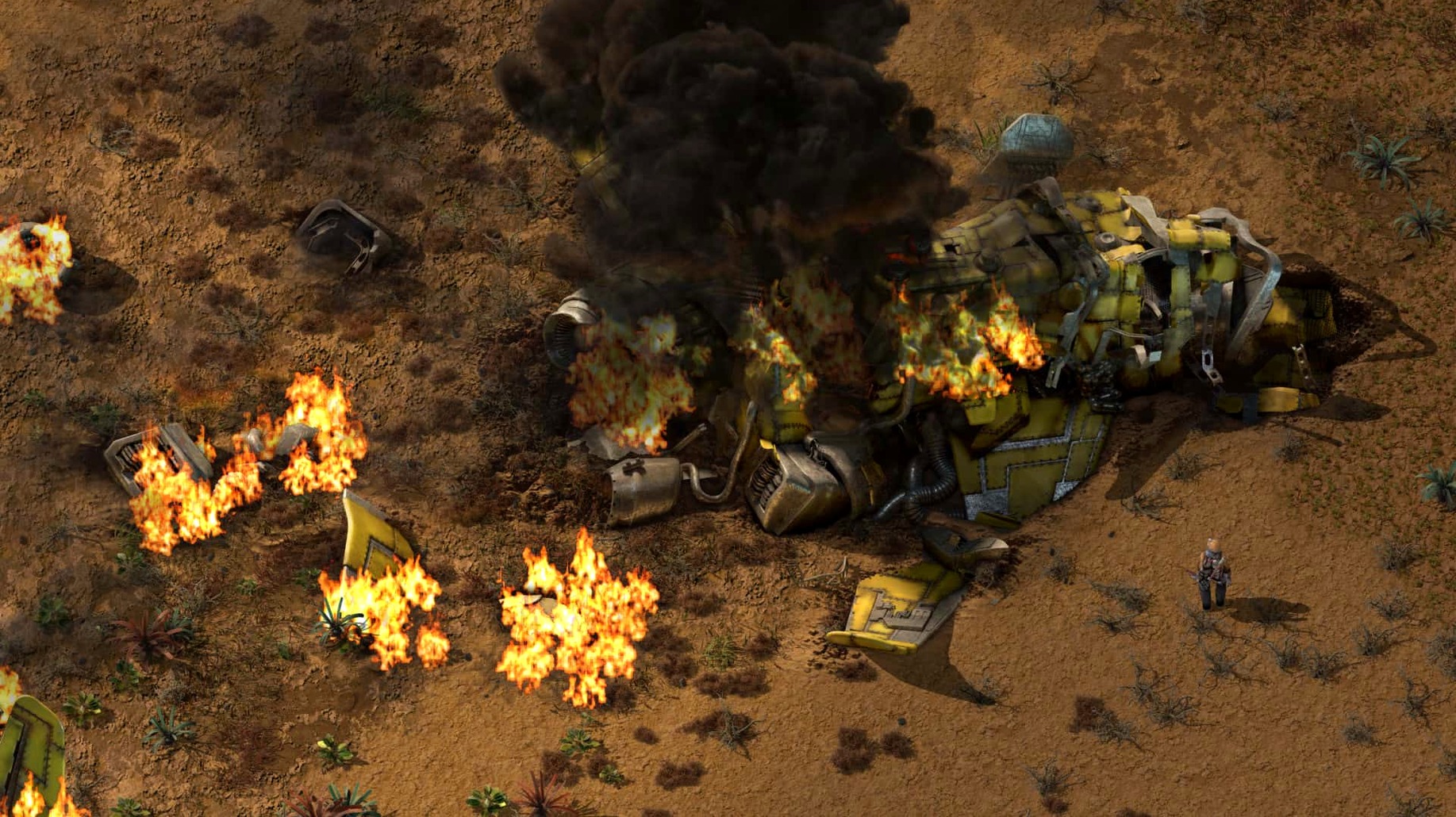
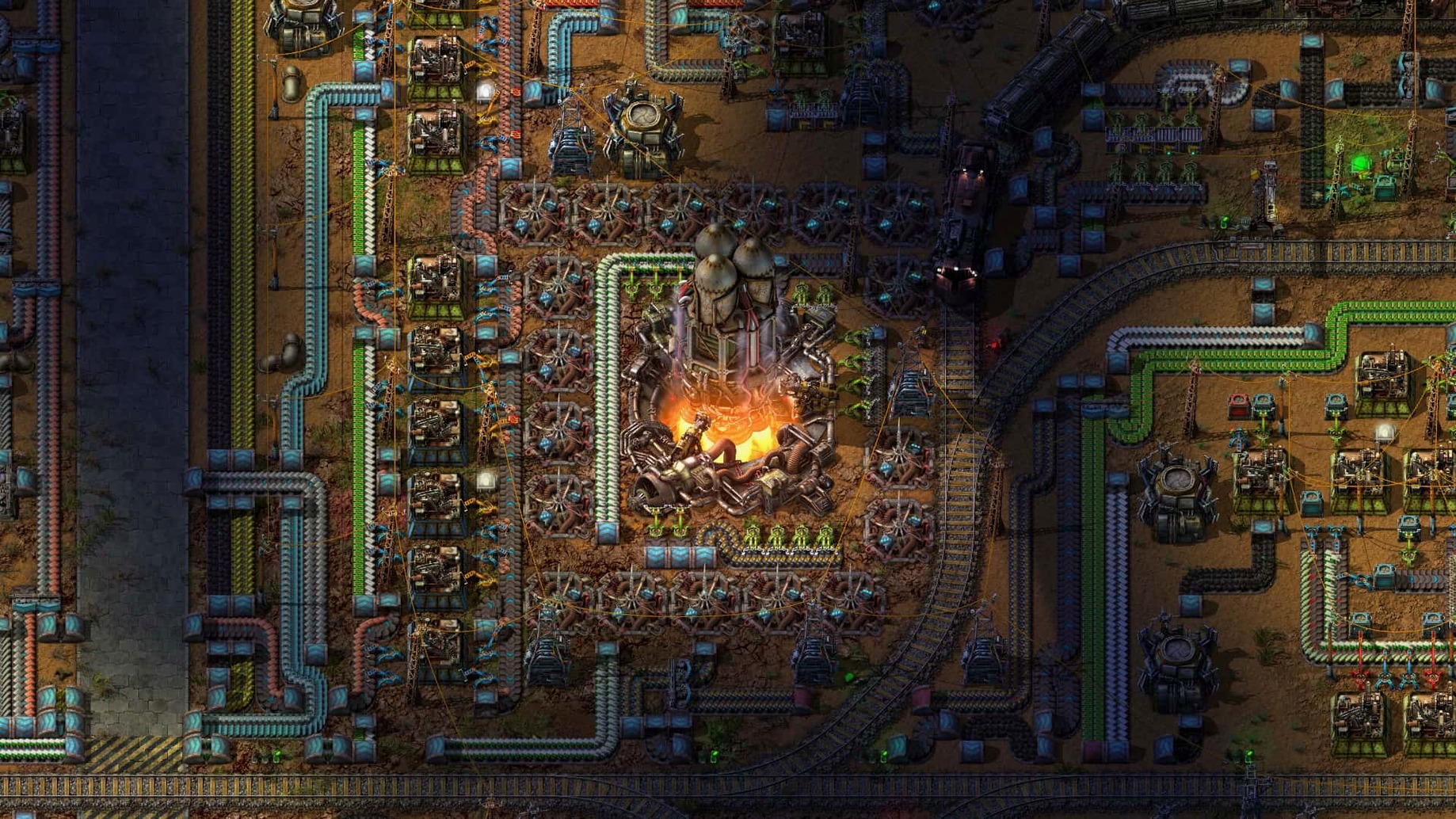
You crash-land on an alien planet with a pickaxe and a handful of iron plates. The first ten minutes are hand-mining ore and feeding stone furnaces by hand. That gets old fast, so you build burner mining drills and conveyor belts. Before you know it you are laying out assembly lines for red science packs, then green, then blue, and suddenly it is 2 a.m.
Scaling spaghetti without the chaos
- People who enjoy solving logistics puzzles. Every production bottleneck is a problem you designed yourself.
- Playing solo or with friends — multiplayer works over LAN or the internet.
- Tinkerers. Mod support is built in, and the community has created thousands of them.
- The in-game map editor, for when you want to sketch out a design without biters chewing on your power poles.
Bugs come when your factory breathes
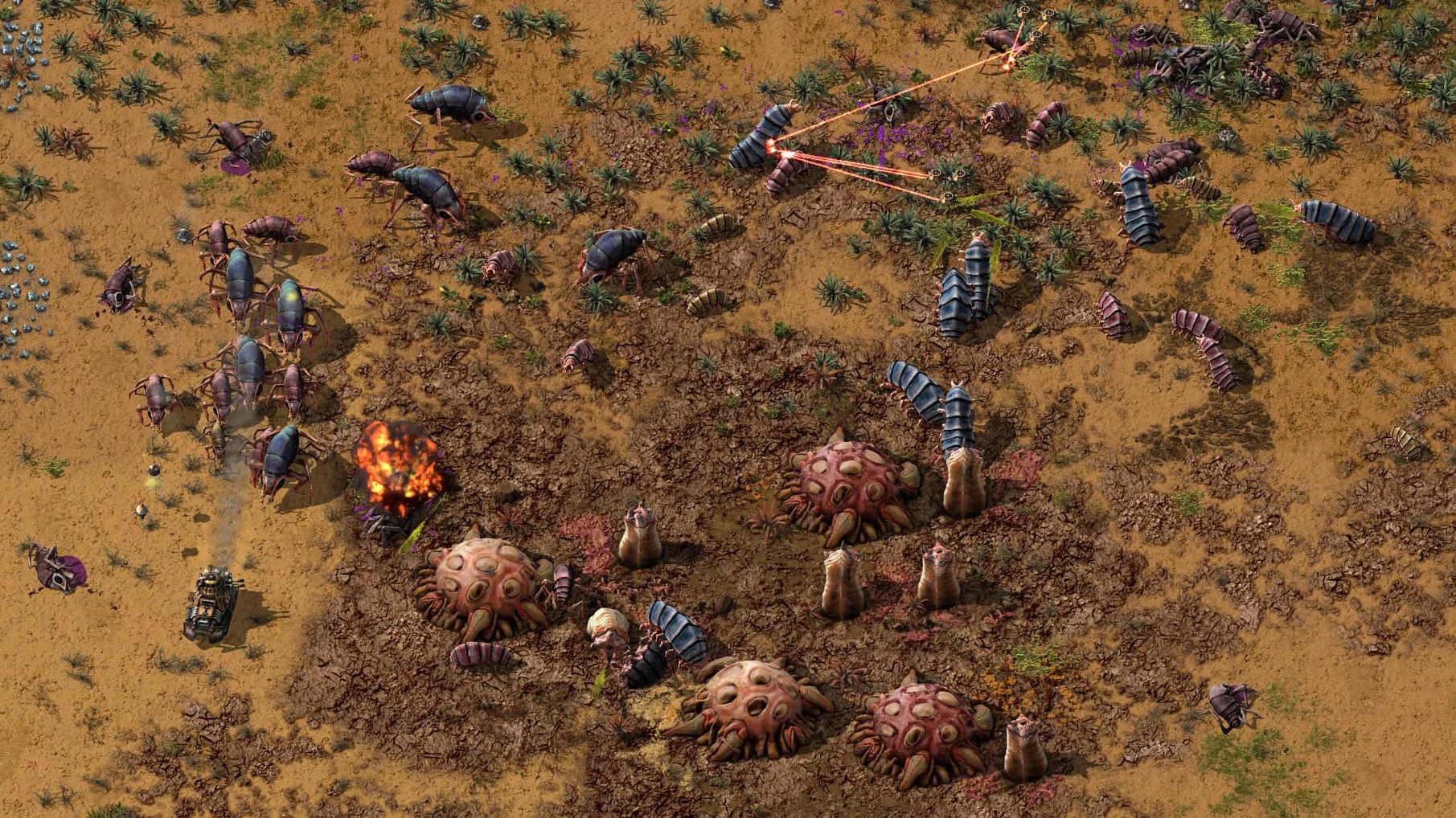
- The native wildlife is not friendly. Pollution from your factory triggers attack waves. You will need turrets, walls and eventually tanks.
- Late-game builds — solar farms, oil cracking, logistics robots — demand a lot of screen space for planning.
- The tutorial teaches the basics, but the real learning curve starts when you launch your first rocket.
Sound cues beat the UI every time
Turn off music and leave the sound effects on. The audio cues for assembler shortages, turret fire and biter attacks are more useful than any overlay.
When you research trains, build a test loop with four stops before you try to weave rails through your main base. Signals are not complicated, but they are unforgiving. A single misplaced chain signal can deadlock a dozen trains and you will not notice until your iron plates stop arriving.
Press Alt once and never turn it off. The overlay shows what each assembler is making and the contents of every chest. Playing without it is like reading a spreadsheet with the column headings hidden. On a Mac keyboard the key is labelled Option, but the game calls it Alt.
One engineer, one planet
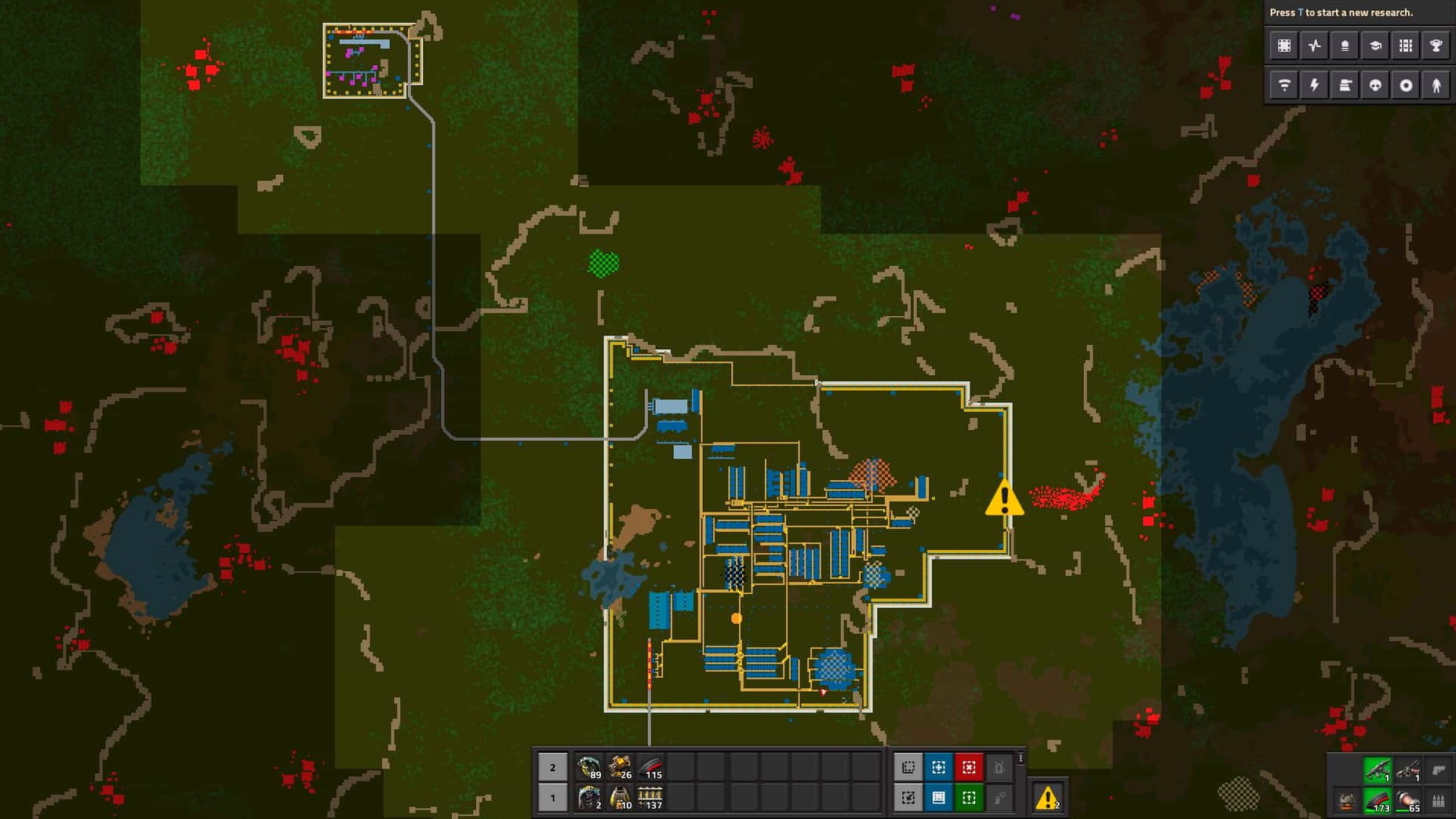
A marine biologist I know picked up Factorio after a knee injury kept her off boats for a summer. She treated it like a field station. Every outpost got a descriptive train-stop name — Iron Patch North, Copper Gully — and she laid rails the way she would plan survey transects. By week two she had colour-coded her factory with concrete and lamp circuits so she could read production state from the minimap alone. She never launched a rocket. She just kept redesigning her refinery until it looked like a circuit diagram.
Her approach stuck with me because it sidesteps the usual rush to endgame. The game does not punish you for tinkering. The only clock is the pollution cloud creeping toward biter nests.
Press Q to grab anything you’re looking at
- Q is the pipette. Hover over any placed entity and press
Qto grab a copy of it from your inventory. Builds go much faster when you are not running back to a chest for the right item. - Shift-right-click, shift-left-click. Copy an assembler recipe, then paste it onto other assemblers. Works on chest limits, circuit conditions and train schedules too.
- Underground belts compress better. A full belt of ore has tiny gaps when loaded from a single inserter. Feeding into an underground belt hood forces the items together.
- Press
P. The production graph shows exactly what you are making and consuming over time. It is how you discover that your green circuit shortage started forty minutes ago when a copper belt ran dry. - Blueprints from the start. You do not need construction robots to blueprint. Even in the first hour, you can copy a smelter column and paste it as a ghost layout to guide your hand-building.
What’s new
Fixes cargo pod clipping, inserter deadlocks, rocket silo deadlocks, and several crash cases. Adds new Lua prototype reads for quality-related values, drops_full_belt_stacks and visualization_color.
Requirements
- macOS (Apple Silicon and Intel supported)
- Interface languages: English, French, German, Spanish, Italian, Dutch, Polish, Portuguese, Romanian, Swedish, Czech, Finnish, Hungarian, Norwegian, Turkish, Ukrainian, Russian, Korean, Japanese, Simplified Chinese, Traditional Chinese
Comments 0
Sign in or create an account to leave a comment.
No comments yet…
If you’ve installed it, say how it went. Mention your Mac and macOS version — it helps the next person more than you’d think.
More in Games
All in Games-
 Fallout 2
1.02.GOG.v1.77792
Apple Silicon
Fallout 2
1.02.GOG.v1.77792
Apple Silicon
-
 Fallout: A Post Nuclear Role Playing Game
1.2-27130
Apple Silicon
Fallout: A Post Nuclear Role Playing Game
1.2-27130
Apple Silicon
-
 F1
1.13
F1
1.13
-
 Farming Simulator 22
1.14.0.0
Apple Silicon
Farming Simulator 22
1.14.0.0
Apple Silicon
-
 Farming Simulator 25
1.23.1.0
Apple Silicon
Farming Simulator 25
1.23.1.0
Apple Silicon
-
 EVERSPACE 2
1.5.56929
Apple Silicon
EVERSPACE 2
1.5.56929
Apple Silicon
-
 Europa Universalis IV
1.37.5.2
Europa Universalis IV
1.37.5.2
-
 Euro Truck Simulator 2
1.61.1.1s
Euro Truck Simulator 2
1.61.1.1s