Marvelous Designer for macOS
Description
Marvelous Designer runs on any Mac with Apple Silicon or Intel, provided you're on macOS 12 (Monterey) or later. It supports both architectures so there is no Rosetta faff.
How a garment goes from flat to finished
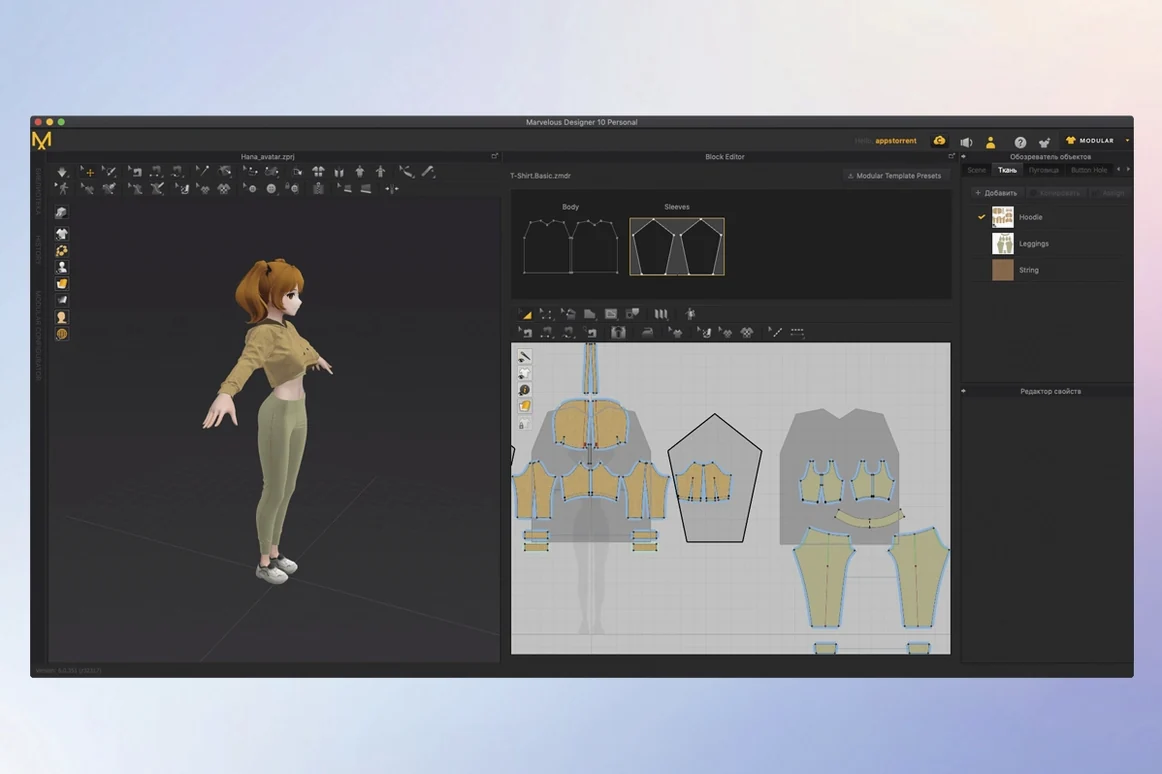
- Draw or edit polygonal pattern shapes around an avatar. Think of it as digital pattern cutting.
- Stitch the pieces together and hit simulate. The cloth drapes, folds and stretches under gravity.
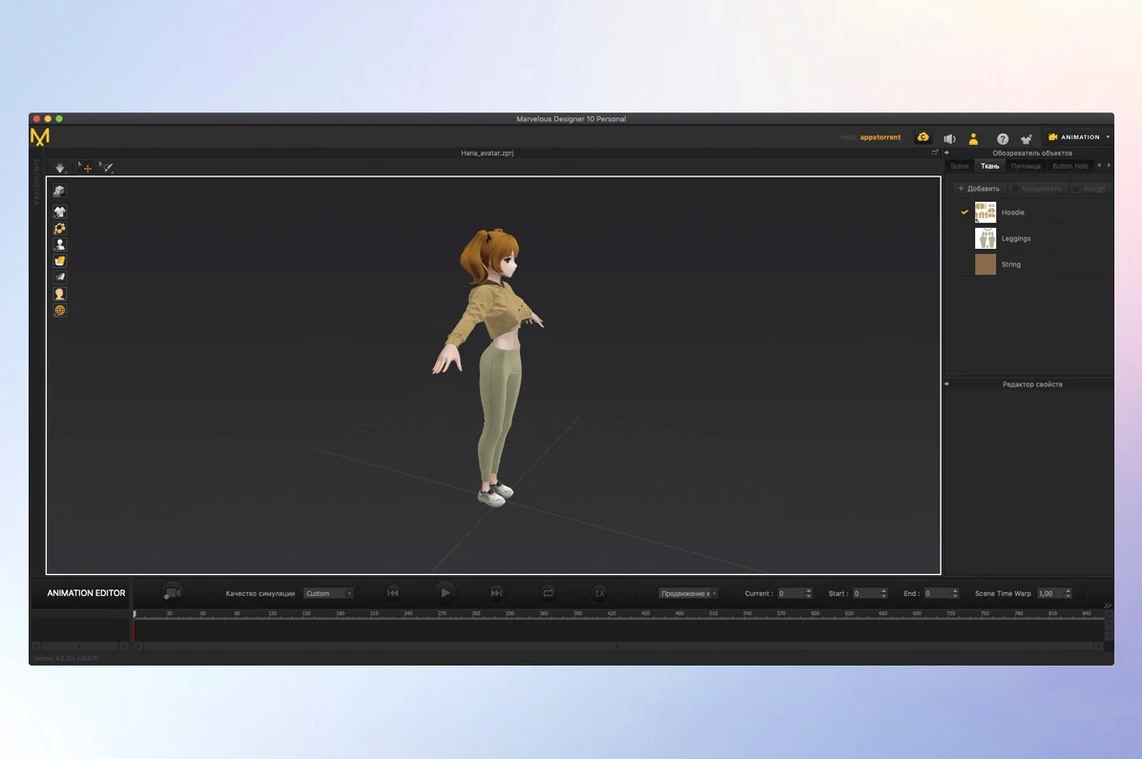
- Add motion to the character and record the clothing reacting in real time — hems swinging, fabric bunching at joints.
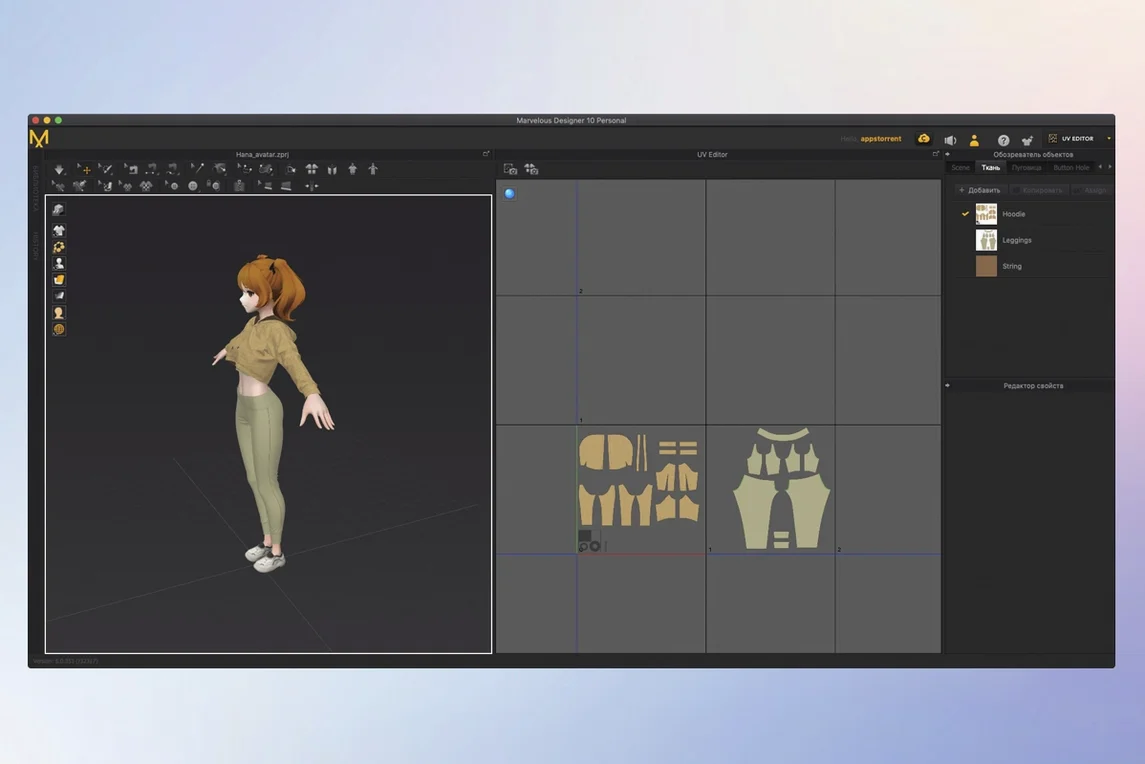
- Export the finished drape or animation to Maya, ZBrush, 3ds Max, Modo or Softimage for your main scene.
You can model anything from a simple T-shirt to layered uniforms with complex pleats. If you're new to cloth sim, the built-in online learning materials walk you through the basics without much pain.
A costume designer's Tuesday morning
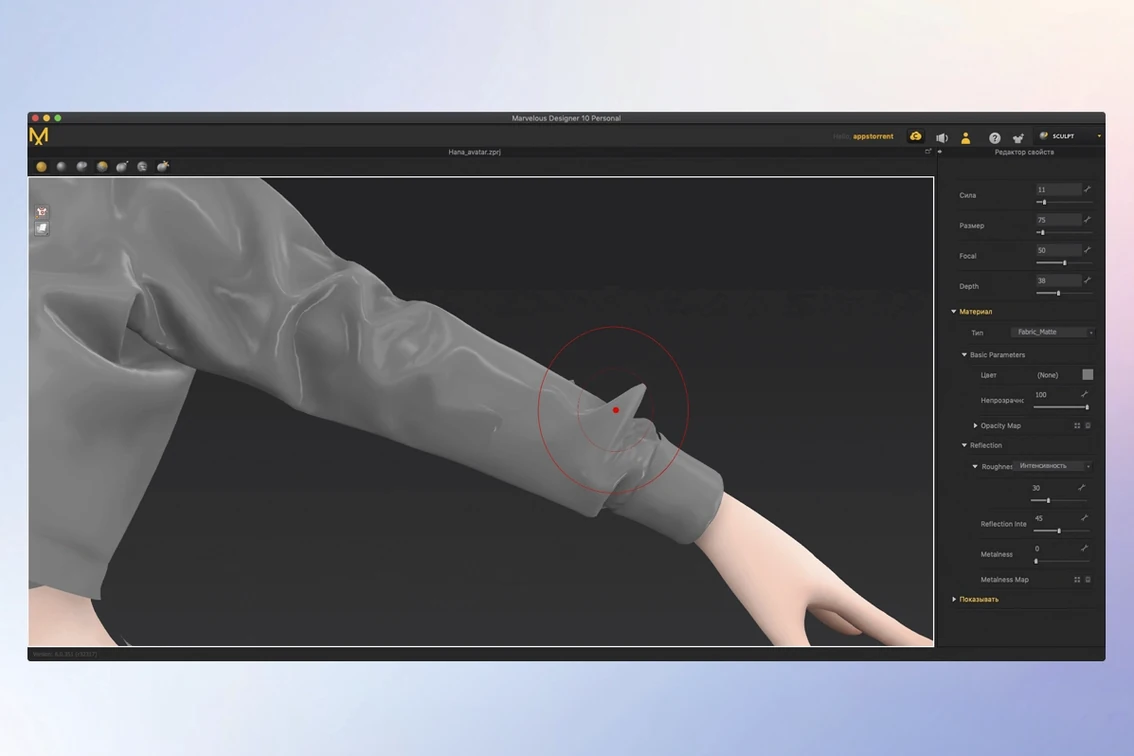
A freelance character artist opens a brief for a sci-fi pilot's jacket — four reference photos, a tight deadline. The base avatar is already in the scene. She traces the jacket pattern in 2D, places seams along the shoulders and arms, then taps simulate. The fabric drops into place, collar sitting naturally against the neck. She adjusts the collar stand, re-simulates, and checks the armpit folds. Twenty minutes later she has a draped garment she can export as Alembic to her main Blender scene. No retopology needed.
She saves the jacket as a reusable wardrobe item. The next character in the same universe can wear it with a few clicks and a body-size tweak.
Editable patterns stay alive for last-minute art-direction changes
Game artists who need to kit out ten NPCs before lunch get the most from Marvelous Designer. The pattern-based approach means a tunic or pair of trousers stays editable — widen the sleeve, shorten the hem, simulate again. It suits anyone whose pipeline already includes Maya, ZBrush or 3ds Max, because the USD and Alembic export slots straight into those tools without geometry surprises.
Fashion students and indie VFX artists also take to it quickly. The learning materials cover stitch types and fabric presets well enough that you can produce a credible garment within an afternoon. Concept artists who only need a still render rather than animation get value too — freeze the drape at the frame that looks right and export.
It is less immediately useful for hobbyists who just want to dress a single Daz3D figure. The tool expects you to build from flat patterns, not pick a finished coat from a library. That rewards patience but punishes the "one-click wardrobe" expectation.
Layer count and mesh density decide your simulation wait time
Simulation speed depends almost entirely on mesh density and layer count. A cotton shirt on the default avatar drapes in under a second on an M-series Mac. Stack three garments — shirt, waistcoat, overcoat — with collision turned on, and you wait a few seconds per frame. The cloth solve stays snappy enough for iterative tweaking; you will not wander off to make tea between sims.
RAM use climbs with pattern complexity. A single garment scene idles around 2 GB. A full character with accessories and high-res textures can push past 8 GB. The application pages to disk gracefully, though you will feel it on an 8 GB machine when the avatar has a full wardrobe and you scrub the timeline.
Crashes are rare in straightforward garment work. The 2024.2 release has been stable across multi-hour sessions on both Apple Silicon and Intel hardware. The weak spot is importing badly-formed OBJ avatars — garbage geometry can hang the solver. Keep your base meshes clean and it behaves.
GPU acceleration is present but not aggressive. The viewport redraws fabric texture updates instantly. Heavy animation playback with self-collision can drop frames on integrated graphics, so MacBook Air users doing complex motion work will want to reduce the timeline preview quality. On a MacBook Pro with an M-series Pro or Max chip, the experience stays fluid even with multiple garments and a moving camera.
Requirements
- macOS 12 (Monterey) or later
- Apple Silicon or Intel Mac
FAQ
Can I move Marvelous Designer files to other 3D apps?
Yes. It imports and exports data with Maya, 3ds Max, Softimage, Modo, and ZBrush, so you can take your cloth into a larger scene.
Comments 0
Sign in or create an account to leave a comment.
No comments yet…
If you’ve installed it, say how it went. Mention your Mac and macOS version — it helps the next person more than you’d think.