NotchBox for macOS
Description
One notch, ten quick-access tools — no extra windows to open.
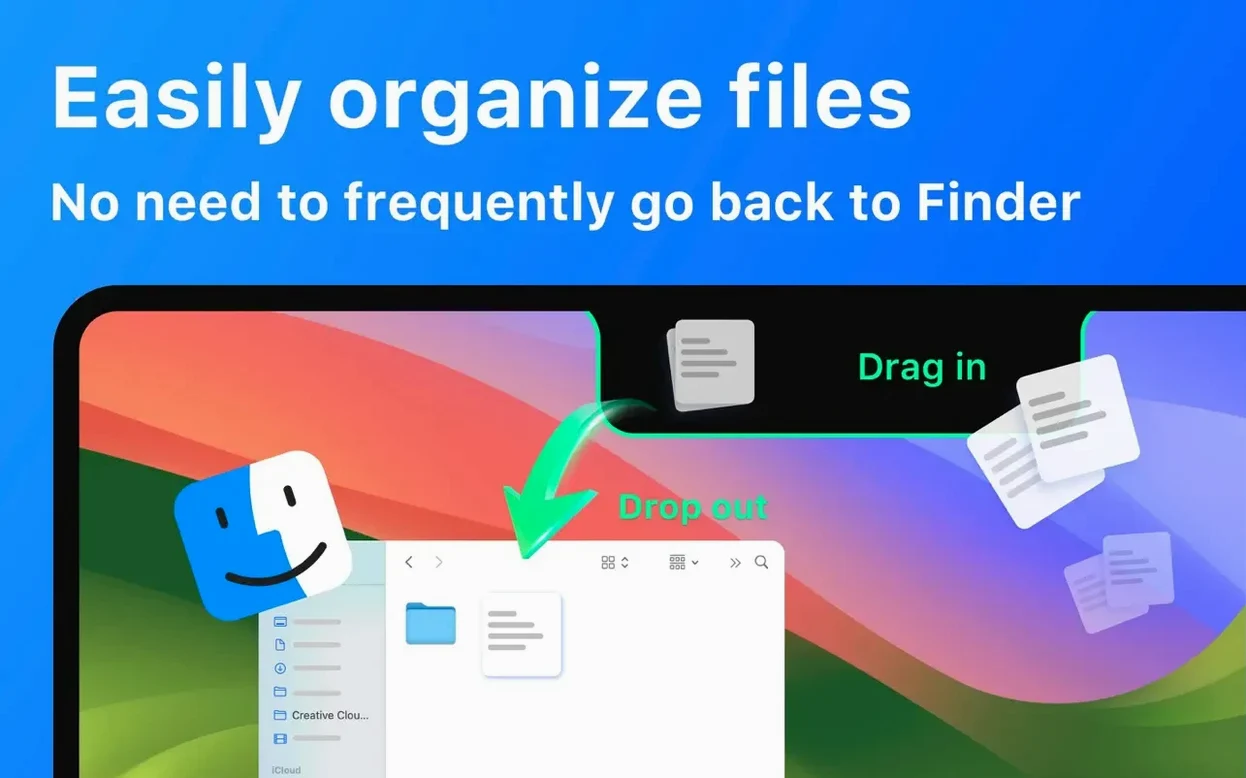
Drag and drop storage
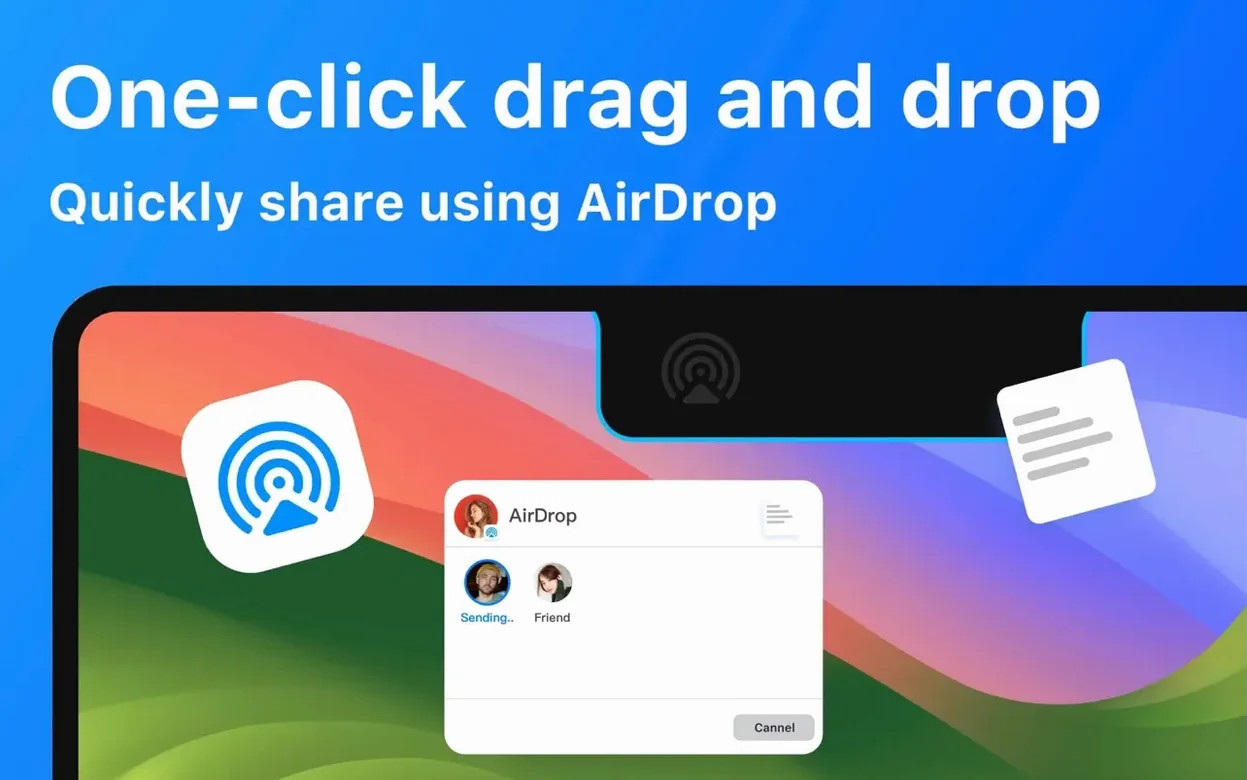
Drop files onto the notch to stash them temporarily. They sit there until you drag them out again, to a folder, an email or straight into AirDrop.
A quick look at music and meetings
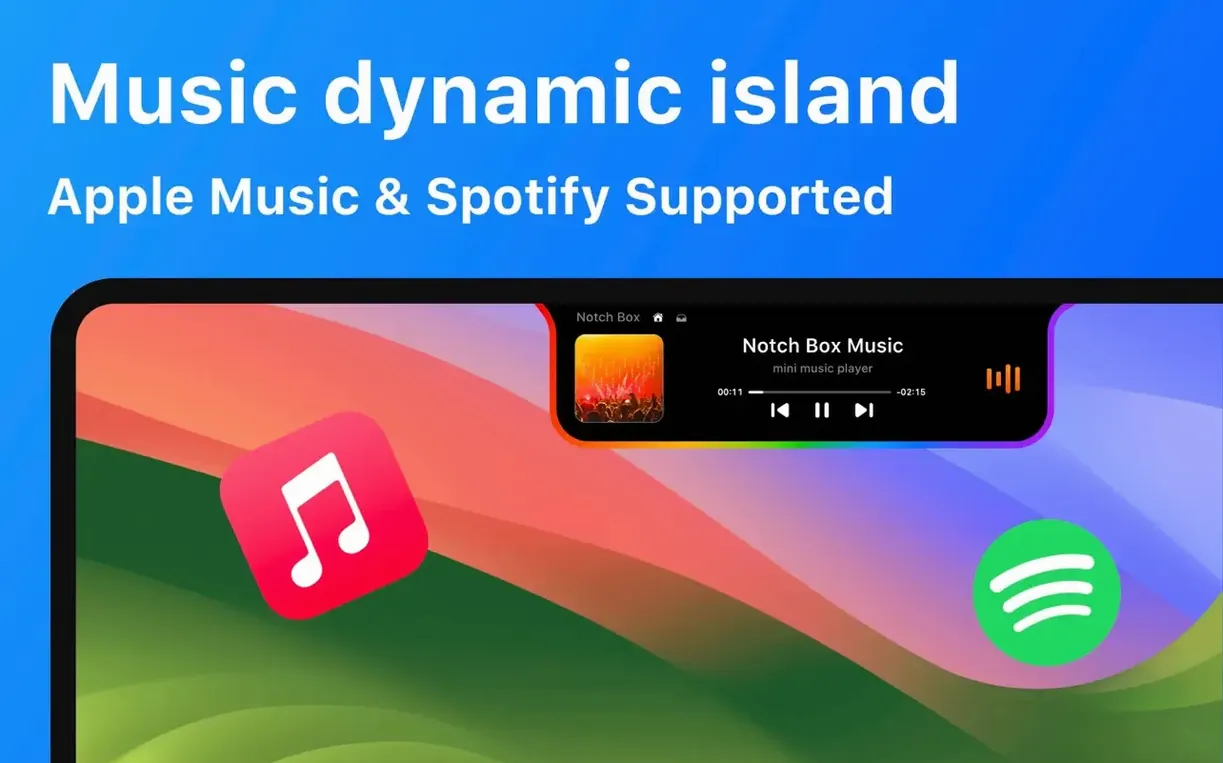
Tap the notch to see what's playing in Spotify, your next calendar event or your Wi‑Fi speed and signal strength — all without leaving your current window.
Clipboard and camera mirror
First thing after you grab the notchbox mac download: open Preferences and spend five minutes getting the layout right. Most tools sit inside a pop-up panel you can reorder. I drag Clipboard to the top because I use it twenty times a day. Calendar and Wi‑Fi sit just below. Timer goes right at the bottom — I only need it once a week for laundry and tea. Rearranging now saves you hunting later.
Second, pick one music controller. The panel shows Apple Music by default. If Spotify is your daily driver, switch it in settings straight away and restart the app. Having both active at the same time leads to a confusing double set of transport buttons. Not a bug, just clutter you don't need.
Third, try the notchbox free file stash with something expendable before you rely on it. Drop a screenshot in, drag it out to the desktop, drop it into Mail. The stash holds items only while the app runs. Quit NotchBox, they disappear. I treat it like a clipboard for dragged items, not like a folder.
Crash fix for camera mirror and file drag
Version 1.1.71 fixed a crash that happened when you dragged a file out of the stash while a video call was using the camera mirror. Earlier builds on Apple Silicon would sometimes freeze the panel for a second during that handoff. Now it stays smooth.
A recent update added proper detection of Spotify when it's installed but not running. Previously the music panel would just sit blank. Now it shows a prompt to launch the app, which saves you tabbing out to the Dock.
Calendar widget reliability improved too. With macOS 14.4 and later, the events list now refreshes minutes after you add or change something in the system Calendar app, whereas earlier builds needed a manual NotchBox restart.
Panel won't open? Check Accessibility permission
The panel won't open at all. Right-click the NotchBox menu bar icon, choose Quit and relaunch. If that doesn't do it, check System Settings > Privacy & Security > Accessibility — NotchBox must be listed and switched on there. The installer doesn't always prompt for that permission on the first launch.
File stash doesn't accept a drop. The notch area is narrow. Aim for the centre of the black cutout, not the screen bezel. On 14‑inch MacBook Pros the clickable zone is about six millimetres wide at default resolution. If you're still struggling, open the pop-up panel first, then drag the file directly onto the stash icon there — that works every time.
Wi‑Fi speed shows zero. This usually means NotchBox hasn't been given Local Network permission. Go to System Settings > Privacy & Security > Local Network and toggle the switch. The display updates within ten seconds.
Spotify track info is stuck on yesterday's song. Fully quit Spotify (Cmd-Q, not just closing the window), then reopen it. NotchBox reads the current track from the running app; if Spotify has been asleep for hours, the data goes stale.
Clipboard history shows only plain text. By design, NotchBox doesn't try to store images or rich text from the clipboard. If you copy a formatted Table from Numbers, the history entry will be blank. Keep that in mind when you download notchbox — it's for quick text and file references, not a full archive.
If the app icon hides behind the notch itself — happens sometimes on 13‑inch MacBook Air with scaled resolutions — open NotchBox settings, switch Display Mode to "Panel only" and hide the on‑notch indicator. You'll lose the drag‑target visual but keep full functionality through the menu bar icon.
Reach clipboard history from the same spot, or check the camera mirror view to see what's behind the screen before a call.
Requirements
- macOS 13 or later
- Apple Silicon and Intel 64-bit Macs
FAQ
Does NotchBox work on all Macs?
It requires macOS 13 or later and runs on both Intel and Apple Silicon Macs. It is designed for models that have a notch.
What can I do with files dragged into the notch?
They are held for temporary storage. You can drag them out to any destination, including an AirDrop contact, a folder or an email attachment field.
Comments 0
Sign in or create an account to leave a comment.
No comments yet…
If you’ve installed it, say how it went. Mention your Mac and macOS version — it helps the next person more than you’d think.