
Dehancer Pro for macOS
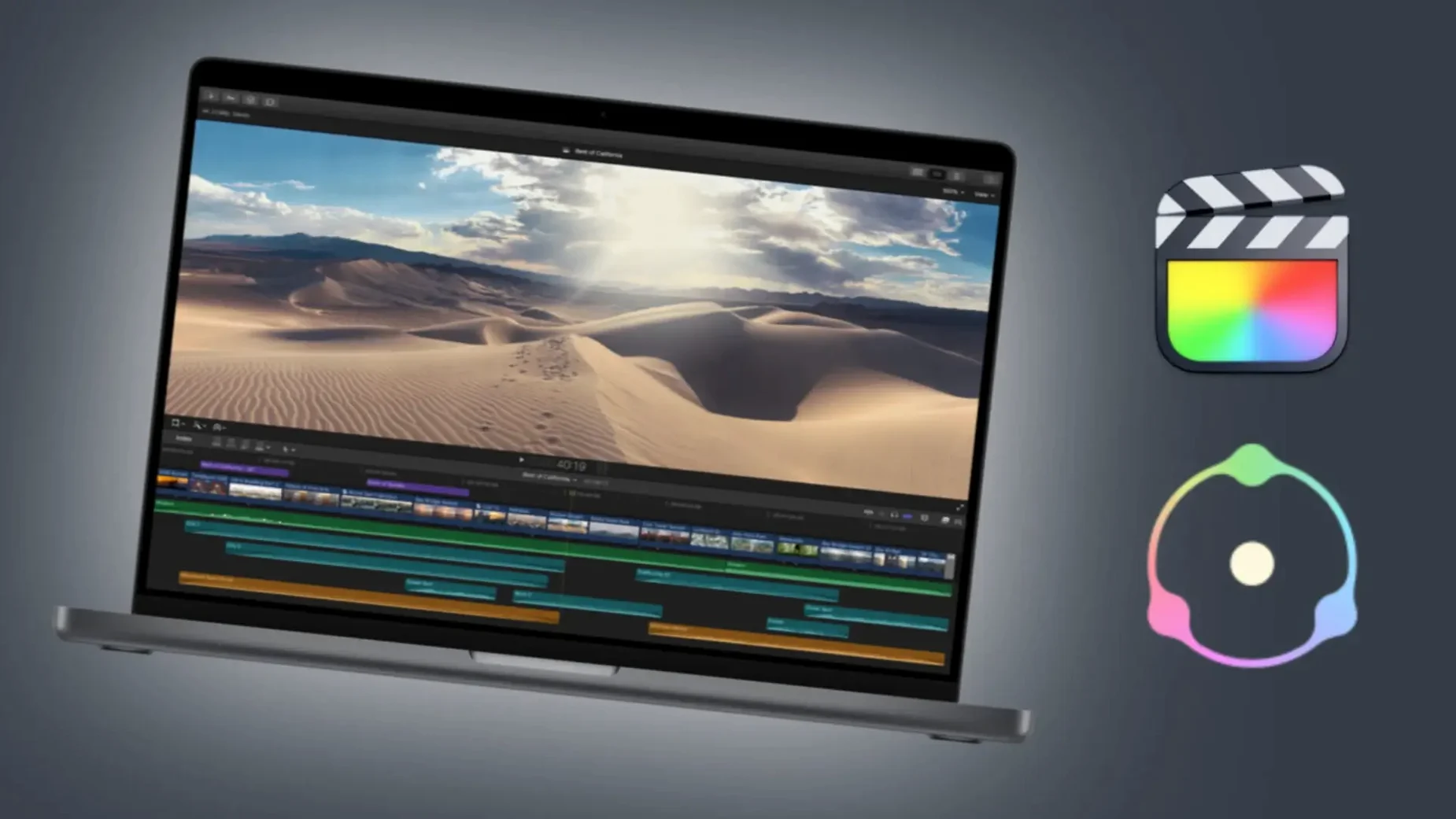
Description
Over 60 film stocks sit in a single plugin window. You pick the stock, dial in the grain, and the image shifts from digital to something that looks projected.
Stacks on a clip or bus, order matters
- Adjustment layer or track. Drop it on a clip or a compound clip. It processes the whole frame, so stacking order matters if you use it with other colour tools.
- Bus processing. Some editors put it on an adjustment title above a scene to give a full timeline the same print stock, then tweak per-clip exposure underneath.
- LUT export. The plugin includes a LUT generator. You build a look once, export a LUT, and load it in-camera or on a monitor box for on-set consistency.
Grain and halation live inside the same stack
It is not just a colour transform. Grain, halation, bloom, film damage and overscan are built into the same stack. You can enable what you need and leave the rest off. The camera profiles try to match your sensor to the film profile, which matters more than it sounds when you are matching two different camera bodies on the same shoot.
Mistakes that waste the first hour
People open Dehancer, drop it on a clip, pick a film stock and wonder why it looks muddy. The default settings are not a finished grade — they are a starting point. Here is what trips up most beginners.
- Leaving all modules on. Grain, halation, bloom and film damage are all active by default. That is four layers of texture you may not need. Switch off what you are not using. A clean grade often wants grain and nothing else.
- Skipping the camera profile. The film profile expects a particular sensor response. If you leave the input on "None," the plugin guesses. Pick your camera model from the list. The difference is instant on skin tones.
- Grading before the plugin. Dehancer wants to see log or Rec.709 footage, not a clip you already crushed with a LUT. Put it at the end of the chain, or export a LUT from the plugin and bake it in later. Do not sandwich it between two contrast adjustments and expect predictable results.
- Ignoring the DVR colour management. In Resolve, people set the timeline to Rec.709 Gamma 2.4, then add Dehancer on top of a colour-managed node tree. The plugin is designed to sit inside a colour-managed pipeline, not replace it. Let Resolve handle the input transform and use Dehancer for the look.
- Cranking grain to 100. High grain settings look like static on a compressed export. Real 35 mm grain is subtle. Start at 25–40 and check it on a broadcast monitor, not the GUI viewer.
Long-timeline renders now run smoother
Version 7.3.4 is a quiet maintenance release. It fixes bugs and tidies performance, so renders that used to hitch on long timelines now run smoother. The headline addition is Production License Server support — useful for facilities with floating seats, less relevant for a single editor on a MacBook.
Day-to-day work did not change much. The plugin still loads the same film profiles, still runs natively on Apple Silicon, and still sits in the same place in the effects panel. The performance improvements mean fewer dropped frames when you scrub a 4K timeline with grain and halation both enabled. That is the kind of change you notice after a week, not on day one.
Grain is baked into the profile, not a separate module
FilmConvert is the closest comparison. It also emulates film stocks and grain. The difference is that FilmConvert isolates grain to a separate module you adjust after the colour transform. Dehancer ties grain to the film profile itself, so the grain structure changes with the stock. FilmConvert feels simpler. Dehancer gives you more knobs to turn but demands more time to learn what they do.
Continuum Film Style is another option, part of the Boris FX suite. It covers fewer stocks — around a dozen — but ties into the larger Continuum ecosystem. If you already own Continuum for lens flares and particle effects, Film Style is a sensible add-on. If you are buying a film emulation tool from scratch, Dehancer covers far more ground.
Some people go looking for a Dehancer Pro torrent or a Dehancer crack for Mac, assuming a plugin this specialised must be a small thing. It is not — the package includes activation instructions for a reason. A Dehancer Pro Mac crack floating around forums is usually an old build missing the camera profiles that make the plugin work properly. If the camera profile list is empty, check that you've placed the profiles folder in the correct support directory, not just the plugin file itself.
Between these three, Dehancer is the heaviest lift and the most flexible. Continuum is the lightest. FilmConvert sits in the middle. Which one fits depends on whether you want a quick film look or a full toolkit you can push around.
Requirements
- macOS 11 or later
- Intel or Apple Silicon Mac
- Final Cut Pro
FAQ
Which host applications does Dehancer Pro 7.3.4 support?
It is listed as a plugin for Final Cut Pro on macOS.
Comments 0
Sign in or create an account to leave a comment.
No comments yet…
If you’ve installed it, say how it went. Mention your Mac and macOS version — it helps the next person more than you’d think.