Coherence X for macOS
Description
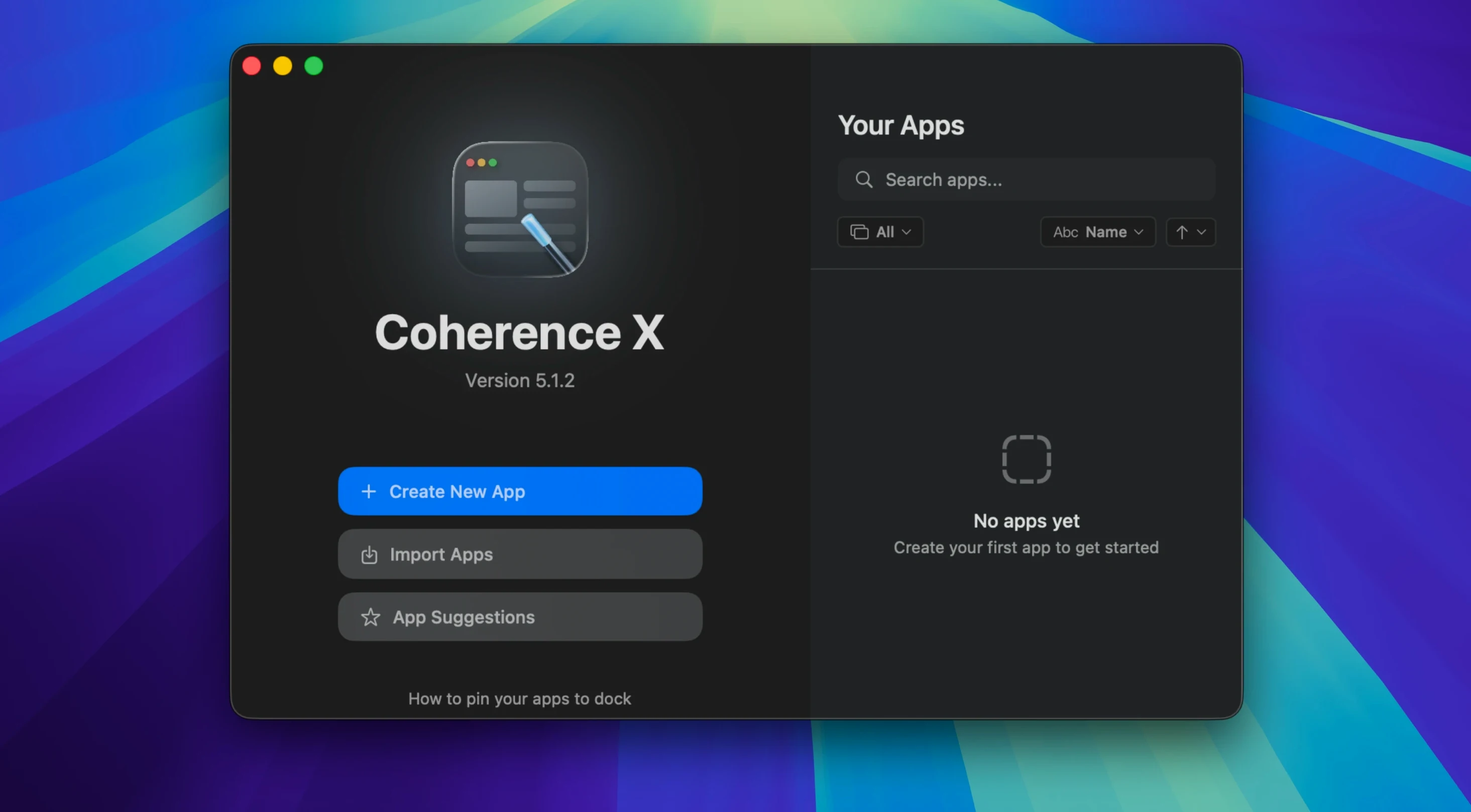
Link Routing is the feature that sorts out where a clicked link should open — in the same app, a different container, or back in your main browser. Coherence X is a macOS utility that wraps any website into its own window, giving it a Dock icon, separate cookies, and the feel of a native application. It is built on Chrome’s engine, so it renders pages exactly as you would expect, but without the browser chrome getting in the way.
- Create dockable apps with their own icon and session storage.
- Assign separate Chrome profiles to the same web service — handy for managing work and personal logins.
- Restore your open tabs after quitting, so you do not lose your place.
- Edit an app’s URL, icon, or extensions after creation without starting over.
- Runs natively on both Apple Silicon and Intel Macs under macOS 13 and later.
Version 6.1 tidies up a long-standing friction point: link-routing and appearance changes now save instantly without forcing a full app rebuild. It is a practical choice if you live in Gmail, Notion, or any web tool and want it to behave like a proper Mac citizen.
Coherence X vs. the alternatives
Unite and Flotato both turn websites into standalone Mac apps, but they take different roads. Unite uses a WebKit-based engine, so apps feel lightweight and use less battery, yet you give up Chrome’s extension library. Flotato does a stripped-down floating window that can feel too bare if you rely on tabbed browsing or profiles. Coherence X sits in the middle — Chrome engine, proper window controls, and full extension support.
WebCatalog aims for the same space with Chromium-based site-specific apps. The difference is that Coherence X digs deeper into Chrome’s internals: separate profiles per app, granular link-routing, and the ability to export apps to other Macs. If all you want is a quick wrapper for one site, WebCatalog does the job. Start managing half a dozen apps with distinct profiles and you will miss what Coherence X offers.
Add link routing rules for multiple domains at once
- Tame link routing early. Open an app’s settings, head to Link Routing, and add a rule for any domain you want kept inside that container. Version 6.1 lets you list several domains at once, which cuts setup time by half.
- Match profiles to tasks. Two Gmail apps with separate Chrome profiles means you never accidentally reply from the wrong address. Name each app clearly — the Dock label is the only clue you will get.
- Only add extensions you need inside the app. Chrome Web Store access is useful, but piling extensions into every wrapper slows launch times. One ad blocker and one password manager is usually enough.
- Export early as a backup. Once you have an app tuned — URL, icon, link rules, extensions — export it. If you rebuild your Mac or hand the setup to a colleague, dragging in the .app file saves an afternoon of reconfiguration.
One wry note: the first time you launch an exported app, macOS will flag it because it came from another machine. Right-click and choose Open, and it will behave from then on.
Separate work, personal, and side-project Google accounts
People juggling multiple Google Workspace accounts get the clearest win. Separate profiles keep your work Drive, personal calendar, and side-project inbox in their own lanes without a browser full of tabs labelled “(1)” and “(2)”.
Freelancers who live inside web tools — Notion, Linear, Figma, a client’s project portal — also notice the difference. Each service gets its own Command-Tab slot, so switching feels like moving between native apps rather than mining a crowded tab bar.
Developers who use Chrome extensions for testing or accessibility will find Coherence X fits naturally into their workflow. Because it shares Chrome’s engine, installed extensions behave as expected, and a coherence torrent of tabs across a dozen windows stays manageable when each project gets its own app container. If your day starts with seven pinned tabs, it is worth carving them out into proper Mac windows. A coherence torrent download of the latest build ensures you are working with the current link-routing improvements and extension fixes.
What’s new
- Adds batch domain entry for quicker link-routing setup.
- Adds suggested destinations for new routing rules.
- Appearance and routing edits now save without rebuilding the app.
Requirements
- macOS 13 or later
- Apple Silicon or Intel Mac
Comments 0
Sign in or create an account to leave a comment.
No comments yet…
If you’ve installed it, say how it went. Mention your Mac and macOS version — it helps the next person more than you’d think.