
Cocktail Sequoia Edition for macOS
Description
After a few months of regular use, macOS accumulates temporary files, log data, and cached items that serve no purpose. The storage bar creeps up, and small system oddities start to appear. Running a cocktail torrent of maintenance tasks by hand is tedious — and easy to get wrong.
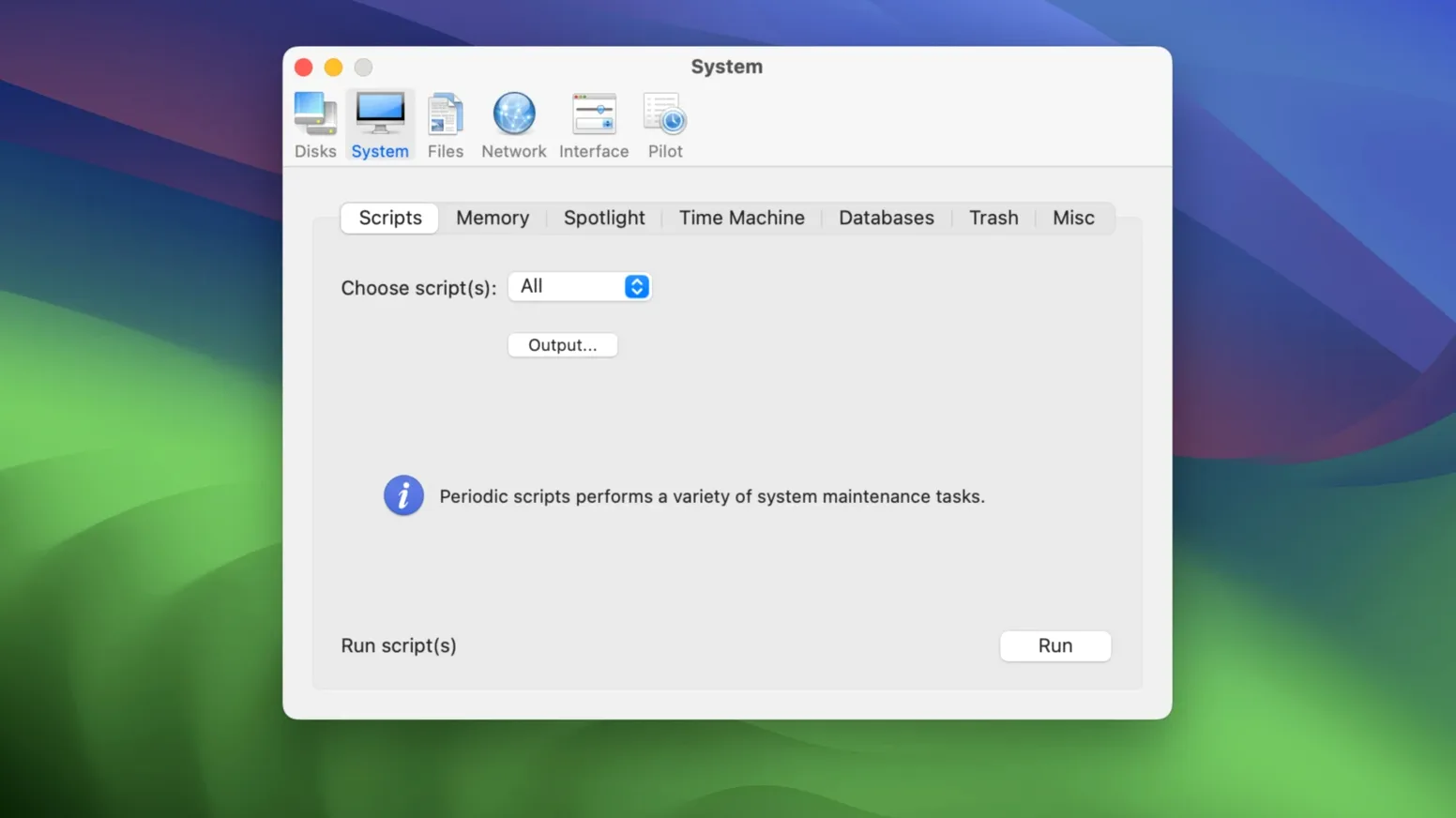
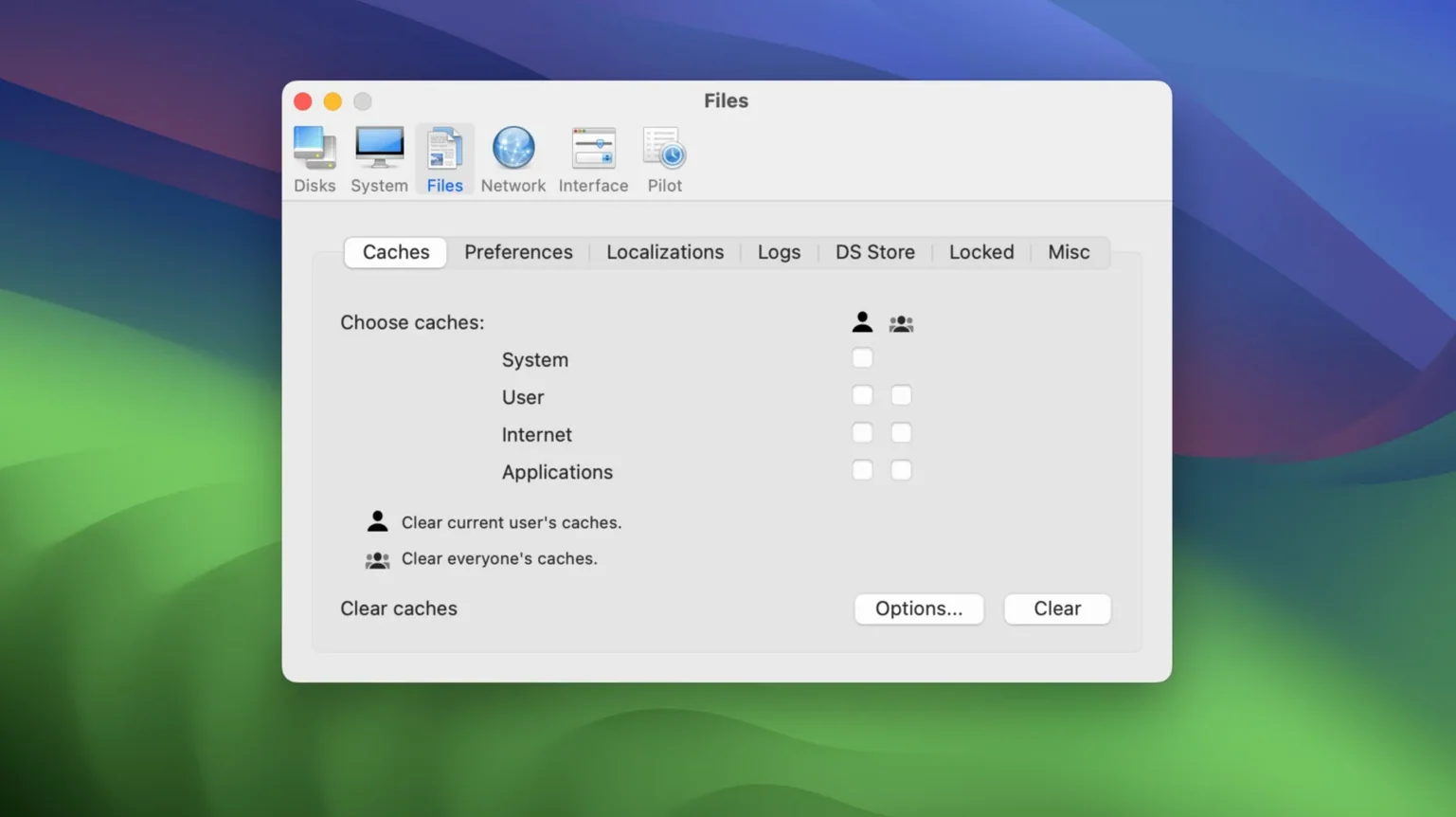
Cocktail tackles the lot from one window. It clears system and user caches, rotates log files, and runs the nightly maintenance scripts on demand. You do not need to know what each script does. For a newcomer, the smart move is to start with the Pilot mode. Tick the tasks you want, or just go with the safe defaults, and click Run. It handles the sequence without any fuss.
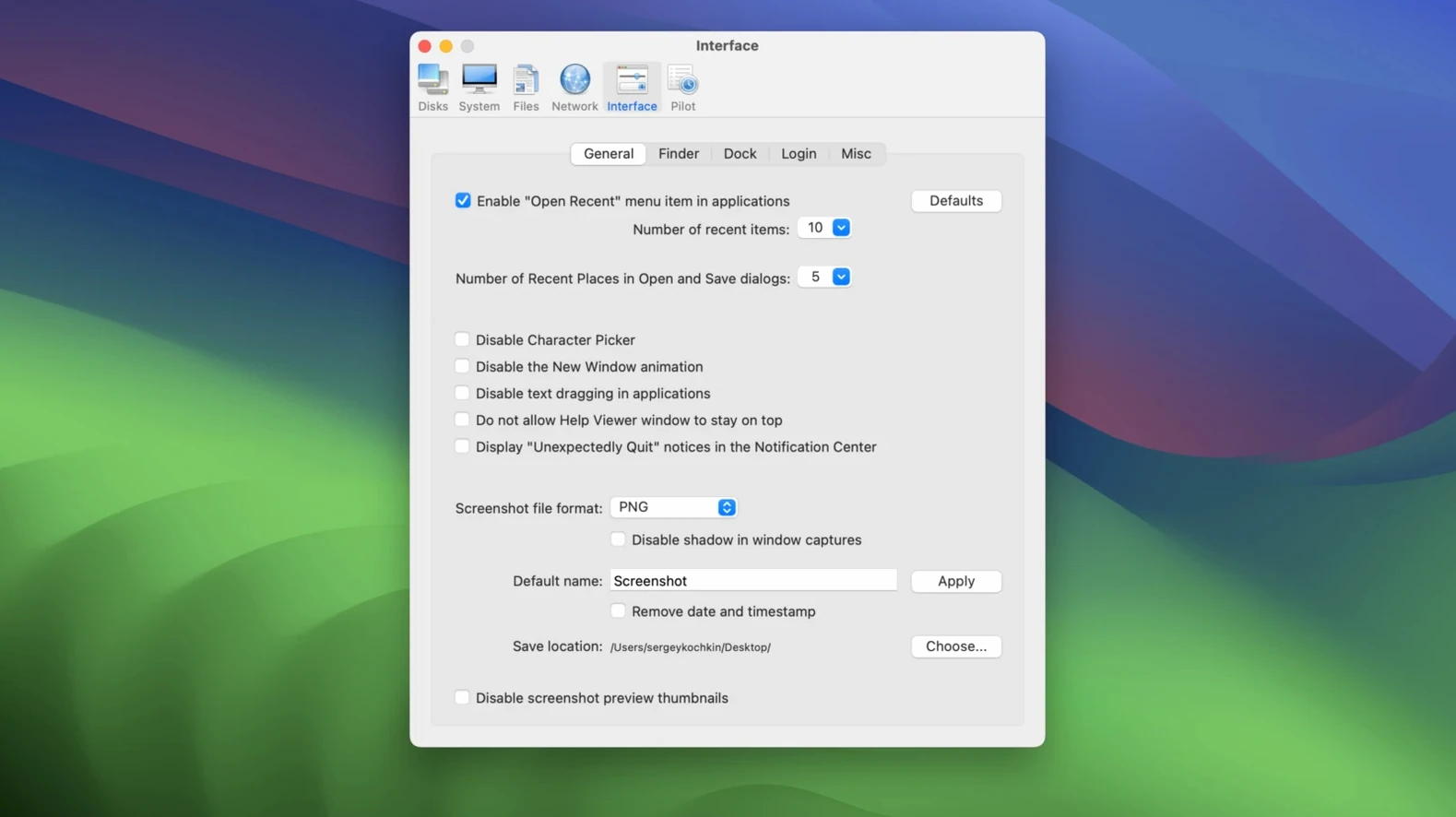
Once you are comfortable, the individual tools let you repair disk permissions or purge stubborn font caches that cause garbled text in apps. Everything sits in a plain, tabbed interface — no dashboard fluff, just labelled buttons that do what they say. It works on macOS 15 and later, with older editions available separately if you are still on an earlier release.
Pilot now skips the noisy Spotlight re-index
The 18.7 line tightened up the things you actually notice. The Pilot now skips the Spotlight re-index when you tick only cache clearing — a small change that saves ten minutes of fan noise. Memory purge has been dialled back too. Earlier builds could be a little aggressive, swapping out things you still needed. The current behaviour leaves app states alone and only frees what the system has already marked as inactive.
Log rotation got smarter for Sequoia. The OS moved some diagnostic logs into new locations, and Cocktail follows them without you having to dig through /var/log yourself. If you run the weekly scripts manually, you will also notice the progress pane now shows which cron task is active instead of a spinning bar and a guess. Not flashy, but you know whether you are waiting thirty seconds or five minutes.
Turn off scheduled Pilot before your first run
A few defaults are worth adjusting before your first proper run. Open Preferences — the cog icon at the bottom left — and make these changes.
- Turn off the scheduled Pilot. The app can run maintenance on a timer, but a weekly automatic purge while you are rendering video is not helpful. Set it to manual and run it when the Mac is idle.
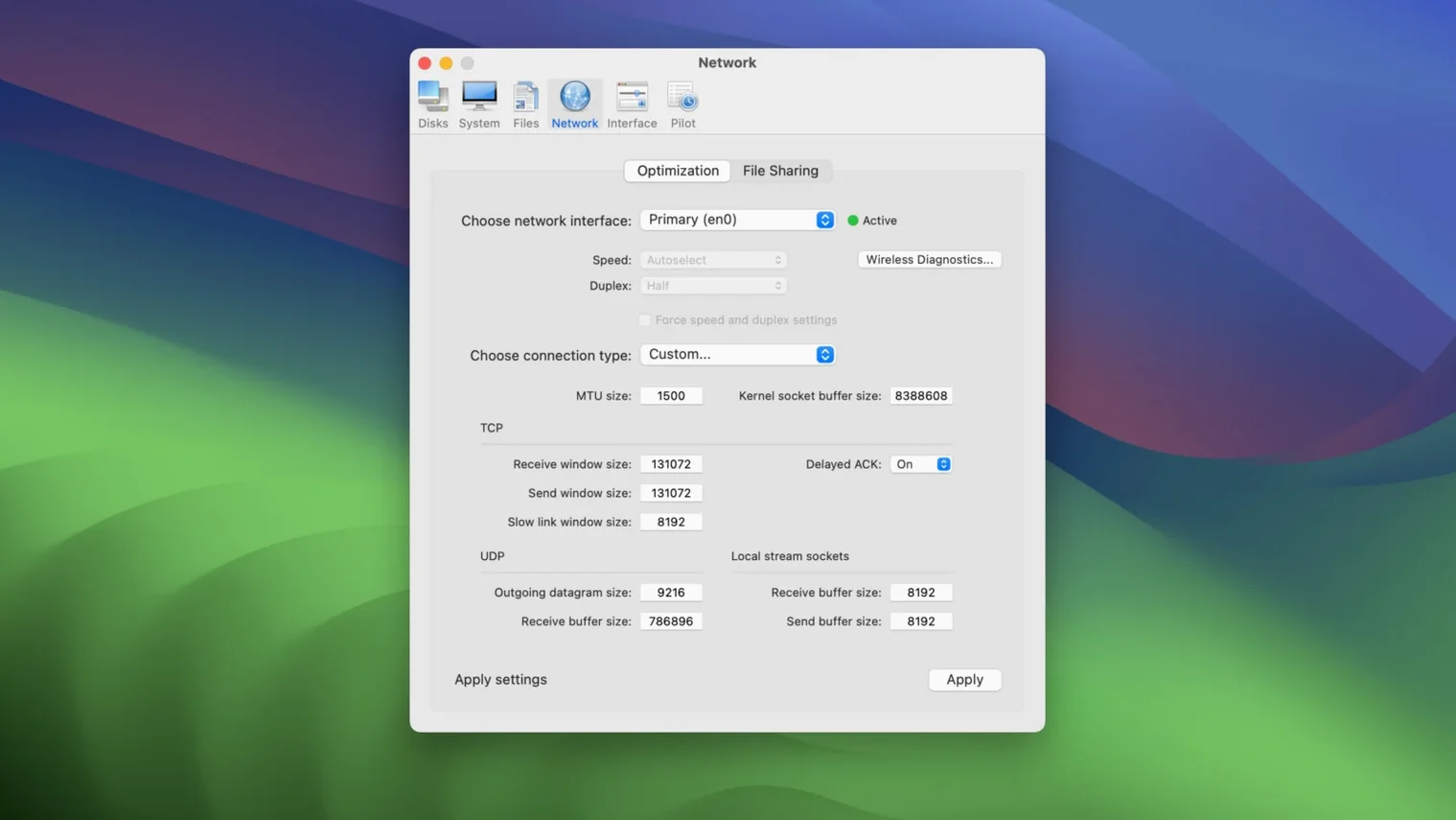
- Uncheck "Clear DNS cache" in Pilot defaults. Useful after network changes, but clearing it every time slows down browsing for the next hour. Keep it available as a one-off in the Network tool instead.
- Raise the disk-space warning threshold. The default fires at 5% free. Bump it to 10% — by the time a modern SSD hits 5%, you are already feeling the slowdown.
If you use a cocktail sequoia edition for the first time on a Mac that has never been cleaned, run the Pilot once with all safe defaults ticked. Then untick the three items above in Preferences, and that becomes your normal run.
System file check won’t touch your personal data
Will this delete anything I actually need?
Not by default. The cache-clearing routines target system and application caches that macOS rebuilds on next launch. User documents, photos, and settings are left alone. The one exception is the "Purge inactive memory" option — it flushes data the kernel has already marked as freeable, so unsaved work is not touched. If you stick to the Pilot defaults, the risk is zero.
Does it run in the background all the time?
No. Cocktail opens, you run the tasks, you close it. There is no menu bar icon, no daemon, no background process sitting in Activity Monitor. The scheduled Pilot is optional and off by default in a fresh install. The app itself consumes nothing when it is not open.
Why would I use this instead of the built-in macOS tools?
The built-in tools are scattered — Disk Utility here, Terminal scripts there, a hidden maintenance routine that runs at 3am only if the Mac is awake. Cocktail puts them in one place and adds things macOS does not expose at all, like font cache clearing and per-user log rotation. It also runs the daily, weekly, and monthly scripts on demand rather than hoping the scheduler caught them overnight.
Is this the right edition for macOS Sequoia?
Yes. This is the Sequoia-specific build, version 18.7.1, made for macOS 15 and later. The developer ships separate editions for each major OS release because Apple moves things around under the hood. If you grab a macos sequoia torrent of the wrong edition, it simply will not launch. Stick with the Sequoia build and you are fine.
Worth it if you want one-click maintenance without learning launchd and log paths.
Requirements
- macOS 15 (Sequoia) or later
- Intel processor
FAQ
What does Cocktail's Pilot mode do?
It runs a set of cleaning and maintenance tasks with a single click, using pre-selected safe defaults that are ideal for new users.
Which macOS version does the Sequoia Edition need?
It requires macOS 15 (Sequoia) or later. Separate editions of Cocktail are available for older versions of macOS.
Is Cocktail just a cleaner?
No, it is a general-purpose utility. As well as clearing caches and logs, it can repair disk permissions and run system maintenance scripts.
Comments 0
Sign in or create an account to leave a comment.
No comments yet…
If you’ve installed it, say how it went. Mention your Mac and macOS version — it helps the next person more than you’d think.