
Affinity Photo for macOS
Description
macOS 10.15 Catalina or newer on Apple silicon or Intel
Affinity Photo runs on any Mac with Apple silicon or an Intel processor, as long as you are on macOS 10.15 Catalina or newer. It is a single download for both architectures.
A sensible retouch workflow
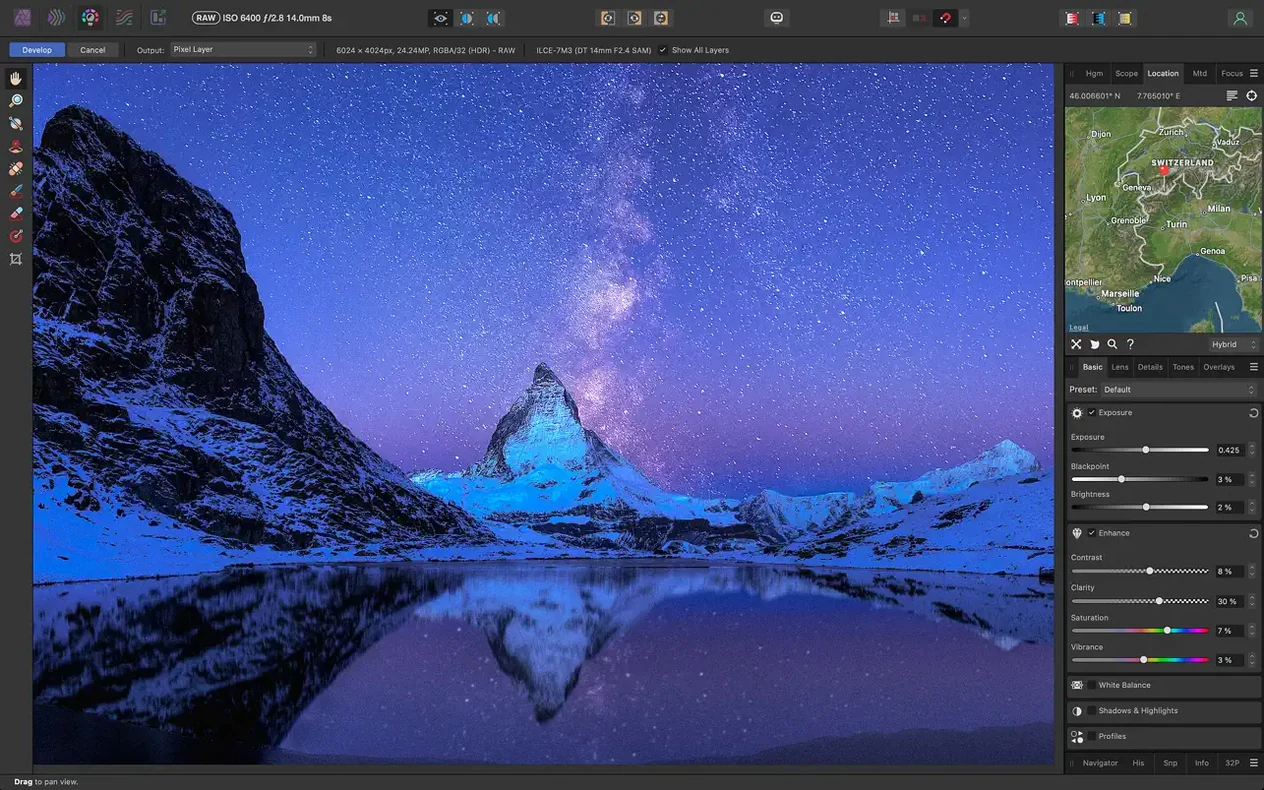
- Open a RAW file. The Develop persona is a dedicated pre-processing workspace. Exposure, white balance and shadows are all non-destructive here.
- Fix the lens. In the Photo persona, apply lens distortion correction, remove chromatic aberration and clean up edge fringing. A vignette correction is one click away.
- Clean up the canvas. Grab the inpainting brush and paint over an unwanted object. The brush tip previews in real time so you can size it precisely before you commit.
- Make a tricky selection. The selection refinement tools handle hair and fine details without forcing you to mask manually.
- Smooth the skin. Add a frequency separation layer. Paint on the low-frequency layer to even out tone, then tidy texture on the high-frequency layer. No blurry plastic results.
- Apply global noise reduction. Pull it in just enough to clean shadows without wiping detail.
- Save everything. The app saves edit history inside the document. You can open it next week and step back through every slider you moved.
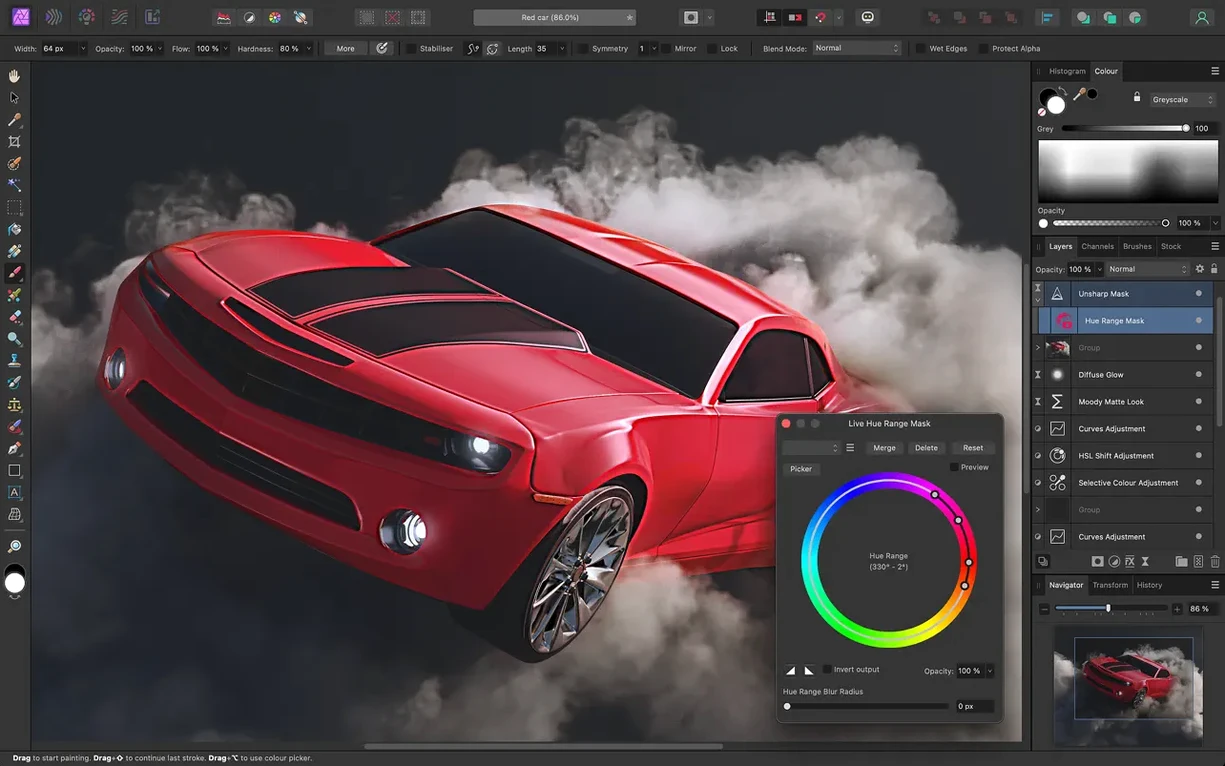
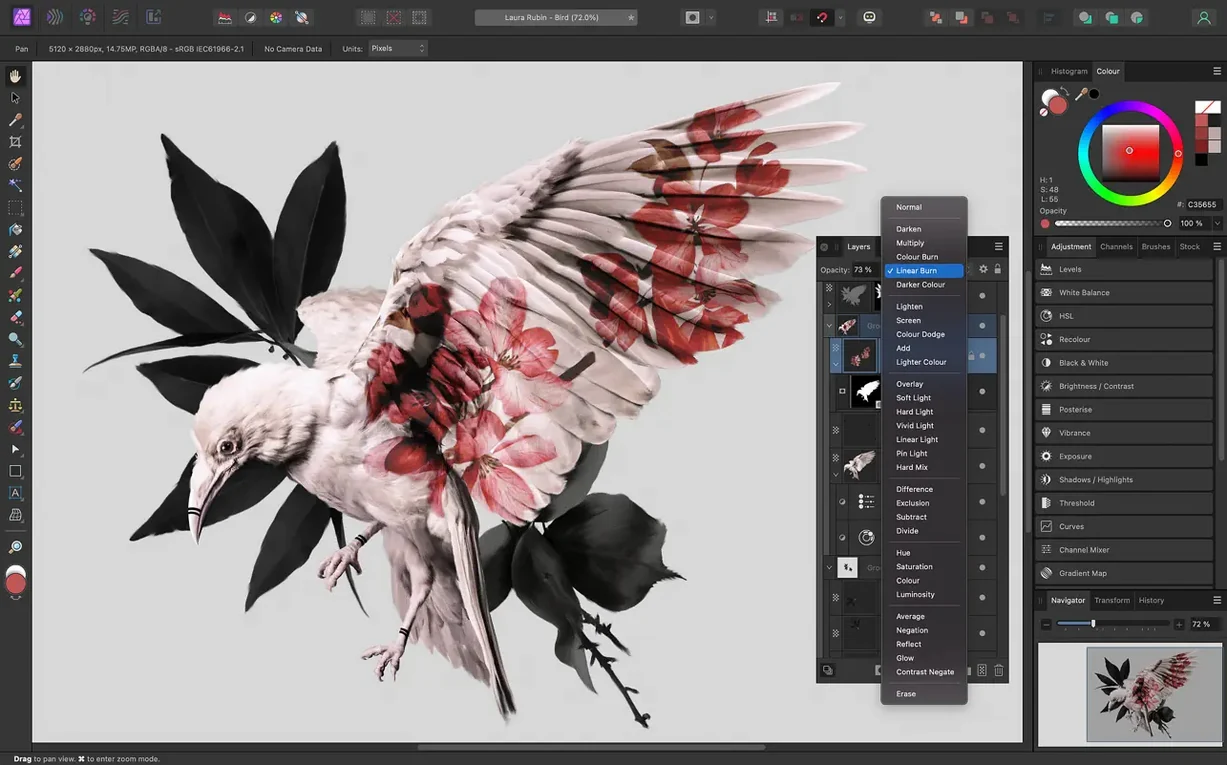
Colour work sits in proper RGB, CMYK, LAB and greyscale spaces. You can open, edit and save Photoshop PSD files without converting them first. All edits stay live and non-destructive, and you see the result on screen immediately.
A retoucher's Wednesday morning
A product photographer unboxes 47 shots of ceramic dinnerware taken under mixed studio lights. She drags the folder onto the Affinity Photo dock icon. The Develop persona opens the first RAW file and she pulls the white balance off the rim of a plate. Clarity comes up five points. She copies the settings and pastes them across all 47 frames in under a minute.
Back in the Photo persona, she spots a stray thread on the linen backdrop. The inpainting brush removes it in one stroke — no cloning, no patching, no switching tools. She records the cleanup as a macro and plays it on the next three shots with similar backgrounds. By 10:30 she has a contact sheet worth sending to the client.
Batch RAW edits and non-destructive wedding workflows
Photographers who batch-process RAW files and need reliable lens corrections will find the Develop persona does 90% of what they reach for before breakfast. The non-destructive workflow means a wedding photographer can build a base edit, then fork it for black-and-white prints without duplicating files.
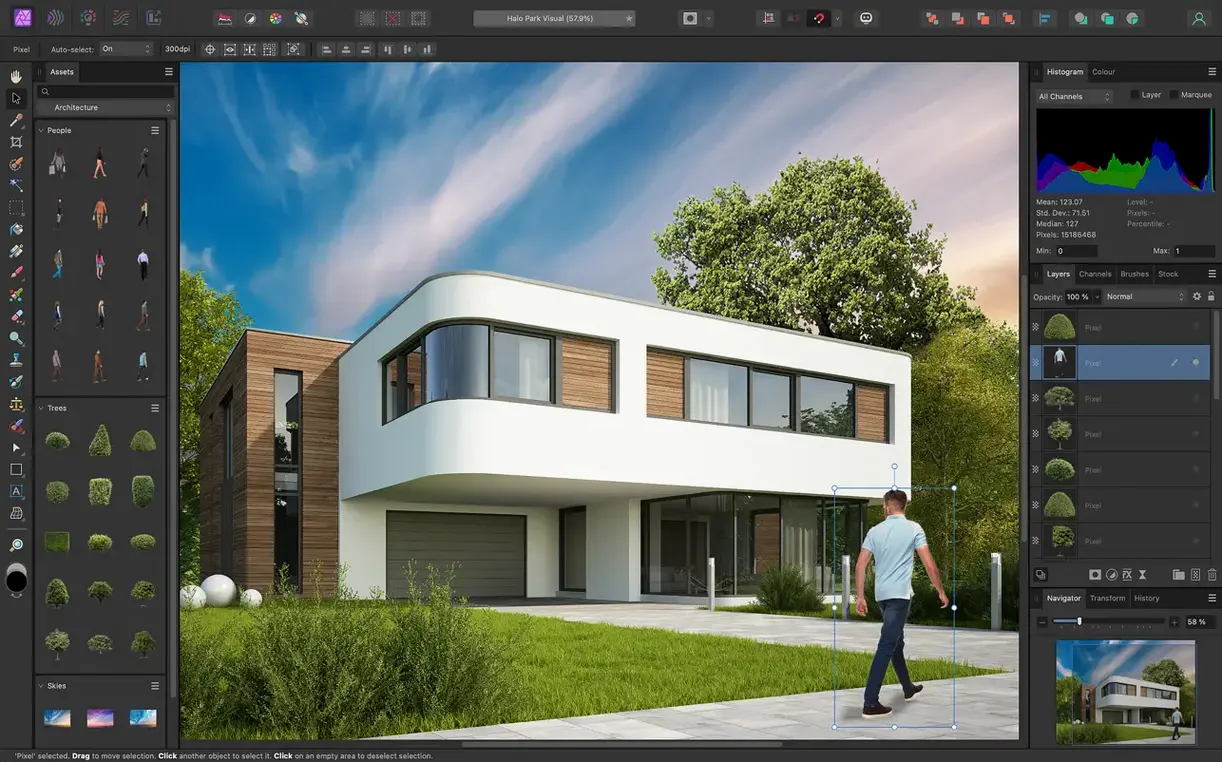
Retouchers who work on skin and fabric benefit from frequency separation that is built in, not bolted on. The refine selection tools save an hour on a headshot session where hair meets a busy background. Graphic designers who already use Affinity Designer or Publisher appreciate the shared file format — drop a layered photo into a layout and double-click to edit it in place.
Hobbyists who want one app that handles RAW development, compositing and export without a subscription get the full toolset. The macro recorder turns a repetitive task into a single click, which matters when you are editing a hundred holiday snaps and do not want to spend Sunday at the desk.
Under four seconds to launch on M1, no brush lag at 16-bit
Launch time on an M1 Mac is under four seconds. On an older Intel machine with Catalina it is closer to eight. Once the app is open, brush strokes track at full resolution with no lag, even on a 16-bit TIFF with twenty live filter layers above it.
Memory use stays reasonable. A document with twelve 24-megapixel RAW layers sits around 3 GB of RAM. The app releases memory when you close a document rather than holding onto it. I have not seen a beachball during normal retouch work, though HDR merge on a stack of ten exposures will pin the CPU for fifteen seconds and the fans may wake up on an Intel MacBook Air.
Stability is a strong point. The app has crashed twice here in six months, both times when dragging a 40-layer PSD from an external drive that disconnected mid-transfer. Autosave had a backup from ninety seconds prior. Daily work — selections, masking, brushwork, export — has been trouble-free.
Swap to monochrome toolbar icons and darken the canvas grey
- Turn on monochrome toolbar icons. The default coloured icons are busy. Go to View > Customise Toolbar and switch to monochrome. Your eyes will thank you after an hour.
- Set the background grey level. The default canvas background is too dark for judging shadow detail. Preferences > User Interface lets you pick a mid-grey that works for print prep.
- Change the RAM usage limit. The app defaults to a conservative figure. If you have 16 GB or more, bump it up in Preferences > Performance so large documents get headroom.
- Enable Photoshop plug-in support. It is off by default. Under Preferences > Photoshop Plugins, point the app at your plug-in folder. Not every plug-in works, but the Nik Collection and most Topaz filters run fine.
- Adjust the autosave interval. The default is 300 seconds. Drop it to 120 if you work fast and do not want to redo a tricky mask.
If you found this page while searching for affinity photo mac download or affinity photo 2 mac download, the version covered here is 2.6.5 — the one that actually delivers the stability described above. Some older cracked builds floating around as affinity photo mac torrent or affinity photo mac crack had sandbox issues on Monterey and Ventura. The affinity photo 2 crack mac scene has been hit-and-miss with the Develop persona refusing to load RAW files. This build works.
Requirements
- macOS 10.15 Catalina or later
- Apple silicon or Intel processor
Comments 0
Sign in or create an account to leave a comment.
No comments yet…
If you’ve installed it, say how it went. Mention your Mac and macOS version — it helps the next person more than you’d think.