Affinity Designer for macOS
Description
It runs on any Mac with macOS 10.15 (Catalina) or newer, on both Intel and Apple Silicon machines.
Affinity Designer 2.6.5 — the current version of Serif's vector and raster design app.
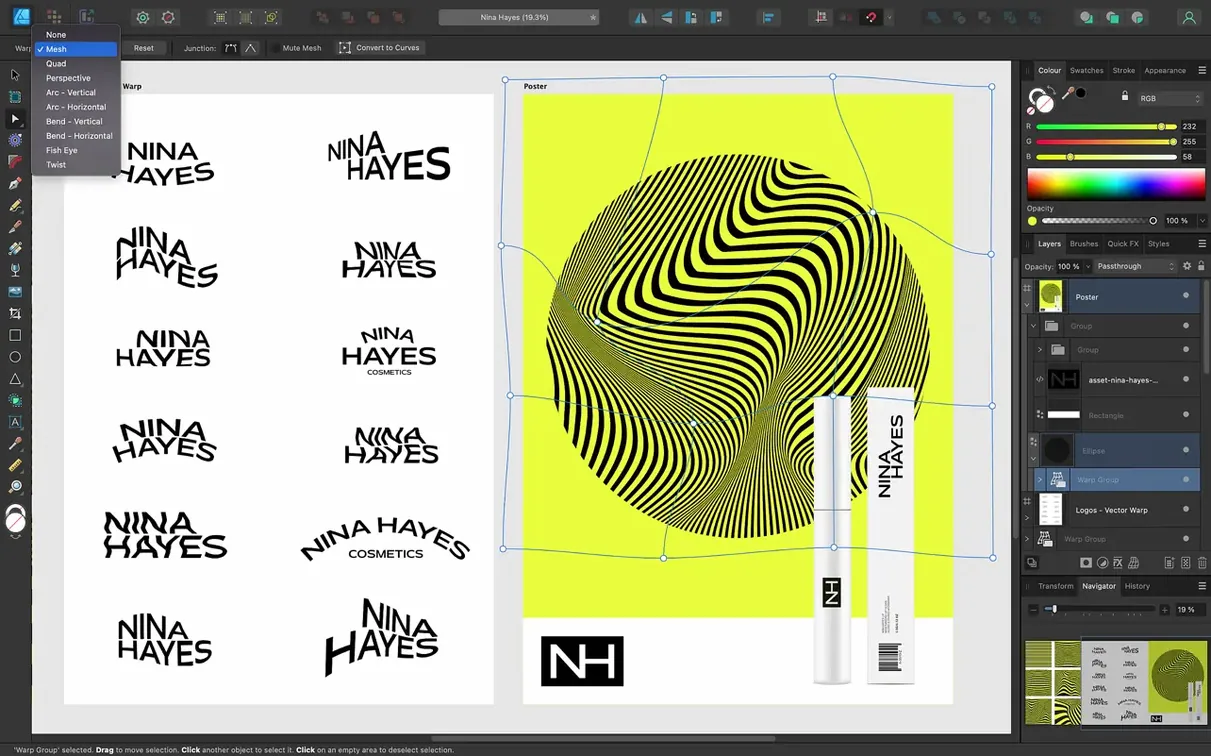
Unlimited artboards — as many as a project needs, not a fixed canvas limit.
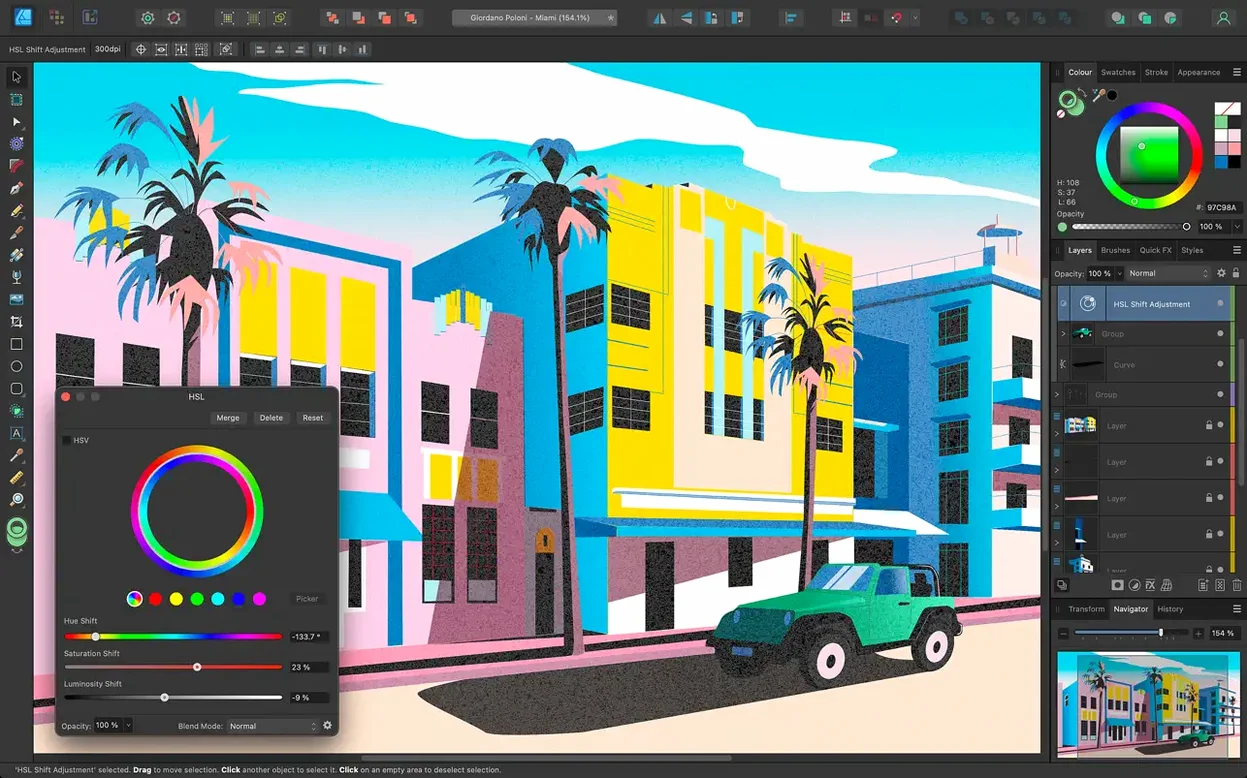
CMYK, LAB, RGB, grayscale — all the colour models for print and screen work, in one file.
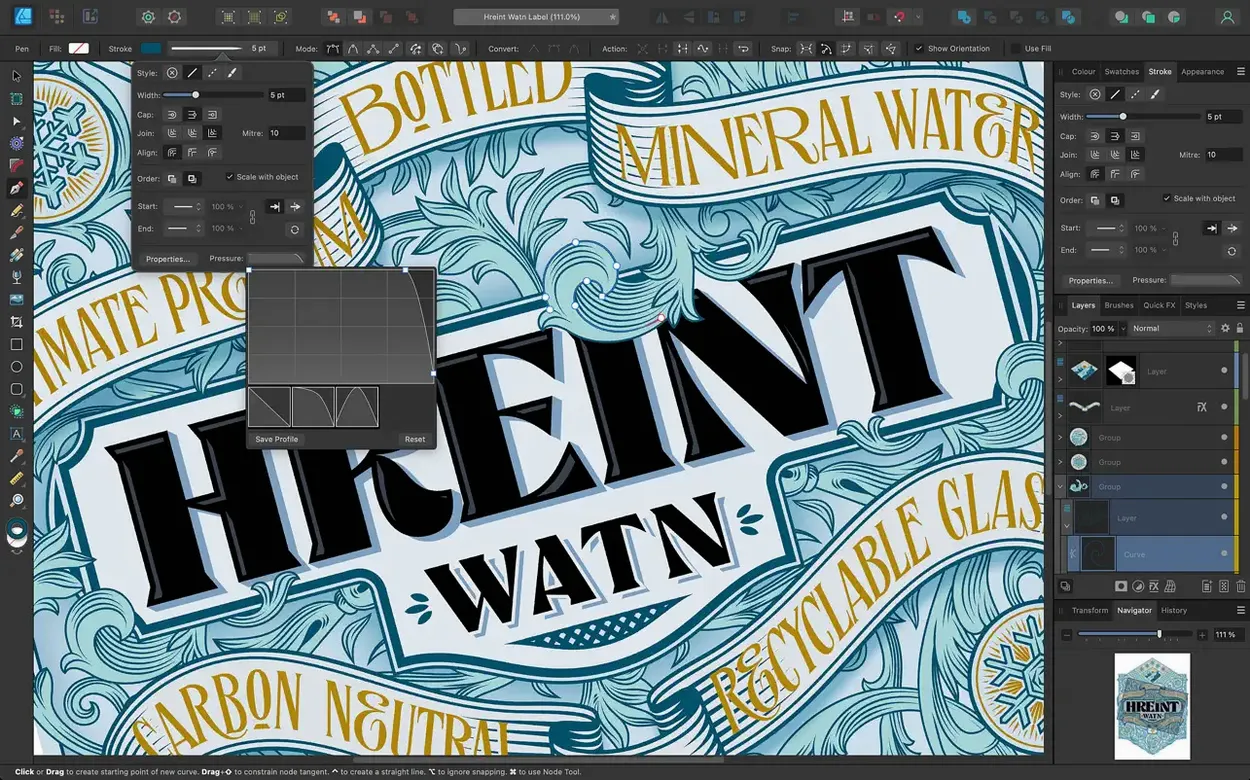
Stroke Width Tool — drag a profile across any stroke; version 2.6 added a reset option and profiling improvements.
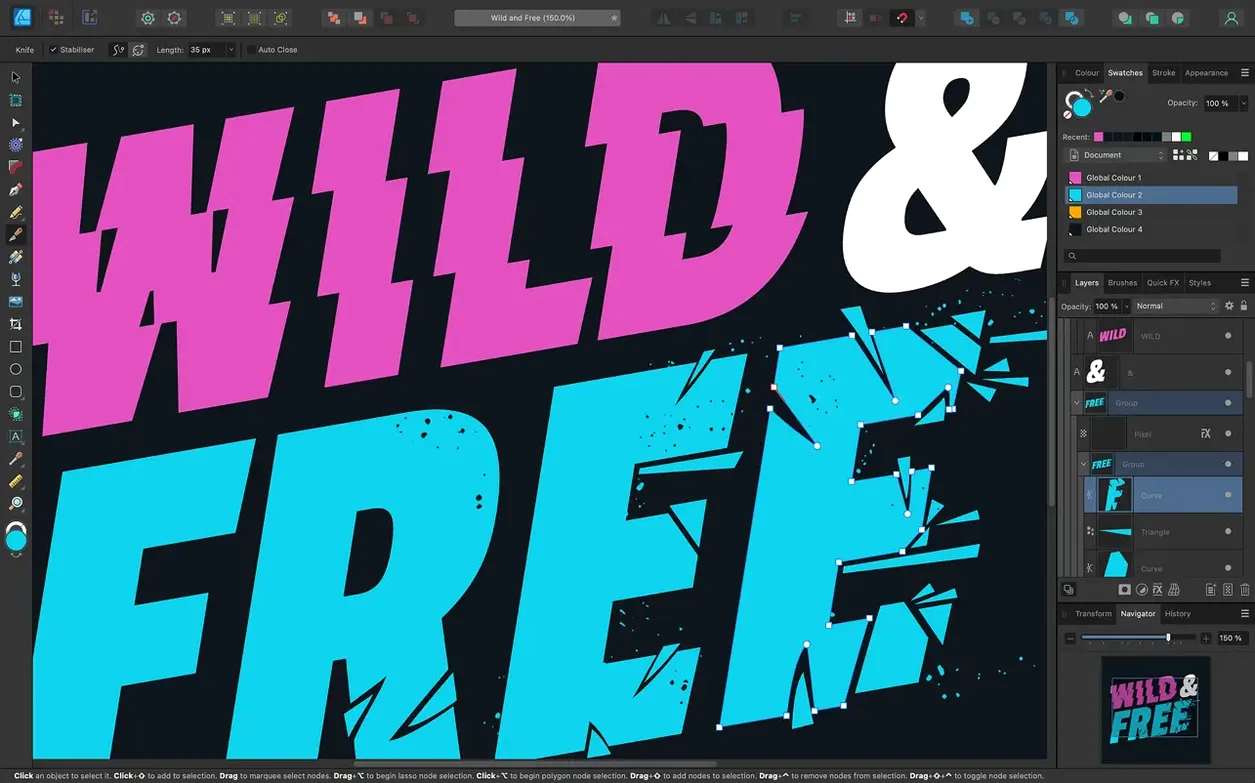
Pen, Node, Pencil tools — standard vector drawing with stabilisation on brushes and pencil for smoother freehand curves.
Workspace switching — move between vector and raster Personas without leaving the document.
Affinity suite — shares a file format with Affinity Photo 2 and Publisher 2, so you can jump between apps with the same artwork.
60 fps panning across 30 artboards on Apple Silicon
On Apple Silicon, the app launches in under three seconds. Large documents with 20 or 30 artboards stay responsive when panning and zooming — Metal acceleration handles the heavy lifting, and the 60 fps refresh rate isn't marketing fluff. On Intel Macs with integrated graphics, you'll notice a slight lag once you pass about a dozen artboards full of gradient meshes, but it's still usable.
RAM usage sits around 400–600 MB for a typical multi-artboard project. That climbs past 1.5 GB if you're embedding high-res raster elements in a vector layout, but the app releases memory cleanly when you close documents. No creeping background processes, no mysterious daemons chewing CPU after you quit.
Crashes are rare in 2.6.5. The one recurring trigger we've seen involves the Stroke Width Tool on complex compound paths — the app freezes for a beat, then carries on. Autosave has your back if it doesn't. Stability improvements in this build seem to have sorted most of the export-related hangs that plagued earlier 2.x releases.
Switch from vector to pixel editing without leaving the app
The tightest integration is with Affinity Photo and Publisher via StudioLink. If you own all three, you can switch from vector editing in Designer to pixel-level retouching in Photo without saving, exporting, or launching another app. The shared file format means nothing gets flattened along the way.
For everyone else: clipboard exchange with Sketch, Figma, and Illustrator is reliable for basic shapes and text. Gradients and layer effects sometimes come through as rasterised blobs — copy-paste keeps the geometry, but complex fills need an SVG or PDF round trip. Speaking of which, SVG export quality is excellent; the app writes clean markup that Sketch and web tools parse without complaint.
macOS integration covers the basics well. Quick Look previews work on saved .afdesign files. Touch Bar support is present but modest — layer opacity, brush size, and a few tool toggles. Force Touch trackpads give you pressure-sensitive drawing in the Pixel Persona, though most illustrators will still reach for a tablet.
ICC colour profiles carry through to the system print dialogue correctly. If you've calibrated your display with a hardware colorimeter, Designer respects the profile without washing out colours or double-managing.
Command-key toggle for marquee intersection mode
- Toggle marquee intersection. Version 2.6 added a Command-key toggle that changes marquee selection from full-enclosure to intersect mode. Useful when you're picking objects out of a dense layout without hunting through the Layers panel.
- Right-click colour swatches. Right-click any swatch to add it as a global colour, create a chord palette, or generate tints and shades. Saves trips to the Colour panel.
- Double-click the Pencil tool icon. Opens the stabiliser settings directly — rope mode, window mode, and smoothing length, all in one popover. Much quicker than digging through the context toolbar.
- Hold Space during shape creation. Lets you reposition a rectangle, ellipse, or star while you're still mid-drag. Small thing, but once you learn it you'll use it constantly.
- Numeric input on transforms. Every transform field accepts simple maths. Type
200+50into the width box and it resolves to 250 px. Works for angles, opacity, and stroke weight too. - Export Persona slices from artboards. If you name artboards consistently, Export Persona auto-generates slices that inherit those names. Renaming one renames the slice. No manual sync needed.
Fix laggy Pixel Persona brushes on Intel Macs
Pixel Persona brushes feel laggy on Intel Macs. Switch the display renderer from Metal to OpenGL in Preferences > Performance. You'll lose a little zoom smoothness, but brush strokes track at full speed again.
Text on a path goes the wrong direction. Drag the small orange triangle at the start of the path to flip the text baseline. If the triangle won't budge, check that the path isn't locked or inside a group — text-on-path controls only respond on direct selections.
Export colours look muted. Designer defaults to the document's assigned ICC profile at export time. If your document is in a wide-gamut profile but you're exporting for the web, set the export profile to sRGB in the Export dialogue. Skipping this step is the most common cause of dull-looking PNGs and JPEGs.
Stroke Width Tool won't profile a stroke. The tool only works on strokes applied via the Appearance panel, not on basic line strokes added through the context toolbar. Open the Appearance panel (Window > Appearance), add a stroke there, and the width handles will appear.
Copy-paste from Illustrator loses editability. Affinity Designer reads AI clipboard data as a placed PDF. Use File > Open to convert an .ai file (with "Create artboards" ticked) instead, or export from Illustrator as SVG for cleaner results.
App quits unexpectedly after updating to 2.6.5. This occasionally happens when old Metal shader caches persist. Hold Control while launching the app, tick "Reset user defaults" and "Don't restore windows" in the dialog that appears, then relaunch normally. You'll need to redo your toolbar layout, but it clears the crash.
What’s new
Fixes bugs and improves stability.
Adds Stroke Width Tool profiling improvements and Reset Profile.
Adds Command or Ctrl toggle for marquee select intersection behaviour.
Improves Pencil tool handling.
Requirements
- macOS 10.15 (Catalina) or later
- Intel or Apple Silicon Mac
FAQ
Does it support OpenType features?
Yes. It handles OpenType alternates, ligatures, and stylistic sets in both artistic text and text frames.
Can I work in non-destructive raster mode?
Yes, you can switch to the Pixel Persona and use raster brushes on top of your vectors, all in the same file.
What graphics hardware does it use on a Mac?
It leans on Metal, OpenGL, Grand Central Dispatch, and Core Graphics to keep the canvas responsive.
Comments 0
Sign in or create an account to leave a comment.
No comments yet…
If you’ve installed it, say how it went. Mention your Mac and macOS version — it helps the next person more than you’d think.