

VocalSynth 2 for macOS
Description
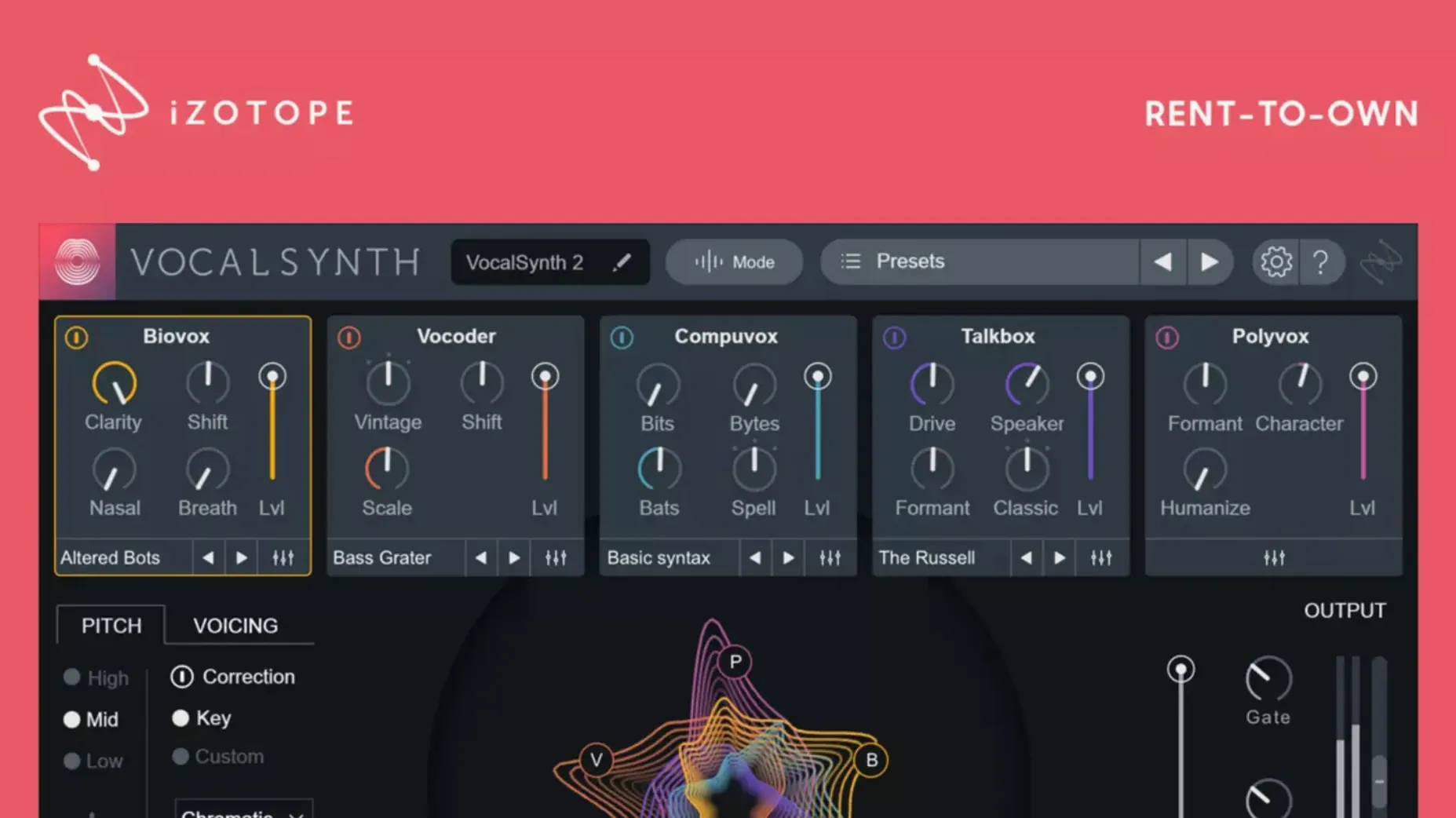
Producers and mix engineers reach for it when a vocal needs character beyond standard EQ and compression. It lives on insert slots, but a few modules work nicely on a parallel bus.
When a dry vocal needs instant synthetic texture
- Turning a dry vocal into something synthetic or textured without leaving the DAW.
- Adding movement to choruses and bridges where the vocal carries the hook.
- Quick parallel processing — send a clean vocal to a bus, pick a module, and blend to taste.
Vowel-aware spectral display and iZotope ecosystem ties
- It communicates with Neutron, Ozone and Tonal Balance Control, so it fits a wider iZotope workflow if you already use those.
- The enhanced spectral display reacts to vowel sounds, which helps when you need to see what the modules are doing.
- Apple silicon support arrived in version 2.5.0, so current Macs run it natively.
In practice: a beatmaker’s afternoon
A hip-hop producer I know keeps VocalSynth 2 on a send from his lead vocal track. He dials in a Polyvox patch during the verse to give it a quiet, robotic double underneath, then automates the send level up into the chorus. The hook hits with a glassy, wide texture that still carries the lyric. He leaves the dry vocal alone — no processing on the insert — so the blend stays crisp and the words don’t turn to mush. It takes him about four minutes to set up, and he saves the preset for the next session.
Snags you might see
Latency on older Intel Macs. Some modules, especially Biovox and Talkbox, add noticeable processing delay. If you’re on an Intel machine, switch to Low Latency mode in the plug-in’s settings or bounce the processed vocal to audio before tracking more parts. On Apple silicon the hit is usually small enough to ignore.
Authorization not recognised after an update. Version 2.6.1 specifically fixed a bug where users moving from 2.5.0 found their existing licence suddenly invisible. If you’re still on 2.5.0 and the plug-in asks you to activate again, the included install package has instructions that walk you through it. The fix usually takes under a minute.
MIDI mode doesn’t produce sound. VocalSynth 2 needs an audio signal at its input even when you drive it from a MIDI keyboard. The MIDI notes tell the plug-in which pitches to track, but the vocal itself is the carrier. If you hear nothing, check that your vocal track is playing through the plug-in and that the module’s mix knob isn’t at zero.
What beginners often get wrong
Loading it on the master bus. It’s a vocal processor, not a mastering effect. Drop it on a vocal channel or a dedicated aux track and you’ll hear what it’s meant to do. On the master it just smears the whole mix.
Leaving all five modules on at once. The modules stack, and a patch with Biovox, Vocoder, Talkbox, Polyvox and Compuvox all active tends to sound like a garbled robot shouting down a pipe. Start with one module, get the tone right, then add a second if the arrangement needs it. Often a single module does the job.
Ignoring the mix knob. Each module has its own wet/dry balance, and the plug-in’s global mix sits at the top. Beginners sometimes leave everything at 100% wet and wonder why the vocal disappeared. Pull the global mix back to 50% and blend from there — you keep the original performance and the effect sits around it.
What’s new
Fixes an issue where existing authorization was not recognized for some users after updating from version 2.5.0.
Requirements
- Architecture: Intel and Apple silicon
- Interface language: English
Comments 0
Sign in or create an account to leave a comment.
No comments yet…
If you’ve installed it, say how it went. Mention your Mac and macOS version — it helps the next person more than you’d think.
More in VST Plugins
All in VST Plugins-
 VocalNet
1.0.4
Apple Silicon
VocalNet
1.0.4
Apple Silicon
-
 WaveLab Pro
13.0.30
Apple Silicon
WaveLab Pro
13.0.30
Apple Silicon
-
 Waves Ultimate
v17-26.10.07
Apple Silicon
Waves Ultimate
v17-26.10.07
Apple Silicon
-
 Valhalla DSP Bundle
2025.12
Apple Silicon
Valhalla DSP Bundle
2025.12
Apple Silicon
-
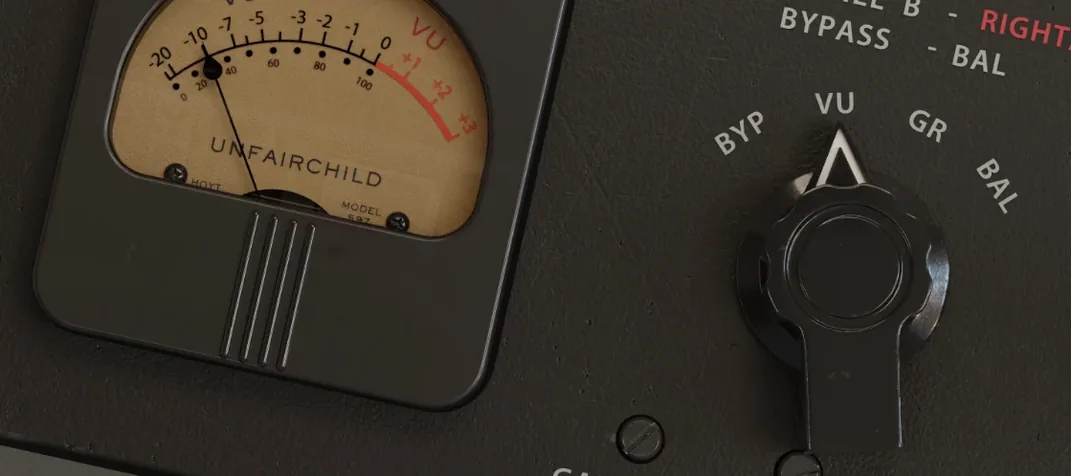 UnderTone Audio UnFairchild
1.0.8
Apple Silicon
UnderTone Audio UnFairchild
1.0.8
Apple Silicon
-
 UJAM Symphonic Elements STRIIIINGS
1.3.1
Apple Silicon
UJAM Symphonic Elements STRIIIINGS
1.3.1
Apple Silicon
-
 uJAM Cinedream
1.0.1
Apple Silicon
uJAM Cinedream
1.0.1
Apple Silicon
-
 UJAM Beatmaker VICE
2.4.0
UJAM Beatmaker VICE
2.4.0