
VocalNet for macOS
Description
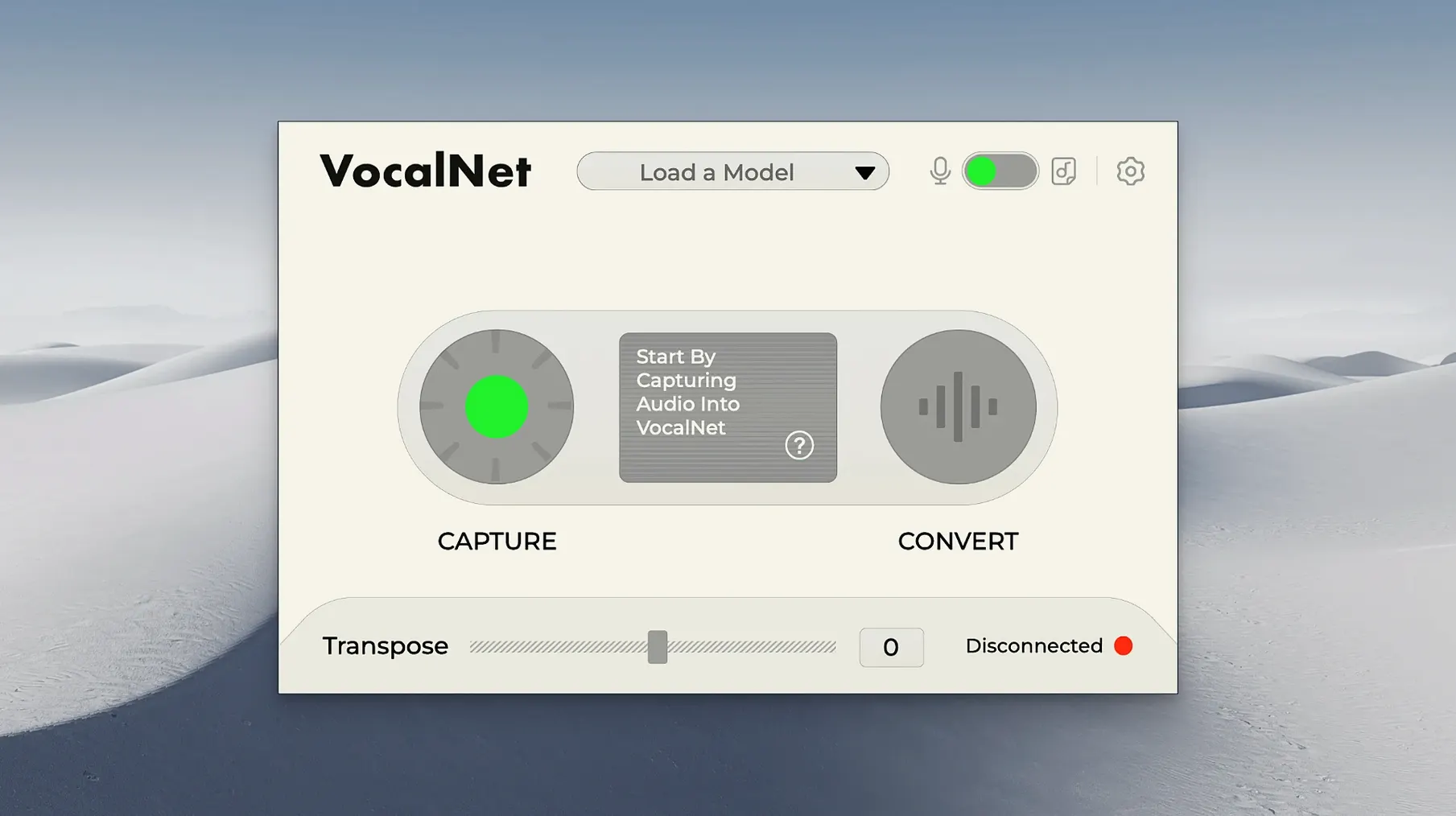
Producers who need a quick vocal shift during a session will find VocalNet fits right in. It's a tool for trying ideas without stopping the transport, so you can sing or speak into it and hear the change immediately.
| Detail | Note |
|---|---|
| Version | 1.0.4 |
| Formats | VST3, AU, AAX |
| macOS | 10.15 or later, Apple Silicon & Intel |
What happens to a vocal is shaped by a handful of controls. The main shift control raises or lowers the voice, and the result stays clear enough to judge whether the part works. Because processing happens on your own machine, recordings never leave the computer. That matters when you're running scratch takes you might want to keep. The tone of the change is consistent, so you can focus on the arrangement rather than fiddling with settings. If you're working in a DAW that hosts the supported formats, it slots in without fuss and lets you audition a different character for a part in seconds.
Push the Shift control past sensible
Out of the box, VocalNet applies a moderate blend that can sound cautious. The first thing to adjust is the Shift control — push it further than feels sensible, then back off until the voice sits where you want it. Most people stop too early and miss where the character really opens up.
Next, check the blend mode. If you loaded more than one voice sample, the crossfade between them is where the hybrid sounds live. A 50/50 split often lands in an uncanny middle ground. Try 70/30 instead. The dominant sample carries the performance, while the quieter one adds texture without making the result sound like two people arguing over the same throat.
If you're singing rather than speaking, drop the analysis sensitivity a notch. The default is tuned for speech and can over-correct sustained notes, introducing a warbly artefact on held vowels. You'll hear the difference immediately on anything with vibrato.
Runs inside your DAW, not standalone
VocalNet works as a standard insert effect, so it sits comfortably in Logic Pro, Ableton Live, Cubase, and anything that hosts AU or VST3. It's not a standalone app — you need a DAW to run it. The AAX version means Pro Tools users aren't left out either.
Because the plugin processes audio on the local machine, it plays nicely with macOS's privacy model. No microphone permissions pop up beyond what your DAW already has. Audio stays in the signal chain, so you can record VocalNet's output to a new track using your DAW's routing — useful for printing a transformed take while keeping the dry original on a muted track underneath.
One workflow worth knowing: bounce a short phrase through VocalNet, drop the result into a sampler, and you've got an instrument with a vocal character that sits somewhere between a synth and a choir. It's a quick way to build pads or stabs that don't sound like stock presets. If you're using Logic's Quick Sampler, the whole thing takes under a minute.
Users searching for a vocalnet ai vst free download often want exactly that — a fast way to generate vocal textures they can drop into a project without setting up a full recording session. The plugin delivers on that. Some producers also look for a vocalnet vst crack or vocalnet crack to try the full feature set before committing, and the real-time local processing is the part worth testing properly — it's what separates VocalNet AI from offline pitch-shifters that make you wait for a render every time you tweak a setting.
Lower the buffer on Intel Macs
Latency on Intel Macs. Older Intel machines can show a slight delay between input and output, especially at buffer sizes above 256 samples. Drop your DAW's buffer to 128 or lower during tracking. If the session is already heavy with other plugins, freeze a few tracks first. Apple Silicon machines handle this much better — the plugin runs natively without Rosetta overhead.
Garbled output on first load. Occasionally VocalNet produces a stuttery, robotic mess when you first insert it. This is almost always a sample rate mismatch. Check that your DAW's project sample rate matches your audio interface. If you changed sample rates mid-session, remove and re-insert the plugin rather than expecting it to catch up.
Voice samples not loading. The analysis step needs a clean, dry vocal — no reverb, no delay, no background noise. If VocalNet refuses to analyse a sample, trim the silence from the start and end, normalise it to -6 dB, and try again. Samples longer than ten seconds can also cause the analyser to time out on slower machines. Chop them down to a representative phrase.
AAX version not showing up in Pro Tools. The installer puts the AAX plugin in the system folder, but Pro Tools sometimes needs a restart after installing new plugins — not just a session reload. If it still doesn't appear, check you're running Pro Tools 2019.10 or later. Earlier versions don't always recognise newer AAX builds.
The vocalnet vst version has been stable in testing across several DAWs, but if you hit a crash on scan, clear your DAW's plugin cache before rescanning. It's a one-time hiccup that usually sorts itself out.
Requirements
- macOS 10.15 or later
- Apple Silicon or Intel 64-bit processor
FAQ
Does VocalNet process audio in real time?
Yes. You can sing or speak through it and hear the voice transformation immediately, which makes it useful for trying ideas during playback.
Do my vocal recordings stay private?
All processing is done locally on your computer. The audio is not uploaded anywhere, so your recordings remain private.
Comments 0
Sign in or create an account to leave a comment.
No comments yet…
If you’ve installed it, say how it went. Mention your Mac and macOS version — it helps the next person more than you’d think.
More in VST Plugins
All in VST Plugins-
 VocalSynth 2
2.6.1
Apple Silicon
VocalSynth 2
2.6.1
Apple Silicon
-
 WaveLab Pro
13.0.30
Apple Silicon
WaveLab Pro
13.0.30
Apple Silicon
-
 Waves Ultimate
v17-26.10.07
Apple Silicon
Waves Ultimate
v17-26.10.07
Apple Silicon
-
 Valhalla DSP Bundle
2025.12
Apple Silicon
Valhalla DSP Bundle
2025.12
Apple Silicon
-
 UnderTone Audio UnFairchild
1.0.8
Apple Silicon
UnderTone Audio UnFairchild
1.0.8
Apple Silicon
-
 UJAM Symphonic Elements STRIIIINGS
1.3.1
Apple Silicon
UJAM Symphonic Elements STRIIIINGS
1.3.1
Apple Silicon
-
 uJAM Cinedream
1.0.1
Apple Silicon
uJAM Cinedream
1.0.1
Apple Silicon
-
 UJAM Beatmaker VICE
2.4.0
UJAM Beatmaker VICE
2.4.0