
Tomb Raider: GOTY for macOS
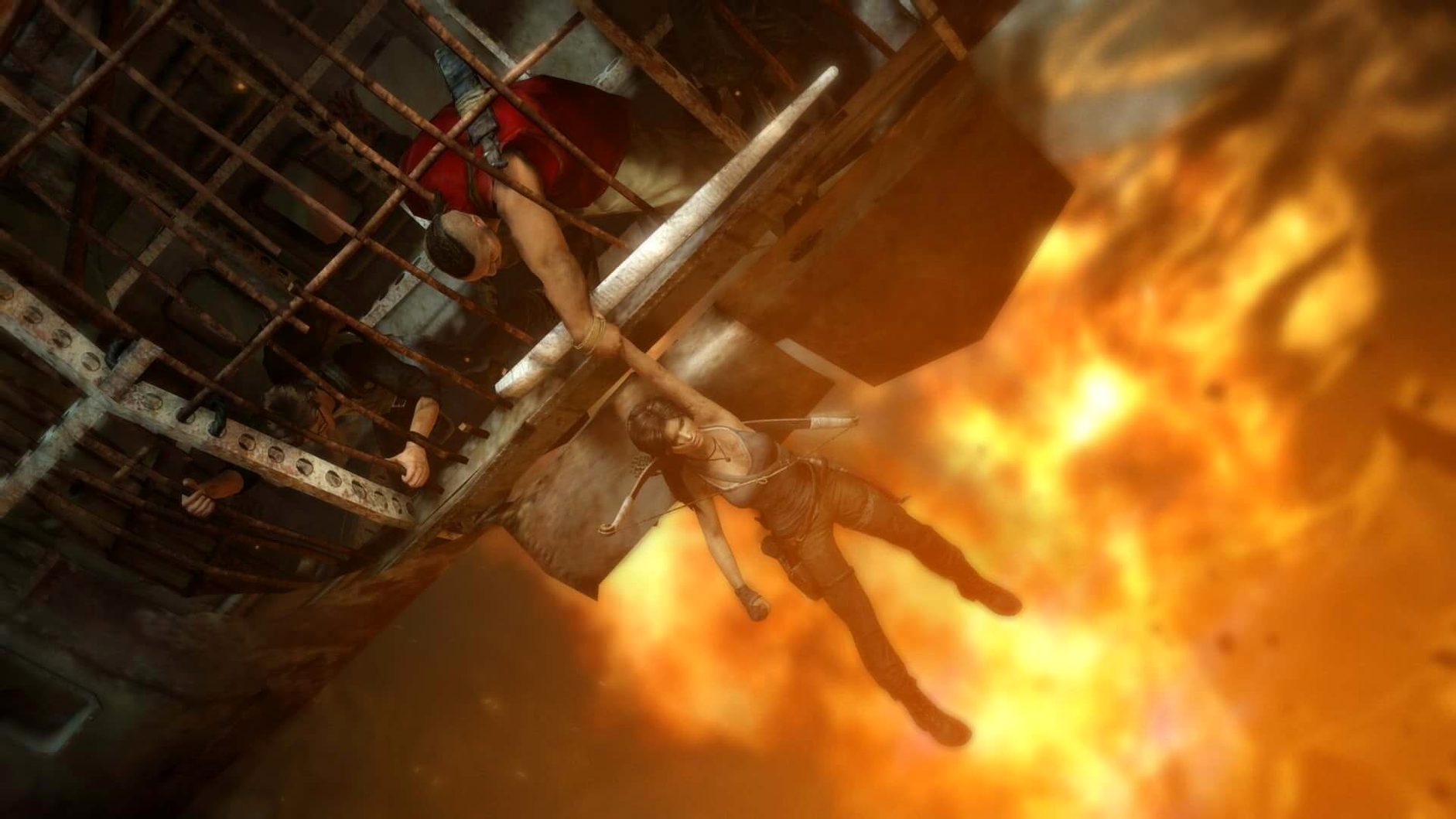
Description
The current build is 1.2 fix. No new features, just the stable delivery of an older Mac port. That matters because this is a 2013 release, and what you get now is what ran on Intel Macs from macOS 10.14 onwards. On a recent Apple Silicon machine, Rosetta 2 does the lifting.
So who's it for?
- The scavenger. You enjoy picking up every scrap of salvage, hunting wildlife, and turning found junk into upgraded gear. The island is littered with stuff that feeds Lara's progression.
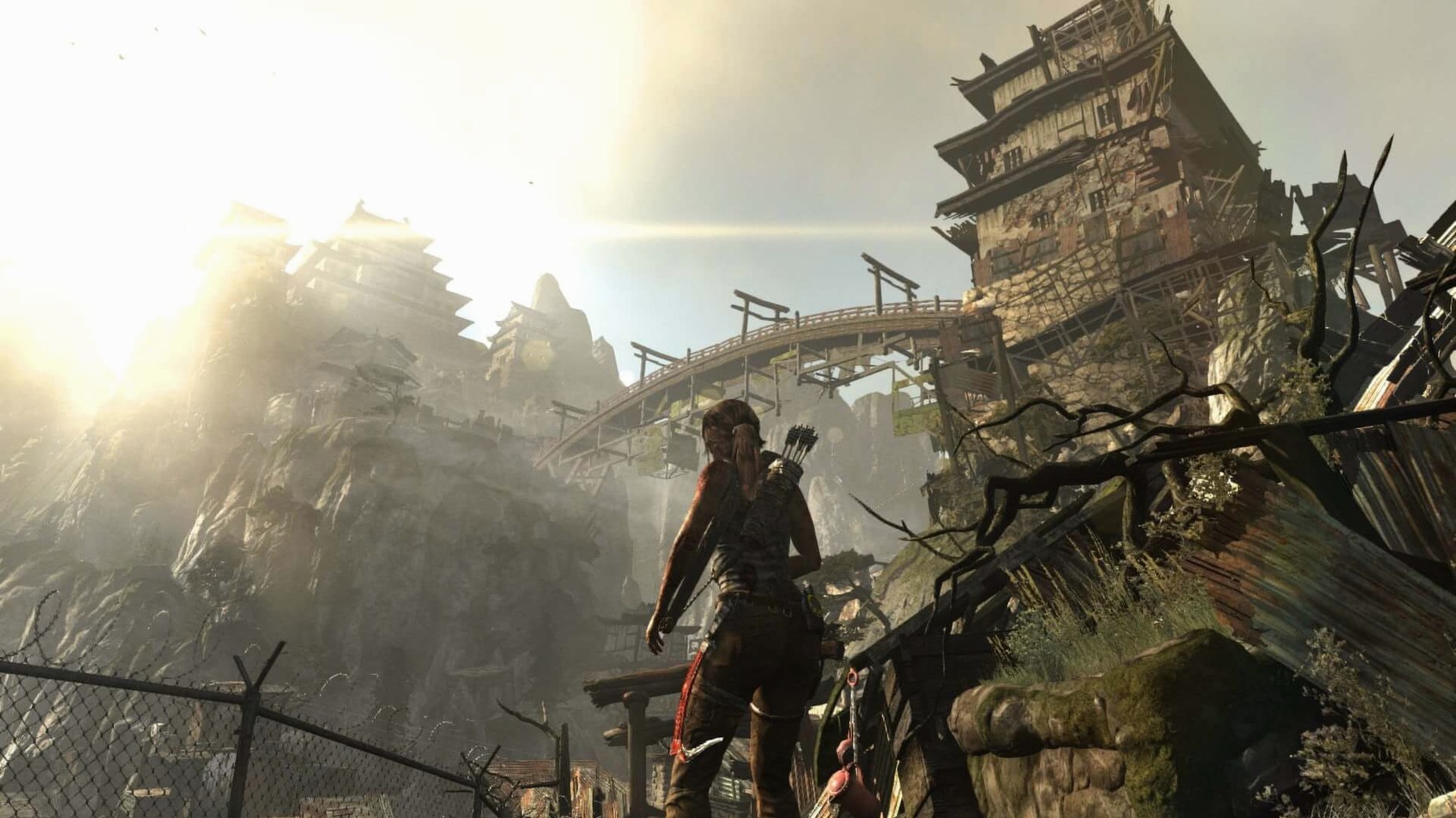
- The explorer who doesn't need a map. Forests, mountain passes, crumbling temples. The game nudges you forward, but half the pleasure is in the detours.
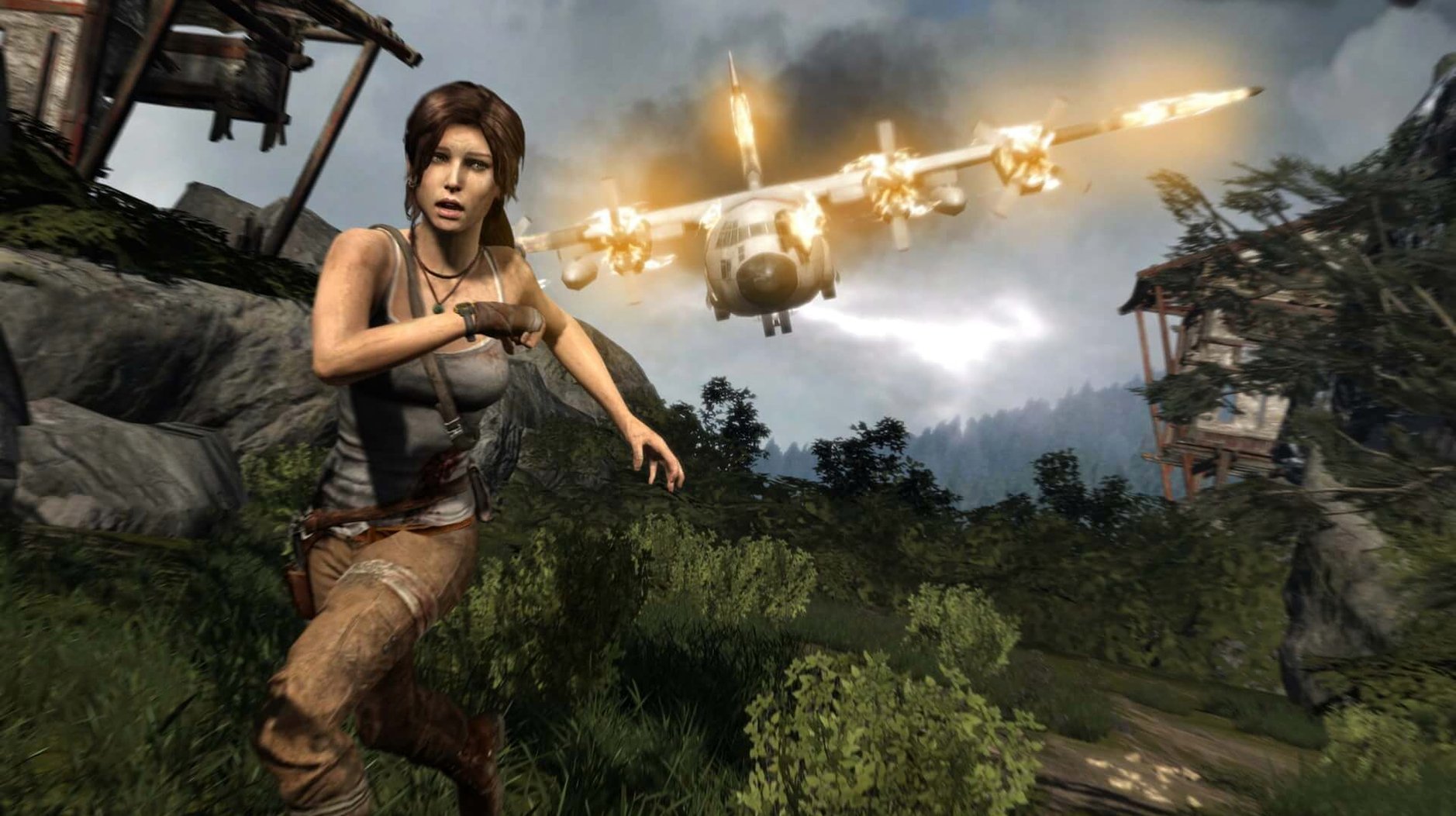
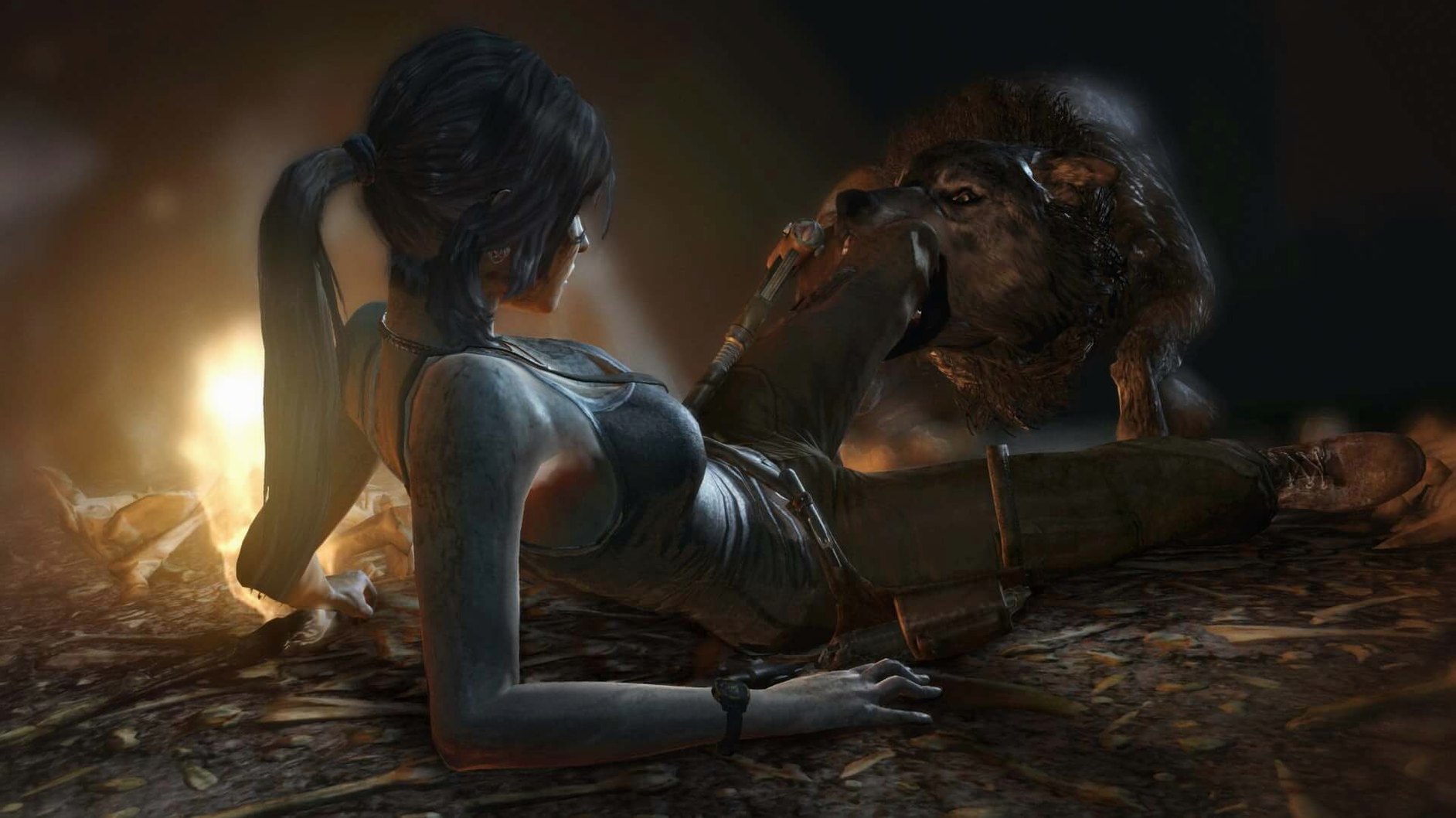
- The player who can stomach a rough origin story. This isn't the quippy raider of old. Lara gets beaten up, impaled, and terrified. If you need your heroes unflappable, look elsewhere.
You'll notice the 2013 textures and occasionally wooden character faces. The set-pieces still land, but the age shows on a Retina display. Worth the download if you want a scrappy, grounded action game that takes its time before handing you the bow.
A salvage-focused run from the first camp
Start at the Coastal Forest base camp after the initial radio tower cutscene. Ignore the objective marker. Instead, follow the cliff edge west until you spot a deer trail leading down to a wrecked cargo container. Inside is a GPS cache and enough salvage to upgrade the pry axe once.
Fast-travel back to base camp. Spend the salvage on the axe upgrade first — it opens blocked containers and speeds up every future scavenging loop. Then craft the quiver upgrade if you've gathered five deer hides; the extra arrows pay for themselves within one hunting circuit.
Move east to the waterfall. Two wolves patrol the lower pool. Use a headshot from cover and a dodge-counter on the second to avoid wasting rifle ammo. Collect the pelts, then climb the left rock face. At the top, a hidden tomb entrance sits behind a movable wooden barricade — the pry axe upgrade from earlier lets you through. The tomb reward here is a map fragment that reveals salvage crates on your HUD, which turns the rest of the run into a collection sprint.
Turn off console aim smoothing and screen effects first
Before you touch the display options, switch the control scheme to Mouse and Keyboard (Raw Input). The default includes console-era smoothing that adds a perceptible drag on aim, especially with the bow drawn.
Next:
- Turn Screen Effects to Low. Motion blur and lens flare soften the already-dated textures without adding atmosphere.
- Set Depth of Field to Off. The effect blurs scenery during cutscenes and aim-down-sights, but the 2013 implementation just looks smeary on modern panel resolutions.
- If you're on Apple Silicon, cap Texture Quality at High rather than Ultra. Rosetta 2 handles the draw calls fine, but the highest setting introduces occasional hitching when the camera swings fast across dense foliage.
The language toggle lives outside the game itself, inside NemirtingasSteamEmu.json. Changing it there switches both interface text and spoken dialogue — handy if you grabbed a tomb raider goty mac torrent that defaulted to Russian voiceovers and you'd rather play in English.
Requirements
- macOS 10.14 or later
- Intel processor (x86 64-bit; runs on Apple Silicon via Rosetta 2)
- 14 GB free disk space
Comments 0
Sign in or create an account to leave a comment.
No comments yet…
If you’ve installed it, say how it went. Mention your Mac and macOS version — it helps the next person more than you’d think.
More in Games
All in Games-
 Timberborn
1.1.2.4.52e959e.gm
Apple Silicon
Timberborn
1.1.2.4.52e959e.gm
Apple Silicon
-
 This War of Mine: Final Cut
6.0.8
This War of Mine: Final Cut
6.0.8
-
 Thief: Master Thief Edition
1.1
Thief: Master Thief Edition
1.1
-
 The Sims 4
1.127.41.1030
Apple Silicon
The Sims 4
1.127.41.1030
Apple Silicon
-
 Total War: ATTILA
1.6.1
Apple Silicon
Total War: ATTILA
1.6.1
Apple Silicon
-
 The Long Dark
2.55
Apple Silicon
The Long Dark
2.55
Apple Silicon
-
 Total War: PHARAOH DYNASTIES
2.0.2
Apple Silicon
Total War: PHARAOH DYNASTIES
2.0.2
Apple Silicon
-
 Total War: ROME II - Emperor Edition
2.4.1
Apple Silicon
Total War: ROME II - Emperor Edition
2.4.1
Apple Silicon