Total War: ROME II - Emperor Edition for macOS
Description
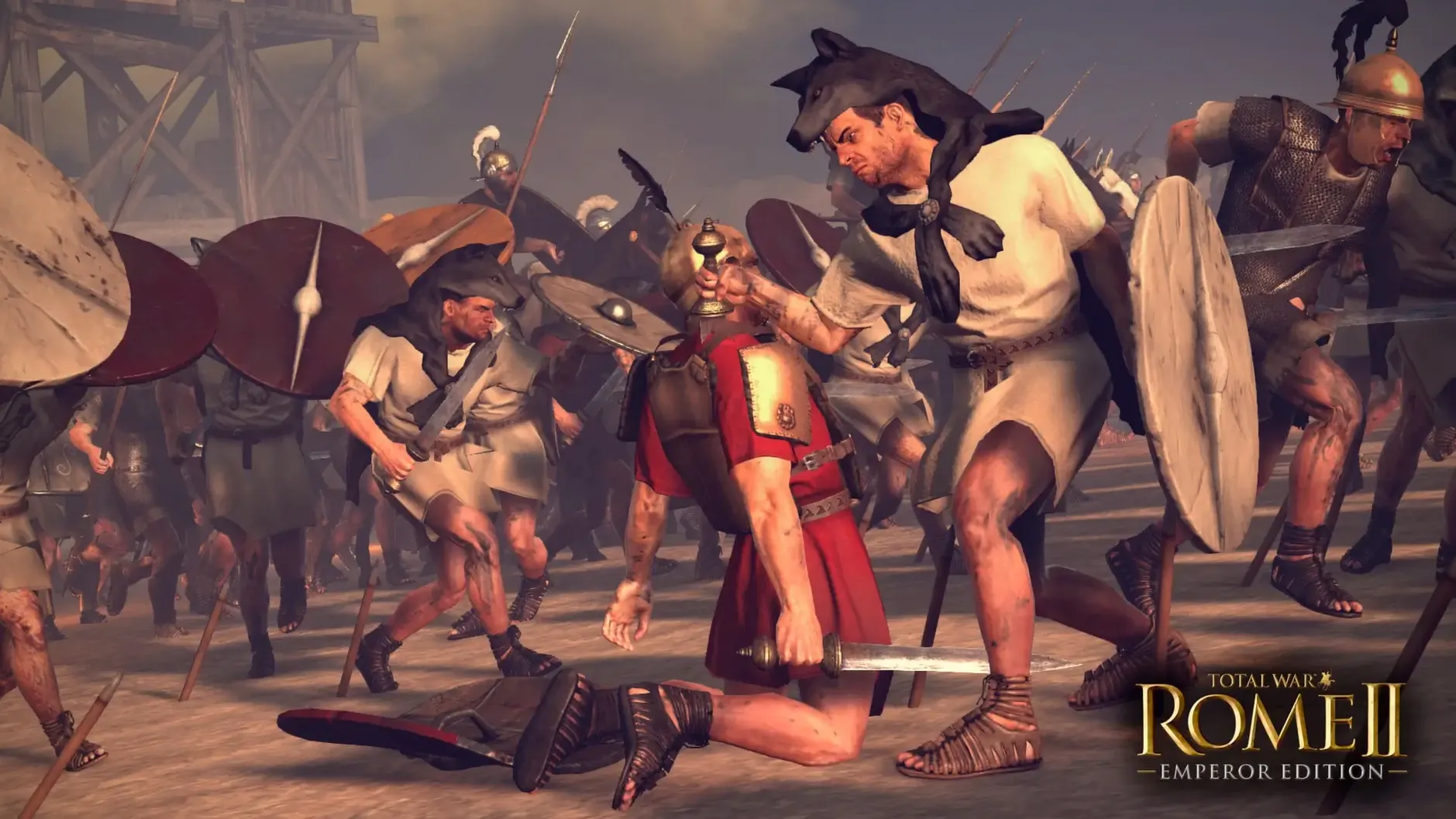
This is for the player who wants two games in one. Half your time you are a senator staring at a marble map, moving armies across Gaul and balancing the food supply in Carthage. The other half you are a general on the ground, ordering hastati to hold a hill line while cavalry circles through a forest you spotted two minutes ago.
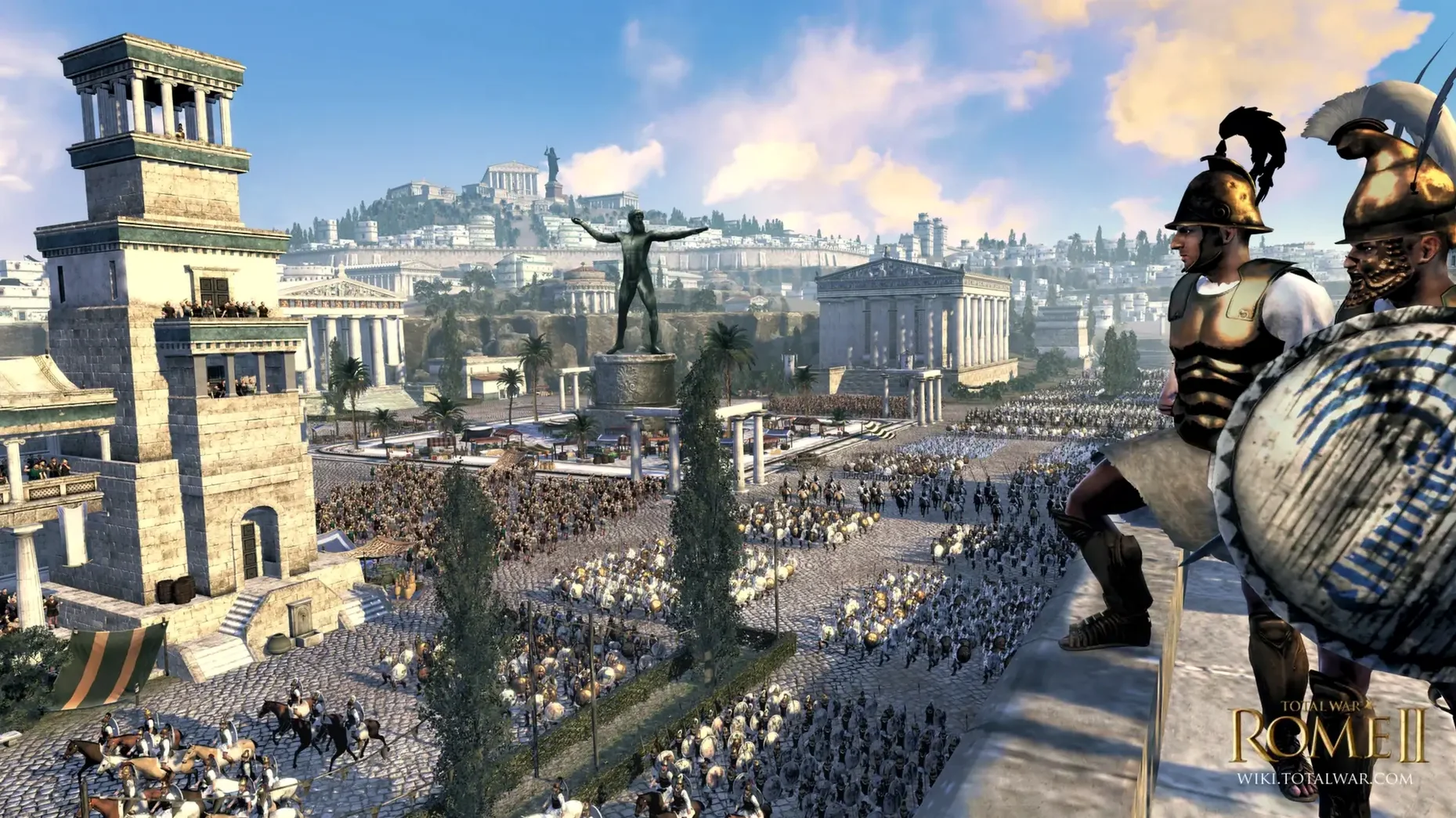
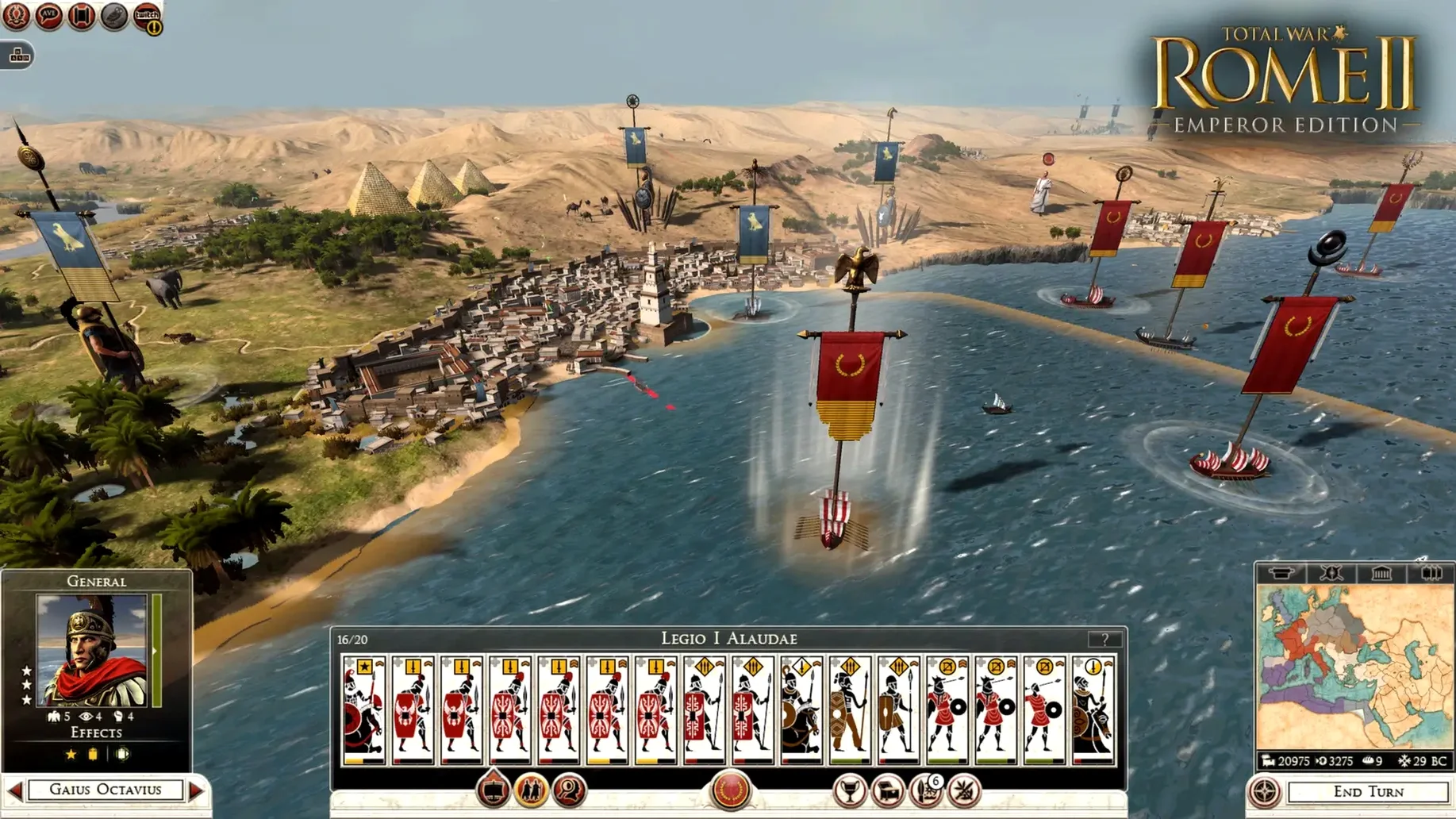
On the campaign map you manage turn-based empire logistics. Researching new cohort armour, sending a spy to poison an enemy garrison, or deciding whether that allied faction is about to stab you in the back. Betrayal is a theme here, not a bug. An ally who shares a border with your richest province is a problem waiting to happen. Everything you build or neglect shows up later in a battle, so you feel the cost of a skipped barracks upgrade when your front line wavers.
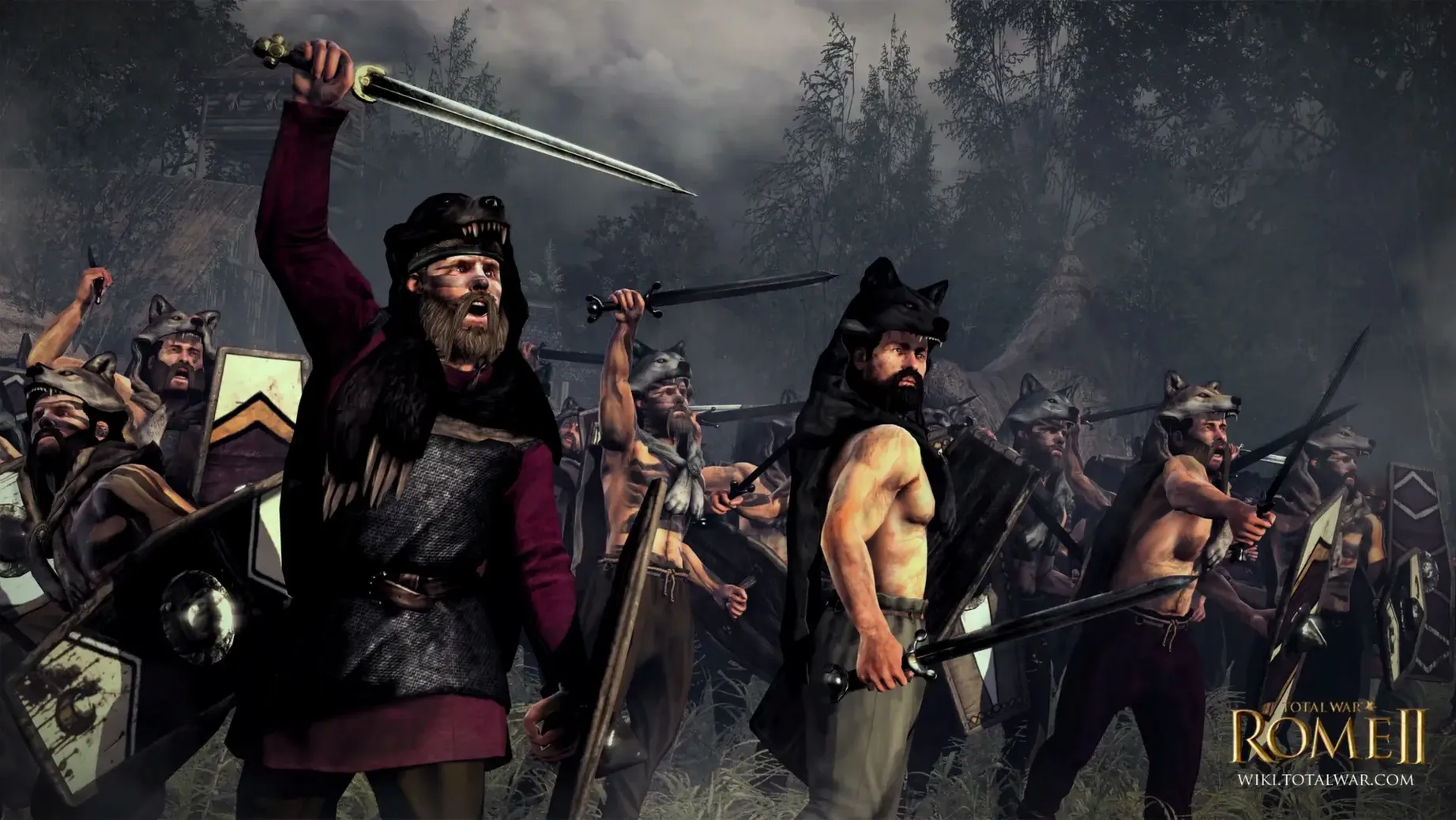
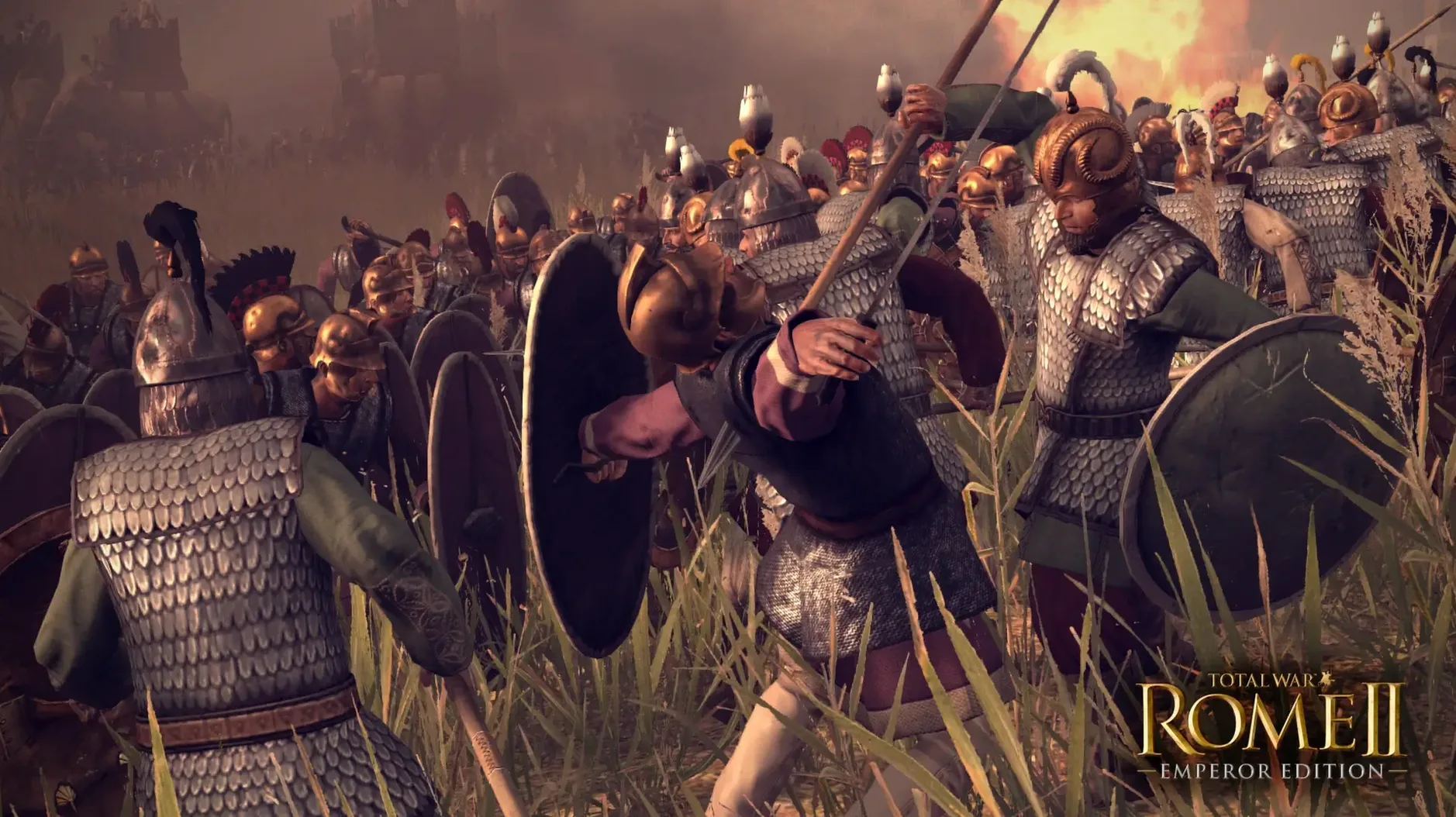
Battles flip to real-time tactics. Thousands of men on screen, but the moment-to-moment work is about position. You are not clicking every sword swing; you are placing a unit on a slope for a charge bonus, pulling javelin skirmishers back behind heavy infantry, and timing a flanking move before the enemy centre commits. The terrain is the silent second commander. Woodland hides movement. A ridgeline blocks missile fire. Getting it right works because the simulation takes height and cover seriously.
The Imperator Augustus campaign opens up 42 BCE, with a divided empire and more infighting than the base game. It changes the strategic map puzzle, giving you fewer safe corners to grow in peace. Worth it if you enjoy long-term planning that pays off in a ten-minute scrap on a hillside.
A full campaign turn, start to finish
Begin in the Imperator Augustus campaign as Octavian. Open the faction overview first — check your treasury, food surplus, and public order across every province. A province in the red means rebellion soon.
Move agents before armies. Send a spy west into Lepidus's territory to reveal his troop positions. If the spy finds an undefended minor settlement, mark it. Then assign a dignitary to your most unstable province to boost public order for a few turns.
Now recruit. Pick a province with a barracks and queue up two units of legionary cohorts. Check the mercenary pool if you need archers quickly. End the recruitment phase, then move your main army one march stance step toward a border town you can take next turn. Switch to forced march only if the road is clear — ambushes love forced-march columns.
Technology comes last. Open research and choose a military tech that unlocks better armour. Armour upgrades mean fewer men lost per melee, which saves recruitment gold over a long war. End the turn and watch the AI factions move. You will see whether that allied faction on your flank just moved its army toward your capital. If it did, you know what comes next.
Starving armies and rebellions from rushing early turns
Rushing the early turns is the big one. New players crank through recruitment and hit end turn without checking food, public order, or agent movement. Three turns later a province rebels, an army starves, and Egypt declares war because you looked weak. Slow down. The turn-based layer punishes speed.
Another mistake: treating diplomacy as a formality. A non-aggression pact with a neutral neighbour is cheap insurance. Ignoring it means fighting on two fronts. One player told me they lost a forty-hour campaign because they never opened the diplomacy tab after turn ten. They were too busy chasing Gaul.
In battle, beginners blob units. Selecting four cohorts and right-clicking one enemy unit looks efficient. It is not. The extra cohorts stand idle at the back, blocking missile fire and tiring themselves out. Use single-unit orders and spread your line. Width wins fights faster than depth.
Finally, do not ignore the pause button in real-time battles. A slow-motion flank is still a flank. Pause, look at the terrain, give orders, then unpause. Nobody awards points for playing without it.
What’s new
Adds the Imperator Augustus campaign starting in 42 BCE. Matches the latest Windows release and includes all Emperor Edition content and updates.
Requirements
- macOS 15.0 or later
- Apple Silicon (ARM build)
- 8 GB RAM
- 50 GB free drive space
- Apple M1 7-core GPU minimum
Comments 0
Sign in or create an account to leave a comment.
No comments yet…
If you’ve installed it, say how it went. Mention your Mac and macOS version — it helps the next person more than you’d think.